How we make this list: we compare pricing pages, product documentation and public user reviews. Ratings come from G2, Capterra or Trustpilot, with the date we checked them.
Key takeaways
- Positron, made by the same company as RStudio, is the natural move for teams that work in both R and Python, and it is free.
- VS Code is the pick when data science sits inside a larger engineering organisation that wants one editor for everyone.
- JupyterLab wins for notebook first, exploratory Python work where code, output, and narrative live together.
- Spyder and RKWard are the free specialists: Spyder for scientific Python, RKWard for a classic R console workflow.
- Almost everything here is free. The real cost of switching is habits, addins, and project setups, not licences.
Quick comparison
| Tool | Best for | Starting price | Free plan |
|---|
 Positron Positron | R and Python in one editor | Free | Yes |
 Visual Studio Code Visual Studio Code | Data science inside an engineering org | Free | Yes |
 JupyterLab JupyterLab | Notebook first exploration | Free | Yes |
 Spyder Spyder | Scientific Python with a MATLAB feel | Free | Yes |
 PyCharm PyCharm | Python development with data tools | Free | Yes |
 RKWard RKWard | A classic, free R environment | Free | Yes |
 Apache Zeppelin Apache Zeppelin | Shared notebooks on big data | Free | Yes |
 DataGrip DataGrip | Database heavy analysis work | See website | No |
Is your product missing or out of date?
We review this list regularly. Vendors can request a listing, send updated pricing or ask about featured placement.
The best RStudio alternatives
Starting priceFree
Free planYes
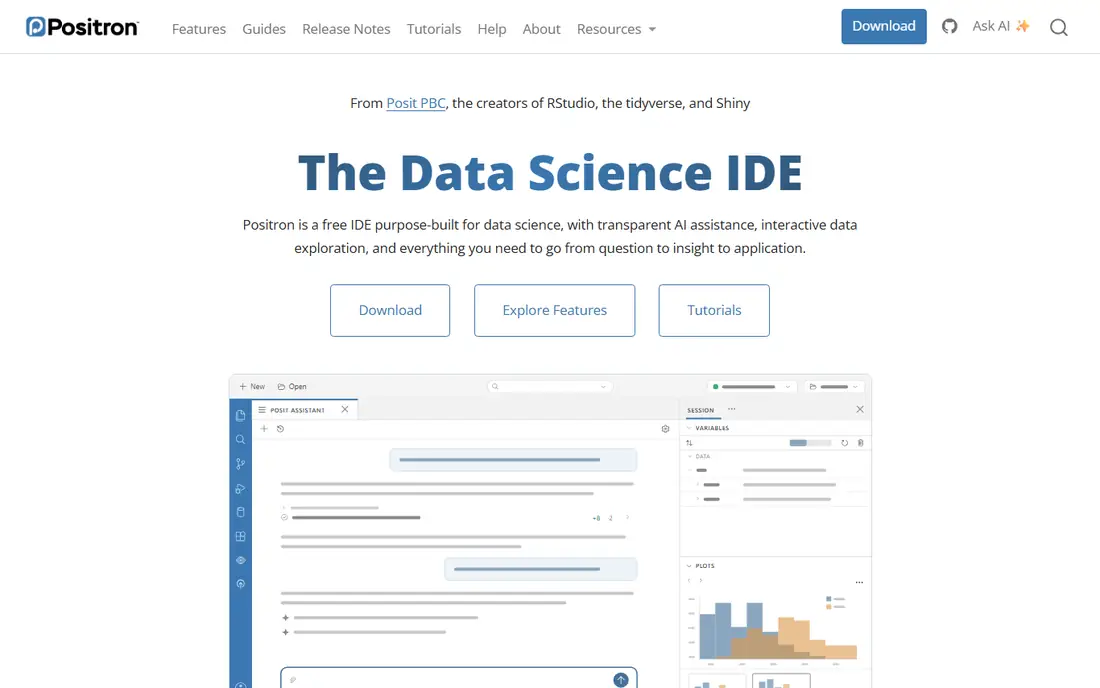
Positron is the answer Posit itself built for the two language problem. It is based on the same foundation as VS Code and adds the panes RStudio users live in: a data explorer for data frames, a variables pane, plots, and database connections. Its October 2026 releases added data connections by default and faster Quarto support, which shows the product is moving quickly.
The trade off is maturity. The extension library is smaller than the full VS Code marketplace, and long RStudio users will miss specific addins. Positron fits teams that genuinely write both R and Python and are tired of switching editors between them.
What we like- Built by Posit, the company behind RStudio
- Data explorer, variables, plots, and connections panes feel familiar
- Switches between Python and R kernels in one session
- Free and open source with active releases
Watch out for- Extensions come from Posit's package sources, so some VS Code extensions are missing or older
- Younger product than RStudio, so rough edges remain
- RStudio addins do not carry over
Starting priceFree
Free planYes
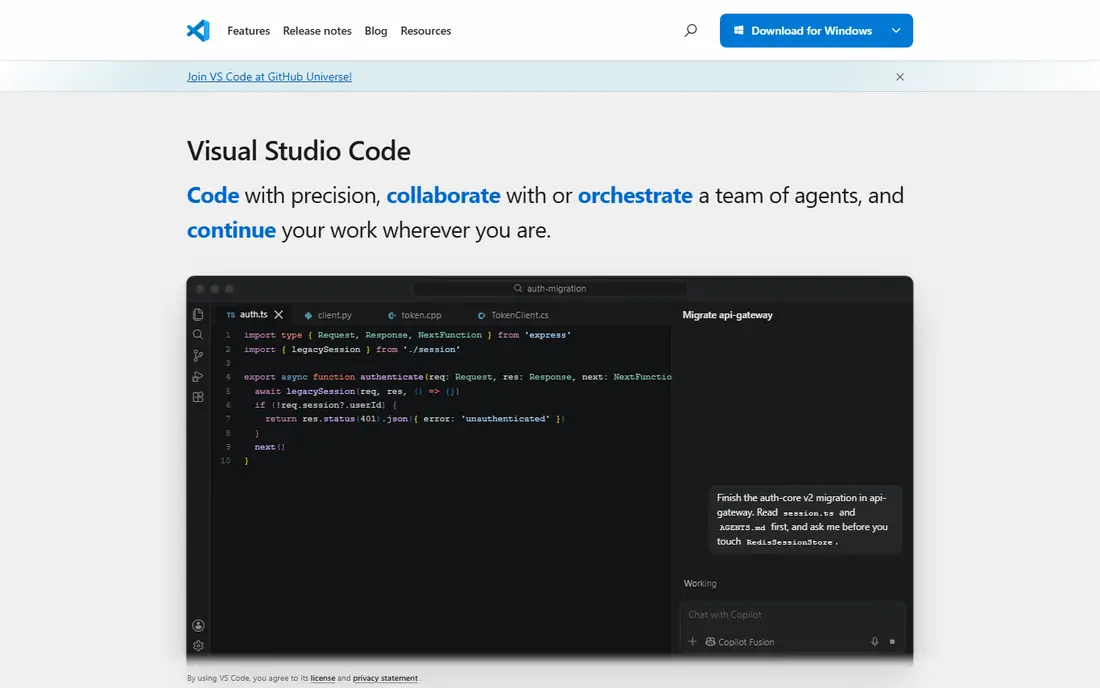
VS Code is the consolidation pick. If your organisation already writes software in it, adding data science keeps one editor, one set of shortcuts, and one IT policy. Python support is first class, notebooks run inline, and R works through extensions such as the R extension with a language server.
The trade off is polish for data work. The variable and plot experience takes assembly, and nothing matches RStudio's opinionated R layout out of the box. VS Code fits analysts inside engineering led companies, and anyone who splits time between data work and general development.
What we like- The most used editor in the world, with the largest extension marketplace
- Strong Python support and workable R support through extensions
- Notebooks, debugging, and Git built in
- Free for commercial use
Watch out for- R support depends on community extensions rather than Posit
- No native data frame explorer without setup
- Configuration falls on you
Starting priceFree
Free planYes
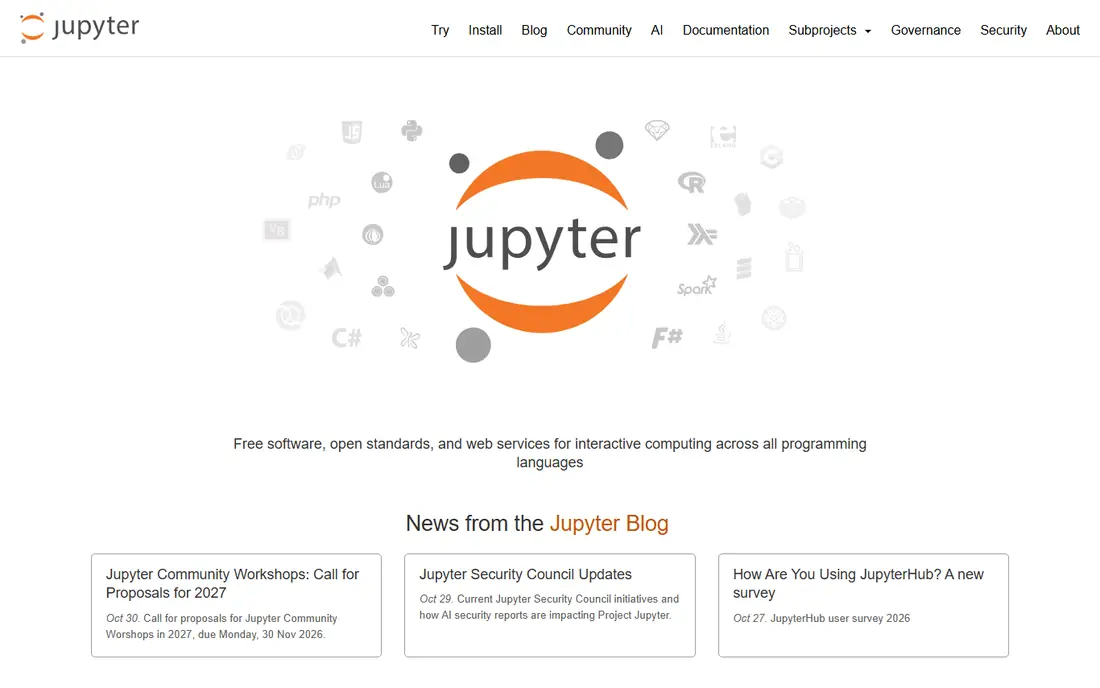
JupyterLab is where exploratory Python lives. For analysis that reads like a story, data, code, chart, conclusion, the notebook format beats a script editor, and JupyterLab is its most complete home. R users can run an R kernel in the same interface, which softens the switch from R Markdown habits.
The trade off is discipline. Notebooks reward exploration and punish production work, and hidden cell state is a real reproducibility hazard. JupyterLab fits researchers, teachers, and analysts whose output is the exploration itself.
What we like- The standard notebook environment for Python, with R through the IRkernel
- Cells mix code, output, and narrative in one document
- Huge extension and widget ecosystem
- Runs locally or on a server for a whole team
Watch out for- Script and package development feel secondary
- State can hide in out of order cells, which hurts reproducibility
- Debugging is weaker than a full IDE
Starting priceFree
Free planYes
Spyder is the IDE scientific Python users reach for when they miss the RStudio arrangement. Editor, console, variable explorer, and plots sit in one window, and the tool was designed around the scientific stack rather than adapted to it. Former MATLAB users feel at home fastest.
The trade off is language range. Spyder does nothing for R, so it replaces RStudio only for people leaving R behind. Spyder fits Python analysts who want a data first desktop IDE without notebook habits or editor assembly.
What we like- Variable explorer and plots panes mirror the RStudio layout
- Built for NumPy, SciPy, and pandas work
- IPython console and a good debugger
- Free and open source
Watch out for- Python only, so R users need a second tool
- Interface can feel dated beside VS Code based editors
- Plugin ecosystem is smaller
#5PyCharm
Best for: Python development with data tools4.6/5 on
G2 (787 reviews, checked Oct 2026)
Visit jetbrains.com
Starting priceFree
Free planYes
PyCharm is the developer's data IDE. When analysis code grows into a package or a service, its refactoring, testing, and debugging tools outclass every notebook and light editor here. JetBrains now offers the core product free, with a subscription adding the full data science and web feature set.
The trade off is weight. PyCharm wants memory and setup, and statisticians who live in scripts and plots may find it more machine than they need. PyCharm fits Python professionals whose data work is really software development.
What we like- Deepest Python code intelligence in this list, with refactoring and navigation
- Data science features include notebooks and data frame views
- Free tier covers core development
- Same vendor as DataGrip for database work
Watch out for- Heavier and slower to start than the editors above
- Best data features sit behind the paid subscription
- No R support
Starting priceFree
Free planYes
RKWard is the quiet R specialist. It wraps R in a friendly workspace with menus and dialogs for common analyses, and every dialog shows the R code it will run, which makes it a teaching friendly bridge between point and click statistics and scripting.
The trade off is reach. The community is small, help is thinner, and there is no path into Python. RKWard fits R loyalists, teachers, and anyone who wants a free R environment that keeps the classic console workflow and runs on modest machines.
What we like- Purpose built for R, with a console, object browser, and data editor
- Plugin dialogs generate R code you can read and reuse
- Completely free and open source
- Light on older hardware
Watch out for- Smaller community than RStudio
- Interface follows KDE conventions that feel foreign on Windows
- No Python story
Starting priceFree
Free planYes
Apache Zeppelin is the team notebook for big data work. A notebook can query Spark, run SQL, and plot results in R or Python, all in a browser session your whole team can open. For analysis that starts in a data lake, that shared, server side shape is the point.
The trade off is overhead. Zeppelin is infrastructure, with deployment and user management attached, and it makes little sense on a single laptop. Zeppelin fits data teams whose work lives on clusters and who need shared, multi language notebooks.
What we like- Browser based notebooks a whole team can share
- Interpreters for Spark, SQL, Python, and R in one notebook
- Built for data that lives in clusters, not on a laptop
- Free and open source
Watch out for- Needs server setup and administration
- Single user desktop work is not its shape
- Development pace is slower than JupyterLab
#8DataGrip
Best for: Database heavy analysis work4.6/5 on
G2 (127 reviews, checked Oct 2026)
Visit jetbrains.com
Starting priceSee website
Free planNo
DataGrip earns its place for analysts whose RStudio sessions were really database sessions: writing SQL, inspecting schemas, and pulling extracts. Its editor understands your schema, completes joins, and treats data editing with proper care. JetBrains prices it by subscription with different individual and organisation rates, so this guide lists See website.
The trade off is scope. DataGrip will not run your R scripts or build your reports. DataGrip fits SQL heavy analysts who pair it with a script editor and want the database half of the day done properly.
What we like- Best in class SQL editor with schema awareness across many databases
- Data extraction and editing tools suit analyst workflows
- Handles R and Python only through database work, which is its honest scope
- From the JetBrains family, so it pairs with PyCharm
Watch out for- A database IDE, not a statistics environment
- Subscription pricing varies by buyer type, so confirm before budgeting
- No notebooks or plotting of its own
How we chose
We compared the environments R and Python analysts name most when they leave RStudio, using project and vendor pages for current editions, language support, and pricing. Most of this category is free, so we weighted language fit, the panes and workflows analysts use daily, and how each tool handles notebooks, scripts, and data. Where subscription packaging varied, we wrote See website. We did not claim hands on testing of any IDE.
How to choose your RStudio alternative
Let your language mix decide. If you write R only and like the classic layout, RKWard keeps it free, and honestly RStudio itself remains a fine answer. If Python joined the work, Positron is the smoothest step, because it keeps the data panes and adds a real Python workflow in the same window. If your company already standardised on an editor, VS Code or PyCharm will beat a specialist tool on support and habit.
Think about the shape of the work, too. Notebooks in JupyterLab or Zeppelin suit exploration and shared analysis. Script based IDEs suit work that ships. And since nearly everything here is free, run your real project in two finalists for a week each. The switching cost is your habits and your project setup, so test those, not the feature list.
Frequently asked questions
Is Positron replacing RStudio?
Posit maintains both. RStudio remains its R first IDE, and Positron is the newer editor built for Python and R together on a VS Code foundation. R only teams can stay on RStudio, which is still updated. Teams adding Python are the ones Posit expects to move, and your scripts and projects open in either.
Are RStudio alternatives really free?
Mostly, yes. Positron, VS Code, JupyterLab, Spyder, RKWard, and Zeppelin are free and open source, and RStudio's own desktop edition is free too. Money enters with supported editions, hosted workbench products, and JetBrains subscriptions for PyCharm's full feature set and DataGrip. For a single analyst on a laptop, free is a complete answer.
Can I open my RStudio projects in these tools?
Yes. R projects are folders of scripts, data, and an optional project file, and every tool here can open the folder and run the code. What does not transfer is the window dressing: RStudio addins, pane layouts, and some project settings stay behind. Your code, R Markdown and Quarto documents, and Git history all carry over.
Which alternative is best for Python beginners moving from R?
Positron, because the data explorer and variables panes work the way RStudio taught you, while the Python console and notebooks sit in the same window. JupyterLab is the other gentle step if your Python work is exploratory and report shaped. Spyder suits you if you want the same pane layout for pure Python.
Which tool should a statistics teacher choose?
For R teaching, RKWard and RStudio both give students menus that reveal the code underneath, and RKWard is fully free for every student machine. For mixed R and Python courses, Positron keeps one install for both languages. For Python first courses built on notebooks, JupyterLab is the standard students will meet everywhere else.
Sources we checked (0)
Is your product missing or out of date?
We review this list regularly. Vendors can request a listing, send updated pricing or ask about featured placement.

Shihab Mia · Founder, Rankite
Shihab has 5+ years in B2B and SaaS SEO. He writes Rankite's software buying guides from pricing pages, documentation and public user reviews. More about Shihab.