How we make this list: we compare pricing pages, product documentation and public user reviews. Ratings come from G2, Capterra or Trustpilot, with the date we checked them.
Key takeaways
- Google Maps is the best all-around navigation app, with reliable routing, offline maps, and broad business information.
- Roadtrippers is the best planning app for discovering stops, since it surfaces roadside attractions, parks, and restaurants along a route.
- GasBuddy saves real money on long drives by showing nearby fuel prices, while Waze adds live traffic and hazard alerts.
- Wanderlog is the best free group planning tool, with shared itineraries that multiple travelers can edit.
- Download offline maps before remote stretches, since cell service fails exactly where a wrong turn costs the most time.
Quick comparison
| Tool | Best for | Starting price | Free plan |
|---|
 Google Maps Google Maps | Best overall navigation | See website | Yes |
 Waze Waze | Live traffic alerts | See website | Yes |
 Roadtrippers Roadtrippers | Discovering stops | $49.99 per year | Yes |
 GasBuddy GasBuddy | Cheapest gas nearby | See website | Yes |
 Wanderlog Wanderlog | Group trip planning | See website | Yes |
 iExit iExit | Interstate exit guide | See website | Yes |
 AllTrails AllTrails | Hiking along the route | $35.99 per year | Yes |
 HotelTonight HotelTonight | Last-minute stays | See website | Yes |
 Recreation.gov Recreation.gov | Campsite bookings | See website | Yes |
Is your product missing or out of date?
We review this list regularly. Vendors can request a listing, send updated pricing or ask about featured placement.
The best road trip apps
Starting priceSee website
Free planYes
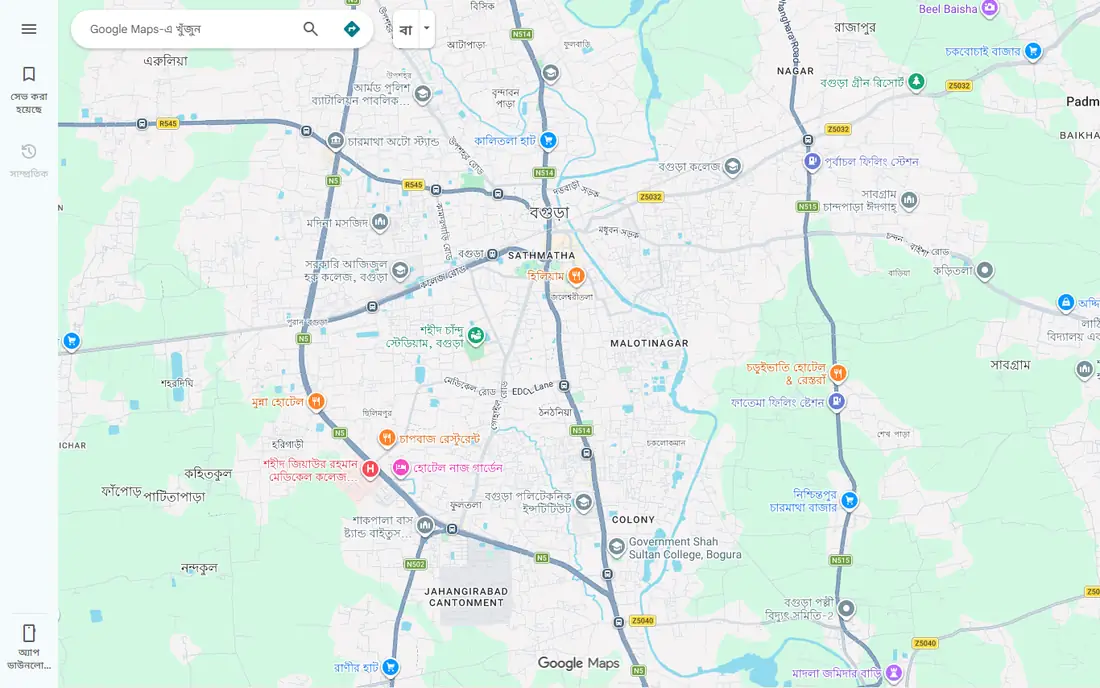
Google Maps is the default navigation app for most road trips, and for good reason. Routing is reliable, rerouting around traffic is fast, and business listings include hours, reviews, photos, and phone numbers, which helps when choosing a lunch stop or a gas station in an unfamiliar town. Offline maps, downloaded before departure, keep navigation working through national parks, mountains, and rural highways where service drops.
The weakness is discovery. Google Maps excels at getting you from point A to point B, but it does less to suggest interesting stops along the way, and its traffic alerts are less detailed than Waze community reports. Google Maps fits every road trip as the primary navigation app, paired with a planning app for stops. Travelers who want only one app should start here and add GasBuddy for fuel.
What we like- Reliable routing and rerouting
- Offline maps for remote areas
- Business hours, reviews, and photos in one place
Watch out for- Traffic alerts are less chatty than Waze
- Route discovery for scenic stops is limited
Starting priceSee website
Free planYes
Waze, owned by Google, takes a different approach to driving: it relies on driver reports for hazards, traffic jams, road closures, and speed traps. That community layer gives earlier warnings than automated traffic data alone, especially for sudden slowdowns and objects on the road. Rerouting is aggressive, and the app shows nearby gas prices to help with fuel stops.
The trade-off is polish and offline use. Waze has no offline maps, and its routing sometimes picks narrow shortcuts that drivers with trailers or large vehicles may want to avoid. The interface is also busier than Google Maps. Waze fits drivers who want the earliest traffic warnings and who travel mainly in areas with good cell service. Use it alongside Google Maps, with Waze for alerts and Google Maps as the offline backup.
What we like- Real-time hazard, police, and traffic reports from drivers
- Fast rerouting
- Gas price information
Watch out for- Map design is busier than Google Maps
- Routing can favor shortcuts some drivers dislike
- No offline maps
Starting price$49.99 per year
Free planYes
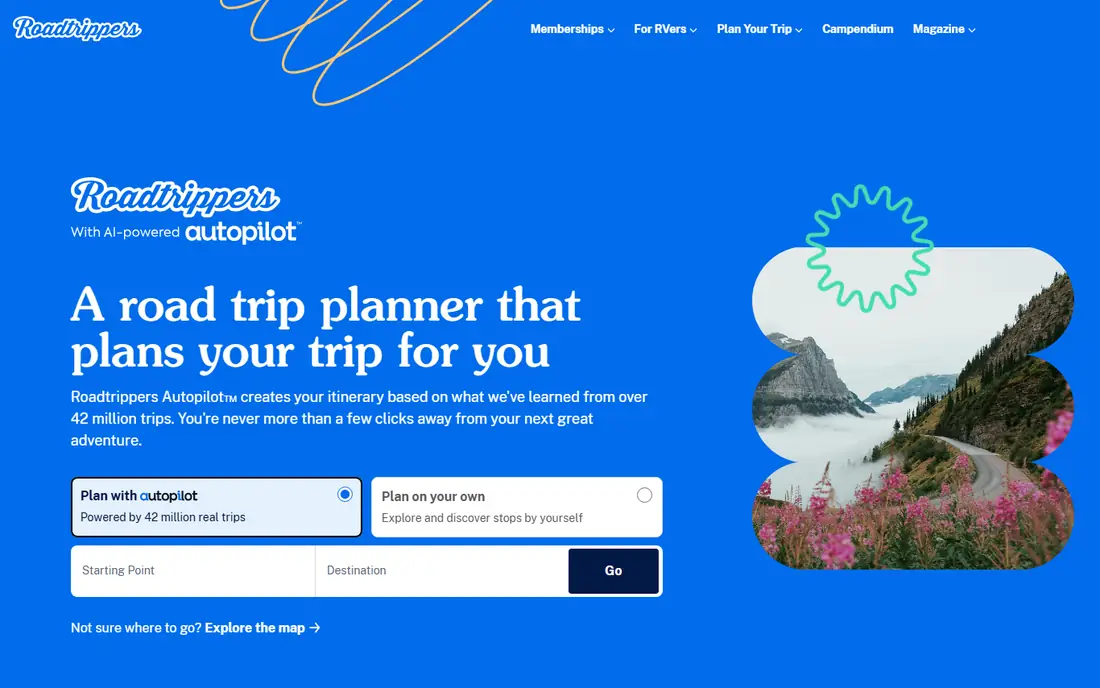
Roadtrippers answers the question every road trip raises: what is worth stopping for between here and there. Users enter a start and end point, then browse attractions, national parks, restaurants, hotels, and roadside oddities along the route, adding stops to a day-by-day itinerary. The paid plan, at $49.99 per year, raises stop limits, adds collaboration, and adds extra planning features, while the free tier allows basic planning.
Roadtrippers is a planner, not a full navigator, so most users still drive with Google Maps or Waze after planning. That two-app workflow is worth it for trips where stops matter as much as the destination. Roadtrippers fits scenic drives, family trips, and first-time routes through unfamiliar regions. Commuters and point-to-point drivers do not need it.
What we like- Excellent discovery of attractions, parks, and quirky stops
- Route planning with multiple stops
- Trip sharing
Watch out for- Best features require the paid plan
- Navigation hands off to another app for driving
- Free tier limits stops
Starting priceSee website
Free planYes
GasBuddy helps drivers find the cheapest fuel nearby, which adds up fast on a long trip. Users search by location or route, compare prices across stations, and check amenities such as diesel, EV charging, food, and restrooms. A trip cost calculator estimates fuel spending for a planned route, which helps with budgeting before departure.
Price data depends on user reports and station updates, so a listed price can lag behind the pump price, especially in small towns with few reporters. The free app includes ads, and some features sit behind a paid tier. GasBuddy fits every long drive, especially in regions where prices vary widely between neighboring towns. Check prices on the day of travel, not the day before, for the most useful comparison.
What we like- Shows nearby fuel prices and station details
- Trip cost calculator
- Free tier covers core features
Watch out for- Prices depend on user reports and can lag
- Some stations lack recent updates
- Ads in the free app
Starting priceSee website
Free planYes
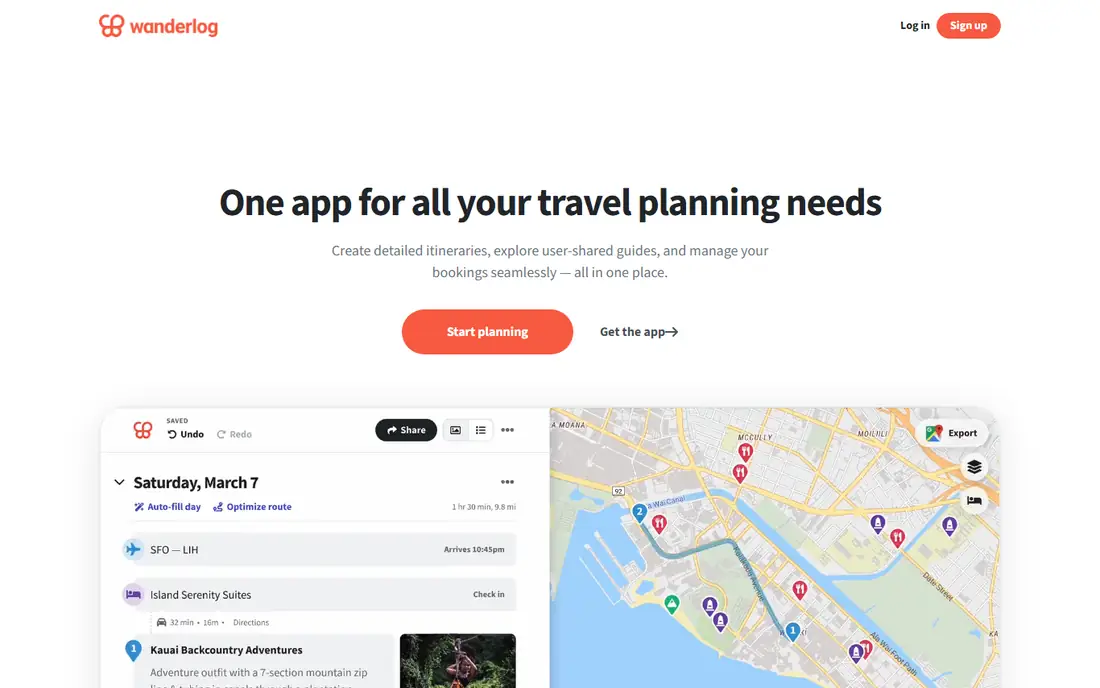
Wanderlog is a trip planner built for groups. Multiple travelers can edit the same itinerary, adding stops, reservations, notes, and maps in one shared plan, which avoids the usual chaos of group chats and scattered screenshots. The free tier covers core planning for most trips, with a paid tier adding advanced features for frequent planners.
Navigation is not Wanderlog's job, so drivers still need Google Maps or Waze on the road. The app is also newer than Roadtrippers, with a smaller library of curated stops. Wanderlog fits group trips, family vacations, and multi-stop itineraries where several people need to see and edit the same plan. Solo drivers who only need navigation can skip it.
What we like- Free shared itineraries multiple travelers can edit
- Maps, reservations, and notes in one plan
- Good for multi-stop trips
Watch out for- Paid tier needed for some advanced features
- Navigation is not its strength
- Newer app with a smaller community
Starting priceSee website
Free planYes
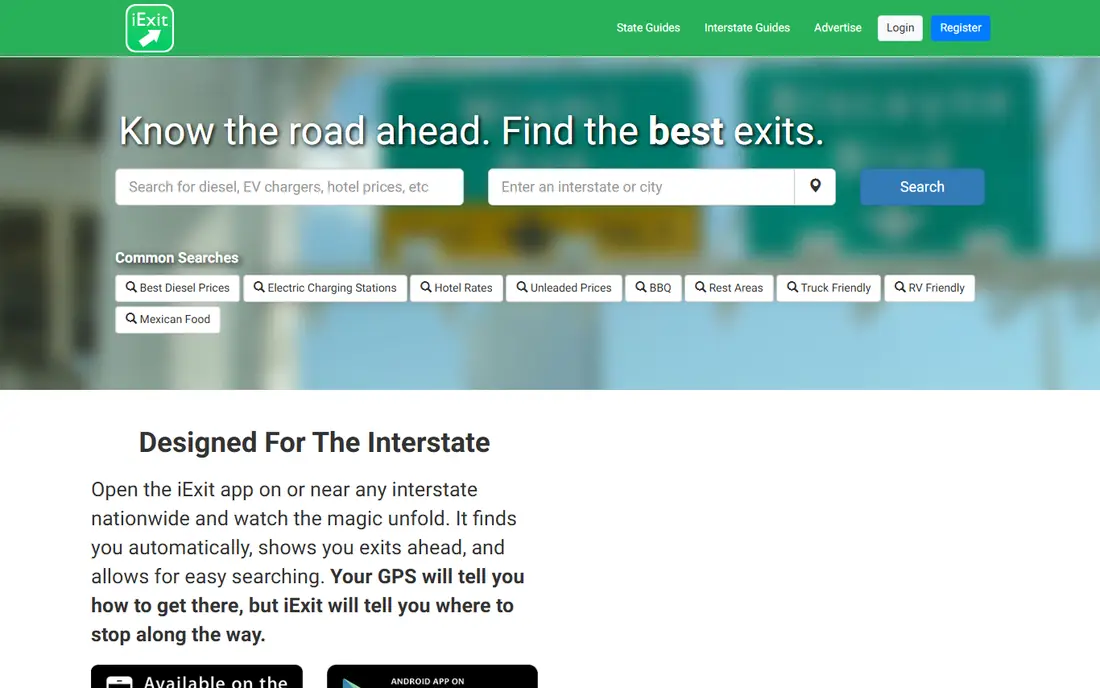
iExit solves a narrow but frequent highway problem: what is at the next exit, and is it worth stopping. The app lists gas stations, restaurants, hotels, rest areas, and services exit by exit along US interstates, with distances and directions. Drivers can search ahead for a specific brand or service, such as diesel fuel or a particular restaurant chain.
The scope is the limit. iExit covers US interstates only, so it offers little on state highways, back roads, or outside the United States. Listing freshness also varies by exit. iExit fits long interstate drives, especially with children, pets, or a tight fuel range, where knowing the next good stop prevents a bad one. Off-highway travelers should rely on Google Maps and GasBuddy instead.
What we like- Shows gas, food, lodging, and rest areas at upcoming interstate exits
- Works well for highway driving
- Simple interface
Watch out for- US interstates only
- Limited value off the highway
- Some listings lack recent updates
Starting price$35.99 per year
Free planYes
AllTrails is the best companion for road trips that include hiking. Users search trails near a stop, filter by distance, difficulty, elevation, dog-friendliness, and features such as waterfalls or viewpoints, and read recent reviews and photos from other hikers. The paid plan, at $35.99 per year, adds offline maps, wrong-turn alerts, and extra map layers, which matter in parks with poor service.
Trail conditions depend on recent user reports, so a trail listed as easy may have changed after weather or maintenance. Remote trails may also carry thin detail. AllTrails fits road trips through national parks, state parks, and scenic regions where a hike is part of the day. Drivers who never leave the highway do not need it, but hikers should download maps before entering a park.
What we like- Large trail database with reviews and photos
- Offline maps on the paid plan
- Filters for distance, difficulty, and features
Watch out for- Offline maps require the paid plan
- Trail conditions depend on user reports
- Some remote trails lack detail
Starting priceSee website
Free planYes

HotelTonight suits road trips with flexible plans, where the night's stop depends on how far the group drives. The app lists same-day and near-term hotel deals in cities along a route, with booking in a few taps and clear nightly rates. That flexibility lets drivers extend a good day or cut a long day short without prepaying for a hotel they may not reach.
Choice is the limit. Small towns may offer few or no HotelTonight options, and prices swing with demand, especially during events and holidays. Cancellation terms also vary by property, so read them before booking. HotelTonight fits flexible road trips through cities and larger towns. Travelers with fixed nightly stops should book earlier through a standard booking site for a wider choice.
What we like- Good last-minute hotel deals
- Simple booking in a few taps
- Useful for flexible itineraries
Watch out for- Choice narrows in small towns
- Prices vary by day and demand
- Cancellation terms vary by property
Starting priceSee website
Free planYes
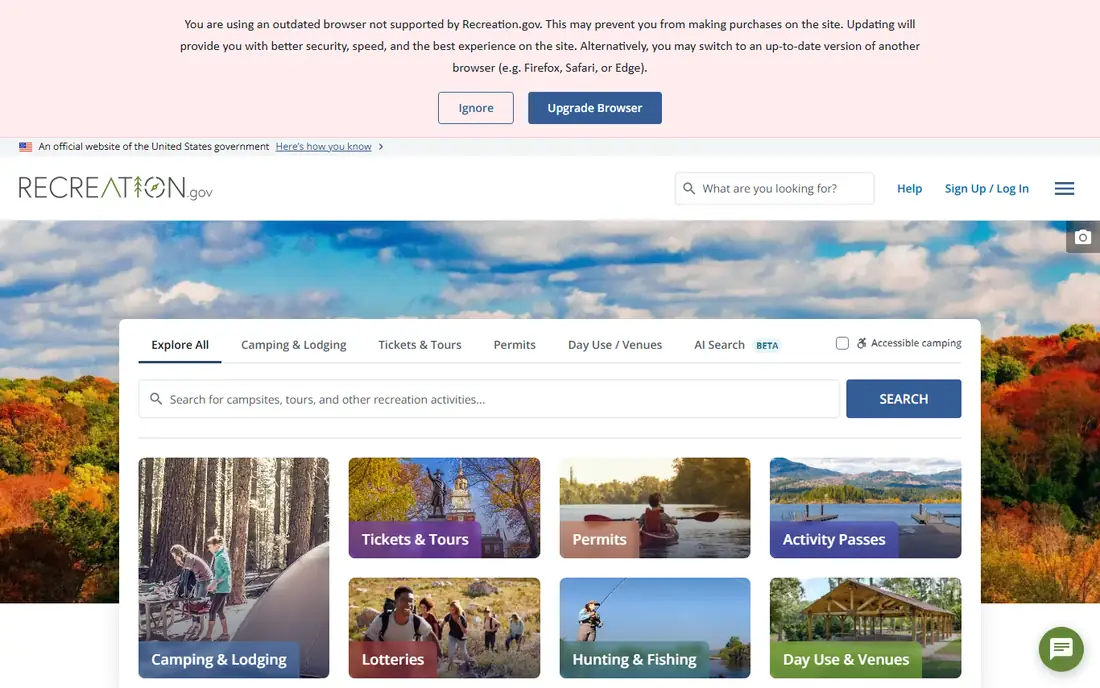
Recreation.gov is the official booking site and app for US federal recreation, including national park campsites, Army Corps sites, permits, and tours. Availability data comes from the source, which makes it more reliable than third-party listings for campsites that sell out quickly. Users can search by park, date, and site type, and manage reservations in the app.
Popular campgrounds still book out months ahead, especially in summer, so Recreation.gov helps most when used early. The interface is practical rather than beautiful, and it does not cover private campgrounds or hotels. Recreation.gov fits campers and park visitors planning national park road trips. Hotel travelers should pair it with HotelTonight or a standard booking app for non-camping nights.
What we like- Official booking for national park campsites and federal recreation areas
- Permits and tours in one place
- Reliable availability data
Watch out for- Popular sites book out months ahead
- Interface is functional rather than polished
- No general hotel booking
How we chose
We compared navigation accuracy, planning features, offline support, pricing pages, and documentation, then checked public reviews on G2, Capterra, and Reddit for recurring complaints about map accuracy, price freshness, and booking reliability. Apps that only covered one country or one narrow use scored lower unless that use was essential on the road. We favored apps with a working free tier, a clear role in a road trip stack, and broad US coverage, and we mixed navigation, planning, fuel, activity, and lodging tools.
How to build a road trip app stack
No single app does everything well, so build a small stack before departure and test it on a short drive first.
Navigation plus alerts
Use Google Maps as the primary navigator with offline maps downloaded for the full route. Add Waze for live hazard and traffic alerts on highway stretches with good service. Keep a car charger and a phone mount ready, since navigation with the screen on drains batteries fast.
Planning plus fuel
Plan stops in Roadtrippers or Wanderlog before departure, then share the plan with everyone traveling. Check GasBuddy on the day of travel for fuel prices along the route, and note stations with diesel, EV charging, or amenities your vehicle needs. For interstate drives, keep iExit open for exit-by-exit decisions.
Stays plus activities
Book campsites early through Recreation.gov for park trips, and keep HotelTonight for flexible hotel nights in cities. Download AllTrails offline maps before entering parks, and save hotel confirmations and park passes offline as well. A short pre-trip checklist prevents most app failures on the road.
Frequently asked questions
What is the best road trip planning app?
Roadtrippers is the best planning app for discovering stops along a route, while Wanderlog is the best free tool for shared group itineraries. Google Maps remains the best navigator, so most travelers benefit from pairing a planner with a navigator rather than choosing one app for both jobs. Test the pair on a short trip before a long one.
Do I need to pay for road trip apps?
No, for most trips. Google Maps, Waze, GasBuddy, and Recreation.gov cover navigation, alerts, fuel, and campsite booking free. Paid plans add value for frequent travelers: Roadtrippers at $49.99 per year for unlimited stops, and AllTrails at $35.99 per year for offline maps. Start free and pay only for features you use on every trip.
Which app is best for finding cheap gas on a road trip?
GasBuddy is the best app for finding cheap gas, with nearby prices, station details, and a trip cost calculator. Waze also shows gas prices along a route, which is useful when navigation is already open. Prices can lag in small towns, so confirm the pump price before filling a large tank based on an app listing alone.
Can I use these apps without cell service?
Google Maps and AllTrails support offline maps on their paid or downloaded options, which covers navigation and hiking in remote areas. Waze, GasBuddy, and HotelTonight need a connection for live data. Download maps, reservations, and park passes over Wi-Fi before remote stretches, and carry a paper map as a backup for long backcountry routes.
How many apps should I use on a road trip?
Three apps cover most trips: a navigator, a planner, and a fuel app. Add a lodging app for flexible trips and a hiking app for park trips, but avoid running six apps while driving. Set up playlists, maps, and stops before departure, and use voice commands or a passenger to manage apps on the road.
Sources we checked (9)
- https://www.google.com/maps
- https://www.waze.com
- https://www.roadtrippers.com
- https://www.gasbuddy.com
- https://www.wanderlog.com
- https://www.iexitapp.com
- https://www.alltrails.com
- https://www.hoteltonight.com
- https://www.recreation.gov
Is your product missing or out of date?
We review this list regularly. Vendors can request a listing, send updated pricing or ask about featured placement.

Shihab Mia · Founder, Rankite
Shihab has 5+ years in B2B and SaaS SEO. He writes Rankite's software buying guides from pricing pages, documentation and public user reviews. More about Shihab.