How we make this list: we compare pricing pages, product documentation and public user reviews. Ratings come from G2, Capterra or Trustpilot, with the date we checked them.
What is the best retail management software for bookstores?
The best retail management software for bookstores is Lightspeed Retail, because it handles large catalogues, ISBN lookup, special orders, supplier purchase orders and multi-location stock in one system built for specialist retailers. Bookstores need more than a generic till. They stock tens of thousands of titles, take special orders for out-of-stock books, run author events and school orders, and need to find any title by author, ISBN or keyword in seconds. Lightspeed covers those needs while staying usable at the counter. Shopify POS is the best choice when online sales matter as much as in-store sales, and Square is the best free starting point for a small bookstore. The right pick depends on whether your store takes special orders, runs events, sells online or manages several locations.
Key takeaways
- Lightspeed Retail is the top pick for bookstores that need ISBN lookup, special orders and multi-location inventory.
- Shopify POS is the strongest option when your website drives a large share of orders.
- Square costs nothing to start and suits small shops with simple inventory.
- Heartland Retail fits stores that want payments, POS and back office from one vendor.
- PayPal Point of Sale (formerly Zettle) is the cheapest way to take card payments at a market stall or pop-up.
- ISBN lookup and special order tracking separate real bookstore software from generic retail POS.
How bookstores should choose retail management software
Book retail has inventory problems other shops do not have. A store may carry 20,000 titles, and most of them sell only a few copies a year. The software should find any title by author, ISBN or keyword fast, show stock across locations and flag slow-moving titles for return to the supplier. Returns are a normal part of bookselling, so the system should handle supplier returns cleanly.
Special orders are a second deciding factor. Customers order books that are not on the shelf, and the store must track the order, the deposit and the pickup. The software should record the order, link it to the supplier and notify the customer when the book arrives. A system without special order tracking forces the store back to paper slips, which is where orders go missing.
Events are a third factor for stores that host author readings and signings. Events need ticket or RSVP lists, stock set aside for the night and fast selling at the event itself. A mobile till that works away from the counter helps here.
Online sales matter too. Readers check stock online before visiting, and many prefer click and collect. A POS that syncs stock with a website in real time avoids selling the same copy twice. Price should be judged on total cost, not the headline monthly fee. Payment processing fees often cost more than the software subscription, so compare the software fee plus processing on your actual monthly card volume before deciding.
Quick comparison
| Tool | Best for | Starting price | Free plan |
|---|
 Lightspeed Retail | Bookstores that need ISBN lookup, special orders and multi-location control | $89 per month billed annually ($109 month to month), checked 23 Nov 2026 | No free plan; paid plans only |
 Square | Small bookstores that want a free POS with fast setup | $0, checked 23 Nov 2026 | Yes, free POS with pay-as-you-go card processing |
 Shopify POS | Bookstores where online sales matter as much as in-store sales | $89 per month per location for POS Pro, plus a Shopify plan from $29 per month billed annually, checked 23 Nov 2026 | No free plan; POS Lite is included with a Shopify plan |
 Heartland Retail | Bookstores that want payments, POS and back office from one vendor | $89 per month starting, per the vendor page checked 23 Nov 2026; older third-party reads showed $69 per selling station, flagged for spot check | No free plan |
 Clover | Bookstores that want counter hardware and payments bundled together | From $49.95 per month for Register, checked 23 Nov 2026 | No free plan |
 Epos Now | Budget-conscious bookshops that want a cloud POS with optional add-ons | $39 per month for software only, checked 23 Nov 2026 | No free plan |
 KORONA POS | High-volume bookstores that need flexible pricing and strong inventory | $59 per terminal per month for Core, checked 23 Nov 2026 | No free plan |
 PayPal Point of Sale | Pop-up stalls, market stands and mobile book selling | $0 monthly, card fee 2.29 percent plus 9 cents per transaction, checked 23 Nov 2026 | Yes, free to sign up with no monthly fee |
Is your product missing or out of date?
We review this list regularly. Vendors can request a listing, send updated pricing or ask about featured placement.
The best retail management software for bookstores
#1
Lightspeed Retail
Best for: Bookstores that need ISBN lookup, special orders and multi-location control
Visit lightspeedhq.com
Starting price$89 per month billed annually ($109 month to month), checked 23 Nov 2026
Free planNo free plan; paid plans only
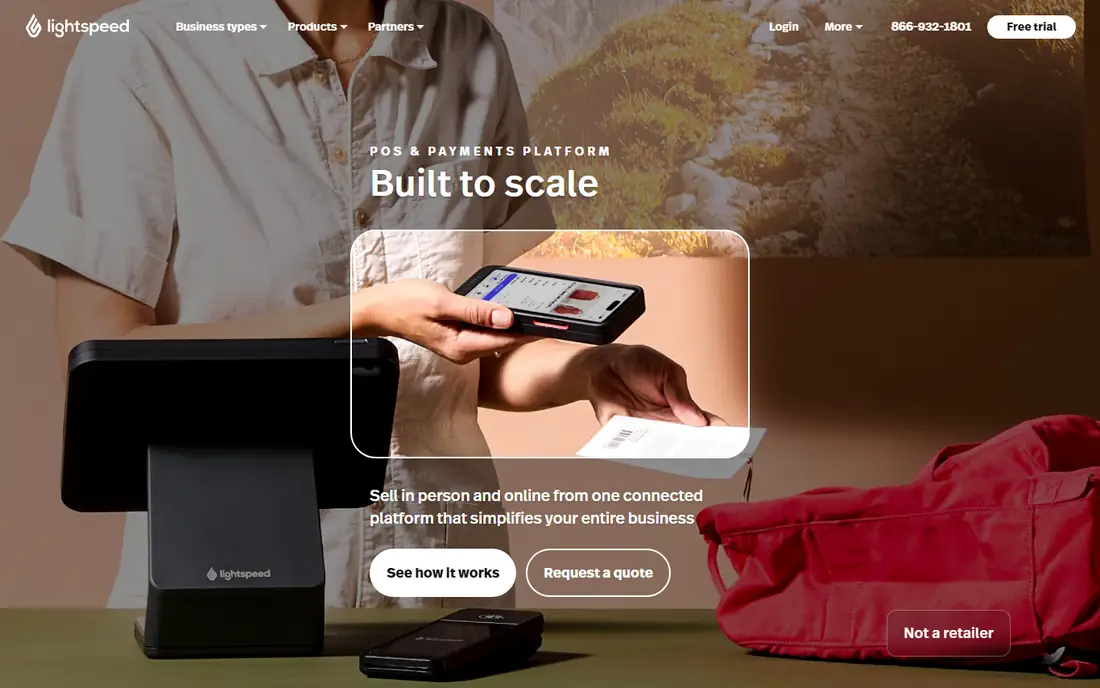
Lightspeed Retail is built for specialist retailers, and bookstores are one of the categories it serves best. Titles can be found by author, ISBN or keyword in seconds, and stock is visible across locations from any till. Special orders can be recorded with a deposit, linked to the supplier order and tracked until the customer collects the book. Purchase orders flow from supplier catalogues, and returns to suppliers are handled as part of the workflow. The reporting breaks sales down by category, publisher and margin, which helps a buyer see which sections earn money. The main drawback is price. At $89 per month billed annually, a small single-location shop pays a real subscription before processing fees.
What we like- Fast title search by author or ISBN, special order tools, multi-location stock, supplier purchase orders and returns, built-in ecommerce, detailed reporting by category and publisher
Watch out for- Monthly cost is high for a single small shop, and setup takes time because the inventory system is deep
#2Square
Best for: Small bookstores that want a free POS with fast setup4.6/5 on
G2 (1,208 reviews, checked Oct 2026)
Visit squareup.com
Starting price$0, checked 23 Nov 2026
Free planYes, free POS with pay-as-you-go card processing

Square is the easiest way to open a bookstore and start selling the same day. The free plan includes the POS app, inventory tracking, a customer directory and sales reports, and the card reader is inexpensive. A small shop selling books, stationery and gifts can run the whole counter on Square without a monthly subscription. The inventory tools cover stock counts, low-stock alerts and purchase orders at a basic level, which is enough for a single location with a few thousand lines. The limits show as the business grows. ISBN lookup, special orders and supplier returns need workarounds or third-party apps. Card processing is charged per transaction, so a shop with high monthly card volume may pay more in fees than it would save on subscription elsewhere. Square fits a new or small bookstore that values speed and low fixed cost over deep inventory control.
What we like- No monthly fee to start, hardware is affordable, inventory and customer directory included, online store add-on available
Watch out for- ISBN and special order tracking is basic, and card processing fees add up at higher volumes
#3Shopify POS
Best for: Bookstores where online sales matter as much as in-store sales4.4/5 on
G2 (368 reviews, checked Oct 2026)
Visit shopify.com
Starting price$89 per month per location for POS Pro, plus a Shopify plan from $29 per month billed annually, checked 23 Nov 2026
Free planNo free plan; POS Lite is included with a Shopify plan
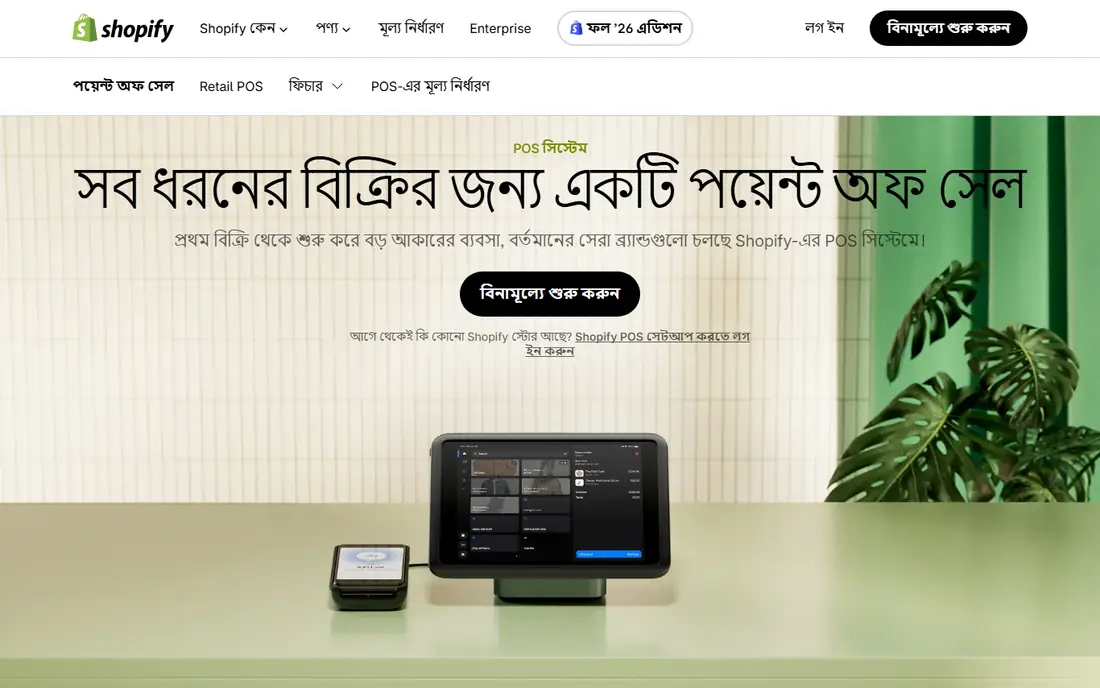
Shopify POS makes sense for a bookstore whose website is a real sales channel rather than a brochure. Stock, customers and orders are shared between the online store and the till, so a book sold in the shop is immediately unavailable online and a web order can be collected in store. POS Pro adds staff roles, smart inventory management, low-stock reports and unlimited registers, which matter when several staff handle busy event nights. The app marketplace adds special order and event tools that the core product lacks. The cost is the catch. POS Pro is $89 per month per location on top of a Shopify plan from $29 per month, so a two-location store pays several hundred dollars a month before processing.
What we like- Online and in-store stock stay in sync, strong ecommerce platform, staff permissions and smart inventory tools on POS Pro, large app marketplace
Watch out for- Full retail features need POS Pro, and the combined monthly cost rises with each location
#4
Heartland Retail
Best for: Bookstores that want payments, POS and back office from one vendor
Visit heartland.us
Starting price$89 per month starting, per the vendor page checked 23 Nov 2026; older third-party reads showed $69 per selling station, flagged for spot check
Free planNo free plan
Heartland Retail combines a cloud POS with payment processing from the same company, which simplifies support when something goes wrong. The inventory tools cover matrix inventory, purchase orders, transfers between locations and customer purchase history, all useful for bookstores. Multi-location stores can see stock across branches and move items where they sell. The customer tools support loyalty and targeted marketing, helpful for a store that depends on repeat buyers for new releases and events. The weakness is pricing transparency. The vendor page shows plans starting at $89 per month, while older third-party listings quoted $69 per selling station, so buyers should get a written quote before signing.
What we like- Payments and POS from one provider, strong inventory and customer management, multi-location support, US-based support
Watch out for- Pricing is not fully transparent on the public site, and the system is geared to US merchants
#5Clover
Best for: Bookstores that want counter hardware and payments bundled together3.8/5 on
G2 (108 reviews, checked Oct 2026)
Visit clover.com
Starting priceFrom $49.95 per month for Register, checked 23 Nov 2026
Free planNo free plan
Clover sells the whole counter as a package: terminal, software and payments from one vendor. The Register plan starts at $49.95 per month and covers the core POS, inventory and reporting. The hardware is well made and suits a busy bookstore counter, with options for customer-facing displays and barcode scanners. The app marketplace adds features the core product lacks, including deeper inventory, employee management and loyalty tools. Offline mode keeps card sales running if the internet drops, which matters during a busy event night. The costs stack up though. Hardware is bought or leased separately, and several of the apps that bookstores need carry their own monthly fees. Inventory depth is weaker than Lightspeed out of the box, and special order tracking needs an add-on. Clover fits a store that values a tidy hardware bundle and simple setup over the deepest inventory control.
What we like- Polished counter hardware, app marketplace for inventory and loyalty, payments built in, offline mode for card sales
Watch out for- Hardware costs add up, and advanced inventory features need paid apps
#6Epos Now
Best for: Budget-conscious bookshops that want a cloud POS with optional add-ons4.6/5 on
G2 (29 reviews, checked Oct 2026)
Visit eposnow.com
Starting price$39 per month for software only, checked 23 Nov 2026
Free planNo free plan
Epos Now is one of the cheapest ways to get a cloud POS into a bookshop. At $39 per month for software only, a small store gets till, inventory, customer records and reporting without a large subscription. Because it runs in the cloud, the owner can check sales and stock from anywhere, and the system works on the shop's own tablets or terminals. The app store adds ecommerce, accounting, loyalty and staff management, so the store can add features as it grows instead of paying for them on day one. The trade-offs are real. Public reviews report uneven support, and several features that other systems include by default are paid add-ons here, so the true monthly cost depends on which apps are needed. ISBN lookup and special order tracking also need add-ons. Epos Now suits a small bookshop that wants low fixed costs and is comfortable assembling its setup from apps.
What we like- Low starting price, cloud-based with remote access, large app store, works on own hardware
Watch out for- Support quality varies in public reviews, and key features sit behind paid add-ons
#7KORONA POS
Best for: High-volume bookstores that need flexible pricing and strong inventory4.7/5 on
G2 (72 reviews, checked Oct 2026)
Visit koronapos.com
Starting price$59 per terminal per month for Core, checked 23 Nov 2026
Free planNo free plan
KORONA POS is built for retailers that move a lot of stock and need pricing flexibility. It handles unlimited products, complex price rules, promotions and customer-specific pricing, which helps a bookstore running clearance on slow titles, bundle offers on series and school discounts. Inventory is strong, with stock tracking, purchase orders and detailed margin reporting. Multi-location and franchise tools are included, so a growing chain can manage all branches from one back office. There is no long-term contract on the core plans. The interface is less polished than Lightspeed or Square, and getting the system configured takes more effort up front.
What we like- Unlimited products and custom price rules, strong inventory and reporting, franchise and multi-location tools, no long-term contract on core plans
Watch out for- Interface looks dated next to newer rivals, and setup needs more configuration
#8
PayPal Point of Sale
Best for: Pop-up stalls, market stands and mobile book selling
Visit paypal.com
Starting price$0 monthly, card fee 2.29 percent plus 9 cents per transaction, checked 23 Nov 2026
Free planYes, free to sign up with no monthly fee
PayPal Point of Sale, formerly Zettle, is the simplest way to take card payments away from the shop. There is no monthly fee, signup is free, and the card reader pairs with a phone or tablet in minutes. Tap to Pay on iPhone removes the need for a reader at all for small sellers. The app includes basic inventory and sales reports, enough for a stall selling books and stationery at a fair or a pop-up. It is not a full retail management system. There is no ISBN lookup, no special order workflow and no multi-location stock control, so it cannot run a proper bookstore on its own. It works best as a second till for events, a mobile selling tool, or a low-risk way for a new seller to start taking cards before investing in a full POS. The per-transaction fee of 2.29 percent plus 9 cents is fair for low volume but adds up as sales grow.
What we like- No monthly fee, quick setup, card reader and Tap to Pay on iPhone, inventory and sales reports in the app
Watch out for- No deep inventory, ISBN or special order features, and it is not built to run a full shop
What bookstores should check before buying
Check title search first. Ask the vendor to find a book by author, ISBN and keyword, and watch how fast the result appears. Next, test the special order workflow: take a deposit, link the order to a supplier and follow it through to customer pickup. Check the ecommerce sync too: sell a copy in store and watch the website update. Finally, work out the full monthly cost, including card processing on your real volume, hardware and any paid apps, before signing a contract.
How to set up retail software in a bookstore
Start with a clean stock count. Count every title, group stock by section and remove dead lines before importing anything. Set up suppliers and purchase orders next, so reordering follows real stock levels instead of memory. Train staff on title search, special orders and returns before launch day. Run the new till alongside the old one for a few days if possible, then switch fully once the team is confident.
Frequently asked questions
What is retail management software for bookstores?
Retail management software for bookstores combines a point of sale with inventory, customer and reporting tools tuned to book retail. It tracks titles by author and ISBN, follows special orders from deposit to pickup and handles supplier returns alongside normal sales. The best systems also sync stock with an online store and manage purchase orders from book suppliers. For a small shop, a simple POS may be enough, but a store with tens of thousands of titles and several locations needs the deeper inventory features.
Do bookstores need ISBN lookup?
Yes, when the catalogue is large. ISBN lookup finds a title in seconds and avoids selling the wrong edition, which matters when a book exists in hardcover, paperback and several reprints. Without it, staff waste time searching by title and risk ordering the wrong edition. Systems such as Lightspeed Retail handle ISBN search natively, while simpler POS tools need add-ons or manual workarounds to do the same.
Which retail POS is best for a small bookstore?
Square is the best starting point for a small bookstore because there is no monthly fee and setup takes minutes. It covers the till, basic inventory and card payments in one free plan. A shop that grows into special orders, events and multiple locations will usually move to Lightspeed Retail or Shopify POS later. The right choice depends on whether the shop needs deep inventory control now or can start simple and upgrade later.
How much does retail management software cost for a bookstore?
Costs range from $0 per month for Square or PayPal Point of Sale to $89 per month for Lightspeed Retail or Shopify POS Pro, plus card processing fees on every sale. Hardware, paid apps and extra locations add to the total. A small shop can start free and pay only processing fees, while a multi-location store should budget several hundred dollars a month for software, processing and apps combined.
Can retail software handle author events?
Some systems can, with limits. Lightspeed Retail and Shopify POS handle events through mobile tills and third-party apps, while dedicated event software does the job better for an event-led business. Before buying, ask the vendor to show a mobile till selling books at an event with stock deducted from the main store. If events are half the business, a dedicated event tool linked to the POS may serve the store better than a POS with an event add-on.
Sources we checked (9)
- https://www.lightspeedhq.com/pricing/
- https://squareup.com/us/en/pricing
- https://www.shopify.com/pos/pricing
- https://www.heartland.us/retail
- https://www.clover.com/pricing
- https://www.eposnow.com/us/pricing/
- https://www.koronapos.com/pricing/
- https://www.paypal.com/us/business/pos-system
- https://rankite.com/blog/best-retail-management-software
Is your product missing or out of date?
We review this list regularly. Vendors can request a listing, send updated pricing or ask about featured placement.

Shihab Mia · Founder, Rankite
Shihab has 5+ years in B2B and SaaS SEO. He writes Rankite's software buying guides from pricing pages, documentation and public user reviews. More about Shihab.