How we make this list: we compare pricing pages, product documentation and public user reviews. Rankite is independent; if a vendor ever pays for a featured spot, that listing is clearly labeled Partner.
Key takeaways
- Qmatic is the enterprise standard for complex multi-site operations. Qminder and Waitwhile are the modern cloud options for teams that want to start fast.
- Most vendors keep pricing behind quotes, so budget for hardware (kiosks, displays) separately from the software subscription.
- Skiplino and QLess are strong for healthcare and government, where walk-ins and appointments mix unpredictably.
- JRNI fits retailers and banks that want appointments and queues in one customer journey. Tensator fits physical spaces that also need crowd control hardware.
Quick comparison
| Tool | Best for | Starting price | Free plan |
|---|
 Qmatic Qmatic | Large enterprises running complex multi-location queues | See website | No |
 Qminder Qminder | Teams that want modern cloud queuing with analytics | See website | Free trial |
 Waitwhile Waitwhile | Global brands unifying bookings, walk-ins, and waitlists | See website | No |
 QLess QLess | Public sector, healthcare, and education service lines | See website | No |
 Wavetec Wavetec | Banks and government offices needing hardware plus software | See website | No |
 Skiplino Skiplino | Fast cloud deployment across banks, hospitals, and retail | See website | Free trial |
 JRNI JRNI | Retailers and banks designing appointment-led journeys | See website | No |
 Tensator Tensator | Venues that need physical queue design and electronic systems | See website | No |
Is your product missing or out of date?
We review this list regularly. Vendors can request a listing, send updated pricing or ask about featured placement.
The best queue management software
#1
Qmatic
Best for: Large enterprises running complex multi-location queues
Visit qmatic.com
Starting priceSee website
Free planNo
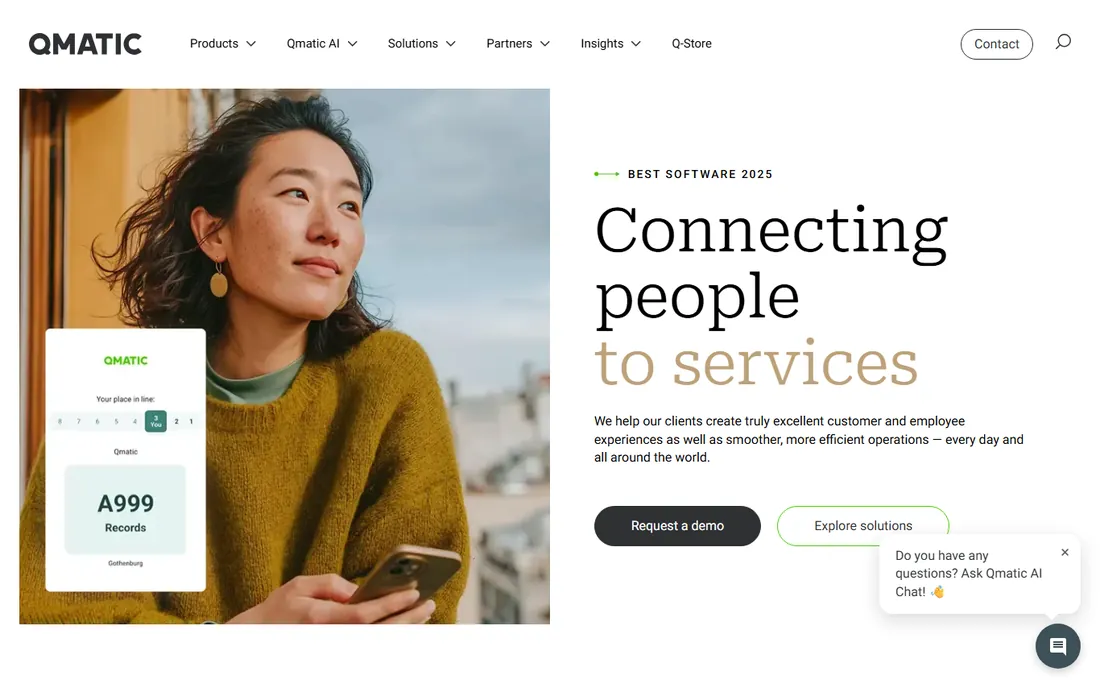
Qmatic is the name that comes up whenever a bank, hospital network, or government agency runs a formal queue management tender. The platform covers the full customer journey: virtual queuing, appointment booking, kiosks, digital signage, staff workflows, and analytics, with an app store for extensions. It is built for organizations with dozens or hundreds of service points that need central control and consistent reporting.
That depth comes with enterprise buying friction. Pricing is quote-based, implementations involve partners and hardware, and a small business will drown in the process. For a single clinic or store, the cloud tools below will be live before Qmatic finishes the discovery call. For a national rollout, Qmatic's scale and ecosystem are the reason it wins tenders.
What we like- Deepest feature set for enterprise queue orchestration
- Strong partner ecosystem and app marketplace
- Proven at very large scale
Watch out for- Quote-only pricing
- Implementation is a serious project
- Overkill for a single location
#2
Qminder
Best for: Teams that want modern cloud queuing with analytics
Visit qminder.com
Starting priceSee website
Free planFree trial
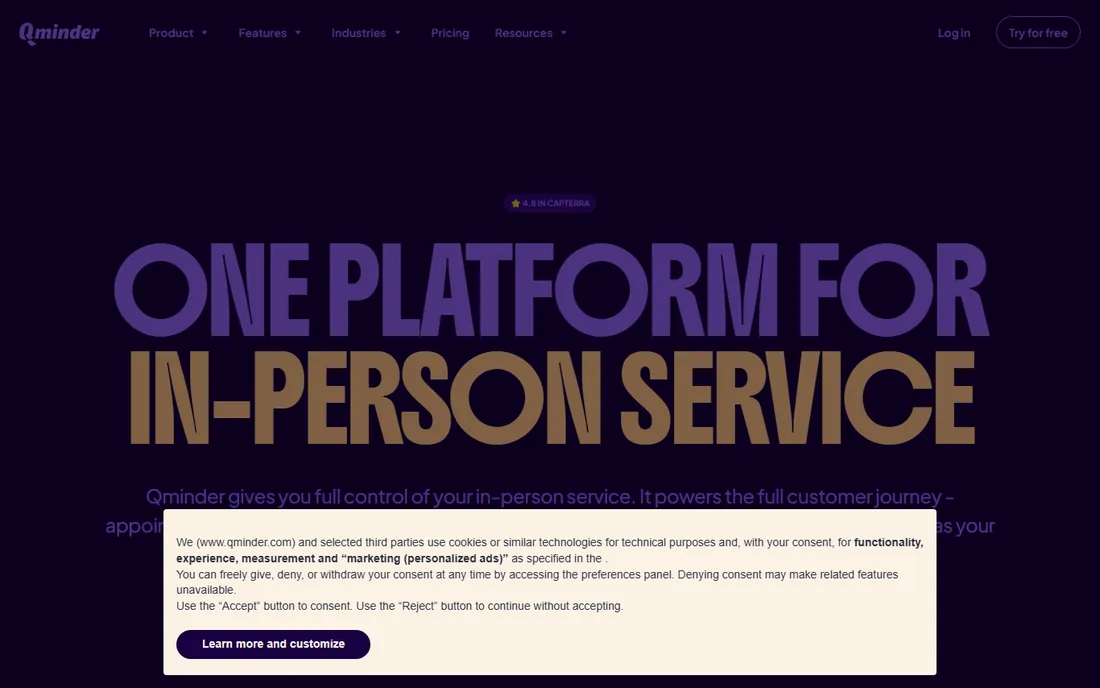
Qminder positions itself as the full platform for in-person service, not just a line manager. Appointments and walk-ins run in one queue, staff get a live operational dashboard, and the AI service analyst lets managers ask questions about wait times and performance in plain language. The company also ships an MCP connector, so AI tools can analyze queue data directly.
The product is aimed at healthcare, public sector, and retail organizations that want cloud software without a hardware project. Pricing is not published, so you will talk to sales. For teams that find Qmatic too heavy and the budget tools too thin, Qminder is the balanced middle.
What we like- Clean cloud platform with appointments, queues, and service CRM
- AI analyst answers plain-language questions about operations
- Free trial to evaluate
Watch out for- Pricing is not published
- Enterprise features need higher tiers
- Kiosk hardware is a separate purchase
#3
Waitwhile
Best for: Global brands unifying bookings, walk-ins, and waitlists
Visit waitwhile.com
Starting priceSee website
Free planNo
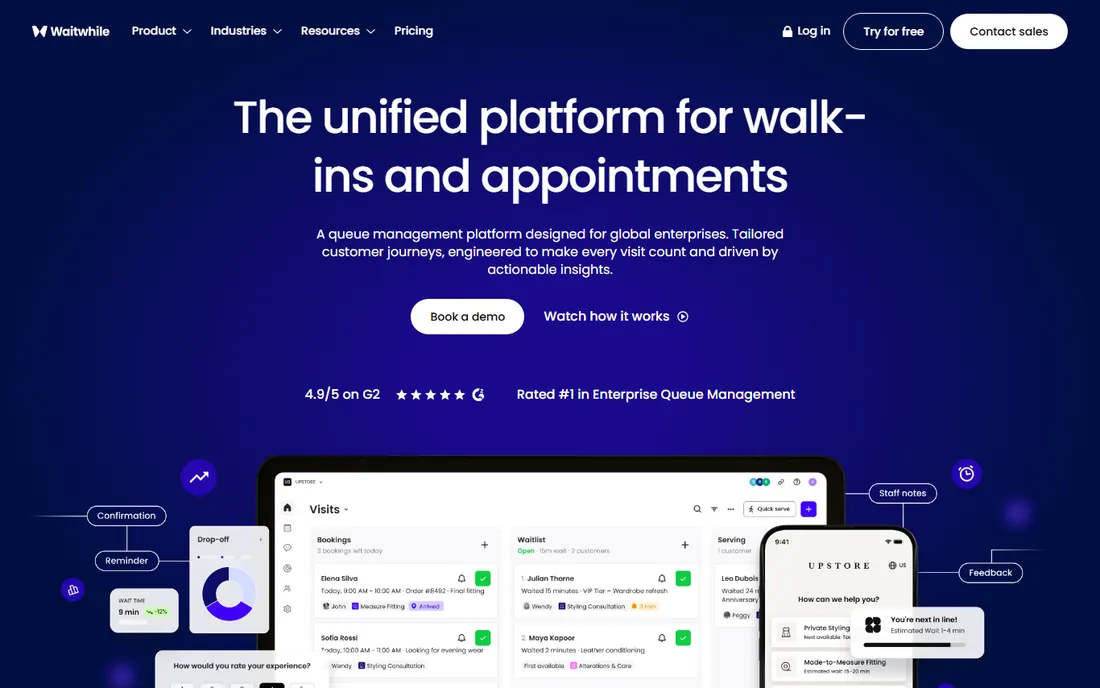
Waitwhile sells to the global enterprise tier: luxury retail, healthcare systems, and service brands with 10 to 600 locations. The platform unifies advance bookings, walk-ins, and virtual waitlists so customers choose how they arrive, and staff manage everything from one app. Analytics track the journey before, during, and after the visit, and the security stack covers the certifications large buyers require.
There is no free plan and no published pricing, which puts Waitwhile firmly in the evaluated-purchase bracket. Single-location businesses should look at Skiplino or Qminder. For a brand rolling out consistent service across countries, Waitwhile's multi-location tooling and journey analytics justify the process.
What we like- Handles bookings and walk-ins in one flow
- Strong analytics on the customer journey
- Enterprise security including HIPAA and GDPR
Watch out for- Enterprise positioning with quote pricing
- No free plan
- Best value shows at multi-location scale
#4
QLess
Best for: Public sector, healthcare, and education service lines
Visit qless.com
Starting priceSee website
Free planNo
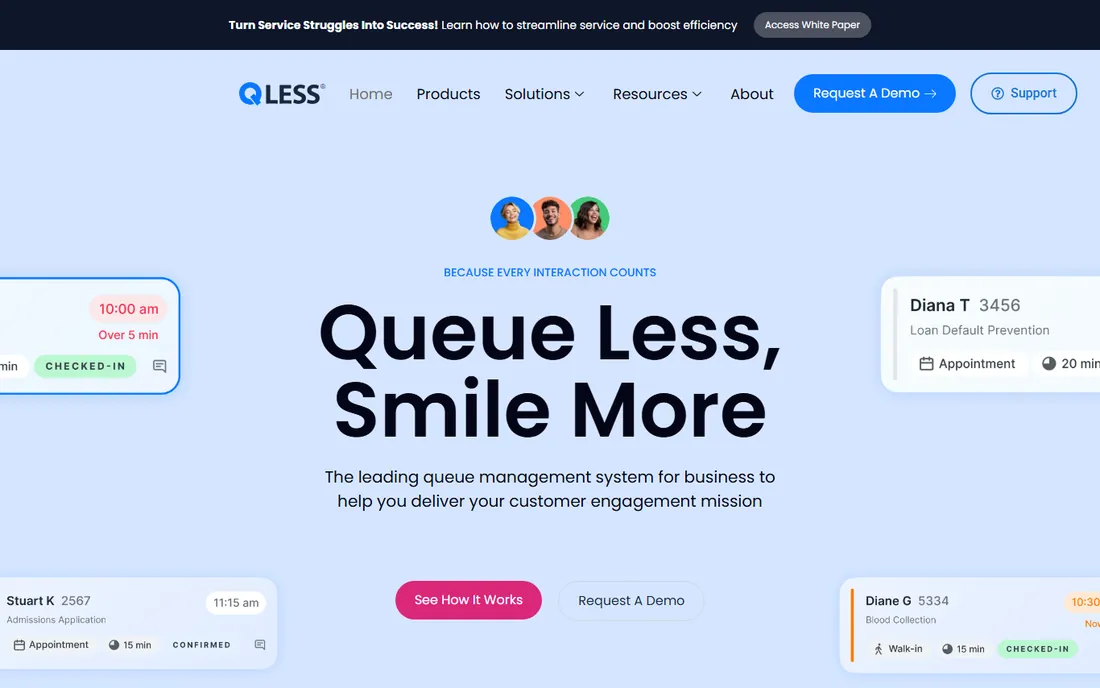
QLess built its name on a simple idea: let people join the line from their phone and get text updates instead of standing in a lobby. The platform has grown into a full engagement suite covering walk-ins, appointments, virtual visits, and callbacks, with real-time operational analytics. Its customer base skews toward DMVs, universities, hospitals, and government offices, which are exactly the places where unpredictable walk-in volume causes the most pain.
Pricing is quote-based and the buying process is traditional. The product is less flashy than the newer cloud tools, but it has deep experience in the sectors it serves. If your queue problem involves citizens, patients, or students rather than shoppers, QLess deserves a look.
What we like- Virtual queuing with real-time SMS updates
- Strong public sector and healthcare customer base
- Flexible across walk-ins, appointments, and callbacks
Watch out for- Quote-based pricing
- The interface shows its age in places
- Marketing leans heavily on the virtual queue concept
#5
Wavetec
Best for: Banks and government offices needing hardware plus software
Visit wavetec.com
Starting priceSee website
Free planNo
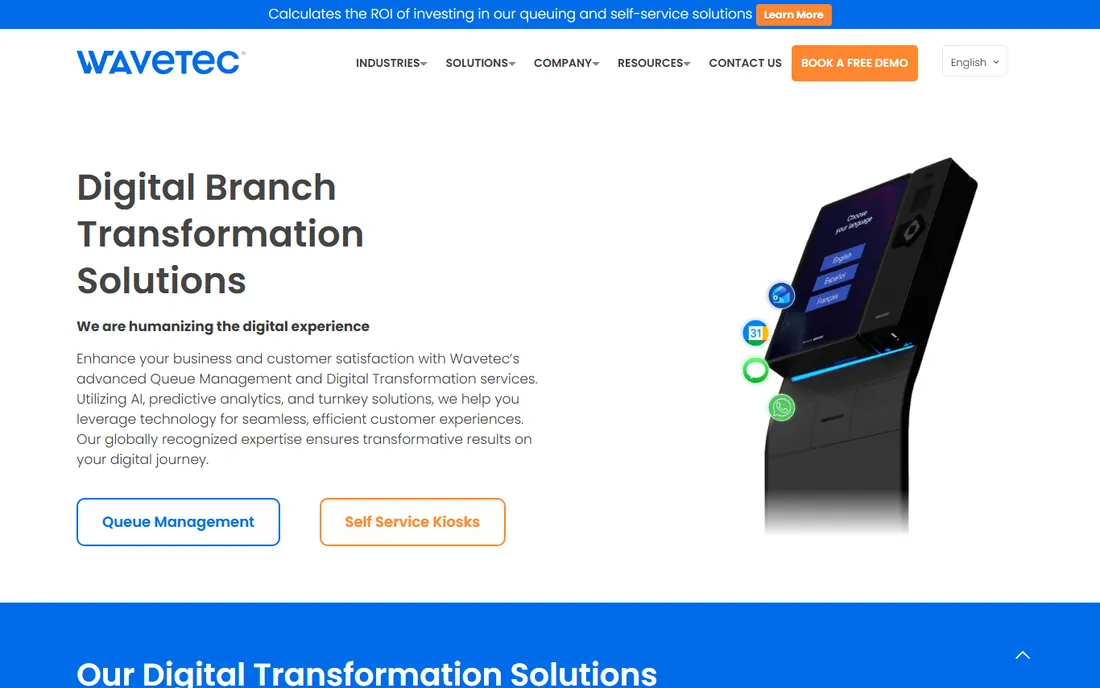
Wavetec is a digital transformation vendor that happens to do queue management exceptionally well. Beyond the software, it supplies self-service kiosks, ticketing hardware, and digital signage, which makes it a one-stop shop for a bank branch or government office modernization. The reference list is heavy on US banks, DMVs, and county offices, and the company claims more than two million people pass through its systems daily.
The hardware angle cuts both ways. If you need kiosks and signage anyway, bundling simplifies procurement. If you only need software, you are paying for capability you will not use. Pricing is quote-based. Choose Wavetec when the project includes physical branch transformation, not just a better waiting line.
What we like- Full stack including self-service kiosks and digital signage
- Strong banking and government references
- 2M+ people pass through its systems daily
Watch out for- Hardware-centric model means bigger upfront cost
- Quote-only pricing
- Less suited to pure software buyers
#6
Skiplino
Best for: Fast cloud deployment across banks, hospitals, and retail
Visit skiplino.com
Starting priceSee website
Free planFree trial
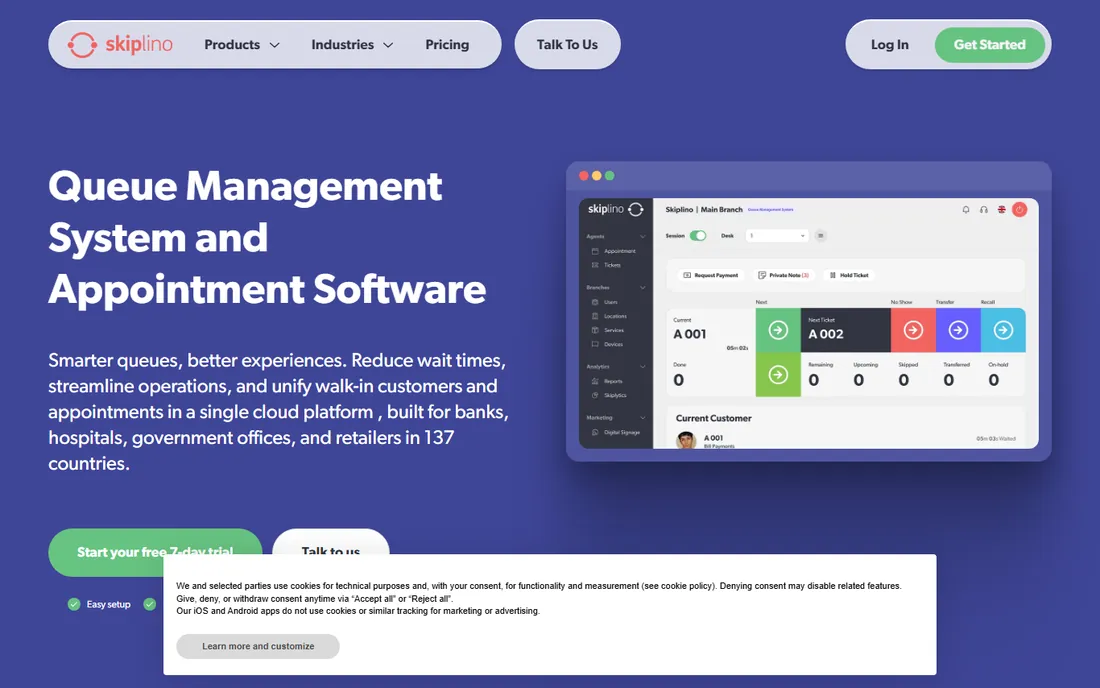
Skiplino is the speed option. The pitch is a cloud queue management platform that goes live in minutes, with customers joining on-site through kiosks, remotely through an app or booking link, or virtually through video appointments, all in one synchronized queue. SMS, WhatsApp, and push notifications keep customers informed, and the analytics surface bottlenecks and peak hours.
The 7-day free trial with no credit card makes evaluation painless, which is rare in this category. Pricing is not published, so the trial conversation leads to a quote. For a bank branch, clinic, or retailer that wants modern queuing without an IT project, Skiplino is the fastest path from signup to a working system.
What we like- Claims setup in under 10 minutes
- 7-day free trial with no credit card
- Covers queues, appointments, and video service in one platform
Watch out for- Pricing is not published
- Younger company with a smaller reference base
- Advanced enterprise governance is thinner than Qmatic
#7
JRNI
Best for: Retailers and banks designing appointment-led journeys
Visit jrni.com
Starting priceSee website
Free planNo
JRNI, formerly known as BookingBug, approaches the problem from the appointment side. The platform schedules appointments, manages walk-in queues, and even handles in-store events, giving retailers and banks one system for every way a customer arrives. Enterprise clients use it to connect digital booking with physical service, smoothing the handoff that usually breaks the customer experience.
The appointment-first design means JRNI shines where visits are planned: bank consultations, retail services, auto service bays. Pure walk-in environments like DMVs may fit QLess or Qminder better. Pricing is quote-based and the sales process is enterprise. For brands where the appointment is the product, JRNI is purpose-built.
What we like- Appointments, queuing, and events in one platform
- Strong enterprise retail and banking references
- SOC 2 and ISO 27001 certified
Watch out for- Quote-only pricing
- Appointment-first design is less ideal for pure walk-in chaos
- Implementation needs planning
#8
Tensator
Best for: Venues that need physical queue design and electronic systems
Visit tensator.com
Starting priceSee website
Free planNo
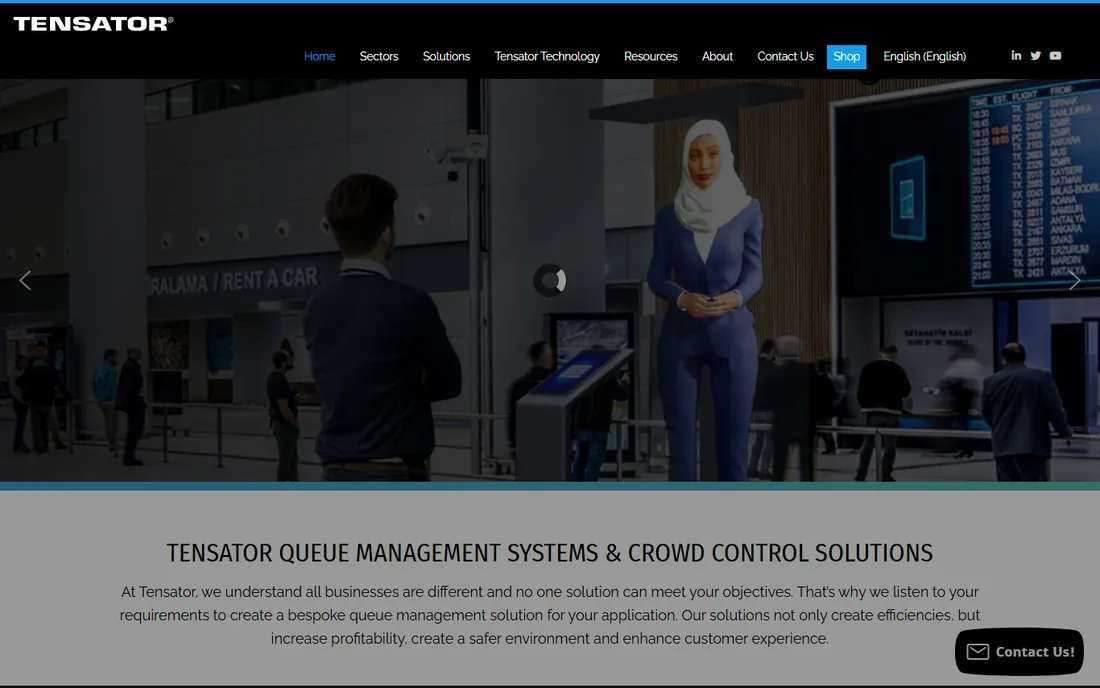
Tensator is the odd one out, and that is its strength. The company invented the Tensabarrier retractable queue barrier, and its electronic queue management systems come with genuine expertise in physical space design: queue layouts, merchandising in the line, and passenger flow for airports. For venues where the physical line itself is the problem, no pure software vendor thinks about the space this carefully.
The buying model is consultative and bespoke, which means no public pricing and a slower process. The software side is thinner than Qmatic or Qminder. Choose Tensator when your project involves designing the physical queue experience, airports, stadiums, and large retail checkouts, rather than just digitizing a waiting list.
What we like- Inventor of the retractable barrier, with deep physical queue expertise
- Electronic queue management alongside crowd control hardware
- Consultative bespoke approach
Watch out for- Consultative sales model is slow for simple needs
- Pricing is entirely custom
- Software depth trails the pure SaaS vendors
How we chose
We researched queue management vendors through their homepages, product documentation, and public reviews on G2 and Capterra. Every product listed exists today and fits queue management as of October 2026. We replaced Qudini with JRNI during research because Qudini's site now redirects to Verint's appointment and queuing pages after the acquisition. Prices come from vendor pricing pages only; this category is almost entirely quote-based, so we say "See website" throughout. We weighted virtual queuing, appointment handling, hardware options, multi-location management, analytics, and fit for small and mid-size buyers.
What to look for before you buy
Start with how customers arrive. Walk-in-heavy operations like clinics and DMVs need strong virtual queuing and SMS updates. Appointment-led businesses like banks and salons need scheduling with reminders and no-show reduction. Mixed operations need both in one system, which narrows the field to Qminder, Waitwhile, Skiplino, and JRNI.
Separate the software quote from the hardware quote. Kiosks, ticket printers, and digital signage are usually priced separately, and they change the total project cost more than the subscription does. Ask each vendor for a line-item estimate that includes hardware, installation, and ongoing support, not just the SaaS fee.
Test with your actual staff, not just the demo. Queue software lives or dies on the frontline: the receptionist calling the next ticket, the nurse managing the waiting room, the branch manager reading the morning report. Run a two-week pilot in one location with real staff before committing to a rollout. The vendors that resist pilots are telling you something about their confidence.
Kiosks, apps, or SMS: picking the right channel
Customers can join your queue three ways, and the right mix depends on your audience. Kiosks work where walk-ins dominate and phone adoption is uncertain: government offices, hospitals, and retail entrances. They cost money upfront and need maintenance, but they put the queue where the customer already is.
Phone-based joining through apps, web links, or SMS works best for younger, tech-comfortable audiences and for appointment reminders. SMS has the widest reach because it needs no app install, which is why QLess, Skiplino, and Qminder all lean on it. The trade-off is that customers need to know the queue exists before they arrive, so signage and staff prompts matter.
Most operations end up with a hybrid: a kiosk at the entrance for walk-ins, SMS updates for everyone in line, and web booking for appointments. Ask vendors how their channels share one queue rather than running parallel lists. A customer who books online and a walk-in who takes a ticket should land in the same fair order, and the staff screen should show both without switching systems.
Frequently asked questions
What is queue management software?
Queue management software organizes waiting customers digitally instead of physical lines. Customers take a virtual ticket, get updates by SMS or app, and staff call them when it is their turn. Most systems also handle appointment booking, kiosks, digital signage, and analytics on wait times and service performance.
How much does queue management software cost?
Almost every vendor prices by quote, based on locations, services, and hardware. Cloud software for a single location typically runs from tens to a few hundred dollars per month, while enterprise multi-site rollouts with kiosks reach five or six figures annually. Always get hardware quoted separately.
Do we need kiosks, or is phone-based queuing enough?
It depends on your customers. Kiosks suit walk-in-heavy venues where not everyone will use a phone flow. SMS and web-based joining suit appointment-led businesses and tech-comfortable audiences. Most sites run both: a kiosk at the entrance plus SMS updates for everyone waiting.
Can queue software handle both appointments and walk-ins?
The better platforms can. Qminder, Waitwhile, Skiplino, and JRNI run appointments and walk-ins in one unified queue with fair ordering. Older or simpler tools sometimes run them as separate lists, which creates exactly the fairness complaints the software is supposed to prevent. Confirm this in the demo.
How long does implementation take?
Cloud tools like Skiplino and Qminder can go live in days for a single location. Enterprise rollouts with Qmatic, Wavetec, or Waitwhile take weeks to months, especially with kiosk hardware and integrations. Ask for a reference customer with a similar location count and timeline.
Does queue management software integrate with our systems?
Most vendors offer APIs and common integrations with CRMs, calendars, and analytics tools. Deeper integrations with EHR systems in healthcare or core banking systems take custom work. List your must-have integrations before the first sales call and ask for them by name.
Sources we checked (8)
- https://qmatic.com/
- https://qminder.com/
- https://waitwhile.com/
- https://www.qless.com
- https://wavetec.com/
- https://skiplino.com/
- https://jrni.com/
- https://tensator.com/
Is your product missing or out of date?
We review this list regularly. Vendors can request a listing, send updated pricing or ask about featured placement.

Shihab Mia · Founder, Rankite
Shihab has spent more than a decade helping SaaS and e-commerce brands grow through search. He writes Rankite's software buying guides from pricing pages, documentation and public user reviews. More about Shihab.