How we make this list: we compare pricing pages, product documentation and public user reviews. Ratings come from G2, Capterra or Trustpilot, with the date we checked them.
Key takeaways
- Precoro is the strongest mid-market pick for budget control, with multi-currency support and integrations to QuickBooks, NetSuite, and Sage Intacct.
- Tradogram gives small teams the lowest entry price, with a free single-user tier, though guides disagree on its paid starting price, so confirm it on the pricing page.
- Ramp suits companies that also want corporate cards and accounts payable in the same platform, starting at $15 per user per month for procurement.
- Coupa and SAP-grade suites suit enterprises with global procurement, but expect a quote-based sales process and months of implementation.
Quick comparison
| Tool | Best for | Starting price | Free plan |
|---|
 Precoro Precoro | Budget control across locations | $499 per month | No |
 Procurify Procurify | Pre-spend budget control | See website | No |
 Tradogram Tradogram | Small teams on a budget | See website | Yes |
 ProcureDesk ProcureDesk | Finance-led AP accuracy | $830 per month | No |
 Ramp Ramp | Cards plus procurement plus AP | $15 per user per month | No |
 Spendwise Spendwise | Low-volume teams | $9 per user per month | No |
 Fraxion Fraxion | Procure-to-pay with analytics | $399 per month | No |
 Coupa Coupa | Enterprise total spend | See website | No |
Is your product missing or out of date?
We review this list regularly. Vendors can request a listing, send updated pricing or ask about featured placement.
The best purchase order management software
#1Precoro
Best for: Budget control across locations4.7/5 on
G2 (222 reviews, checked Oct 2026)
Visit precoro.com
Starting price$499 per month
Free planNo
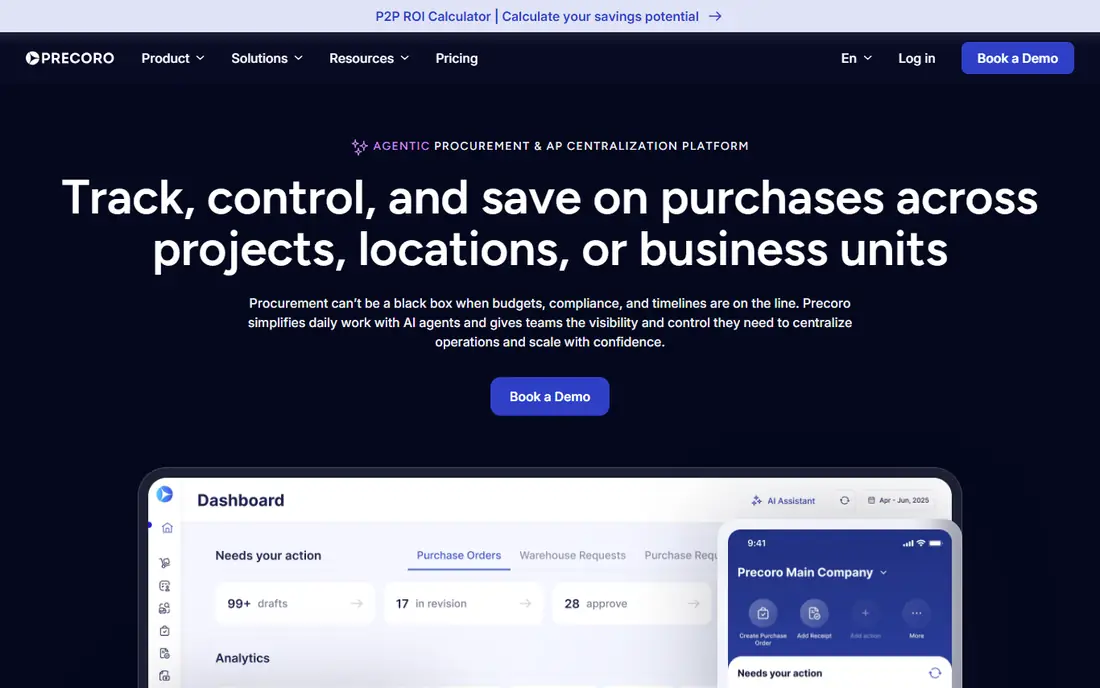
Precoro is built for growing companies that need genuine control over purchasing across departments, locations, and currencies. Its Core plan starts at $499 per month billed annually, with an Automation plan at $999, and it integrates with QuickBooks, NetSuite, Sage Intacct, and Xero. Approval workflows, catalog management, and vendor tracking come standard, so finance teams can see committed spend before invoices arrive.
Implementation typically takes 2 to 6 weeks, which is longer than self-serve tools but shorter than enterprise suites. The price rules it out for the smallest teams, but companies that have outgrown spreadsheets will find the budget controls pay for themselves quickly. Multi-entity and multi-currency support is a real advantage for companies buying across borders.
What we like- Multi-currency support
- Budgets by department and location
- Strong accounting integrations
Watch out for- Entry price is high for tiny teams
- Implementation takes 2 to 6 weeks
#2Procurify
Best for: Pre-spend budget control4.6/5 on
G2 (398 reviews, checked Oct 2026)
Visit procurify.com
Starting priceSee website
Free planNo
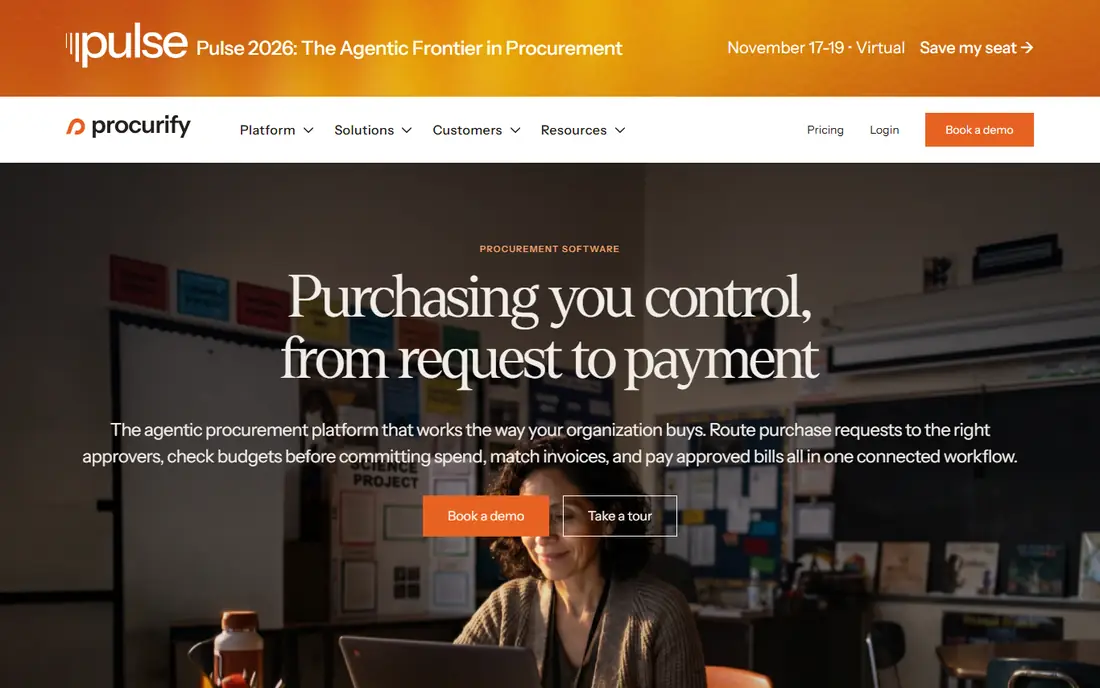
Procurify targets mid-market teams formalizing purchasing with pre-spend budget control, so a requester sees remaining budget before submitting a request rather than after the money is spent. Virtual cards integrated with the purchase order workflow let teams pay approved vendors without separate card processes, and mobile approvals keep managers moving. Guides estimate pricing around $1,000 per month, but Procurify does not publish a price page, so confirm it in a demo.
Implementation runs 4 to 8 weeks and is only partly self-serve, which is a bigger commitment than Tradogram or Spendwise. Teams that need NetSuite or QuickBooks integration get both, and the real-time budget view is the feature finance leaders cite most. If published pricing matters to you, get a written quote before shortlisting it.
What we like- Real-time budget visibility
- Virtual cards tied to POs
- Mobile approvals
Watch out for- Pricing not published
- Implementation takes 4 to 8 weeks
#3Tradogram
Best for: Small teams on a budget4.2/5 on
G2 (36 reviews, checked Oct 2026)
Visit tradogram.com
Starting priceSee website
Free planYes
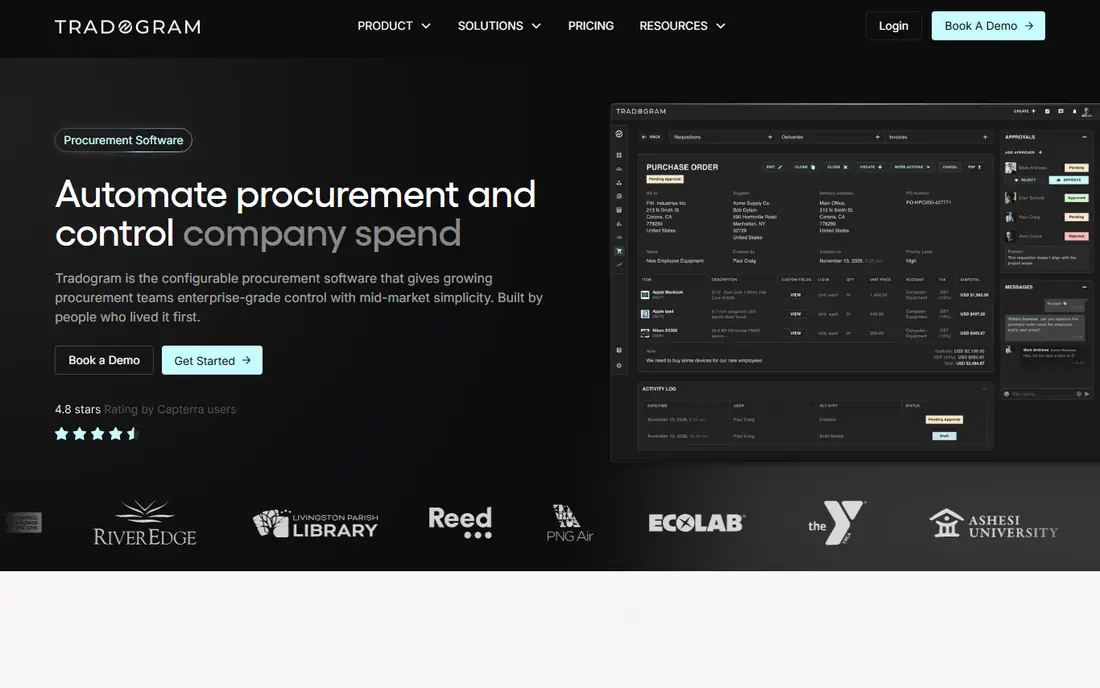
Tradogram is the lowest-cost route into proper purchase order software, with a free Basic tier for one user and self-serve setup that needs no implementation project. It covers purchase orders, sourcing, and vendor management, plus integrations to QuickBooks, NetSuite, Sage, and Xero, which is a generous package for the price.
One flag matters: guides disagree on paid pricing, with figures from $99 to $225 per user per month depending on the source and plan, so we list the price as See website and recommend checking the current pricing page. AP automation is also thinner than ProcureDesk or Ramp. For small teams that need POs and vendor control without enterprise pricing, Tradogram remains the best starting point.
What we like- Free single-user tier
- Sourcing and vendor management included
- Self-serve setup
Watch out for- Guides disagree on paid pricing
- Thinner AP automation than ProcureDesk
Starting price$830 per month
Free planNo
ProcureDesk connects procurement and accounts payable teams in one system, so purchase orders, receipts, invoices, and payments share one workflow. Its Startup plan lists at $830 per month, with Growth at $1,250, and implementation is done-for-you in 2 to 4 weeks. Integrations cover QuickBooks, NetSuite, Sage Intacct, Business Central, and Xero.
The strength here is invoice matching accuracy. Three-way matching between PO, receipt, and invoice catches price and quantity differences before payment, which is where finance teams lose the most time. Teams that only need simple PO creation may find ProcureDesk heavier than necessary, but finance-led teams with AP pain will value the depth.
What we like- Full procure-to-pay plus AP automation
- Done-for-you setup
- Broad ERP integrations
Watch out for- Startup plan is $830 per month
- AP focus may exceed simple PO needs
#5Ramp
Best for: Cards plus procurement plus AP4.8/5 on
G2 (2,540 reviews, checked Oct 2026)
Visit ramp.com
Starting price$15 per user per month
Free planNo
Ramp is best known for corporate cards, but its procurement module starts at $15 per user per month and covers requests, approvals, and purchase orders alongside cards and AP. That combination suits small businesses that want one vendor for spending controls rather than three separate tools, and ERP integration is notably fast.
The trade-off is depth. Procurement inside Ramp is less specialized than Precoro or Procurify, so companies with complex sourcing or multi-entity budgets may outgrow it. For businesses already using Ramp cards, adding procurement is an easy decision, and per-user pricing makes costs predictable as headcount changes.
What we like- Corporate cards, procurement, and AP in one platform
- Fast ERP integration
- Clear per-user pricing
Watch out for- Procurement is one module among several
- Best value needs the wider platform
Starting price$9 per user per month
Free planNo
Spendwise suits low-volume teams under about 50 users that want purchase orders and approvals without a large monthly platform fee. Its Basic plan lists at $9 per user per month, with Pro at $19, and setup is self-serve. Approval routing and spend visibility cover the essentials, and the price makes it an easy trial.
Integrations are limited compared with Precoro or ProcureDesk, and multi-location or high-volume teams will hit ceilings sooner. For a small team moving off spreadsheets, Spendwise is the cheapest credible step, but plan a migration path if purchasing volume grows quickly.
What we like- Lowest per-user price here
- Simple approval routing
- Quick setup
Watch out for- Limited integrations
- Less suited to high-volume or multi-location buying
#7Fraxion
Best for: Procure-to-pay with analytics4.3/5 on
G2 (65 reviews, checked Oct 2026)
Visit fraxion.com
Starting price$399 per month
Free planNo
Fraxion offers procure-to-pay with embedded spend analytics for mid-sized companies, with guides listing $399 per month for companies of 10 to 25 employees. Analytics sit inside the purchasing workflow rather than in a separate reporting tool, so managers can see category spend and supplier trends without exporting data.
Fraxion is a smaller vendor than Coupa or Procurify, so its integration catalog and community resources are thinner. Pricing also varies by company size, so confirm your tier in a quote. Mid-sized companies that want analytics without an enterprise platform should include Fraxion in trials.
What we like- Embedded spend analytics
- Procure-to-pay in one tool
- Mid-market fit
Watch out for- Smaller vendor profile
- Pricing varies by company size
#8Coupa
Best for: Enterprise total spend4.2/5 on
G2 (569 reviews, checked Oct 2026)
Visit coupa.com
Starting priceSee website
Free planNo
Coupa is the enterprise pick for organizations that want procurement, expenses, and AP in one total spend platform. Its adoption rates and analytics are widely cited, and it integrates with Oracle, SAP, and NetSuite. Large companies with global procurement needs and complex approval chains get the depth they require.
The cost is time and money. Pricing is custom quote only, with guides suggesting mid-to-large deployments from around $2,500 per month, and implementation typically runs 6 to 12 months. Small and mid-sized teams should not start here. Enterprises that need unified spend control across thousands of employees will find Coupa hard to replace.
What we like- Unified total spend management
- High adoption rates
- Deep analytics
Watch out for- Custom quote only
- Implementation takes 6 to 12 months
How we chose
We compared 2026 comparison guides and vendor pricing pages for each tool, checking starting prices, free tiers, implementation time, and ERP integrations. We favored tools with published pricing and a distinct buyer fit, and we flagged pricing conflicts rather than hiding them, since PO software prices change often and guides disagree. Where a vendor does not publish pricing, we listed See website. We did not claim hands-on testing.
What to check before you buy
Start from your approval pain, not from feature lists. If budget overruns are the problem, prioritize pre-spend budget visibility like Procurify or Precoro. If invoice errors are the problem, prioritize three-way matching like ProcureDesk. If you only need purchase orders and approvals, a simple tool like Spendwise or Tradogram will serve you for years at a fraction of enterprise cost.
Integrations and implementation
Confirm the accounting integration before signing, since a PO tool that cannot post to your ERP creates manual work. QuickBooks, NetSuite, Sage Intacct, and Xero cover most buyers, but the depth of each integration varies, so test the sync during a trial. Ask whether approvals sync both ways, whether attachments carry over to the bill, and whether multi-entity postings land in the right subsidiary without manual correction. Implementation time also matters: self-serve tools go live in days, while mid-market tools take weeks and enterprise suites take months, so match the project to your team's capacity.
Pricing traps
Watch for per-user versus flat pricing, since a $9 per user plan can exceed a $499 flat plan once headcount passes 55 users. Confirm whether approvals, budgets, and AP automation sit on the plan you are quoted or on a higher tier, and ask about implementation fees, which some vendors charge separately. A free tier is useful for trials, but a single-user free plan will not run a whole purchasing team.
Frequently asked questions
How much does purchase order software cost?
Small teams can start free with Tradogram or at $9 per user per month with Spendwise. Mid-market tools run $399 to $1,250 per month, while enterprise platforms like Coupa are custom quoted and typically start in the low thousands per month plus implementation fees.
Do I need purchase order software if I already use QuickBooks?
QuickBooks handles bills and expenses, but it lacks approval workflows, budget checks before spending, and vendor catalog controls. PO software adds those controls and then posts approved purchases to QuickBooks, so the two tools complement rather than replace each other.
What is three-way matching in purchase order software?
Three-way matching compares the purchase order, the goods receipt, and the supplier invoice before payment. If quantities or prices differ, the system flags the mismatch instead of paying, which catches overbilling and short shipments early.
How long does it take to implement purchase order software?
Self-serve tools like Tradogram and Spendwise go live in days. Mid-market tools like Precoro and Procurify typically take 2 to 8 weeks including approval setup and ERP integration. Enterprise platforms like Coupa commonly take 6 to 12 months.
Can purchase order software handle multiple locations and currencies?
Yes, but mainly on mid-market and enterprise plans. Precoro supports multi-currency and multi-location budgets, while smaller tools may limit locations or currencies on entry plans, so confirm your structure is supported before buying.
Sources we checked (10)
- https://precoro.com
- https://www.procurify.com
- https://www.tradogram.com
- https://www.procuredesk.com
- https://ramp.com
- https://www.spendwise.com
- https://fraxion.com
- https://www.coupa.com
- https://www.procuredesk.com/purchase-order-software/
- https://rankite.com/blog/best-purchasing-software-for-small-businesses
Is your product missing or out of date?
We review this list regularly. Vendors can request a listing, send updated pricing or ask about featured placement.

Shihab Mia · Founder, Rankite
Shihab has 5+ years in B2B and SaaS SEO. He writes Rankite's software buying guides from pricing pages, documentation and public user reviews. More about Shihab.