How we make this list: we compare pricing pages, product documentation and public user reviews. Ratings come from G2, Capterra or Trustpilot, with the date we checked them.
Key takeaways
- Fieldwire is the field first pick: drop a pin on the plan, attach a photo, assign it to the sub, and close it with an after photo. Free Basic covers 5 users, and Pro is $39 per user per month billed annually.
- Procore is the full platform answer for larger GCs, with punch list inside complete project management, priced by quote on company volume.
- Autodesk Build is where PlanGrid went: plan based issue and punch workflows inside Autodesk's construction cloud, also quote priced.
- Bluebeam suits document heavy teams whose punch process runs through PDF markup and Studio sessions.
- CompanyCam is the photo layer: not a full punch system, but the time and location stamped photo record that settles arguments about whether an item was done.
Quick comparison
| Tool | Best for | Starting price | Free plan |
|---|
 Fieldwire Fieldwire | Field teams running punch on plans | $39 per user per month | Yes |
 Procore Procore | GCs wanting punch inside a full platform | See website | No |
 Autodesk Build Autodesk Build | Plan centric teams in the Autodesk world | See website | No |
 Bluebeam Bluebeam | PDF markup driven punch workflows | See website | No |
 Buildertrend Buildertrend | Residential builders and remodelers | See website | No |
 CompanyCam CompanyCam | Photo documentation tied to every item | See website | No |
 Raken Raken | Daily reports that feed punch and closeout | See website | No |
 SafetyCulture SafetyCulture | Inspections and defect lists on any site | Free | Yes |
Is your product missing or out of date?
We review this list regularly. Vendors can request a listing, send updated pricing or ask about featured placement.
The best punch list apps
#1Fieldwire
Best for: Field teams running punch on plans4.5/5 on
G2 (586 reviews, checked Oct 2026)
Visit fieldwire.com
Starting price$39 per user per month
Free planYes
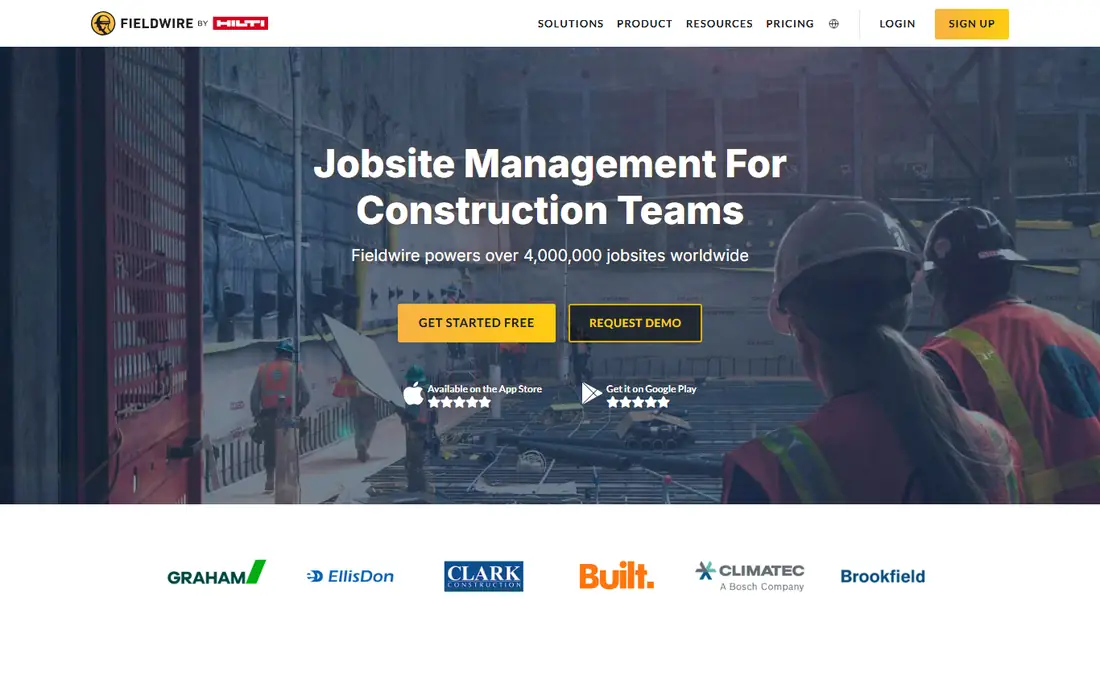
Fieldwire, now owned by Hilti, is the app superintendents describe when you describe a punch list app. Walk the job with the plan open, tap the spot, photograph the defect, write what done looks like, and assign it to the person who owns it. The sub closes it with an after photo, and the thread is the record. Its free tier is genuinely usable, which is why so many crews start here.
The trade off is scope. Fieldwire runs the field, not the business; the money lives elsewhere. Fieldwire fits GCs, supers, and subs whose punch process needs to leave group texts and legal pads behind, at a published per seat price they can check without a sales call.
What we like- Punch items pinned directly on the plan sheet, with photos, assignees, due dates, and status
- Free Basic tier covers up to 5 users, 3 projects, and 100 sheets, enough to run a small job
- Pro at $39 per user per month billed annually adds reports, exports, and sheet compare
- Works offline on site, and crews adopt it in days
Watch out for- Every invited user is a paid seat on paid plans, which adds up across many subs
- No budgets, job costing, or billing, so it pairs with office software
- RFIs, submittals, and budget tools sit on the higher Business Plus tier
#2Procore
Best for: GCs wanting punch inside a full platform4.6/5 on
G2 (4,357 reviews, checked Oct 2026)
Visit procore.com
Starting priceSee website
Free planNo

Procore is the enterprise answer. Its punch list tool does everything the category requires, pin on drawing, photo, assignee, due date, ball in court tracking, and it inherits the weight of the whole platform around it: the same item connects to the submittal, the inspection, and the contract. For formal closeout on large jobs, that connected record is what owners and lenders want to see.
The trade off is cost and commitment. Nobody buys Procore for punch lists; they buy the platform and the punch list comes with it. Procore fits mid size to large GCs standardising their whole operation, where closeout discipline across dozens of jobs is the requirement.
What we like- Punch list sits inside complete construction management: RFIs, submittals, drawings, quality and safety, and financials
- Items link to locations, drawings, and responsible parties, with a full audit trail
- Owners and architects can be brought into the same closeout record
- The platform most large US GCs already run
Watch out for- Pricing is a quote based on company construction volume, with estimates running from thousands to tens of thousands a year
- Implementation is a project, not an afternoon
- Far more platform than a punch list alone justifies
Starting priceSee website
Free planNo
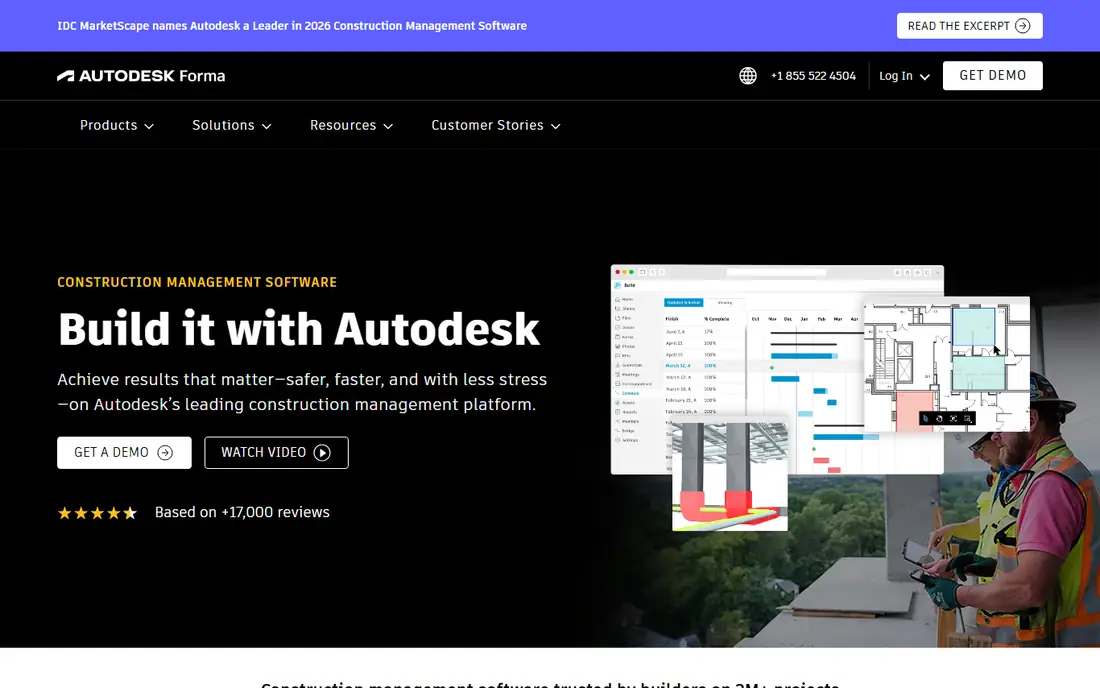
Autodesk folded PlanGrid, once the field's favourite drawing app, into Autodesk Build, and the punch workflow came along: mark an issue on the current sheet, assign it, and track it to closure inside the same cloud that holds the project's documents and models. Teams deep in the Autodesk ecosystem get one connected record from design to closeout.
The trade off is the platform tax: more system than a punch list needs, and pricing by conversation and bundle. Autodesk Build fits firms already standardised on Autodesk whose closeout needs to live beside their design data.
What we like- The successor to PlanGrid, with sheet based issue tracking and punch workflows
- Drawings auto version so the field never works from a stale sheet
- Issues, RFIs, and meetings connect in Autodesk Construction Cloud
- Strong fit where design models and documents already live with Autodesk
Watch out for- Quote and bundle based pricing, with sheet limits in some packages
- The PlanGrid to Build transition added platform complexity some field teams resent
- Overkill for a small contractor who just needs a list
#4Bluebeam
Best for: PDF markup driven punch workflows4.6/5 on
G2 (494 reviews, checked Oct 2026)
Visit bluebeam.com
Starting priceSee website
Free planNo
Bluebeam is where the drawings already are for many firms, and a punch walk conducted as a structured markup session, defects pinned and commented on the PDF, shared through Studio, produces a defensible closeout record without a new platform. Estimators and engineers who live in Revu all day find this route natural.
The trade off is field feel. Revu is a desktop grade tool; the phone in a dusty corridor is not its favourite place. Bluebeam fits document heavy teams and design led firms whose punch process grows out of markup discipline rather than a task app.
What we like- The construction industry's PDF standard: markup, measurement, and document control in Revu
- Studio Sessions let several people mark up the same drawing live
- Punch and back check walks can run on marked up PDFs with a clear record
- Tiered plans let firms match features to roles
Watch out for- Pricing varies by tier and has shifted to subscriptions users find steep
- The mobile experience trails the desktop, and field crews feel it
- A document tool first, so task assignment and tracking are lighter than Fieldwire's
#5Buildertrend
Best for: Residential builders and remodelers4.3/5 on
G2 (229 reviews, checked Oct 2026)
Visit buildertrend.com
Starting priceSee website
Free planNo
Buildertrend runs the home builder's whole job, and its punch list benefits from the address it lives at: the same system the client used for selections and schedule updates now shows them the snag list and its closure, which turns the most emotional part of a home build into a tracked, visible process. Warranty items after closing flow into the same list.
The trade off is buying the platform to get the list. Buildertrend fits residential builders and remodelers who want client facing closeout and warranty handling inside their business system, and whose clients expect a portal, not a spreadsheet.
What we like- Punch and warranty lists inside a full residential business platform: scheduling, selections, client communication, and financials
- Homeowners see their list and its progress through a client portal
- To dos and warranty tracking continue after move in, where residential punch really lives
- Built for home builders rather than adapted from commercial tools
Watch out for- Pricing is quote led in recent years, with third party estimates around $399 per month
- Commercial contractors will find its workflows residential shaped
- More platform than a trade contractor needs for lists alone
Starting priceSee website
Free planNo
CompanyCam is the evidence engine. Punch arguments are usually photo arguments: was that wall already damaged, did that item get fixed before the ceiling closed. CompanyCam makes the answer a searchable, stamped record that a crew builds just by taking pictures inside the app, sorted to the right job by GPS.
The trade off is that evidence is not management. You will still track assignments and closure in Fieldwire, Procore, or a list. CompanyCam fits contractors of every size whose closeout fights are really documentation fights, and it pairs with whichever punch app you choose.
What we like- Every photo is stamped with time, date, and location, and organised by project automatically
- Crews document conditions before, during, and after work without filing anything
- Photos attach to checklists and reports that support punch closure
- The fastest habit for a field crew to adopt in this whole guide
Watch out for- It is a documentation layer, not a complete punch list system with assignments and statuses
- Current pricing was not stated in our sources, so check the site
- Dispute proof still depends on crews actually taking the photos
#7Raken
Best for: Daily reports that feed punch and closeout4.6/5 on
G2 (110 reviews, checked Oct 2026)
Visit rakenapp.com
Starting priceSee website
Free planNo
Raken starts where punch lists are born: the daily walk. Its superintendent friendly daily reports capture deficiencies with photos as they are found, long before the formal punch walk, so the official list at closeout is shorter and older items are already closed. For GCs whose closeout pain is a mountain discovered in the final week, that early capture is the fix.
The trade off is depth at the list itself. Raken feeds and tracks; a complex multi party closeout may still want Fieldwire or Procore at the centre. Raken fits GCs and subs who will actually complete a daily report every day, and who want the punch list to grow from the job's own diary.
What we like- Daily reporting is its core: super daily logs, photos, and observations from the field in minutes
- Observations and deficiencies noted in dailies carry toward punch and closeout
- A field friendly app crews complete without training sessions
- Production and time tracking sit beside the reports
Watch out for- Punch is a supporting feature beside reporting, not the deepest list tool here
- Pricing is quote led
- Office side project management is lighter than the big platforms
Starting priceFree
Free planYes
SafetyCulture, the company behind the iAuditor inspection app, treats a punch list as what it structurally is: a list of inspection findings with owners and deadlines. Its checklists, photo evidence, and action tracking cover defect walks well, and organisations that already run safety inspections on it get punch capability in a tool crews know.
The trade off is plan blindness. Nothing pins to a drawing, so location lives in text and photos. SafetyCulture fits multi trade and facilities teams, safety led organisations, and anyone whose punch need is really an inspection and actions workflow across many sites.
What we like- Inspection checklists that turn findings into assigned actions with photos and due dates
- A free tier makes it easy to start a defect list habit
- Templates for site walks, safety, and quality inspections across industries
- Analytics show repeat defects and overdue actions across sites
Watch out for- A general inspection platform, so drawings and plan pinning are not its language
- Construction specific workflows are templates, not a native model
- Advanced features and scale sit on paid plans
How we chose
We compared the tools construction teams use for punch and closeout in 2026, and checked pricing against vendor pages and dated comparisons. Published prices are printed, Fieldwire's tiers in particular, and quote only platforms are marked See website, including Procore, whose pricing follows company volume rather than seats. We weighted the field experience, how fast a crew can capture an item with a photo and a pin, because punch lists die of friction long before they die of missing features. We did not work on a jobsite with these apps or claim hands on testing.
How to run a punch list that actually closes
The app matters less than the discipline, and the discipline is simple. Capture items where they stand: a pin or a room name, one photo, and one sentence that says what wrong is and what done looks like. Assign every item to one named person, never to a company or a crew, and give it a date. The vague item, fix paint in unit 204, will still be open at the walkthrough; the specific one, repaint the scuffed wall section left of the entry door in unit 204, gets closed.
Close with proof. Require an after photo from the same angle before an item leaves the list, and have the person who wrote the item, or their deputy, verify it rather than the person who fixed it. Work the list in short daily passes during closeout instead of one heroic weekend, and pull the open items report before every client or architect walk so the meeting is about progress, not surprises. Finally, feed the list backwards: the defects that recur across jobs, the same detail failing in every unit, are a training and procurement problem the list has just documented for you.
Frequently asked questions
What is the best free punch list app?
Fieldwire's Basic plan: up to 5 users, 3 projects, and 100 sheets, with plan viewing, tasks, checklists, and photos, which is enough to run punch on a small job at no cost. SafetyCulture's free tier covers inspection style defect lists. When the job outgrows 100 sheets or the crew outgrows 5 seats, Fieldwire Pro at $39 per user per month is the natural step.
How much does punch list software cost?
From free to enterprise quotes. Fieldwire publishes the clearest ladder: free Basic, then $39, $64, and $89 per user per month billed annually as features grow. Bluebeam sells tiered subscriptions per user. Procore and Autodesk Build price by quote, Procore against your construction volume, so a large GC pays platform money in the thousands to tens of thousands per year. Count invited subs as seats when you compare.
Can subcontractors see and close their own items?
Yes, that is the point of the modern tools. In Fieldwire, Procore, and Autodesk Build, you assign an item to a sub's user, they see only their work, attach the after photo, and mark it ready for review; you verify and close it. The cost question is seats: some platforms charge for every invited user, so confirm whether external collaborators are free viewers or paid seats before you invite forty subcontractors.
What should a good punch list item include?
Five things: where it is, pinned on a plan or named by room and unit; what is wrong, in one plain sentence; a photo of the defect; who owns it, one named person; and when it is due. Add a sixth at closure: the after photo and the verifier's sign off. Items missing the photo or the owner are the ones still open at handover.
Is a spreadsheet or group text enough for punch lists?
For a two room remodel with one crew, honestly, yes. The apps earn their money when the list passes a few dozen items, several trades, or a client or architect who needs a formal record: that is where texts lose items, photos detach from locations, and nobody can prove what was closed when. The trigger to adopt is the first job where a missed item costs you a return trip or a withheld payment.
Sources we checked (0)
Is your product missing or out of date?
We review this list regularly. Vendors can request a listing, send updated pricing or ask about featured placement.

Shihab Mia · Founder, Rankite
Shihab has 5+ years in B2B and SaaS SEO. He writes Rankite's software buying guides from pricing pages, documentation and public user reviews. More about Shihab.