How we make this list: we compare pricing pages, product documentation and public user reviews. Ratings come from G2, Capterra or Trustpilot, with the date we checked them.
Key takeaways
- The industry platform: Procore (custom pricing) remains the default for commercial GCs running complex, multi-trade projects.
- Residential builder favorite: Buildertrend (custom pricing) pairs estimating with scheduling, budgeting and client communication in one place.
- Cheapest verified entry: Contractor Foreman ($49/month) and Fieldwire's free Basic plan for teams under 5 users.
- Sweet spot for SMB estimating and job costing: JobTread ($199/month), Buildxact ($199/month) and Knowify ($99/month billed annually), all with published flat pricing.
Quick comparison
| Tool | Best for | Starting price | Free plan |
|---|
 Procore Procore | Commercial general contractors and owners running complex, multi-trade projects | See website (custom, volume-based pricing) | No (free product demos) |
 Buildertrend Buildertrend | Residential builders and remodelers wanting scheduling, financials and client communication in one | See website (demo and quote) | No (video demos and consultations) |
 JobTread JobTread | Small to mid-size contractors who want every feature for one flat price | $199/month (first user, monthly billing; $159 billed annually) | No (30-day money-back guarantee on monthly plans) |
 Contractor Foreman Contractor Foreman | Small contractors who need the most features for the least money | $49/month | No (free demo; 100-day money-back guarantee) |
 Fieldwire Fieldwire | Field teams that live on drawings, tasks and punch lists | $39/user/month (Pro, billed annually; $54 billed monthly) | Yes (Basic: 5 users, 3 projects, 100 sheets, free forever) |
 Houzz Pro Houzz Pro | Remodelers and design-build firms who want software plus homeowner leads | $99/month (Design plan, 1 user) | Yes (free plan with 3D floor planner, estimates and invoicing) |
 Buildxact Buildxact | Residential builders and remodelers who live in estimating and takeoffs | $199/month (Foundation plan) | Yes (free Go plan on the US pricing page) |
 Knowify Knowify | Trade contractors (electrical, HVAC, plumbing) needing project and service work in one system | $99/month (Core plan, billed annually; $149 monthly) | No (14-day free trial) |
 Autodesk Forma Build Autodesk Forma Build | Contractors already in the Autodesk ecosystem who want one design-to-build platform | See website (quote-based; Essentials tier aimed at smaller firms) | No |
Is your product missing or out of date?
We review this list regularly. Vendors can request a listing, send updated pricing or ask about featured placement.
The best project management software for contractors
Ask ten contractors how they run their jobs and you will hear ten different systems: spreadsheets, text messages, paper daily logs, and a scheduling board nobody updates. The best project management software for contractors replaces that chaos with one record of truth: schedules crews can see on a phone, budgets tied to actual costs, documents everyone can find, and clients who stop calling for updates. These nine tools earn their place on this list, with pricing taken from each vendor's own pages.
How we chose
We started with the category contractors search: best project management software for contractors. For every candidate we opened the vendor's own site and pricing page, then cross-checked features, plans and pricing against public reviews on G2, Capterra and Software Advice, plus contractor discussion on Reddit. We compared platform scope (estimating, scheduling, job costing, client portals, field tools), pricing model and company-size fit. Where the vendor publishes no price, we wrote "See website" rather than guessing.
#1
Procore
Best for: Commercial general contractors and owners running complex, multi-trade projects
Visit procore.com
Starting priceSee website (custom, volume-based pricing)
Free planNo (free product demos)

Procore is the platform the industry measures itself against. It covers the whole lifecycle from preconstruction through closeout: drawings, RFIs, submittals, daily logs, punch lists, budgets, change orders, and integrations with standard accounting systems. The unlimited-user model is a genuine advantage: once you pay for the platform, every stakeholder from the trailer to the office can use it without per-seat math.
The tradeoff is cost and commitment. Procore prices by your annual construction volume and does not publish numbers, so small residential contractors get priced out quickly. Its own site recommends it for teams migrating off residential point solutions to run larger commercial work. If you run multi-million-dollar commercial jobs, this is the safe enterprise choice. If you build kitchens and additions, start further down this list.
What we like- The broadest construction platform: project, financials, quality, safety and field tools in one
- 3M+ projects run on it across 150+ countries
- Unlimited users instead of per-seat licenses
Watch out for- Pricing is quote-based and sized for serious construction volume, well above SMB budgets
- Implementation is a real project with training and onboarding time
#2
Buildertrend
Best for: Residential builders and remodelers wanting scheduling, financials and client communication in one
Visit buildertrend.com
Starting priceSee website (demo and quote)
Free planNo (video demos and consultations)
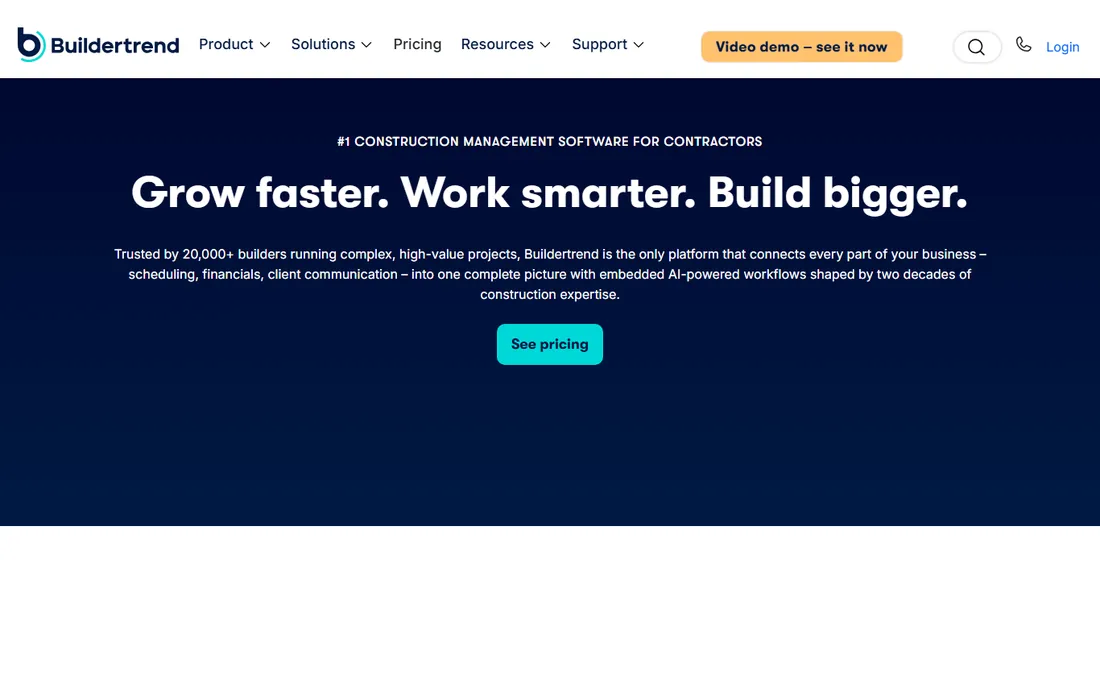
Buildertrend is the residential counterpart to Procore's commercial focus. Scheduling, budgeting, change orders, selections, warranty management and a client portal live in one system, and the vendor's own data shows 86 percent of its customers connect estimates directly to job costing, where most builders still estimate in spreadsheets. The structured onboarding (two weeks of setup, ten weeks of guided rollout) is a real differentiator for teams that have never used construction software.
The pricing model is demo-and-quote, and reviewers consistently note that costs rise with modules and users. Buildertrend is also absorbing CoConstruct, so migration paths exist for that user base. If you run a residential building or remodeling company and want one platform for the office and the field, this is the market leader. Price it against JobTread and Buildxact before signing.
What we like- Purpose-built for home builders with estimating tied directly to job costing
- 20,000+ builders on the platform with guided 12-week onboarding
- AI features for submittals, bill capture and client updates
Watch out for- No published pricing, so you cannot budget without a sales conversation
- Focused on residential workflows, less suited to heavy civil or industrial work
#3
JobTread
Best for: Small to mid-size contractors who want every feature for one flat price
Visit jobtread.com
Starting price$199/month (first user, monthly billing; $159 billed annually)
Free planNo (30-day money-back guarantee on monthly plans)
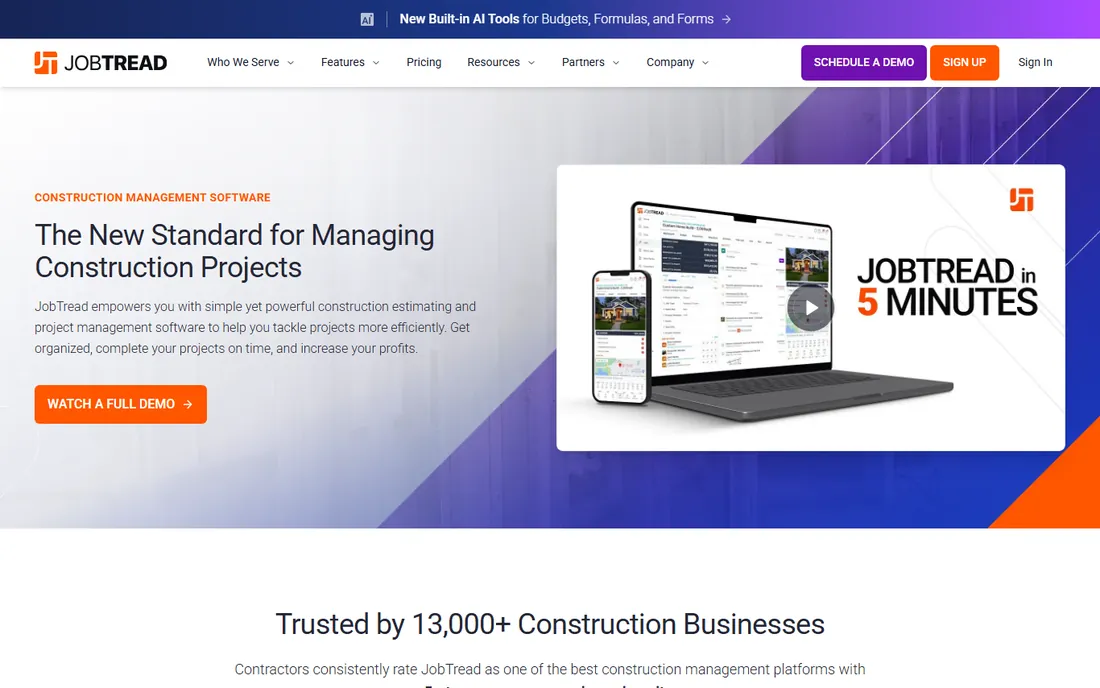
JobTread's pitch is radical simplicity in pricing: one price, everything included, unlimited jobs and files. The monthly plan is $199 per month for the first internal user with no annual commitment, or $159 per month on annual billing; extra internal users are $20/month each. Subcontractors, vendors and customers get free unlimited portal access, which competitors often charge for.
The platform itself is strong on sales and estimating through job finances: professional proposals, on-screen takeoff, budgeting, change orders, purchase orders and WIP reporting. Contractor reviewers on G2 and Capterra rate its ease of use and support highly, and its 2026 Inc. 5000 listing shows momentum. If you want predictable pricing without per-module surprises, JobTread is the cleanest deal here.
What we like- All features included at every price: unlimited jobs, estimating, budgeting, scheduling, portals
- Honest monthly billing with no annual contract required
- Field crew can be added free if they only need photos, notes and schedules
Watch out for- No free tier and the entry price climbs fast with office users ($20/month each)
- Estimating and budgeting strength, but no service dispatch for trades doing repair work
Starting price$49/month
Free planNo (free demo; 100-day money-back guarantee)
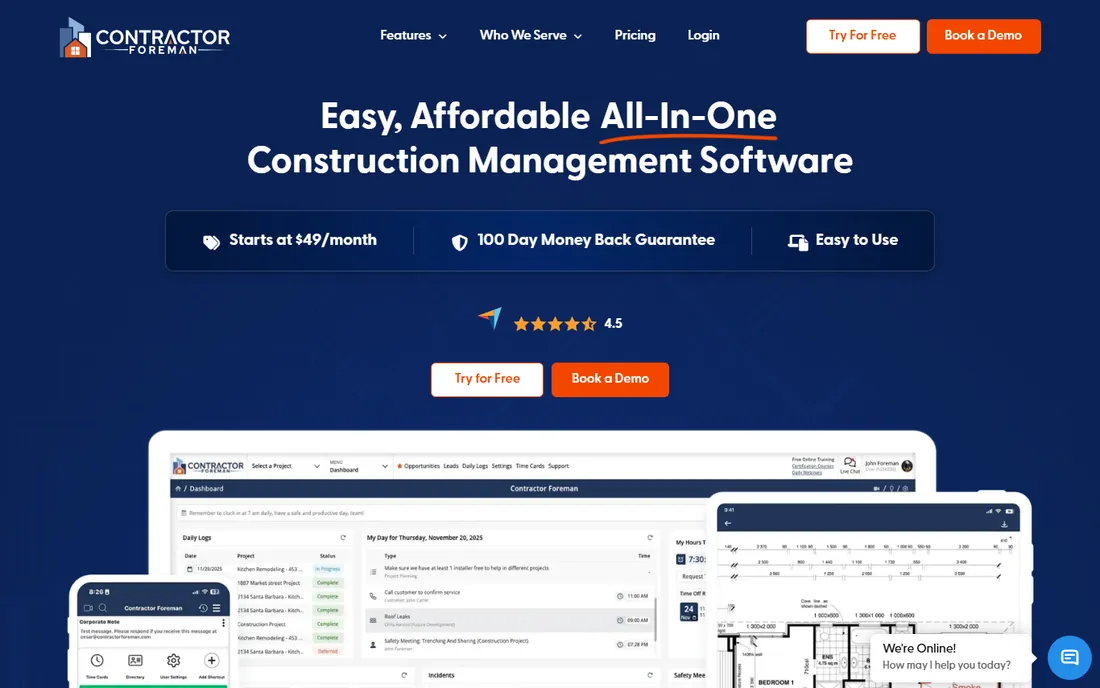
Contractor Foreman is the value champion. For $49 per month you get an all-in-one platform covering project scheduling, job costing, daily logs, estimates, invoices, time tracking and document management. The company says it was created by contractors for contractors, and the feature breadth at this price is genuinely hard to beat.
Reviews consistently praise the ease of use and the support team, with 13-second average chat wait times advertised on the site. The honest caveat: depth in any single area, like estimating or accounting sync, trails the specialists. If your budget ceiling is fifty dollars a month, nothing else on this list delivers this much software. The 100-day money-back guarantee removes the risk from trying it.
What we like- The cheapest full all-in-one on this list at $49/month
- Covers scheduling, job costing, documents, time tracking, estimates and client communication
- 50+ integrations including QuickBooks, Xero, CompanyCam and Zapier
Watch out for- The interface shows its budget origins and can feel busy with everything enabled
- No free tier, and scaling to larger teams is less polished than JobTread or Buildertrend
#5
Fieldwire
Best for: Field teams that live on drawings, tasks and punch lists
Visit fieldwire.com
Starting price$39/user/month (Pro, billed annually; $54 billed monthly)
Free planYes (Basic: 5 users, 3 projects, 100 sheets, free forever)
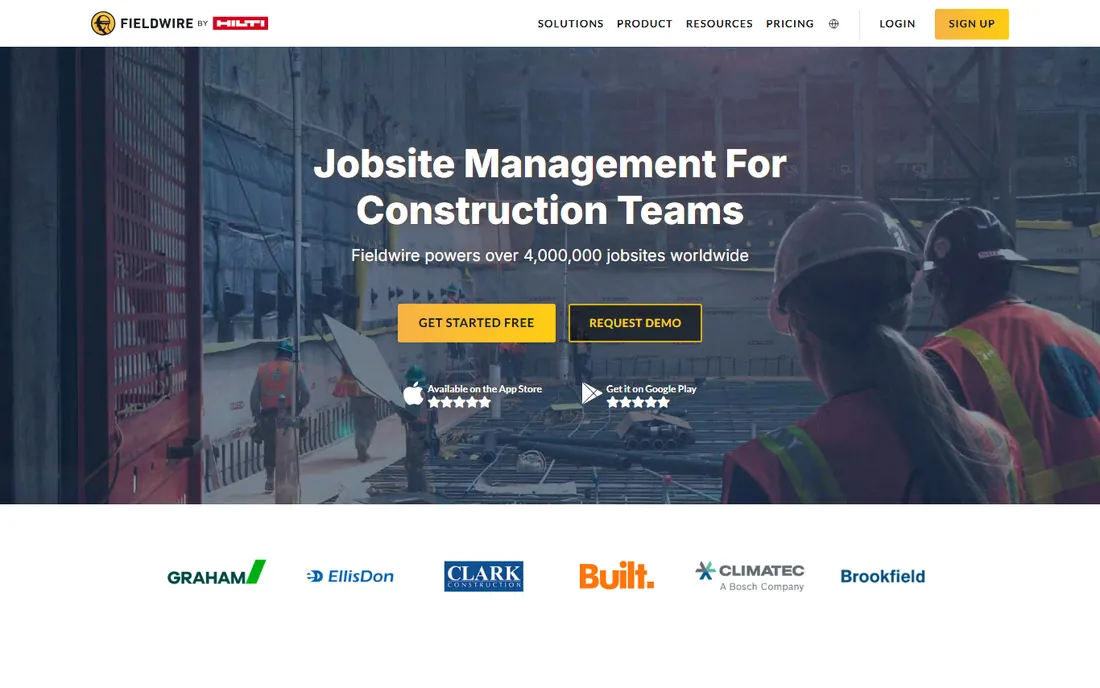
Fieldwire is the field-first tool here. Crews view the latest drawings on phones and tablets, manage tasks and punch lists with photos, and keep RFIs and daily reports flowing even offline. It is the one tool on this list your foremen will actually open every morning. The free Basic plan (5 users, 3 projects, 100 sheets) is enough to run a real job, and Pro at $39 per user per month billed annually adds reports, exports and unlimited projects.
Business ($64) and Business Plus ($89) add custom forms, integrations and the BIM viewer. The honest limit is scope: Fieldwire does not do estimating, invoicing or payroll, so office teams usually pair it with accounting software. For coordination-first contractors, especially specialty trades, the free tier makes this an easy first step into digital job management.
What we like- A genuinely useful free tier for small teams to pilot real jobs
- Fast mobile plan viewing with versioning and offline access
- Now part of Hilti with transparent per-user pricing
Watch out for- Per-user pricing makes it expensive as teams grow
- Estimating and accounting are not its job, so it pairs with rather than replaces an office system
#6
Houzz Pro
Best for: Remodelers and design-build firms who want software plus homeowner leads
Visit houzz.com
Starting price$99/month (Design plan, 1 user)
Free planYes (free plan with 3D floor planner, estimates and invoicing)
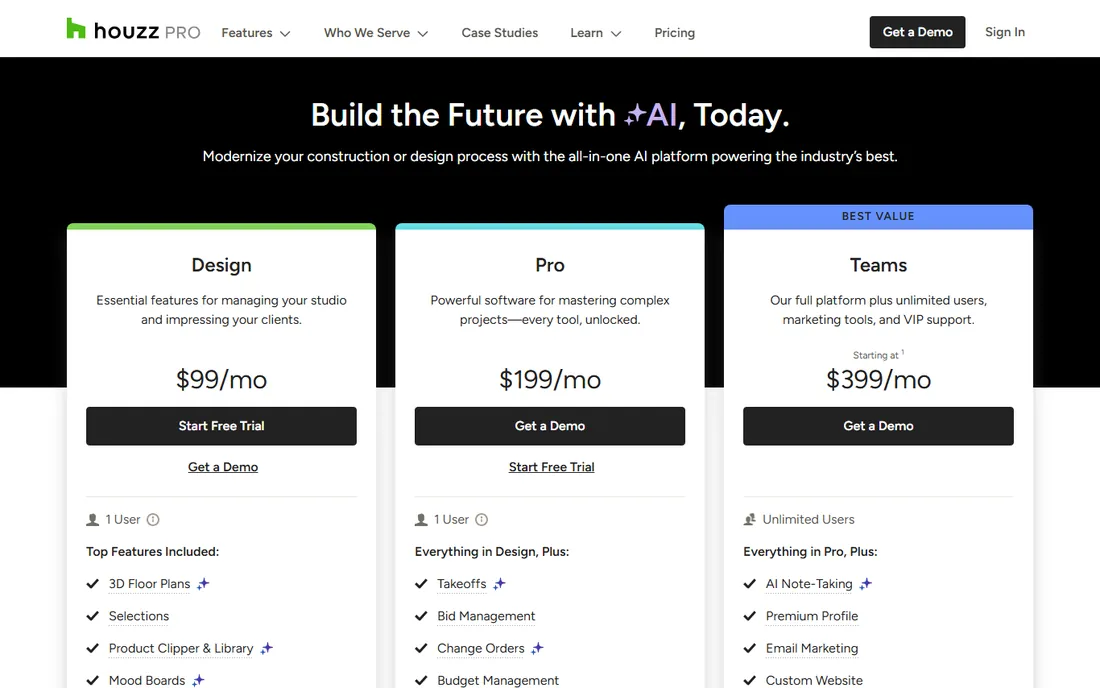
Houzz Pro is software with a lead engine attached. The Design plan at $99 per month covers 3D floor plans, CRM, estimates and proposals, invoices and online payments. The Pro plan at $199 adds the construction feature set: takeoffs, bid management, change orders, budget management, contracts, project schedules and daily logs. Teams starts at $399 with unlimited users plus marketing tools like email marketing and a custom website.
The differentiator is the marketplace. Homeowners on Houzz search for pros, and the Premium Profile and advertising package put you in front of them. The catch is cost layering: extra users are $50/month each, and the advertising package starts at $499 per month separate from the software. If lead generation matters as much as project management, Houzz Pro is a compelling package. If you already have a full pipeline, compare the software-only value.
What we like- The only tool here that bundles project management with the Houzz homeowner marketplace
- Published pricing with a free plan to start
- 3D floor plans, takeoffs and selections built in
Watch out for- Full construction features (takeoffs, schedules, change orders) sit behind the $199/month Pro plan
- The advertising package starts at $499/month and is sold separately, which surprises some buyers
#7
Buildxact
Best for: Residential builders and remodelers who live in estimating and takeoffs
Visit buildxact.com
Starting price$199/month (Foundation plan)
Free planYes (free Go plan on the US pricing page)
Buildxact is the estimating specialist that grew into job management. Its AI-powered takeoffs, live material dealer pricing and professional quote builder help residential builders bid faster and more accurately, and the same estimate becomes the job-costing baseline once work starts. Estimated, committed and actual costs are tracked separately, giving a clearer view of exposure than actual-cost-only reporting.
The pricing ladder is published and flat: Foundation at $199/month for estimating, Pro at $399 adding job management and scheduling, Master at $599 with the full AI toolkit and user controls. All plans include unlimited users, which matters for larger crews. If winning bids is your bottleneck, Buildxact pays for itself fastest. If field coordination is the gap instead, Fieldwire fits better.
What we like- Best-in-class digital takeoff and estimating for residential work with live dealer pricing
- Estimate flows straight into job management, scheduling and invoicing
- Unlimited users on all plans
Watch out for- Foundation at $199 covers estimating only
- Job management starts at Pro ($399) and full teams pay Master ($599)
- Commercial GCs will find the scope too residential
#8
Knowify
Best for: Trade contractors (electrical, HVAC, plumbing) needing project and service work in one system
Visit knowify.com
Starting price$99/month (Core plan, billed annually; $149 monthly)
Free planNo (14-day free trial)
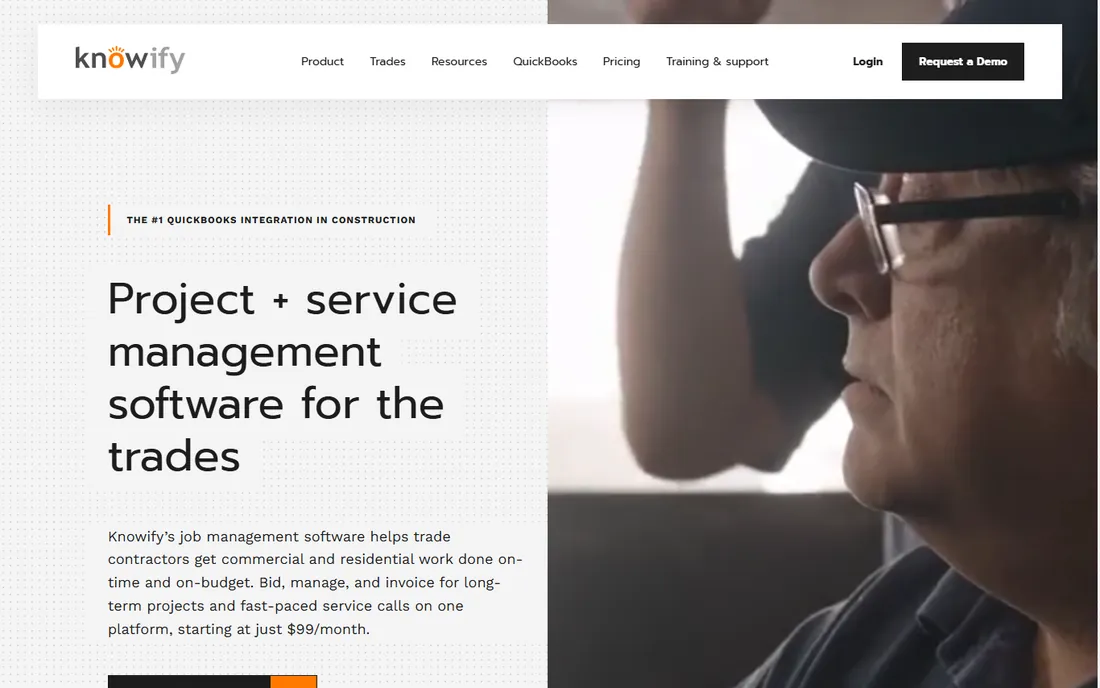
Knowify is built for the trades. It handles both sides of a trade contractor's business: long-term project work with estimating, job costing and progress billing, and fast-paced service work with dispatching, equipment history and automated reminders through the Service Pro add-on. The QuickBooks sync is genuinely the deepest in the category, carrying real financial data both ways.
Published pricing: Core at $99/month billed annually ($149 monthly) with one user, Advanced at $329/month billed annually with ten users and WIP reporting, Service Pro dispatch at $99/month. Every plan includes a 14-day trial with no contract. If you are an electrical, HVAC or plumbing contractor juggling projects and service calls, Knowify replaces a two-tool stack. Pure project builders should weigh JobTread's flat simplicity instead.
What we like- The deepest QuickBooks integration in construction, with real licensed G702/G703 AIA pay apps
- Covers both long-term projects and service dispatch on one platform
- Real-time WIP reporting
Watch out for- $99 covers one user and service dispatch is a $99/month add-on, so costs stack for teams doing both
- Project-only builders get more software for the money elsewhere
#9
Autodesk Forma Build
Best for: Contractors already in the Autodesk ecosystem who want one design-to-build platform
Visit autodesk.com
Starting priceSee website (quote-based; Essentials tier aimed at smaller firms)
Free planNo
Autodesk Build, now Forma Build under the Autodesk Forma cloud, is the design-to-build answer for teams already running Revit or AutoCAD. It centralizes documents, RFIs, submittals, issues, photos, schedules and cost management, with Autodesk AI features like Construction IQ risk analysis and automatic spec-to-submittal-log generation. The Essentials tier targets small and growing firms, a nod that the product knows it skews enterprise.
The reality check is price and fit. Quoted pricing is built for firms with real construction volume, and the platform's depth rewards teams that use the whole Autodesk stack. For a contractor whose architects and engineers live in Autodesk, the single source of truth is worth the sales process. For a standalone residential builder, the other tools on this list deliver more value with less overhead.
What we like- Connects project management, cost, quality, safety and scheduling with Autodesk's design tools in one cloud
- 400+ integrations and AI features like Construction IQ and spec analysis
- Trusted on 2M+ projects
Watch out for- Pricing is quote-based and historically enterprise-scale
- Autodesk's 2026 rebrand to "Forma Build" means documentation and plan names are still settling
Buying guide: matching the software to your trade
Start from your bottleneck, not the feature list. If bids are the problem, the estimating-first tools (Buildxact, JobTread, Knowify) pay back fastest because every won job funds the software. If the field is the problem, Fieldwire's free tier will show you in a week whether digital plans and punch lists fix it. If client communication is eating your evenings, Buildertrend and Houzz Pro sell themselves on portals and updates.
Then size the pricing model honestly. Flat pricing (JobTread $199, Buildxact $199, Knowify $99, Contractor Foreman $49) is predictable but rewards small office teams. Per-user pricing (Fieldwire $39+) grows with every hire. Quote-based tools (Procore, Buildertrend, Autodesk) cost whatever your volume and module mix justify, which is usually five figures a year. And check the accounting sync before you buy: QuickBooks integration is table stakes, but its depth varies from surface sync to Knowify's two-way financial integration. A tool your accountant fights will die within a quarter.
What contractor software should track from bid to closeout
The core loop is the same on every job: estimate it, schedule it, build it, bill it, learn from it. Good software connects those stages so the estimate becomes the budget, the budget tracks actual costs and committed purchase orders in real time, change orders flow to invoices, and the final job cost report tells you what to price differently next time. The tools on this list differ in where they start on that loop. Buildxact and JobTread start at estimating. Fieldwire starts at building. Procore and Autodesk cover the whole loop for big teams. Pick the one that strengthens your weakest link, because that is where your margin is leaking.
Frequently asked questions
What is the best project management software for a small contractor?
For small budgets, Contractor Foreman at $49/month is the value pick and Fieldwire's free Basic plan covers small field teams. For estimating and job costing with one flat price, JobTread at $199/month and Buildxact at $199/month are the contractor favorites in reviews.
How much does contractor project management software cost?
Entry plans run $49 to $199 per month for small contractors: Contractor Foreman at $49, Knowify at $99 billed annually, Houzz Pro Design at $99, and JobTread or Buildxact at $199. Per-user tools like Fieldwire cost $39 per user per month, while Procore, Buildertrend and Autodesk Forma Build are custom-quoted and typically reach five figures a year.
Do these tools work with QuickBooks?
Yes, all nine integrate with QuickBooks in some form. Knowify's sync is the deepest in construction, with real licensed AIA pay apps. JobTread, Buildxact, Buildertrend and Contractor Foreman also sync estimates, invoices and costs. Check whether the integration is two-way before committing, since read-only syncs create double entry.
Can my field crew use these without training?
Fieldwire is the easiest field tool here, with most crews productive in a day and offline mobile access. Contractor Foreman and JobTread are also rated easy to learn by reviewers. Procore and Autodesk Forma Build need real onboarding and training, which is why they target larger firms.
What about free project management software for contractors?
Fieldwire's free Basic plan (5 users, 3 projects, 100 sheets) and Buildxact's free Go plan are genuinely usable for small operations. Houzz Pro offers a free plan with 3D floor plans, estimates and invoicing. Free tiers cover the basics but gate reports, integrations and advanced features behind paid plans.
Is Buildertrend or Procore better for a residential contractor?
Buildertrend. It is purpose-built for home builders and remodelers with estimating tied to job costing and a client portal, while Procore is priced and scoped for commercial general contractors. Residential contractors comparing the two usually find Buildertrend fits their workflows and JobTread or Buildxact fits their budgets.
Sources we checked (11)
- https://www.procore.com
- https://buildertrend.com/
- https://jobtread.com/
- https://contractorforeman.com/
- https://fieldwire.com/
- https://www.houzz.com/houzz-pro/pricing
- https://buildxact.com/
- https://knowify.com/
- https://www.autodesk.com/products/forma-build/overview
- https://www.g2.com/categories/construction-management
- https://www.capterra.com/construction-management-software/
Is your product missing or out of date?
We review this list regularly. Vendors can request a listing, send updated pricing or ask about featured placement.

Shihab Mia · Founder, Rankite
Shihab has 5+ years in B2B and SaaS SEO. He writes Rankite's software buying guides from pricing pages, documentation and public user reviews. More about Shihab.