How we make this list: we compare pricing pages, product documentation and public user reviews. Ratings come from G2, Capterra or Trustpilot, with the date we checked them.
What is the best prototype company?
Figma is the best prototype company for most teams, because it combines design and clickable prototypes in one file at $16 per editor a month, with a free Starter plan. Axure RP is the best pick for prototypes with real logic, Framer for prototypes that publish as real websites, and Penpot when the budget is zero.
Key takeaways
- Figma is the default, and its $16 per editor a month on annual billing sets the price every rival is judged against, with Sketch close behind at $12.
- Specialist tools earn their keep on one job: Axure RP runs conditional logic and variables, ProtoPie runs device sensors and multi-device flows, and UXPin runs prototypes from real code components.
- A five-person team pays $720 to $1,740 a year for a paid prototyping tool, while Penpot costs nothing on its Professional plan.
- Free plans are real but limited: Figma gives a free Starter plan, Framer gives a free tier, and ProtoPie gives two free prototypes, while Sketch and Axure RP offer only a 30-day trial.
- ProtoPie pricing conflicts between sources: two recent comparisons list Basic at $25 a month, while an older Rankite page lists $11.
How we picked
We picked prototype companies with a live product that builds interactive prototypes, a published price or free plan, and evidence from vendor pricing pages or independent comparisons checked on 14 Nov 2026. We ranked prototyping depth first, then price, then how easily a prototype can be shared and tested with real users. Every price below is third-party reported from those sources, because the vendors change prices between annual and monthly billing, and we flagged every price that conflicts between sources.
Best prototype companies compared
| Company | Best for | Starting price | Free plan |
| Figma | Design and prototypes in one file | $16 per editor per month, annual billing | Yes, Starter |
| Sketch | Mac-based interface design | $12 per editor per month, annual billing | Free trial, 30 days |
| Axure RP | Prototypes with real logic and data | $29 per user per month, Pro, annual billing | Free trial, 30 days |
| Framer | Prototypes that publish as real websites | $10 per month, Basic, annual billing | Yes |
| Proto.io | High-fidelity mobile app prototypes | $24 per month, Freelancer, annual billing | Free trial, 15 days |
| UXPin | Prototypes from real code components | $6 per editor per month, Essentials, annual billing | Free trial |
| Penpot | Free open-source prototyping | Free, Professional plan | Yes, fully featured |
| ProtoPie | Device sensors and multi-device flows | $25 per month, Basic, annual billing | Yes, 2 prototypes |
How much does prototyping software cost for a small team?
Prototyping software costs $720 to $1,740 a year for a five-person team on a paid plan, and nothing on Penpot. The worked example uses annual billing for five editors: Sketch costs 5 times $12 times 12, which is $720 a year; Figma costs 5 times $16 times 12, which is $960 a year; Axure RP costs 5 times $29 times 12, which is $1,740 a year; Proto.io costs $24 a month for one seat on Freelancer, which is $288 a year, with team seats extra; Framer costs $10 a month for Basic, which is $120 a year, with extra editors at $20 a month each; Penpot costs nothing on the Professional plan, and its paid Unlimited plan is $7 per editor a month capped at $175 a month, which is $420 a year for five editors. The cheapest honest path is Penpot for a team that can self-host, and Figma for the largest community.
Prototype in Figma when the design and the prototype live in the same file and the flow is a click-through with simple transitions, because Figma is fastest there and everyone on the team already knows it. Move to a specialist tool when the prototype needs to behave like a real product: Axure RP when the flow needs conditional logic, variables and data-driven screens; ProtoPie when the prototype needs device sensors, gestures and several devices talking to each other; UXPin when the prototype must use the same coded components as production. Start in Figma, and move only when a test fails because the prototype could not do something the real product must do.
What makes a prototype testable with real users?
A prototype is testable with real users when it behaves like the product on the paths that matter, and every tool here can publish a shareable link for testing. Figma, Framer, Proto.io and ProtoPie all generate links that open in a browser or on a phone with no install, so a tester can tap through the flow while you watch. The difference is fidelity: a Figma click-through tests navigation and layout, while an Axure RP prototype with variables tests whether users understand a form that changes with their answers, and a ProtoPie prototype with sensors tests a flow that depends on shaking, tilting or voice. Record the session, count the taps that miss, and note where users hesitate.
Do prototypes need real data and logic?
Prototypes need real data and logic only when the test depends on them, and most early tests do not. A first test usually asks whether users find the right screen and understand the words on it, and a click-through with realistic placeholder content answers that. Add logic when the test asks a conditional question, such as what happens when a user picks a different plan, enters an invalid card, or filters a list. Axure RP is built for that, with variables and conditions that change screens based on input, and UXPin pulls real data through code components. Proto.io handles touch and gesture logic for mobile flows. Do not build logic for its own sake.
Quick comparison
| Tool | Best for | Starting price | Free plan |
|---|
 Figma | Design and prototypes in one file | $16 per editor per month, Professional, annual billing, third-party reported, checked 14 Nov 2026 | Yes, Starter plan with 3 design files |
 Sketch | Mac-based interface design | $12 per editor per month, Standard, annual billing, third-party reported, checked 14 Nov 2026 | Free trial for 30 days, no permanent free plan |
 Axure RP | Prototypes with real logic and data | $29 per user per month, Pro, annual billing, third-party reported, checked 14 Nov 2026 | Free trial for 30 days, no permanent free plan |
 Framer | Prototypes that publish as real websites | $10 per month, Basic, annual billing, third-party reported, checked 14 Nov 2026 | Yes, free tier for unpublished design work |
 Proto.io | High-fidelity mobile app prototypes | $24 per month, Freelancer, annual billing, third-party reported, checked 14 Nov 2026 | Free trial for 15 days, no permanent free plan |
 UXPin | Prototypes from real code components | $6 per editor per month, Essentials, annual billing, third-party reported, checked 14 Nov 2026 | Free trial, no permanent free plan |
 Penpot | Free open-source prototyping | Free, Professional plan, third-party reported, checked 14 Nov 2026 | Yes, fully featured Professional plan at no cost |
 ProtoPie | Device sensors and multi-device flows | $25 per month, Basic, annual billing, third-party reported, checked 14 Nov 2026 | Yes, 2 prototypes in the cloud |
Is your product missing or out of date?
We review this list regularly. Vendors can request a listing, send updated pricing or ask about featured placement.
The 8 best prototype companies
#1Figma
Best for: Design and prototypes in one file4.7/5 on
G2 (1,593 reviews, checked Oct 2026)
Visit figma.com
Starting price$16 per editor per month, Professional, annual billing, third-party reported, checked 14 Nov 2026
Free planYes, Starter plan with 3 design files
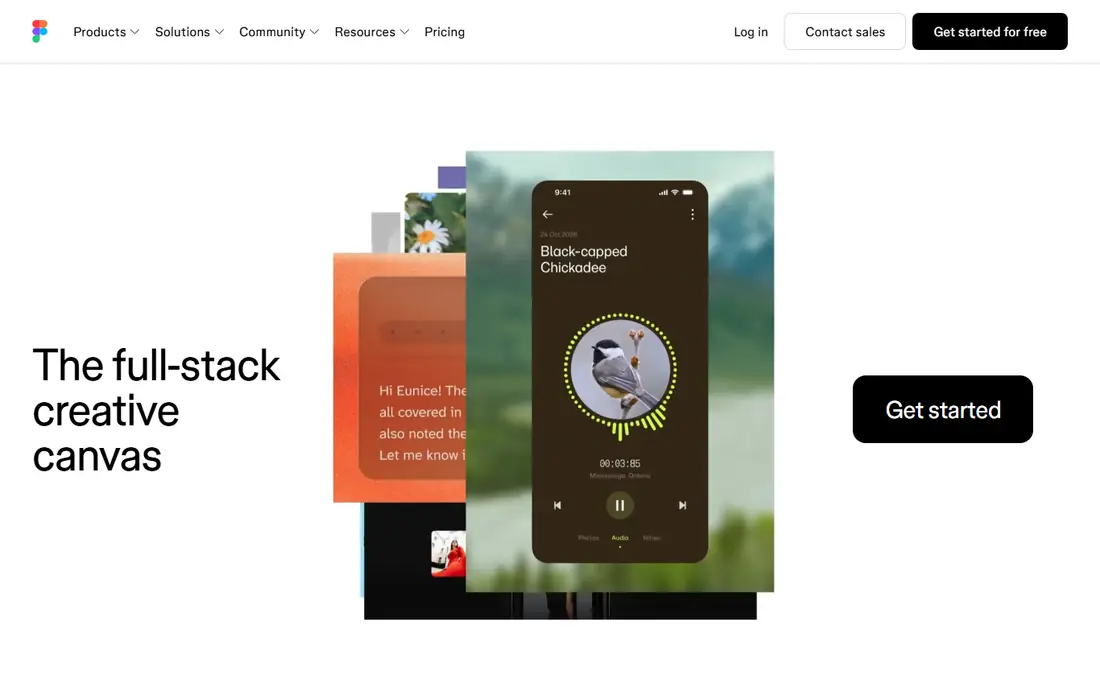
Figma is the best prototype company for most teams, because it removed the gap between designing a screen and testing it. A designer draws the flow and links the screens in the same browser file, and the team tests it from a shareable link with no export step. Professional costs $16 per editor a month on annual billing, or $20 month to month, and the free Starter plan covers three design files, which is enough for a small project. The plugin library and the community file library mean almost every pattern already exists as a template.
What we like- The default for collaborative product design, real-time editing with the whole team in one file, the largest plugin and template library here, prototypes live beside the design so nothing goes stale
Watch out for- Paid seats add up fast on big teams, and it cannot run the conditional logic or device sensors that specialist tools offer
#2Sketch
Best for: Mac-based interface design4.5/5 on
G2 (1,227 reviews, checked Oct 2026)
Visit sketch.com
Starting price$12 per editor per month, Standard, annual billing, third-party reported, checked 14 Nov 2026
Free planFree trial for 30 days, no permanent free plan
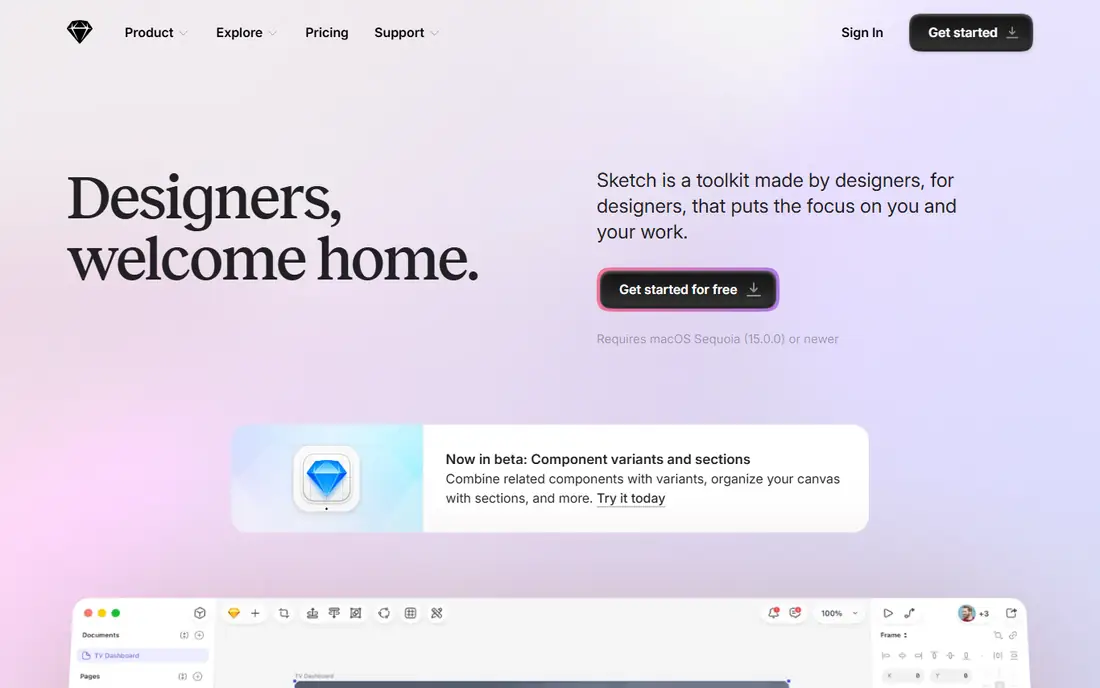
Sketch is the best pick for Mac-based teams that never left it, because it stays fast, focused and native where browser tools feel heavy. Standard costs $12 per editor a month on annual billing, and a Mac-only licence at $120 per seat with one year of updates suits teams that dislike subscriptions. Prototyping in Sketch covers linked screens with transitions, and the web app handles viewing and handoff for developers and stakeholders on any platform.
What we like- Fast native Mac editor with real offline work, a $120 one-time Mac-only licence for teams that dislike subscriptions, a deep plugin library built over a decade, clean developer handoff
Watch out for- Mac only for editing, with no true real-time co-editing like Figma, and there is no permanent free plan
#3Axure RP
Best for: Prototypes with real logic and data4.2/5 on
G2 (277 reviews, checked Oct 2026)
Visit axure.com
Starting price$29 per user per month, Pro, annual billing, third-party reported, checked 14 Nov 2026
Free planFree trial for 30 days, no permanent free plan
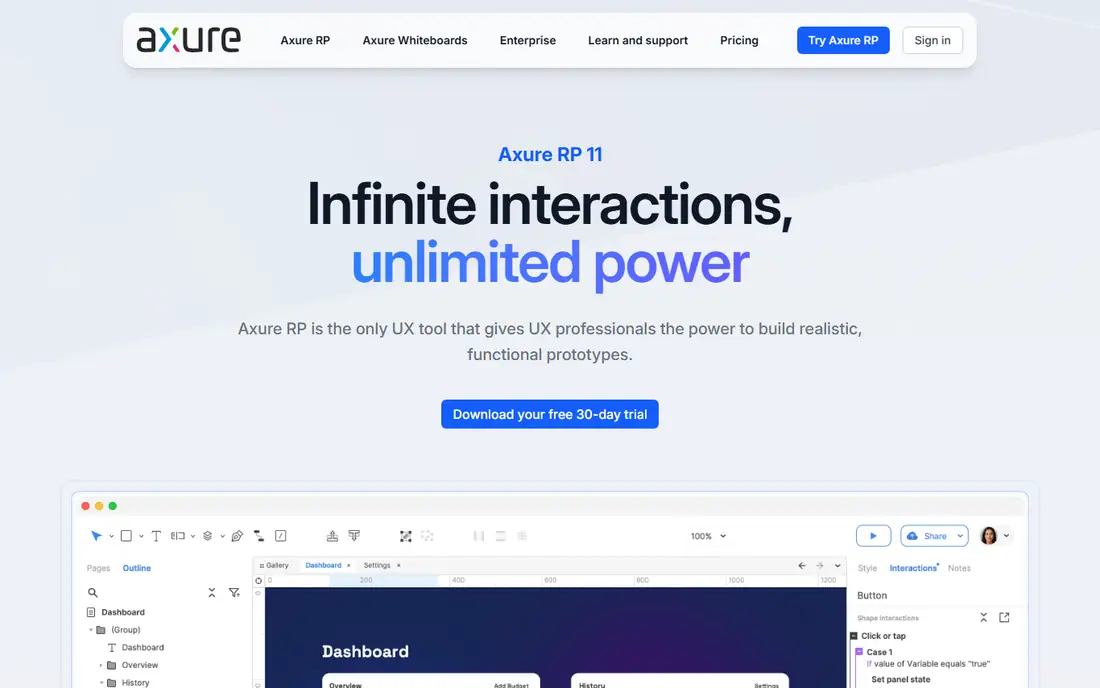
Axure RP is the best pick for prototypes with real logic, because it is the only tool here built around conditions, variables and data rather than screens. A prototype can show a different flow when a user picks a different plan, validate a form, or pull rows from a data set, so the test measures the real behaviour instead of a rehearsed click path. Pro costs $29 per user a month on annual billing, or $34 month to month, and Team costs $49 for shared cloud projects. That price buys depth that no other tool here matches for complex business apps and dashboards.
What we like- Conditional logic, variables and dynamic content make prototypes behave like real working products, detailed specifications and documentation come out of the same file, Team tier adds shared cloud projects at $49 per user a month
Watch out for- The steepest learning curve here, the highest price for teams at $29 per user a month, and no code output beyond specs and redlines
#4Framer
Best for: Prototypes that publish as real websites4.5/5 on
G2 (144 reviews, checked Oct 2026)
Visit framer.com
Starting price$10 per month, Basic, annual billing, third-party reported, checked 14 Nov 2026
Free planYes, free tier for unpublished design work
Framer is the best pick when the prototype should ship as a real website, because it closes the gap between a design file and a live page. A team designs the site, adds motion and interactions, and publishes it to Framer hosting without a developer, which makes it the fastest route from a marketing idea to a page a customer can visit. Basic costs $10 a month on annual billing, or $15 month to month, and Pro costs $30. The free tier covers design work, so a team can test the editor before paying.
What we like- Designs publish as real responsive websites on Framer hosting, a free tier that covers design work, extra editors at $20 a month each, strong motion and interaction controls
Watch out for- No export to your own repo, and it is built for websites, not for native app prototypes
#5Proto.io
Best for: High-fidelity mobile app prototypes4.1/5 on
G2 (68 reviews, checked Oct 2026)
Visit proto.io
Starting price$24 per month, Freelancer, annual billing, third-party reported, checked 14 Nov 2026
Free planFree trial for 15 days, no permanent free plan
Proto.io is the best pick for mobile app prototypes that must feel real in the hand, because it was built around touch, gestures and device behaviour from the start. Screens respond to swipes, taps and drags, so a test on a phone shows how the app will actually feel, not just how it looks in a screenshot. Freelancer costs $24 a month on annual billing for a solo user, with team plans priced higher per seat.
What we like- Strong touch and gesture support for mobile flows, high-fidelity interactions that feel like a real app, team plans priced per seat for larger groups
Watch out for- The 15-day trial is the shortest here, and the tool is focused on mobile, so web and desktop flows are a weaker fit
#6UXPin
Best for: Prototypes from real code components4.2/5 on
G2 (118 reviews, checked Oct 2026)
Visit uxpin.com
Starting price$6 per editor per month, Essentials, annual billing, third-party reported, checked 14 Nov 2026
Free planFree trial, no permanent free plan
UXPin is the best pick for teams with a mature design system, because its prototypes are built from the same coded components as production. That means a test measures the real component behaviour, not a picture of it, and the handoff to engineering carries the actual code, not a redline document. Essentials costs $6 per editor a month on annual billing, which is the cheapest paid starting price in this list, and higher tiers add collaboration and design system management.
What we like- The cheapest paid starting price here at $6 per editor a month, prototypes driven by real design system components and code, strong fit for teams with a mature design system
Watch out for- A smaller community than Figma, and it needs a real design system to show its value, so teams without one get less from it
#7Penpot
Best for: Free open-source prototyping4.5/5 on
G2 (10 reviews, checked Oct 2026)
Visit penpot.app
Starting priceFree, Professional plan, third-party reported, checked 14 Nov 2026
Free planYes, fully featured Professional plan at no cost
Penpot is the best pick when the budget is zero, because its Professional plan is fully featured and free, with no file limits. It runs in the browser or on your own server, since it is open source, which suits teams that need data control or simply refuse another subscription. The paid Unlimited plan costs $7 per editor a month capped at $175 a month, so even a large team pays at most $2,100 a year. Prototyping covers linked screens and interactions, and the tool handles the standard flows well.
What we like- Free outright on the Professional plan, open source with self-hosting, the paid Unlimited plan is $7 per editor a month capped at $175 a month, browser-based with no install
Watch out for- A smaller template and plugin library than Figma, and self-hosting needs someone to run the server
#8ProtoPie
Best for: Device sensors and multi-device flows4.4/5 on
G2 (24 reviews, checked Oct 2026)
Visit protopie.io
Starting price$25 per month, Basic, annual billing, third-party reported, checked 14 Nov 2026
Free planYes, 2 prototypes in the cloud
ProtoPie is the best pick for prototypes that depend on the device itself, because it reads sensors, tilt, shake, voice and multi-device input in a way no other tool here attempts. Basic costs $25 a month on annual billing, or $29 month to month, with Pro at $47 per editor a month. There is a price conflict to check: an older Rankite page lists an Individual plan at $11 a month, while two recent comparisons list Basic at $25, so confirm the current price on the vendor page.
What we like- Logic, sensors and multi-device prototypes that no other tool here matches, a free plan with two prototypes to learn on, Connect Core add-on links prototypes to hardware
Watch out for- Pricing conflicts between sources, with an older Rankite page listing $11 a month for Individual while two recent comparisons list Basic at $25, and there is no production code output
Frequently asked questions
What is the difference between a prototype and a mockup?
A mockup is a static picture of one screen, while a prototype is a clickable model that lets a user move between screens and complete a task. A mockup answers whether the screen looks right, and a prototype answers whether the flow works. Teams usually start with mockups to settle the layout, then link them into a prototype to test the flow with real users before any code is written.
Which prototyping tool is best for beginners?
Figma is the best prototyping tool for beginners, because it has a free Starter plan, the largest library of tutorials, and the simplest path from a first screen to a testable link. Framer is the next best pick for publishing a website, and Penpot is the best pick for a free tool with no limits. A beginner should avoid Axure RP at first, because its logic features need more learning before they pay off.
Do I need code to build a prototype?
No, none of the tools here need code to build a prototype, because they are all visual editors with drag-and-drop screens, links and interactions. UXPin is the exception in one sense: it can use real code components from a design system, but it does not require the designer to write code. Figma, Sketch, Framer, Proto.io, Penpot and ProtoPie all build prototypes without a line of code, which is the point of the category.
Can I test a prototype with real users?
Yes, every tool here publishes a shareable link that opens the prototype in a browser or on a phone, so real users can tap through it while you watch or record the session. The test works best when the prototype covers the exact task you want to learn about, and count missed taps and hesitations. A prototype test finds navigation and wording problems before engineering spends weeks building the wrong flow.
Is Figma enough for prototyping, or do I need a specialist tool?
Figma is enough for most prototypes, because its click-through flows with transitions cover navigation, layout and wording tests, which are the most common tests. You need a specialist tool only when the test depends on behaviour Figma cannot fake: Axure RP for conditional logic and data, ProtoPie for sensors and multi-device flows, UXPin for prototypes built from production code, and Framer when the deliverable is a published website. Start in Figma and move when a test fails.
Sources we checked (12)
- https://www.figma.com
- https://www.sketch.com
- https://www.axure.com
- https://www.framer.com
- https://proto.io
- https://www.uxpin.com
- https://penpot.app
- https://www.protopie.io
- https://rankite.com/blog/best-ui-ux-software
- https://www.appypie.com/blog/best-app-design-software
- https://modeinspect.com/blog/prototyping-tools
- https://www.rsacreativestudio.com/blog/12-best-prototyping-tools
Is your product missing or out of date?
We review this list regularly. Vendors can request a listing, send updated pricing or ask about featured placement.

Shihab Mia · Founder, Rankite
Shihab has 5+ years in B2B and SaaS SEO. He writes Rankite's software buying guides from pricing pages, documentation and public user reviews. More about Shihab.