How we make this list: we compare pricing pages, product documentation and public user reviews. Rankite is independent; if a vendor ever pays for a featured spot, that listing is clearly labeled Partner.
Key takeaways
- Consultants need time-to-invoice, not just tasks: Harvest ($9/seat/month) plus Forecast ($5/person/month) has the tightest billing loop; Accelo, Scoro and BigTime tie projects to revenue natively.
- Teamwork.com ($9.99/user/month, annual) is the best value for agencies: client projects with free client users, native time tracking and invoicing on higher tiers.
- ClickUp ($7/user/month, annual) and Asana ($10.99/user/month, annual) are the cheapest capable generalists, but neither does invoicing natively.
- Accelo, Scoro and Kantata are quote-based PSA platforms with implementation projects: buy them for a firm, not for a freelancer.
Quick comparison
| Tool | Best for | Starting price | Free plan |
|---|
 Harvest + Forecast Harvest + Forecast | Consultancies that bill by the hour | $9/seat/month (Harvest Teams, annual); Forecast $5/person/month (annual) | Yes (Harvest free for 1 seat and 2 projects; 30-day trial on paid) |
 Teamwork.com Teamwork.com | Agencies and consultancies running multiple client projects | $9.99/user/month (Basics, billed annually) | Yes (free plan: 5 users, 5 projects; 14-day trial on paid, no card) |
 Productive Productive | Agencies and consultancies living on project margins | $10/user/month (Essential plan, per vendor blog) | No (free trial: 14 days) |
 BigTime BigTime | Professional services firms where billing accuracy is the business | $20/user/month (Essentials plan, per vendor blog) | No (free demo and trial offered; length unverified) |
 ClickUp ClickUp | Budget-conscious consultancies wanting one tool for everything | $7/user/month (Unlimited, billed annually); Business $12 | Yes (Free Forever: unlimited tasks and members, 60 MB storage) |
 Asana Asana | Consulting teams prioritizing execution clarity | $10.99/user/month (Starter, billed annually) | Yes (Personal plan free for up to 2 users) |
 Accelo Accelo | Retainer-based firms wanting sale-to-invoice in one system | See website (quote-based; third-party figures unverified) | No (free trial reported by third parties, unverified) |
 Scoro Scoro | Consultancies of 5 to 50 wanting delivery and financials together | See website (quote-based; third-party figures unverified on vendor page) | No (14-day trial reported by third parties, unverified) |
 Kantata Kantata | Mid-size to large firms needing serious resource planning | See website (custom pricing; contact sales) | No (free trial reported by third parties, unverified) |
 Monday.com Monday.com | Consultancies wanting visual tracking plus sales and ops in one account | See website (per-seat; 3-seat minimum reported, unverified on vendor page) | Yes (free Individual plan for up to 2 seats; 14-day Pro trial) |
Is your product missing or out of date?
We review this list regularly. Vendors can request a listing, send updated pricing or ask about featured placement.
The best project management software for consultants
A consultant with six clients has six inboxes, six sets of deadlines, six billing arrangements, and one terrifying question at month end: which hours did we forget to invoice? Generic project tools track the work. Consultant project tools track the work and turn it into money. These ten platforms cover both, from dead-simple time-to-invoice to full professional services automation.
Starting price$9/seat/month (Harvest Teams, annual); Forecast $5/person/month (annual)
Free planYes (Harvest free for 1 seat and 2 projects; 30-day trial on paid)
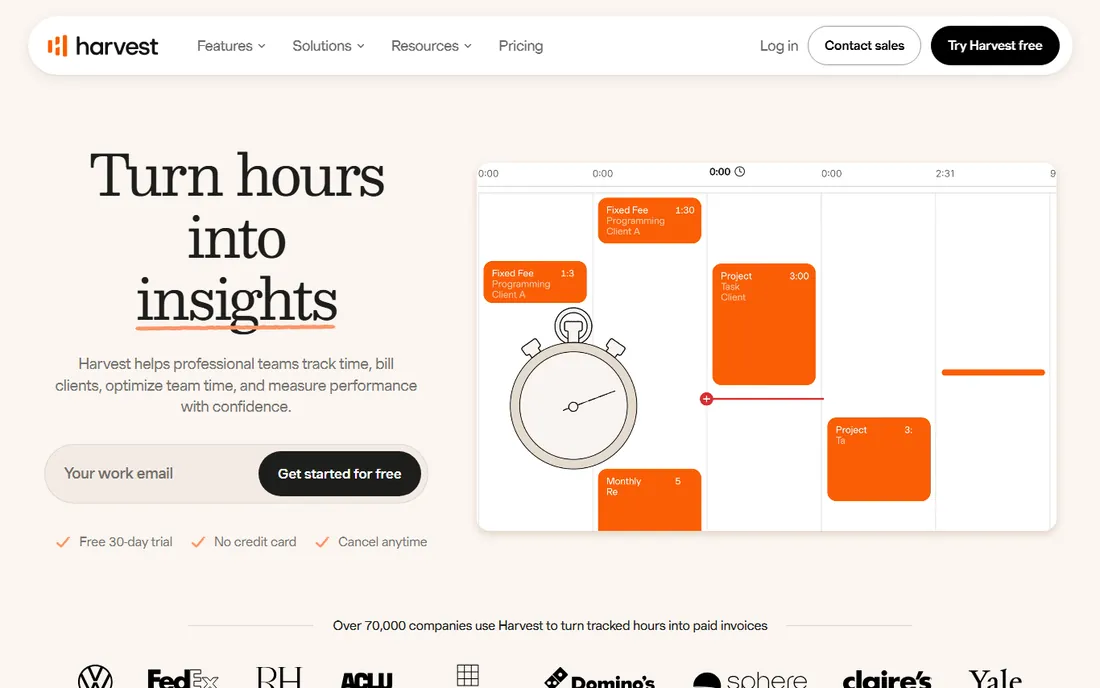
Harvest is the tool hourly billers actually use, because the loop is short: track time, turn it into an invoice, get paid. Forecast adds the other half consultants need: visual scheduling of who is working on what, against the actual hours Harvest records. The combination covers the plan-versus-actual view that separates profitable firms from busy ones. Pricing is published: $9 per seat per month annually for Harvest, plus $5 per person per month for Forecast.
The catch is the stacking. A 15-person team pays for both Harvest seats and Forecast seats, roughly doubling the headline rate, and usage fees can apply for invoices, projects and clients above allowances. Setup is fast, typically days, because the product is deliberately simple. If every hour you work should become an invoice, this is the most direct path.
What we like- Tightest track-to-invoice loop in the category
- Forecast adds clean visual resource scheduling on top of actuals
- Simple enough that consultants actually log their time
Watch out for- Two products, two bills
- Usage-based fees can apply above allowances
#2
Teamwork.com
Best for: Agencies and consultancies running multiple client projects
Visit teamwork.com
Starting price$9.99/user/month (Basics, billed annually)
Free planYes (free plan: 5 users, 5 projects; 14-day trial on paid, no card)
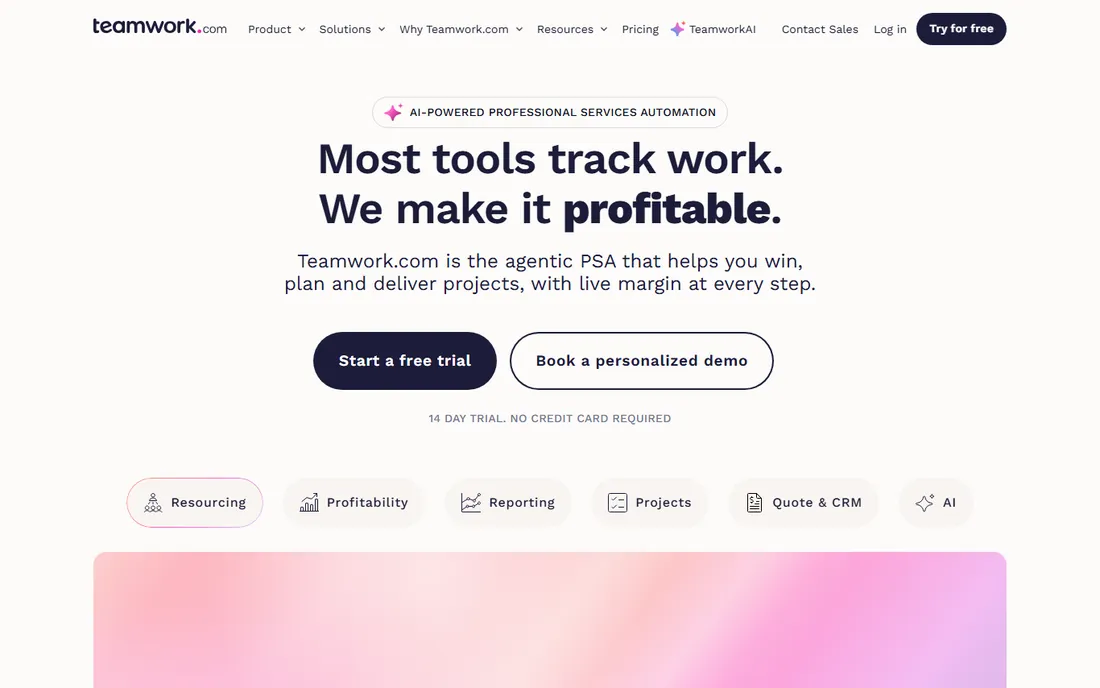
Teamwork.com is the agency-native project platform. Client users are free on paid plans, which changes the per-seat math completely versus competitors: invite every client stakeholder without watching the bill. Projects, milestones, time tracking, budgets and invoicing connect in the workflows agencies run, and one-click importers pull work from Asana, Trello, Monday and ClickUp. Basics starts at $9.99 per user per month annually (verified on the vendor's pricing page).
The tiering matters. Basics lacks workload planning and invoicing, so growing firms land on Accelerate ($24.99) or Optimize for the financial features. The vendor publishes SOC 2 Type 2 and ISO 27001 certifications with US or EU hosting. For a consultancy juggling concurrent client projects, the client-work focus beats generic task tools at every turn.
What we like- Built for client work with unlimited free client users on paid plans
- Native time tracking, budgets and invoicing on higher tiers
- AI project wizard turns a brief into a structured project
Watch out for- Profitability and advanced resource planning sit behind higher tiers
- CRM and Desk add-ons are licensed separately
#3
Productive
Best for: Agencies and consultancies living on project margins
Visit productive.io
Starting price$10/user/month (Essential plan, per vendor blog)
Free planNo (free trial: 14 days)
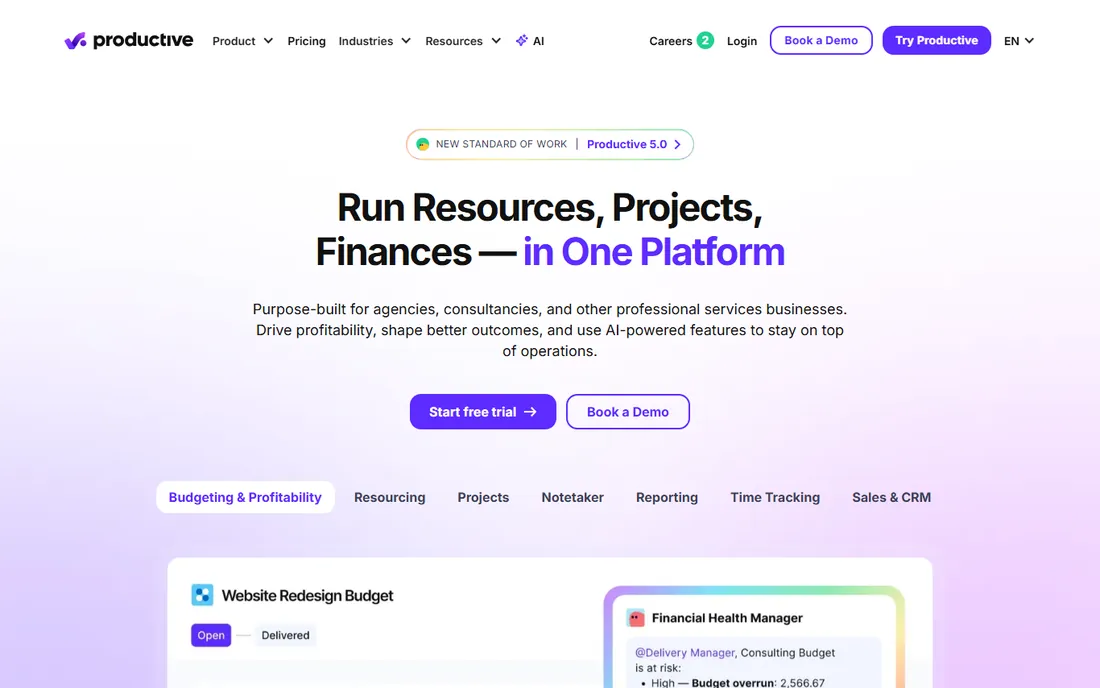
Productive is built around the number agencies actually manage: margin. Tracked time flows into budgets, profitability reports and invoice drafts automatically, with real-time budget burn visible while work happens instead of discovered at month end. At $10 per user per month for Essential (per the vendor's blog), the entry price is agency-friendly.
Advanced forecasting and deeper integrations sit in the quote-priced Ultimate tier, and the integration ecosystem is smaller than the generalists'. Invoicing syncs with Xero, QuickBooks and Exact. Setup takes a few weeks with onboarding help. If your firm talks about utilization and margin rather than tasks and deadlines, Productive speaks your language natively.
What we like- Agency-native: budgets, time, resourcing and invoicing in one platform
- Real-time budget burn and margin visibility
- AI-assisted reporting and time tracking
Watch out for- Ultimate tier pricing is quote-only
- Smaller integration ecosystem than Asana or Monday
#4
BigTime
Best for: Professional services firms where billing accuracy is the business
Visit bigtime.net
Starting price$20/user/month (Essentials plan, per vendor blog)
Free planNo (free demo and trial offered; length unverified)
BigTime is project accounting first, project management second. Time, expenses, invoicing and project budgets connect to QuickBooks with real-time two-way sync, and utilization reporting shows exactly who is billable and who is not. The Advanced tier's DCAA compliance support makes it one of the few options for government contractors. Essentials starts at $20 per user per month (per the vendor's blog).
The price and the personality are the filters. At $20 a seat minimum with $35 to $45 tiers for resource planning and multi-currency, it costs more than generalist tools, and the interface feels built for accountants. Firms of 5-plus people where billing accuracy drives revenue will find the depth worth it. Creative shops that hate timesheets should look at Teamwork or Productive instead.
What we like- Deep project accounting: invoicing, expenses and utilization in one PSA
- Strong QuickBooks Online and Desktop two-way integration
- DCAA compliance support on Advanced for government contractors
Watch out for- Starts at $20/user, notably pricier than general PM tools
- Interface feels built for accountants more than creatives
#5
ClickUp
Best for: Budget-conscious consultancies wanting one tool for everything
Visit clickup.com
Starting price$7/user/month (Unlimited, billed annually); Business $12
Free planYes (Free Forever: unlimited tasks and members, 60 MB storage)
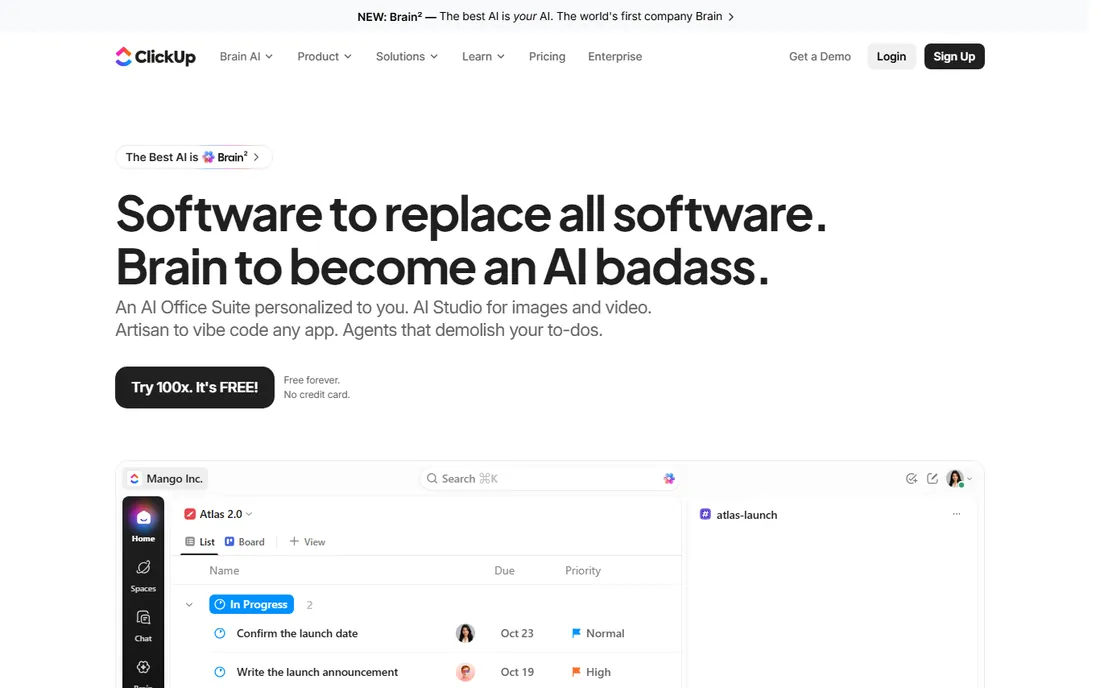
ClickUp is the value play for consultancies that want tasks, docs, time tracking and reporting in one subscription. The $7 Unlimited tier (billed annually, verified on clickup.com) includes Gantt, native time tracking and unlimited storage, and Business at $12 adds billable rates and timesheets. The Free Forever tier is generous enough for real evaluation.
The sprawl is the tax. ClickUp does so much that setup and governance take genuine effort, and several allowances on Unlimited do not reset, quietly forcing upgrades for reporting-heavy teams. ClickUp Brain AI is a separate $9 per user per month add-on. If your team will invest in configuration, the value per dollar is unmatched. If not, the simplicity of Harvest or Teamwork will get used more.
What we like- Enormous feature set per dollar: docs, goals, time tracking, Gantt and automations
- Native time tracking with billable rates and timesheets on Business
- Generous free tier
Watch out for- Feature sprawl overwhelms without governance
- Usage caps on dashboards and views push reporting-heavy teams to Business
#6
Asana
Best for: Consulting teams prioritizing execution clarity
Visit asana.com
Starting price$10.99/user/month (Starter, billed annually)
Free planYes (Personal plan free for up to 2 users)
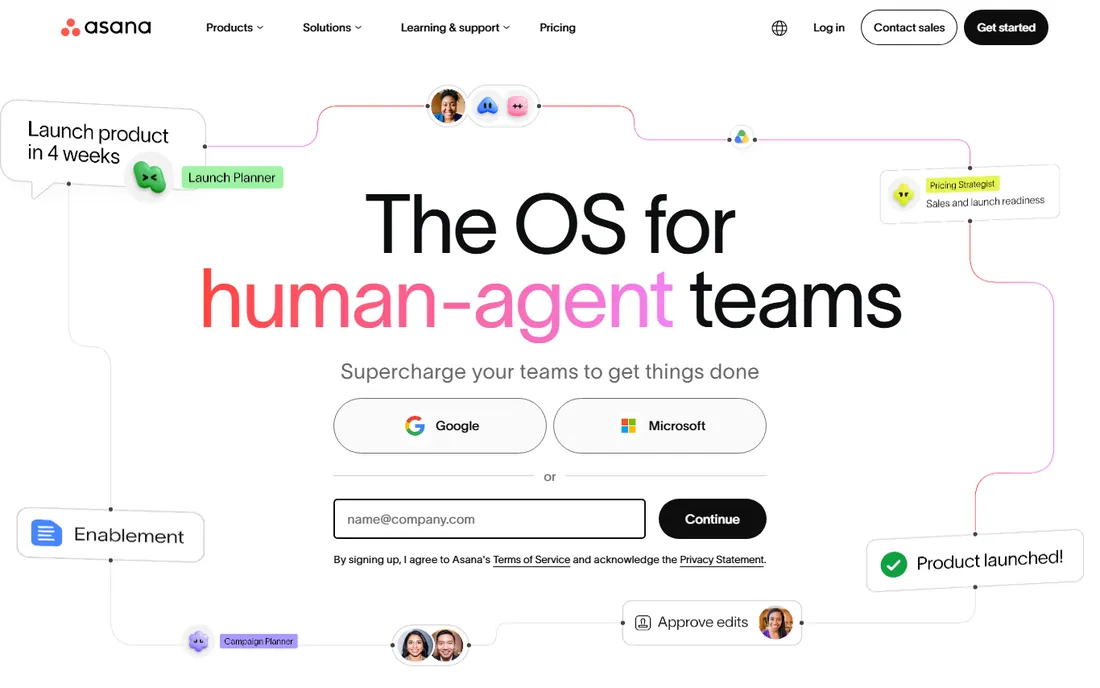
Asana is the execution layer many consultancies pair with a separate billing tool. The interface is the clearest in the category: timelines, dependencies and portfolios answer the status question without meetings, and unlimited free guests on paid plans make client collaboration cheap. Starter at $10.99 per user per month billed annually (verified on asana.com) has no seat minimum, unlike some rivals.
The gap is financials. There is no native time tracking, budgets or invoicing, so billable-hour firms pair Asana with Harvest or similar, which is a fine stack but two subscriptions. The free tier's 2-user cap means even tiny teams pay. If your billing already lives elsewhere and you need the work itself managed beautifully, Asana is the benchmark. If you need one system from hours to invoice, look at the PSA tools above.
What we like- Cleanest, lowest-friction interface
- Strong automation, portfolios and workload views on higher tiers
- Unlimited free guests on paid plans for client collaboration
Watch out for- No native time tracking or invoicing
- Consultants need add-ons for billing
- Free tier capped at 2 users
#7
Accelo
Best for: Retainer-based firms wanting sale-to-invoice in one system
Visit accelo.com
Starting priceSee website (quote-based; third-party figures unverified)
Free planNo (free trial reported by third parties, unverified)
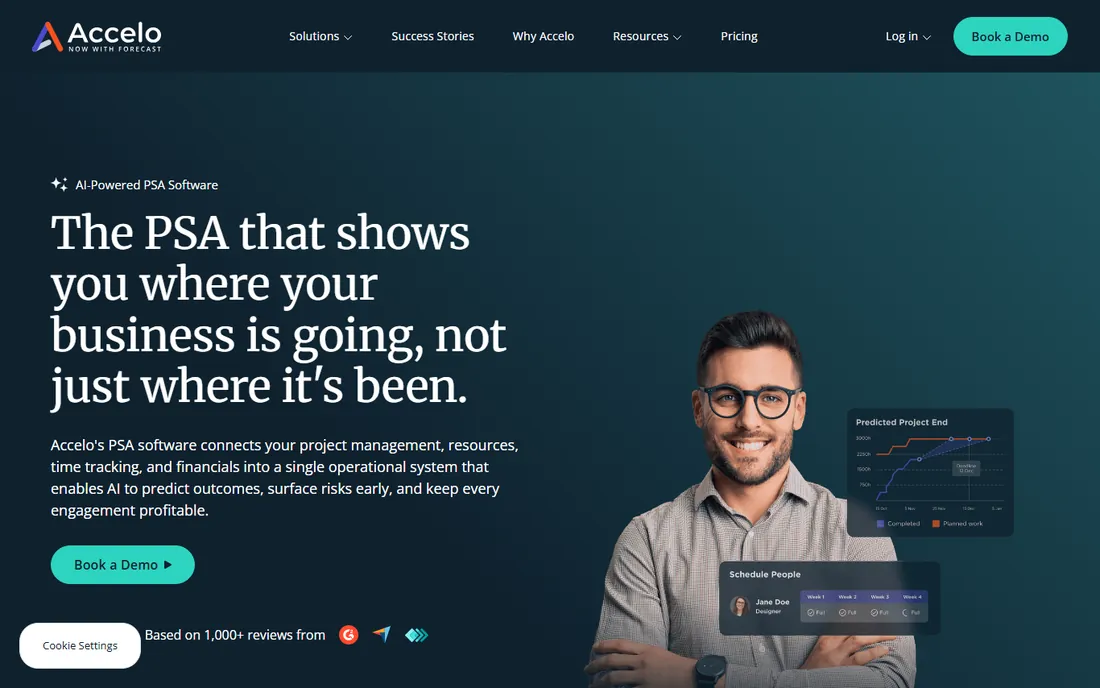
Accelo connects the client lifecycle end to end: CRM, projects, time, tickets and invoicing share data, so billable hours do not fall through the cracks between systems. For retainer-based firms, the automation around onboarding, approvals and recurring work removes the administrative drag that eats margin. Financial dashboards show revenue against delivery in real time.
The commitment is real. Pricing is quote-based with minimum user counts reported around 3 to 10 depending on tier, and setup is a genuine implementation project over weeks. This is software for a firm, not a freelancer: the value appears when the whole client operation runs through it. If that is your shape, the connected lifecycle is worth the sales process. If you are five people, Teamwork or Productive gets you there faster.
What we like- Purpose-built for professional services: projects, retainers, tickets and billing in one system
- Strong automation for onboarding, approvals and recurring work
- Financial dashboards tie time and projects to revenue
Watch out for- Pricing is not publicly listed
- Minimum seat requirements make it expensive for small teams
#8
Scoro
Best for: Consultancies of 5 to 50 wanting delivery and financials together
Visit scoro.com
Starting priceSee website (quote-based; third-party figures unverified on vendor page)
Free planNo (14-day trial reported by third parties, unverified)
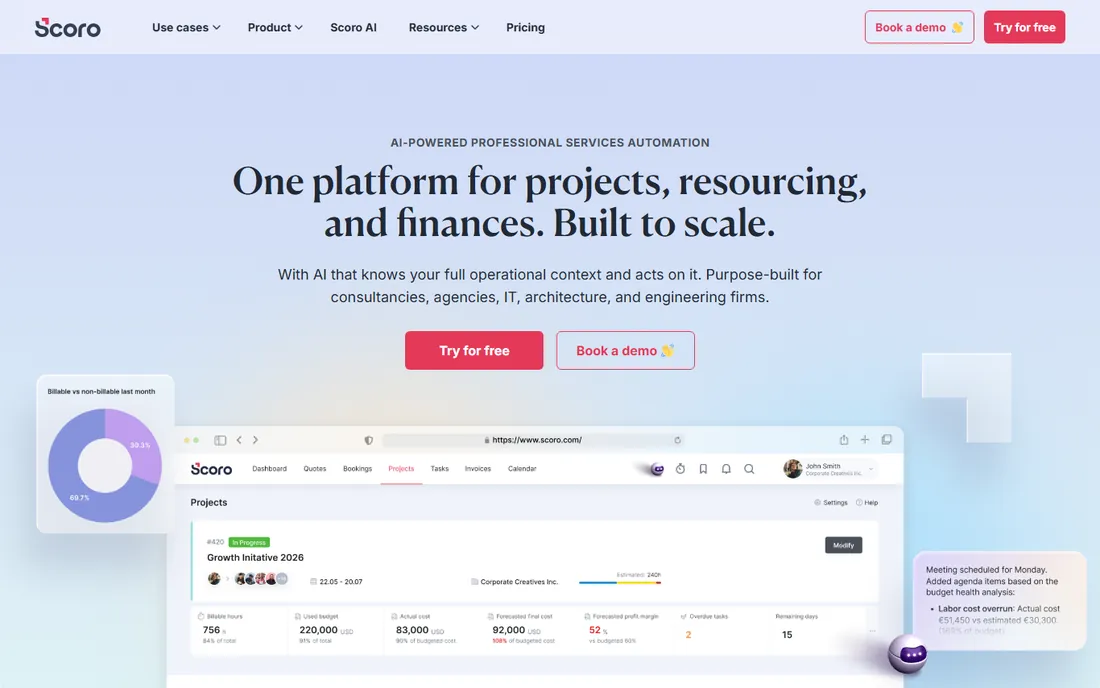
Scoro's unified data model is the selling point: time entries feed budgets, invoices and profitability reports without exports or reconciliation. The quoting-to-invoicing workflow covers the commercial side from proposal to payment, and real-time dashboards show utilization and project profitability as work happens. For a 5-to-50-person consultancy, it replaces three or four tools.
The 5-user minimum on every plan is the filter: a 3-person firm pays for seats it does not use, so solos and tiny teams should look elsewhere. Pricing is quote-based (third-party figures unverified on the vendor page), and higher tiers climb as financial features stack. Setup takes a few weeks with onboarding support. If you are past the tiny-team stage and want delivery and financials in one place, Scoro is built for exactly that.
What we like- All-in-one work management: projects, time, billing and financial reporting
- Real-time dashboards for utilization, profitability and budgets
- Strong quoting-to-invoicing workflow
Watch out for- Minimum 5 users on all plans prices out solo consultants
- Higher tiers get expensive as financial features stack
#9
Kantata
Best for: Mid-size to large firms needing serious resource planning
Visit kantata.com
Starting priceSee website (custom pricing; contact sales)
Free planNo (free trial reported by third parties, unverified)
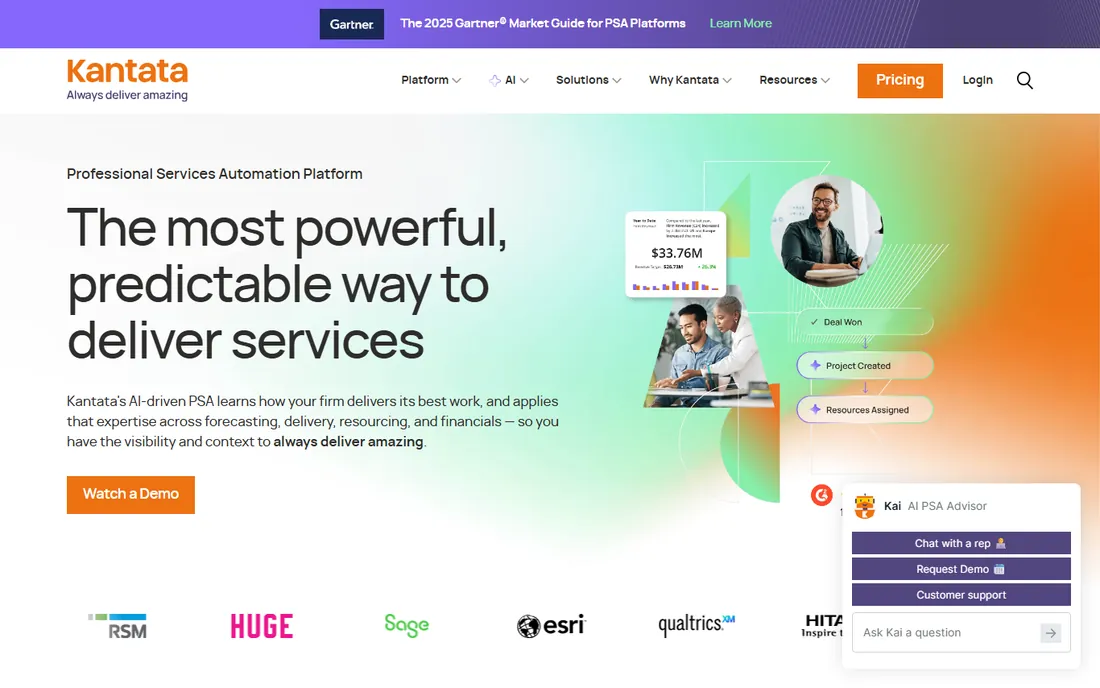
Kantata, formed from Mavenlink and Kimble, is the PSA platform for firms where resource planning is a discipline. Deep resource management, project financials with budgeting, forecasting and margin analysis, and integrations with Salesforce and major financial systems cover the enterprise services operation. When the question is "who is available with the right skills in Q3," Kantata answers it.
Everything about it is enterprise: custom pricing, multi-week to multi-month implementation with services fees, and ongoing admin effort. Small firms should not be here. For a mid-size to large professional services organization that has outgrown its project tool's resource views, Kantata is the step up that actually handles the complexity.
What we like- Enterprise-grade professional services automation with deep resource management
- Strong project financials: budgeting, forecasting and margin analysis
- Salesforce and major financial system integrations
Watch out for- Quote-only pricing puts it out of reach for small firms
- Heavy implementation needing dedicated admin resources
#10
Monday.com
Best for: Consultancies wanting visual tracking plus sales and ops in one account
Visit monday.com
Starting priceSee website (per-seat; 3-seat minimum reported, unverified on vendor page)
Free planYes (free Individual plan for up to 2 seats; 14-day Pro trial)
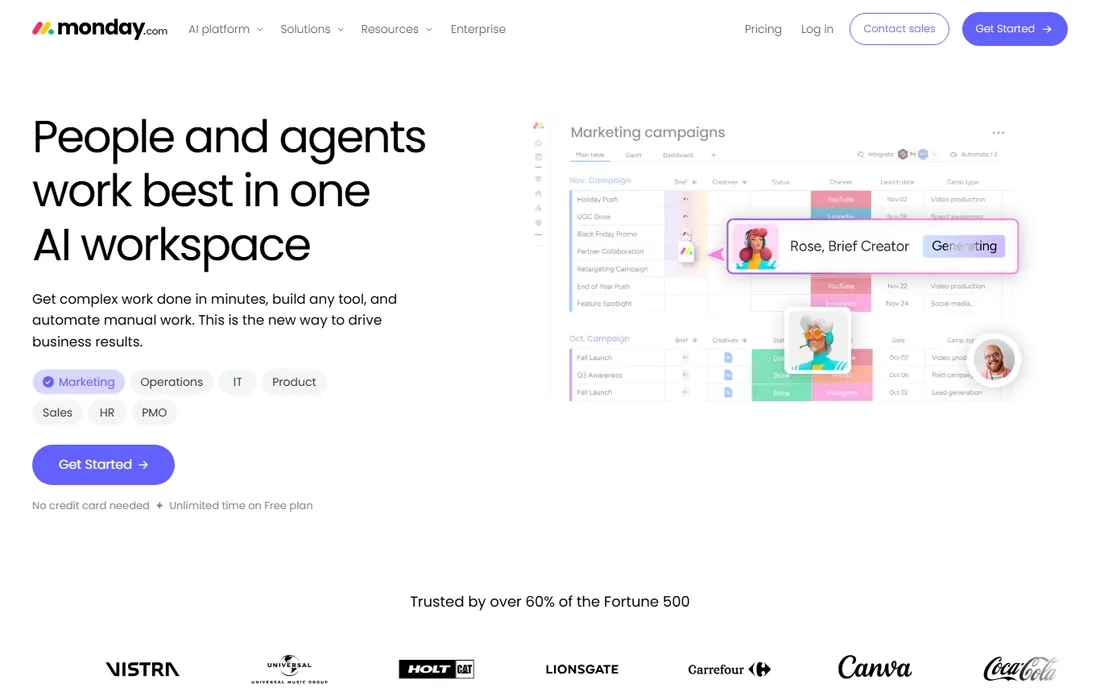
Monday.com appeals to consultancies that want more than projects in the same account. The Work OS approach runs CRM, project delivery and operations side by side, with visual boards and dashboards that clients grasp instantly. The template library and 200-plus integrations cover most consultancy workflows.
The seat math bites small firms: the reported 3-seat minimum means tiny teams pay for empty seats, and per-seat pricing adds up. Serious time tracking and billing need third-party apps, since native depth is thin. Pricing figures are third-party reported and unverified on the vendor page. For a consultancy that wants visual project tracking alongside sales and ops, the platform breadth is the draw. For pure delivery-to-invoice, the specialists above fit better.
What we like- Highly visual, customizable boards and dashboards that clients understand
- 200-plus integrations
- Work OS approach covers CRM, projects and operations in one account
Watch out for- 3-seat minimum on paid plans means tiny teams pay for empty seats
- No native time tracking depth for billable consulting
The billable hour test
Every tool on this list should face one question: how does an hour of work become an invoice? Harvest answers in the fewest steps: track, approve, invoice, with Forecast showing whether the hours were even scheduled. Teamwork, Productive and BigTime keep the whole loop native: time entries flow to budgets, profitability reports and invoice drafts without exports. Accelo, Scoro and Kantata extend the loop from the sale itself through delivery to collection.
The generalists fail the test by design. Asana, Monday and ClickUp track the work beautifully and stop at the invoice: you export hours to a billing tool and reconcile the gap. That is a fine stack if your billing is simple, but every export is a place where billable hours go missing. Before you buy, walk your actual month-end process through the demo: log an hour, approve it, invoice it, mark it paid. The tool that does that in the fewest screens is the one your firm will actually get paid with.
Frequently asked questions
What is PSA software, and do consultants need it?
Professional Services Automation combines project management, resource planning, time tracking, billing and financial reporting in one system. Firms of 10-plus people with retainers, utilization targets or complex billing usually benefit. Smaller teams and freelancers get more value from focused tools like Harvest or Teamwork, which cover the billing loop without the PSA implementation project.
How much does project management software for consultants cost?
Focused tools run $7 to $15 per user per month: ClickUp $7, Harvest $9, Teamwork $9.99, Asana $10.99, Productive $10 (all billed annually). Financially deep tools run $20-plus: BigTime $20, with higher tiers at $35 to $45. Enterprise PSA (Accelo, Scoro, Kantata) is quote-based and lands in the five figures annually. Model the whole billing loop, not just the project tool, before comparing.
Should consultants use Asana or a PSA tool?
Use Asana if your billing already lives elsewhere and you need the work managed clearly: it is the best pure execution tool here. Use a PSA tool (Teamwork, Productive, BigTime, Accelo, Scoro) if billable hours, budgets or invoicing are part of the same workflow. The deciding question is whether hours ever get lost between the project tool and the invoice. If yes, consolidate.
How do I track utilization across my consulting team?
Utilization is billable hours divided by available hours, and the PSA tools report it natively: BigTime, Scoro, Kantata and Productive all show utilization dashboards. Harvest plus Forecast shows scheduled versus actual hours. Asana and Monday need time-tracking add-ons and manual math. Whatever you buy, define available hours honestly (vacation, admin and sales time are not billable) or the metric lies.
What is the best free option for a freelance consultant?
Harvest's free tier (1 seat, 2 projects) covers time tracking and invoicing for a solo practice. Teamwork.com's free plan (5 users, 5 projects) suits a tiny team with client work. ClickUp's Free Forever tier is the most generous for features. "Free" always has caps, so check project, user and feature limits against your actual practice before building on it.
How long does implementation take?
Focused tools (Harvest, Teamwork, ClickUp, Asana, Productive) deploy in days to weeks with self-serve setup and templates. BigTime takes weeks with onboarding support. Enterprise PSA (Accelo, Scoro, Kantata) runs multi-week to multi-month implementations with workflow configuration and data migration. The project workflow design, not the software install, sets the timeline.
How we chose
We started with the searches consultants actually run: project management software for consultants, PSA software, agency project management and consulting time tracking. For each candidate we opened the vendor's own pricing page, checked plan names and prices against public reviews on G2 and Capterra and practitioner discussion on Reddit, and compared feature lists, billing workflows and company-size fit. Where a price could not be verified on the vendor's page we wrote "See website" instead of guessing. The shortlist mixes focused billing-loop tools with full PSA platforms, because a freelancer and a 200-person firm are not managing the same practice.
Sources we checked (12)
- https://www.getharvest.com/pricing
- https://www.teamwork.com/pricing/
- https://www.productive.io/pricing/
- https://www.bigtime.net/pricing/
- https://www.clickup.com/pricing/
- https://www.asana.com/pricing/
- https://www.monday.com/pricing/
- https://www.accelo.com/pricing/
- https://www.scoro.com/pricing/
- https://www.kantata.com/
- https://www.g2.com/categories/professional-services-automation
- https://www.capterra.com/professional-services-automation-software/
Is your product missing or out of date?
We review this list regularly. Vendors can request a listing, send updated pricing or ask about featured placement.

Shihab Mia · Founder, Rankite
Shihab has spent more than a decade helping SaaS and e-commerce brands grow through search. He writes Rankite's software buying guides from pricing pages, documentation and public user reviews. More about Shihab.