How we make this list: we compare pricing pages, product documentation and public user reviews. Rankite is independent; if a vendor ever pays for a featured spot, that listing is clearly labeled Partner.
Key takeaways
- Supademo offers the best value at $38 per creator a month, with HTML, screenshot, video and sandbox demos plus a real free plan.
- Storylane is the most complete marketing-led platform, from a free plan to Starter at $40 a seat, with HTML capture at the $500 Growth tier.
- Navattic is the cheapest route to HTML demos at $125 a month for a solo user, scaling to $500 and $1,000 for teams.
- Arcade at $42.50 a seat and Guideflow at $35 a month are the fastest ways to publish visual demos for marketing content.
- Walnut at $575 a month and Demoboost at $375 a month serve sales-led organizations that need personalization and deal-room features.
Quick comparison
| Tool | Best for | Starting price | Free plan |
|---|
 Storylane Storylane | marketing-led demo programs that want to go deep | $40/seat/month (Starter, billed annually) | Yes |
 Navattic Navattic | solo marketers and founders who need HTML demos cheaply | $125/month (Startup, 1 seat) | Yes (1 demo) |
 Supademo Supademo | teams that want every demo format in one library | $38/creator/month (Scale, billed annually) | Yes |
 Arcade Arcade | marketing teams producing quick visual demo content | $42.50/seat/month (Growth, billed yearly) | Yes |
 Guideflow Guideflow | broad demo format coverage on a small budget | $35/month (Solo) | Yes |
 Walnut Walnut | enterprise sales teams personalizing every demo | $575/month (Ignite, billed annually) | No |
 Demoboost Demoboost | mid-market revenue teams that need sandbox demos | $375/month (Start Up, billed annually) | No |
 HowdyGo HowdyGo | small teams that want unlimited seats on HTML demos | $159/month (Starter) | Free trial (14 days) |
Is your product missing or out of date?
We review this list regularly. Vendors can request a listing, send updated pricing or ask about featured placement.
The best product demo software
Demo software buyers fall into two camps. Marketing teams need fast, visual demos: record the product once, publish a clickable walkthrough or video, embed it on the site and watch it convert visitors. Sales and presales teams need something deeper: personalized demos with the prospect's own data, live demo environments, deal rooms and analytics that show exactly who clicked what.
The first group should compare Arcade, Supademo, Guideflow and Storylane's Starter plan, which publish polished demos in hours for under $50 a seat. The second belongs with Walnut, Demoboost, Navattic's team tiers and HowdyGo, which trade speed for personalization, sandbox environments and sales integrations. Pricing runs from free to $575 a month before enterprise quotes, and the format you need matters more than the logo.
Starting price$40/seat/month (Starter, billed annually)
Free planYes
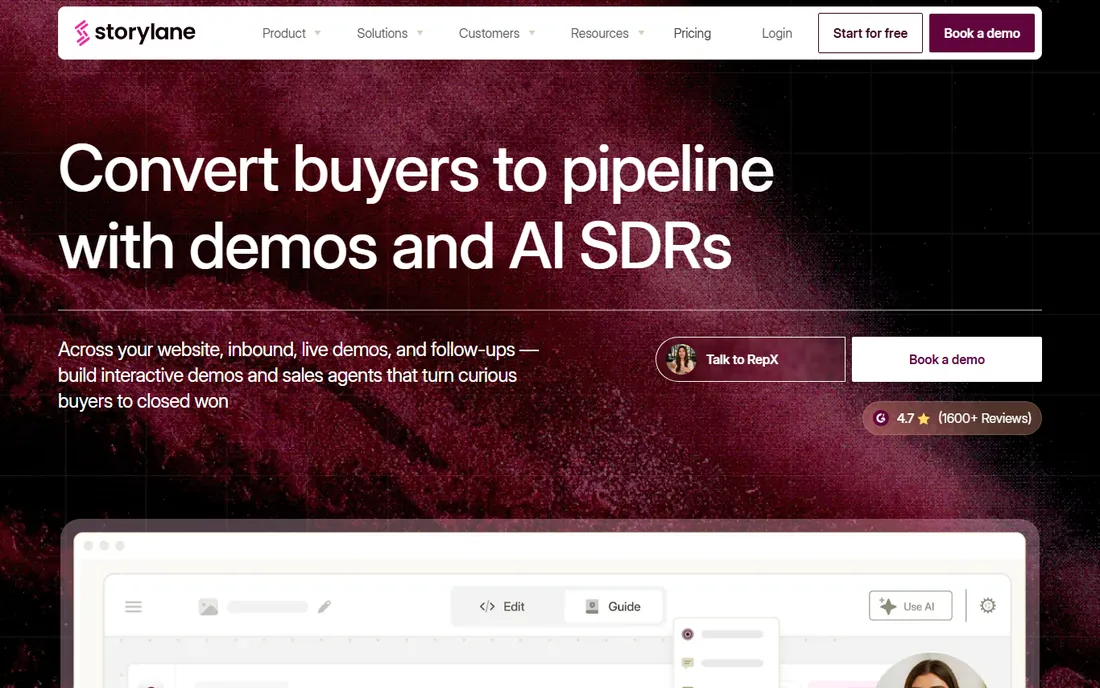
Storylane is the most complete interactive demo platform for teams that have decided demos are a core channel. The free plan publishes one real demo, Starter at $40 a seat covers screenshot and video demos with AI voiceovers and translations, and Growth at $500 a month unlocks HTML capture, personalization tokens and A/B testing. Premium adds Salesforce integration, deal intelligence and presenter mode.
The tier structure is the honest catch: the features that define the category sit above Starter, so most serious programs land on Growth or higher. For marketing teams running demos as a conversion channel, it remains the deepest option.
What we like- Widest feature set in the screenshot and HTML category
- Free plan publishes a real demo
- Deep analytics with deal intelligence on higher tiers
Watch out for- HTML capture starts at the $500 Growth tier
- Premium at $1,200 a month is needed for Salesforce and SSO
#2
Navattic
Best for: solo marketers and founders who need HTML demos cheaply
Visit navattic.com
Starting price$125/month (Startup, 1 seat)
Free planYes (1 demo)
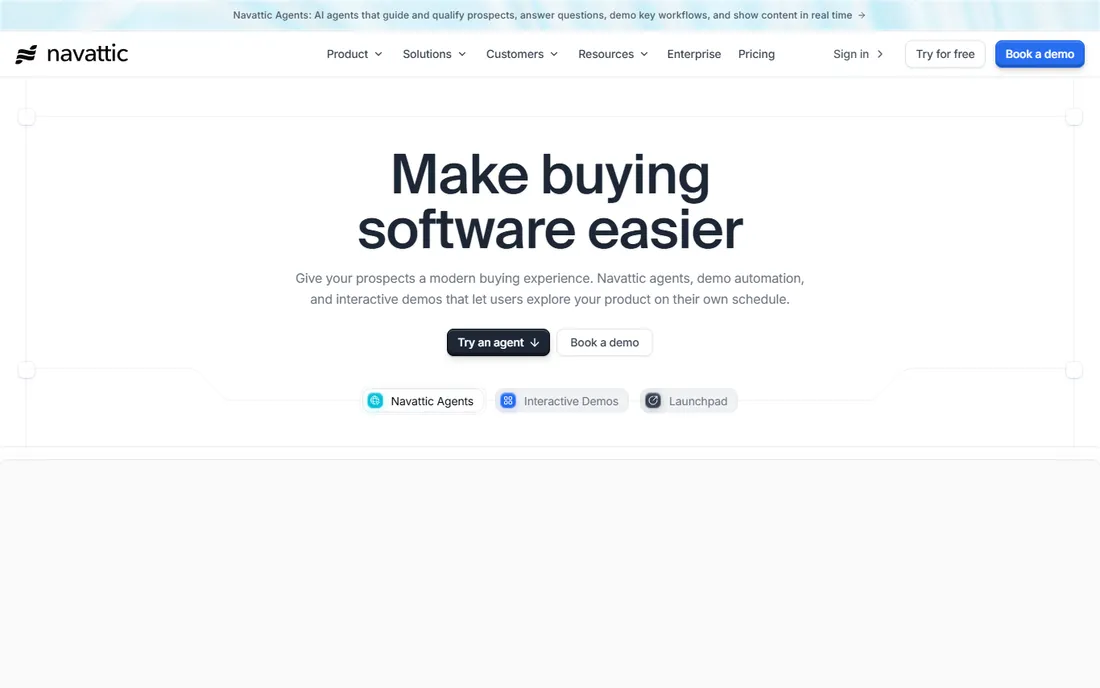
Navattic is the solo marketer's answer to interactive demos: Startup at $125 a month gives one seat unlimited HTML demos, which undercuts every competitor for HTML capture at the entry level. Base at $500 a month for five seats adds sandbox demos, A/B testing and account identification, while Growth at $1,000 adds translation, custom domains and SSO.
The seat packs are rigid and every seat is paid, so a three-person team buys five. But for a single product marketer or founder who needs realistic HTML demos without a committee budget, Navattic is the obvious starting point.
What we like- Cheapest published route to HTML capture
- Mature HTML recording with AI Copilot
- Free tier builds one basic demo
Watch out for- Fixed seat packs of 1, 5 and 10 limit flexibility
- No paid-plan trial advertised
Starting price$38/creator/month (Scale, billed annually)
Free planYes
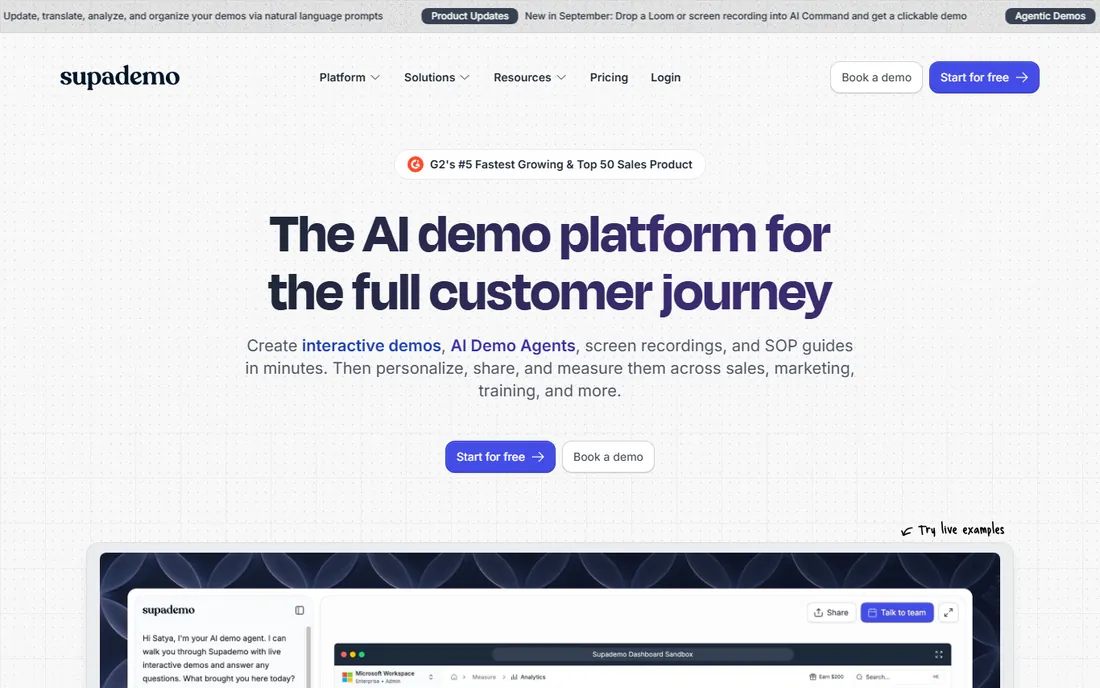
Supademo covers more formats than anything near its price: HTML and screenshot demos, video, sandbox environments, desktop app capture and mobile uploads, all reusable across links, embeds and demo hubs. Scale at $38 per creator a month already includes branching, dynamic variables, custom domains and AI voiceovers, while Growth at $350 a month for five creators adds guided HTML demos, sandbox demos and white-glove onboarding.
The per-creator seat model with unlimited view-only collaborators fits teams where demos move between marketing, sales and customer success. It is the best value on this list for organizations that need demos to work across the whole customer lifecycle.
What we like- HTML, screenshot, video, sandbox, desktop and mobile capture in one tool
- Unlimited view-only collaborators
- 14-day paid trial with no card
Watch out for- A/B testing is limited compared to rivals
- AI voice cloning sits on the $350 Growth tier
Starting price$42.50/seat/month (Growth, billed yearly)
Free planYes
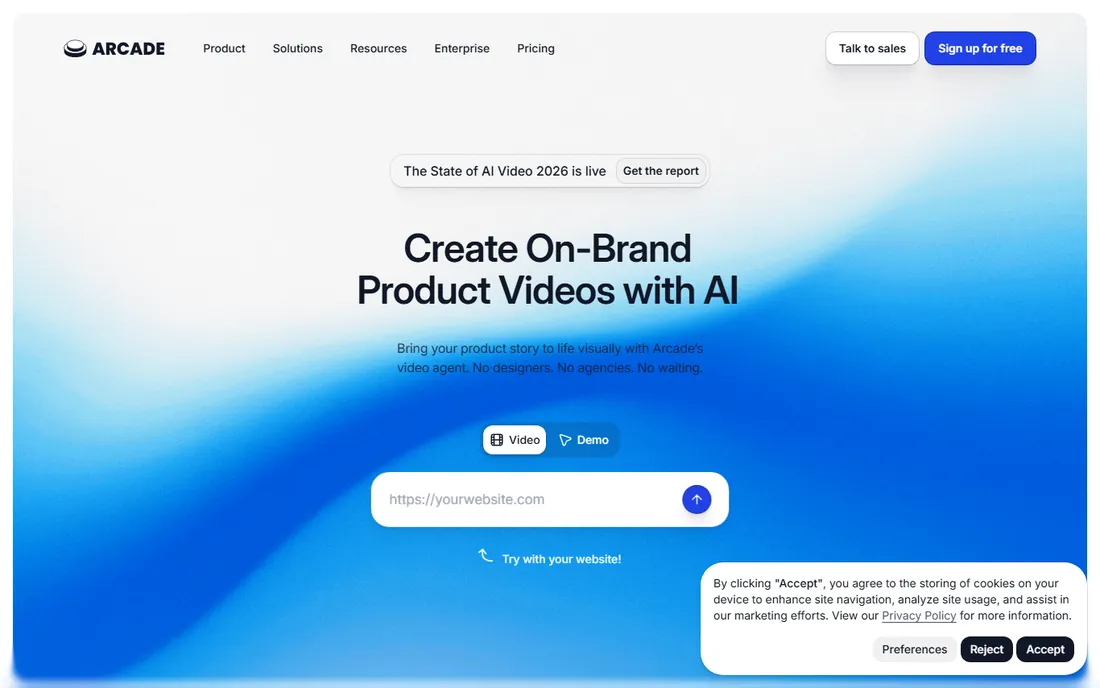
Arcade is the speed pick: record your screen, let AI add voiceovers and chapters, and publish a polished interactive demo or video in minutes. The free plan gets you started, and Growth at $42.50 a seat a month adds the features marketing teams need for launches, social content and website embeds.
It is not a program tool. HTML capture, sandbox demos and collections are Enterprise-only, so teams that outgrow quick content hits a ceiling. For marketing content velocity, though, nothing publishes faster.
What we like- Fastest recording-to-publish workflow in the category
- AI voiceovers and creator studio for demo videos
- Free plan to start
Watch out for- HTML capture is Enterprise-only
- Not built for scaling a serious demo program
Starting price$35/month (Solo)
Free planYes
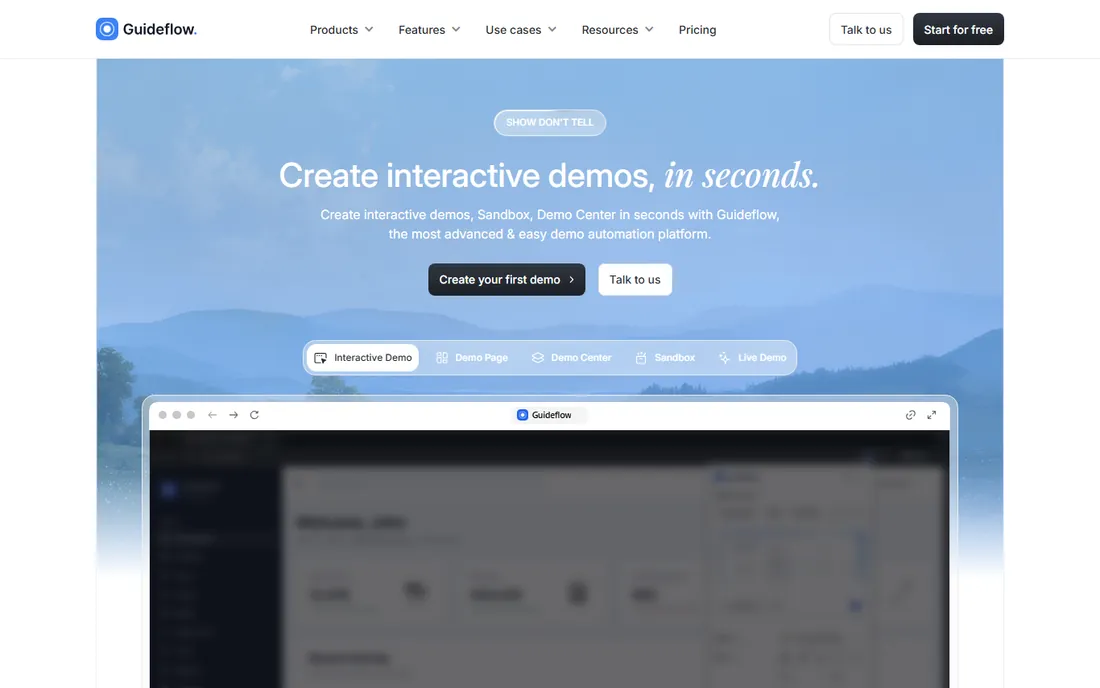
Guideflow covers an unusual range of formats for its price: screenshot, HTML, sandbox, mobile and live demos, where most budget tools pick one or two. Solo at $35 a month is the cheapest credible entry on this list, with a free plan to start.
The format that matters most, HTML capture, waits until the $499 Growth tier, which undercuts the budget story for teams that need realism. But for small teams that need several demo formats without enterprise pricing, Guideflow punches above its weight.
What we like- Screenshot, HTML, sandbox, mobile and live demo formats
- Cheapest entry with real breadth
- Free plan available
Watch out for- HTML capture starts at the $499 Growth tier
- Smaller community and fewer integrations than leaders
#6
Walnut
Best for: enterprise sales teams personalizing every demo
Visit walnut.io
Starting price$575/month (Ignite, billed annually)
Free planNo
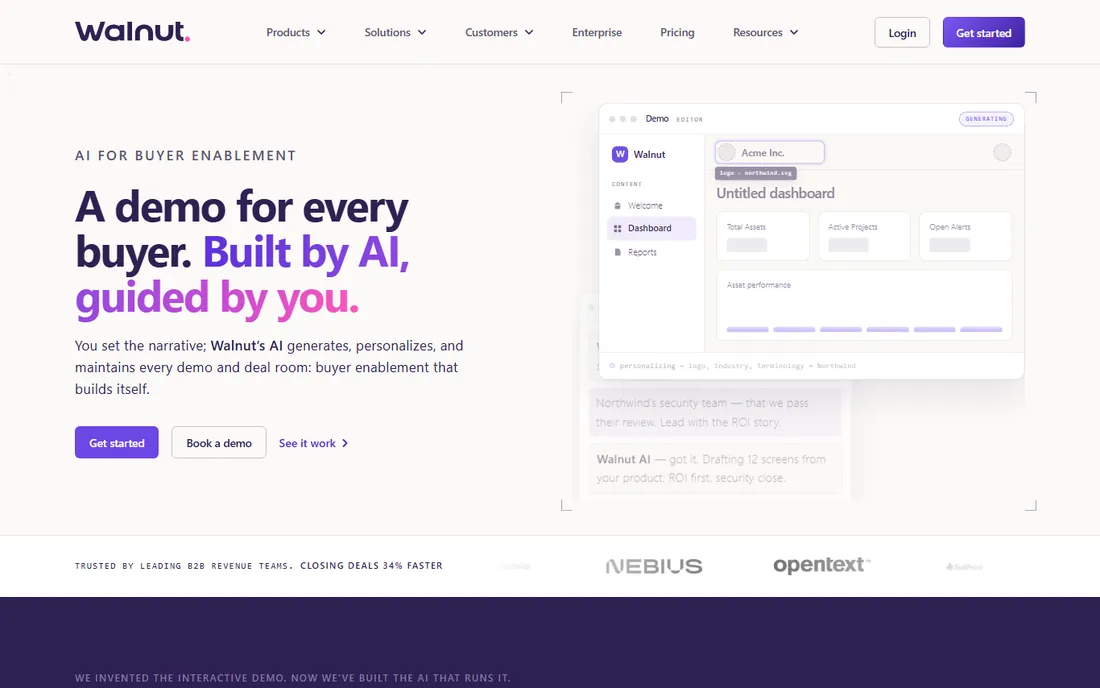
Walnut is built for sales-led organizations where every demo is tailored: reps edit demo data in the moment, personalize for the prospect's use case and share through deal rooms. Ignite at $575 a month covers three seats, while Accelerate at $1,550 adds sandbox demos, deeper personalization and SSO.
There is no free plan and the entry price assumes a sales budget, not a marketing one. But for enterprise revenue teams where demo personalization wins deals, Walnut is purpose-built for exactly that job.
What we like- In-demo data editing for true prospect personalization
- AI-assisted demo drafting
- Deal rooms and advanced analytics on higher tiers
Watch out for- No self-serve free plan
- $575 entry is steep for small teams
Starting price$375/month (Start Up, billed annually)
Free planNo
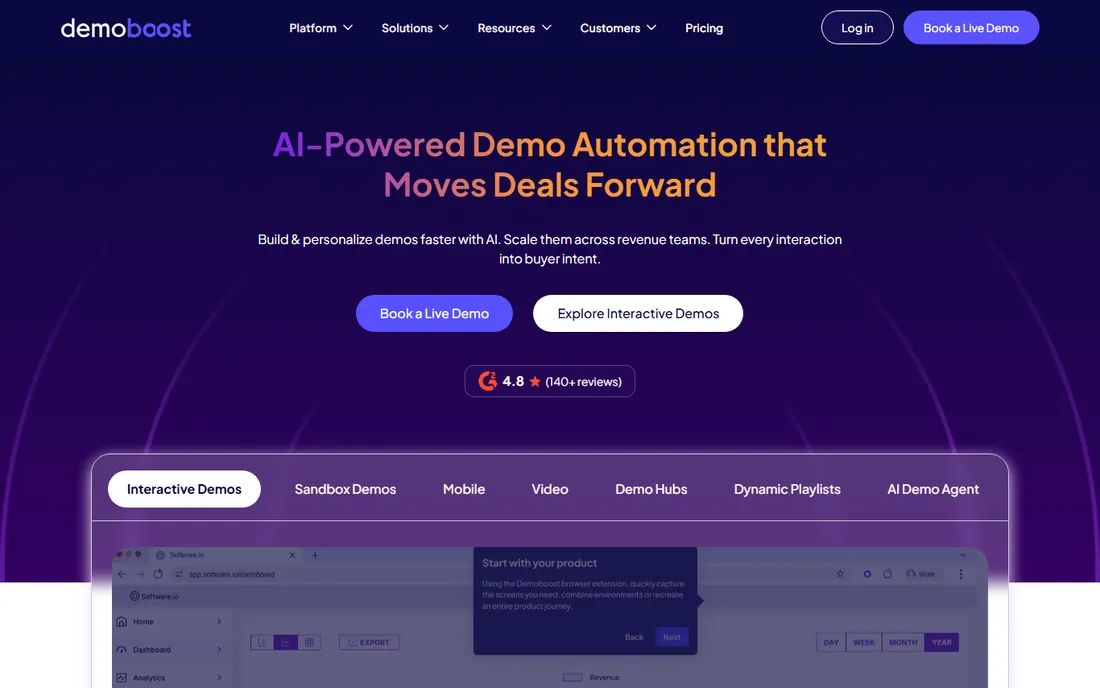
Demoboost sits between the self-serve tools and the enterprise platforms: Start Up at $375 a month, Essentials at $600 and Growth at $1,200, all billed annually, covering HTML, screenshot, video, sandbox and mobile demos with intent analytics. It is a genuine multi-format platform at prices below Walnut and Reprise.
The absence of a free trial means buying on demos and references alone. For mid-market revenue teams that need sandbox environments and buyer intent data without enterprise procurement, it fills a real gap.
What we like- HTML, screenshot, video, sandbox and mobile demos with intent analytics
- Mid-market pricing below Walnut
- Broad format coverage
Watch out for- No self-serve free trial
- Quote-heavy buying for larger deployments
#8
HowdyGo
Best for: small teams that want unlimited seats on HTML demos
Visit howdygo.com
Starting price$159/month (Starter)
Free planFree trial (14 days)
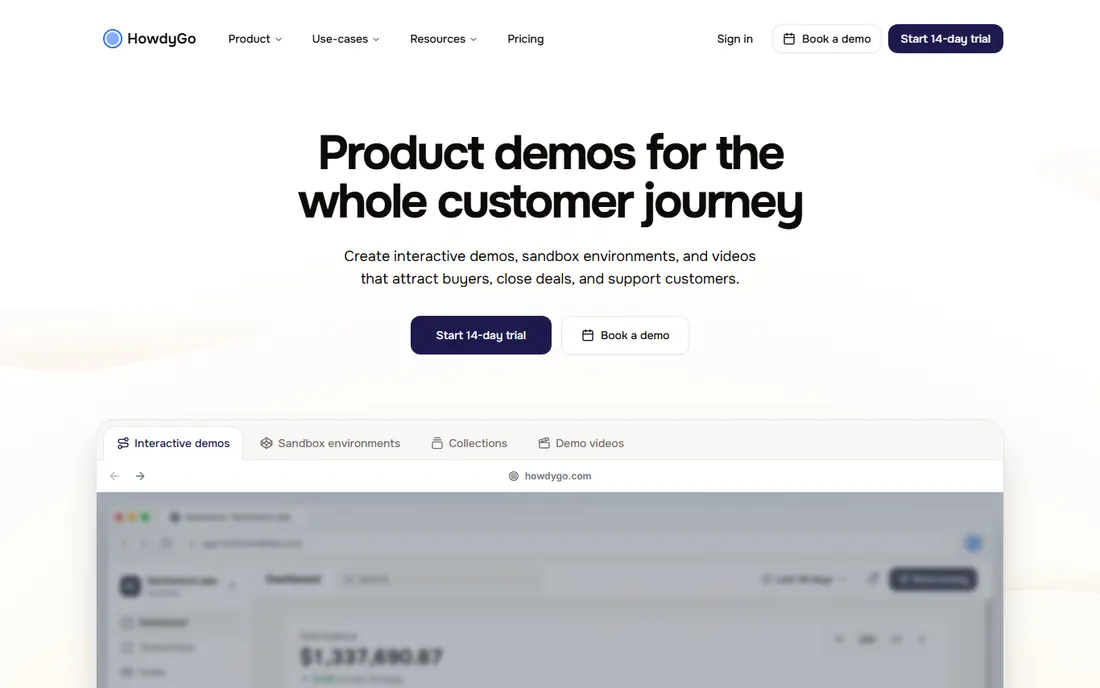
HowdyGo's pitch is simple: unlimited users and unlimited HTML demos from $159 a month, where competitors charge per seat or gate HTML behind $500 tiers. Every paid plan includes its AI assistant, and a 14-day trial lets teams test before committing.
The trade-off is format range: no mobile, video or sandbox demos, so it is a web-HTML specialist. For small teams where everyone builds demos and seat-based pricing would sting, the unlimited model is the whole argument.
What we like- Unlimited users on every plan
- Unlimited HTML demos from the entry tier
- AI assistance on all paid plans
Watch out for- No mobile, video or sandbox formats
- Smaller ecosystem than the leaders
We verified pricing against vendor pricing pages and independent pricing audits updated through October 2026, favoring tools with published prices over quote-only platforms. We required real interactive demo capability: clickable product walkthroughs, not just screen recording. Review sentiment from G2 and user communities informed the fit notes, and we mixed self-serve tools with enterprise platforms to cover both buyer types. No hands-on testing is claimed; this ranking rests on published plans, documented features and aggregated buyer reviews.
What to check before you buy
Start with the format you actually need. If marketing wants quick visual content, compare Arcade, Supademo and Guideflow on publishing speed and ease of use. If sales needs personalized or sandbox demos, evaluate Walnut, Demoboost and Navattic on data editing, integrations and deal-room features, because those decide whether reps adopt the tool.
Check which tier your must-have feature sits on: HTML capture, sandbox demos and Salesforce integrations routinely hide two or three tiers above the entry price. Confirm the seat model, since per-seat, per-creator and fixed packs produce very different bills for the same team. Ask how demos stay current when your product changes, because captured demos go stale and the refresh workflow is where these tools live or die. Finally, run the trial with a real product flow, not a toy example.
The pricing models explained
Self-serve tools charge per seat or per creator: Supademo at $38 a creator, Storylane at $40 a seat, Arcade at $42.50 a seat, Navattic Startup at $125 flat. Team platforms charge per tier: HowdyGo at $159, Demoboost from $375, Storylane Growth at $500, Walnut from $575. Enterprise tools like Reprise and Demostack are quote-only. Watch for the feature-tier trap: the demo format you want often starts two tiers above the advertised entry price.
Frequently asked questions
What is product demo software?
Product demo software creates interactive, clickable walkthroughs of your product that prospects can explore on their own, without a live sales call. Tools capture your app's screens or HTML, add guides and voiceovers, and publish shareable demos for websites, emails and sales outreach.
How much does product demo software cost?
Self-serve plans run $35 to $160 a month. Team tiers with HTML capture and sandbox demos run $350 to $575 a month. Enterprise platforms like Reprise and Demostack are quote-only and typically run into five figures a year. Most tools offer free plans or trials.
What is the difference between screenshot demos and HTML demos?
Screenshot demos are built from captured images with clickable hotspots: fast to make but static. HTML demos capture the actual product interface, so text stays selectable and interactions feel real. HTML demos look more convincing but cost more and sit on higher pricing tiers.
Do I need demo software if I already make product videos?
Videos and interactive demos serve different jobs. Videos explain; interactive demos let prospects click through the product themselves, which converts better for evaluation-stage buyers. Many teams use both: video for awareness, interactive demos for consideration.
How do interactive demos stay current when the product changes?
Captured demos go stale when your UI changes, and every tool requires refreshing affected screens. Some tools flag outdated captures automatically, and AI-assisted editing speeds the rebuild. Ask about the update workflow during your trial, because maintenance effort is the hidden cost of a demo program.
Sources we checked (8)
- https://www.storylane.io/blog/interactive-demo-software
- https://saltfish.ai/blog/storylane-review
- https://supademo.com/blog/storylane-alternatives
- https://work-management.org/marketing/storylane-review/
- https://trainn.co/blog/storylane-pricing/
- https://supademo.com/blog/navattic-pricing
- https://supademo.com/blog/navattic-vs-walnut-vs-supademo
- https://supademo.com/blog/arcade-alternatives
Is your product missing or out of date?
We review this list regularly. Vendors can request a listing, send updated pricing or ask about featured placement.

Shihab Mia · Founder, Rankite
Shihab has spent more than a decade helping SaaS and e-commerce brands grow through search. He writes Rankite's software buying guides from pricing pages, documentation and public user reviews. More about Shihab.