How we make this list: we compare pricing pages, product documentation and public user reviews. Ratings come from G2, Capterra or Trustpilot, with the date we checked them.
Key takeaways
- Navattic and Storylane lead the category: Navattic for true HTML demos with a free starter demo, Storylane for combining screenshot, HTML, and video demos in one library with plans from $40 per user per month.
- Supademo, Arcade, and Guideflow make demos a self serve purchase, with free plans and paid tiers from $35 to $42.50 per month.
- Walnut, Reprise, and Demostack serve enterprise sales: personalised live demos, cloned product environments, and sandboxes, all at quote based or high monthly prices.
- Format is the decision that gates the price. Screenshot tours are cheap; editable HTML captures and sandboxes sit on plans from $500 per month upward.
- Budget for upkeep. A demo mirrors your product, so every interface change creates demo maintenance, a cost users cite more than the licence.
Quick comparison
| Tool | Best for | Starting price | Free plan |
|---|
 Navattic Navattic | HTML product demos | Free | Yes |
 Storylane Storylane | Demo hubs across teams | $40 per user per month | Yes |
 Walnut Walnut | Enterprise sales personalisation | $575 per month | No |
 Supademo Supademo | Low cost tours and onboarding | $38 per creator per month | Yes |
 Arcade Arcade | Demos plus polished video | $42.50 per user per month | Yes |
 Guideflow Guideflow | Low cost guided tours | $35 per month | Yes |
 Reprise Reprise | Cloned product environments | See website | No |
 Demostack Demostack | Near live sales sandboxes | See website | No |
Is your product missing or out of date?
We review this list regularly. Vendors can request a listing, send updated pricing or ask about featured placement.
#1Navattic
Best for: HTML product demos4.8/5 on
G2 (1,125 reviews, checked Oct 2026)
Visit navattic.com
Starting priceFree
Free planYes
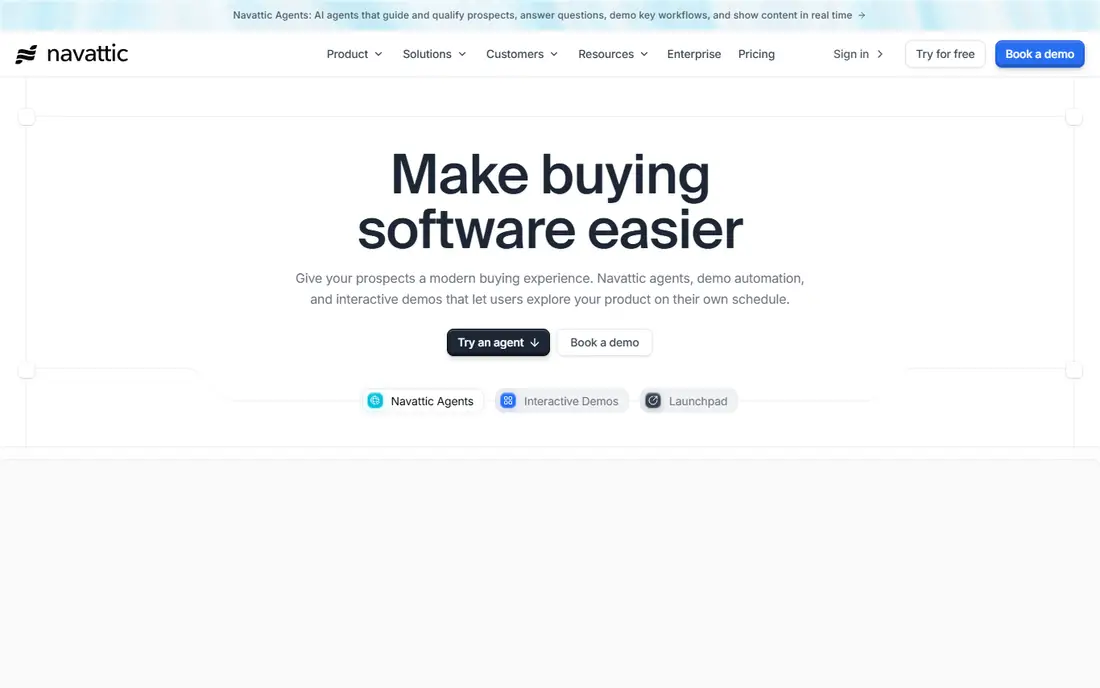
Navattic is the reference product for website interactive demos. It captures your product's HTML, so the demo is a working copy of the interface, screens can be edited to swap in a prospect's company name or clean data, and the result embeds on landing pages where visitors click the real workflow before they ever talk to sales. Its free Starter plan publishes one demo, which is enough to test the concept.
The costs show up after the test. Paid pricing is not public, third party comparisons report entry bundles around $500 per month, and users in those comparisons cite the editor's learning curve and the standing work of keeping demos current as the product evolves. For a marketing team with one flagship demo to maintain, Navattic is the benchmark; for ten demos across ten features, plan the upkeep time honestly.
What we like- True HTML capture, so demos behave like the product and text and data can be edited
- Free Starter plan covers one published demo
- Strong fit for website demos and product led growth pages
- Demo analytics tied to accounts and campaigns
Watch out for- Paid plans are quote based, with third party reports putting entry near $500 per month for a small seat bundle
- The editor has a learning curve
- Demos need manual upkeep when the product interface changes
- Sandbox features sit on higher tiers
#2Storylane
Best for: Demo hubs across teams4.7/5 on
G2 (1,625 reviews, checked Oct 2026)
Visit storylane.io
Starting price$40 per user per month
Free planYes
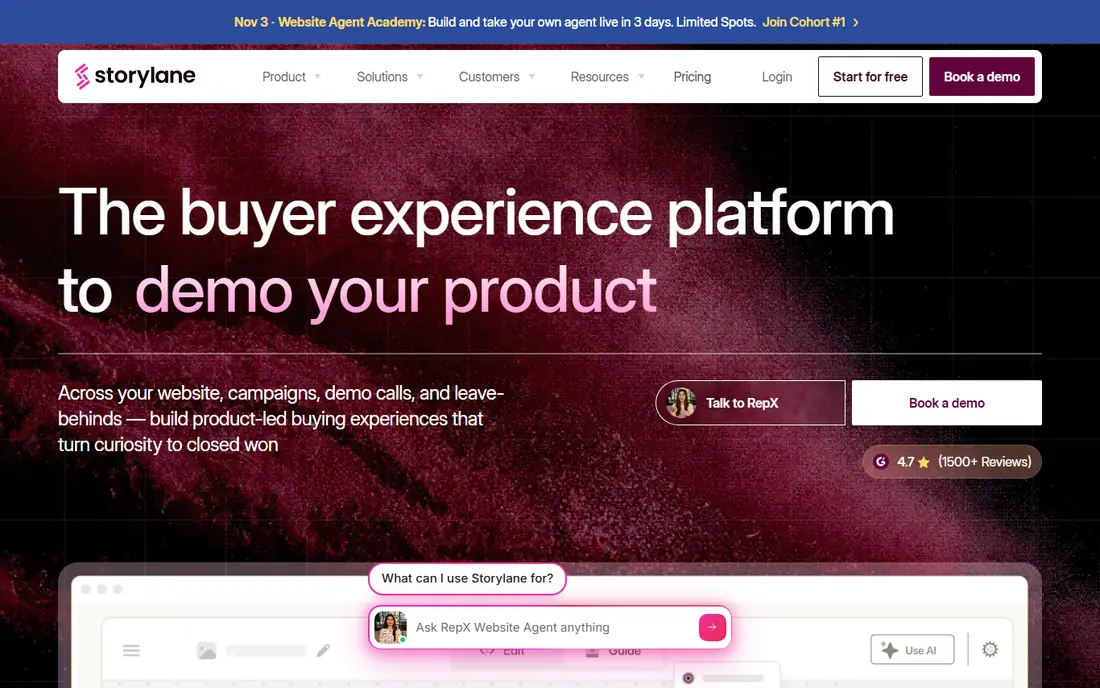
Storylane is the all rounder. A company can build a screenshot tour for the homepage, an HTML demo for the enterprise page, and a video walkthrough for sales follow up, and hold all of them in one library with shared analytics and demo hubs that package tours for a specific buyer or use case. Its free plan makes the trial real, and Starter runs $40 per user per month billed annually.
The tier trap to know: the $40 Starter is a screenshot tier. Teams whose core format is editable HTML need Growth at $500 per month, the gap its own comparison pages state openly. Price the format you will actually use. For organisations with several demo consumers, marketing, sales, onboarding, and no appetite for three tools, Storylane is the safest single evaluation.
What we like- Screenshot, HTML, and video demos in one editor and library
- Demo hubs group tours for buyers, onboarding, and events
- Free plan, with Starter at $40 per user per month billed annually
- Sales features including presenter and offline demos on higher tiers
Watch out for- Starter covers screenshot demos, HTML editing starts on Growth at $500 per month
- Per seat pricing grows with team size
- Advanced deal intelligence sits on premium tiers
- The breadth means setup choices take thought
#3Walnut
Best for: Enterprise sales personalisation4.5/5 on
G2 (150 reviews, checked Oct 2026)
Visit walnut.io
Starting price$575 per month
Free planNo
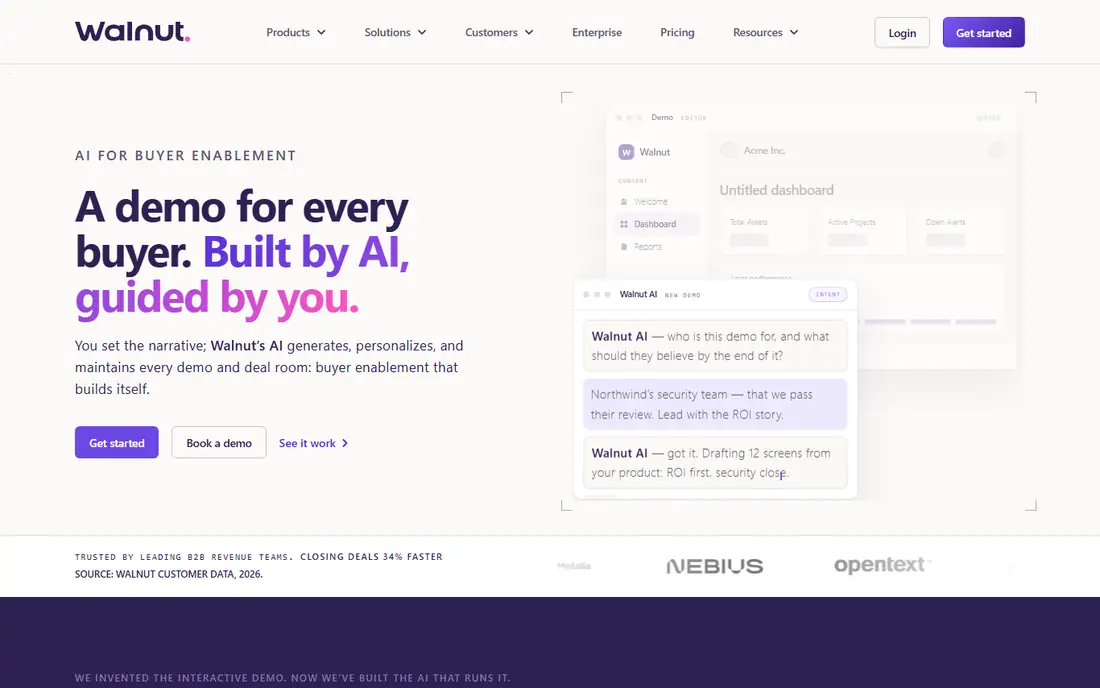
Walnut sells to the enterprise motion: a rep prepares a demo personalised with the prospect's name, industry, and use case, presents it live, then leaves it behind for the buying group to explore, with analytics on who looked at what. Its plans are public in comparisons: Ignite at $575 per month billed annually and Accelerate at $1,550, with a quote based Scale tier above.
That is sales tooling money, justified only when deal sizes carry it. Walnut's separation of editor and presenter seats reflects real enterprise structure, creators build once, dozens of reps present. A startup with a self serve funnel should take Supademo or Arcade instead; a field sales organisation standardising its demo will find Walnut designed for exactly its shape.
What we like- Built for account executive led selling, with personalised demos per prospect
- Separate editor and presenter seats match how enterprise teams work
- AI assisted demo building shortens creation
- Leave behind demos and deal analytics for sales cycles
Watch out for- Ignite starts at $575 per month billed annually, Accelerate at $1,550
- No free plan
- Sandbox capability starts at the Accelerate tier
- Pricing aimed at enterprise teams, not self serve buyers
#4Supademo
Best for: Low cost tours and onboarding4.7/5 on
G2 (653 reviews, checked Oct 2026)
Visit supademo.com
Starting price$38 per creator per month
Free planYes
Supademo is the efficient workhorse for guided tours: record the flow, add steps and voiceover, publish or embed. Its free plan and $38 per creator per month paid entry make it a purchase a team lead approves alone, and its strength in onboarding and help centre demos gives it a second job beyond marketing pages.
Its format is its limit. Screenshot based tours show the product; HTML platforms let prospects operate something closer to it. For feature tours, customer education, and a website demo that needs to exist this week, Supademo's speed and price are the argument. Many teams start here and add an HTML platform later for the flagship flow only.
What we like- Fast capture and editing, a demo in minutes
- Free plan to publish a first tour
- Paid plans from $38 per creator per month billed annually
- AI voiceovers and translations for onboarding and help content
Watch out for- Screenshot led format is less convincing than HTML for deep product stories
- Advanced analytics and personalisation are thinner than enterprise tools
- Per creator pricing adds up across big content teams
- No cloned environment option
Starting price$42.50 per user per month
Free planYes
Arcade turns a single product recording into a family of assets: the clickable demo for the website, the launch video for social, the GIF for the changelog. That multi output model suits product marketing teams who announce features constantly, and its polish is why it posts some of the strongest review scores in the category's comparisons.
Arcade is a marketing tool first. It will not personalise a demo for a named account or clone your environment for a security review, and its pricing, free to start and Pro around $42.50 to $49 per month, reflects that. For demo led product marketing rather than demo led enterprise sales, Arcade is the natural pick.
What we like- One capture becomes an interactive demo, a video, and GIFs
- Output looks polished with little editing effort
- Free plan, Pro reported at $42.50 to $49 per month billed annually
- Strong fit for product marketing announcements and changelogs
Watch out for- Now leads with AI video, presales workflow is light
- Screenshot based, no HTML editing or sandbox
- Enterprise features sit behind quote based plans
- Less depth for complex multi step enterprise demos
#6Guideflow
Best for: Low cost guided tours5.0/5 on
G2 (142 reviews, checked Oct 2026)
Visit guideflow.com
Starting price$35 per month
Free planYes
Guideflow prices its ladder in the open, and the ladder tells the category's story: a free plan and a $35 per month Solo tier for guided tours, then $499 per month on Growth where HTML capture begins, and $1,499 per month on Advanced where sandboxes and offline demos live. The steps between tiers are the honest cost of format depth.
For a team that needs tours now and might want HTML later, Guideflow lets you buy in that order rather than paying enterprise money on day one. Just model the climb: if your roadmap needs HTML capture within a year, compare Guideflow Growth against Storylane Growth and Navattic directly, because at that tier the low cost advantage has already narrowed.
What we like- The lowest published entry here, free plan and Solo at $35 per month billed annually
- Granular tier ladder lets teams buy features step by step
- Supports interactive guides for onboarding and support as well as marketing
- Simple editor keeps demo creation quick
Watch out for- HTML capture only starts on the $499 per month Growth tier
- Sandbox and offline demos sit on Advanced at $1,499 per month
- Brand reach and ecosystem are smaller than the leaders
- The tier jumps are steep once you climb
#7Reprise
Best for: Cloned product environments4.4/5 on
G2 (175 reviews, checked Oct 2026)
Visit reprise.com
Starting priceSee website
Free planNo
Reprise operates at the top of the realism scale. Instead of screenshots or lightweight HTML, it captures the product environment itself, so a solutions engineer can hand a prospect a demo that behaves like the live system, with data edited in overlays to match the prospect's world. Enterprise presales teams use it where a screenshot tour would insult the product's complexity.
Pricing is quote based and the setup is a real project, which confines Reprise to vendors whose average deal can carry it. In the category's structure, it is the answer to a specific question: how do we let enterprise buyers experience the actual product, safely, before the contract. If your question is a homepage demo, Reprise is three categories too much tool.
What we like- Captures and clones the full product environment for realistic demos
- Overlay editing personalises data without engineering
- Built for enterprise presales, proofs of concept, and leave behinds
- Governance and analytics for large demo libraries
Watch out for- Quote based enterprise pricing
- Implementation and capture work is a project, not an afternoon
- Overpowered for website tours
- Value concentrates in high value, complex deals
#8Demostack
Best for: Near live sales sandboxes4.7/5 on
G2 (80 reviews, checked Oct 2026)
Visit demostack.com
Starting priceSee website
Free planNo
Demostack builds the demo environment as a product in itself: a near live instance of your software, populated and templated, that a sales engineer can clone for each serious prospect. For technical products, deployment tools, data platforms, infrastructure, where the buying question is how the system behaves under real use, that realism closes the credibility gap that tours leave open.
Like Reprise, Demostack is priced by quote and staffed by presales time, and the environments need refreshing as releases ship. It competes on the enterprise end of this list and complements rather than replaces a marketing demo tool. Vendors running both usually keep Demostack or Reprise for the field and one of the self serve platforms for the website.
What we like- Creates sandbox style demo environments that feel like a live instance
- Templates let sales engineers spin up repeatable demos per vertical
- Suited to technical products where clicking a tour undersells depth
- Supports guided stories inside a realistic environment
Watch out for- Quote based pricing
- Environment creation needs solutions engineering time
- Maintenance rises with product release pace
- Not a marketing self serve tool
How we chose
We covered the full format range, screenshot tours, HTML demos, and cloned environments, using October 2026 category comparisons from Trainn's Navattic alternatives analysis, Storylane's published comparisons, and iTechGuides' demo automation ranking, together with vendor pricing pages where public. Where vendors do not publish prices, we used the figures multiple comparisons agree on and marked the entry See website when no consistent figure exists. We left out screen recorders with no interactive layer, demo services agencies, and general video tools.
Decide the format by the buyer's question. If visitors need to understand the product in ninety seconds, screenshots with a good story win, and the cheap tools are the right tools. If the product's interface is the pitch and prospects must feel it respond, HTML capture earns its tier. If the deal is enterprise and the evaluation is technical, only a cloned environment or sandbox answers.
Then price the whole habit, not the licence. Demos decay: every redesign and renamed feature makes one wrong, and comparisons of this category cite upkeep as the top frustration. Count who will maintain the library, how many demos you truly need, usually fewer than you think, and whether analytics connect viewers to accounts, which is what turns a demo from content into pipeline evidence. Buy the tier that includes the format and the analytics together; buying either alone wastes the other.
Frequently asked questions
How much does interactive demo software cost?
Self serve platforms cluster tightly: free plans from Navattic, Storylane, Supademo, Arcade, and Guideflow, paid tiers from $35 to $42.50 per month. Mid market HTML depth runs about $500 per month, Walnut starts at $575 per month billed annually, and the cloned environment platforms, Reprise and Demostack, price by quote for enterprise budgets. The biggest hidden cost is staff time for upkeep as your product changes.
What is the difference between screenshot and HTML demos?
Screenshot demos are images of your product linked by hotspots and text. They are fast and cheap to make and fine for simple stories, but they cannot be edited without recapturing, and visitors can tell they are pictures. HTML demos capture the actual interface code, so text and data can be edited, personalised, and translated, and the demo responds like the product. That is why HTML sits on higher priced tiers.
Do interactive demos replace live demos?
No. They filter and prepare. A prospect who has clicked through a good interactive demo arrives at the live call with basic questions answered, so the call can go deeper; sales teams report the live demo becoming shorter and more specific. Interactive demos also serve the visitors who would never book a call at all, which for most websites is the majority of the audience.
How many demos should a company build?
Fewer than instinct suggests. One excellent demo of the core workflow, kept perfectly current, outperforms ten ageing ones. Add a second for a distinct audience, enterprise versus self serve, or a second flagship feature, only when the first is demonstrably maintained. Every demo you publish is a promise to update it at every release; staff the promise before expanding the library.
Sources we checked (0)
Is your product missing or out of date?
We review this list regularly. Vendors can request a listing, send updated pricing or ask about featured placement.

Shihab Mia · Founder, Rankite
Shihab has 5+ years in B2B and SaaS SEO. He writes Rankite's software buying guides from pricing pages, documentation and public user reviews. More about Shihab.