How we make this list: we compare pricing pages, product documentation and public user reviews. Ratings come from G2, Capterra or Trustpilot, with the date we checked them.
Key takeaways
- Tiimo and Structured are the strongest visual choices for time blindness, since both show the day as a timeline you can watch and follow.
- Goblin Tools helps with task paralysis by breaking a large task into small, concrete steps, and it is free for basic use.
- Sunsama and Motion suit workdays where tasks arrive from many tools and need a realistic daily plan, but both cost more than a simple planner.
- TickTick and Todoist are low-friction options that work well when you want tasks, calendar and reminders in one familiar app.
- The best ADHD planner is the one you open daily, so favour a simple start, gentle reminders and a view that makes time visible over a long feature list.
Quick comparison
| Tool | Best for | Starting price | Free plan |
|---|
 Tiimo Tiimo | Visual routines and time blindness | See website | Yes |
 Structured Structured | Visual daily timeline | See website | Yes |
 Goblin Tools Goblin Tools | Breaking tasks into steps | See website | Yes |
 Sunsama Sunsama | Guided workday planning | $20 per user/month | Free trial (14 days) |
 Motion Motion | AI scheduling for busy calendars | See website | Free trial (7 days) |
 TickTick TickTick | Tasks, habits and focus timer | $35.99 per year | Yes |
 Todoist Todoist | Simple, reliable task lists | $5 per user/month | Yes |
 Lifestack Lifestack | Energy-aware scheduling | See website | Free trial |
 Microsoft To Do Microsoft To Do | Free, simple Microsoft lists | See website | Yes |
Is your product missing or out of date?
We review this list regularly. Vendors can request a listing, send updated pricing or ask about featured placement.
The best planner apps for ADHD
Starting priceSee website
Free planYes

Tiimo was built with neurodivergent users in mind, and that focus shows in the design. The day becomes a colourful timeline with icons, countdown timers and clear progress, which makes time visible instead of abstract. Repeatable routines for mornings, evenings and transitions reduce daily decisions, and reminders are designed to prompt without shaming a missed step.
The limit is depth for complex work. Tiimo is not a project manager with boards and dependencies, and its best features sit behind a subscription. For readers whose main struggle is time blindness and starting routines, that trade-off is reasonable. Tiimo works best as a daily routine companion, paired with a work tool if needed.
What we like- Visual timeline with icons and timers
- Repeatable routines for mornings and transitions
- Gentle, non-judgmental reminders
Watch out for- Full features need a subscription
- Deep project management is limited
Starting priceSee website
Free planYes
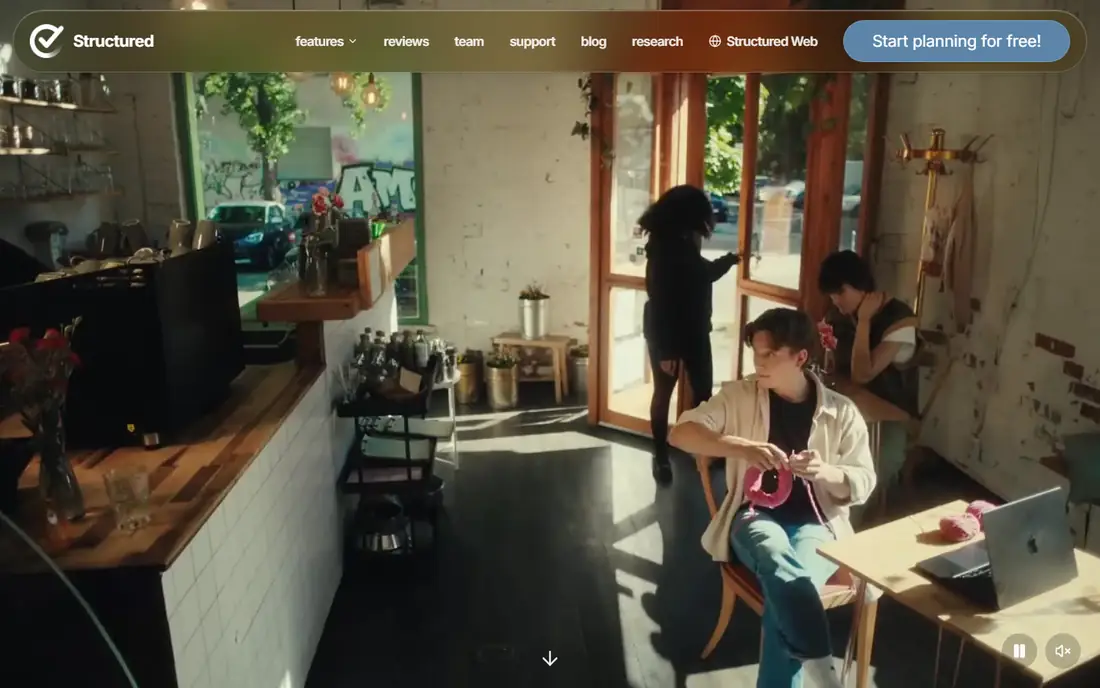
Structured shows the whole day as a timeline, which helps when a list of tasks hides how long the day really is. You can see gaps, overlaps and the time each task will take, then move a task to a new slot when plans change. Calendar import keeps events and tasks in the same view, so the plan reflects real commitments, not just wishes.
Structured is lighter than a full task manager for project work, and it does not break large tasks into steps on its own. That simplicity is a strength for daily planning, since there is less to set up and maintain. Readers who want a calm, visual day plan should start here, especially if Tiimo feels too routine-focused.
What we like- Clean timeline for tasks and calendar events
- Quick task creation
- Phone, computer and watch support
Watch out for- Pro pricing is shown in the app and varies by region
- Less depth for long-term project planning
Starting priceSee website
Free planYes
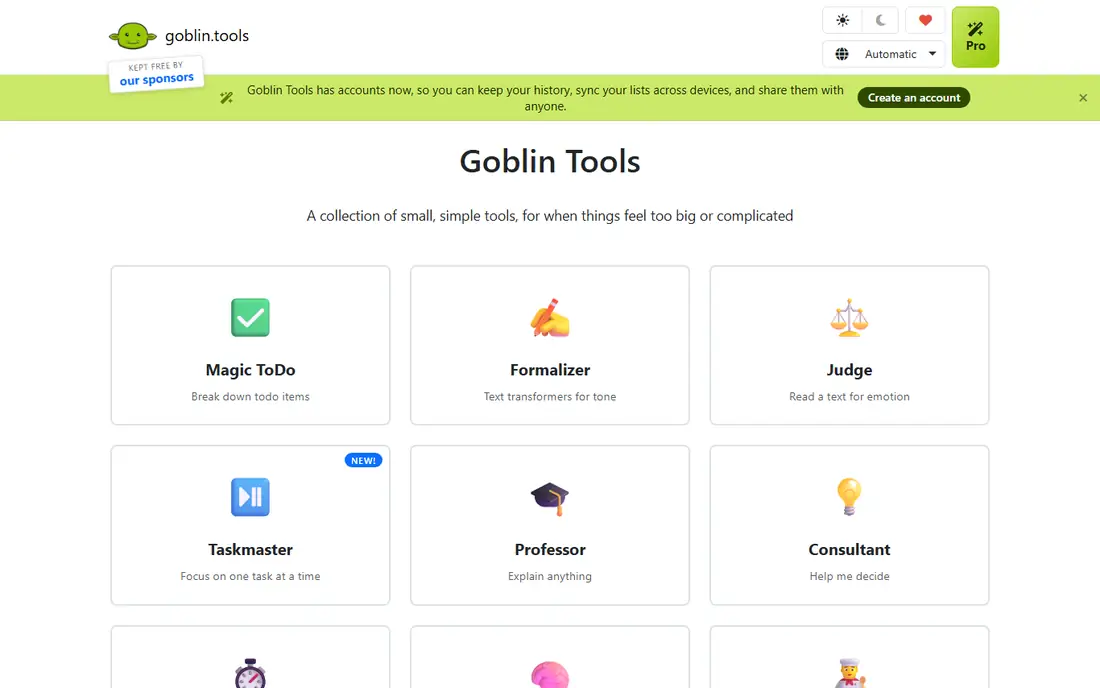
Goblin Tools solves a specific ADHD problem: a task that feels too large to start. Type in a vague task such as preparing a presentation, and its Magic To Do feature returns small, concrete steps that are easier to begin. That breakdown turns an overwhelming item into a short list of actions, which is often enough to break task paralysis.
Goblin Tools is not a calendar, a routine timer or a project manager, so it works best as a companion tool. Use it to break down the hard task, then place the steps in Structured, TickTick or Todoist. For readers who stall at the starting line, that focused help can matter more than another full planner.
What we like- Magic To Do breaks tasks into small steps
- Simple, low-setup interface
- Free for basic use
Watch out for- Not a full calendar or planner
- Best used alongside another planner
Starting price$20 per user/month
Free planFree trial (14 days)
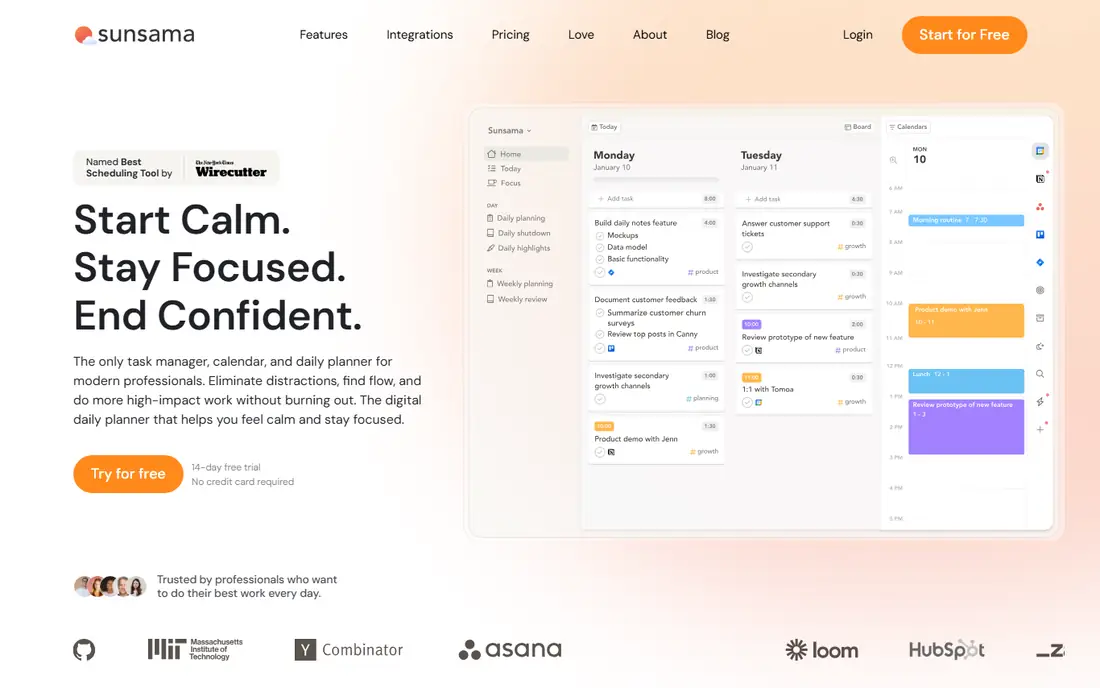
Sunsama guides you through a daily ritual: choose tasks, estimate time, place them on a calendar and review the day at the end. That ritual helps when tasks arrive from email, Slack, Asana and other tools, and the day feels scattered before it starts. Pulling tasks into one plan reduces the need to check five apps to know what matters today.
The price and weight are the drawbacks for personal use. Sunsama is built for professionals with busy workdays, and its monthly cost is hard to justify for a simple home routine. It also needs daily engagement to work well. For workdays that collapse without a plan, the guided structure is worth the cost and effort.
What we like- Guided morning planning ritual
- Pulls tasks from work tools
- Timeboxing and daily shutdown review
Watch out for- Higher price
- No free forever plan
- Heavier than a simple planner
#5Motion
Best for: AI scheduling for busy calendars4.1/5 on
G2 (157 reviews, checked Oct 2026)
Visit usemotion.com
Starting priceSee website
Free planFree trial (7 days)
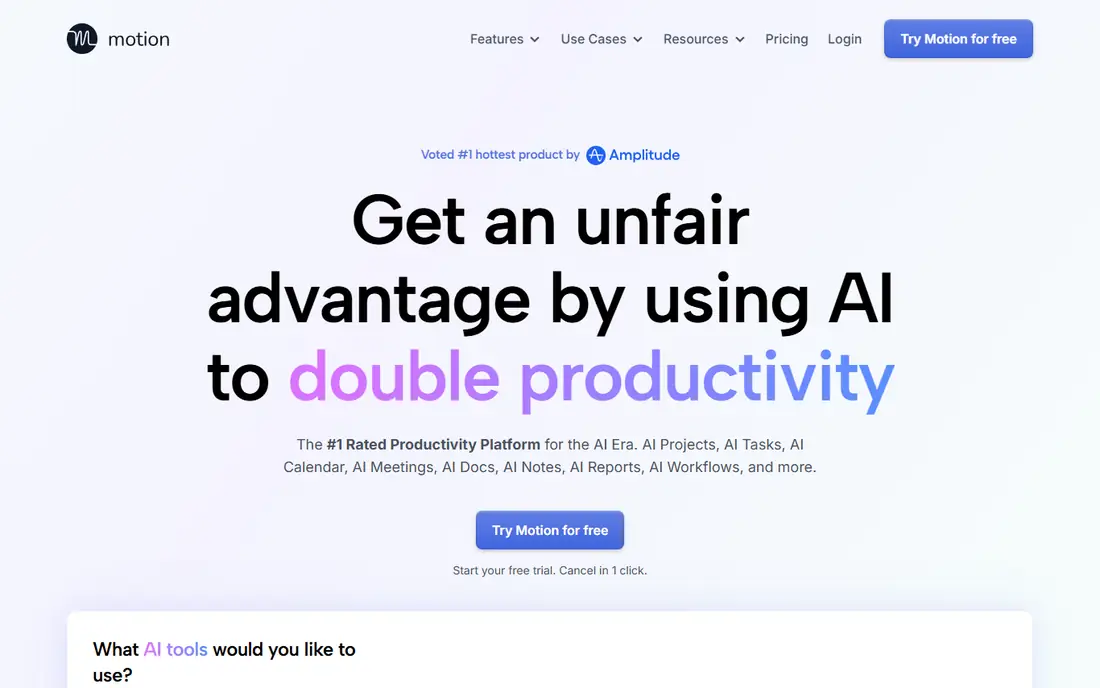
Motion uses scheduling to place tasks on your calendar automatically, taking account of deadlines, priorities and existing meetings. That automation helps when a calendar is full and manual planning takes too long or falls apart by midday. When a meeting moves, Motion can reshuffle tasks rather than leaving you to rebuild the day by hand.
Motion is priced for professionals and teams, and it may be too much for a reader who only needs a daily routine or a simple task list. The automatic schedule also needs good input: tasks with clear deadlines and durations work better than vague items. For overloaded work calendars, it is a strong option, but simple routines are better served by Tiimo or Structured.
What we like- Automatic scheduling of tasks around calendar events
- Priority handling
- Team planning features
Watch out for- Higher price than most planners
- Can feel complex for simple personal routines
#6TickTick
Best for: Tasks, habits and focus timer4.5/5 on
G2 (113 reviews, checked Oct 2026)
Visit ticktick.com
Starting price$35.99 per year
Free planYes
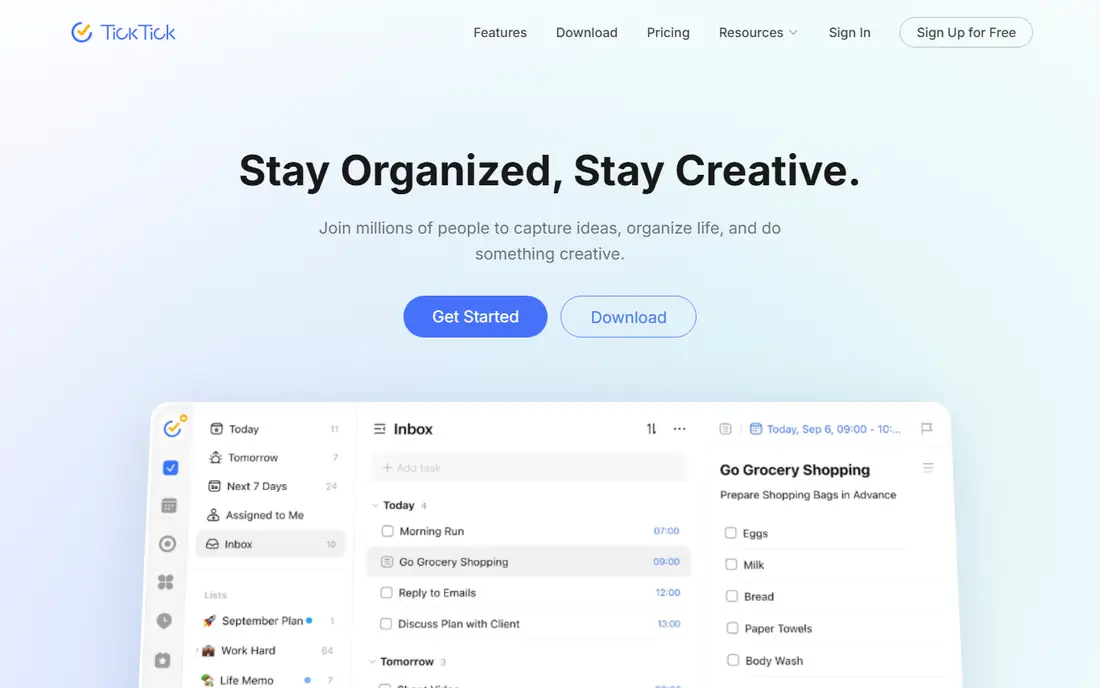
TickTick combines several ADHD-friendly features in one place: tasks with reminders, a calendar, a habit tracker and a Pomodoro timer for focused work. That combination reduces app switching, which is a common point where plans fall apart. You can set a task, add a habit for a daily routine and start a focus session without leaving the app.
The breadth can feel busy on first use, and new users may need time to turn off features they do not need. TickTick is less visual than Tiimo or Structured, since it is built around lists and calendars rather than a timeline with icons. For readers who want one dependable app for tasks and habits, it is a practical, affordable choice.
What we like- Tasks, calendar, habit tracker and Pomodoro timer in one app
- Flexible reminders
- Good free plan
Watch out for- Feature range can feel busy at first
- Habit limits apply on the free plan
#7Todoist
Best for: Simple, reliable task lists4.5/5 on
G2 (832 reviews, checked Oct 2026)
Visit todoist.com
Starting price$5 per user/month
Free planYes
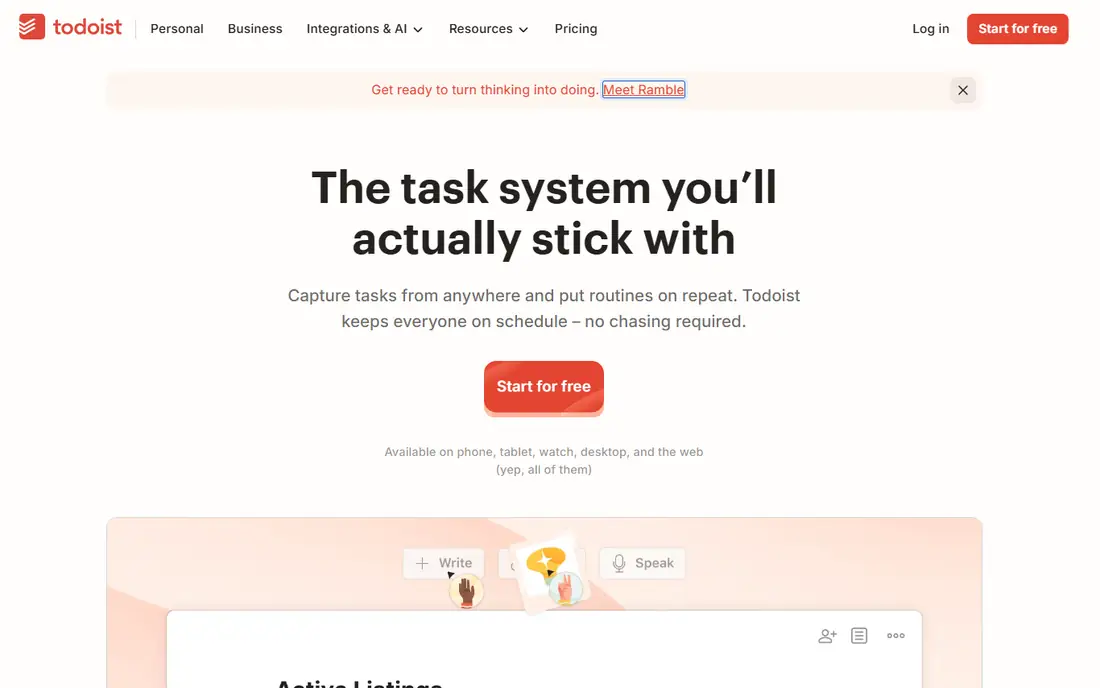
Todoist is the low-friction option for readers who lose plans because capture is too slow or complicated. You can type a task in plain language, set a repeat and move on, and the app will bring it back at the right time. Today and Upcoming views keep the day short, and projects and filters separate work from home without extra setup.
Todoist does not show time as a visual timeline, and it does not break tasks into steps or time them by default. Readers who need a timeline should pair it with Structured, and readers who need task breakdowns should pair it with Goblin Tools. As a reliable base list that you will actually open, Todoist remains hard to beat.
What we like- Fast task capture with natural language
- Strong recurring tasks
- Works on almost every platform
Watch out for- No visual timeline by default
- Habit statistics are limited
Starting priceSee website
Free planFree trial
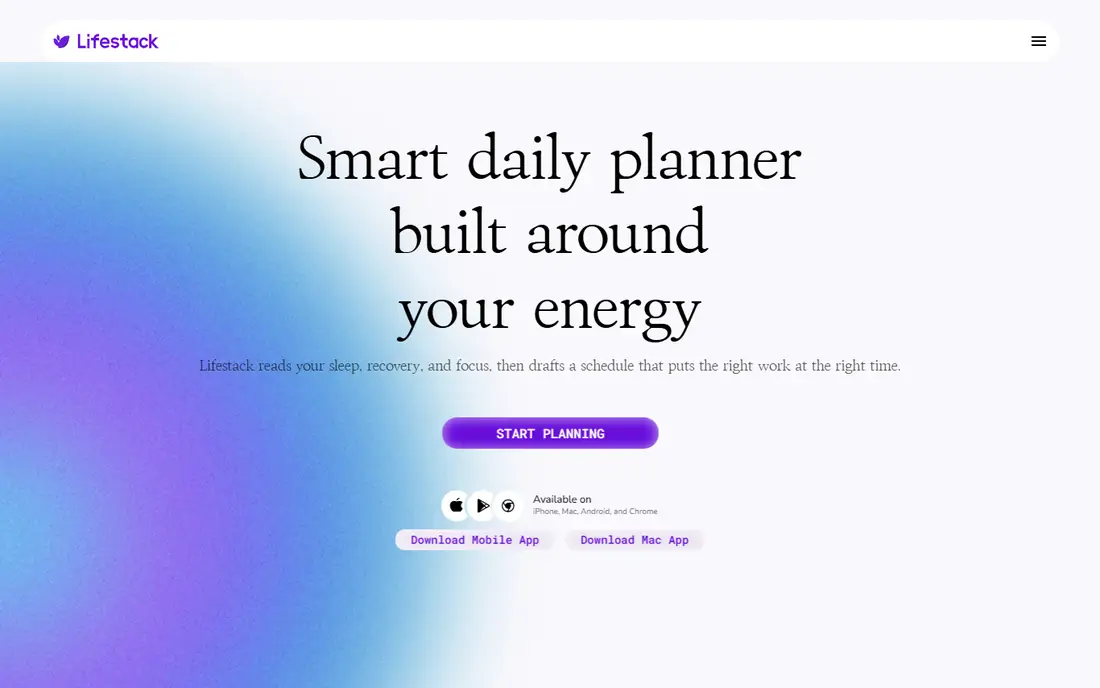
Lifestack takes a different angle on planning: it schedules work around when you have energy for it, rather than treating every hour as equal. That approach suits readers whose focus is strong at one time of day and low at another, since it places demanding tasks in high-energy windows and lighter tasks elsewhere. It also helps decide what to do next, which reduces the freeze that comes from a long list.
Lifestack is newer and smaller than Todoist or TickTick, so its integration range and long-term track record are less established. Pricing should be confirmed on its site, since it has changed in public listings. For readers who have tried standard planners and still struggle with energy and starting, Lifestack is worth a trial.
What we like- Schedules work around energy levels
- Helps with task paralysis by choosing what to do next
- Focused daily planning
Watch out for- Newer and smaller than established planners
- Pricing and features should be checked on its site
#9Microsoft To Do
Best for: Free, simple Microsoft lists4.4/5 on
G2 (99 reviews, checked Oct 2026)
Visit to-do.office.com
Starting priceSee website
Free planYes
Microsoft To Do is the simplest option on this list, and that simplicity is its strength for some readers. It offers lists, due dates, reminders and a My Day view for choosing today's tasks, without the setup that a larger planner demands. Integration with Outlook and Microsoft 365 also helps work users who already live in that system.
Microsoft To Do lacks the visual timeline, routine timers and habit statistics that make Tiimo, Structured and TickTick useful for ADHD planning. It works best as a low-friction capture list, or as a starting point for readers who have never used a planner. If a simple list is enough to keep you on track, there is no need to pay for more.
What we like- Free with a Microsoft account
- Simple lists and reminders
- Integrates with Outlook and Microsoft 365
Watch out for- No visual timeline or routine timer
- Fewer habit and focus features than specialist apps
How we chose
We compared pricing pages, product documentation and public reviews on G2, Capterra and Reddit, and we checked vendor homepages where the browser service allowed. We favoured apps that reduce friction, make time visible or help with starting, since those are the recurring needs in ADHD planning discussions, rather than apps with the longest feature lists. We included visual planners, a task-breakdown tool, guided work planners and simple lists, so readers can match the app to their main difficulty. Prices were taken from vendor pages and public pricing summaries, and we used See website where a vendor page did not show a simple figure.
How to pick a planner that you will keep using
A planner for ADHD needs to survive busy days, low-energy days and days when motivation is thin. The right test is not a feature list, but whether you open the app on a bad day and whether it helps you start the next step.
Start with your main difficulty
If time feels invisible, choose a visual timeline such as Tiimo or Structured. If tasks feel too large to start, add Goblin Tools to break them down. If work arrives from many tools, choose Sunsama or Motion for a daily plan. If capture is the problem, choose Todoist or Microsoft To Do for speed.
Keep setup under ten minutes
A planner that needs an hour of setup is unlikely to survive the first week. Choose one main view, add only your real tasks for tomorrow, and set reminders for the times you usually forget. Add features later, only when a clear gap appears.
Use gentle reminders and a daily reset
Reminders should prompt, not punish. Set them for transition times, such as the start of a morning routine or the end of a work block, and use a short daily review to move unfinished tasks forward without guilt. A planner that makes a missed day easy to restart is more useful than one that shows a broken streak in red.
Frequently asked questions
What is the best planner app for ADHD?
Tiimo is the strongest specialist choice for visual routines and time blindness, while Structured is a strong visual timeline for general daily planning. TickTick and Todoist are better if you want tasks, habits and reminders in one familiar app.
Do ADHD planner apps need to be ADHD-specific?
No. Many readers do well with general planners such as Todoist or TickTick, especially when reminders and recurring tasks are set up well. ADHD-specific apps help most when time blindness, routine transitions or task paralysis are the main difficulties.
Is there a free ADHD planner app?
Yes. Tiimo, Structured, Goblin Tools, TickTick, Todoist and Microsoft To Do all offer free plans or free basic use. Paid plans add more habits, history or advanced scheduling, but a free plan is enough to test whether the style fits.
Can a planner app help with time blindness?
A visual timeline helps most, since it shows how long tasks take and where the day is full or empty. Tiimo and Structured both use timelines and timers for this reason. A plain task list, without times, is less helpful for time blindness.
Should I use one planner or several?
Start with one main planner for the day, and add a focused helper only if needed, such as Goblin Tools for task breakdowns. Using several full planners at once usually adds friction and makes it harder to know where the plan lives.
How do I stop abandoning planner apps?
Keep setup short, use your real tasks from day one, and choose an app you open without effort. If you miss a day, restart with a small plan for tomorrow rather than rebuilding the whole system. A planner that is easy to restart is more useful than a perfect system you avoid.
Sources we checked (9)
- https://tiimoapp.com
- https://structured.app
- https://goblin.tools
- https://sunsama.com
- https://usemotion.com
- https://ticktick.com
- https://todoist.com
- https://lifestack.ai
- https://to-do.office.com
Is your product missing or out of date?
We review this list regularly. Vendors can request a listing, send updated pricing or ask about featured placement.

Shihab Mia · Founder, Rankite
Shihab has 5+ years in B2B and SaaS SEO. He writes Rankite's software buying guides from pricing pages, documentation and public user reviews. More about Shihab.