How we make this list: we compare pricing pages, product documentation and public user reviews. Ratings come from G2, Capterra or Trustpilot, with the date we checked them.
Key takeaways
- GoodNotes and Notability lead for handwritten tablet planning, with the best stylus experience on iPad.
- Sunsama suits people who plan each day deliberately, with a guided daily planning ritual.
- Motion and Reclaim auto-schedule your tasks around meetings, which suits busy calendars.
- Todoist and TickTick are the best task-first planners for people who think in lists rather than calendars.
- Planner apps split into handwriting planners and scheduling planners, so pick the style that matches how you actually plan.
Quick comparison
| Tool | Best for | Starting price | Free plan |
|---|
 GoodNotes GoodNotes | Handwritten tablet planning | See website | Yes |
 Notability Notability | Handwritten notes and planning | See website | Yes |
 Noteshelf Noteshelf | Natural handwriting feel | See website | No |
 Sunsama Sunsama | Guided daily planning | $20/month | Free trial |
 Motion Motion | Auto-scheduled calendars | $19/month | Free trial |
 Reclaim Reclaim | Smart calendar defense | Free | Yes |
 Akiflow Akiflow | Time-blocking command center | See website | Free trial |
 Todoist Todoist | Task-first planning | Free | Yes |
 TickTick TickTick | Lists plus calendar | Free | Yes |
Is your product missing or out of date?
We review this list regularly. Vendors can request a listing, send updated pricing or ask about featured placement.
The best digital planner app
Starting priceSee website
Free planYes
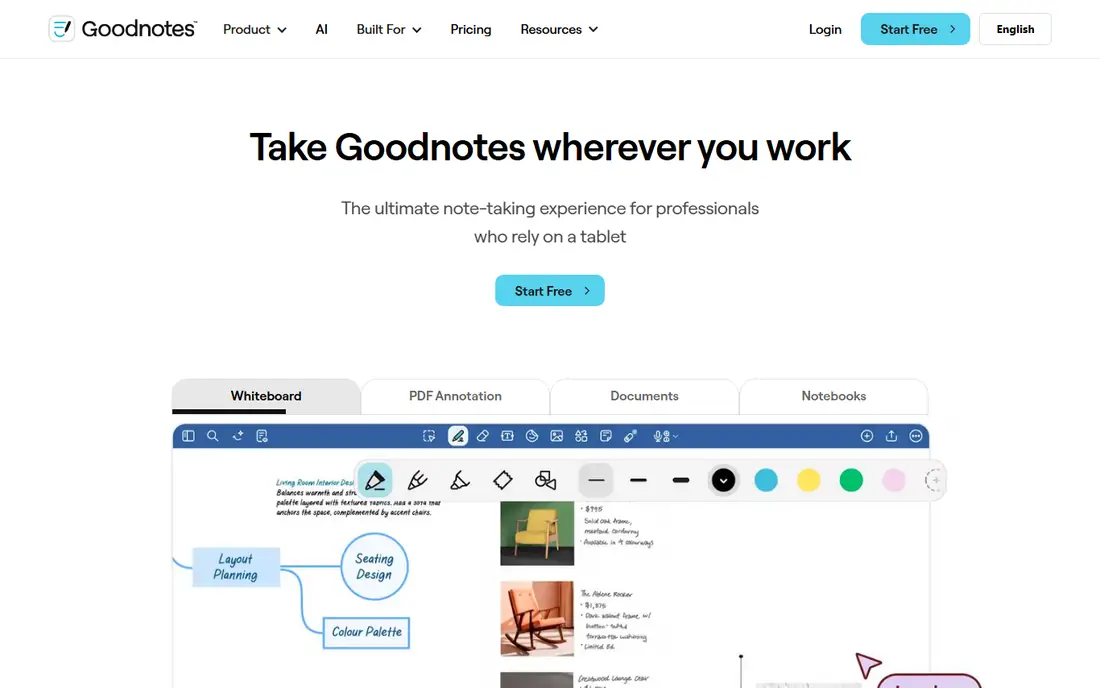
GoodNotes is the leading handwritten planner app, turning an iPad and stylus into a paper planner with notebooks, planner templates, stickers, and tabs. Its handwriting feel and organization suit people who think on paper but want search, sync, and unlimited pages. A free tier covers a few notebooks, with paid plans adding unlimited notebooks and features.
The platform focus is Apple, with limited Android and Windows support, and handwriting search quality varies by language. GoodNotes suits iPad owners who plan by hand and want a digital version of a paper planner, rather than an auto-scheduling tool.
What we like- Best handwriting and notebook feel on iPad
- Planner templates and stickers
- Sync across Apple devices
Watch out for- Apple-focused with limited Android and Windows support
- Full features need a paid plan
- Handwriting search varies by language
Starting priceSee website
Free planYes
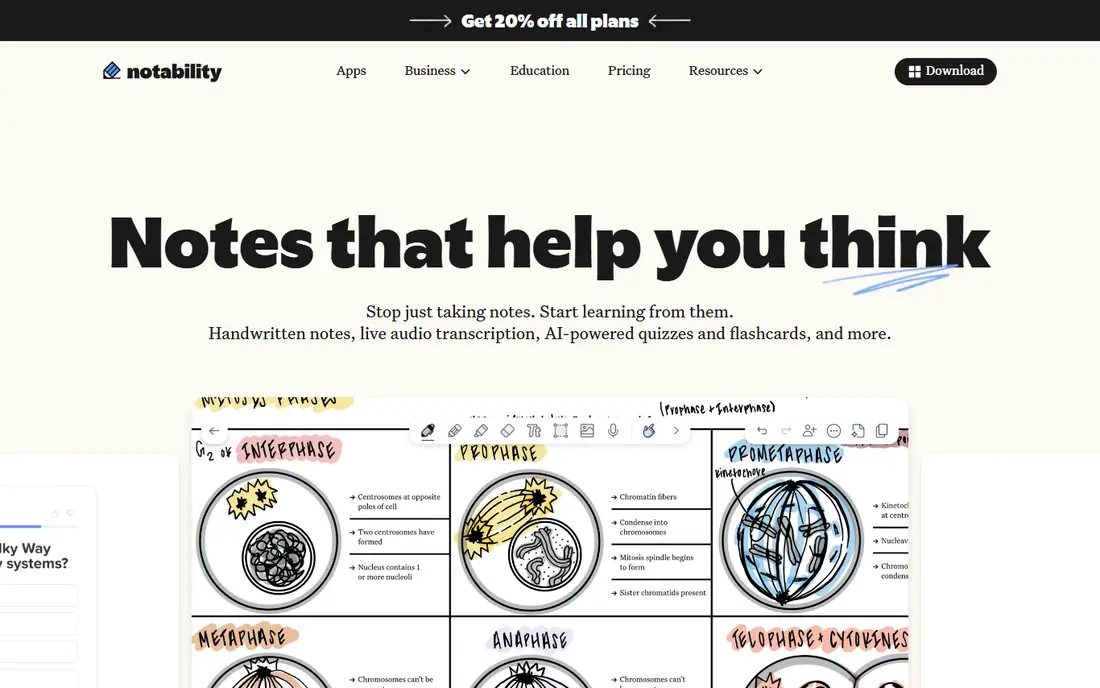
Notability pairs handwriting with audio recording that syncs to your notes, so tapping a word replays what was said when you wrote it. That feature suits students and meeting attendees, and its planner templates cover daily, weekly, and monthly planning in a simple interface.
Notability is Apple-only, its free tier is limited, and notebook organization is simpler than GoodNotes'. It suits iPad and Mac users who want audio-linked notes inside their planner, and who prefer a cleaner interface over deep customization.
What we like- Handwriting plus audio recording synced to notes
- Good planner templates
- Simple interface
Watch out for- Apple-only
- Free tier is limited
- Fewer notebook organization features than GoodNotes
Starting priceSee website
Free planNo
Noteshelf emphasizes a natural writing feel, with palm rejection and smooth ink that appeals to handwriting purists. It offers notebooks, planners, and journals, with one-time purchase options rather than a subscription-only model, which suits buyers who dislike recurring fees.
There is no free tier, so testing requires a purchase, and the template community is smaller than GoodNotes'. Platform support also varies by version. Noteshelf suits handwriting-focused planners who prefer a one-time purchase and a natural pen feel.
What we like- Natural pen feel with palm rejection
- Notebooks, planners, and journals
- One-time purchase options
Watch out for- No free tier
- Smaller template community than GoodNotes
- Platform support varies
Starting price$20/month
Free planFree trial
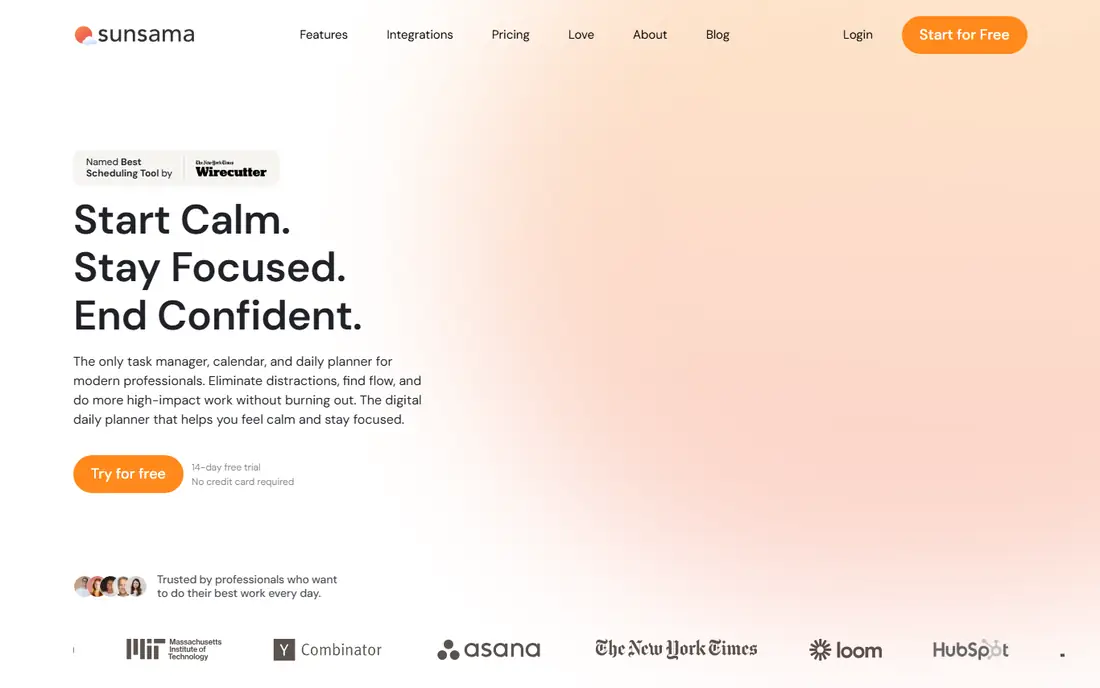
Sunsama structures the day deliberately: each morning, you pull tasks from connected tools into a daily plan, timebox them on your calendar, and review the day at the end. That ritual suits people who want intentional planning rather than an auto-filled calendar, and its integrations cover common task and calendar tools.
The price is $20 a month with no permanent free tier, only a trial, and the daily ritual itself takes several minutes. Sunsama suits professionals who will protect a planning habit and want tasks and calendar in one guided view.
What we like- Guided daily planning ritual
- Pulls tasks from many tools
- Calendar and task views together
Watch out for- Costs $20 a month with no free tier
- Manual daily ritual takes time
- Fewer automations than Motion
#5Motion
Best for: Auto-scheduled calendars4.1/5 on
G2 (157 reviews, checked Oct 2026)
Visit usemotion.com
Starting price$19/month
Free planFree trial
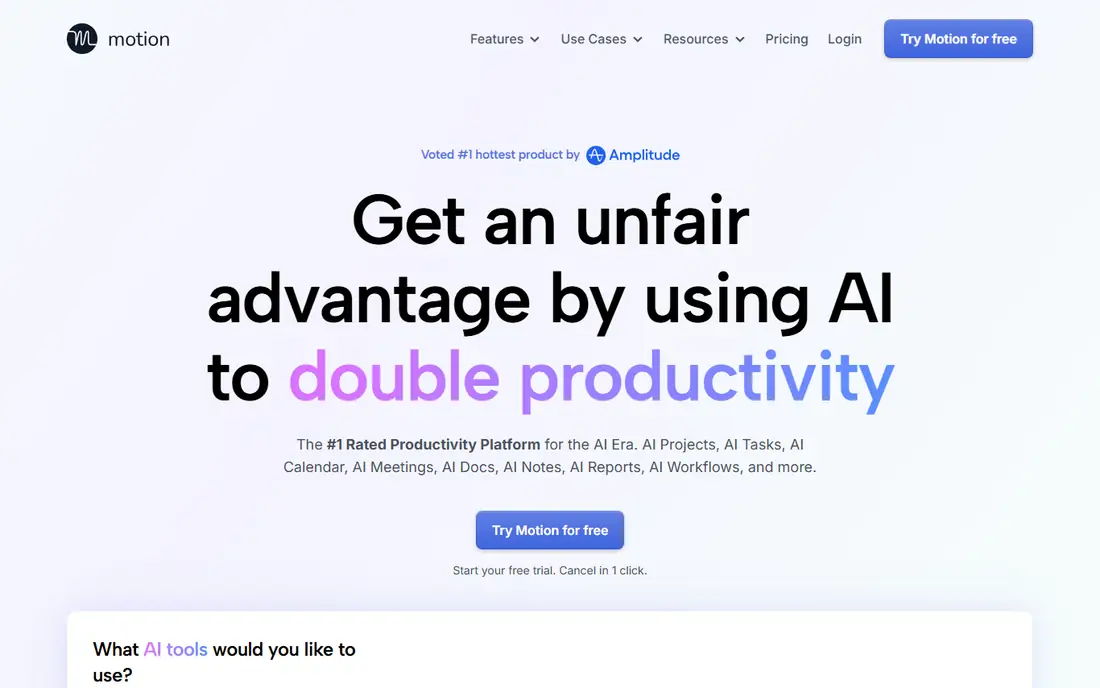
Motion automatically schedules your tasks into free calendar slots, reprioritizing when meetings move, and combines calendar, projects, and docs in one tool. That automation suits busy professionals whose calendars shift constantly, since manual replanning would eat the day.
The Individual plan costs around $19 a month with no free tier, only a trial, and auto-scheduling works best when your calendar is accurate and your tasks are well estimated. Motion suits people who want the calendar to plan itself, and who will keep task estimates honest.
What we like- Auto-schedules tasks around meetings
- Calendar, projects, and docs in one tool
- AI prioritization
Watch out for- Costs $19 a month with no free tier
- Auto-scheduling needs calendar discipline
- Learning curve for setup
#6Reclaim
Best for: Smart calendar defense4.8/5 on
G2 (144 reviews, checked Oct 2026)
Visit reclaim.ai
Starting priceFree
Free planYes
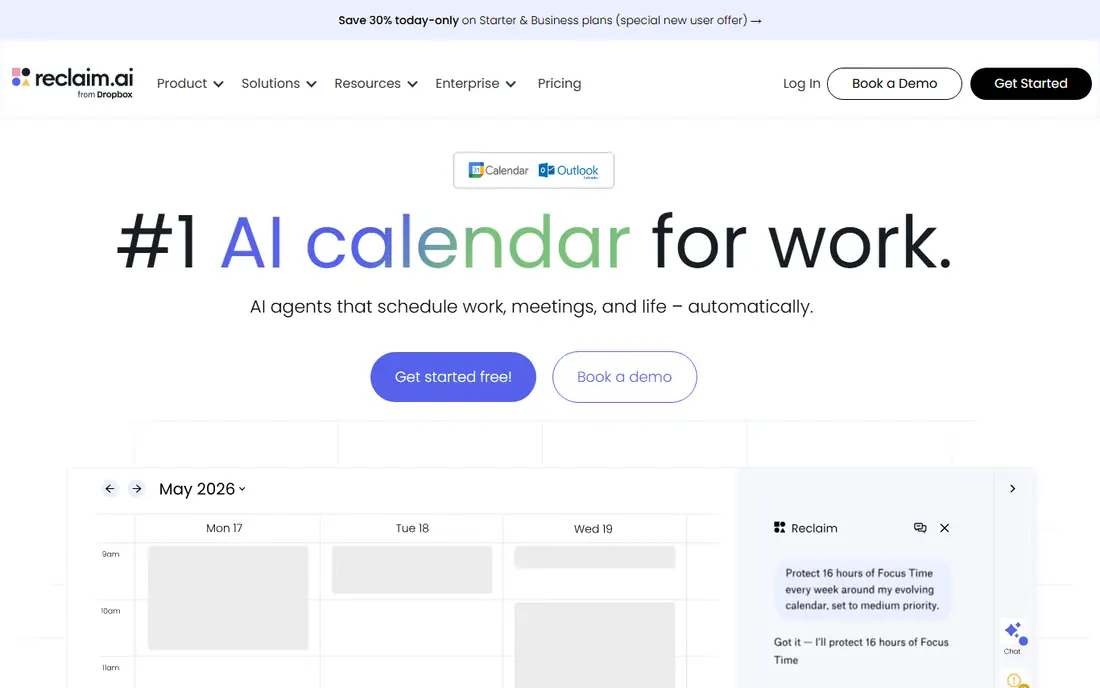
Reclaim defends your calendar, automatically blocking focus time, habits, and routines, and rescheduling them when meetings conflict. Its free Lite plan covers core scheduling, with paid Starter plans adding team features and deeper automation. For Google Calendar users, Reclaim is the lightest way to protect time without a full planner switch.
It is Google Calendar focused, so Outlook users gain less, and advanced features need paid plans. Reclaim suits people who like their existing calendar and want an intelligent layer that protects focus time and routines automatically.
What we like- Defends focus time and habits on your calendar
- Auto-schedules tasks and routines
- Free Lite plan
Watch out for- Google Calendar focused
- Advanced features need paid plans
- Works best with a full calendar
#7Akiflow
Best for: Time-blocking command center4.8/5 on
G2 (99 reviews, checked Oct 2026)
Visit akiflow.com
Starting priceSee website
Free planFree trial
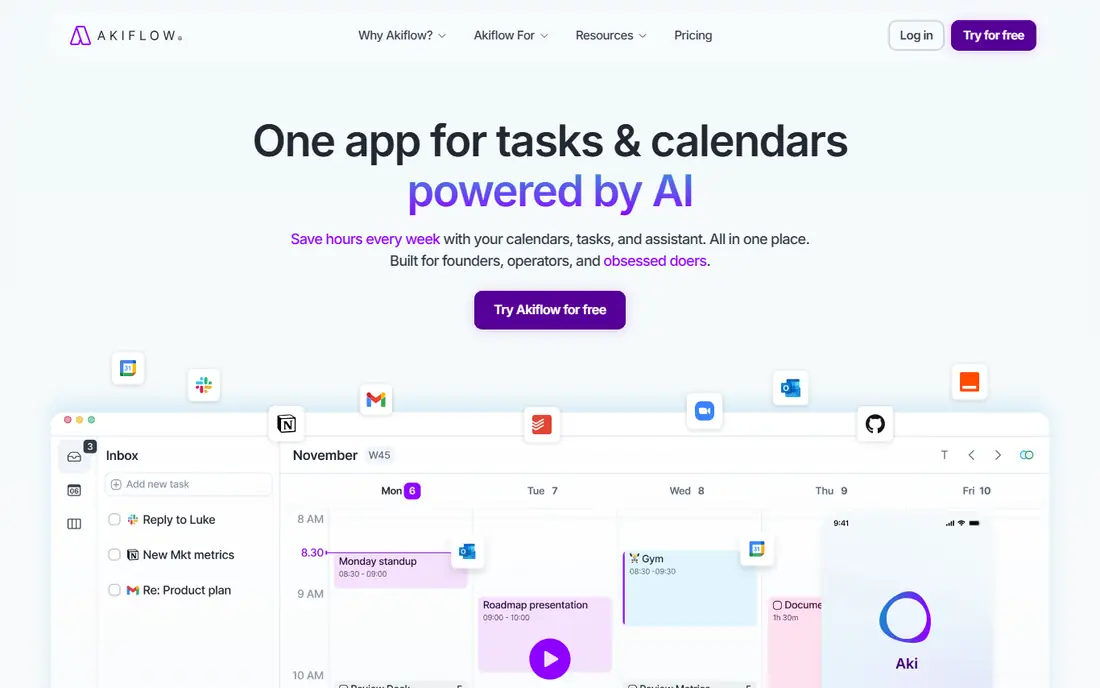
Akiflow is a time-blocking command center that pulls tasks from many tools into one inbox, then lets you drag them onto your calendar with a fast, keyboard-first interface. That speed suits power users who plan by time-blocking and want one place for tasks and calendar.
Pricing is confirmed on the vendor site, there is no free tier beyond a trial, and the experience is desktop-focused. Akiflow suits professionals who time-block daily and want the fastest possible planning interface.
What we like- Time-blocking from tasks across tools
- Fast keyboard-first interface
- Calendar and task integration
Watch out for- Pricing sits on the vendor site
- No free tier beyond trial
- Desktop-focused experience
#8Todoist
Best for: Task-first planning4.5/5 on
G2 (832 reviews, checked Oct 2026)
Visit todoist.com
Starting priceFree
Free planYes
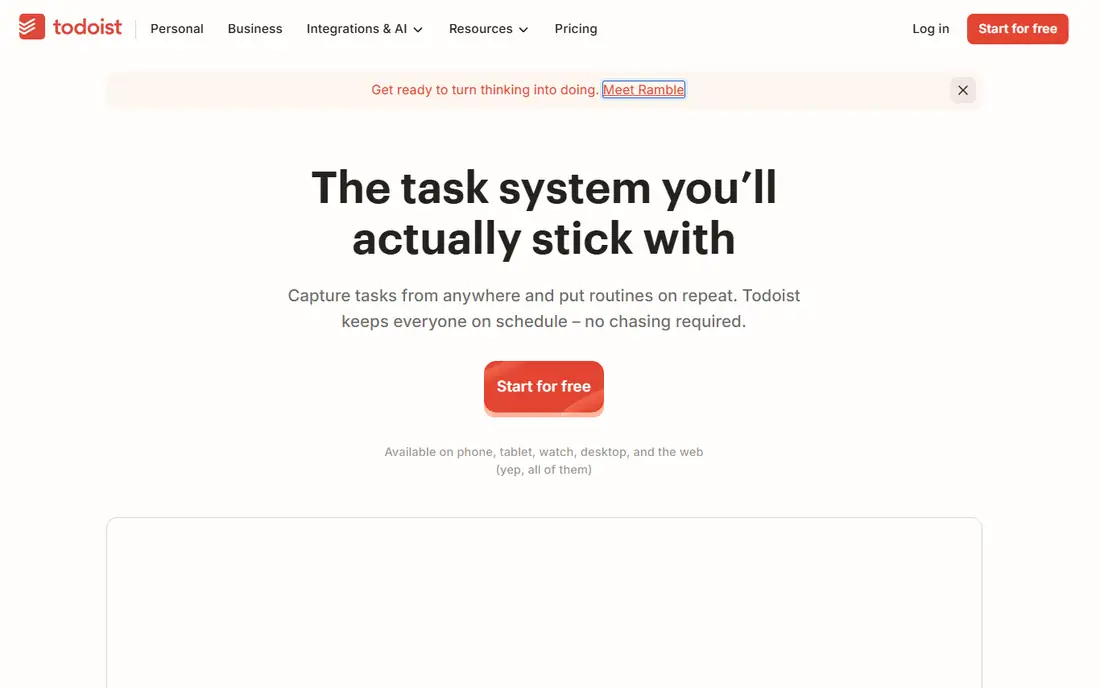
Todoist is the task-first planner: fast capture, natural language dates, and clean lists on every platform, with a free tier that covers core planning. It suits people who think in lists and check things off, rather than people who plan by writing on a calendar page.
Native calendar time-blocking is absent, boards and timelines need Pro at around $4 a month, and the planning ritual is self-directed rather than guided. Todoist suits list thinkers who want a reliable task system, paired with a calendar for time-blocking when needed.
What we like- Fast task capture everywhere
- Natural language dates
- Free tier covers core planning
Watch out for- No native calendar time-blocking
- Board and timeline features need Pro
- Planning ritual is self-directed
#9TickTick
Best for: Lists plus calendar4.5/5 on
G2 (113 reviews, checked Oct 2026)
Visit ticktick.com
Starting priceFree
Free planYes
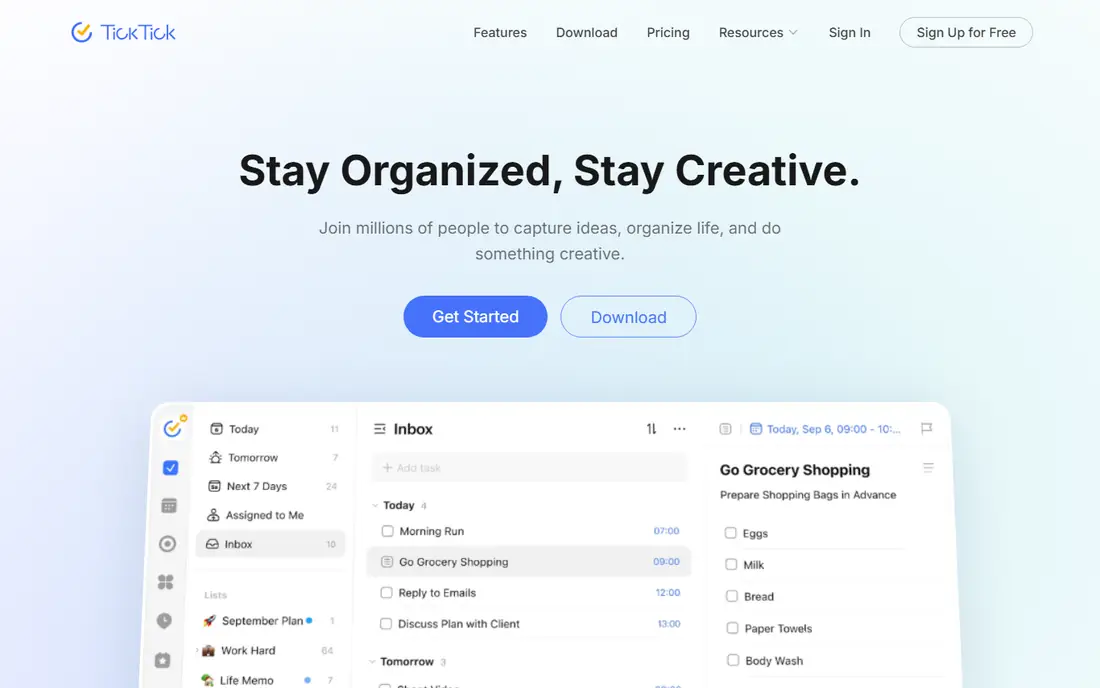
TickTick combines tasks, calendar, habits, and a Pomodoro timer in one app, with a generous free tier and a Premium plan around $35.99 a year. That all-in-one scope suits people who want planning, habits, and focus timing without several apps.
The interface packs in a lot, which can feel busy, and calendar features are lighter than Motion's or Reclaim's. TickTick suits users who want one app for tasks, calendar, and habits at a low price, and who will use several of its features rather than just lists.
What we like- Tasks, calendar, habits, and Pomodoro in one app
- Free tier is generous
- Good value Premium plan
Watch out for- Interface is busy
- Calendar features are lighter than Motion
- Habit features may distract planners
How we chose
We compared apps that help users plan days and weeks digitally, covering both handwritten tablet planners and scheduling planners, excluding pure calendars without task planning and pure note apps without planner templates. Pricing figures come from each vendor's own pricing page, checked in October 2026, and where pricing sits on the vendor site we say so. We weighed planning style, platform support, handwriting quality, automation, integrations, and price.
Choose by planning style, not by feature count
Handwriting planners and scheduling planners serve different brains. If you plan by writing, GoodNotes or Notability will stick, while Sunsama or Motion will feel alien. If you plan by calendar, Motion or Reclaim will save hours, while a tablet planner will gather dust. Match the style first, then compare features within that style.
Test for two weeks before paying
Planner apps fail on habit, not features. Use the free tier or trial for two full weeks, including a busy week, and notice whether you open the app without a reminder. A planner you do not open is worth nothing, whatever its feature list promises.
Paper planners versus apps: what changes
Switching from a paper planner to an app changes more than the medium. Paper planners force a daily ritual of writing, which many people find helps memory and focus, and they never run out of battery, sync, or update unexpectedly. Their limits are equally real: no search, no reminders, no sharing, and no backup when the book is lost. Digital planners add search, reminders, sync across devices, and unlimited pages, but they also add notifications, subscription costs, and the temptation to reorganize endlessly instead of doing the work.
The research on handwriting and memory suggests that writing by hand aids retention for many people, which is why tablet planners with a stylus appeal to paper loyalists: they keep the handwriting ritual while adding search and backup. Scheduling planners offer a different benefit, which is automation: tasks move themselves, calendars defend focus time, and rescheduling takes seconds rather than erasing and rewriting. Neither benefit is automatic, though. A tablet planner only helps if you open it daily, and a scheduling planner only helps if your calendar data is accurate.
A practical compromise works for many people: a tablet planner for daily thinking and notes, plus a scheduling tool for calendar defense, with tasks flowing between them. That combination costs more and needs a weekly sync habit, but it preserves the handwriting benefit while gaining automation. Whatever you choose, judge the switch after a month of real use, not a weekend of setup enthusiasm.
Frequently asked questions
What is the best digital planner app overall?
It depends on style. GoodNotes leads for handwritten iPad planning, Sunsama leads for guided daily planning, and Motion leads for auto-scheduling. Todoist and TickTick lead for task-first planning.
Is there a free digital planner app?
Yes. GoodNotes and Notability offer limited free tiers, Reclaim offers a free Lite plan, and Todoist and TickTick offer generous free tiers. Sunsama, Motion, and Akiflow offer trials but no permanent free tier.
Should I use a tablet planner or a scheduling planner?
Use a tablet planner if you think by handwriting and want a paper-like experience. Use a scheduling planner if your calendar drives your day and you want tasks auto-scheduled around meetings.
Do digital planners work on Android and Windows?
It depends on the app. GoodNotes and Notability are Apple-focused, while Sunsama, Motion, Reclaim, Akiflow, Todoist, and TickTick work across web, desktop, and mobile platforms. Check platform support before buying.
Can a planner app replace my paper planner?
Yes, if the style matches. Tablet planners replicate paper most closely, with search and sync as bonuses. Scheduling planners replace paper differently, by automating the calendar rather than mimicking a page.
Sources we checked (9)
- https://www.goodnotes.com
- https://notability.com
- https://www.noteshelf.net
- https://sunsama.com
- https://www.usemotion.com
- https://reclaim.ai
- https://akiflow.com
- https://todoist.com
- https://ticktick.com
Is your product missing or out of date?
We review this list regularly. Vendors can request a listing, send updated pricing or ask about featured placement.

Shihab Mia · Founder, Rankite
Shihab has 5+ years in B2B and SaaS SEO. He writes Rankite's software buying guides from pricing pages, documentation and public user reviews. More about Shihab.