How we make this list: we compare pricing pages, product documentation and public user reviews. Rankite is independent; if a vendor ever pays for a featured spot, that listing is clearly labeled Partner.
Key takeaways
- Foundation Software and Deltek ComputerEase are the safest picks for contractors running government or union jobs, because certified payroll and fringe calculations are built in rather than bolted on.
- Payroll4Construction suits owners who would rather hand payroll to specialists instead of hiring another office employee.
- Small residential shops usually do fine with Gusto, Patriot or OnPay, but none of the general payroll tools handle Davis-Bacon reporting on their own.
- Miter suits field-heavy crews that want modern time tracking with compliance built in.
- Get a written first-year total on every demo, since construction vendors quote rather than publish prices.
Quick comparison
| Tool | Best for | Starting price | Free plan |
|---|
 Foundation Software Foundation Software | Established contractors with union or government work | See website | No |
 Payroll4Construction Payroll4Construction | Owners who want payroll fully handled | See website | No |
 Deltek ComputerEase Deltek ComputerEase | Mid-size contractors wanting accounting and payroll from one vendor | See website | No |
 Sage 100 Contractor Sage 100 Contractor | Small to mid-size contractors upgrading from QuickBooks | See website | No |
 Miter Miter | Field-heavy crews wanting modern software | See website | No |
 Gusto Gusto | Small residential trade shops with simple payroll | $49/month + $6/person (Simple plan) | Free trial |
 QuickBooks Payroll QuickBooks Payroll | Contractors already running QuickBooks | $50/month + $6.50/employee (Workforce Core) | Free trial |
 RUN Powered by ADP RUN Powered by ADP | Growing firms wanting HR support alongside payroll | See website | No |
 Patriot Software Patriot Software | Very small contractors on tight budgets | $17/month + $4/worker (Basic Payroll) | Free trial (30 days) |
 OnPay OnPay | Small businesses wanting one flat rate | $49/month + $6/worker | Free trial (first month free) |
Is your product missing or out of date?
We review this list regularly. Vendors can request a listing, send updated pricing or ask about featured placement.
The best payroll software for construction
Starting priceSee website
Free planNo
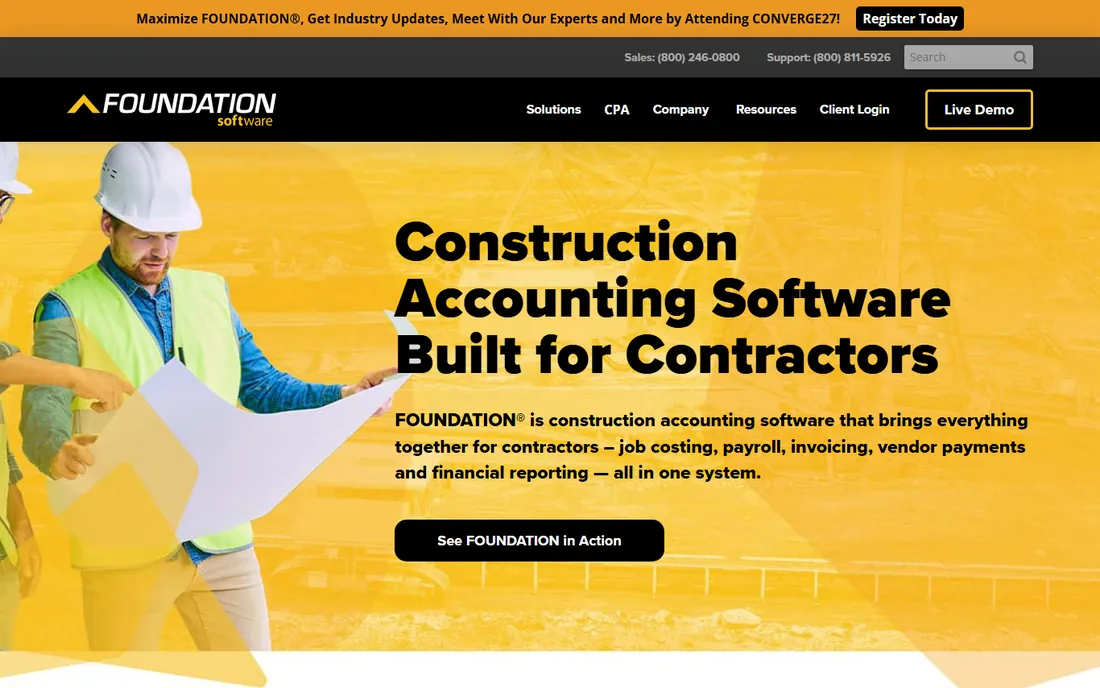
Foundation has been building accounting and payroll software only for contractors for nearly 40 years, and it shows in the details that matter. A worker can split one day across two jobs, two pay rates and a prevailing wage classification, and the system calculates taxes, union fringes and burdened labor costs without workarounds.
The honest catch is that Foundation is an enterprise-grade commitment, not a quick signup. You will sit through demos, get a custom quote and spend weeks on implementation and training. If your payroll headaches are mostly about compliance rather than speed, it remains the reference point the rest of the category is judged against.
What we like- Payroll logic built specifically for construction
- Automated certified payroll (WH-347) and LCPtracker uploads
- Labor costs flow straight into job costing and WIP reports
Watch out for- Pricing is quote-only and not published
- The interface shows its age
- Implementation typically takes months
Starting priceSee website
Free planNo
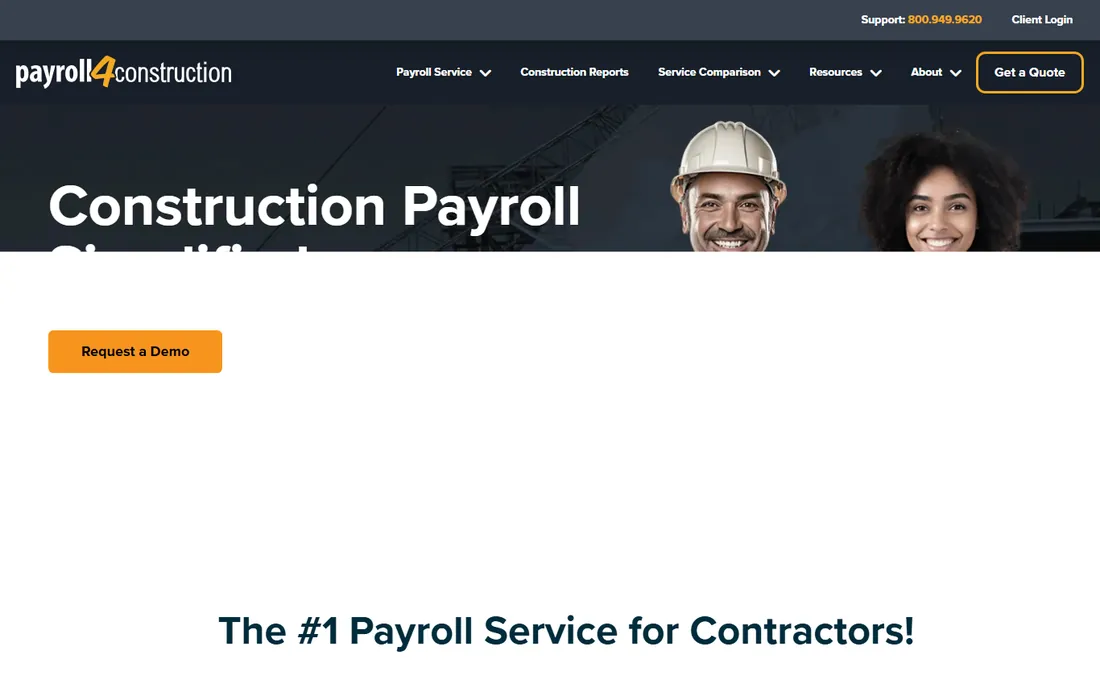
Payroll4Construction is the service arm of the same company behind Foundation Software, and it targets owners who do not want to become payroll experts. You send in hours from the field through their mobile jobsite app, and their team handles pay rates, taxes, union fringes, certified payroll reports and filings.
This is a service, not just software, so think about it differently. If you have five employees in one state and no government work, you will be paying for expertise you barely use. For a contractor juggling multiple trades, prevailing wage jobs and union reporting, handing the compliance load to people who do it all day can be cheaper than one bad audit.
What we like- Construction payroll specialists run your payroll for you
- 40+ construction-specific reports generated automatically
- Handles prevailing wage, union fringes and multi-jurisdiction taxes
Watch out for- As a service, it gives you less day-to-day control than software
- Pricing is quote-based
- Best value only if your payroll is genuinely complex
#3
Deltek ComputerEase
Best for: Mid-size contractors wanting accounting and payroll from one vendor
Visit deltek.com
Starting priceSee website
Free planNo
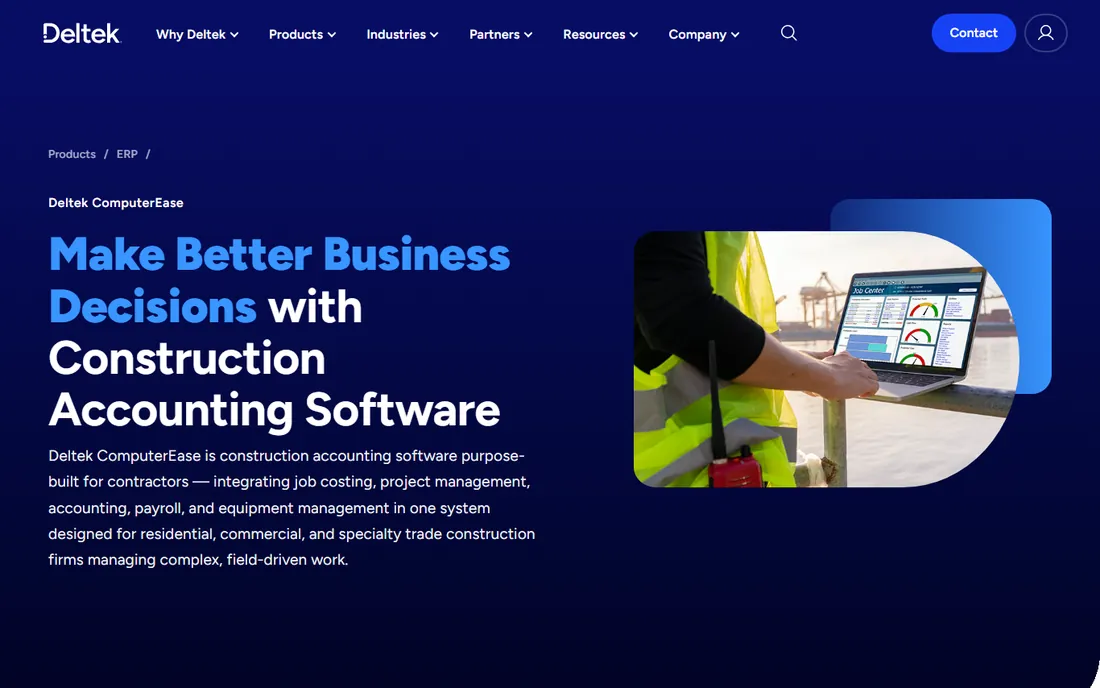
ComputerEase bundles job costing, AIA billing, WIP reporting and payroll in one construction accounting system, and Deltek says more than 4,000 contractors run on it. The payroll side covers multistate requirements, prevailing wage, garnishments and fringe credits, handled with construction specialists behind it.
Pricing is deliberately flexible: you pay month by month instead of a large license fee up front, which helps cash flow on thin margins. The tradeoff is that nothing is published, so you will need a demo and a quote to know your number. Reviews also suggest planning real training time; the system is powerful but not something a bookkeeper picks up in an afternoon.
What we like- Flexible monthly licensing with no big upfront lump sums
- Strong certified payroll and union payroll handling
- Secure cloud hosting without VPN hassles
Watch out for- Pricing is quote-only
- The learning curve is real for office staff
- Some users report inconsistent support experiences
#4
Sage 100 Contractor
Best for: Small to mid-size contractors upgrading from QuickBooks
Visit sage.com
Starting priceSee website
Free planNo
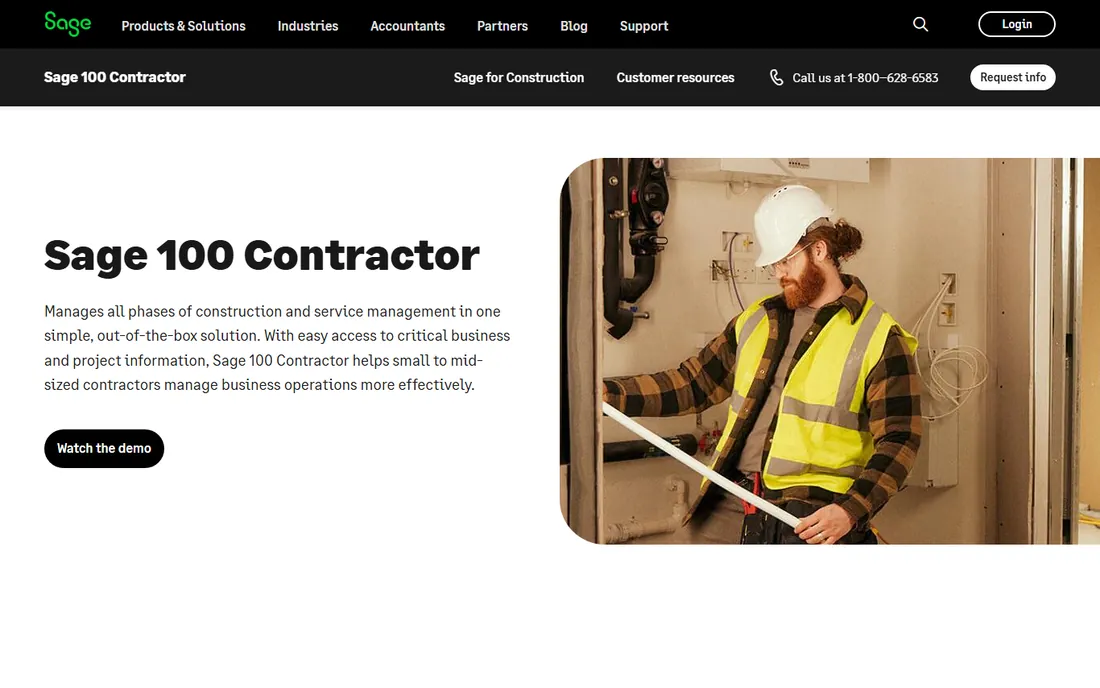
Sage 100 Contractor (the product formerly known as Sage Master Builder) is one of the longest-running names in construction accounting, and it still covers the full workflow: estimating, job costing, project management, payroll and service operations. Its payroll handles certified payroll reporting, union requirements and AIA billing, which is exactly the trio that sends contractors shopping in this category.
The catch is the architecture. This is on-premise, Windows-based software with an interface that has not kept pace with cloud tools, and connecting it to modern project management or time-tracking apps takes effort. Sage prices it per user per year, with third parties commonly citing around $115 per user per month, so get a real quote early.
What we like- Mature construction accounting with payroll, estimating and service management in one
- Certified payroll, AIA billing and lien waiver tracking built in
- Large, long-standing user community
Watch out for- Windows-based interface feels dated next to modern tools
- Integrations with other software can be difficult
- Annual per-user pricing climbs as the team grows
#5
Miter
Best for: Field-heavy crews wanting modern software
Visit miter.com
Starting priceSee website
Free planNo
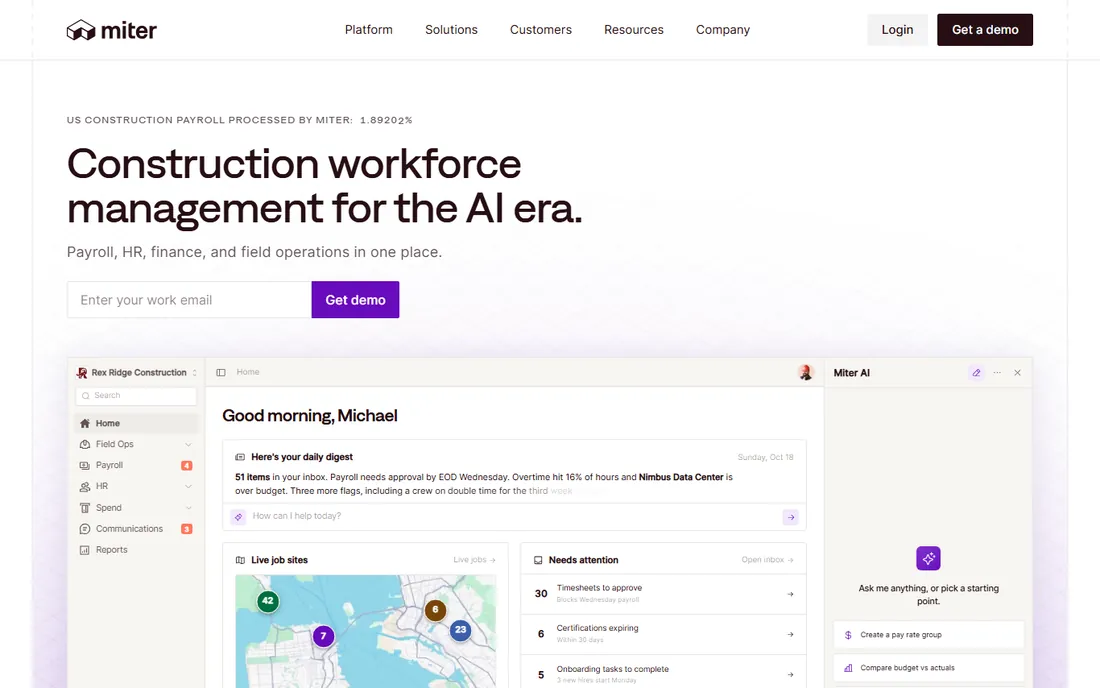
Miter is the new-school answer to construction payroll: payroll, HR, expenses and field operations in one platform, with time tracking built for job sites rather than desks. It automates certified payroll reporting and union fringe calculations, and plugs into the accounting systems contractors already run, so you do not have to replace your general ledger to fix payroll.
What Miter does not do is replace your accounting system, and that is worth understanding before the demo. It is a workforce platform that integrates with your ERP, not a full construction accounting suite. Pricing is quote-based, which is standard for this corner of the market. For contractors whose current pain is field time capture feeding payroll, it is one of the strongest fits available.
What we like- Modern, mobile-first design that field crews actually use
- Certified payroll, union fringes and multi-state compliance included
- Connects to Procore, Sage, QuickBooks and other accounting systems
Watch out for- Pricing is not published, so budgeting takes a sales call
- A younger company with less long-term track record
- Your general ledger stays in your existing ERP
#6
Gusto
Best for: Small residential trade shops with simple payroll
Visit gusto.com
Starting price$49/month + $6/person (Simple plan)
Free planFree trial
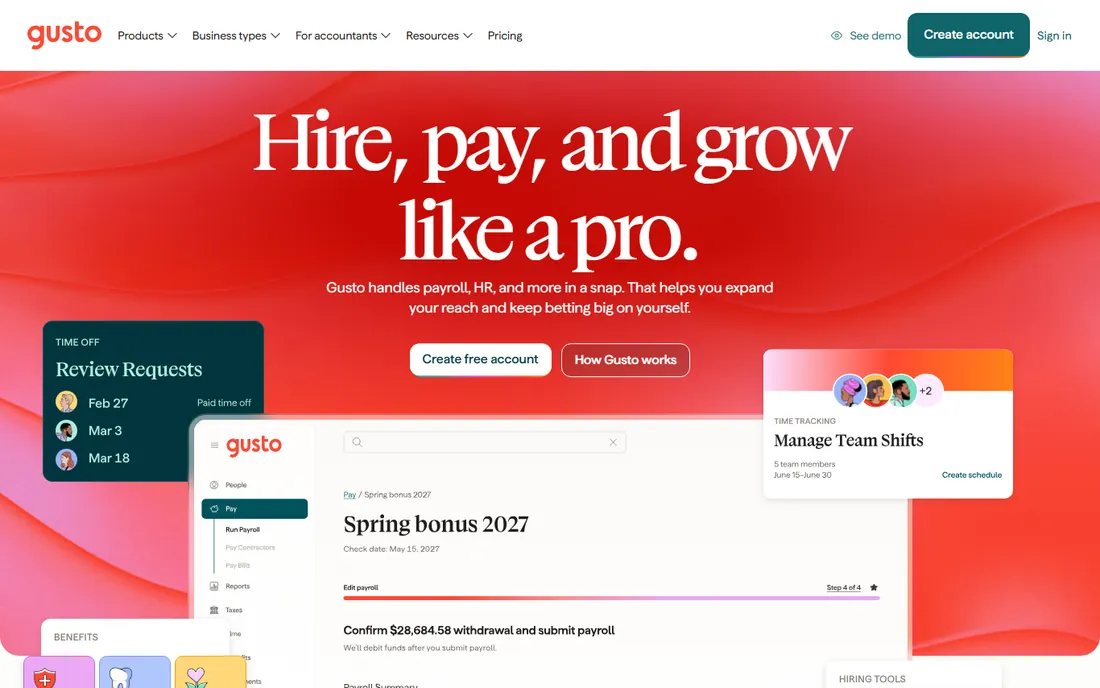
Gusto is the friendly face of small-business payroll, and for a residential contractor with straightforward payroll it is hard to beat on ease of use. You can go from signup to first payroll in a day, tax filings and W-2s are automatic, and pricing is on the website: Simple at $49/month plus $6 per person, Plus at $80 plus $12, Premium at $180 plus $22. Contractors often pair it with a construction time-tracking app like Workyard to get job-level hours into payroll.
The limitation is fundamental. Gusto does not do Davis-Bacon certified payroll, prevailing wage determinations or union fringe calculations, so any government work sends you back to spreadsheets or a second system. For private residential work with a small crew, it is fast, clear and fairly priced.
What we like- The easiest setup of any payroll tool here
- Transparent published pricing
- Month-to-month with no contract, plus unlimited payroll runs on every plan
Watch out for- No native certified payroll, prevailing wage or union fringe handling
- Construction-specific workflows need third-party add-ons
- Per-person fees add up as the crew grows
Starting price$50/month + $6.50/employee (Workforce Core)
Free planFree trial
If your accounting already lives in QuickBooks, running payroll inside the same system removes a whole category of reconciliation errors. The current lineup starts with Workforce Core at $50 a month plus $6.50 per employee, stepping up to Premium at $88 plus $10 and Elite at $134 plus $12, with a 30-day free trial for new signups. Premium and Elite add QuickBooks Time, workers comp administration and HR support.
Two cost traps to know before you sign. Each state beyond the first adds roughly $12 a month on Core and Premium, which matters the moment you take work across a state line. And contractors doing prevailing wage or certified payroll work will find this is the wrong tool for that job; it handles standard payroll well but construction compliance is thin.
What we like- Payroll posts straight into your QuickBooks books with no export step
- Next-day direct deposit on the base plan, same-day on higher tiers
- Familiar interface for QuickBooks users
Watch out for- Certified payroll is not its strength
- Extra states cost about $12 a month each unless you are on Elite
- Time tracking only comes with Premium and Elite
#8
RUN Powered by ADP
Best for: Growing firms wanting HR support alongside payroll
Visit adp.com
Starting priceSee website
Free planNo
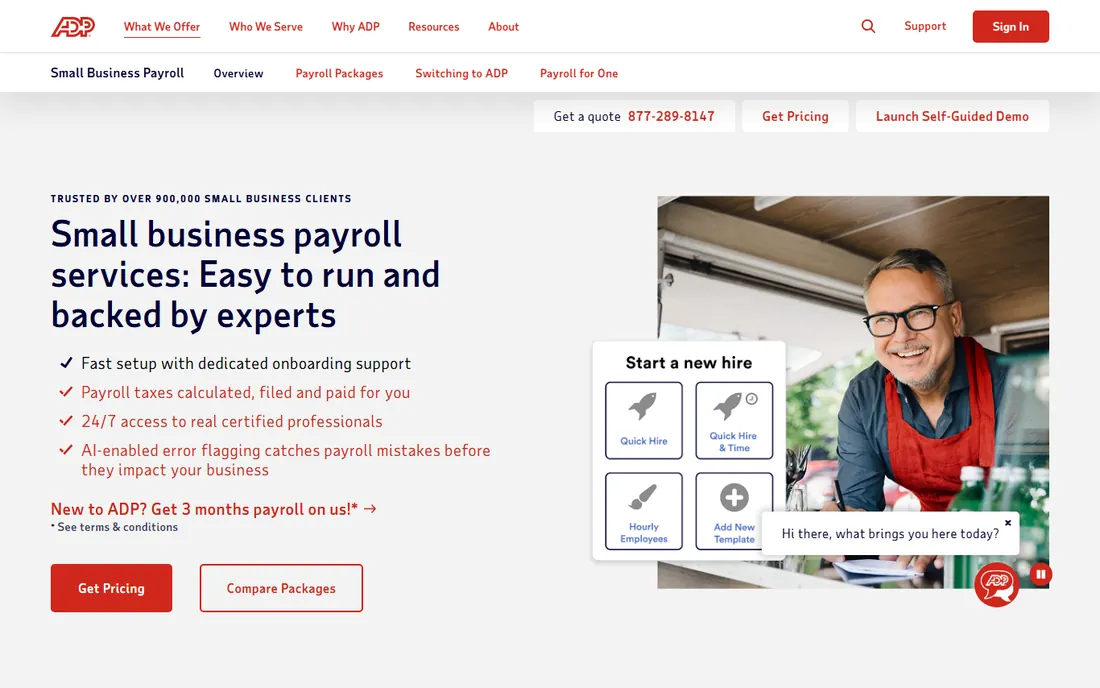
RUN serves more than 900,000 small businesses, and it is built for owners who want payroll plus a safety net of HR tools: hiring, onboarding, handbooks and benefits. Tax calculations, filings and W-2s are handled for you, and the system flags potential errors before payroll goes out. New signups are frequently offered three months free.
The honest tradeoff with ADP is pricing transparency. You will talk to sales, get a quote tailored to headcount and add-ons, and the final number can surprise if you add time tracking or HR features later. For construction specifically, RUN is a general payroll platform: it files your taxes reliably but does not natively produce Davis-Bacon certified payroll or manage union fringes. It fits growing firms that value support and HR depth over construction specialization.
What we like- One of the largest support infrastructures in payroll, with 24/7 help
- Strong tax filing and compliance handling across all 50 states
- Connects with time tracking, benefits and retirement products
Watch out for- Pricing is quote-only and varies by package
- Certified payroll capabilities come through integrations rather than natively
- Expect upsell conversations
Starting price$17/month + $4/worker (Basic Payroll)
Free planFree trial (30 days)
Patriot is the budget pick, plain and simple. Basic Payroll starts at $17 a month plus $4 per worker paid, Full Service (where Patriot handles filings) costs more, and everything runs on month-to-month billing you can cancel anytime. There is a 30-day free trial, and the company is known for US-based support that does not cost extra. For a two-person shop doing private residential work, it covers the essentials: direct deposit, unlimited runs and year-end forms.
Do not stretch it beyond what it is. Patriot has no certified payroll reporting, no prevailing wage logic and no union fringe tracking, and its integration list is short. If your jobs are simple and your main goal is paying people correctly and cheaply, it is excellent value.
What we like- The lowest starting price in this roundup
- Month-to-month billing with no contract and free US-based support
- A payroll run takes minutes
Watch out for- No construction-specific compliance features at all
- Fewer integrations than bigger platforms
- On the Basic plan you handle tax filings yourself
Starting price$49/month + $6/worker
Free planFree trial (first month free)
OnPay keeps things simple with a single plan: $49 a month plus $6 per worker, covering unlimited payroll runs, automated tax filings, W-2s and 1099s. There are no tiers to decode. The first month is free, and OnPay will migrate your prior payroll data at no charge.
Like the other general payroll tools, OnPay does not handle construction-specific compliance. Certified payroll, prevailing wage and union fringes are outside its scope, and time tracking costs extra as an add-on. Where it wins is honesty: the price you see is the price you pay, and support gets consistently good marks from small-business owners. For private-sector contractors with simple payroll, it is one of the cleanest values available.
What we like- One tier with everything included, no feature gating between plans
- Transparent pricing with a calculator on the site
- The first month is free and migration help is included
Watch out for- No native certified payroll or prevailing wage features
- Time tracking and HR extras are paid add-ons
- Reporting is adequate but not deep
How we chose
We compared every vendor against its own pricing page and product documentation, and verified each homepage by opening it directly. Prices come from the vendor's site where published, or from current third-party trackers where they are not. We scored feature lists on certified payroll reporting, prevailing wage handling, union fringes, multi-state payroll and job costing, then read public reviews on G2, Capterra and contractor forums for support and implementation reality. We did not run payroll on these systems ourselves, so treat this as research, not hands-on testing.
What construction payroll software must actually do
General payroll tools pay people and file taxes. Construction payroll adds a layer of compliance that does not exist in most industries. Here is what to check before you buy.
Certified payroll and prevailing wage
Federally funded projects require weekly certified payroll reports on Form WH-347, with workers paid at least the prevailing wage for their classification and county. Foundation, Payroll4Construction, ComputerEase and Miter generate these reports from your time data; Gusto, Patriot, OnPay and QuickBooks do not. If government work is even a possibility in the next year, this single feature should drive your shortlist.
Union fringes and multi-trade rates
Union jobs add fringe benefit calculations on top of base pay, often at different rates per trade, per local and per job. Construction-native systems track this per hour and per job; general tools make you calculate it by hand. Ask any vendor to walk through your exact scenario on a demo, with real union locals and real fringe tables, before you commit.
Job costing and time capture
Labor is usually a contractor's biggest cost, and payroll data should feed job costing automatically. Foundation and ComputerEase do this inside one system. If you choose a general payroll tool, plan for a construction time-tracking app with GPS-verified clock-ins and job tagging, plus a clean integration between the two. The most common payroll mess in reviews is hours entered in one system and retyped into another.
Why construction payroll pricing looks different
Published per-employee pricing is common for general payroll tools and rare for construction-native ones. Foundation, ComputerEase, Sage 100 Contractor and Miter quote based on headcount, modules and complexity, because a union shop running Davis-Bacon jobs costs the vendor far more to support than a small office.
That makes comparison shopping harder, but it also protects you from a mismatch: per-employee pricing rewards simplicity, and construction payroll is never simple. On every demo, ask for the total first-year cost including implementation, training and any per-state or per-module fees, plus how you get your historical certified payroll records out if you leave.
Frequently asked questions
What is certified payroll, and do I need software for it?
Certified payroll is a weekly report, usually on federal Form WH-347, proving you paid the required prevailing wages on a government-funded project. You can prepare it by hand, but the error risk and time cost are high. If you run Davis-Bacon jobs regularly, software that generates these reports from your time data pays for itself quickly.
Can Gusto or QuickBooks handle construction payroll?
They handle standard payroll well: pay runs, direct deposit, tax filings and year-end forms. What they lack is certified payroll reporting, prevailing wage determinations and union fringe calculations. Many small contractors use them for private residential work and keep a separate process for any government jobs.
How much does construction payroll software cost?
General payroll tools publish rates from about $17 to $50 a month plus per-worker fees. Construction-native systems are almost all quote-based; third-party trackers commonly cite around $115 per user per month for Sage 100 Contractor to several hundred a month and up for Foundation and ComputerEase, plus implementation. Always get a written first-year total before deciding.
Should I outsource payroll or buy software?
If your payroll involves prevailing wage, union fringes and multi-state crews, a service like Payroll4Construction can cost less than hiring or training someone to do it right. If your payroll is simple and you want control and lower cost, software like Gusto or OnPay is enough. Compliance complexity, not headcount, should decide.
What is the difference between certified payroll and prevailing wage?
Prevailing wage is the minimum hourly rate you must pay on covered government projects, set by classification and locality. Certified payroll is the weekly paperwork proving you paid it. Good software handles both: the correct rates and the correct reports.
Sources we checked (13)
- https://www.foundationsoft.com/
- https://payroll4construction.com/
- https://www.deltek.com/products/erp/computerease/
- https://www.sage.com/en-us/products/sage-100-contractor/
- https://www.miter.com/
- https://gusto.com/product/pricing
- https://www.spotsaas.com/blog/gusto-pricing
- https://quickbooks.intuit.com/payroll/
- https://www.mypayrollfreedom.com/2026/09/18/quickbooks-payroll-review/
- https://tradepicked.com/tools/quickbooks-payroll
- http://www.adp.com/what-we-offer/payroll/payroll-for-1-49-employees.aspx
- https://www.patriotsoftware.com/
- https://onpay.com/
Is your product missing or out of date?
We review this list regularly. Vendors can request a listing, send updated pricing or ask about featured placement.

Shihab Mia · Founder, Rankite
Shihab has spent more than a decade helping SaaS and e-commerce brands grow through search. He writes Rankite's software buying guides from pricing pages, documentation and public user reviews. More about Shihab.