How we make this list: we compare pricing pages, product documentation and public user reviews. Rankite is independent; if a vendor ever pays for a featured spot, that listing is clearly labeled Partner.
Key takeaways
- Ortho2 Edge Cloud and Cloud 9 lead the cloud-native pack: full PMS, imaging and communications without a server in the back room.
- Dolphin Management and CS OrthoTrac still dominate the imaging-heavy side of the market, but both carry the weight of older on-premise architectures.
- Every vendor on this list quotes pricing privately, so treat the sales call as part of the evaluation and get the full fee schedule in writing.
- Smaller practices and startups should look hard at WaveOrtho and Greyfinch, which bundle marketing and patient communication that the incumbents sell as add-ons.
Quick comparison
| Tool | Best for | Starting price | Free plan |
|---|
 Ortho2 Edge Cloud Ortho2 Edge Cloud | Multi-location ortho groups and OSOs wanting an all-in-one cloud system | See website (custom quote) | No (demo available) |
 Cloud 9 Cloud 9 | Growing ortho groups and DSOs wanting a browser-based PMS | See website (custom quote) | No (demo available) |
 Dolphin Management Dolphin Management | Practices that want imaging and practice management from one vendor | See website (custom quote) | No (demo available) |
 CS OrthoTrac CS OrthoTrac | Established practices already invested in Carestream imaging | See website (custom quote) | No (demo available) |
 topsOrtho topsOrtho | Mac-based practices that want a fast, reliable system | See website (custom quote) | No (demo available) |
 Oasys Crossfire Oasys Crossfire | Practices wanting contract automation and patient self check-out | See website (custom quote) | No (demo available) |
 WaveOrtho WaveOrtho | Practices wanting marketing and patient communication built into the PMS | See website (custom quote) | No (60-day satisfaction guarantee on Core, Plus and Pro) |
 EasyRx EasyRx | Practices with heavy lab and appliance volume | See website (custom quote) | No (demo available) |
 Greyfinch Greyfinch | Startup and single-location practices wanting a modern cloud PMS | See website (custom quote) | No (demo available) |
Is your product missing or out of date?
We review this list regularly. Vendors can request a listing, send updated pricing or ask about featured placement.
The best orthodontic practice management software
A solo orthodontist opening a second office usually discovers the same problem in the same week: the server in the back room cannot keep up, the schedule lives in two places, and the front desk spends an hour a day reconciling what the software should reconcile. Orthodontic software is a narrow market with long contracts, so the choice you make now tends to stick for a decade. These nine platforms cover the real options, from the forty-year incumbents to the cloud-native challengers.
#1
Ortho2 Edge Cloud
Best for: Multi-location ortho groups and OSOs wanting an all-in-one cloud system
Visit ortho2.com
Starting priceSee website (custom quote)
Free planNo (demo available)
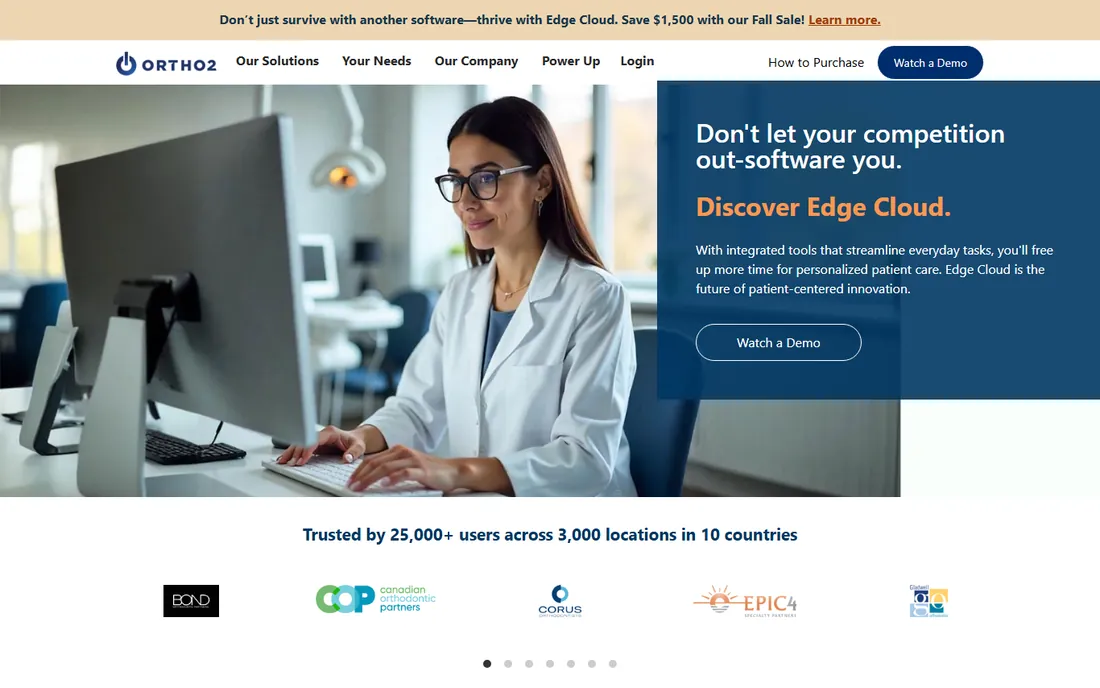
Ortho2 is the name most orthodontists already know, and Edge Cloud is its answer to the server room. Because the company has served orthodontists exclusively for over four decades, the workflows reflect how ortho practices actually run: treatment-focused scheduling, financial arrangements with contracts, patient rewards, online forms and virtual exam tools like inVisit are built in rather than bolted on. The company reports more than 25,000 users across 3,000 locations, and two large OSOs named Ortho2 their exclusive PMS provider in 2026.
The honest catch is commercial, not clinical. Ortho2 publishes no prices, so you will negotiate against your practice size and location count. Practices leaving another system should budget real time for conversion; Ortho2 handles migrations, but chart notes, images and financial histories never move themselves. For a group standardizing on one platform across offices, that effort pays off. For a single-location practice that already likes its imaging software, it may be more system than needed.
What we like- True cloud platform with no server to maintain
- More than 40 years serving orthodontists exclusively
- Scheduling, imaging, communications and financials in one system
- White-glove support with real people on phone, email and chat
Watch out for- Quote-only pricing means entering a sales process
- Ortho-only, so multi-specialty groups need a second system
- Data migration from another PMS is a project, not an afternoon
Starting priceSee website (custom quote)
Free planNo (demo available)
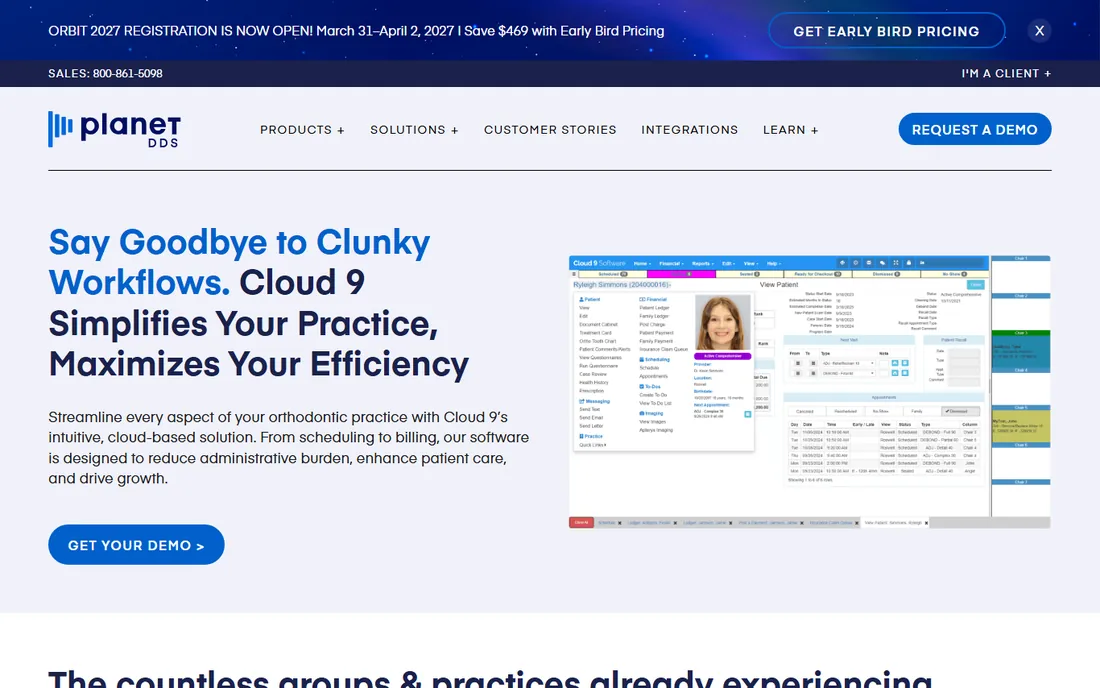
Cloud 9 pitches itself as the number one cloud-based orthodontic PMS, and its architecture backs the claim: there is nothing to install, staff can work from anywhere with an internet connection, and multi-location groups get the same schedule, ledger and reports in every office. The financial side is the strongest argument. The arrangements tool handles fee schedules, insurance benefits, down payments and auto-pay with primary and secondary payment methods, plus paperless contract signing and a real-time insurance claims queue for correcting rejections.
The trade-off is that Cloud 9 is built for organizations, and its sales process shows it. Pricing is quoted per situation, and implementation runs through their in-house team with data conversion from nearly every competing platform. That is reassuring for a group converting five offices and overkill for a solo doctor who wants to try software this week. Ask during the demo which features require the higher tiers, since the brochure lists everything together.
What we like- Fully browser-based with access from any internet-connected device
- Backed by Planet DDS with DSO and OSO tooling
- Financial arrangements with autopay, paperless contracts and insurance claims queue
- 25-plus integrations with common ortho tools
Watch out for- Quote-only pricing
- The Planet DDS family includes general-dental products that can blur focus
- Onboarding is guided, so there is no self-serve trial
#3
Dolphin Management
Best for: Practices that want imaging and practice management from one vendor
Visit dolphinimaging.com
Starting priceSee website (custom quote)
Free planNo (demo available)
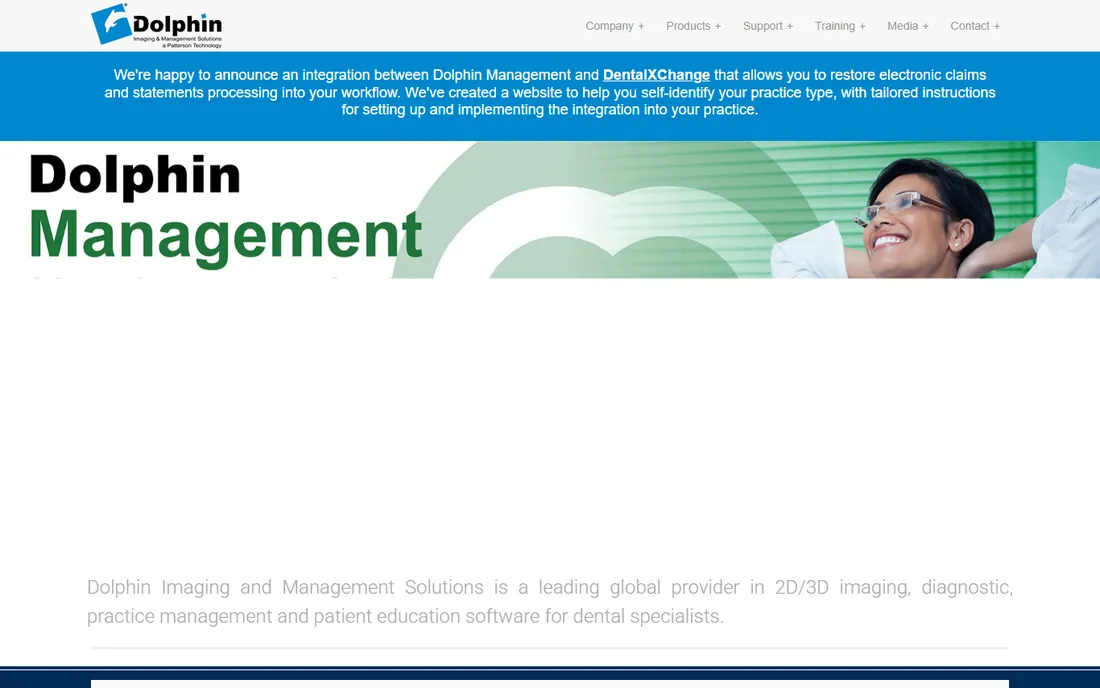
Dolphin built its name on imaging, and that is still the reason most practices buy it. The imaging suite handles photo and x-ray management, ceph tracing and treatment-plan presentation with tools designed for quick case consults: photos snap into standard layouts, and brightness, contrast and alignment adjustments happen on one screen. For a practice that lives in its ceph analyses and before-and-after presentations, having the images and the patient record in one system matters.
The management side is capable but not the headline. Dolphin grew up as installed software, so practices should expect servers, backups and IT attention rather than a login page. Patterson Dental handles distribution, which means support is established but also layered. If your priority is clinical imaging depth with management attached, Dolphin is the pick. If your priority is front-office automation and cloud access, the cloud-native tools above will feel a decade newer.
What we like- FDA-cleared imaging suite with strong ceph tracing and case presentation
- Single vendor for images, diagnostics and management
- Long clinical track record
- Distributed and supported through Patterson Dental
Watch out for- On-premise heritage with servers to maintain
- Quote-only pricing
- The PMS side can feel secondary to the imaging products
Starting priceSee website (custom quote)
Free planNo (demo available)
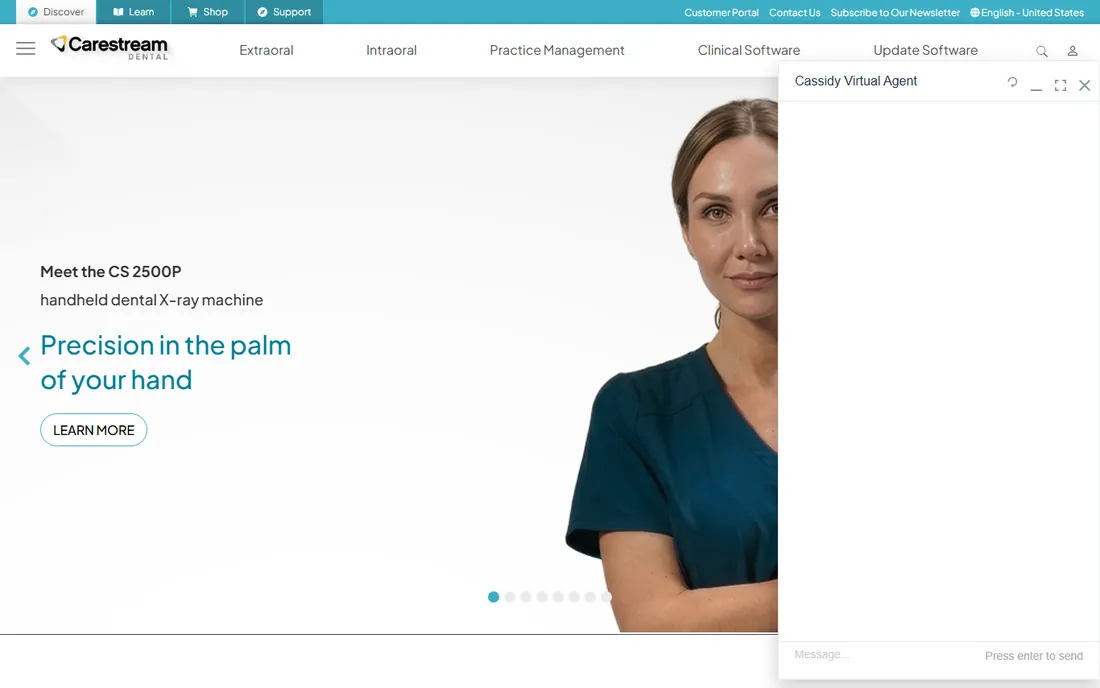
OrthoTrac is the workhorse of the installed base. Its patient flow module tracks appointments, billing, correspondence and clinical information through the day, and the financial estimator calculates treatment costs, monthly payments and payment duration during the initial consultation, which is exactly the workflow that drives ortho case acceptance. The v15 redesign modernized icons, scaling and thumbnail handling, but nobody would mistake it for a product born in the cloud era.
The honest case for OrthoTrac is inertia with benefits. If your CBCT, intraoral sensors and imaging software are already Carestream, the integration is real and the staff already knows the screens. Switching away means converting years of financial and clinical history and retraining everyone. If you are buying fresh in 2026 with no Carestream hardware, though, you are choosing a server-based system in a market moving to browsers, and you should know that going in.
What we like- Deep integration with Carestream imaging hardware and software
- Redesigned patient flow module with a financial estimator for consults
- Decades of installed-base knowledge
- Backed by a large dental technology company
Watch out for- On-premise system with local infrastructure needs
- Quote-only pricing
- Interface and workflows show the product's age next to cloud competitors
#5
topsOrtho
Best for: Mac-based practices that want a fast, reliable system
Visit topsortho.com
Starting priceSee website (custom quote)
Free planNo (demo available)
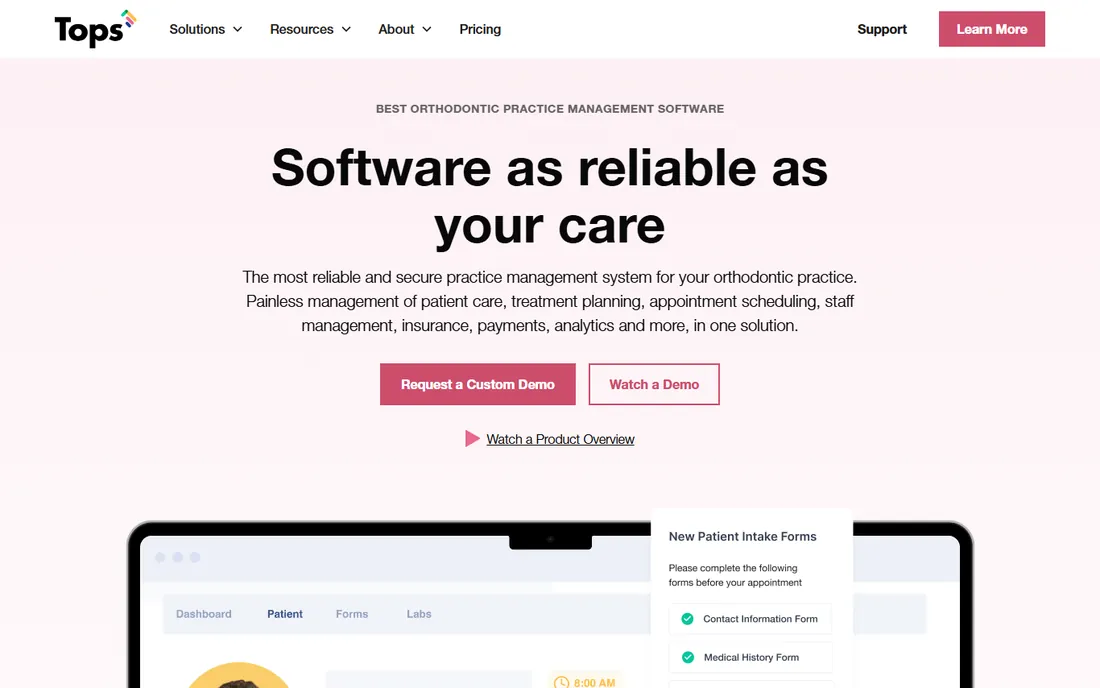
topsOrtho, usually just called Tops, is the quiet favorite of Mac-based orthodontic offices. The pitch is reliability and speed rather than feature count: treatment planning and office management in real time, with scheduling efficiency as the headline benefit. Twenty-six years in the market and more than a thousand locations across 31 countries suggest the product does what it promises without drama. Reviewers on the big software directories consistently describe it as the fastest and most reliable of the traditional systems.
The limitation is ecosystem size. Tops does not have the integration marketplace of Cloud 9 or the imaging depth of Dolphin, and its marketing footprint is smaller than Ortho2's, so peer references take more effort to find. Pricing is quoted, not published. For a Mac-based practice that wants software that stays out of the way, Tops deserves a demo slot. For a group that needs deep analytics or multi-specialty support, look at the bigger platforms first.
What we like- Strong Mac support in a Windows-dominated category
- 26 years of orthodontic focus with 1,000-plus locations
- Fast performance reviewers consistently praise
- Award-winning support team
Watch out for- Quote-only pricing
- Smaller user community than the big two
- Fewer third-party integrations to choose from
#6
Oasys Crossfire
Best for: Practices wanting contract automation and patient self check-out
Visit oasys.us
Starting priceSee website (custom quote)
Free planNo (demo available)
Oasys Crossfire aims at the two moments that eat front-desk time: the financial consult and the checkout. The payment slider lets patients adjust down payment, monthly amount and contract length across three presented options, then sign electronically. The automated checkout flow lets patients pick their next appointment and print or email their walkout statement themselves, with staff stepping in only for exceptions like past-due accounts. The InFlow patient portal and free mobile apps let families update information and fill out health history forms from home.
As a smaller vendor, Oasys competes on workflow specifics rather than platform breadth. The cloud2u option moves the system off your server into their virtual cloud with per-client servers, which answers the infrastructure question without a full cloud-native rewrite. What you give up is the safety of a giant installed base and the integration catalog that comes with it. For a practice whose bottleneck is the front desk rather than the chairs, the checkout automation alone can justify the demo.
What we like- Payment slider and 30-plus contract templates with electronic signature
- Automated self check-out that the company says handles most visits
- Cloud2u virtual cloud option removes the server
- Patient portal with iPhone and Android apps
Watch out for- Smaller vendor with a thinner track record
- Quote-only pricing
- Third-party integration list is shorter than the leaders
#7
WaveOrtho
Best for: Practices wanting marketing and patient communication built into the PMS
Visit waveortho.com
Starting priceSee website (custom quote)
Free planNo (60-day satisfaction guarantee on Core, Plus and Pro)
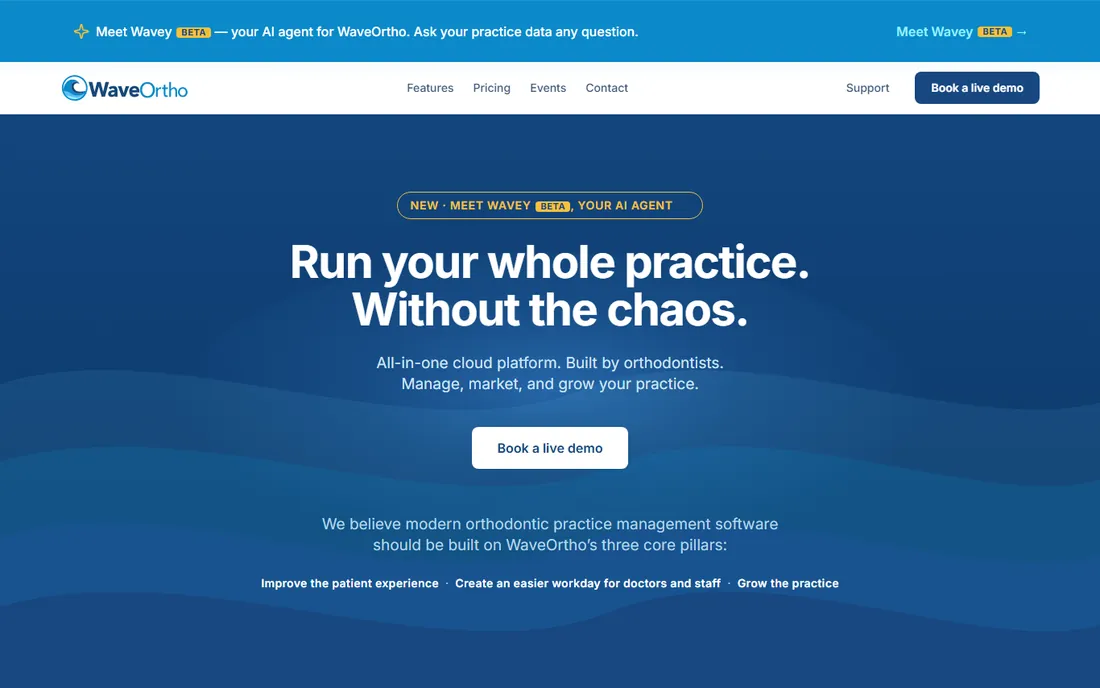
WaveOrtho is the most interesting challenger on this list because of where it puts its energy. Instead of selling a PMS and pointing you to five vendors for texting, portals, review management and marketing, it builds those in: two-way texting, a patient portal, self check-in, website scheduling widgets, automated campaigns and reputation management all ship in the same system. The clinical side covers appointment book, treatment charting, imaging, native ceph tracing, ledgers and a lab manager, plus a newer AI agent that answers plain-English questions about practice data.
Founder credibility is the differentiator here: Dr. Peter Kimball built the software across 30 years of running his own orthodontic practices, and the company stresses that it has never sold to a corporate acquirer. The 60-day satisfaction guarantee is unusual in this market and lowers the risk of trying it. The catch is youth: fewer peer references, and pricing comes as a tailored quote across Core, Plus and Pro tiers. Growth-focused practices that want one vendor and one bill should put WaveOrtho on the shortlist.
What we like- Manage, market and grow modules in one system with features built in-house
- Founded and run by a practicing orthodontist
- Two-way texting, patient portal, self check-in and automated marketing included
- 60-day money-back satisfaction guarantee
Watch out for- Newer vendor with a smaller install base
- Pricing is tailored quotes, not published numbers
- Heavy marketing automation may exceed what a small practice needs
Starting priceSee website (custom quote)
Free planNo (demo available)
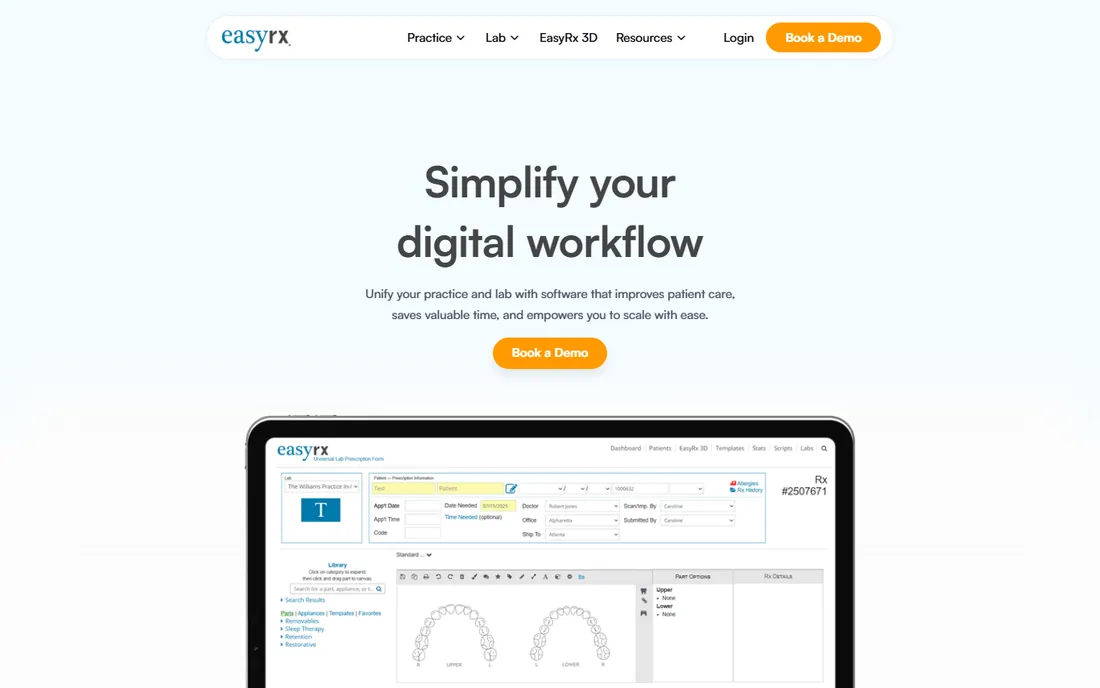
EasyRx solves a different problem from the rest of this list: the chaos between the practice and the lab. Prescriptions go digital, cases track in real time, and the built-in 3D tools prepare STL files for printing without bouncing between applications. It integrates with practice management software and intraoral scanners rather than replacing them, and the Lab side gives labs a one-stop platform for receiving cases, tracking orders and handling invoicing. PracticeTek ownership puts it inside a portfolio of orthodontic software brands.
Do not evaluate EasyRx as a PMS, because it is not one. For a practice doing significant aligner, retainer or appliance volume, it removes the paper prescriptions, lost cases and phone-tag with labs that quietly cost hours every week. For a practice with light lab needs, it is a solution looking for a problem. Pair it with any of the full PMS platforms above.
What we like- Universal lab prescriptions connecting practices with commercial and in-house labs
- Integrated 3D software for viewing and preparing print-ready STL files
- Real-time case tracking replaces paper slips
- PracticeTek backing with HIPAA-compliant security
Watch out for- Lab workflow focus means it is not a full practice management system
- Quote-only pricing
- Value depends on how much lab work the practice actually does
#9
Greyfinch
Best for: Startup and single-location practices wanting a modern cloud PMS
Visit greyfinch.com
Starting priceSee website (custom quote)
Free planNo (demo available)
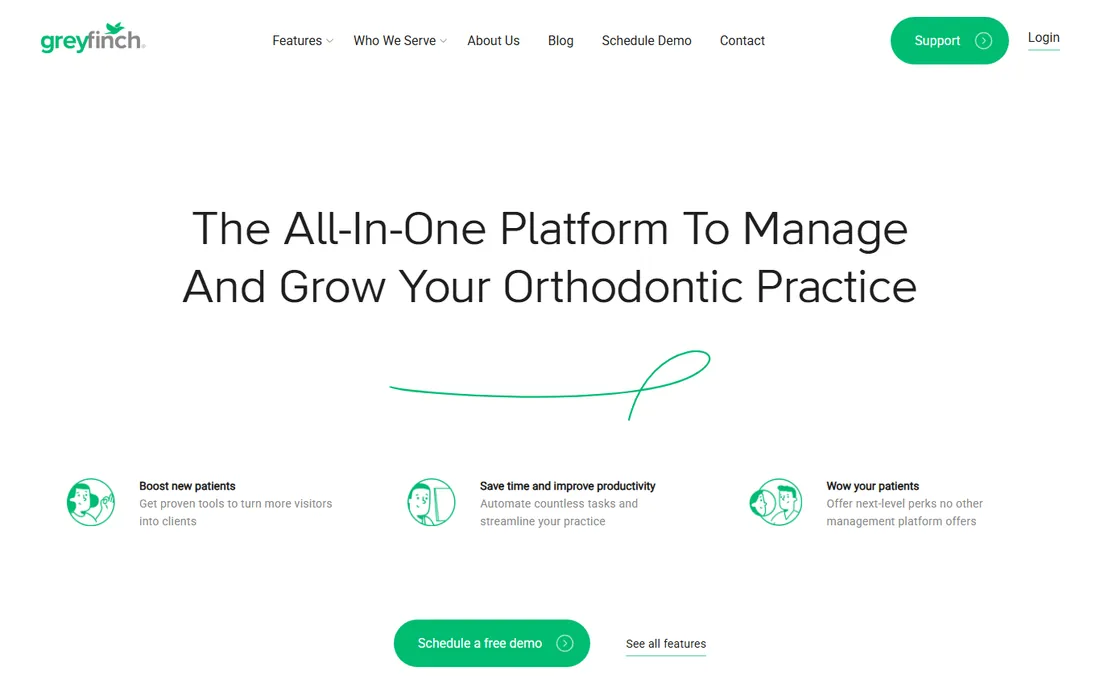
Greyfinch is built for the way new practices actually start: no server closet, no IT contract, just a browser. Everything runs in the cloud, and the feature list reads like a response to the incumbents' add-on pricing: video appointments, secure two-way texting and email, e-signatures, online forms that sync across the database and a 24/7 appointment widget all come standard. The no-code automation builder handles patient outreach, contract writing and payment collection without staff intervention.
The positioning is deliberate. Greyfinch markets to single practices and startups that want one system instead of a PMS plus four bolt-on services, and early customer reviews praise exactly that consolidation. The risk is the usual one with younger vendors: a smaller installed base, fewer third-party integrations and less certainty about where the product will be in ten years. For a startup signing its first lease, the math is compelling. For an established multi-location group, the bigger platforms offer more proven scale.
What we like- 100 percent web-based with no downloads, servers or licenses to manage
- HIPAA-compliant video visits, two-way SMS and e-signatures built in
- 24/7 appointment widget and online forms
- No-code automations for contracts, payments and reminders
Watch out for- Quote-only pricing
- Newer vendor with fewer peer references
- Integration catalog is thinner than the established players
What to check before you sign
Start with the financial contract module, because that is where orthodontic software earns or loses its keep. Ortho revenue arrives over months and years, so the system must automate monthly drafting, handle delinquency gracefully, manage insurance installments and produce clean aging reports. Ask each vendor to walk through a full contract lifecycle in the demo: consult, down payment, monthly drafts, a missed payment, an insurance denial and a transfer. If any step needs a spreadsheet, keep looking.
Next, pin down deployment and data. Cloud systems remove servers and backups from your life but need reliable internet; on-premise systems keep working offline but need IT attention and a backup plan you actually test. Ask who owns the data, how you export it, and what a conversion out would cost. Then get the full commercial picture in writing: license fees, per-user or per-location charges, imaging add-ons, support tiers, training, data conversion and annual increases. Every vendor here quotes privately, so the only wrong move is comparing brochure features without comparing total cost.
Switching systems: what the migration actually involves
Changing orthodontic software is a data project first and a training project second. Patient demographics, appointment history, financial ledgers, contracts, images and x-rays all need to move, and the quality of that move depends on the vendor's conversion team and the cleanliness of your current database. Most vendors on this list, including Ortho2, Cloud 9 and topsOrtho, convert data from competing platforms as part of implementation. Budget eight to sixteen weeks from contract to go-live for a single location, longer for groups.
Training decides whether the migration sticks. Schedule it close to go-live, train on your own converted data rather than sample data, and identify one super-user per office who learns the system deeply. Keep the old system readable for at least a year for historical lookups; most vendors can arrange read-only access. And negotiate the exit before you need it: get data export formats and any termination fees in the contract, even when you are excited about the new system.
Frequently asked questions
How much does orthodontic practice management software cost?
Vendors quote privately, so expect a sales conversation rather than a pricing page. Typical structures include a setup or conversion fee plus a monthly per-user or per-location subscription, with imaging, communications and marketing modules sometimes priced separately. Always get the complete fee schedule in writing, including annual increases, before comparing.
Should my practice choose cloud-based or server-based software?
Cloud systems like Ortho2 Edge Cloud, Cloud 9, WaveOrtho and Greyfinch remove servers, backups and remote-access headaches, and they update automatically. Server-based systems like Dolphin and OrthoTrac keep running if the internet drops and keep data fully in-house, but they need IT maintenance and a tested backup routine. Most new purchases in 2026 go cloud.
Can general dental software run an orthodontic practice?
Poorly. Orthodontics needs treatment-focused scheduling, long-term financial contracts with monthly drafting, and ortho-specific charting that general dental systems treat as an afterthought. The products on this list are built for orthodontic workflows from the ground up, which is why they exist as a separate category.
How long does it take to switch orthodontic software?
Plan eight to sixteen weeks from signed contract to go-live for a single location, longer for multi-location groups. Data conversion, training and workflow testing drive the timeline more than the software installation itself. Start the conversation with your chosen vendor at least a quarter before your target date.
Do these systems work with my imaging equipment?
Most integrate with major imaging hardware and software, but the depth varies. Dolphin and Carestream offer the tightest integration with their own imaging lines. If you own CBCT or ceph equipment from a specific manufacturer, confirm compatibility with that vendor before committing to a PMS.
What is the difference between a PMS and tools like EasyRx or Gaidge?
A practice management system runs the practice: scheduling, charting, billing, contracts and communications. EasyRx manages the lab workflow between practice and lab, and Gaidge provides business-intelligence reporting on practice KPIs. They complement a PMS rather than replacing one.
How we chose
We started from the orthodontic software market as buyers see it: vendor websites and documentation, public review directories including SourceForge and Slashdot, feature lists, integration catalogs and stated deployment models. We kept only products that are live today and built specifically for orthodontic practices, which is why general dental platforms and discontinued brands are absent. We verified each vendor's homepage directly and treated pricing as quote-only wherever the vendor publishes no numbers, rather than repeating third-party estimates. The final list mixes the long-established platforms with newer cloud vendors so practices of different sizes can find a fit.
Sources we checked (12)
- https://www.ortho2.com/
- https://cloud9.software/
- https://dolphinimaging.com/
- https://carestreamdental.com/
- https://www.topsortho.com/
- https://oasys.us/
- https://waveortho.com/
- https://easyrxcloud.com/
- https://greyfinch.com/
- https://healthitcost.com/c/orthodontic-software/guide/pdf
- https://sourceforge.net/software/product/Ortho2-Edge-Cloud/alternatives
- https://slashdot.org/software/p/topsOrtho/alternatives
Is your product missing or out of date?
We review this list regularly. Vendors can request a listing, send updated pricing or ask about featured placement.

Shihab Mia · Founder, Rankite
Shihab has spent more than a decade helping SaaS and e-commerce brands grow through search. He writes Rankite's software buying guides from pricing pages, documentation and public user reviews. More about Shihab.