How we make this list: we compare pricing pages, product documentation and public user reviews. Ratings come from G2, Capterra or Trustpilot, with the date we checked them.
What is the best open source CMS software in 2026?
WordPress is the best open source CMS software for most teams in 2026. It powers a large share of the web, has the widest theme and plugin library, and works for blogs, business sites and online stores. Drupal is the stronger pick for large, complex sites with strict permissions and multilingual content. Ghost suits publishers who want a fast site with newsletters and paid memberships built in. Strapi and Directus are the best headless choices when content must feed websites, apps and other channels from one API. Joomla, TYPO3 and Grav each serve narrower needs, and all eight are covered below.
Key takeaways:
- WordPress leads on ecosystem size, themes, plugins and hiring pool.
- Drupal and TYPO3 suit large organisations with complex permissions and many sites.
- Ghost is the simplest route to a paid newsletter or membership site.
- Strapi and Directus are headless, so developers build the front end separately.
- Every tool here is free to self-host. You pay for hosting, support or a managed cloud plan.
An open source CMS gives you the code. You install it on your own hosting, you own the database and the files, and you can move the site to another host. A hosted website builder keeps the code on the vendor platform, and moving away usually means rebuilding the site. Open source tools also let you change any part of the system, add custom fields, and connect to other software through APIs. The trade is responsibility. You handle updates, backups, security patches and performance. A hosted builder handles those tasks for you, and charges a monthly fee for it. Teams with a developer, or with an agency, usually gain more from open source. Teams with no technical help often prefer a managed plan such as WordPress.com, Ghost(Pro) or Strapi Cloud, which keeps the open source software while someone else runs the server.
How much does an open source CMS cost?
The software itself costs nothing to download and self-host for all eight tools in this guide. The real cost is hosting, a domain, a theme or template, and the time to set it up and keep it updated. Shared hosting can cost a few dollars a month. A virtual server for a busy site can cost 20 to 100 dollars a month or more. Managed plans remove the server work. WordPress.com starts at 4 dollars a month billed yearly for Personal, Ghost(Pro) starts at 15 dollars a month billed yearly, Strapi Cloud starts at 35 dollars per project a month, and Directus Cloud starts at 99 dollars a month. Joomla, Drupal, TYPO3 and Grav have no official managed hosting plan, so you buy hosting separately.
Which open source CMS should you choose?
Start with the shape of your site. If editors need a familiar page editor, thousands of ready themes and a plugin for almost any feature, choose WordPress. If the site has many content types, strict roles, several languages and heavy traffic, choose Drupal or TYPO3. If publishing and paid memberships are the whole business, choose Ghost. If developers will build a custom front end in a framework such as Next.js, choose Strapi or Directus and treat the CMS as an API. If the site is small, fast and file based, with content stored as Markdown in Git, choose Grav. Joomla fits teams that want more structure than WordPress out of the box without the weight of Drupal. Match the tool to the team that will run it, because the best CMS is the one your editors and developers can maintain for years.
Best open source CMS software compared
| Tool |
Type |
Starting price |
Free plan |
Best for |
| WordPress |
Traditional CMS |
Free (open source); WordPress.com Personal from $4 per month billed yearly |
Yes, self-hosted |
Most business sites, blogs and stores |
| Joomla |
Traditional CMS |
Free (open source) |
Yes |
Community and membership sites |
| Drupal |
Traditional CMS |
Free (open source) |
Yes |
Large, complex and multilingual sites |
| Ghost |
Publishing CMS |
Free (open source); Ghost(Pro) from $15 per month billed yearly |
Yes, self-hosted |
Newsletters and paid memberships |
| Strapi |
Headless CMS |
Free (open source); Strapi Cloud from $35 per project per month |
Yes, self-hosted Community edition |
Developer built sites and apps |
| Directus |
Headless CMS |
Free (open source); Directus Cloud from $99 per month |
Yes, self-hosted Core |
Data driven apps on SQL databases |
| TYPO3 |
Enterprise CMS |
Free (open source) |
Yes |
Enterprise multi-site estates |
| Grav |
Flat-file CMS |
Free (open source) |
Yes |
Fast, small, file based sites |
Prices checked 23 Nov 2026. See the Sources section for the pricing pages used.
Quick comparison
| Tool | Best for | Starting price | Free plan |
|---|
 WordPress | Business sites, blogs and WooCommerce stores that need the largest theme and plugin library | Free (open source); WordPress.com Personal from $4 per month billed yearly ($9 billed monthly) | Yes. The self-hosted software is free, and WordPress.com has a free plan with a wordpress.com address |
 Joomla | Community sites, membership portals and multilingual sites that want more structure than WordPress out of the box | Free (open source) | Yes. The full CMS is free to download and self-host |
 Drupal | Large organisations, government sites and universities with complex content, permissions and multilingual needs | Free (open source) | Yes. The full CMS is free to download and self-host |
 Ghost | Publishers, newsletters and membership sites that want fast pages and paid subscriptions built in | Free (open source); Ghost(Pro) Starter from $15 per month billed yearly ($18 billed monthly) | Yes. Self-hosted Ghost is free under the MIT licence, and Ghost(Pro) has no free plan |
 Strapi | Developer teams building custom websites and apps that need a flexible API-first CMS | Free (open source); Strapi Cloud Starter from $35 per project per month | Yes. The Community edition is free to self-host under the MIT licence, with no free Strapi Cloud plan |
 Directus | Data driven applications and dashboards that sit on top of an existing SQL database | Free (open source); Directus Cloud Core from $99 per month ($89 billed yearly) | Yes. Self-hosted Core is free, with 3 Studio logins and 25 collections, and the Open Innovation Grant gives qualifying small organisations full access at no software cost |
 TYPO3 | Enterprise and public sector organisations running many sites and languages from one installation | Free (open source) | Yes. The full CMS core is free under the GPL, with three years of free security fixes per long-term support release |
 Grav | Small, fast sites, documentation and developer blogs where content lives as Markdown files in Git | Free (open source) | Yes. The core is free under the MIT licence, with no paid tier and no seat limits |
Is your product missing or out of date?
We review this list regularly. Vendors can request a listing, send updated pricing or ask about featured placement.
Best open source CMS software
#1WordPress
Best for: Business sites, blogs and WooCommerce stores that need the largest theme and plugin library4.4/5 on
G2 (9,546 reviews, checked Oct 2026)
Visit wordpress.org
Starting priceFree (open source); WordPress.com Personal from $4 per month billed yearly ($9 billed monthly)
Free planYes. The self-hosted software is free, and WordPress.com has a free plan with a wordpress.com address
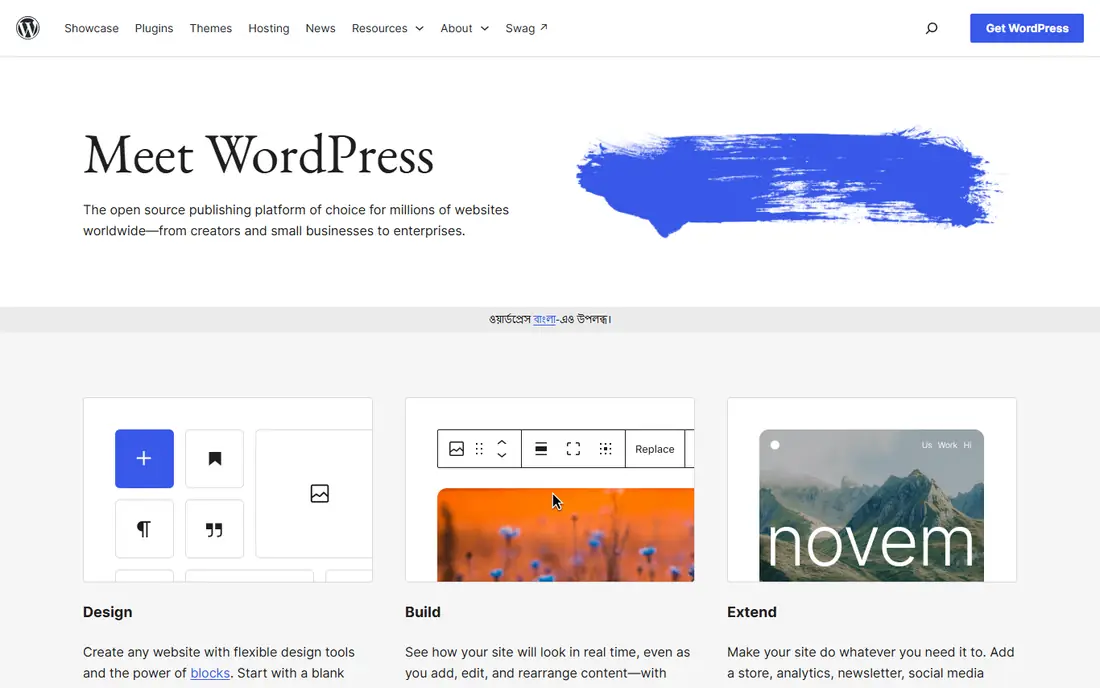
WordPress is the default choice for a reason. The block editor lets non-technical editors build pages without code, while developers can build custom themes and plugins on a familiar PHP base. The plugin directory holds tens of thousands of free plugins, covering forms, SEO, backups, security, memberships and stores. WooCommerce turns a WordPress site into a full online store with no platform fee on the software itself. The trade is upkeep. Core, theme and plugin updates arrive often, and a neglected site becomes a security risk. Managed WordPress hosting, or WordPress.com, removes much of that work for a monthly fee.
What we like- Largest ecosystem of themes and plugins, huge hiring pool, strong SEO tools, WooCommerce for stores, active community and frequent updates
Watch out for- Plugin quality varies, and a site with many plugins needs regular maintenance to stay secure and fast
#2
Joomla
Best for: Community sites, membership portals and multilingual sites that want more structure than WordPress out of the box
Visit joomla.org
Starting priceFree (open source)
Free planYes. The full CMS is free to download and self-host
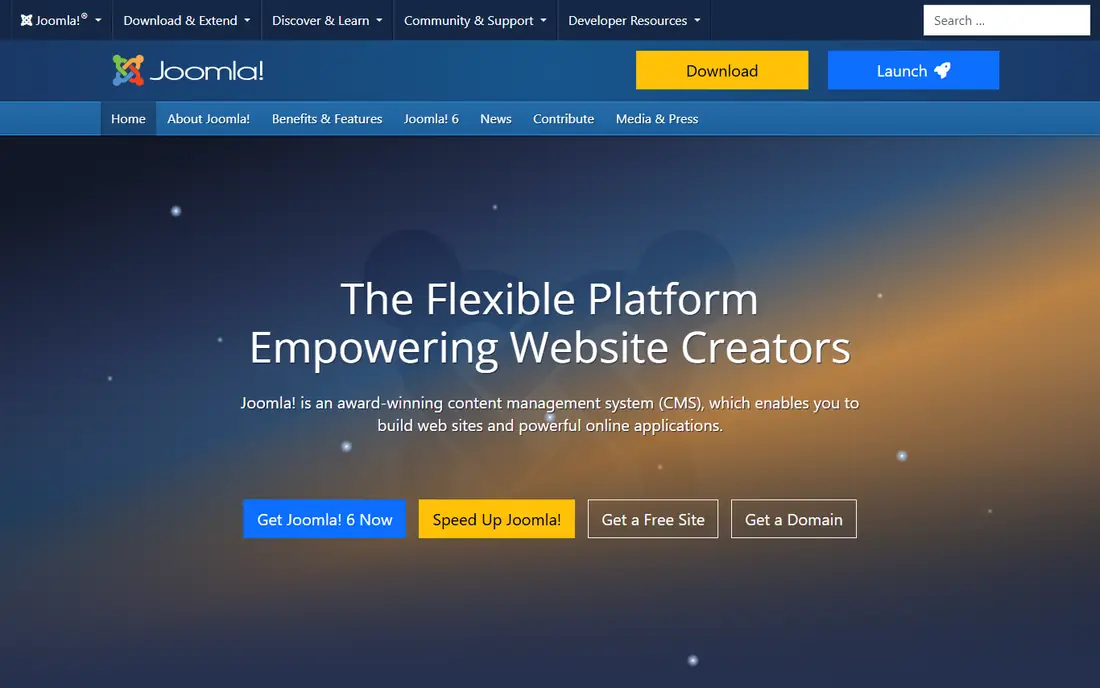
Joomla sits between WordPress and Drupal in complexity. It ships with stronger user management and access control than WordPress, so a site with member areas, multiple editor roles and restricted content is easier to set up without extra plugins. Multilingual content works in core rather than through a paid add-on. The article system supports nested categories, custom fields and tagging, which suits directories, magazines and documentation sites. The extension directory is smaller than the WordPress plugin library, and fewer agencies specialise in Joomla, so custom work can cost more. Joomla suits teams that want a structured, self-hosted CMS with solid permissions and do not need the largest ecosystem.
What we like- Built-in user groups and access control, multilingual support in core, flexible article categories, no licence cost
Watch out for- Smaller extension library and developer pool than WordPress, so finding help and add-ons takes more effort
#3Drupal
Best for: Large organisations, government sites and universities with complex content, permissions and multilingual needs3.9/5 on
G2 (425 reviews, checked Oct 2026)
Visit drupal.org
Starting priceFree (open source)
Free planYes. The full CMS is free to download and self-host
Drupal is the heavyweight in this list. Its content types, fields, views and taxonomies let teams model almost any structured content, from product catalogues to research databases, without writing code for the data layer. Permissions are granular, workflows support review and approval, and multilingual sites are a core strength. Large institutions choose Drupal because it scales, passes security reviews and survives redesigns without a platform change. The cost is complexity. Editors face a busier interface than WordPress, and developers need real Drupal experience to build and maintain a site well. Major version upgrades are projects, not one-click updates.
What we like- Very flexible content modelling, granular permissions, strong multilingual support, strong security record, handles high traffic
Watch out for- Steep learning curve, and most sites need a developer for setup, theming and upgrades
#4Ghost
Best for: Publishers, newsletters and membership sites that want fast pages and paid subscriptions built in4.0/5 on
G2 (40 reviews, checked Oct 2026)
Visit ghost.org
Starting priceFree (open source); Ghost(Pro) Starter from $15 per month billed yearly ($18 billed monthly)
Free planYes. Self-hosted Ghost is free under the MIT licence, and Ghost(Pro) has no free plan
Ghost does one job and does it well. The editor is clean and fast, pages load quickly, and newsletters go out from the same dashboard as the site. Paid memberships, free member signups, tiers and subscriber analytics are built in, with no percentage taken from member revenue on Ghost(Pro). Themes are fewer than WordPress themes, and the platform has no native shop, forum or course system, so teams that need those features must add them through integrations. Self-hosting is free and suits developers, while Ghost(Pro) handles hosting, updates, email delivery and backups from 15 dollars a month billed yearly for up to 1,000 members.
What we like- Very fast pages, clean editor, newsletters and paid memberships built in, no platform fee on member revenue, simple admin
Watch out for- Narrow focus on publishing, with fewer themes and integrations than WordPress, and no built-in store or forum
#5Strapi
Best for: Developer teams building custom websites and apps that need a flexible API-first CMS4.5/5 on
G2 (204 reviews, checked Oct 2026)
Visit strapi.io
Starting priceFree (open source); Strapi Cloud Starter from $35 per project per month
Free planYes. The Community edition is free to self-host under the MIT licence, with no free Strapi Cloud plan
Strapi is a headless CMS, which means it stores and serves content through an API while a separate front end displays it. Editors work in a clean admin panel and define content types with a visual builder, adding fields, components and dynamic zones without code. Developers then fetch the content with REST or GraphQL into any framework, such as Next.js or Nuxt. The Community edition is free and self-hosted, with unlimited admin users. Paid Growth licences add features such as live preview and scheduled releases, and Strapi Cloud hosts a project from 35 dollars a month with 100,000 API requests and 50 GB of storage. Strapi suits teams with developers who want full control of the front end.
What we like- Visual content type builder, REST and GraphQL APIs out of the box, customisable admin panel, large plugin library, TypeScript support
Watch out for- Needs a developer for setup and front-end work, and the Cloud Starter plan sleeps when idle and has no backups
#6
Directus
Best for: Data driven applications and dashboards that sit on top of an existing SQL database
Visit directus.io
Starting priceFree (open source); Directus Cloud Core from $99 per month ($89 billed yearly)
Free planYes. Self-hosted Core is free, with 3 Studio logins and 25 collections, and the Open Innovation Grant gives qualifying small organisations full access at no software cost
Directus takes a different path from most headless CMS tools. Instead of storing content in its own format, it sits on top of your existing PostgreSQL, MySQL or SQLite database and turns each table into a managed collection with an API. That makes it a strong choice for internal tools, dashboards and apps where the data already exists. The Data Studio gives editors a polished interface for rows, files, translations and automation flows, and permissions can be set per role, per collection and per field. Self-hosted Core is free with 3 logins and 25 collections. Organisations under 5 million dollars in revenue and fewer than 50 staff can apply for the Open Innovation Grant for full access at no software cost. Directus Cloud Core costs 99 dollars a month, and Team, with 10 seats and SSO, costs 599 dollars a month or 499 dollars billed yearly.
What we like- Wraps any SQL database with an instant REST and GraphQL API, no data migration needed, granular permissions, clean data studio
Watch out for- Pricing and licence terms have changed several times, and Core limits seats and collections unless you qualify for the grant or pay for Team
#7
TYPO3
Best for: Enterprise and public sector organisations running many sites and languages from one installation
Visit typo3.org
Starting priceFree (open source)
Free planYes. The full CMS core is free under the GPL, with three years of free security fixes per long-term support release
TYPO3 is built for large, long-lived web estates. One installation can run many sites and languages, with workspaces for drafting, review and scheduled publishing, and permissions that reach down to individual backend modules. The core is free and open source, with no feature gates, and each long-term support release gets three years of free security and bug fixes. The price of that power is specialisation. TypoScript and Fluid templates take time to learn, the backend is an administrative environment rather than a friendly editor, and hiring TYPO3 developers is harder than hiring for WordPress or Drupal. Paid extended long-term support is available after free support ends, listed at 3,200 euros per installation per year for version 12.
What we like- Multi-site and multilingual management from one install, granular backend permissions, editorial workflows and workspaces, formal long-term support cycle
Watch out for- Steep learning curve, TypoScript configuration is its own language, and most projects need a specialist agency
#8
Grav
Best for: Small, fast sites, documentation and developer blogs where content lives as Markdown files in Git
Visit getgrav.org
Starting priceFree (open source)
Free planYes. The core is free under the MIT licence, with no paid tier and no seat limits
Grav is the simplest tool in this guide. It stores pages as Markdown files on disk, so there is no database server, no schema to migrate and no per-seat billing. A site runs on a small virtual server or shared hosting, deploys with Git, and backs up by copying files. The admin panel, themes and plugins cover the basics, and the package manager installs extensions from the dashboard. Grav 2 adds a first-party REST API and a model context protocol server for AI agents. Premium plugins and themes are sold individually, such as premium bundles listed at 140 to 200 dollars one-time on the vendor site, but none of them is needed to run a site. Grav suits developers, documentation sites and small business sites that value speed and simplicity.
What we like- No database to run or back up, very fast, content is plain Markdown files, easy Git versioning, runs on cheap shared hosting
Watch out for- Smaller plugin and theme library than the big CMS platforms, and the admin panel is less polished for non-technical editors
Frequently asked questions
Is open source CMS software really free?
Yes, the software is free to download and use for all eight tools in this guide. WordPress, Joomla, Drupal, Ghost, Strapi, Directus, TYPO3 and Grav all publish their code under open source licences. You still pay for hosting, a domain name, and any premium themes, plugins or support you choose. Managed hosting plans such as WordPress.com, Ghost(Pro), Strapi Cloud and Directus Cloud charge a monthly fee to run the software for you.
Which open source CMS is easiest for beginners?
WordPress is the easiest for most beginners. Its block editor is familiar, themes install in one click, and help is easy to find because so many people use it. Ghost is also easy if the site is a blog or newsletter, because its admin is minimal and focused. Drupal, TYPO3 and Strapi need more technical skill, so beginners should use them only with developer help or a managed plan.
What is the difference between WordPress.org and WordPress.com?
WordPress.org is the free, self-hosted software that you install on your own hosting, with full control over themes, plugins and code. WordPress.com is the hosted service from Automattic that runs WordPress for you, with a free plan and paid plans from 4 dollars a month billed yearly for Personal. Self-hosting gives more control and more maintenance work, while WordPress.com handles updates, backups and security for a monthly fee.
Is a headless CMS better than a traditional CMS?
A headless CMS such as Strapi or Directus is better when content must feed several channels, such as a website, a mobile app and a kiosk, from one source. Developers build the front end separately and fetch content through an API. A traditional CMS such as WordPress or Drupal is better when editors need a ready-made theme, a visual page builder and a single system that handles both content and display.
Can I move my site away from an open source CMS later?
Yes, and that is one of the main reasons to choose open source. You own the code, the database or files, and the content, so you can move the site to another host or export the content to another system. The effort depends on the tool. Grav content is plain Markdown files, so it moves easily. WordPress and Drupal content exports through built-in tools or plugins. Headless content moves through the API.
Sources we checked (14)
- https://wordpress.org
- https://wordpress.com/pricing
- https://www.joomla.org
- https://www.drupal.org
- https://ghost.org
- https://ghost.org/pricing
- https://strapi.io
- https://strapi.io/pricing-cloud
- https://directus.io
- https://directus.com/pricing
- https://typo3.org
- https://getgrav.org
- https://getgrav.org/premium
- https://rankite.com
Is your product missing or out of date?
We review this list regularly. Vendors can request a listing, send updated pricing or ask about featured placement.

Shihab Mia · Founder, Rankite
Shihab has 5+ years in B2B and SaaS SEO. He writes Rankite's software buying guides from pricing pages, documentation and public user reviews. More about Shihab.