How we make this list: we compare pricing pages, product documentation and public user reviews. Ratings come from G2, Capterra or Trustpilot, with the date we checked them.
Key takeaways
- Google Forms is free and unlimited for basic surveys; most teams should start there and upgrade only when they need logic, branding or advanced analytics.
- Typeform wins on response rates with conversational one-question-at-a-time design, but its free plan is tightly limited.
- SurveyMonkey remains the business default for quick polls and templates, while Qualtrics and Alchemer serve serious research programs.
- Free-plan limits decide everything in this category: count responses per month, not just surveys allowed.
Quick comparison
| Tool | Best for | Starting price | Free plan |
|---|
 SurveyMonkey SurveyMonkey | Quick business surveys and templates | See website | Yes |
 Typeform Typeform | Conversational high-completion surveys | See website | Yes |
 Google Forms Google Forms | Free unlimited basic surveys | Free | Yes |
 Jotform Jotform | Form-heavy workflows beyond surveys | See website | Yes |
 Qualtrics Qualtrics | Enterprise and academic research | See website | No |
 SurveySparrow SurveySparrow | Conversational CX feedback | See website | Yes |
 Alchemer Alchemer | AI-native feedback intelligence | See website | No |
 Zoho Survey Zoho Survey | Surveys inside the Zoho ecosystem | See website | Yes |
Is your product missing or out of date?
We review this list regularly. Vendors can request a listing, send updated pricing or ask about featured placement.
Survey tools look similar until you hit the limits: response caps, logic branching, branding and analytics separate the free toys from research instruments. Eight tools across the spectrum.
Starting priceSee website
Free planYes
SurveyMonkey is the default business survey tool: pick a template, customize, send, analyze. Templates cover NPS, employee engagement, market research and event feedback, and respondents recognize the brand.
The free tier limits responses per survey, pushing real usage to paid plans that cost more than competitors. SurveyMonkey fits teams that want templates and reliability over novelty.
What we like- Huge template library for every use case
- Familiar to respondents
- Solid logic and analytics on paid plans
Watch out for- Free plan caps responses tightly
- Paid plans are pricier than newer rivals
- The interface feels corporate
Starting priceSee website
Free planYes
Typeform made surveys pleasant: conversational flow, elegant design and smart logic that adapts to answers. For customer-facing surveys where completion rate matters, the format advantage is real.
The free plan's response limits mean serious use requires paid tiers priced by responses. Typeform fits marketing and CX teams where the survey is part of the brand experience.
What we like- One-question-at-a-time design lifts completion rates
- Beautiful and on-brand
- Good logic and integrations
Watch out for- Free plan allows very few responses
- Pricing per response tier climbs fast
- Overkill for simple internal polls
Starting priceFree
Free planYes
Google Forms is the honest free option: unlimited surveys, unlimited responses, no paywall on essentials. Responses flow into Google Sheets for analysis, and sharing is trivial.
Advanced logic, branding and analytics are thin. Google Forms fits students, educators, small teams and anyone whose survey needs are straightforward.
What we like- Completely free with unlimited surveys and responses
- Integrates with Sheets for analysis
- Everyone knows how to use it
Watch out for- Basic logic and design
- Limited branding
- Analytics are rudimentary
Starting priceSee website
Free planYes
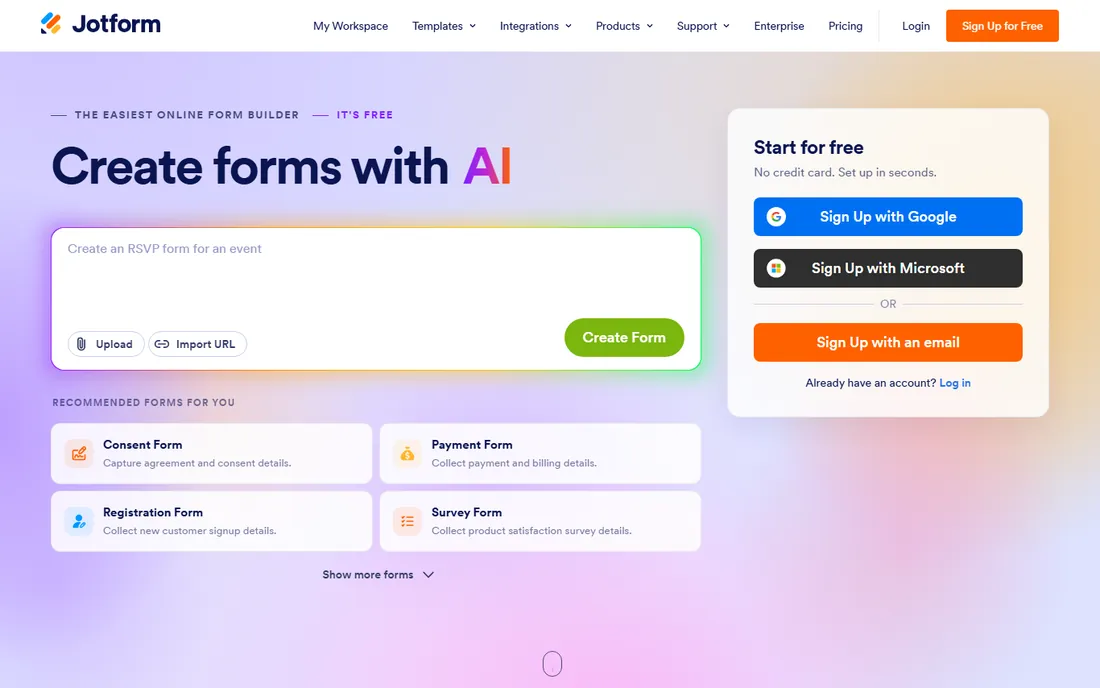
Jotform is a form builder that does surveys well: drag-and-drop building, conditional logic, payment collection and integrations, with templates for nearly every workflow. The free tier covers meaningful volume.
Dedicated survey analytics are thinner than SurveyMonkey's. Jotform fits nonprofits, schools and healthcare teams running registrations, applications and surveys in one tool.
What we like- 10,000-plus templates covering registrations, payments and applications
- Powerful form builder
- Generous free tier
Watch out for- Survey-specific analytics trail dedicated tools
- The breadth can distract from simple survey needs
Starting priceSee website
Free planNo
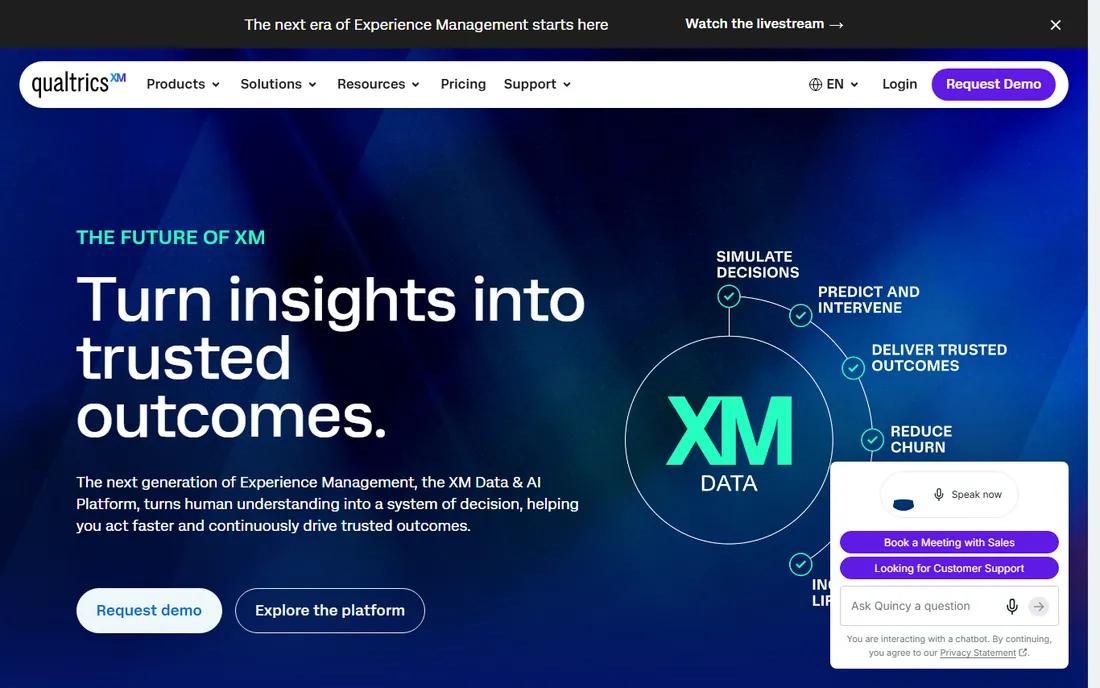
Qualtrics is the serious research platform: sophisticated survey logic, 100-plus question types, panel management and analysis tools that academics and enterprises rely on for publishable research.
Pricing and complexity reflect the positioning. Qualtrics fits research teams, universities and enterprises where methodology rigor matters more than ease.
What we like- The research-grade standard: advanced logic, conjoint, panels and statistical analysis
- Trusted by universities and enterprises
Watch out for- Enterprise pricing and complexity
- Overkill for simple surveys
- The learning curve is steep
Starting priceSee website
Free planYes
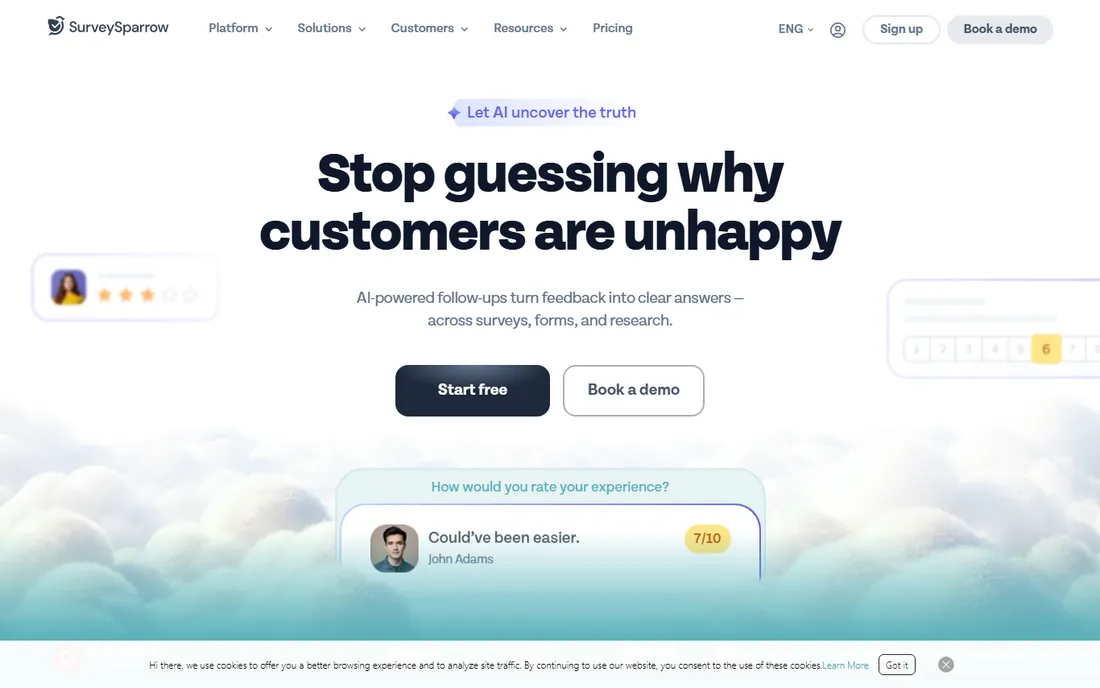
SurveySparrow brings the conversational format to CX work: chat-style surveys across web, email, SMS and social, with NPS and CSAT tracking plus AI-assisted survey building.
Free-tier limits are tight for active programs. SurveySparrow fits CX and feedback teams wanting conversational surveys without Typeform pricing.
What we like- Chat-like conversational surveys
- NPS, CSAT and CX workflows built in
- AI features for survey creation
- Omnichannel distribution
Watch out for- Free plan limits surveys and monthly responses
- Newer brand with smaller template library
Starting priceSee website
Free planNo
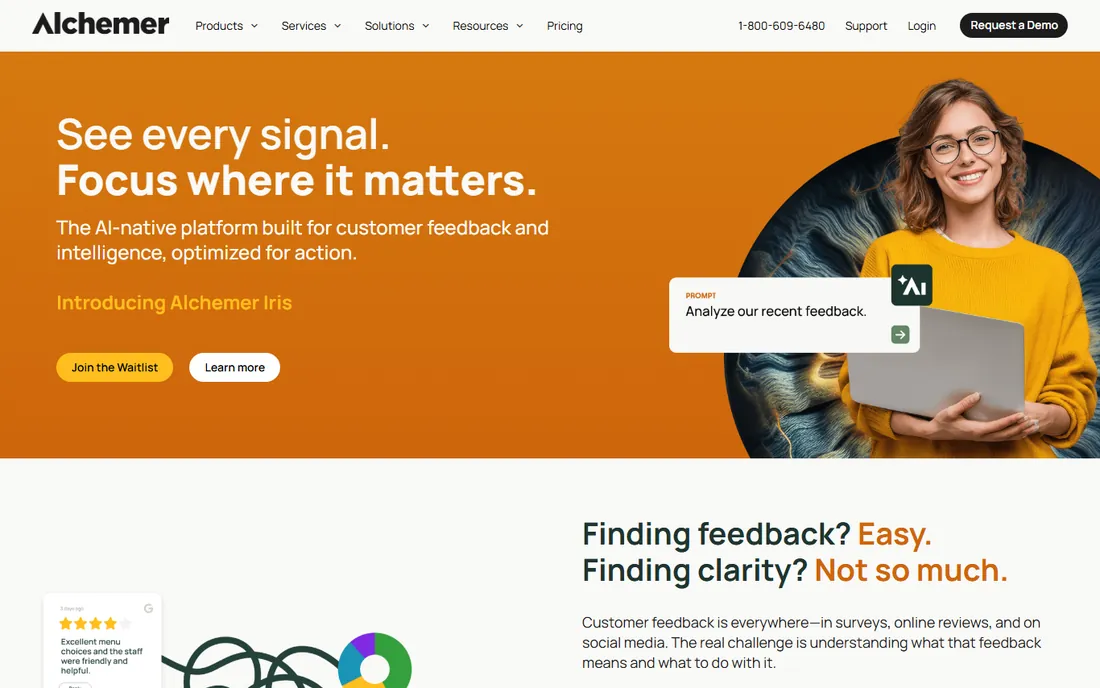
Alchemer (formerly SurveyGizmo) rebuilt around AI-native feedback intelligence: collect across channels, let AI surface themes and sentiment, trigger workflows automatically. The pitch is enterprise depth without six-figure budgets or quarter-long implementations.
There is no free plan, so evaluation runs through trials and demos. Alchemer fits feedback programs that have outgrown basic survey tools and want AI analysis without Qualtrics complexity.
What we like- AI built for feedback: theme detection, sentiment and plain-language analytics
- 400-plus integrations
- Enterprise security without enterprise bloat
Watch out for- No free tier
- Positioning between SMB and enterprise can confuse buyers
- Newer AI features need validation
#8
Zoho Survey
Best for: Surveys inside the Zoho ecosystem
Visit zoho.com
Starting priceSee website
Free planYes
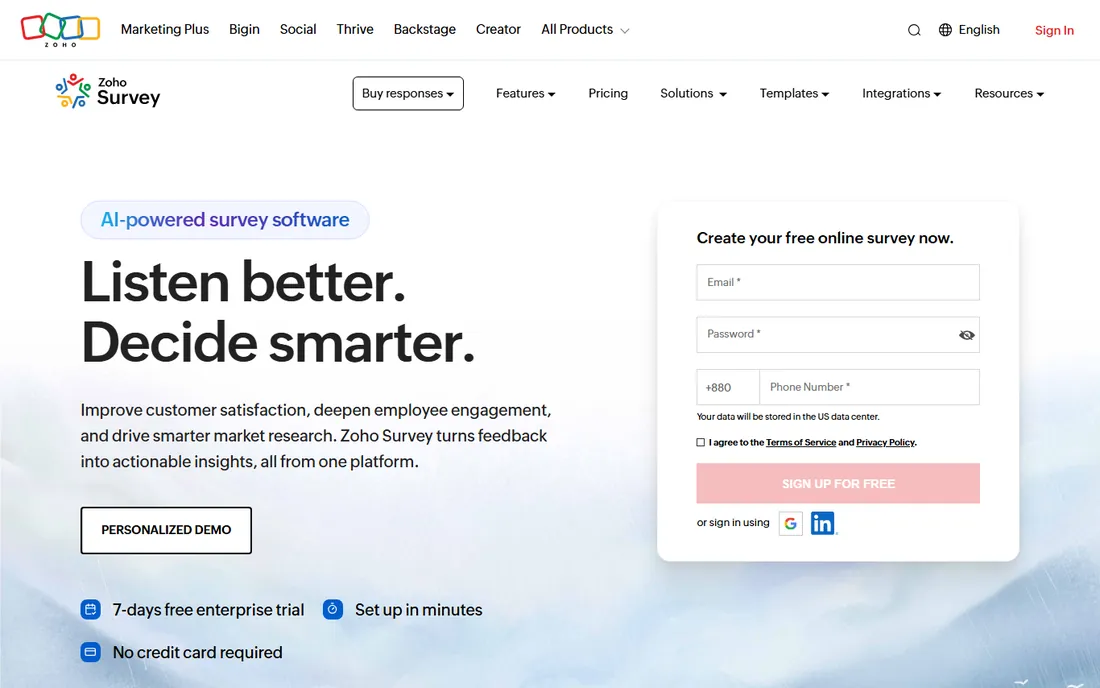
Zoho Survey does the fundamentals well: skip logic, scoring, multilingual surveys and CRM integration, at Zoho's characteristically low prices with a usable free tier.
Outside the Zoho ecosystem there is little reason to prefer it. Zoho Survey fits businesses already running Zoho CRM who want surveys feeding their customer data.
What we like- Natural fit for Zoho CRM and app users
- Clean builder with logic and multilingual surveys
- Affordable paid tiers
Watch out for- Weakest as a standalone choice
- Analytics depth trails leaders
- The ecosystem tie is the main reason to choose it
What to check before you buy
Start with response math. Free plans limit responses per month or per survey; estimate your real volume including reminders and resends, then check the paid tier that covers it. The cheapest tool at 100 responses can be the priciest at 10,000.
Check logic needs: skip logic, piping, randomization and quotas separate basic from serious tools. Verify branding control if surveys face customers: custom domains, logo removal and white-labeling are usually paid features. Test data export and integrations with your CRM or analytics stack. Finally, confirm compliance: GDPR, data residency and accessibility matter for employee and EU-facing surveys.
How we chose
We selected survey platforms with live products and real user bases, from free basics to research-grade tools, using vendor sites, documentation and public reviews. Pricing in this category is response-based and changes often, so every paid starting price is listed as See website. We did not field test surveys.
Writing questions that get honest answers
Survey data is only as good as the questions. Most bad survey data is not a sampling problem; it is a question-writing problem. These principles fix the majority of it.
Ask about behavior, not intentions. "Would you buy this?" produces fantasy; "have you bought something like this in the last six months?" produces facts. Intentions flatter; behavior informs. When you must ask about the future, ask about concrete plans ("do you have budget approved for this quarter?") rather than vague interest.
One question, one idea. "How satisfied are you with our speed and quality?" is unanswerable when speed was great and quality was poor. Split it. Double-barreled questions are the most common survey sin and the easiest to fix: read each question and ask whether it contains the word "and." If it does, split it.
Offer balanced scales with a neutral middle. Forced-choice scales (no neutral option) push uncertain respondents into misleading answers. Five or seven points with clear labels on every point beat cryptic numbered scales. Label the endpoints at minimum; label everything if you can.
Beware the leading question. "How much do you love our new dashboard?" is not research; it is marketing. Neutral wording ("how would you rate the new dashboard?") gets honest answers, including the uncomfortable ones. If the honest answers scare you, the problem is the dashboard, not the question.
Randomize and rotate. Answer order bias is real: the first option gets picked more. Randomize option order (except for logical sequences like age bands) and rotate question blocks across respondents when order might matter.
Keep it short and say so. Tell respondents upfront how long the survey takes, then deliver a shorter survey than promised. Completion rates collapse past the ten-minute mark for general audiences. Every question should justify its existence: if you cannot say what decision it informs, delete it.
Pilot with five people. Watch them take it, listen to where they hesitate, and ask what each question meant to them. A thirty-minute pilot catches problems that a thousand responses cannot fix after the fact.
Frequently asked questions
What is the best free survey tool?
Google Forms for unlimited free surveys; Typeform or SurveySparrow free tiers for conversational design at low volumes. Match the free plan's response limits to your needs.
How many responses do I need?
For directional feedback, 100 to 200 responses suffice. For statistically meaningful segmentation, aim for 400-plus. Most free plans cover small needs; paid tiers raise volume limits.
What is the difference between SurveyMonkey and Qualtrics?
SurveyMonkey serves quick business surveys with templates and simplicity. Qualtrics serves rigorous research with advanced methodology, logic and analysis. Choose by research seriousness, not brand.
How do I improve survey response rates?
Keep surveys short, ask the essential questions first, use conversational formats, send reminders, and explain why responses matter. Mobile-friendly design is non-negotiable.
What are NPS, CSAT and CES?
The standard CX metrics: Net Promoter Score (likelihood to recommend), Customer Satisfaction (satisfaction with an interaction) and Customer Effort Score (ease of resolution). Most tools here track all three.
Can I analyze open-ended responses with AI?
Yes. Newer platforms (Alchemer, SurveySparrow, Qualtrics) use AI for theme detection and sentiment analysis on text responses, replacing manual coding for large volumes.
How many survey responses do I need?
For directional feedback, one to two hundred responses suffice. For comparing segments with statistical confidence, aim for four hundred or more total, with at least one hundred per segment you want to compare. B2B surveys with small populations should focus on response rate over raw count; thirty thoughtful replies from the right people beat three hundred from the wrong ones.
How do I improve survey response rates?
Keep it short, say how long it takes upfront, and deliver faster than promised. Personalized invitations outperform generic links, reminders add ten to twenty percentage points, and a relevant incentive helps for longer surveys. The single biggest lever is relevance: people answer surveys about topics they care about from senders they trust.
Are free survey plans enough for professional research?
For small projects, often yes. Free tiers typically cover the basics with limits on questions, responses or exports. Professional research usually outgrows them on response volume, branding removal, or advanced logic. The upgrade decision is simple math: when the limits cost you more in workarounds than the paid plan costs in dollars, upgrade.
What is a good survey completion rate?
For short surveys under five minutes, seventy to eighty-five percent completion is typical. Past ten minutes, expect thirty to fifty percent, with heavy drop-off on mobile. If your completion rate is far below these bands, the survey is too long, the invitation was unclear, or the audience does not care about the topic.
Sources we checked (9)
- https://www.surveymonkey.com
- https://www.typeform.com
- https://www.google.com/forms
- https://www.jotform.com
- https://www.qualtrics.com
- https://surveysparrow.com
- https://alchemer.com/
- https://www.zoho.com/survey
- https://surveysparrow.com/blog/online-survey-tools-and-apps/
Is your product missing or out of date?
We review this list regularly. Vendors can request a listing, send updated pricing or ask about featured placement.

Shihab Mia · Founder, Rankite
Shihab has 5+ years in B2B and SaaS SEO. He writes Rankite's software buying guides from pricing pages, documentation and public user reviews. More about Shihab.