How we make this list: we compare pricing pages, product documentation and public user reviews. Ratings come from G2, Capterra or Trustpilot, with the date we checked them.
Key takeaways
- Khan Academy Kids, Duolingo ABC, and PBS Kids Games offer strong free learning, while ABCmouse, Reading Eggs, and Homer add structured curricula behind subscriptions.
- Starfall and Endless Alphabet suit early readers with focused phonics and vocabulary play that works well in short sessions.
- Download content before travel, since most apps need an internet connection for the first download even when play itself works offline.
- Check privacy and ad policies before handing an app to a child, and prefer apps with no third-party ads, no chat features, and clear parental controls.
Quick comparison
Is your product missing or out of date?
We review this list regularly. Vendors can request a listing, send updated pricing or ask about featured placement.
The best offline educational apps for kids
Starting priceFree
Free planYes
Khan Academy Kids suits families who want a complete early learning app without paying or seeing ads. It covers reading, language, math, and social-emotional skills through stories, songs, and games featuring friendly animal characters. Parents can track progress and set learning paths, and the nonprofit backing means no ads or in-app purchases pressure children.
Offline play requires downloading content in advance, and not every activity works without a connection, so prepare before flights or car trips. The app targets ages 2 to 8, so older children outgrow it. For free, safe, all-round early learning, Khan Academy Kids is the best starting point on this list.
What we like- Fully free
- No ads
- Covers reading, math, and social skills
Watch out for- Offline content is limited
- Needs downloads in advance
Starting priceSee website
Free planNo
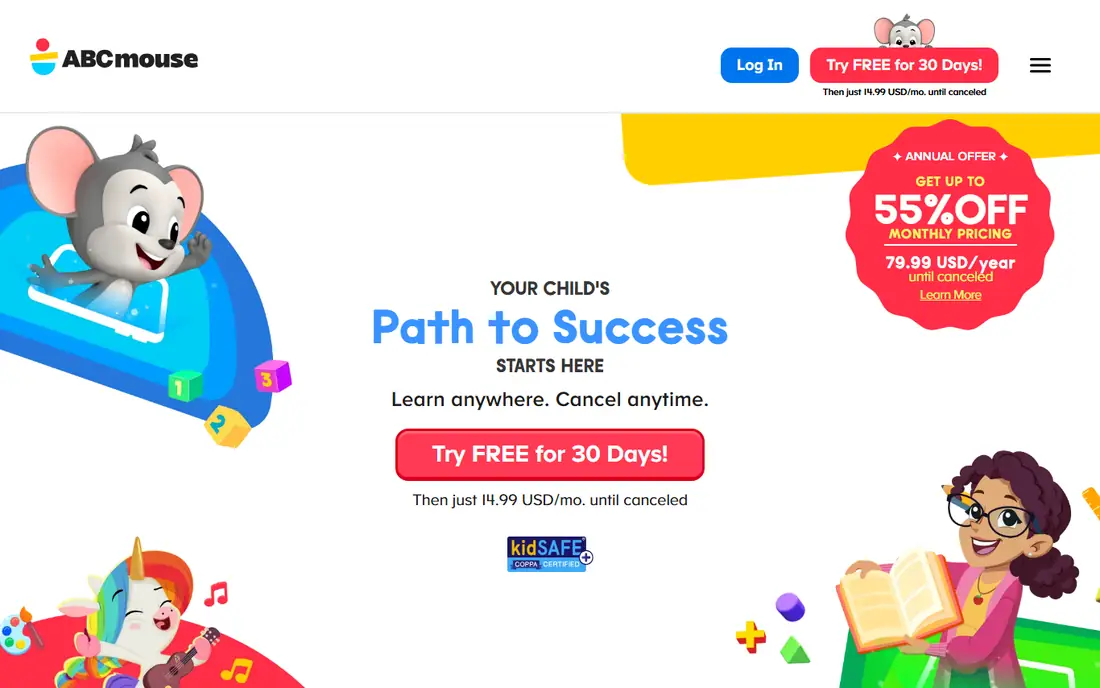
ABCmouse suits families who want a structured curriculum rather than loose games. Its step-by-step learning path covers reading, math, science, art, and music through thousands of books, songs, puzzles, and games, with progress tracking that shows parents what a child has mastered. That structure helps parents who want learning to follow a clear sequence.
A subscription is required after any trial, and some content still needs an internet connection even after downloads. ABCmouse works best for families who use it daily at home and treat offline use as a bonus for travel. For a complete early curriculum, it remains the most thorough paid option.
What we like- Full curriculum for ages 2 to 8
- Thousands of activities
- Progress tracking
Watch out for- Subscription needed
- Some content needs internet
Starting priceFree
Free planYes
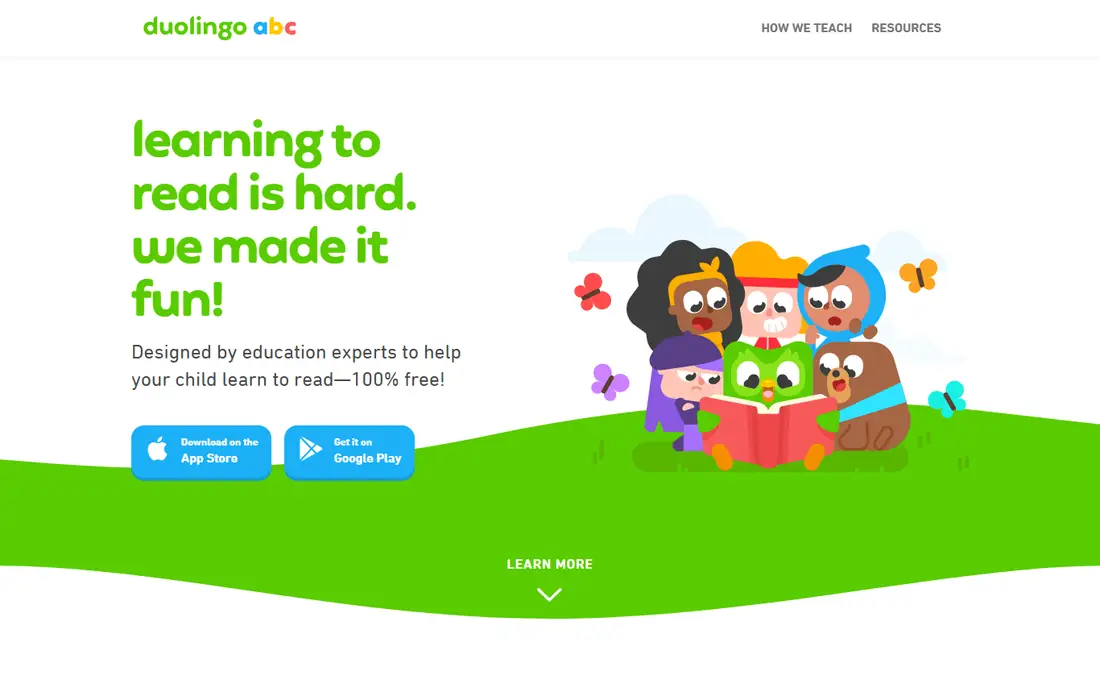
Duolingo ABC suits families focused on early reading, with free phonics, letter, and word lessons built around short, game-like sessions. Its lessons teach letter sounds, blending, and sight words through stories and mini-games, and the cheerful design keeps young readers engaged without ads or purchase prompts aimed at children.
Coverage is reading only, so math and science need other apps, and offline depth is limited compared with downloaded ABCmouse content. Duolingo ABC works best as a daily reading habit alongside a broader app like Khan Academy Kids. For free early reading, it is the most focused choice available.
What we like- Free phonics and reading lessons
- Short fun sessions
- No ads for kids
Watch out for- Reading only
- Limited offline depth
Starting priceFree
Free planYes
PBS Kids Games suits families who already trust PBS characters like Daniel Tiger, Wild Kratts, and Arthur. Its games cover reading, math, science, and creativity through familiar characters, and parents can manage content through PBS Kids controls. The app is free with no in-app purchases aimed at children, which keeps it safe for unsupervised play.
Offline availability covers only downloaded games, and game depth varies, with some titles teaching more than others. PBS Kids Games works best as a fun, safe supplement to a structured app, especially for children who love its characters. For free, trusted play, it is a reliable family pick.
What we like- Free
- Trusted PBS characters
- Covers many subjects
- Parent controls
Watch out for- Offline games are limited
- Games vary in depth
Starting priceFree
Free planYes
Starfall suits beginning readers who need clear, patient phonics teaching. Its lessons move from letter sounds to words to simple books, with songs and animations that support each step. The simple interface suits young children who get distracted by busy designs, and teachers have used Starfall in classrooms for years.
The design feels older than rivals, and full content needs a paid membership beyond the free phonics core. Starfall works best for early readers who need phonics focus rather than broad entertainment. For teaching reading fundamentals, its patience and clarity stand out.
What we like- Strong phonics teaching
- Simple interface
- Works well for beginners
Watch out for- Design feels older
- Full content needs membership
Starting priceSee website
Free planNo
Endless Alphabet suits preschoolers learning first words through play. Its monsters act out word meanings in short animations, then children drag letters into place to spell each word, which builds letter recognition and vocabulary together. Once purchased, content works offline, which suits travel and screen-time limits.
Coverage is vocabulary only, so reading, math, and science need other apps, and purchases are per app or pack. Endless Alphabet works best as a joyful vocabulary supplement for ages 3 to 6. For word play that children ask for again, it is hard to beat.
What we like- Playful vocabulary learning
- Charming animations
- Works offline after purchase
Watch out for- Vocabulary only
- One-time purchase per pack or app
Starting priceSee website
Free planNo
Reading Eggs suits families who want a guided reading program that adapts to a child level. A placement test sets the starting point, then lessons build phonics, vocabulary, and comprehension through games, books, and rewards. Parent reports show progress and reading level, which helps families track growth over months.
A subscription is required, and offline use is limited compared with fully downloadable apps, so check which lessons download before travel. Reading Eggs works best for children aged 2 to 13 who need reading progress, not just play. For structured reading growth, it is the most complete program on this list.
What we like- Structured reading lessons
- Placement test
- Progress reports for parents
Watch out for- Subscription needed
- Offline use is limited
Starting priceSee website
Free planNo
Homer suits families who want a personalized path across reading, math, creativity, and thinking skills. Its interest-based setup tailors activities to a child age and interests, and the parent dashboard tracks progress and suggests next steps. Stories, songs, and games mix learning with play in a way that suits daily routines.
A subscription is required, and offline content is limited, so Homer works best at home with a connection, with offline play as a travel bonus. Families who value personalization and a parent dashboard will find Homer worth its price. For tailored early learning, it rounds out this list well.
What we like- Personalized learning path
- Covers reading, math, and creativity
- Parent dashboard
Watch out for- Subscription needed
- Offline content is limited
How we chose
We compared kids learning apps on educational quality, age fit, offline ability, safety, and price, using app store listings, vendor pages, and educator guidance. The reference buyer was a parent choosing apps for children aged 2 to 8, so ad-free design, privacy, and parental controls mattered as much as content. Offline ability was judged on downloaded play, not on first-time setup. Educator guidance was weighed heavily, since classroom use reveals whether an app teaches or merely entertains. Parent reviews were also considered, since daily home use differs from classroom trials. Trial periods were used to judge engagement before recommending paid apps. Screen time guidance from pediatric sources was noted where relevant. Age bands were checked against actual content difficulty, not marketing claims. Update frequency was noted, since stale content loses children interest. Multi-child support was checked for families with siblings. Progress reporting clarity was compared across apps. Device compatibility was checked for older tablets. Offline download size was noted for low-storage devices. Language options were checked for bilingual families.
How to pick the right app
Download before you travel
Open each app on Wi-Fi, download the lessons and games you need, and test offline play before leaving home. Many apps claim offline support but only for content already downloaded. Test on the actual device your child will use, since storage limits and app versions differ across devices and affect downloads. Repeat the test after app updates, since updates can reset downloaded content. Keep a checklist of downloaded lessons for each trip. Share the checklist with caregivers who travel with your child. Update the checklist when lesson progress changes. Pack a charger, since learning apps drain batteries faster than reading.
Check ads, chat, and purchases first
Prefer apps with no third-party ads, no open chat, and no purchase prompts children can tap. Turn on parental controls and device purchase locks before handing a device to a child. Review the app privacy policy for data collection, since some free apps collect more usage data than parents expect. Check the policy again yearly, since terms change without clear notice. Disable ad tracking at the device level where possible.
Match the app to the skill gap
Reading gaps suit Duolingo ABC, Starfall, or Reading Eggs, while broad learning suits Khan Academy Kids or ABCmouse. One focused app beats five shallow ones for building a real skill. Watch how your child responds over two weeks, since engagement predicts learning better than any feature list. Swap apps promptly if engagement fades, since forced use builds resistance. Let your child choose between two good options to build ownership.
Frequently asked questions
Which offline kids app is best overall?
Khan Academy Kids is best overall for free, safe, all-round learning, while ABCmouse suits families who want a full paid curriculum. Start free with Khan Academy Kids, then add a paid app only if your child needs more structure.
Do these apps really work offline?
Most work offline only for content downloaded in advance, so download lessons on Wi-Fi and test before travel. First-time setup, placement tests, and progress syncing usually need an internet connection.
Are these apps safe for young children?
Khan Academy Kids, Duolingo ABC, and PBS Kids Games are ad-free and designed for children, while paid apps need parental controls checked. Avoid apps with open chat or third-party ads, and use device purchase locks.
What age are these apps for?
Most target ages 2 to 8, with Reading Eggs extending to age 13 for older readers. Check each app age guidance, since content difficulty and reading level vary even within that range.
Should I pay for a kids learning app?
Free apps cover early learning well for most families, so pay only when a child needs structure, tracking, or reading progression that free apps lack. Trial paid apps first, and cancel if your child does not use them weekly.
Sources we checked (8)
- https://learn.khanacademy.org/khan-academy-kids/
- https://www.abcmouse.com
- https://abc.duolingo.com
- https://pbskids.org/apps/pbs-kids-games/
- https://www.starfall.com
- https://www.originatorkids.com
- https://readingeggs.com
- https://www.learnwithhomer.com
Is your product missing or out of date?
We review this list regularly. Vendors can request a listing, send updated pricing or ask about featured placement.

Shihab Mia · Founder, Rankite
Shihab has 5+ years in B2B and SaaS SEO. He writes Rankite's software buying guides from pricing pages, documentation and public user reviews. More about Shihab.
 Khan Academy Kids
 ABCmouse
 Duolingo ABC
 PBS Kids Games
 Starfall
 Endless Alphabet
 Reading Eggs
 Homer
Homer