How we make this list: we compare pricing pages, product documentation and public user reviews. Rankite is independent; if a vendor ever pays for a featured spot, that listing is clearly labeled Partner.
Key takeaways
- Real offline accounting is a shrinking category: QuickBooks Desktop stopped new sales of Pro and Premier, leaving Enterprise as Intuit's desktop option.
- Sage 50 and AccountEdge Pro are the remaining serious desktop accounting suites for small businesses that refuse the cloud.
- GnuCash and Manager are free desktop options that handle real double-entry bookkeeping without a subscription.
- Moneydance is the best offline pick for very small businesses and sole proprietors who want simplicity plus investment tracking.
Quick comparison
| Tool | Best for | Starting price | Free plan |
|---|
 QuickBooks Desktop Enterprise QuickBooks Desktop Enterprise | Businesses committed to QuickBooks on desktop | See website | No |
 Sage 50 Sage 50 | Small businesses that want serious desktop accounting | See website | Free trial |
 AccountEdge Pro AccountEdge Pro | Mac-based small businesses | See website | Free trial |
 Moneydance Moneydance | Very small businesses and sole proprietors | See website | Free trial |
 GnuCash GnuCash | Free open-source double-entry accounting | Free | Yes |
 Manager Manager | Free desktop accounting with modern design | Free | Yes |
 Express Accounts Express Accounts | Basic free bookkeeping on Windows or Mac | Free | Yes |
 Busy Busy | Offline accounting for product and trading businesses | See website | Free trial |
Is your product missing or out of date?
We review this list regularly. Vendors can request a listing, send updated pricing or ask about featured placement.
The best offline accounting software for small business
Starting priceSee website
Free planNo
The desktop accounting era is ending at Intuit. QuickBooks Desktop Pro and Premier are no longer sold to new customers, leaving Enterprise as the remaining desktop option. For businesses with years of QuickBooks Desktop data, Enterprise preserves the workflow: deep inventory, job costing, and the desktop speed that cloud versions never matched.
New buyers should think carefully. Intuit's future is QuickBooks Online, and desktop pricing moved to annual subscriptions. If you are buying fresh in 2026 and want to stay offline, the alternatives below are more future-proof.
What we like- Full-featured desktop accounting
- Familiar to millions of users and accountants
- Strong inventory and job costing
Watch out for- Intuit is sunsetting the desktop line for new Pro/Premier sales
- Subscription pricing even on desktop
#2
Sage 50
Best for: Small businesses that want serious desktop accounting
Visit sage.com
Starting priceSee website
Free planFree trial
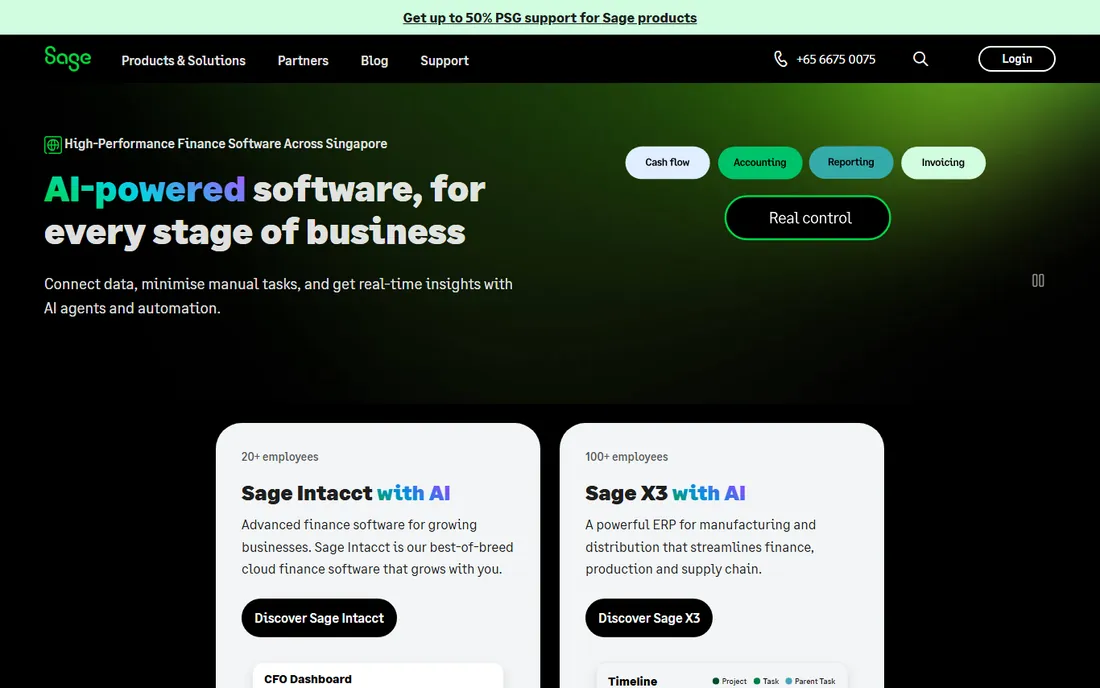
Sage 50 (formerly Peachtree) is the old guard of small business desktop accounting. It handles the serious stuff, inventory management, job costing, payroll, multi-user access, without needing an internet connection. Product-based businesses that outgrew simple tools have run on Sage 50 for decades.
The interface shows its age, and Sage's attention has shifted toward cloud products. But the desktop product remains supported and capable. If you want traditional accounting depth on your own machines, Sage 50 is the most established option left.
What we like- Deep accounting features including inventory and payroll
- Long track record
- Good for product businesses
Watch out for- Interface feels dated
- US presence is smaller than it once was
Starting priceSee website
Free planFree trial
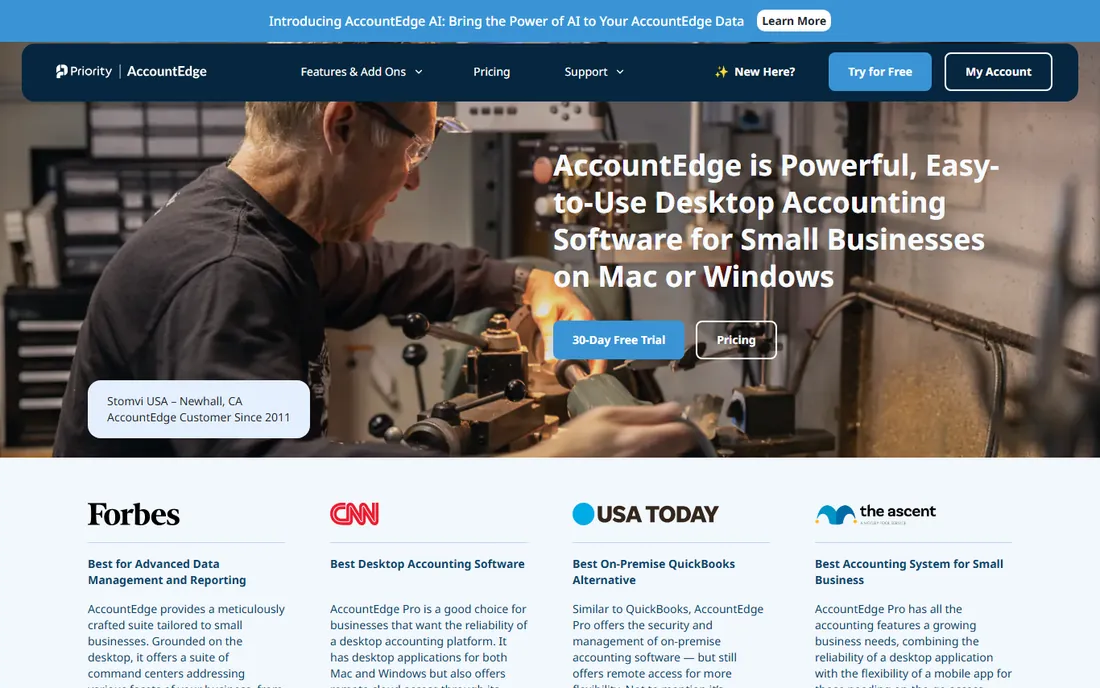
AccountEdge Pro is the rare full-featured accounting suite built for Mac desktops. It covers general ledger, invoicing, inventory, payroll and time billing in a native Mac application. Small businesses that standardized on Apple hardware and refuse cloud accounting have few alternatives this complete.
The ecosystem is small: fewer integrations, fewer accountants, less third-party support. And it is Mac-only now. But for its audience, AccountEdge remains the desktop answer.
What we like- True Mac desktop accounting
- Full features including payroll and inventory
- One-time purchase options historically
Watch out for- Smaller ecosystem
- Windows version discontinued years ago
Starting priceSee website
Free planFree trial
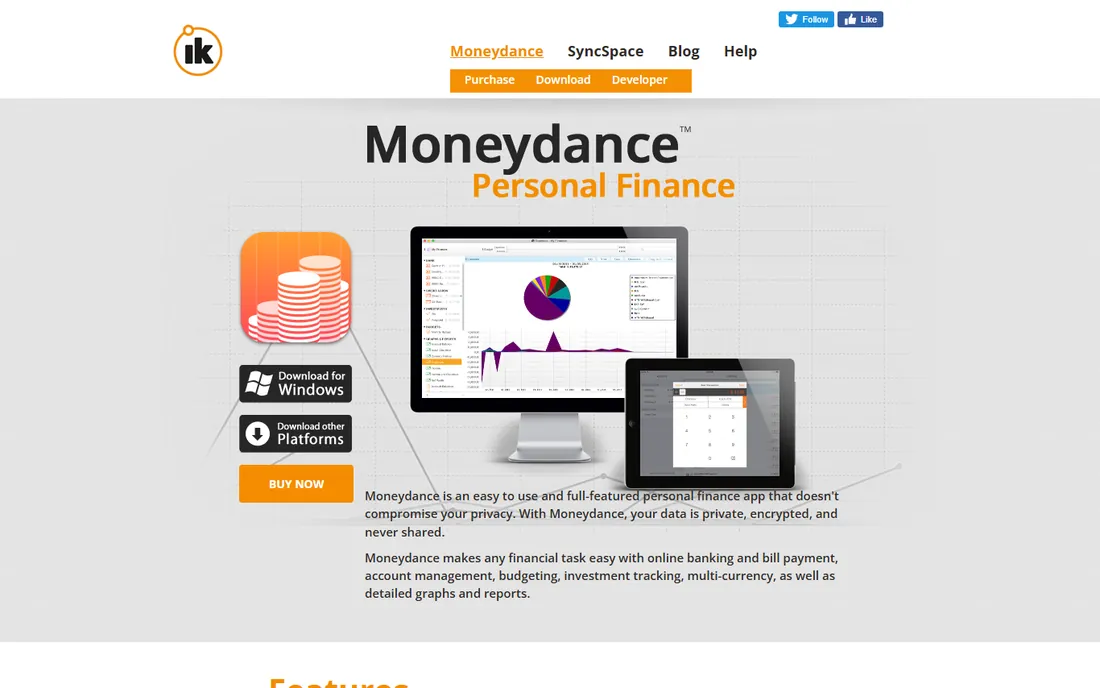
Moneydance is personal finance software that stretches far enough for simple businesses. It handles invoicing, expense tracking, bank reconciliation and reporting, plus investment accounts that most small business tools ignore. Your data lives on your machine, and the price is a fraction of the big suites.
It is not a full business accounting system: no payroll, no multi-user access, limited inventory. Sole proprietors and freelancers with straightforward finances will find it plenty. Growing businesses will outgrow it.
What we like- Simple and affordable
- Investment tracking included
- Your data stays on your computer
Watch out for- Not built for payroll or multi-user
- Limited business-specific features
Starting priceFree
Free planYes
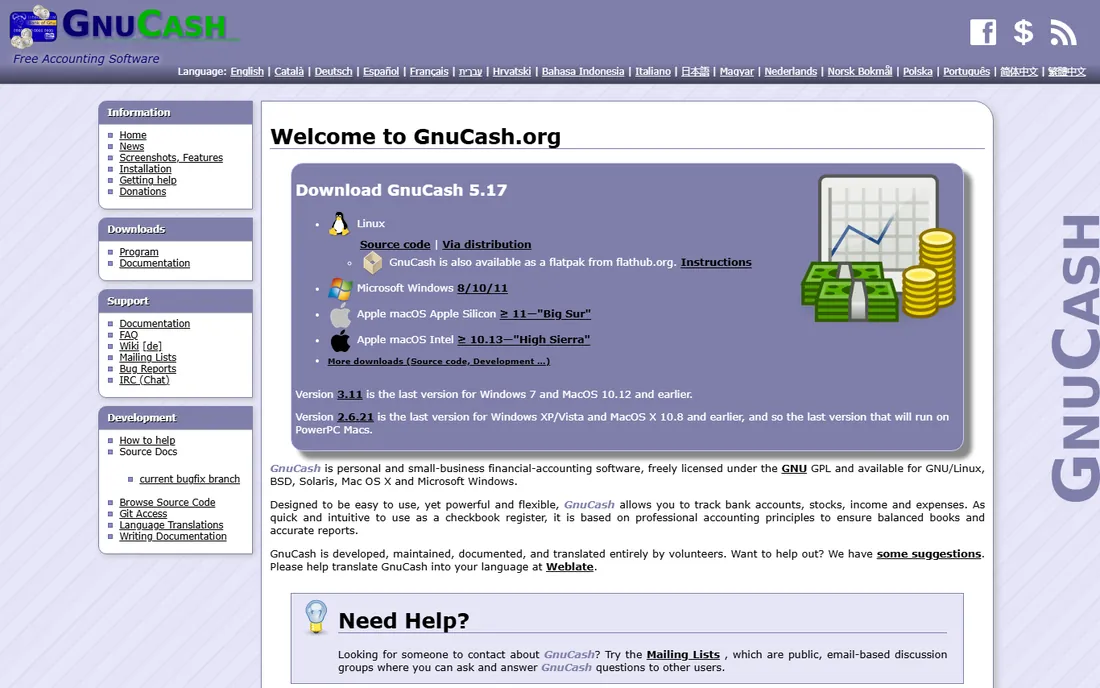
GnuCash is the open-source answer: genuine double-entry bookkeeping, invoicing, expense tracking and reporting, free forever. It runs offline on every major operating system and your data stays in your hands. For technically comfortable owners, it handles a small business's books honestly.
The interface is utilitarian and the learning curve assumes some accounting knowledge. Payroll and advanced inventory are weak spots. But as a free, private, offline ledger, nothing else matches it.
What we like- Real double-entry accounting for free
- Runs on Windows, Mac and Linux
- No account or subscription
Watch out for- Dated interface
- Small business features like payroll need workarounds
Starting priceFree
Free planYes
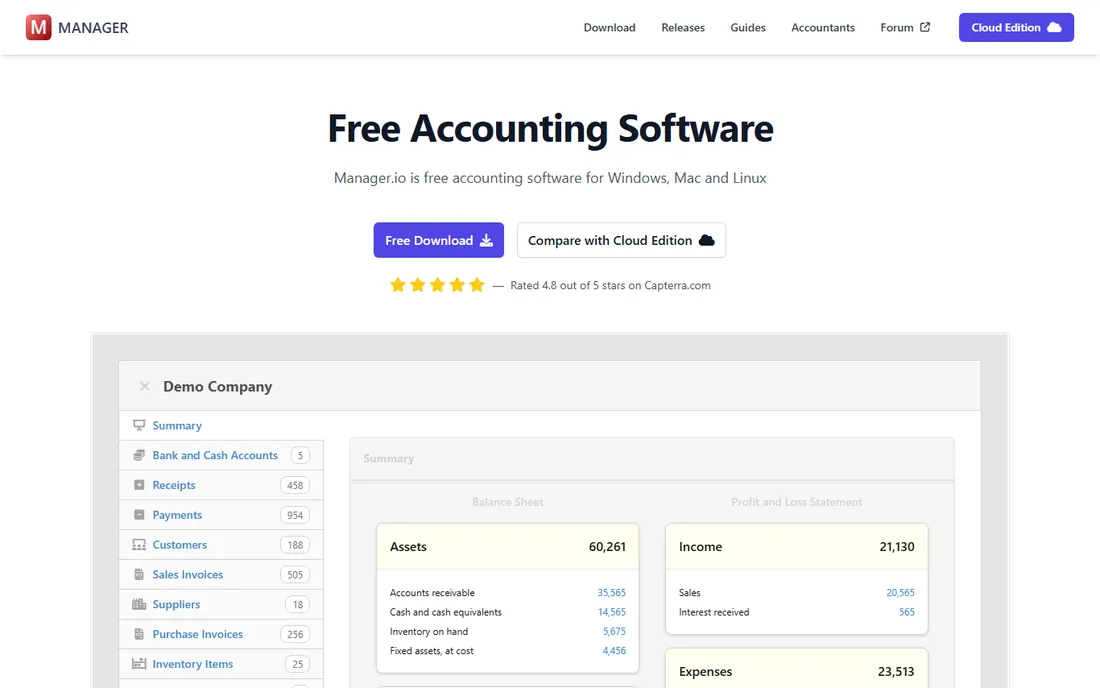
Manager offers a free desktop edition with a modern interface and real depth: invoicing, inventory, multi-currency, payroll basics and financial reports. It looks and feels like commercial software, which sets it apart from GnuCash's utilitarian design. Small businesses in dozens of countries use it.
Support comes from the community rather than a vendor help desk, and the company monetizes cloud and server editions. But the desktop edition is free without crippling limits, making it one of the best free offline options available.
What we like- Free desktop edition
- Clean modern interface
- Surprisingly deep features including inventory
Watch out for- Support is community-based
- Some advanced features are in paid editions
Starting priceFree
Free planYes
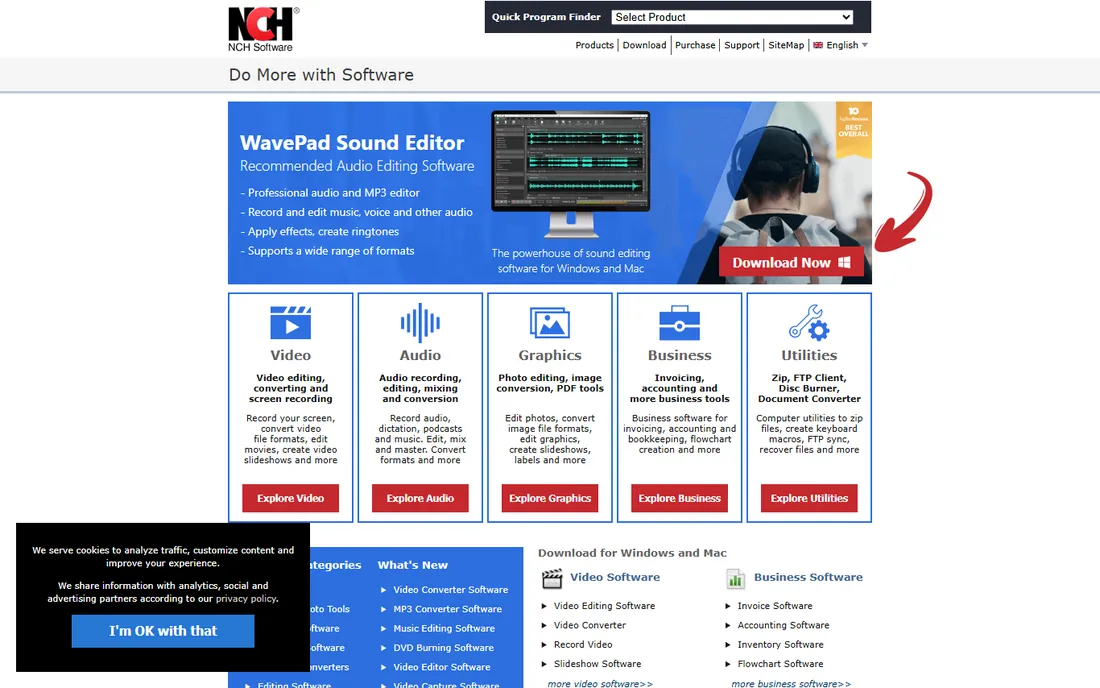
Express Accounts from NCH Software is free for small businesses and covers the fundamentals: quotes, sales orders, invoices, payments and basic reports. It installs on Windows or Mac and runs fully offline. Non-accountants learn it quickly.
The feature set is deliberately basic, and the free license has limits on business size. Growing companies will need more. But for a micro-business that needs to send invoices and track who paid, it is free and functional.
What we like- Free for small businesses
- Simple quotes, orders and invoicing
- Easy to learn
Watch out for- Basic feature set
- The free version has business-size limits
#8
Busy
Best for: Offline accounting for product and trading businesses
Visit busy.in
Starting priceSee website
Free planFree trial
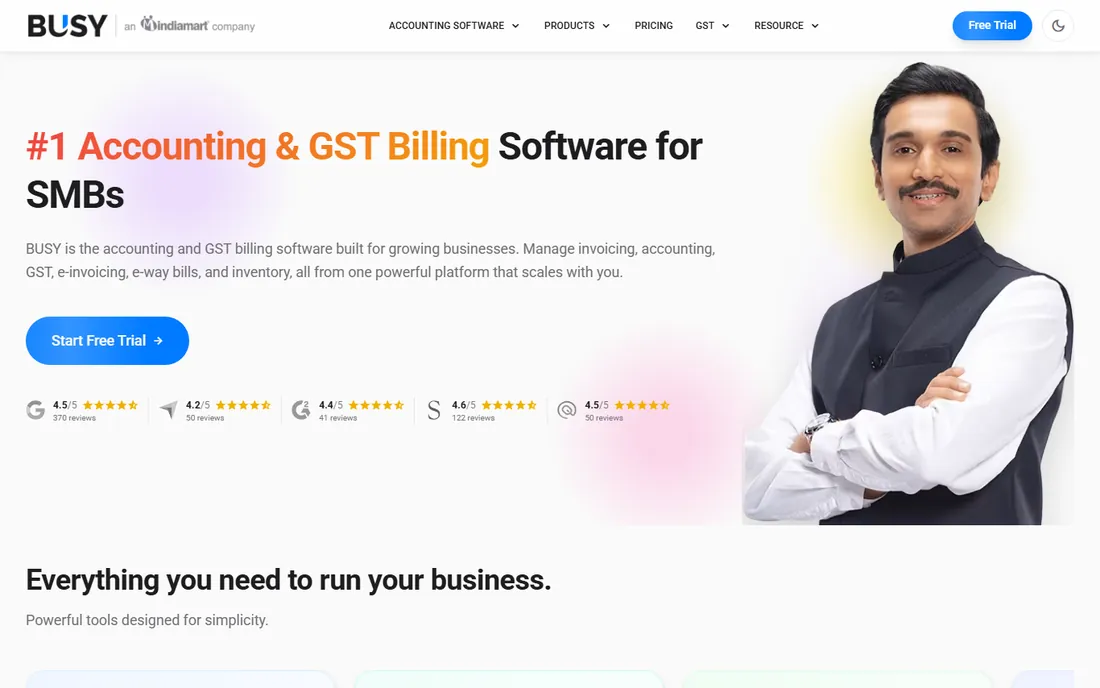
Busy is a long-established desktop accounting product popular with trading and manufacturing businesses, particularly in India. It handles inventory, invoicing, multi-branch operations and tax compliance offline, with depth that rivals Sage 50 for product businesses.
US buyers will find less local support and fewer integrations. But businesses with international operations or inventory-heavy needs should know it exists: as offline accounting consolidates, Busy is one of the survivors.
What we like- Strong inventory and GST-ready invoicing
- Fully offline
- Popular with trading businesses
Watch out for- India-focused with less US presence
- Interface is utilitarian
Why offline accounting still matters
Businesses choose offline accounting for concrete reasons: unreliable internet, data privacy requirements, distrust of subscription pricing, or simply a workflow that has worked for twenty years. Regulators in some industries also prefer data that stays on premises. These are legitimate needs, not nostalgia.
The honest trend is consolidation. Vendors are moving to the cloud because subscriptions pay better, which means the offline shelf gets thinner every year. If you commit to desktop accounting in 2026, pick a vendor with a clear future: Sage 50, AccountEdge and the free tools have staying power, while QuickBooks Desktop is visibly winding down.
How we chose
We compared desktop accounting products on feature depth, offline capability, pricing models, platform support and vendor commitment to the desktop line. We verified each vendor's homepage and current product status, checked user feedback on accounting forums and review sites, and noted discontinuations affecting buying decisions. We did not run live books through these systems.
Running desktop accounting well: backups, security and discipline
Desktop software gives you control, and control means responsibility. The backup strategy is non-negotiable: automate daily backups to an external drive or NAS, keep a weekly copy off-site (a rotated USB drive or an encrypted cloud copy of the backup file), and test restoring from backup at least twice a year. An untested backup is a rumor. Accounting data loss without a good backup has ended businesses.
Security on a desktop system is your job. Keep the operating system patched, run reputable antivirus, restrict who can open the accounting files, and use strong unique passwords on the accounting login. If multiple people need access, use the software's user permissions rather than sharing one login; audit trails only work when the system knows who did what.
Plan your year-end deliberately. Desktop tools do not close the year for you the way cloud workflows nudge you to. Reconcile every account monthly so December is not a forensic exercise, review uncleared transactions quarterly, and give your accountant clean access to the data file or reports well before tax deadlines. Accountants charge by the hour, and messy files are the most expensive kind.
Finally, watch the vendor's roadmap honestly. If your chosen product stops getting updates, start planning the migration while you have time, not when a Windows update breaks the installer. The best time to leave a dying platform is a year before you must.
Mistakes that cost desktop accounting users real money
The costliest error is treating the desktop like it maintains itself. Without cloud auto-updates, running three versions behind means missing tax table updates, payroll compliance changes and security patches. Check for updates monthly and apply them; the fifteen minutes protects you from the compliance failure that costs thousands.
Second is the single-computer trap. When the books live on one PC with no tested backup, a failed hard drive becomes a business emergency. At minimum, keep the accounting data file backed up automatically to an external location daily, and confirm you can actually restore it. Owners who discover their backup was broken the day they need it learn this lesson exactly once.
Third, mixing personal and business finances because "it is all on my computer anyway." Desktop software makes commingling easy and invisible, which is precisely the danger. Use separate bank accounts and credit cards for the business, record owner draws properly, and reconcile monthly. Your accountant, and the IRS, will thank you.
Fourth is ignoring user permissions. Sharing one login among staff destroys the audit trail and makes fraud or errors untraceable. Set up individual users with appropriate permissions; it takes ten minutes and it is the difference between knowing what happened and guessing.
Finally, postponing the upgrade decision. Running an unsupported version because the upgrade costs money is borrowing from your future at terrible interest. When the vendor ends support, security patches and tax updates stop, and every month after that is risk you are carrying for free.
Frequently asked questions
Is QuickBooks Desktop still available?
QuickBooks Desktop Enterprise remains available, but Intuit ended new sales of Desktop Pro and Premier. Existing users can generally renew, but Intuit's development focus is QuickBooks Online.
Can offline accounting handle payroll?
Sage 50, AccountEdge Pro and QuickBooks Desktop Enterprise include payroll features. Free tools like GnuCash and Manager have limited or no payroll; most users handle payroll separately.
Is my data safe on desktop software?
Your data is as safe as your backups. Desktop software avoids cloud breaches but creates backup responsibility: automate local backups and keep an off-site copy. A computer failure without backups is worse than any cloud outage.
Do accountants accept desktop software files?
Many do, especially for QuickBooks Desktop and Sage 50. But the industry is moving to cloud, and some younger firms work exclusively online. Ask your accountant before committing.
Can I switch from desktop to cloud later?
Yes, with effort. QuickBooks offers migration paths to QuickBooks Online. Other transitions need data export and re-import, sometimes with professional help. Keep your chart of accounts clean to ease any future move.
Are free options really enough for a business?
For simple service businesses, yes: GnuCash and Manager handle real double-entry books. Inventory-heavy businesses, payroll and multi-user access usually justify a paid product.
Sources we checked (8)
- https://www.quickbooks.intuit.com/
- https://www.sage.com/
- https://www.accountedge.com/
- https://moneydance.com/
- https://www.gnucash.org/
- https://www.manager.io/
- https://www.nchsoftware.com/
- https://www.busy.in/
Is your product missing or out of date?
We review this list regularly. Vendors can request a listing, send updated pricing or ask about featured placement.

Shihab Mia · Founder, Rankite
Shihab has spent more than a decade helping SaaS and e-commerce brands grow through search. He writes Rankite's software buying guides from pricing pages, documentation and public user reviews. More about Shihab.