How we make this list: we compare pricing pages, product documentation and public user reviews. Rankite is independent; if a vendor ever pays for a featured spot, that listing is clearly labeled Partner.
Key takeaways
- GnuCash and Manager.io are the most capable free options for real double-entry bookkeeping without paying a cent.
- Wave gives US and Canadian freelancers free invoicing and accounting with optional paid add-ons only where needed.
- Akaunting and Dolibarr suit small businesses that want self-hosted software they fully control.
- Express Accounts is the simplest Windows desktop option for owners who just want invoices and basic books.
- Money Manager Ex, HomeBank, and KMyMoney cover personal and very small business finances for free.
Quick comparison
| Tool | Best for | Starting price | Free plan |
|---|
 GnuCash GnuCash | Free double-entry bookkeeping | Free | Yes |
 Wave Wave | Freelancers who want free invoicing | Free | Yes |
 Manager.io Manager.io | Small business accounting | Free | Yes |
 Akaunting Akaunting | Self-hosted online accounting | Free | Yes |
 Express Accounts Express Accounts | Simple Windows desktop books | See website | Yes |
 Money Manager Ex Money Manager Ex | Personal and small business finance | Free | Yes |
 HomeBank HomeBank | Easy personal accounting | Free | Yes |
 Dolibarr Dolibarr | ERP with accounting built in | Free | Yes |
 KMyMoney KMyMoney | Free personal finance manager | Free | Yes |
Is your product missing or out of date?
We review this list regularly. Vendors can request a listing, send updated pricing or ask about featured placement.
The best non-subscription accounting software
Starting priceFree
Free planYes
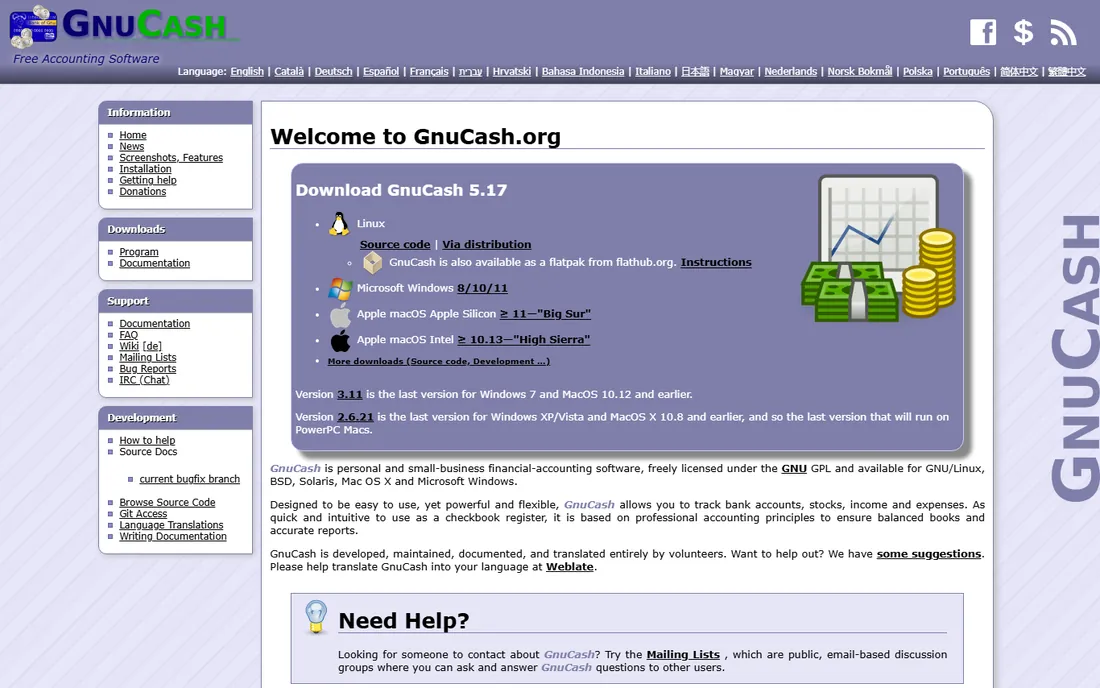
GnuCash is the answer for anyone who wants real accounting without a subscription. It does proper double-entry bookkeeping: chart of accounts, invoicing, bill payment, bank reconciliation, and financial reports. It has been maintained as open source for decades, and it costs nothing, with no premium tier waiting to upsell you.
The interface looks like it belongs to an earlier era, because parts of it do. There is no cloud version, so multi-device access means managing files yourself. But if you understand basic bookkeeping (or are willing to learn), GnuCash does the core job as well as software that charges $30 a month. For freelancers and tiny businesses with straightforward books, it is the first tool to try.
What we like- True double-entry accounting
- No cost ever
- Runs on Windows, Mac, and Linux
Watch out for- Dated interface
- No cloud sync
- Learning curve for non-accountants
Starting priceFree
Free planYes
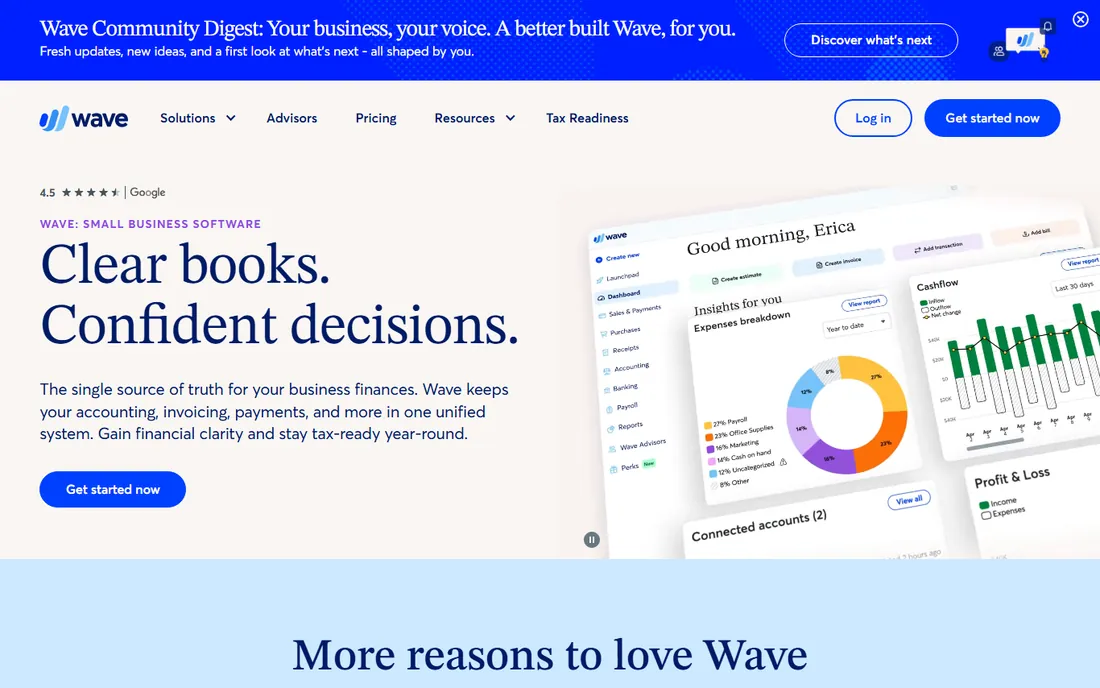
Wave is the rare free tool that feels like a paid one. Invoicing, accounting, and receipt scanning are free for businesses in the US and Canada, with a clean interface that non-accountants can actually use. You only pay if you add payroll or accept card payments through Wave, and even then the core books stay free.
The geographic focus is the limitation. Outside the US and Canada, Wave is less useful, and businesses with complex inventory or multi-entity needs will outgrow it. But for a freelancer or small service business that sends invoices and tracks expenses, Wave removes the monthly bill entirely while looking professional doing it.
What we like- Free invoicing and accounting
- Clean modern interface
- Good mobile app
Watch out for- US and Canada focus
- Paid add-ons for payroll and payments
Starting priceFree
Free planYes
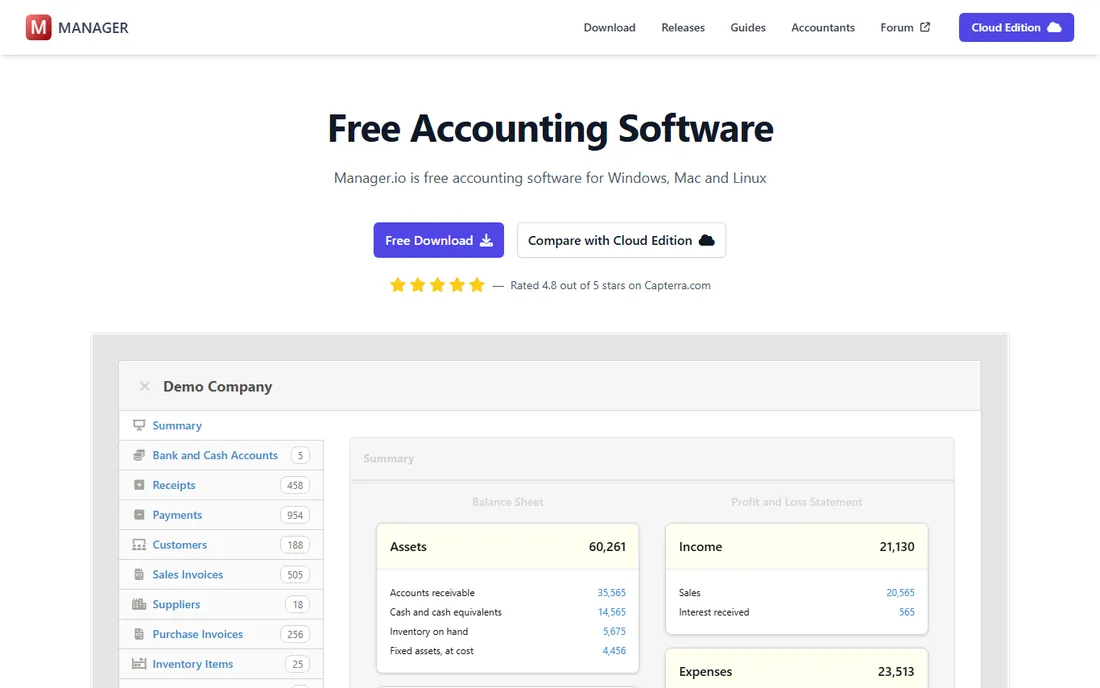
Manager.io takes an unusual approach: the desktop edition is completely free, with no feature limits, while the cloud and server editions carry subscriptions. The free desktop version handles invoicing, inventory, payroll basics, multi-currency, and financial reports. It is genuinely full-featured, not a teaser.
The catch is the business model. If you need cloud access or multiple users on a server, you are back to paying monthly. Solo owners who are happy with desktop software get one of the most capable free accounting tools available. Updates are frequent and the feature set keeps growing, which is more than can be said for most free desktop software.
What we like- Full-featured desktop edition is free
- Strong inventory and multi-currency
- Regular updates
Watch out for- Cloud edition is subscription
- Support is forum-based
Starting priceFree
Free planYes
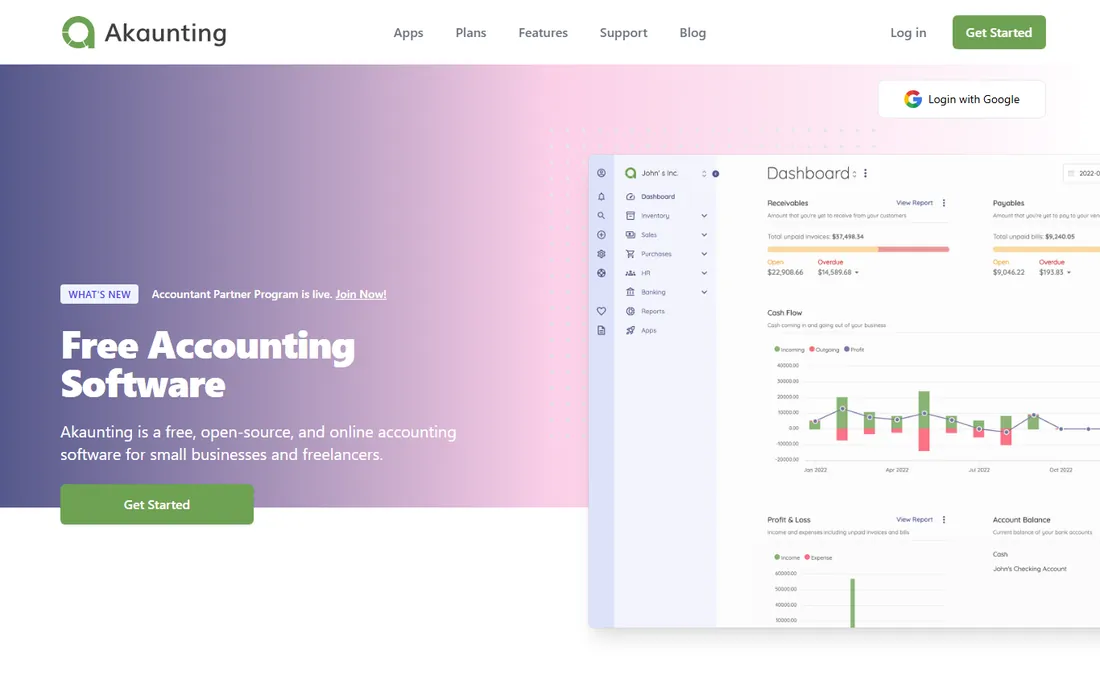
Akaunting is free, open source accounting software you install on your own web server. The core covers invoicing, expenses, and basic accounting, and an app marketplace adds things like double-entry modules, inventory, and payroll, some free and some paid. Because you host it, your data stays on your infrastructure.
Self-hosting is both the appeal and the cost. You are responsible for installation, backups, and security updates, which needs either technical comfort or a hired hand. Akaunting also offers a hosted cloud version, but that is subscription-based and defeats the purpose here. For businesses that want online accounting without handing data to a SaaS vendor, it is a strong choice.
What we like- Free and open source
- Self-host on your own server
- App store for extras
Watch out for- You manage hosting and updates
- Some features are paid apps
Starting priceSee website
Free planYes
Express Accounts from NCH Software is for the owner who finds QuickBooks intimidating. It handles the essentials: quotes, sales orders, invoices, payments, and basic reports, with a straightforward interface that takes an afternoon to learn. NCH sells it as a one-time purchase rather than a subscription, which is exactly what this list is about.
It will not satisfy an accountant who wants deep reporting or multi-user workflows. The design is plain and the platform focus is Windows. But for a very small business that needs to send invoices and track who paid, Express Accounts is refreshingly uncomplicated and honestly priced.
What we like- Very easy to learn
- One-time purchase option
- Handles quotes, orders, and invoices
Watch out for- Basic reporting
- Windows-focused
- Dated design
Starting priceFree
Free planYes
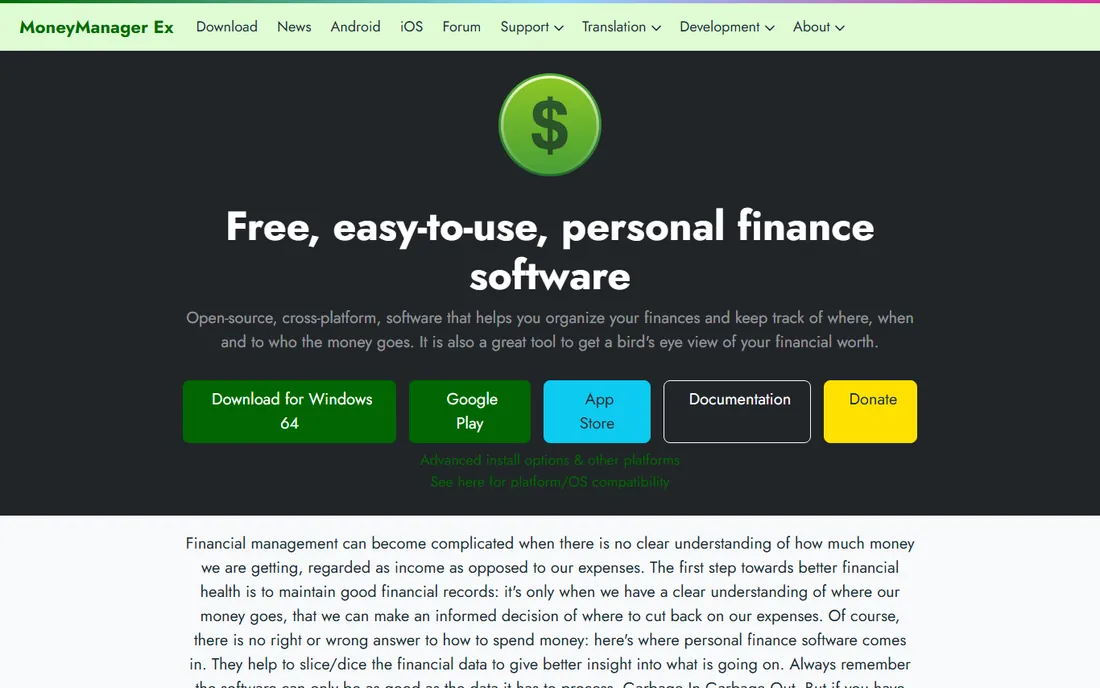
Money Manager Ex (MMEX) is a free, open source personal finance manager that many sole traders use as their books. It tracks accounts, budgets, transactions, and investments, with reports and forecasting that go beyond simple expense tracking. It runs on Windows, Mac, Linux, and Android, and the database format is open.
It is personal finance software first. Invoicing and business-specific workflows are thin compared with GnuCash or Manager.io. For freelancers whose "accounting" is really income tracking, budgeting, and tax preparation, MMEX is simpler than full double-entry software and costs nothing forever.
What we like- Completely free and open source
- Budgeting and forecasting
- Runs everywhere
Watch out for- More personal finance than business accounting
- No invoicing depth
Starting priceFree
Free planYes
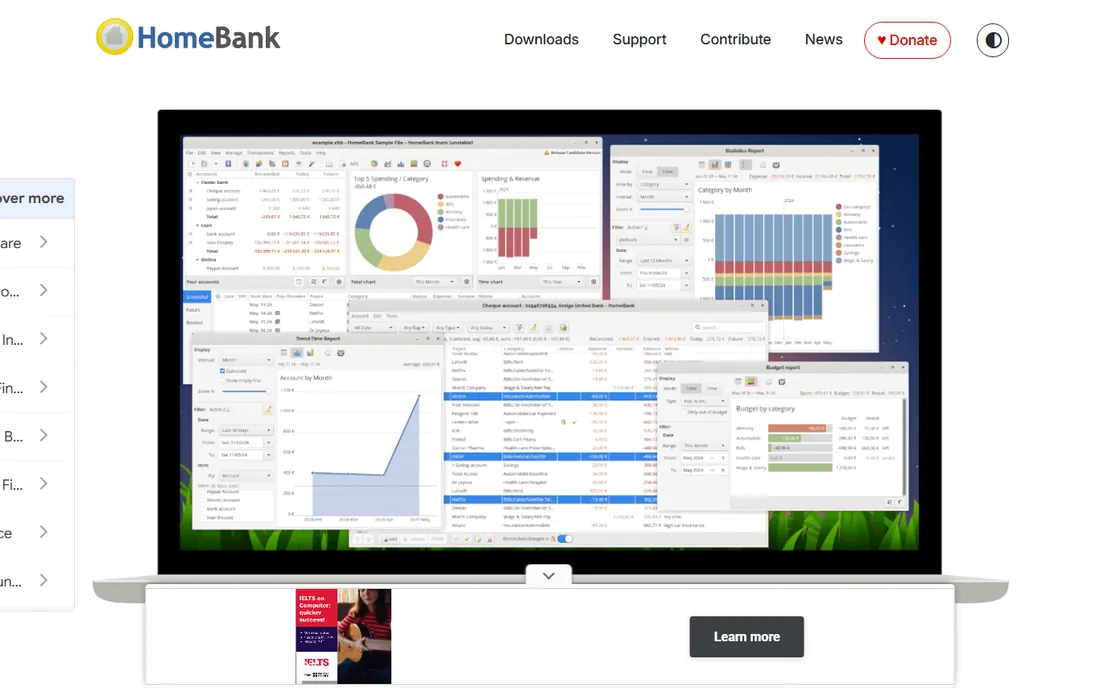
HomeBank has been helping people manage money since the 1990s, and its longevity shows in the polish. You do not need to understand double-entry bookkeeping: record income and expenses, set budgets, and get clear charts showing where the money goes. It is free software in both senses, maintained actively with a 2025 stable release.
The boundary is clear. HomeBank is personal accounting, not business accounting. There is no invoicing, no payroll, no multi-user support. For sole proprietors whose business finances are simple enough to track as personal cash flow, it works. Anyone sending invoices to clients should look at Wave or Manager.io instead.
What we like- Extremely easy to use
- Free forever
- Detailed charts and budget analysis
Watch out for- Personal finance only
- No invoicing or business features
Starting priceFree
Free planYes
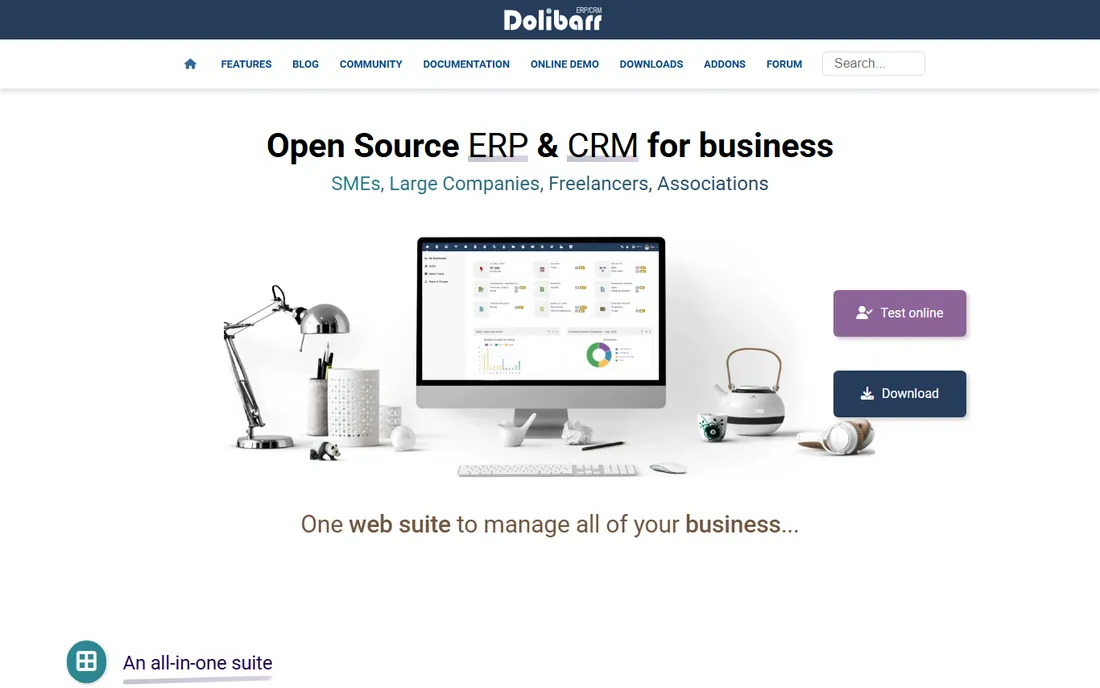
Dolibarr is more than accounting: it is a free, open source ERP that bundles accounting with CRM, inventory, project management, and HR. Modules turn on individually, so a small business can start with invoicing and accounting, then add inventory or project tracking later without migrating to new software. The community is large and the project is actively developed.
The interface prioritizes function over beauty, and initial setup needs more patience than Wave or Express Accounts. Like Akaunting, you self-host it. But for a growing business that will eventually need more than books, Dolibarr's modular growth path means you may never need to switch platforms, which is a cost saving of its own.
What we like- Accounting plus CRM, inventory, and projects
- Modular
- Active community
Watch out for- Interface is utilitarian
- Setup takes effort
Starting priceFree
Free planYes
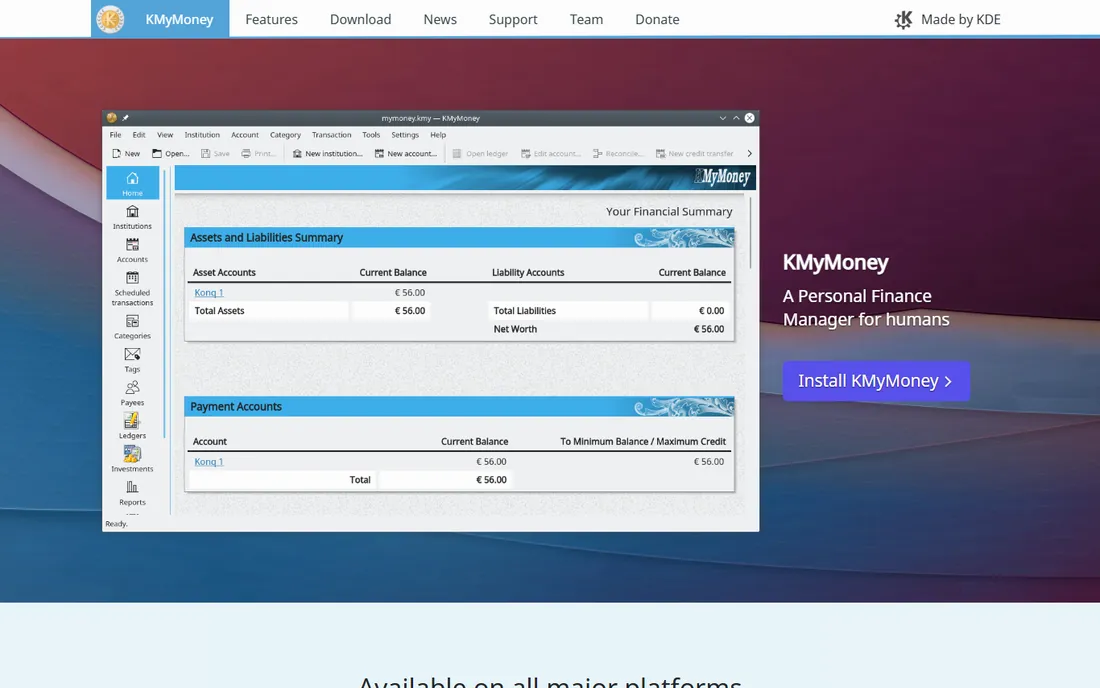
KMyMoney is the KDE community's personal finance manager: free, open source, and capable. It handles accounts, budgets, scheduled transactions, investments, and reports with a cleaner interface than GnuCash. It runs on Windows, Mac, and Linux, and the file format is open XML.
Like HomeBank and Money Manager Ex, it is personal finance software rather than business accounting. There is no invoicing to speak of. For individuals and sole traders tracking money in and out, it is a polished free option. Businesses with customers to invoice should pick from the top half of this list.
What we like- Free and open source
- Solid budgeting and reports
- KDE polish on Linux
Watch out for- Personal focus
- Smaller community than GnuCash
What actually matters when you ditch subscriptions
Your data must be exportable
Before committing to any free tool, test the export. Can you get your transactions, invoices, and customer list out in CSV or an open format? Open source tools generally excel here. The whole point of leaving subscriptions is control, and control starts with being able to leave.
Match the tool to your tax situation
A freelancer tracking income for a Schedule C has different needs than a business with inventory, payroll, and sales tax. Simple tools (HomeBank, KMyMoney, Money Manager Ex) suit simple situations. Once you have inventory or employees, step up to GnuCash, Manager.io, or Dolibarr. Ask your accountant what reports they need before you choose.
Desktop versus self-hosted
Free desktop software (GnuCash, Manager.io desktop, Express Accounts) means your data lives on your computer: simple, private, and your responsibility to back up. Self-hosted web tools (Akaunting, Dolibarr) give you browser access from anywhere but need a server and maintenance. Pick based on how technical you are, not on which sounds more modern.
The real cost of free
Free software still costs time: setup, learning, backups, and updates. Budget a weekend for setup and migration, and keep your own backups regardless of which tool you choose. That is still dramatically cheaper than $300-plus per year in subscription fees, but go in with realistic expectations.
How we chose
We looked for accounting software a small business can use indefinitely without a subscription: free, open source, or one-time purchase. We verified each product is actively maintained and genuinely usable in 2026, and we excluded discontinued products (several once-popular options in this space are now dead or subscription-only). We evaluated vendor documentation, feature depth, and fit for freelancers versus small businesses. No vendor paid for placement, and we did not run the books of a test business in each tool.
The QuickBooks escape plan: migrating without losing data
Switching accounting software fails most often at migration, not at the new tool. Start by exporting everything from your current system: chart of accounts, customer and vendor lists, open invoices, and at least a year of transactions. Most tools on this list import CSV, so clean the exports first. Pick a cutoff date, usually the start of a quarter, and enter opening balances as of that date rather than importing years of history. Run the old and new systems in parallel for one month and reconcile before canceling the subscription. Keep a read-only export of the old data indefinitely; auditors and lenders sometimes ask for history your new system does not have.
Frequently asked questions
Is free accounting software safe for a real business?
Yes, if you choose actively maintained software and keep your own backups. GnuCash, Manager.io, and Akaunting are used by real businesses. The risk is not the price tag; it is neglected backups and untested exports. Treat a free tool with the same discipline you would a paid one.
What is the catch with Wave being free?
Wave makes money on optional add-ons: payroll services and payment processing. The core accounting and invoicing are genuinely free with no time limit. The business model works because enough users adopt the paid add-ons. There is no catch beyond the US and Canada focus.
Can I switch from QuickBooks to one of these tools?
Yes. Export your lists and transactions from QuickBooks as CSV, clean them up, and import them into your new tool. Start at a quarter boundary with opening balances. The migration takes a weekend of focused work for a small business. Keep a final QuickBooks export archived in case you ever need historical detail.
Do any of these handle payroll?
Limited. Manager.io and Dolibarr have basic payroll features, and Wave offers payroll as a paid add-on. Businesses with employees often run a separate payroll service (which is usually subscription-based) alongside free accounting software. That combination still costs less than a full accounting subscription in many cases.
What about taxes? Do these tools file them?
No accounting software files your taxes for you; that is your accountant's job or your tax software's. What these tools do is produce the reports your accountant needs: profit and loss, balance sheet, and expense breakdowns. Confirm with your accountant that the reports from your chosen tool give them what they need before tax season.
Sources we checked (9)
- https://www.gnucash.org
- https://www.waveapps.com
- https://www.manager.io
- https://akaunting.com
- https://www.nchsoftware.com
- https://moneymanagerex.org
- https://www.gethomebank.org
- https://www.dolibarr.org
- https://kmymoney.org
Is your product missing or out of date?
We review this list regularly. Vendors can request a listing, send updated pricing or ask about featured placement.

Shihab Mia · Founder, Rankite
Shihab has spent more than a decade helping SaaS and e-commerce brands grow through search. He writes Rankite's software buying guides from pricing pages, documentation and public user reviews. More about Shihab.