How we make this list: we compare pricing pages, product documentation and public user reviews. Ratings come from G2, Capterra or Trustpilot, with the date we checked them.
Key takeaways
- Network topology software maps how devices connect, from switches and routers to firewalls and wireless access points, so teams can see the whole network at a glance.
- The best network mapping tools are free: Nmap, PRTG free tier, Zabbix, and diagrams.net cost nothing for core mapping.
- Auvik leads automated live mapping for MSPs and multi-site teams, while SolarWinds Network Topology Mapper at 1,977 dollars is the paid exception for compliance-grade maps.
- Free scanners find devices but do not maintain inventory or alert on changes without help, so monitoring tools matter for live networks.
- PRTG free tier covers 100 sensors, enough for small networks, while Zabbix is free and open source with no device limits.
Quick comparison
| Tool | Best for | Starting price | Free plan |
|---|
 Auvik Auvik | Automated live mapping for MSPs | See website | No |
 SolarWinds Network Topology Mapper SolarWinds Network Topology Mapper | Compliance-grade automated maps | $1,977 | No |
 PRTG PRTG | Monitoring plus auto-generated maps | Free | Yes |
 Zabbix Zabbix | Free open-source monitoring and maps | Free | Yes |
 ManageEngine OpManager ManageEngine OpManager | Mid-market monitoring and maps | $95 per year | Yes |
 Domotz Domotz | Remote network monitoring per device | $15 per device per month | Yes |
 Nmap Nmap | Deepest free network scanner | Free | Yes |
 diagrams.net diagrams.net | Free manual network diagrams | Free | Yes |
Is your product missing or out of date?
We review this list regularly. Vendors can request a listing, send updated pricing or ask about featured placement.
The best network topology software
#1Auvik
Best for: Automated live mapping for MSPs4.5/5 on
G2 (381 reviews, checked Oct 2026)
Visit auvik.com
Starting priceSee website
Free planNo
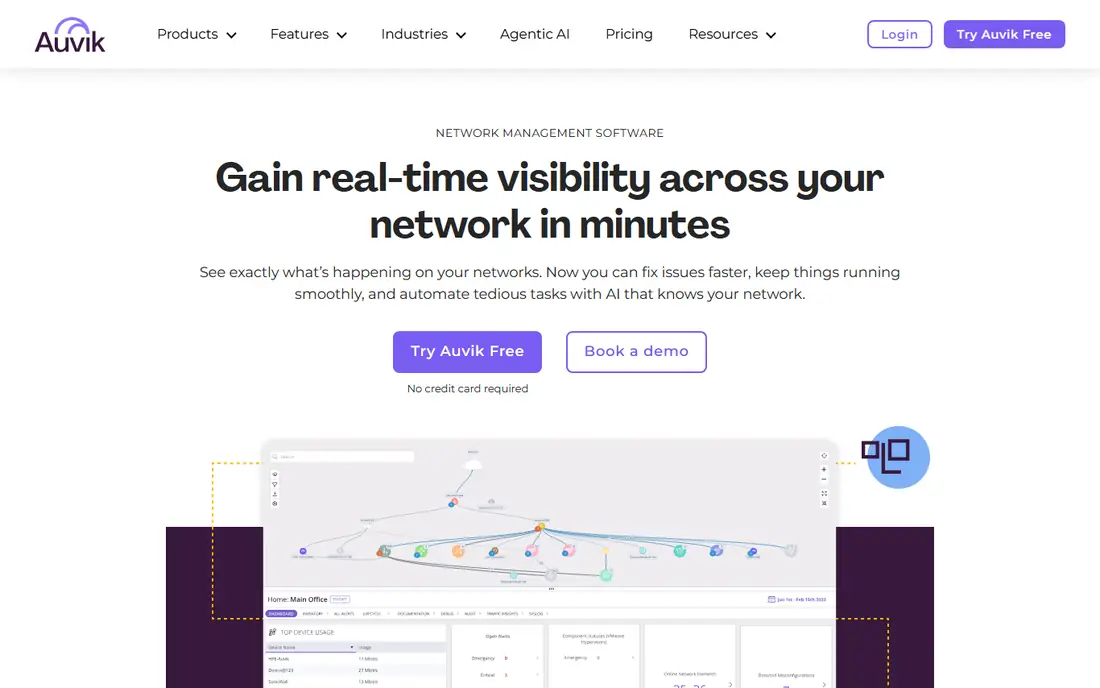
Auvik makes the strongest case when your network spans several offices or customers and documentation has not kept pace with reality. It discovers devices, builds topology maps, and monitors switches, routers, firewalls, and wireless infrastructure from a cloud-managed console, with config backup and remote access for MSPs and internal teams managing branch locations. Deployment takes minutes rather than days, with 64 or more pre-configured alerts from day one and support for more than 700 device vendors. It rates 4.5 out of 5 on G2 from 381 reviews.
The drawbacks are quote pricing and scale cost. Auvik prices by licensed device without a standard rate sheet, though access points, printers, UPS units, and network-attached storage can be monitored without adding to the license count, and per-device pricing adds up for large networks. Auvik suits MSPs and mid-sized internal networks that want automated mapping, monitoring, and config management in one cloud tool.
What we like- Discovers devices and builds live topology maps
- Monitors switches, routers, firewalls, and wireless
- Config backup and remote access
- 4.5 rating on G2 from 381 reviews
Watch out for- Pricing by quote per licensed device
- Expensive at scale
- Occasional device-identification errors can generate false alerts
Starting price$1,977
Free planNo
SolarWinds Network Topology Mapper is the paid exception among mapping tools at 1,977 dollars, built for compliance-grade automated maps. It pairs with SolarWinds Network Performance Monitor, which remains the familiar choice for a dedicated network team that wants detailed SNMP monitoring, discovery, topology, and path analysis in a self-hosted product. Its NetPath feature follows traffic hop by hop, while Network Insight adds vendor-specific visibility for supported equipment, and NetFlow Traffic Analyzer covers traffic attribution.
The drawbacks are price and deployment weight. At 1,977 dollars with self-hosted maintenance, it costs far more than free rivals, and SolarWinds pricing needs more sales talks than PRTG clearly listed pricing levels. SolarWinds Network Topology Mapper suits teams that need compliance-grade automated maps with deep SNMP monitoring.
What we like- Automated compliance-grade topology maps
- Detailed SNMP monitoring, discovery, topology, and path analysis
- NetPath follows traffic hop by hop
- Free trial
Watch out for- 1,977 dollars one-time cost
- Self-hosted deployment needs maintenance
- Pricing needs sales talks compared to PRTG listed pricing
#3PRTG
Best for: Monitoring plus auto-generated maps4.7/5 on
G2 (214 reviews, checked Oct 2026)
Visit paessler.com
Starting priceFree
Free planYes
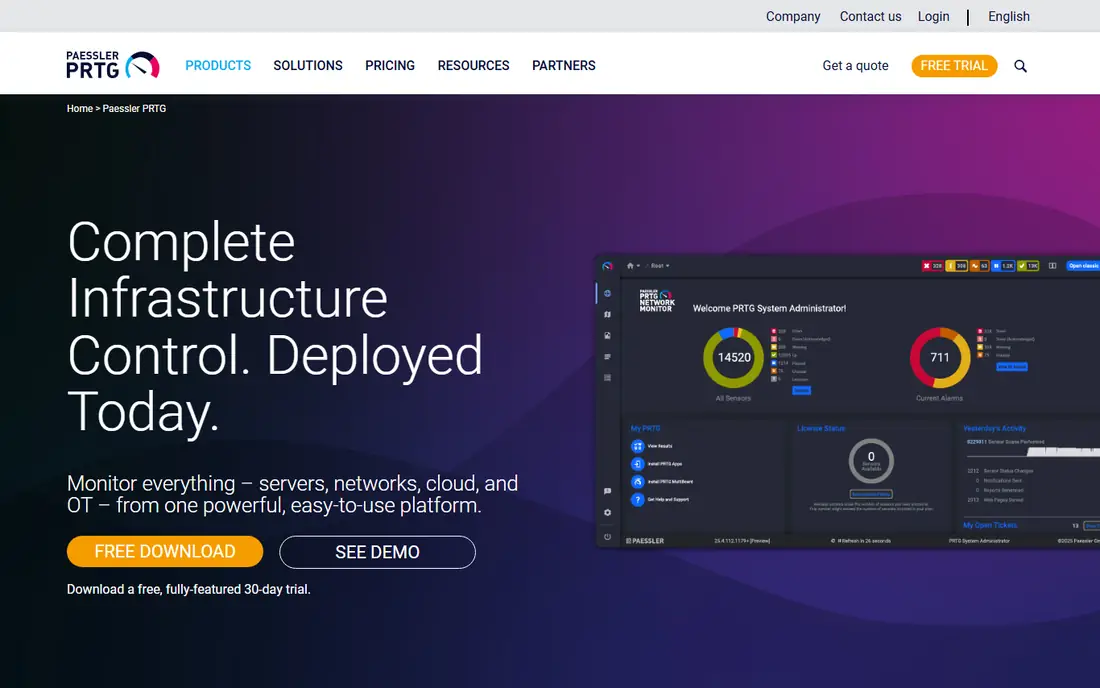
PRTG is an all-in-one monitoring tool for small and mid-market teams, with auto-generated maps built from monitoring data across SNMP, WMI, and flow sensors. Its free tier covers 100 sensors forever, enough for small networks, and it performs best when you count sensors during the trial rather than guessing from device counts. One dashboard covers network, servers, and cloud, with pre-configured sensors that get monitoring running fast.
The drawbacks are sensor cost and platform bias. Sensor-based pricing can get expensive at scale, deployment is Windows-centric, and the interface is functional rather than modern. PRTG suits small and mid-market teams that want monitoring plus auto-generated maps at a free starting point.
What we like- Free tier covers 100 sensors forever
- Auto-generated maps from monitoring data
- SNMP, WMI, and flow sensors
- All-in-one monitoring for small and mid-market teams
Watch out for- Sensor-based pricing gets expensive at scale
- Windows-centric deployment
- Interface functional rather than modern
#4Zabbix
Best for: Free open-source monitoring and maps4.3/5 on
G2 (209 reviews, checked Oct 2026)
Visit zabbix.com
Starting priceFree
Free planYes
Zabbix is free and open source with no device limits, offering SNMP plus agent-based monitoring with customizable maps and dashboards for DevOps and platform teams running their own stack. Its open-source model means no license costs at any scale, and its map features let teams build topology views from discovered devices and monitoring data. Self-hosted or managed cloud deployment covers both DIY and supported setups.
The drawbacks are setup effort and polish. Setup and customization take skill, the interface is less polished than commercial rivals, and support needs paid plans or community help. Zabbix suits teams that want free, open-source monitoring and maps with full control.
What we like- Free and open source with no device limits
- SNMP plus agent-based monitoring
- Customizable maps and dashboards
- Self-hosted or managed cloud
Watch out for- Setup and customization take skill
- Interface less polished than commercial rivals
- Support needs paid plans or community help
#5ManageEngine OpManager
Best for: Mid-market monitoring and maps4.6/5 on
G2 (234 reviews, checked Oct 2026)
Visit manageengine.com
Starting price$95 per year
Free planYes
ManageEngine OpManager supports mid-market IT teams and MSPs across multiple sites, with on-prem probe and central server deployment, SNMP, WMI, and Cisco IPSLA monitoring, and topology maps from discovered devices. Device-based pricing starts from 95 dollars per year for 10 devices, which makes it one of the cheapest paid entry points on this list. Its multi-site design suits teams with branch offices that need central visibility.
The drawbacks are device scaling and interface age. Pricing rises with device count, and its interface is less modern than Auvik cloud console. ManageEngine OpManager suits mid-market teams and MSPs that want affordable device-based monitoring and maps.
What we like- From 95 dollars per year for 10 devices
- SNMP, WMI, and Cisco IPSLA
- On-prem probe and central server for multi-site teams
- Free plan available
Watch out for- Pricing rises with device count
- Interface less modern than Auvik cloud console
- Enterprise features need higher tiers
#6Domotz
Best for: Remote network monitoring per device4.8/5 on
G2 (105 reviews, checked Oct 2026)
Visit domotz.com
Starting price$15 per device per month
Free planYes
Domotz offers remote network monitoring and management at 15 dollars per device per month, with a free plan available, suited to MSPs and teams managing remote sites. Its per-device model covers monitoring, topology, and remote access for networks that span many locations, and its cloud console keeps remote sites visible without on-prem servers. For MSPs with many small client networks, Domotz per-device simplicity appeals.
The drawbacks are scale cost and analytics depth. Per-device pricing adds up for large networks, and enterprise analytics trail SolarWinds and Auvik. Domotz suits MSPs and remote-site teams that want per-device remote monitoring and mapping.
What we like- 15 dollars per device per month
- Remote monitoring and management
- Free plan available
- Suits MSPs and remote sites
Watch out for- Per-device pricing adds up for large networks
- Fewer enterprise analytics than SolarWinds or Auvik
- Setup needs network access planning
Starting priceFree
Free planYes
Nmap is the deepest free network scanner, actively maintained with release 7.991 in August 2026, finding devices, open ports, and services across a network. Its scriptable engine supports automation and custom checks, which makes it the foundation for many mapping workflows. For discovery and auditing, no free tool matches its depth.
The drawbacks are scope limits. Nmap is a scanner, not a live monitoring tool, and it does not maintain inventory or alert on changes without help, so teams must pair it with monitoring or inventory tools for live topology. Nmap suits engineers who want the deepest free discovery and auditing scanner.
What we like- Free and open source
- Deepest free scanner with active maintenance, release 7.991 in August 2026
- Finds devices, ports, and services
- Scriptable for automation
Watch out for- Scanner only, not a live monitoring tool
- Does not maintain inventory or alert on changes without help
- Command-line focus needs skill
#8diagrams.net
Best for: Free manual network diagrams4.4/5 on
G2 (450 reviews, checked Oct 2026)
Visit diagrams.net
Starting priceFree
Free planYes
diagrams.net, formerly draw.io, is a free manual network diagram tool that runs in the browser or desktop, with flexible shapes and templates for any topology. Its strength is planning and documentation: engineers draw the intended topology, share it with teams, and use it for proposals, audits, and training. No account is needed for basic use, and it costs nothing at any scale.
The drawbacks are automation absence. It offers manual drawing only with no automated discovery, so maps go stale without manual updates, and it provides no monitoring or alerting. diagrams.net suits teams that need free manual diagrams for planning and documentation alongside an automated discovery tool.
What we like- Free manual network diagrams
- Runs in browser or desktop
- No account needed for basic use
- Flexible shapes and templates for any topology
Watch out for- Manual drawing only, no automated discovery
- Maps go stale without manual updates
- No monitoring or alerting
How we chose
We compared topology tools on automated discovery, live map updates, monitoring integration, price transparency, and scale fit, using 2026 comparison reviews and vendor pricing. We favored tools with free tiers or published prices, while noting where quote-based pricing blocks comparison, since per-device and per-sensor models scale very differently. We also separated automated mapping from manual diagramming, since they solve different problems.
How to choose the best network topology software
Start by deciding whether you need live maps or planning diagrams: live networks need Auvik, PRTG, or Zabbix, while planning needs diagrams.net. Next, count your devices and sensors accurately, since PRTG sensor pricing and Auvik device pricing scale differently, and free tiers cover only small networks. Then check deployment fit: cloud tools suit MSPs and multi-site teams, while self-hosted tools suit dedicated network teams with on-prem requirements. Finally, trial with your real network and check discovery accuracy, since device-identification errors can generate false alerts.
Frequently asked questions
What is network topology software?
It is software that maps how network devices connect, from switches and routers to firewalls and wireless access points, showing the structure of your network as a diagram. Automated tools discover devices and update maps live, while manual tools let engineers draw diagrams by hand.
Is there free network topology software?
Yes, Nmap, Zabbix, and diagrams.net are free, while PRTG free tier covers 100 sensors forever. Free scanners find devices but do not maintain inventory or alert on changes without help, so pair them with monitoring for live networks.
Which tool is best for MSPs?
Auvik leads for MSPs with automated live mapping, config backup, and remote access across client networks, while Domotz suits MSPs with many small remote sites at per-device pricing. Both offer cloud consoles for multi-client management.
What is the difference between automated and manual topology tools?
Automated tools discover devices and update maps as the network changes, while manual tools require engineers to draw and update diagrams by hand. Automated tools suit live operations, while manual tools suit planning, proposals, and documentation.
How much does network topology software cost?
Free tools cover Nmap, Zabbix, and diagrams.net, PRTG starts free for 100 sensors, ManageEngine OpManager starts from 95 dollars per year for 10 devices, Domotz costs 15 dollars per device per month, and SolarWinds Network Topology Mapper costs 1,977 dollars. Auvik is quote-based per device.
Do I need monitoring as well as mapping?
Yes, for live networks. Mapping shows structure, while monitoring alerts on outages, performance issues, and changes. Tools such as PRTG, Zabbix, and Auvik combine both, while Nmap and diagrams.net need separate monitoring.
Sources we checked (0)
Is your product missing or out of date?
We review this list regularly. Vendors can request a listing, send updated pricing or ask about featured placement.

Shihab Mia · Founder, Rankite
Shihab has 5+ years in B2B and SaaS SEO. He writes Rankite's software buying guides from pricing pages, documentation and public user reviews. More about Shihab.