How we make this list: we compare pricing pages, product documentation and public user reviews. Ratings come from G2, Capterra or Trustpilot, with the date we checked them.
Key takeaways
- Network discovery tools answer a basic question every IT team needs: what is on this network, and what is it running?
- Nmap is the deepest free scanner, actively maintained with release 7.991 in August 2026, and it costs nothing.
- Lansweeper pricing reports conflict across 2026 sources, from 199 to 299 dollars per month for Starter, so its price is listed as See website.
- PRTG offers 100 sensors free forever, enough for small networks, while Zabbix style open source monitoring is a separate category from pure discovery.
- Scan only networks you own or are authorized to test: unauthorized scanning can break rules and laws, and aggressive scans can stress old devices.
Quick comparison
Is your product missing or out of date?
We review this list regularly. Vendors can request a listing, send updated pricing or ask about featured placement.
Starting priceFree
Free planYes
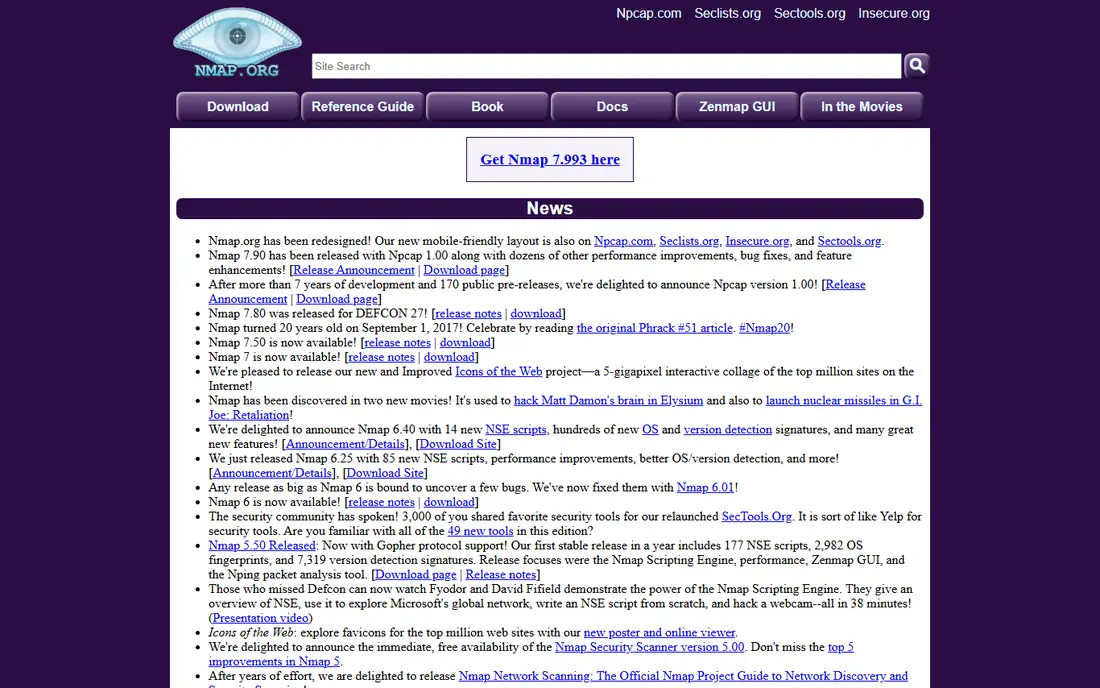
What we like- Nmap finds live hosts, open ports, services and versions, and operating system clues quickly across large address ranges, with release 7.991 in August 2026 showing active maintenance. The NSE scripting engine adds checks for misconfigurations and known issues, and the tool runs on Windows, Linux, and macOS. It is free and open source, with wide platform support and the largest documentation and community in the category.
Watch out for- The command line focus can slow new users, and Nmap does not fix problems by itself or maintain inventory without help. Scanning a network you do not own or manage can break rules and laws, and aggressive scans can stress old devices, so agree on scan timing with network owners. For most teams, a regular Nmap inventory plus a vulnerability scanner gives a clear picture at low cost.
Starting priceFree
Free planYes
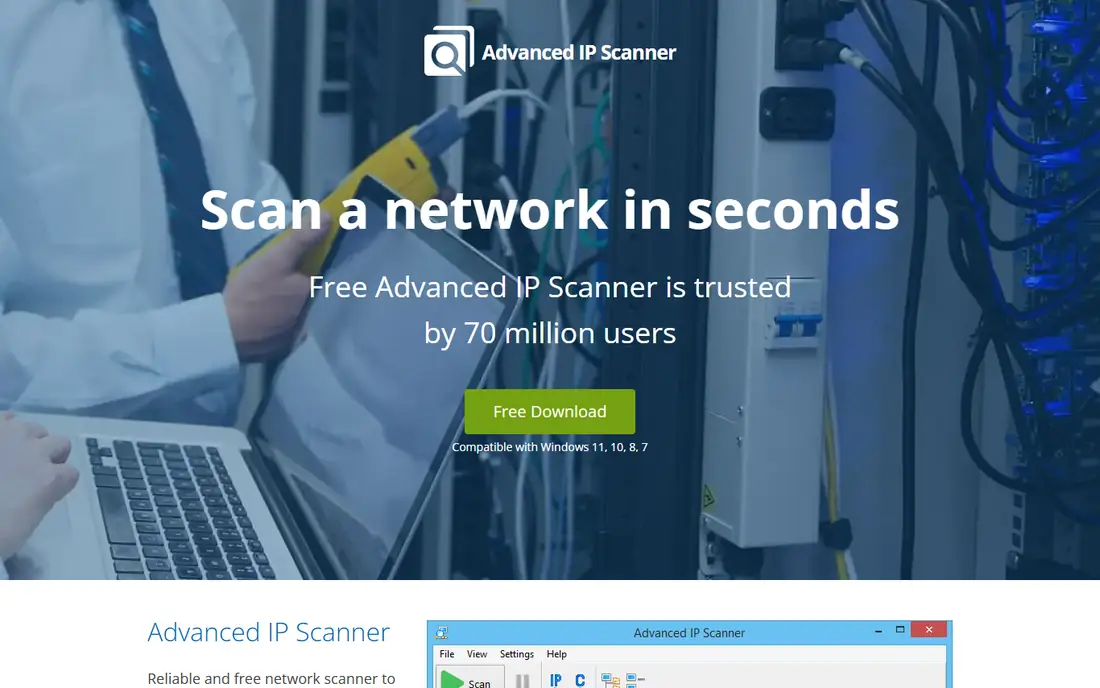
What we like- Advanced IP Scanner offers fast, portable Windows LAN sweeps with RDP and Wake-on-LAN built in, plus CSV and HTML export. It suits Windows administrators who need a quick sweep of a local network without installing a platform. The interface is simple, with zero learning curve for basic subnet scans.
Watch out for- It covers LAN scanning only, with no inventory maintenance, alerting, or cross platform support. Port scanning is basic compared with Nmap, and it does not suit enterprise networks with switches, VLANs, or cloud assets. Teams that need ongoing inventory should pair it with a platform.
Starting priceFree
Free planYes
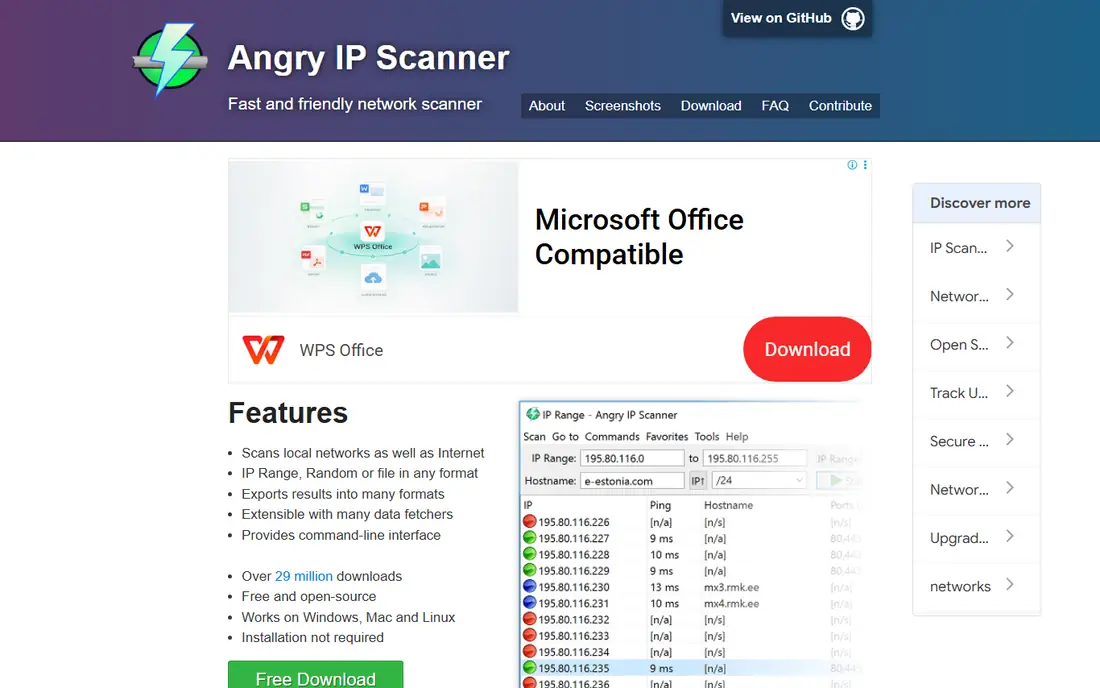
What we like- Angry IP Scanner is a lightweight cross platform scanner for Windows, Linux, and macOS, with plugin extensible fetchers and CSV, TXT, and XML export. It suits administrators who want a fast, portable sweep on any desktop without installation overhead. The tool is free and open source, with a small footprint.
Watch out for- Scanning depth is shallower than Nmap, with less service and version detection. It does not maintain inventory or alert on changes, and it offers no switch port mapping or cloud discovery. It suits quick sweeps rather than ongoing asset management.

#4Lansweeper
Best for: Automatic asset discovery and inventory4.4/5 on
G2 (69 reviews, checked Oct 2026)
Visit lansweeper.com
Starting priceSee website
Free planYes
What we like- Lansweeper starts from the network, not the spreadsheet: agentless discovery scans find computers, servers, network devices, and installed software automatically, then keep the inventory current as things change. Credential free device recognition surfaces unknown and unmanaged devices, and prebuilt integrations push asset data into CMDB and ITSM tools. The free tier covers up to 100 assets, and setup typically takes under an hour.
Watch out for- Paid pricing reports conflict across 2026 sources, with Starter listed at 199, 270, and 299 dollars per month and 219 euros per month in different comparisons, so confirm the current price before budgeting. Paid plans start at 2,000 assets, so smaller estates pay for unused capacity. Vulnerability and lifecycle insights, including OT discovery, require the Pro plan.

#5PRTG Network Monitor
Best for: Monitoring plus auto discovery4.7/5 on
G2 (214 reviews, checked Oct 2026)
Visit paessler.com
Starting priceFree
Free planYes
What we like- PRTG offers auto discovery plus sensors, with a free tier covering 100 sensors forever, enough for small networks. It suits teams that want discovery inside monitoring, since discovered devices become monitored sensors automatically. The sensor model is flexible, covering bandwidth, uptime, and device health alongside discovery.
Watch out for- Paid pricing is sensor based, with PRTG 500 at around 200 dollars per month covering roughly 50 devices, and 300 endpoints will exceed 500 sensors, so costs scale with device count. Discovery is a feature inside monitoring, not a dedicated inventory platform. Windows and cloud deployment suits most teams but limits some Linux shops.

#6ManageEngine OpUtils
Best for: Switch port and IP tracking4.4/5 on
G2 (10 reviews, checked Oct 2026)
Visit manageengine.com
Starting priceSee website
Free planYes
What we like- ManageEngine OpUtils offers switch port mapping plus IP address tracking, with DHCP and DNS integration for enterprise subnet governance. It suits network administrators who need to know which device sits on which switch port, a question pure IP scanners cannot answer. The tool runs on Windows and Linux, with full reporting and export.
Watch out for- Pricing is tiered by IP and switch port count, with Professional from 138 dollars per year for 250 IPs, and 300 endpoints need the next tier, so confirm the current tier before budgeting. It is a network tool, not a full asset inventory platform. Enterprise depth requires the broader ManageEngine suite for full value.

#7Auvik
Best for: Cloud based network discovery4.5/5 on
G2 (381 reviews, checked Oct 2026)
Visit auvik.com
Starting priceSee website
Free planNo
What we like- Auvik offers cloud based network discovery priced per billable network device, with automated mapping and monitoring for managed service providers and distributed teams. It suits MSPs managing many client networks from one console, since discovery, mapping, and monitoring live in the cloud. The per device model scales with the networks managed.
Watch out for- Pricing is quote required, so budgeting needs a vendor conversation. There is no free plan, and per device pricing adds up for large estates. It suits MSP and multi site teams better than single site administrators, who get better value from free scanners or Lansweeper.

#8Fing
Best for: Home and small office discovery4.2/5 on
Capterra (5 reviews, checked Oct 2026)
Visit fing.com
Starting priceFree
Free planYes
What we like- Fing offers device fingerprinting from a large database, with free scanning on iOS, Android, and desktop, plus CSV export. It suits home users and small teams who want to see every device on the Wi-Fi network, identify unknown devices quickly and easily, and check for intruders. The mobile first design makes it the easiest tool on this list to run.
Watch out for- Scanning is basic compared with Nmap or Lansweeper, with no switch port mapping, inventory maintenance, or enterprise reporting. Paid features add depth but still lag dedicated IT platforms. It suits small networks, not enterprise estates with VLANs and cloud assets.
How we chose
We ranked tools on scanning depth, inventory maintenance, switch and cloud coverage, export and reporting, and published pricing. Tools earned credit for service and version detection, agentless discovery, credential free recognition, switch port mapping, and free tiers. We excluded pure diagramming tools, since discovery means finding devices, not drawing them by hand, and we excluded vulnerability scanners as a separate category. Figures come from published pricing and 2026 comparison reporting, and readers should confirm current terms directly, since Lansweeper and OpUtils pricing varies by tier and source, and vendor pricing pages change without notice during the year.
Start with your goal: a one time sweep, an ongoing inventory, or monitoring. For a quick sweep, Nmap, Advanced IP Scanner, or Angry IP Scanner cost nothing and answer the question fast. For an ongoing inventory, Lansweeper or OpUtils maintain the asset list and feed CMDB and ITSM tools, while PRTG suits teams that want discovery inside monitoring. Next, check scope: switch port mapping needs OpUtils, cloud and MSP management needs Auvik, and home networks need only Fing. Then check pricing honestly, since sensor and per device models scale with estate size, and a 300 endpoint network exceeds PRTG 500 and OpUtils 250 IP tiers. Then check export and integration: discovery data only helps if it flows into your CMDB, ITSM, or ticketing system, so confirm native integrations or clean CSV and XML export before buying. Teams feeding ServiceNow or another ITSM platform should prioritize Lansweeper or OpUtils over pure scanners. Finally, scan only networks you own or are authorized to test, agree on scan timing with network owners, and start with gentle scan settings, since aggressive scans can stress old devices and printers.
Frequently asked questions
What is a network discovery tool?
A network discovery tool scans address ranges to find live hosts, identify open ports and services, and build an inventory of devices on a network. Some tools stop at scanning, while others maintain the inventory, map topology, and alert on changes.
Is Nmap free?
Yes. Nmap is free and open source, actively maintained with release 7.991 in August 2026. It runs on Windows, Linux, and macOS, and it offers the deepest free scanning in the category.
Can I scan any network with these tools?
No. Scan only networks you own or are authorized to test. Unauthorized scanning can break rules and laws, and aggressive scans can stress old devices, so agree on scan timing with network owners before running a full sweep.
What is the difference between discovery and monitoring?
Discovery finds what is on the network and builds an inventory. Monitoring watches discovered devices continuously for uptime, bandwidth, and health. PRTG combines both, while Nmap and Angry IP Scanner focus on discovery alone.
How much does Lansweeper cost?
Lansweeper offers a free tier up to 100 assets, but paid Starter pricing reports conflict across 2026 sources, from 199 to 299 dollars per month. Confirm the current price on the vendor site before budgeting.
Which tool is best for a home network?
Fing suits home and small office networks, with free mobile scanning and device fingerprinting. It identifies unknown devices on Wi-Fi quickly, though it lacks enterprise inventory and switch port features.
Sources we checked (0)
Is your product missing or out of date?
We review this list regularly. Vendors can request a listing, send updated pricing or ask about featured placement.

Shihab Mia · Founder, Rankite
Shihab has 5+ years in B2B and SaaS SEO. He writes Rankite's software buying guides from pricing pages, documentation and public user reviews. More about Shihab.
 Nmap
Nmap Advanced IP Scanner
 Angry IP Scanner