How we make this list: we compare pricing pages, product documentation and public user reviews. Ratings come from G2, Capterra or Trustpilot, with the date we checked them.
Key takeaways
- Jobber is the best all round mobile field service app for small crews, with scheduling, quoting, invoicing, and a clean mobile experience.
- Housecall Pro suits residential teams of one to eight techs, with strong mobile tools and built in marketing features.
- ServiceTitan is the most complete platform for large operations, but it carries premium per technician pricing and longer onboarding.
- Workiz stands out for phone heavy shops, with built in phone tools and AI call answering as add ons.
- Service Fusion and Kickserv appeal to teams that dislike per user fees, since their pricing is flatter.
- Pricing varies widely by billing period, team size, and plan, so confirm the current price for your team size before buying.
Quick comparison
| Tool | Best for | Starting price | Free plan |
|---|
 Jobber Jobber | Small crews and solo operators | See website | No |
 Housecall Pro Housecall Pro | Residential teams of 1 to 8 techs | See website | No |
 ServiceTitan ServiceTitan | Large operations with 10 or more techs | See website | No |
 Workiz Workiz | Phone heavy residential shops | See website | No |
 FieldPulse FieldPulse | Mid size teams needing offline mode | See website | No |
 Service Fusion Service Fusion | Growing teams avoiding per user fees | See website | No |
 Kickserv Kickserv | Small teams on a budget | See website | No |
 ServiceM8 ServiceM8 | Small teams and solo operators | See website | Yes |
Is your product missing or out of date?
We review this list regularly. Vendors can request a listing, send updated pricing or ask about featured placement.
The best mobile field service app
#1Jobber
Best for: Small crews and solo operators4.6/5 on
G2 (530 reviews, checked Oct 2026)
Visit getjobber.com
Starting priceSee website
Free planNo
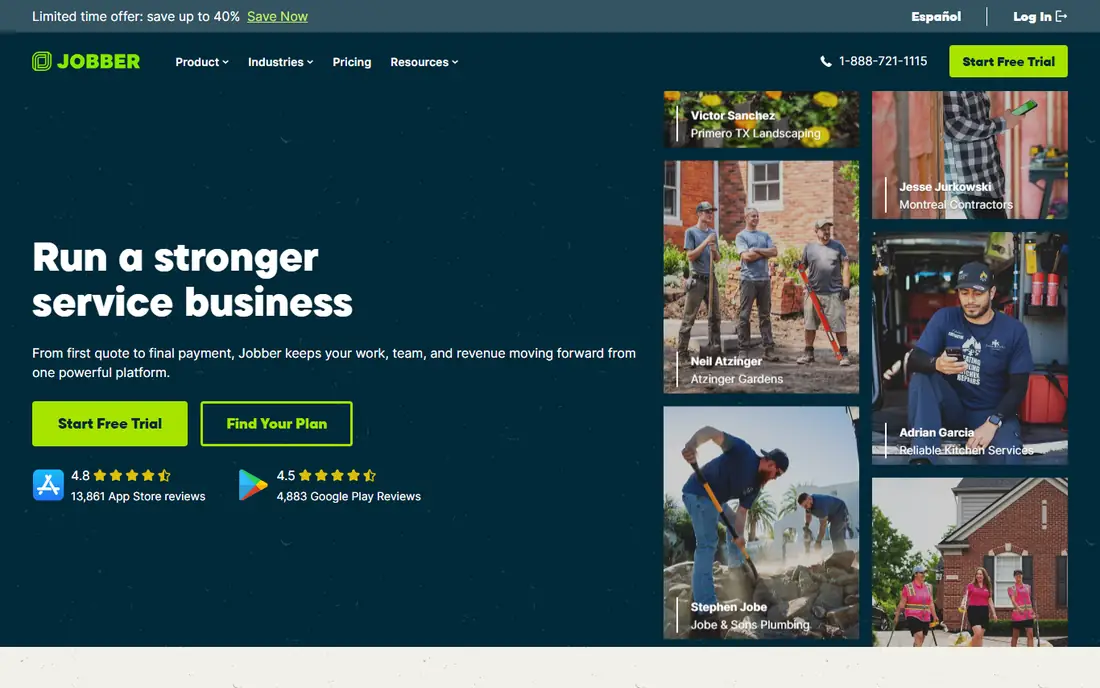
Jobber is the tool most owner operators start with, because it covers scheduling, quoting, invoicing, and client management without overwhelming a small team. The interface is clean: open the app, see the schedule, drag jobs around, send quotes, and invoice customers. Most teams are up and running in a day, with no long onboarding process, and a 14 day free trial lets you run a real week of jobs before paying.
The client hub lets customers approve quotes and pay online, and integrations with QuickBooks and Xero keep the books in sync. Higher tiers add GPS tracking, automated follow ups, online booking, job costing, and two way texting. The limits are marketing depth and dispatching for large teams, plus basic reporting on lower tiers. For crews of one to fifteen people, Jobber is the best balance of price, simplicity, and mobile quality.
What we like- Clean interface
- Fast setup
- Scheduling, quoting, invoicing, and client hub in one place
Watch out for- Marketing tools are basic
- Reporting is basic on lower tiers
- Limited dispatching for large teams
#2Housecall Pro
Best for: Residential teams of 1 to 8 techs4.3/5 on
G2 (205 reviews, checked Oct 2026)
Visit housecallpro.com
Starting priceSee website
Free planNo
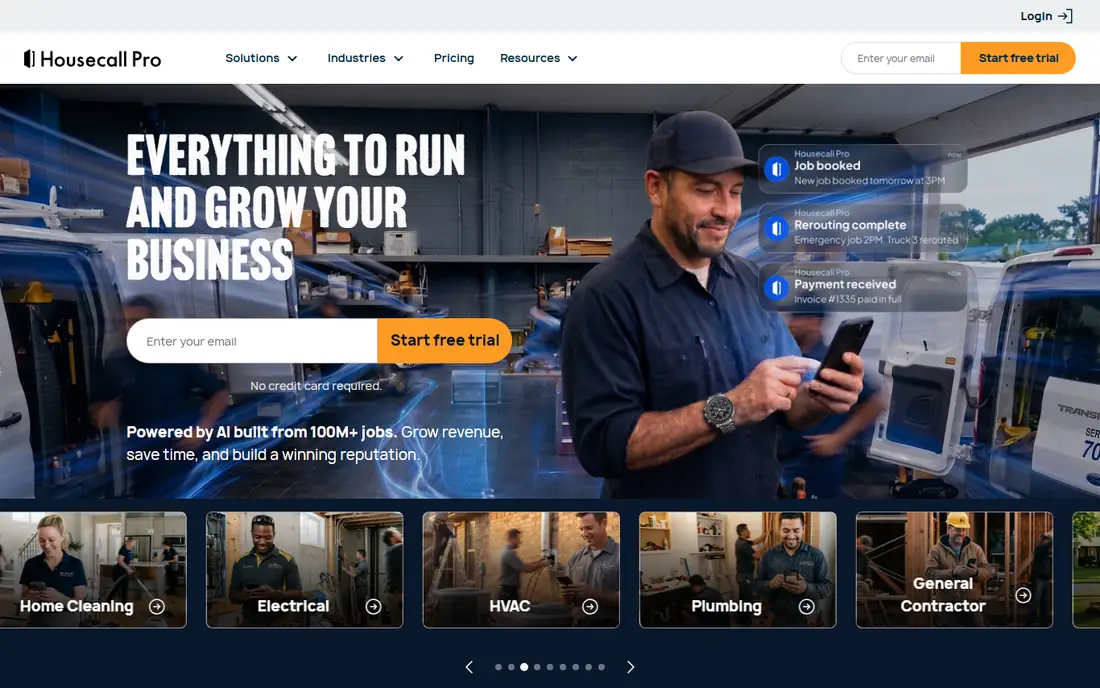
Housecall Pro is built for residential service businesses such as HVAC, plumbing, electrical, and cleaning, and it shines in the three to eight tech range. The mobile app is excellent, with scheduling, dispatch, estimates, invoicing, and on site payment, plus text and email messages that keep customers informed. Built in marketing tools, including review requests, email campaigns, and postcards, help small shops win repeat work.
Pricing is tiered by users, so costs rise as the team grows past the included users on a plan, and a 14 day free trial is available. Housecall Pro is less suited to commercial maintenance contracts than some rivals. For a residential team that wants a polished mobile experience plus marketing in one app, it is a strong pick.
What we like- Excellent mobile app
- Built in marketing tools
- Easy scheduling and dispatch
Watch out for- Costs rise with extra users
- Less suited to commercial contracts
- No free plan
#3ServiceTitan
Best for: Large operations with 10 or more techs4.4/5 on
G2 (375 reviews, checked Oct 2026)
Visit servicetitan.com
Starting priceSee website
Free planNo
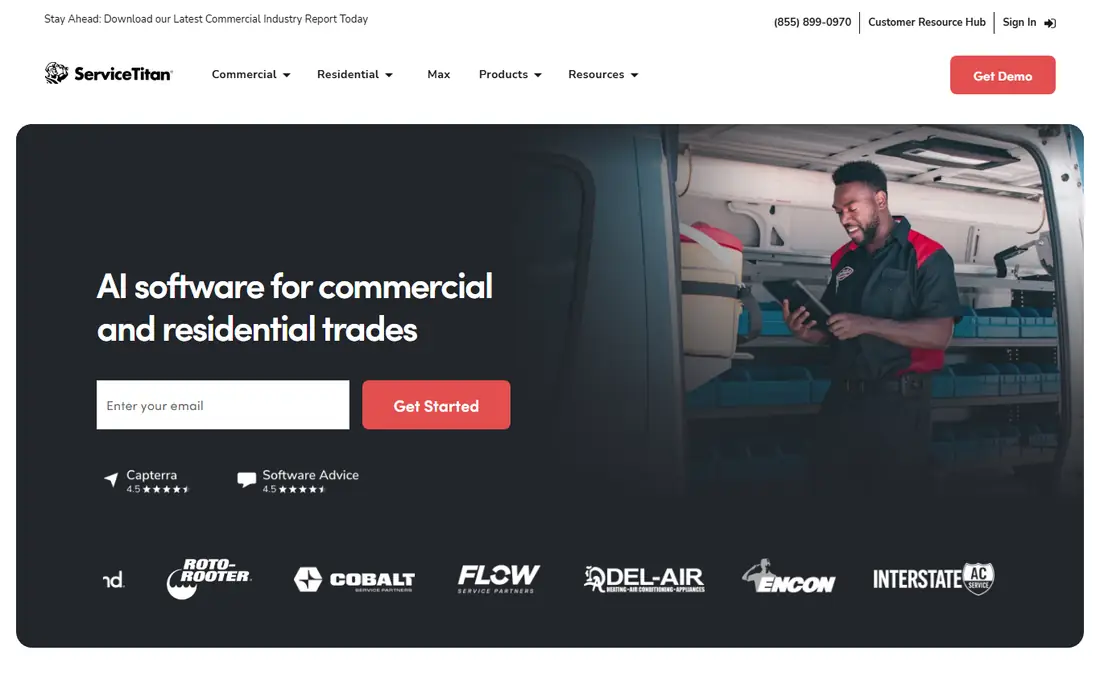
ServiceTitan is the most complete field service platform for large residential operations, with an advanced dispatch board, call tracking and booking, marketing attribution, financing, and enterprise reporting. It is built for operations of twenty or more techs that need to track every call, job, and marketing dollar, and its AI dispatching and reporting depth exceed every rival on this list.
That depth comes at a price. ServiceTitan charges per technician at a premium rate, onboarding can take months, and contracts with implementation fees are common. There is no free trial, only a demo. For large operations, the return often justifies the cost. For small shops, Jobber or Housecall Pro deliver the core workflow at a fraction of the price.
What we like- Most complete feature set
- Advanced dispatch board
- Marketing attribution and reporting
Watch out for- Premium per technician pricing
- Long onboarding
- Contracts and implementation fees possible
#4Workiz
Best for: Phone heavy residential shops4.5/5 on
G2 (247 reviews, checked Oct 2026)
Visit workiz.com
Starting priceSee website
Free planNo
Workiz suits residential shops whose work lives or dies on inbound calls. It includes a built in phone system, so calls, bookings, and job records sit in one place, and an AI answering add on can handle after hours traffic. Scheduling, dispatch, estimates, invoicing, and payment are all included, and the mobile app keeps techs connected in the field.
The phone and AI features are sold as add ons, which raises the total cost, and pricing varies by plan, so confirm the full price for your call volume. Commercial contract depth is thinner than some rivals. If missed calls cost you jobs today, Workiz is the platform to trial first, and the AI answering test against real after hours traffic will tell you quickly whether the premium pays for itself.
What we like- Built in phone system
- AI call answering add on
- Strong scheduling and invoicing
Watch out for- Phone and AI features cost extra
- Pricing varies by plan
- Less commercial depth
#5FieldPulse
Best for: Mid size teams needing offline mode4.7/5 on
G2 (375 reviews, checked Oct 2026)
Visit fieldpulse.com
Starting priceSee website
Free planNo
FieldPulse serves mid size field service teams with scheduling, dispatch, estimates, invoicing, and customer management, plus a solid offline mode for techs working in basements, plant rooms, and rural sites without signal. Job history and equipment records help techs standing in front of a unit see past repairs and parts.
Add ons raise the total price, and pricing varies by plan, so confirm the full cost for your team. The integration ecosystem is smaller than Jobber or ServiceTitan. For teams that need reliable offline work and mid size scheduling depth, FieldPulse is a dependable choice.
What we like- Solid offline mode
- Scheduling, estimates, and invoicing
- Equipment and job history tracking
Watch out for- Add ons raise the price
- Pricing varies by plan
- Smaller ecosystem than Jobber
#6Service Fusion
Best for: Growing teams avoiding per user fees4.1/5 on
G2 (124 reviews, checked Oct 2026)
Visit servicefusion.com
Starting priceSee website
Free planNo
Service Fusion appeals to growing teams that dislike per user fees, since its paid plans include unlimited users at a flat monthly price. That model gets cheaper per person as the team grows, which matters for shops scaling from five to twenty techs. Features cover scheduling, dispatch, estimates, invoicing, payment, and GPS tracking.
There is no free trial, so evaluation relies on a demo, and some users find the interface dated. Onboarding also takes time. For a growing team that wants predictable flat pricing and a full workflow, Service Fusion is worth a demo, especially when per user pricing elsewhere starts to sting.
What we like- Flat pricing with unlimited users on paid plans
- Scheduling, dispatch, and invoicing
- GPS tracking
Watch out for- No free trial
- Interface feels dated to some users
- Onboarding takes time
#7Kickserv
Best for: Small teams on a budget4.5/5 on
G2 (181 reviews, checked Oct 2026)
Visit kickserv.com
Starting priceSee website
Free planNo
Kickserv is a budget friendly field service app for small teams, covering scheduling, invoicing, estimates, and customer management at a low entry price. It is simple to learn, which suits owner operators who want to move off paper without a long setup process.
Advanced features are thinner than Jobber or Housecall Pro, and dispatching depth for large teams is limited. For a small shop that needs the core workflow at the lowest cost, Kickserv is a practical starting point, with room to move to a deeper platform later.
What we like- Low cost entry point
- Scheduling, invoicing, and customer management
- Simple to learn
Watch out for- Fewer advanced features
- Smaller ecosystem
- Less dispatching depth for large teams
#8ServiceM8
Best for: Small teams and solo operators3.8/5 on
G2 (15 reviews, checked Oct 2026)
Visit servicem8.com
Starting priceSee website
Free planYes
ServiceM8 is a field service app popular with small teams and solo operators, offering scheduling, dispatch, invoicing, and a good mobile app. Its Lite plan is free for very small operations, which makes it one of the few genuinely free starting points in this market. Paid plans scale with job volume rather than users alone.
The free plan has limits, and advanced features sit on higher tiers, so growing teams should check the price at their real job volume. Its US presence is smaller than Jobber or Housecall Pro. For a solo operator or tiny team testing field service software at no cost, ServiceM8 is a smart first trial.
What we like- Free Lite plan for very small operations
- Good mobile app
- Scheduling and invoicing included
Watch out for- Paid plans rise with job volume
- Advanced features sit on higher tiers
- Smaller US presence
How we chose
We ranked apps by mobile quality, scheduling and dispatch strength, pricing model, and fit for team size, favoring apps that work offline and keep techs productive without signal. We gave extra weight to transparent pricing and fast setup for small teams, and to dispatch depth and reporting for large teams. Pricing varies by billing period and team size across this market, so unverifiable or conflicting prices are listed as See website, and readers should confirm the current price for their team size.
Buying guide
Start by counting your team and your jobs. A solo operator or crew under five needs Jobber, Kickserv, or ServiceM8, which are simple and affordable. A residential team of three to eight techs fits Housecall Pro or Workiz. A large operation with ten or more techs should demo ServiceTitan, Service Fusion, and FieldPulse, and weigh dispatch depth against total cost.
Next, trial the mobile app with real work, not a demo script. Build a week of dispatch, send estimates, capture a signature, and take a payment on site, including one job in a low signal area. An app that freezes without signal will be abandoned by techs, no matter how good the office dashboard looks.
Finally, do the math on total cost. Compare plan prices at your real team size, add payment processing fees, and price any add ons like AI answering or marketing tools. A cheap plan with expensive add ons can cost more than a flat priced rival. Check contract terms and implementation fees, especially on enterprise platforms, before signing.
Frequently asked questions
What is the best mobile field service app for a small business?
Jobber is the best all round choice for small crews, with scheduling, quoting, invoicing, and a clean mobile app at a fair price. Housecall Pro is a strong alternative for residential teams that want built in marketing.
Does field service software work without internet?
Some apps, like FieldPulse, offer solid offline modes that let techs view jobs and capture data without signal, syncing later. Check offline support before buying if your techs work in basements, rural areas, or large buildings.
How much does field service software cost?
Costs range from free small plans to premium per technician pricing for enterprise platforms. Small teams often pay a flat monthly fee per tier, while large platforms charge per technician, so confirm the price at your real team size.
Is ServiceTitan worth the price?
ServiceTitan is worth it for large operations that need advanced dispatch, marketing attribution, and enterprise reporting, and can absorb the onboarding time. Small shops usually get better value from Jobber or Housecall Pro.
Can I try field service software before paying?
Jobber and Housecall Pro offer 14 day free trials, and ServiceM8 has a free Lite plan. ServiceTitan and Service Fusion rely on demos, so ask for a trial of the mobile app with your real schedule before committing.
Sources we checked (0)
Is your product missing or out of date?
We review this list regularly. Vendors can request a listing, send updated pricing or ask about featured placement.

Shihab Mia · Founder, Rankite
Shihab has 5+ years in B2B and SaaS SEO. He writes Rankite's software buying guides from pricing pages, documentation and public user reviews. More about Shihab.