How we make this list: we compare pricing pages, product documentation and public user reviews. Rankite is independent; if a vendor ever pays for a featured spot, that listing is clearly labeled Partner.
Key takeaways
- ServiceM8 is the only platform here that states its terms outright on the homepage: simple pricing, no hidden fees, no contracts, with a 14-day free trial.
- Jobber reports 250,000+ home service pros and 29 million jobs completed; Housecall Pro reports 200,000+ pros, 100 million jobs, and a 4.6 rating from 30,000 reviews.
- ServiceTitan is the enterprise choice for large multi-truck operations, sold by quote with a paid implementation, while Jobber, Housecall Pro, Workiz, and ServiceM8 can be running in days.
- Skedulo is the pick when scheduling complexity is the whole problem, with a Salesforce-native option and customers in healthcare, energy, and telecom.
Quick comparison
| Tool | Best for | Starting price | Free plan |
|---|
 ServiceTitan ServiceTitan | Large multi-truck HVAC, plumbing, and electrical operations | See website | No |
 Jobber Jobber | Solo operators and small crews across 50+ industries | See website | Free trial |
 Housecall Pro Housecall Pro | Residential service teams that want strong customer tools | See website | Free trial |
 FieldEdge FieldEdge | Growing HVAC, plumbing, and electrical contractors | See website | No |
 Workiz Workiz | Call-heavy trades like locksmith, junk removal, and garage door | See website | No |
 ServiceM8 ServiceM8 | Small contractors wanting simple pricing with no contracts | See website | Free trial (14 days) |
 Skedulo Skedulo | Complex scheduling across large or mixed workforces | See website | No |
 Verizon Connect Verizon Connect | Fleets that need GPS tracking plus field coordination | See website | No |
Is your product missing or out of date?
We review this list regularly. Vendors can request a listing, send updated pricing or ask about featured placement.
The best field force management software
You did not start a plumbing company to spend your evenings building schedules in a spreadsheet. Field force management software, usually called field service management, exists to end that: dispatching, routing, job tracking, quotes, invoices, and payments in one system your techs can run from their phones. The eight platforms below cover the full range, from solo-operator tools you can set up this afternoon to enterprise systems that run hundreds of trucks.
Starting priceSee website
Free planNo
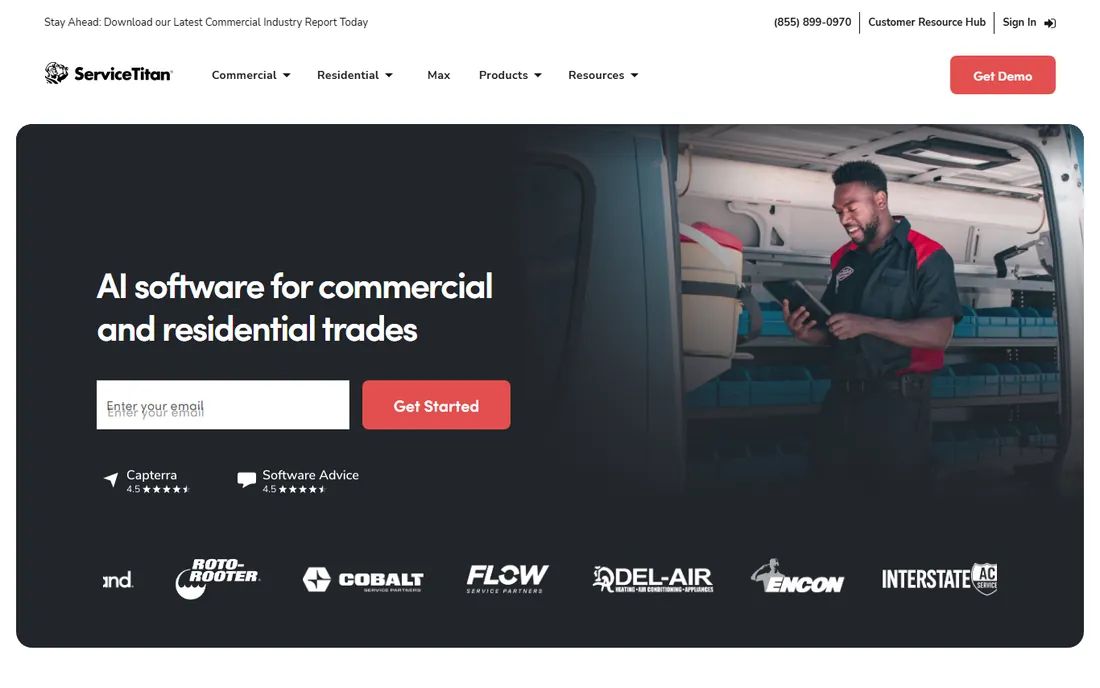
ServiceTitan is the category leader for a reason: no other platform covers as much of a contracting business. Scheduling, dispatch, CRM, proposals, job costing, accounting, service agreements, and marketing automation all live in one system, and the reporting layer tells an owner exactly which techs, services, and campaigns make money.
That completeness has a price beyond the quote. Implementations typically take four to twelve weeks with a paid team, and operators report all-in costs reaching several hundred dollars per tech per month once modules stabilize. Buy it when you have twenty-plus techs and the reporting will pay for itself. Below that size, you will pay enterprise money to use a third of the product.
What we like- Deepest reporting in the category, with technician scorecards and revenue forecasting
- 70+ prebuilt integrations including Sage and Viewpoint
- Built-in accounting, payroll-adjacent, and marketing modules
Watch out for- Quote-based pricing with a paid implementation that commonly runs thousands of dollars
- Far more software than a five-person shop will use
#2
Jobber
Best for: Solo operators and small crews across 50+ industries
Visit jobber.com
Starting priceSee website
Free planFree trial
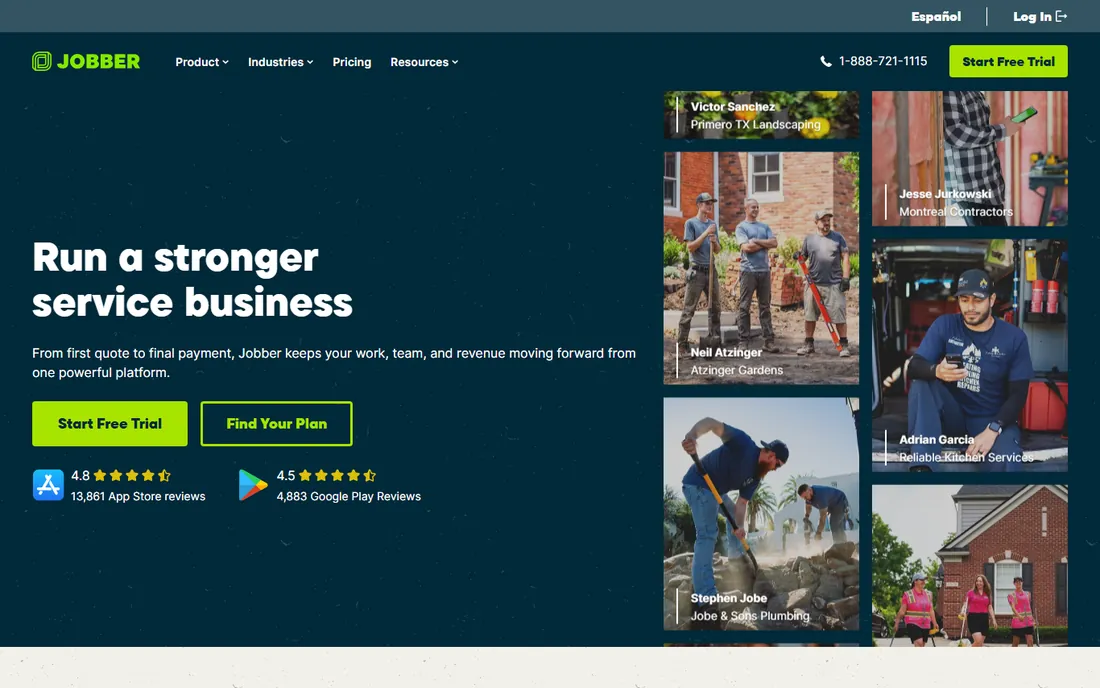
Jobber is the default recommendation for small service businesses, and its homepage numbers explain why: a quarter million pros, 29 million jobs completed, and users reporting 12-plus hours saved per week. It handles the whole job lifecycle (quote, schedule, dispatch, invoice, get paid) with an interface a non-technical owner can learn in an afternoon.
The breadth of industries is a real advantage. Lawn care, cleaning, handyman, and pest control businesses get the same quality of product as HVAC shops, which is not true of the trade-specific tools. The honest ceiling is scale: past fifteen or twenty techs, the per-user pricing and lighter dispatch start to push growing companies toward FieldEdge or ServiceTitan.
What we like- 250,000+ home service pros on the platform
- Quoting, scheduling, invoicing, and payments in one polished interface
- Usable across 50+ service industries, not just trades
Watch out for- Per-user pricing adds up as the team grows
- Reporting is operational, not the deep KPI analytics of enterprise tools
Starting priceSee website
Free planFree trial
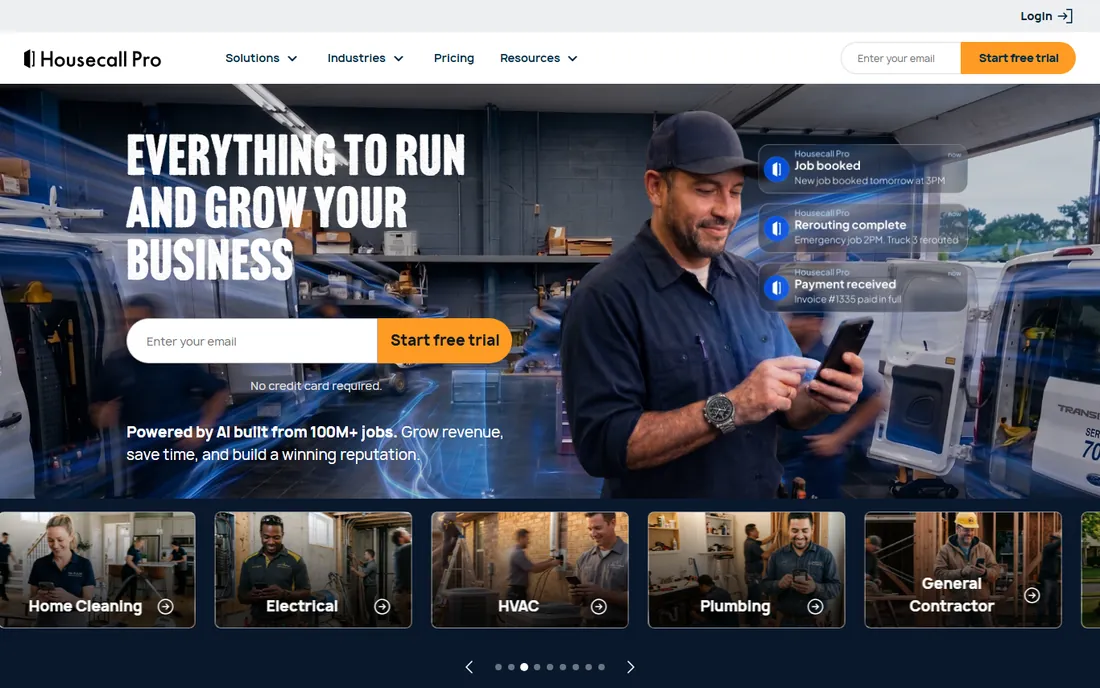
Housecall Pro wins on the customer experience side of field service. Online booking, automated review requests, on-my-way texts, and professional estimates make a small shop look like a big one, and the company reports its pros see 35% average revenue growth after the first year. The mobile apps for techs are mature and well reviewed.
Where it loses to specialists is operational depth. Multi-truck dispatch, advanced reporting, and trade-specific workflows (flat-rate price books, agreement management) are thinner here than in FieldEdge or ServiceTitan. It is the right call for residential shops under about ten techs where winning the customer matters more than squeezing the schedule.
What we like- 200,000+ pros and 100 million jobs completed, with a 4.6 rating from 30,000 reviews
- Excellent customer-facing tools like online booking and review management
- Built-in payments with on-my-way texts and postcards
Watch out for- Dispatch and reporting are weaker than trade-specific mid-market tools
- Costs climb as add-ons stack up
Starting priceSee website
Free planNo
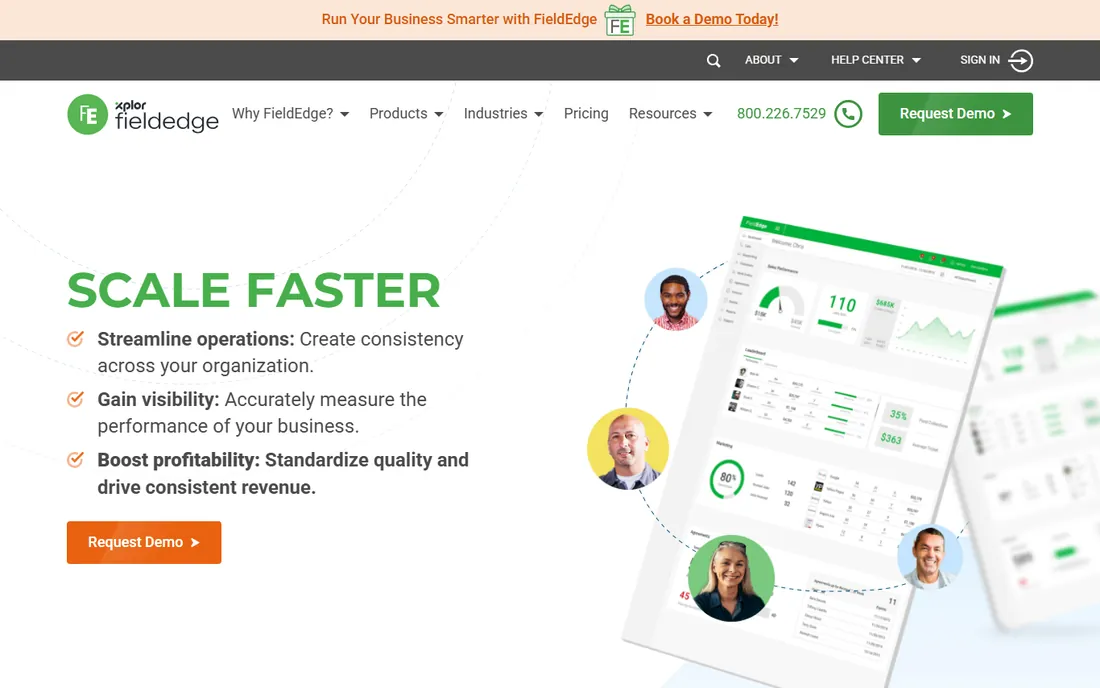
FieldEdge occupies the gap between Jobber and ServiceTitan: serious trade-specific software for contractors who have outgrown small-business tools but are not ready for enterprise pricing and implementations. The dispatch board coordinates multiple trucks and techs, the flat-rate price book keeps pricing consistent, and the proposal tools let techs present good-better-best options at the kitchen table.
QuickBooks integration is automatic rather than an afterthought, which matters because most shops in this segment run their books in QuickBooks. The trade-off is the buying process: quote-based, demo-led, no trial to kick the tires yourself. HVAC, plumbing, and electrical contractors in the 5-to-50 tech range are the bullseye.
What we like- Built specifically for multi-truck HVAC, plumbing, and electrical operations
- Flat-rate price book and good-better-best proposals help techs sell
- Automated QuickBooks sync eliminates double entry
Watch out for- No public pricing and no self-serve trial
- Narrower industry fit than generalist tools
#5
Workiz
Best for: Call-heavy trades like locksmith, junk removal, and garage door
Visit workiz.com
Starting priceSee website
Free planNo

Workiz started with the trades everyone else ignores: locksmiths, junk haulers, garage door techs, appliance repair. Its standout is the built-in phone system. Calls, texts, scheduling, and payments flow through one platform, which fits businesses where the phone rings all day and jobs are won or lost in the first sixty seconds.
The company now positions itself as an AI growth engine, with automation handling calls, filling the schedule, and chasing payments. Integrations cover the lead sources these trades actually use: Thumbtack, Angi Leads, Yelp, plus QuickBooks and Stripe. If your business runs on inbound calls rather than planned routes, shortlist Workiz first.
What we like- Built-in phone system and call-centered workflows, rare in this category
- 120,000+ pros in the US and Canada with a 4.8 rating
- Strong integrations with lead sources like Thumbtack, Angi, and Yelp
Watch out for- No public pricing on the homepage
- The phone-centric design is overkill for businesses that run on scheduled routes
#6
ServiceM8
Best for: Small contractors wanting simple pricing with no contracts
Visit servicem8.com
Starting priceSee website
Free planFree trial (14 days)
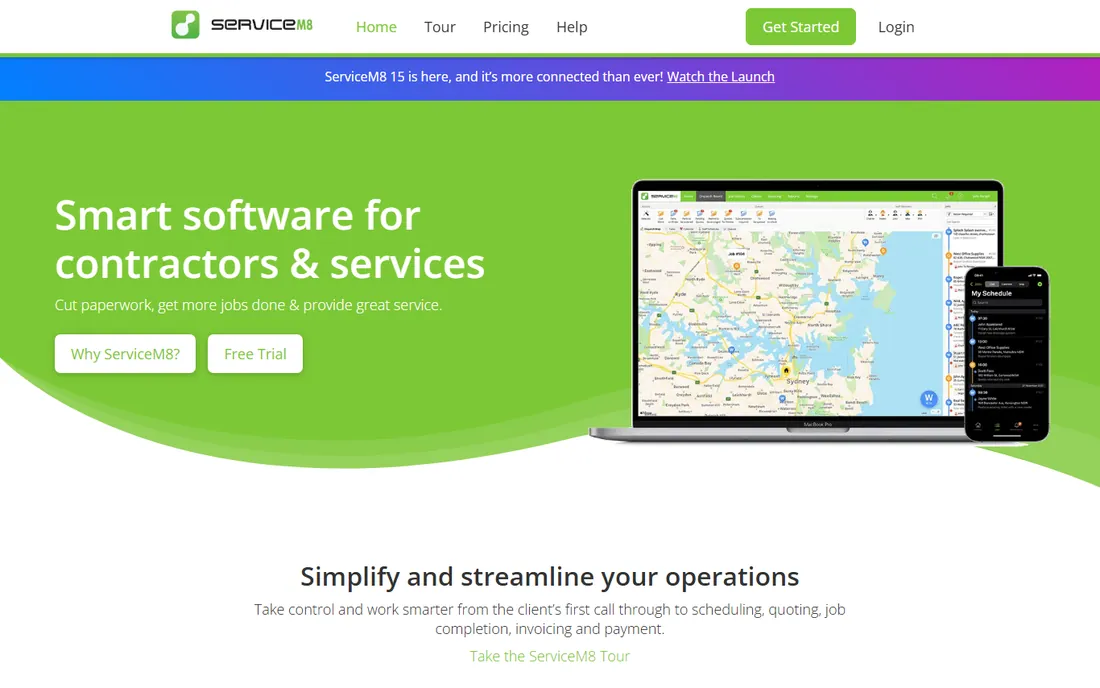
ServiceM8 is the plain dealer of field service software. Its homepage says what the others will not: simple pricing, no hidden fees, no contracts, no catch, with a 14-day free trial to prove it. Contractors use it to manage jobs, schedule work, send quotes and invoices, and take payment on site from full-featured iOS and Android apps.
The company reports its users manage over $50 billion in jobs, and it carries badges from Xero, Intuit, and MYOB that signal real accounting integration rather than a CSV export. It will not match ServiceTitan's reporting or Skedulo's scheduling intelligence. It will get a small contractor off paper this week without a sales call, which is exactly the point.
What we like- Straightforward pricing with no hidden fees and no contracts, stated on the homepage
- 14-day free trial
- Excellent mobile apps, originally optimized for Apple devices
Watch out for- Lighter on advanced dispatch and enterprise reporting
- Smaller US presence than domestic rivals
#7
Skedulo
Best for: Complex scheduling across large or mixed workforces
Visit skedulo.com
Starting priceSee website
Free planNo
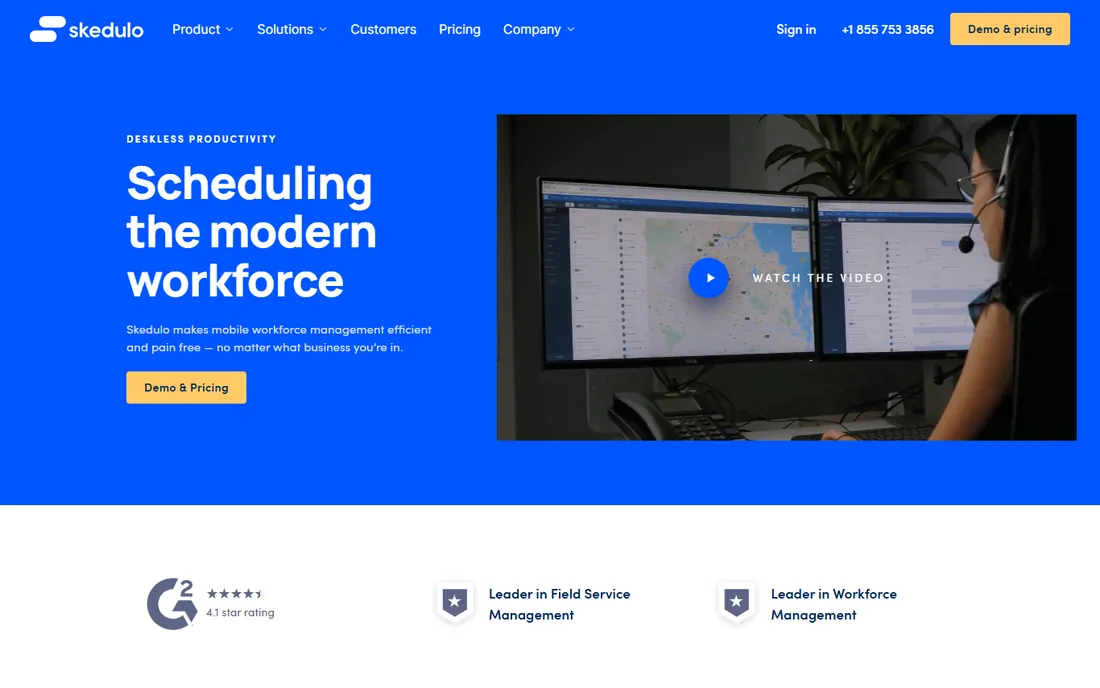
Skedulo is not really a competitor to Jobber. It is a deskless workforce management platform for organizations where scheduling itself is the hard problem: home healthcare agencies matching clinicians to patients, utilities coordinating crews, telecoms running thousands of appointments. Customers include Kaiser Permanente, DHL, and the American Red Cross.
The scheduling engine handles skills matching, location optimization, and shift rostering across mixed workforces, with a Salesforce-native option for companies already on that platform. The company claims a 48% reduction in time spent scheduling and a 21% productivity lift. For a standard trade shop, this is too much machine. For complex operations, nothing on this list schedules better.
What we like- Purpose-built for complex scheduling with a 48% reduction in scheduling time claimed
- Salesforce-native deployment option
- Proven at scale in healthcare, energy, and telecom
Watch out for- Quote-based enterprise pricing
- Overkill for a straightforward dispatch-a-tech workflow
Starting priceSee website
Free planNo

Verizon Connect approaches field force management from the vehicle rather than the work order. Its Reveal platform tracks vehicles and assets in near real time, replays route history, sets geofence alerts for site arrivals, and scores drivers on braking, cornering, and acceleration, with AI dashcams that flag phone use and fatigue.
That makes it the right choice when the fleet is the operation: construction, utilities, service businesses where fuel, safety, and compliance dominate costs. The field service layer (dispatch coordination, site arrival tracking) exists but is thinner than dedicated FSM platforms. Companies that need both often pair Verizon Connect's tracking with a separate job management tool.
What we like- Near-real-time GPS tracking with geofences, route history, and driver scorecards
- AI dashcams with distracted-driving detection
- OEM integrations with Ford and GM for factory vehicle data
Watch out for- Fleet-first, so job management and invoicing are thinner than pure FSM tools
- Quote-based pricing aimed at fleet budgets
Picking the right tier for your crew size
Match the software to your headcount, not your ambitions. Solo operators and crews under ten techs should be choosing between Jobber, Housecall Pro, Workiz, and ServiceM8, all of which can be running in days with published or simple pricing. The five-to-fifty tech range is FieldEdge territory, where trade-specific dispatch starts paying off. Past twenty techs with real reporting needs, ServiceTitan earns its price.
The two specialists sit outside that ladder. Skedulo is for scheduling complexity at scale, regardless of industry. Verizon Connect is for fleets where vehicles, fuel, and driver safety are the cost centers. Buying either for a standard ten-truck HVAC shop would be a category error.
The implementation trap
The software price is rarely the total price. ServiceTitan implementations commonly run four to twelve weeks with a paid team and cost thousands of dollars before the first dispatch. Data migration, QuickBooks or Sage integration, price book setup, and tech training all take calendar time, and your office still has to answer the phones while it happens.
Even the simple tools have a hidden cost: your processes. A scheduling app cannot fix a dispatcher who hoards information or techs who will not use a phone app. Before signing anything, run a two-week pilot with your actual dispatchers and your most skeptical tech. If they will not use it during a trial, they will not use it after you paid for implementation.
How we chose
We opened the homepage of each platform and read its product, pricing, and FAQ pages wherever they are public. We compared dispatching, scheduling, routing, mobile apps, quoting, invoicing, payments, GPS tracking, accounting integrations, trial terms, and stated customer results against each vendor's own published material. We cross-checked with public reviews on G2, Capterra, and Software Advice, plus independent comparison guides. We did not run trial deployments. We included only products that exist and sell field force or field service management software today, from solo-operator tools to enterprise platforms.
Frequently asked questions
How much does field force management software cost for a small team?
Small-team tools (Jobber, Housecall Pro, Workiz, ServiceM8) typically run from tens to a few hundred dollars per month depending on team size, with free trials available. Mid-market platforms like FieldEdge are quote-based but far below enterprise levels. ServiceTitan is the outlier: operators report several hundred dollars per tech per month plus a multi-thousand-dollar implementation.
Will it replace QuickBooks?
No, and you should be suspicious of any vendor that says otherwise. Jobber, Housecall Pro, FieldEdge, Workiz, and ServiceM8 all integrate with QuickBooks (ServiceM8 is a certified partner across Xero, Intuit, and MYOB) by syncing invoices and payments. Keep your accounting where it is and let the FSM tool feed it clean data.
Do the mobile apps work offline?
The mature platforms (ServiceTitan, Jobber, Housecall Pro, FieldEdge) all offer offline-capable tech apps, since basements and rural job sites routinely lack signal. During evaluation, test exactly which functions work offline: viewing the schedule usually does, but payment processing and photo uploads often wait for a connection.
Can I track my techs' locations, and is that legal?
Most platforms offer GPS tracking, geofences, and route history. Legality depends on your state and whether techs use company vehicles or personal phones, and several states require employee notice or consent. Tell your team what is tracked and when, put it in writing, and check your state's rules before enabling always-on location.
How long does implementation take?
Self-serve tools (Jobber, Housecall Pro, ServiceM8, Workiz) can dispatch their first job the same day to within a week. FieldEdge and similar mid-market tools take a few weeks with vendor help. ServiceTitan implementations commonly run four to twelve weeks with a paid implementation team.
What happens if I want to switch later?
Switching costs real money: data migration takes weeks, retraining takes months, and the productivity dip during transition can exceed a year of software fees. Before signing, ask each vendor how customer, job history, and agreement data exports, and whether contracts auto-renew. The vendors with the simplest pricing (ServiceM8's no-contract model) are also the easiest to leave.
Sources we checked (10)
- https://www.servicetitan.com/
- https://jobber.com/
- https://www.housecallpro.com/
- https://fieldedge.com/
- https://workiz.com/
- https://servicem8.com/
- https://www.skedulo.com/
- https://verizonconnect.com/
- https://fieldservicesoftware.io/comparisons/housecall-pro-vs-jobber-vs-servicetitan/
- https://handledagency.co/resources/jobber-vs-servicetitan-vs-housecall-pro/
Is your product missing or out of date?
We review this list regularly. Vendors can request a listing, send updated pricing or ask about featured placement.

Shihab Mia · Founder, Rankite
Shihab has spent more than a decade helping SaaS and e-commerce brands grow through search. He writes Rankite's software buying guides from pricing pages, documentation and public user reviews. More about Shihab.