How we make this list: we compare pricing pages, product documentation and public user reviews. Rankite is independent; if a vendor ever pays for a featured spot, that listing is clearly labeled Partner.
Key takeaways
- ServiceTitan is the pick for large multi-crew shops that need deep reporting and pricebook control, but its price and onboarding make it overkill under ten techs.
- Jobber ($49/month month-to-month) and Housecall Pro ($79/month) are the two realistic starting points for small shops; Jobber is cheaper, Housecall Pro has stronger built-in follow-up.
- Workiz has a genuinely free Lite plan for up to two users, which is the cheapest way to run a husband-and-wife operation without paying per seat.
- If appliance-specific workflow matters more than brand name, ServiceWorks and ThermoGrid were built with repair trades in mind and deserve a look.
Quick comparison
| Tool | Best for | Starting price | Free plan |
|---|
 ServiceTitan ServiceTitan | Large shops with 10+ techs | See website (quote-based) | No |
 Housecall Pro Housecall Pro | Small shops that want built-in marketing | $79 per month (Basic, month-to-month) | Free trial (14 days) |
 Jobber Jobber | Budget-conscious solo techs and small teams | $49 per month (Core, month-to-month); $29 per month billed annually | Free trial (14 days) |
 Workiz Workiz | Two-person operations starting free | $0 (Lite plan, up to 2 users); paid tiers on website | Yes |
 ServiceWorks ServiceWorks | Appliance repair specialists | See website | Free trial |
 Service Fusion Service Fusion | Mid-size teams wanting flat per-plan pricing | See website | No |
 FieldPulse FieldPulse | Shops that want simple, fast scheduling | See website | Free trial |
 ThermoGrid ThermoGrid | Shops that do both HVAC and appliance repair | See website | Free trial |
 Field Force Tracker Field Force Tracker | Owners who want to go live in days | See website | No |
Is your product missing or out of date?
We review this list regularly. Vendors can request a listing, send updated pricing or ask about featured placement.
The best appliance repair software
A family-run repair shop in Ohio with four techs was running the whole business off a wall calendar and a shared cell phone. Techs were double-booked twice a month, the office lost track of parts on order, and about one invoice in ten went out late enough that the customer "forgot" to pay. They moved to scheduling software over one slow winter week, and the first thing that changed was the phone: it stopped ringing for status updates because customers could see their tech's arrival window in a text.
That story repeats across the repair trade because the work itself creates the chaos. Jobs are short, parts are specific, and customers are home waiting. The best appliance repair software does three things well: it keeps the schedule honest, it tracks parts against each job, and it makes getting paid simple. Everything else, like marketing add-ons and price books, is a bonus that only matters once those basics are covered.
The list below covers nine tools that fit appliance repair businesses today, from solo techs to fifty-truck operations. Prices were checked against each vendor's published pricing in October 2026, and where a vendor hides pricing behind a quote wall, the table says so instead of guessing.
Starting priceSee website (quote-based)
Free planNo
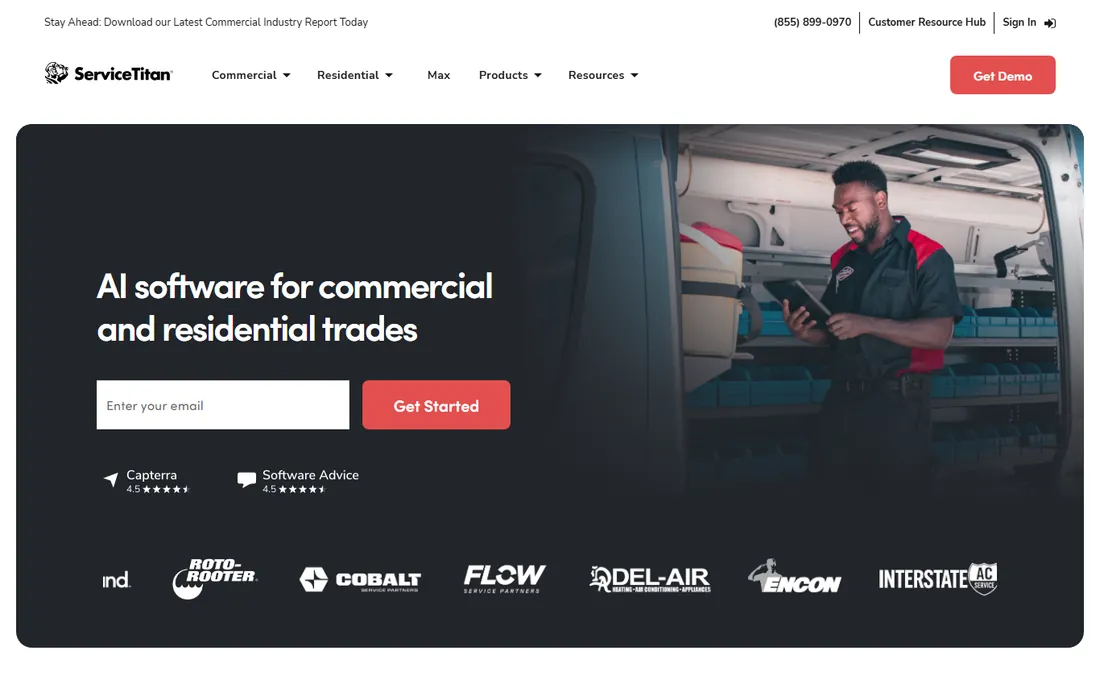
ServiceTitan is the system most large residential service shops end up on, and appliance repair companies are no exception. The dispatch board, pricebook, and marketing automation were built for businesses running multiple crews across a metro area, and the reporting goes deep enough that an owner can see which tech closes the most membership plans and which zip codes produce the best ticket averages. For a company doing several million a year, that visibility pays for itself.
The honest catch is that none of that comes cheap or fast. Pricing is quote-based and consistently lands far above per-user tools, and implementation usually takes weeks with dedicated training. Shops under ten techs almost always find they are paying for capacity they will not use for years, if ever. Buy ServiceTitan when the business has outgrown its current system and has the revenue to hire around it, not before.
What we like- Deepest reporting and dispatch analytics
- Built-in flat-rate pricebook
- Strong price presentation tools for techs
Watch out for- Quote-only pricing sits well above every other tool here
- Onboarding is a long project, not a weekend setup
Starting price$79 per month (Basic, month-to-month)
Free planFree trial (14 days)
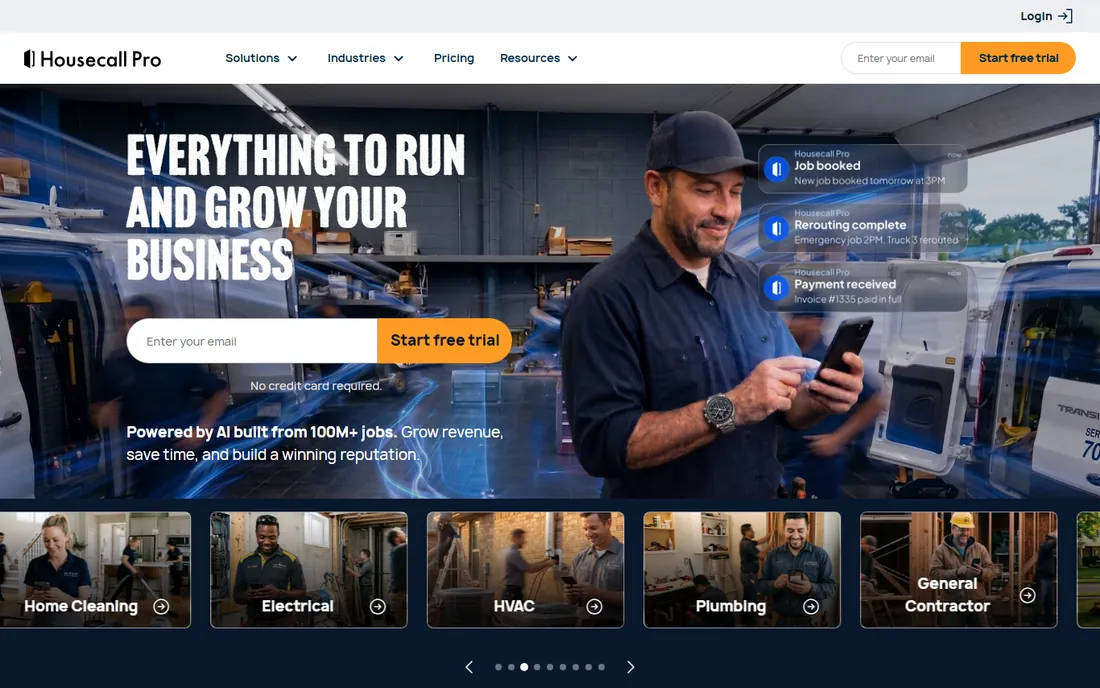
Housecall Pro earned its following with small home-service businesses by making the easy things automatic. The review requests, appointment reminders, and follow-up sequences work from day one, which matters for repair shops where a missed reminder means a dead trip to a locked house. The mobile app is clean enough that techs adopt it without a fight, and the QuickBooks integration runs without the sync errors that plague cheaper tools.
The pricing structure is where buyers should read carefully. Basic at $79 a month covers one user, and adding a second person forces a jump to the Essentials tier, which costs far more than double. Several features that look included, like the flat-rate pricebook, are paid add-ons. It remains a strong pick for shops of one to five people who want the marketing automation, but owners should map their actual headcount to the tiers before committing.
What we like- Review requests and reminders fire without setup
- Strong mobile app techs actually like
- Clean QuickBooks sync by default
Watch out for- The jump from one user to two is expensive
- Several useful features live in paid add-ons
Starting price$49 per month (Core, month-to-month); $29 per month billed annually
Free planFree trial (14 days)
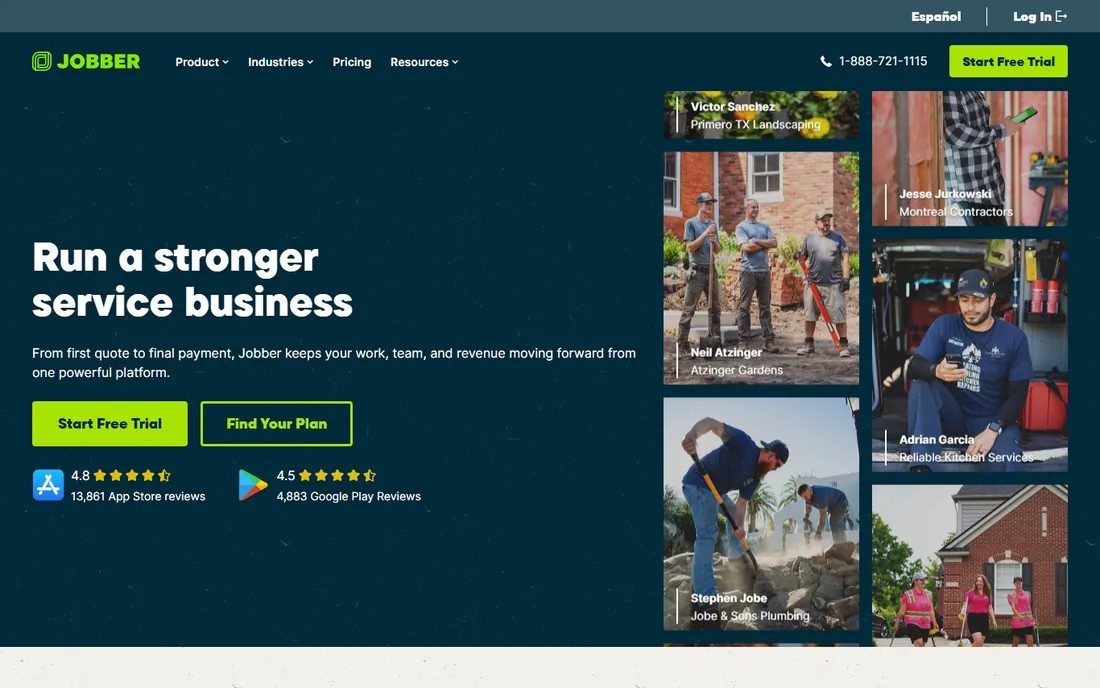
Jobber is the tool most solo appliance repair techs try first, and usually for one reason: it is the cheapest way into a professional setup. Core at $49 a month (or $29 with annual billing) handles online booking, quoting, scheduling, invoicing, and payments without gaps, and extra users cost a flat $29 a month each. That predictable per-user math makes it easy to budget as a shop grows from one truck to three.
What you give up is depth. There is no native flat-rate pricebook, so techs who want menu-style pricing have to build workarounds, and the marketing automation is lighter than Housecall Pro. For a small shop that mainly needs the operational backbone, those gaps rarely hurt. Jobber wins the entry-price comparison cleanly, which is why it stays the default recommendation for shops under five people.
What we like- Lowest entry price of the name-brand tools
- Quotes, scheduling and invoicing cover the full workflow
- $29 per extra user is predictable
Watch out for- No native flat-rate pricebook
- Marketing tools are thinner than Housecall Pro
Starting price$0 (Lite plan, up to 2 users); paid tiers on website
Free planYes
Workiz takes a different approach to pricing than almost everyone else on this list: the Lite plan is free for up to two users and includes scheduling, dispatching, estimates, invoicing, and payments. For a two-person shop, that is a complete business system at zero cost, which no other serious vendor here offers. It is the clear answer to "what should my husband-and-wife repair business use."
The trade-off shows up when the business grows. Paid plan pricing is not published in a simple per-user table, and third-party sources report paid tiers starting around $225 a month, which is a steep step up from free. The built-in phone system is a real strength for shops that take most jobs by phone, but it is sold separately from the base plans. Start on Lite, upgrade only when the free tier's limits actually bite, and get any paid quote in writing.
What we like- Free Lite plan is genuinely usable, not a demo
- Phone system and call tracking are built for service businesses
- AI answering tools on higher plans
Watch out for- Paid plan prices are not published clearly
- Phone system costs extra on most plans
Starting priceSee website
Free planFree trial
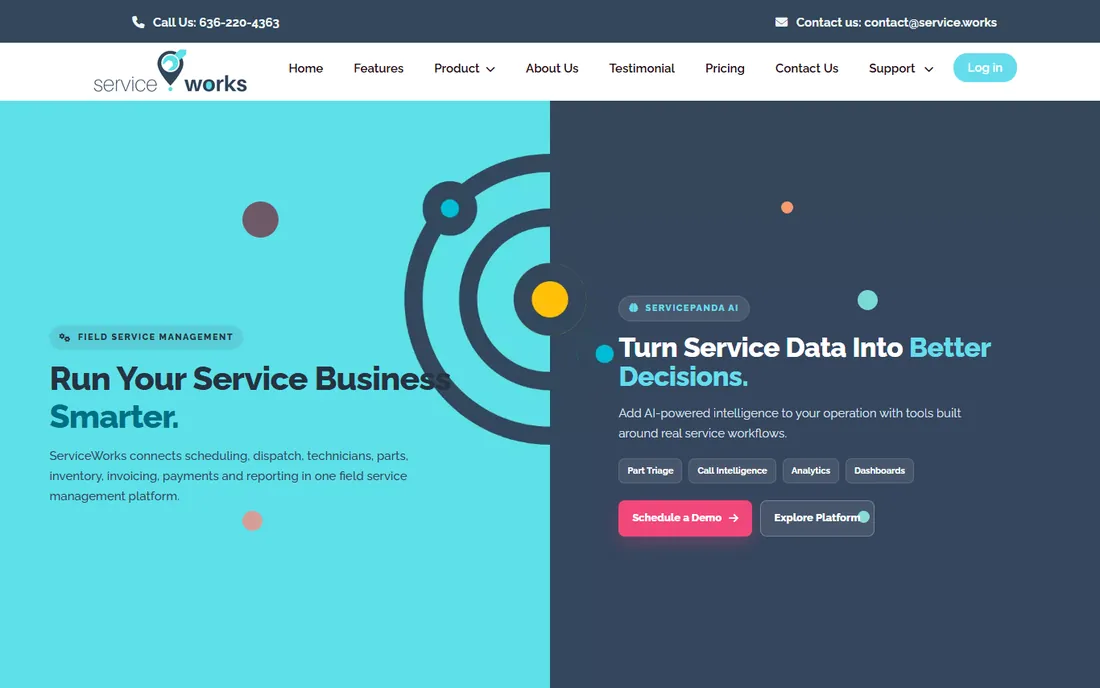
ServiceWorks is one of the few tools on this list that was designed around appliance repair rather than adapted to it. The inventory management tracks parts, tools, and replacements in real time, which is the feature repair shops complain about most when they outgrow generic scheduling software. A tech can check parts availability before driving to a house, and the work order tools capture photos, signatures, and notes in one place.
The onboarding is heavier than the one-click tools above. Third-party sources put pricing around $85 to $125 per user per month, but the vendor does not publish a price list, so buyers need a quote and a real trial. For a shop where parts chaos is the daily pain, that extra setup effort usually pays back. For a solo tech who just needs a calendar and invoices, it is more machine than the job needs.
What we like- Built with appliance repair workflows in mind
- Strong inventory and parts tracking
- QuickBooks integration plus built-in payments
Watch out for- Pricing is not published on the site
- Setup takes real planning for larger teams
Starting priceSee website
Free planNo
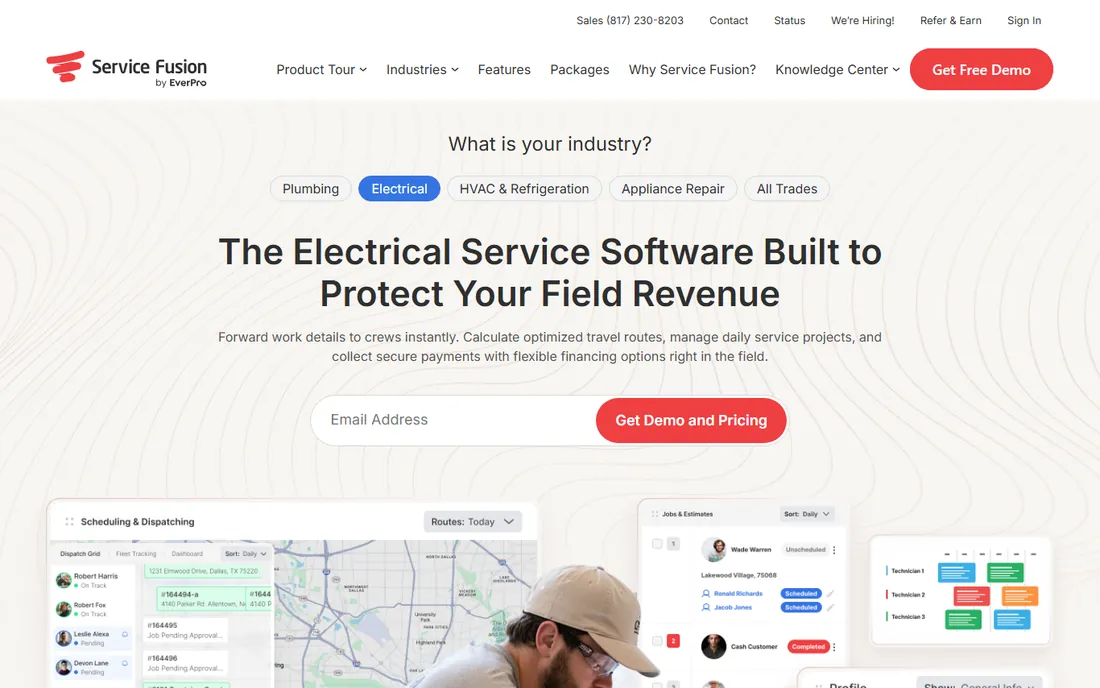
Service Fusion stands out on pricing structure rather than features: its plans are flat monthly fees rather than per-user charges. That makes it unusually friendly to shops with dispatchers, office staff, and techs all logging in, because every extra seat does not add to the bill. The feature set covers the essentials, with GPS tracking, inventory, and purchase orders included on mid tiers and up.
The floor is high, though. Third-party sources put the Starter plan around $225 a month, which is a lot for a two-person operation. And while the software works, the interface feels dated next to Jobber or Housecall Pro, so shops should make techs try the mobile app before committing. It fits best as the value pick for teams of six or more where per-seat tools would cost more.
What we like- Plans bundle unlimited users rather than charging per seat
- GPS fleet tracking built in
- Solid inventory and purchase order tools
Watch out for- Starter plan is expensive for tiny shops
- The interface shows its age next to newer competitors
Starting priceSee website
Free planFree trial
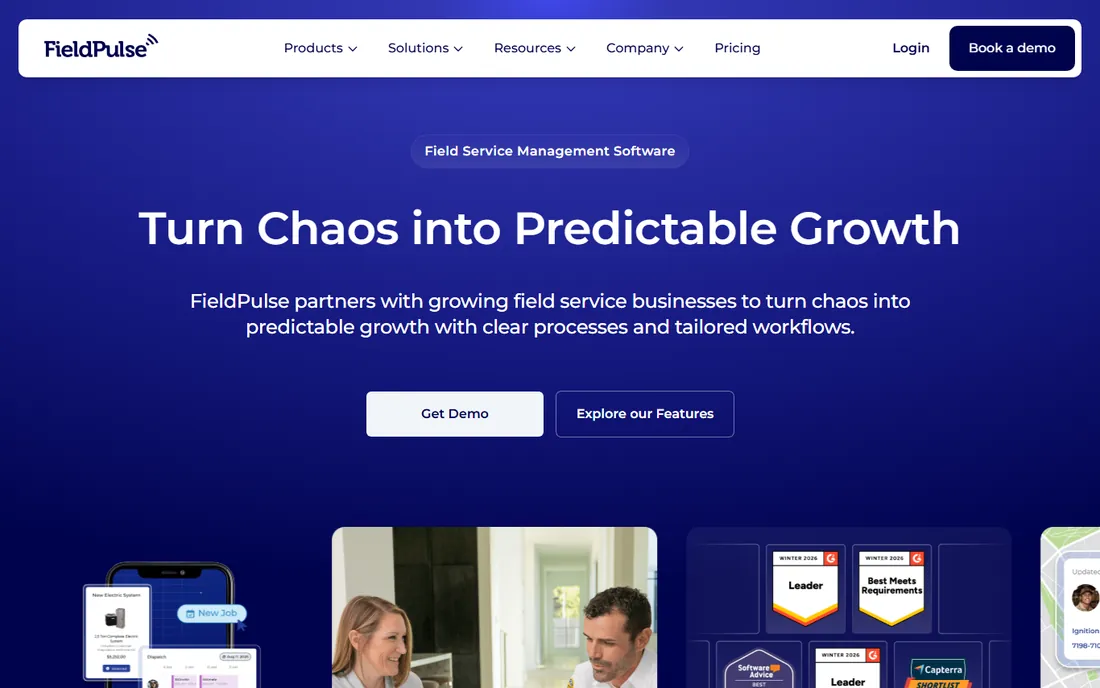
FieldPulse keeps the focus on the job itself: scheduling, dispatching, customer records, and payments, done cleanly. Its customer relationship features go further than most competitors at this price point, with activity tracking that helps shops remember service history across repeat visits. That matters in appliance repair, where the same customer calls back when the next appliance fails.
The platform does not try to be a marketing machine, and buyers who want automated review campaigns or financing tools should look at Housecall Pro instead. Integrations are thinner than the big names, though the essentials like QuickBooks are covered. It is a good middle pick for shops that find Jobber too simple and ServiceTitan too much, provided the price on the vendor's quote page works for the headcount.
What we like- Clean scheduling and dispatch without clutter
- Relationship management features are unusually good
- Flat-rate pricing option for growing teams
Watch out for- Marketing features are thin
- Fewer third-party integrations than the big names
Starting priceSee website
Free planFree trial
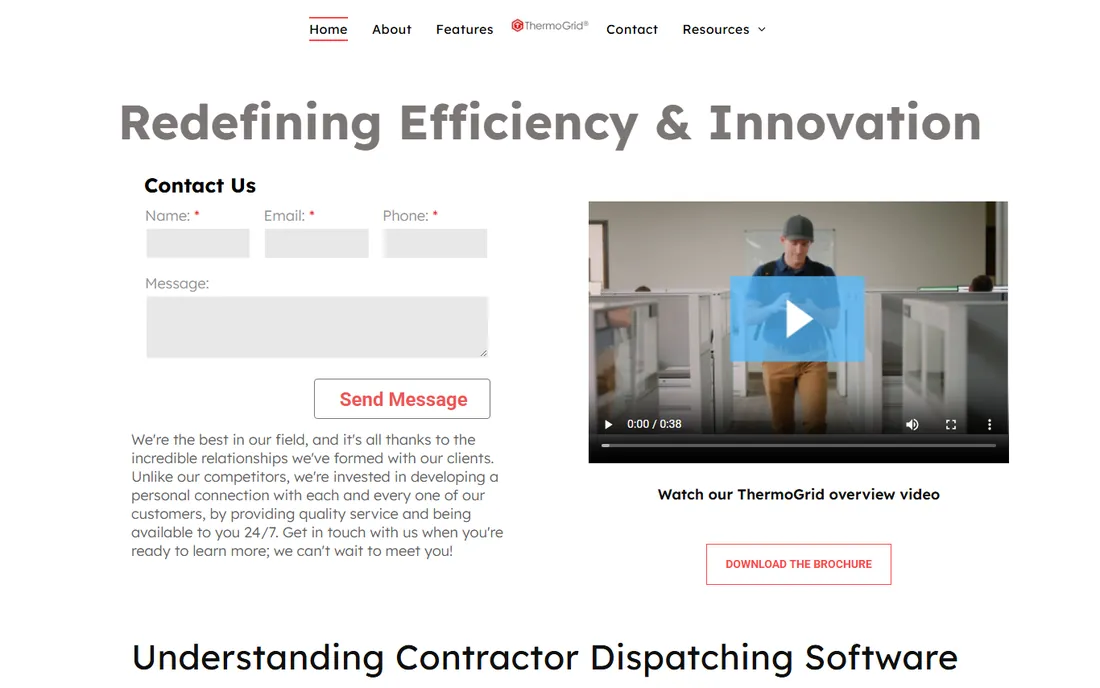
ThermoGrid is the niche pick for shops that straddle HVAC and appliance repair, which is common since the skill sets overlap. The mobile app works offline, a detail that matters when a tech is in a basement or a rural home with no signal, and the forms and workflows can be customized heavily to match how a shop actually runs. Some buyers also like that a one-time fee option exists alongside subscriptions.
The honest trade-off is vendor size. ThermoGrid is a smaller company than everyone else on this list, which means slower feature development and a support team that is not staffed like a giant's. The interface gets the job done but will not impress anyone coming from a modern app. Buyers who value deep customization and trade-specific workflow over polish should trial it against ServiceWorks before deciding.
What we like- Offline-capable mobile app for basements and rural calls
- Deep customization of forms and workflows
- One-time fee option exists
Watch out for- Small vendor with a smaller support team
- Interface is functional rather than polished
Starting priceSee website
Free planNo
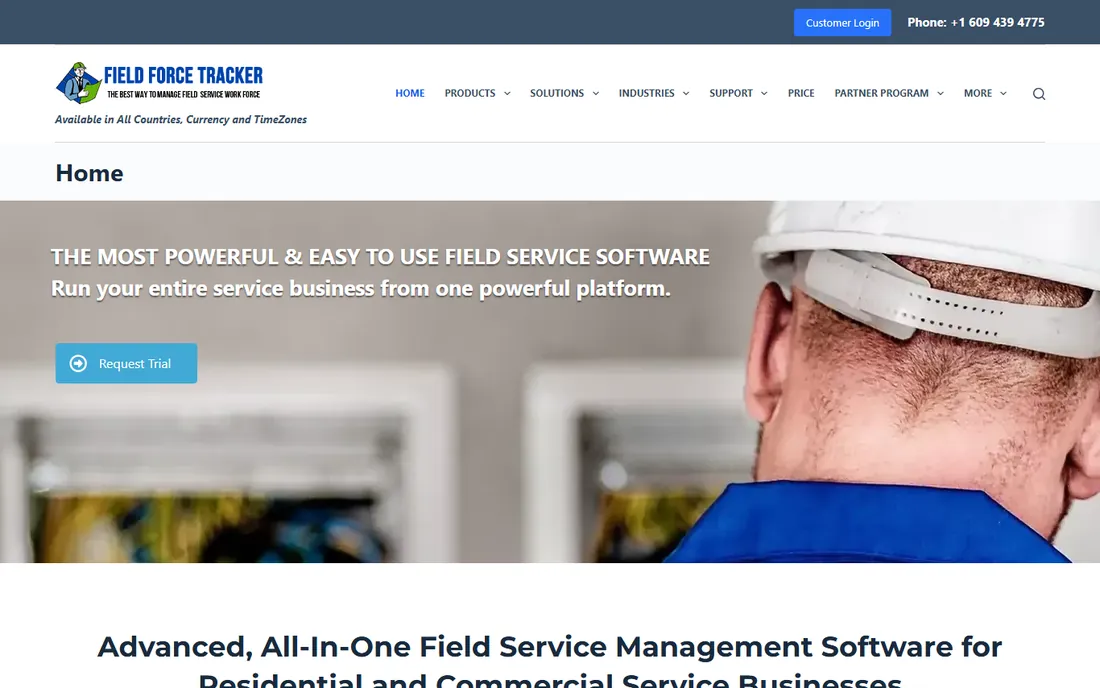
Field Force Tracker pitches itself as the tool a new shop can actually run within days, and that is its real selling point. The company says most customers go live in one to three days by importing their existing customer list, which is dramatically faster than the weeks-long onboarding of the enterprise tools. The design was shaped by owners, dispatchers, and techs, so the workflow matches how a shop actually runs rather than how a software designer imagines it.
The catch is transparency. There is no published pricing and no self-serve free trial, so buyers have to request a demo and negotiate a quote to learn the cost. Integrations are thinner than the market leaders. For a new appliance repair business that needs to be booking jobs this week, the fast start is worth the sales call. Established shops comparing on features and price should make the vendor show the full cost before comparing it to per-user alternatives.
What we like- Fast onboarding, most shops go live in 1 to 3 days
- Software designed with heavy input from actual owners and dispatchers
- Good-better-best pricing options for techs
Watch out for- No published pricing or free trial
- Smaller ecosystem of integrations
How we built this shortlist
We started with the field service platforms that actually serve appliance repair businesses in the United States, drawn from vendor feature lists, documentation, and reviews on G2, Capterra, and Reddit. Each tool had to exist as a shipping product today and handle the core repair workflow: scheduling and dispatch, work orders, parts or inventory tracking, invoicing, and payments. Pricing came from each vendor's own published pricing page, checked in October 2026, and where a vendor does not publish prices, the tables say "See website" instead of repeating a third-party guess. We never claim hands-on testing; this is a research-based comparison, not a lab review.
What to check before you sign a contract
Price per user is the number that decides most of these purchases, so map it to your real headcount before anything else. Jobber at $49 a month for one user becomes $107 for three, while Housecall Pro forces a tier jump at two users. Service Fusion and ServiceWorks quote flat or per-user plans that change the math again above five seats. Run every candidate through your actual number of techs, dispatchers, and office logins, on the billing cycle you will actually use, because month-to-month and annual prices differ by 30 to 40 percent.
Then check the three things that cause regret after the contract is signed. First, payment processing fees: 2.9 percent plus 30 cents per card transaction is standard, and on a $400 average ticket that is real money over a year. Second, data export: confirm you can export your customer list and job history in a usable format before you sign, because switching tools with your data held hostage is the most common complaint in this category. Third, contract length and cancellation terms, since several vendors sell annual plans at a discount and auto-renew them quietly.
Support hours matter more here than in most software categories, because a dispatch system that breaks on a Saturday morning costs you jobs. Ask each vendor what support actually covers on weekends, whether phone support is included or an add-on, and what onboarding looks like for a shop your size. The cheapest plan is rarely the cheapest outcome once a Saturday outage and a lost customer are factored in.
The parts problem nobody puts on the pricing page
Most comparisons of appliance repair software rank scheduling and invoicing, but the reason shops switch tools is parts. A tech who drives to a job without the right igniter or control board has burned fuel, labor, and a customer's patience. When you trial any of these tools, run one real scenario end to end: create a work order, reserve the part from inventory, dispatch the tech, and close the invoice. The tools built for repair trades, like ServiceWorks and ThermoGrid, tend to handle this chain natively. The generalist tools handle it adequately but sometimes need workarounds. Five minutes of scenario testing during a trial reveals more than an hour of feature-list reading.
Frequently asked questions
Do I need appliance-specific software, or will any field service tool work?
Any solid field service tool handles scheduling, invoicing, and payments. Appliance-specific tools earn their keep on parts and inventory tracking, because repair jobs depend on reserving the right part before the visit. If parts mix-ups cost you more than one callback a month, the specialist tools are worth the premium.
How much should a small appliance repair shop pay per month?
A solo tech can run on Jobber at $49 a month or start free on Workiz Lite. A shop of three to five usually lands between $100 and $300 a month on a mainstream tool, before payment processing fees. Quote-based tools like ServiceTitan start far higher and only make sense once revenue justifies them.
Is a free plan enough to run a repair business?
Workiz Lite covers scheduling, invoicing, and payments for two users at no cost, which is enough for a two-person startup. The limits appear as the business grows: automation, integrations, and reporting live on paid tiers. Start free, and upgrade when a specific missing feature is costing you money.
How long does it take to switch to new software?
Self-serve tools like Jobber and Housecall Pro can go live in a day or two if you import a clean customer list. Field Force Tracker advertises one to three days. ServiceTitan and ServiceWorks typically need weeks of setup and training. Plan the switch for your slow season and run the old system in parallel for two weeks.
Should I worry about per-user pricing as I hire?
Yes, and it is the most common surprise on the bill. Adding a dispatcher and two techs to a per-user tool can triple the monthly cost in a year. Flat-fee tools like Service Fusion get cheaper per seat as you grow, while per-user tools get more expensive. Model the cost at your 12-month headcount, not today's.
Can I leave if the software does not work out?
Usually, but check two things before signing: whether the plan auto-renews and what data export you get on cancellation. Month-to-month plans are the safest starting point, even though annual billing is cheaper. Avoid tools that will not show you the export format before you sign.
Sources we checked (9)
- https://homeserviceoperatorguide.com/jobber-vs-housecall-pro
- https://blog.service.works/service-business/appliance-repair/top-appliance-repair-scheduling-software/
- https://blog.service.works/service-business/appliance-repair/low-cost-appliance-repair-software-options/
- https://www.fieldproxy.ai/blog/best-appliance-repair-field-service-software-with-unlimited-user-acces-d1-11
- https://www.fieldforcetracker.com/appliance-repair-software/
- https://contractorplus.app/blog/housecall-pro-vs-workiz
- https://contractorplus.app/blog/workiz-vs-service-fusion
- https://www.softwareworld.co/software/thermogrid-reviews/
- https://sourceforge.net/software/compare/FieldAx-vs-Service-Fusion-vs-ThermoGrid/
Is your product missing or out of date?
We review this list regularly. Vendors can request a listing, send updated pricing or ask about featured placement.

Shihab Mia · Founder, Rankite
Shihab has spent more than a decade helping SaaS and e-commerce brands grow through search. He writes Rankite's software buying guides from pricing pages, documentation and public user reviews. More about Shihab.