How we make this list: we compare pricing pages, product documentation and public user reviews. Rankite is independent; if a vendor ever pays for a featured spot, that listing is clearly labeled Partner.
Key takeaways
- Small shops should start with transparent, self-serve options: Jobber from $29 a month, Housecall Pro from $59 a month, ServiceM8 from $29 a month with a free tier.
- ServiceTitan and FieldEdge serve large HVAC, plumbing and electrical operations with per-tech pricing and sales-led buying; expect serious implementation.
- Tradify is the trade-focused option with per-user pricing and a 14-day trial; simPRO covers inventory, fleet and project depth for bigger contractors.
- mHelpDesk suits buyers who want offline mobile work and a broad native feature set at a flat monthly cost.
Quick comparison
| Tool | Best for | Starting price | Free plan |
|---|
 Jobber Jobber | Small service businesses that want simplicity | $29/month (Core, billed annually) | Free trial (14 days) |
 Housecall Pro Housecall Pro | Home-service teams needing booking and dispatch | $59/month (Basic, billed annually) | Free trial (14 days) |
 ServiceM8 ServiceM8 | Teams that want unlimited users | $29/month (Starter) | Free plan |
 Tradify Tradify | Trade contractors wanting clean per-user pricing | $48/user/month | Free trial (14 days) |
 mHelpDesk mHelpDesk | Offline mobile work and native depth | See website | No |
 FieldEdge FieldEdge | HVAC and plumbing with QuickBooks Desktop | See website | No |
 simPRO simPRO | Inventory, fleet and project complexity | See website | No |
 ServiceTitan ServiceTitan | Large multi-tech franchise operations | See website | No |
Is your product missing or out of date?
We review this list regularly. Vendors can request a listing, send updated pricing or ask about featured placement.
The best field management software
Starting price$29/month (Core, billed annually)
Free planFree trial (14 days)
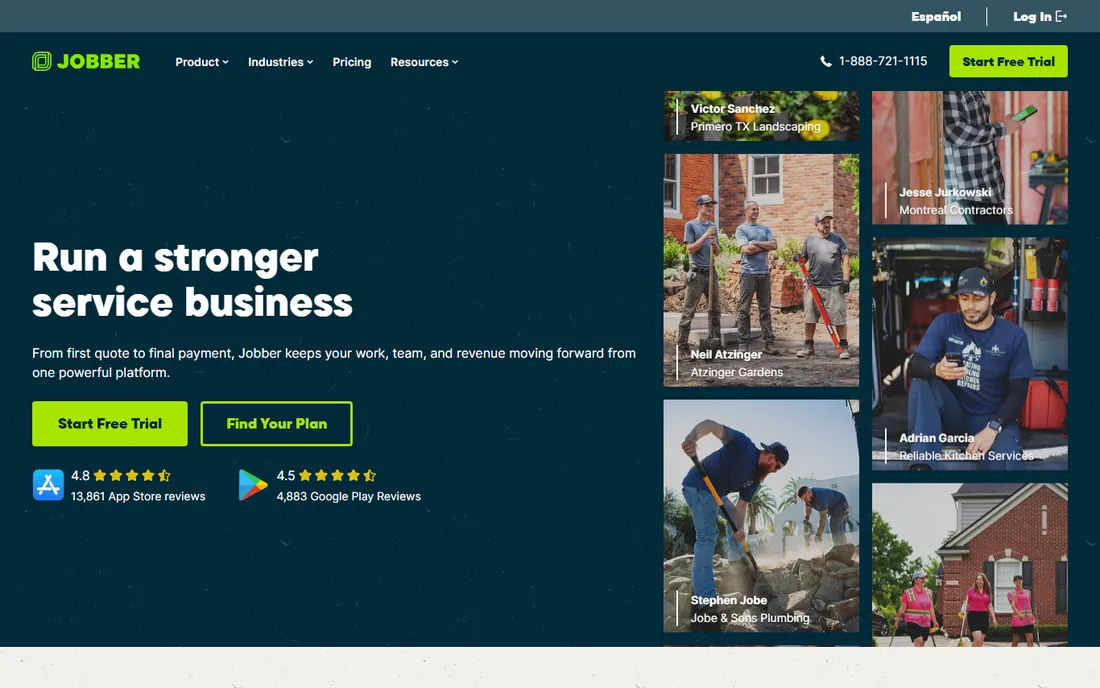
Jobber is the most approachable field service platform for small businesses, with its Core plan starting at $29 a month billed annually ($49 on monthly billing) for one user, including online booking, quoting, invoicing, payments and reporting. Connect, Grow and Plus tiers scale up to 15-user teams with automation, two-way texting and marketing tools.
The strength is polish. Jobber is consistently praised for being easy to learn, for clean client-facing workflows (quotes customers approve online, automated reminders, on-my-way texts), and for integrations with QuickBooks Online, Xero, Stripe and Zapier. A 14-day free trial on the Grow plan needs no credit card.
The honest limits: Core is genuinely single-user, so hiring immediately pushes you up the ladder; advanced automation like two-way texting and quote follow-ups only become available on Grow; and payment processing fees apply on top. For solo operators and small teams that value simplicity, Jobber remains the default recommendation.
What we like- Easy to learn
- Transparent pricing
- Strong client communication tools
Watch out for- Core plan is single-user
- Automation lives on higher tiers
- No free plan
Starting price$59/month (Basic, billed annually)
Free planFree trial (14 days)
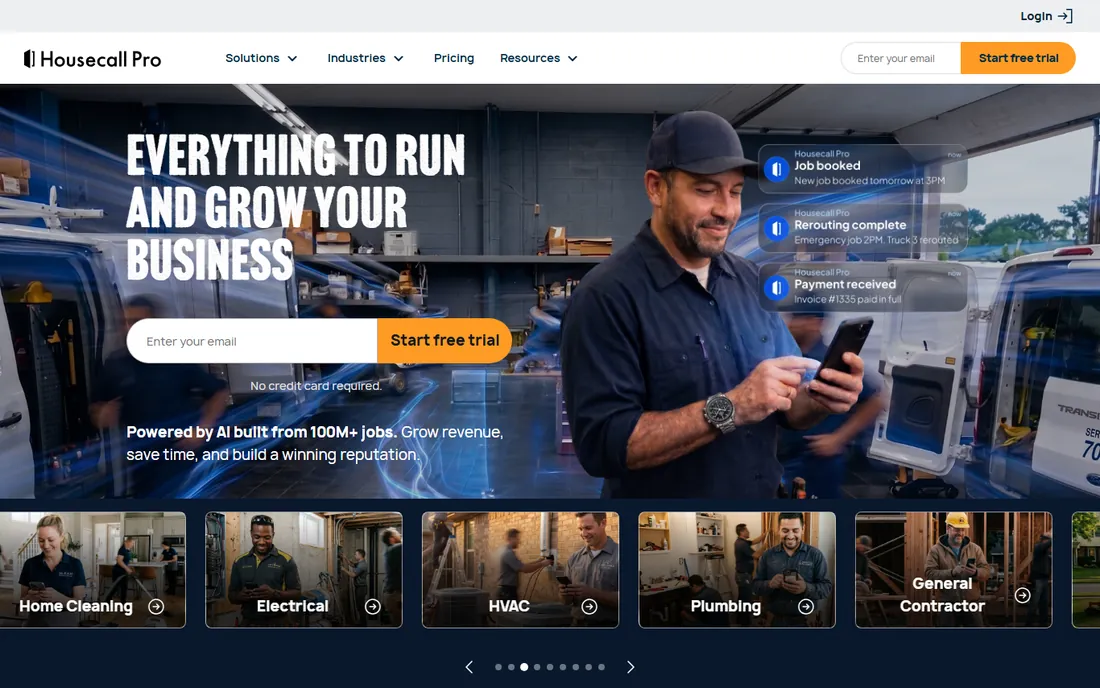
Housecall Pro serves home-service businesses from solo operators to 100-plus teams, starting at $59 a month billed annually ($79 monthly) for a single user on Basic. Essentials covers up to five users and MAX up to eight, with scheduling, dispatching, invoicing and mobile access on every plan, plus a 14-day free trial.
The platform's identity is home services: plumbing, HVAC, electrical, cleaning, pest control and the rest, with consumer-friendly booking, automated customer communication, review management and on-the-road payments. Its mobile app is a genuine strong point for technicians.
The honest catch is the per-user economics. Costs rise steeply as teams grow, and features like service plans, pipeline and the sales proposal tool are paid add-ons. For home-service teams that want a proven, consumer-polished platform, it is excellent; budget the per-user math before you scale.
What we like- Built for home services
- Strong mobile app
- Good reputation tools
Watch out for- Costs climb fast with users
- Key add-ons cost extra
- Per-user model
Starting price$29/month (Starter)
Free planFree plan
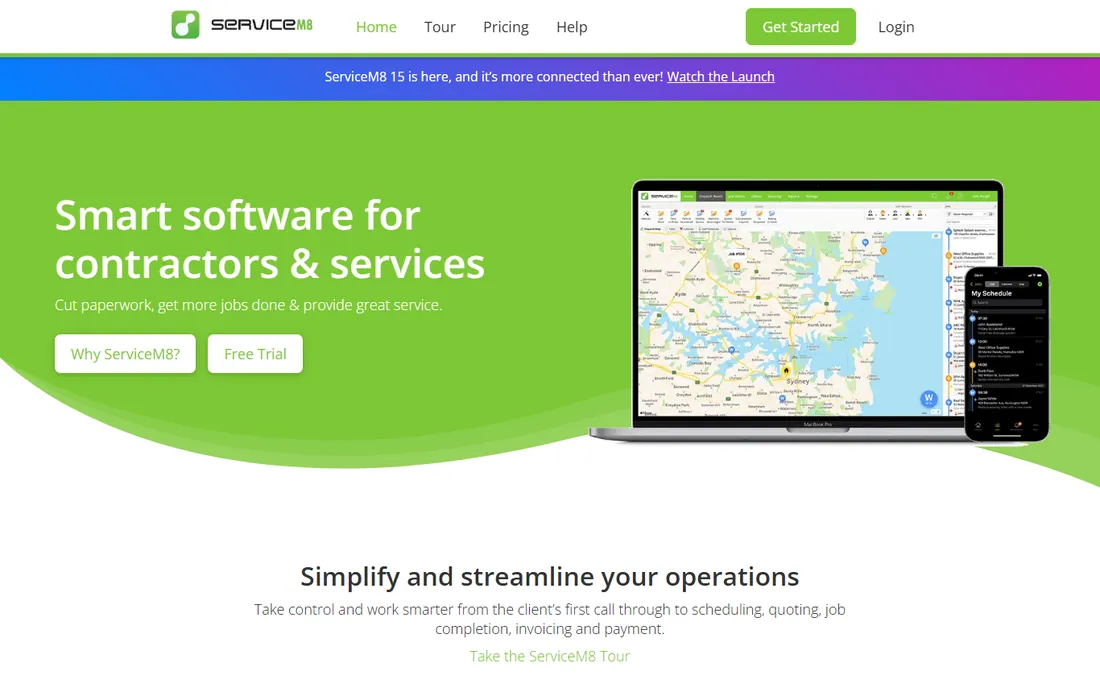
ServiceM8 prices by monthly job volume instead of headcount: a free plan (1 user, 30 jobs a month), Starter at $29 a month (50 jobs), Growing at $79, Premium at $149 and Premium Plus at $349, with unlimited staff logins on every paid plan and a 14-day free trial.
That model makes it unusually affordable for teams: a five-person crew at 100 jobs a month costs the same as a solo operator at the same volume. It covers scheduling, dispatch, quoting, invoicing, forms, asset management and integrations with Xero, QuickBooks and MYOB, plus newer AI helpers for notes and invoicing.
The honest caveats: ServiceM8 is built for Apple, and field techs need iPhones or iPads for full functionality; the job-based caps mean high-volume shops move up tiers; and add-ons like advanced scheduling carry extra fees. Apple-equipped teams with moderate job volume get excellent value here.
What we like- Unlimited users on paid plans
- Free tier for sole traders
- Prices by job volume
Watch out for- Built for Apple devices
- Job-based limits
- Add-ons cost extra
Starting price$48/user/month
Free planFree trial (14 days)
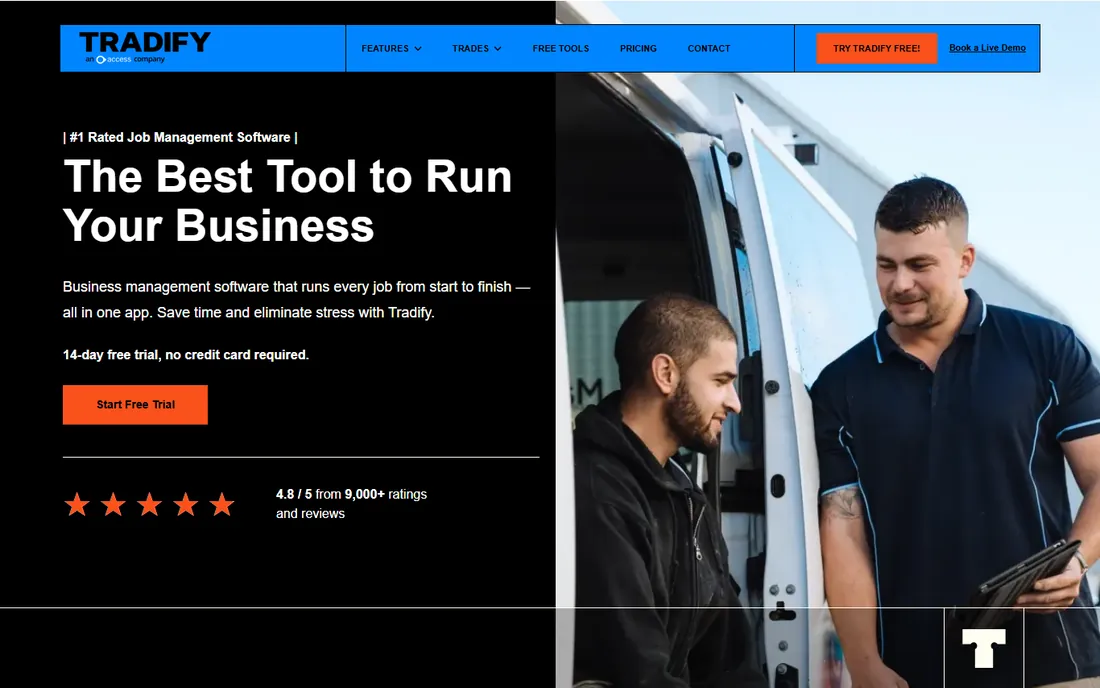
Tradify is the New Zealand-born job management app for trades (electrical, plumbing, HVAC, building, landscaping and more), priced at $48 per user per month on a simple month-to-month subscription with no contracts and a 14-day free trial. Team pricing options exist for larger crews.
The appeal is clarity. One per-user price, desktop plus Android and iOS apps, quoting, scheduling, time tracking, invoicing, and free sync with Xero, MYOB, QuickBooks and Sage. Tradify's experts handle onboarding and training, and twice-weekly live walkthroughs help teams adopt quickly.
The honest limits: per-user pricing means a ten-person crew pays ten subscriptions; SMS messaging and the instant website feature carry additional fees; and the trade focus means it lacks depth for complex project management. For trade businesses that want straightforward software without enterprise sales, Tradify fits well.
What we like- Simple month-to-month pricing
- No contracts
- Strong accounting sync
Watch out for- Per-user costs scale
- SMS and website features cost extra
- Trade-only focus
Starting priceSee website
Free planNo
mHelpDesk is the veteran field service platform with deep native functionality: lead management, workflow automation, inventory tracking, scheduling, dispatch and a customer portal, with an offline mobile mode that keeps working in spotty coverage. Pricing is quote-based through its site.
The standout is coverage. Where competitors push advanced features to higher tiers or add-ons, mHelpDesk packs lead management, automation and inventory into the core platform. The offline mobile capability is a genuine differentiator for rural and basement-heavy service areas, and billing integrates with QuickBooks.
The honest caveats: no published pricing makes budgeting harder, the interface shows the product's age, and billing and invoicing lean on the QuickBooks integration rather than standing alone. It suits buyers who value native depth and offline reliability over modern polish.
What we like- Offline mobile mode
- Broad native features
- Lead management included
Watch out for- No published pricing
- Dated interface
- Billing needs accounting integration
Starting priceSee website
Free planNo
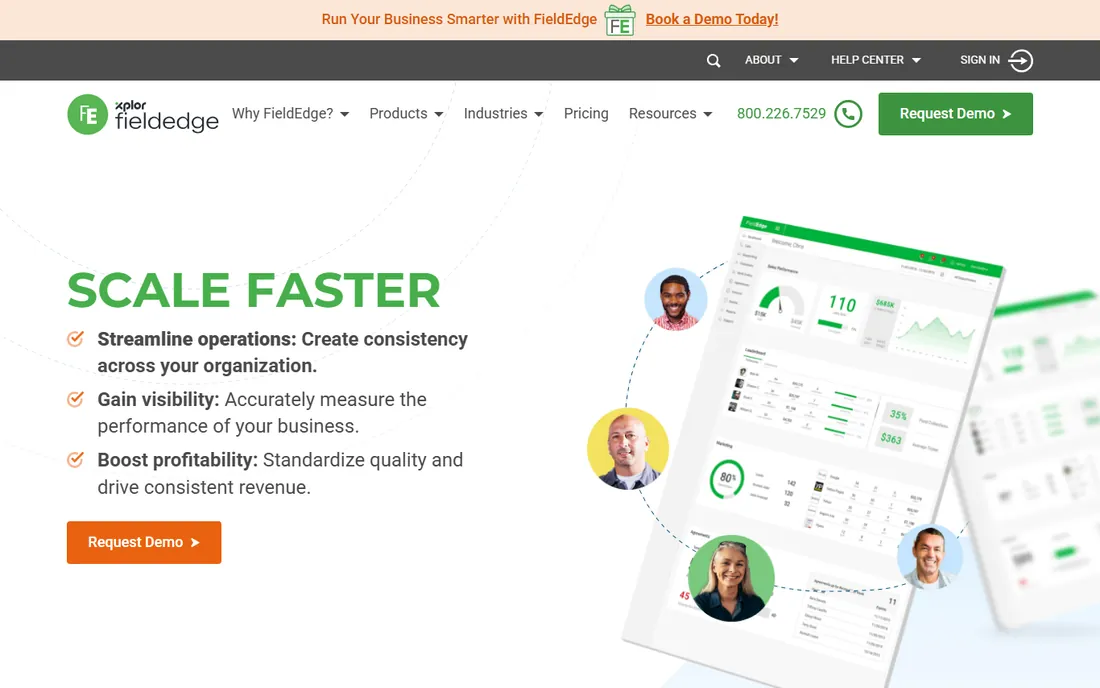
FieldEdge (now part of Xplor Technologies, descended from the classic ESC software) serves HVAC, plumbing and electrical contractors with dispatch, flat-rate pricing, and the deepest QuickBooks integration in the category, including QuickBooks Desktop, which most competitors have dropped. Pricing is quote-based with no free trial.
The accounting depth is the reason to buy. If your business runs on QuickBooks Desktop, FieldEdge keeps customers, invoices and payments aligned bidirectionally, and its flat-rate price book (from the old Coolfront product) is built for service and repair work. Contractor-reported pricing sits around $100 per office user and $125 per technician per month with annual contracts.
The honest reality: opaque pricing, no self-serve trial, setup fees and annual commitments make it a considered purchase. It is the right call for QuickBooks Desktop shops and flat-rate trades; everyone else should weigh the transparent, cheaper self-serve options first.
What we like- Deep QuickBooks Desktop sync
- Flat-rate price book heritage
- Dispatch focus
Watch out for- No published pricing
- No free trial
- Annual contracts and setup fees
Starting priceSee website
Free planNo
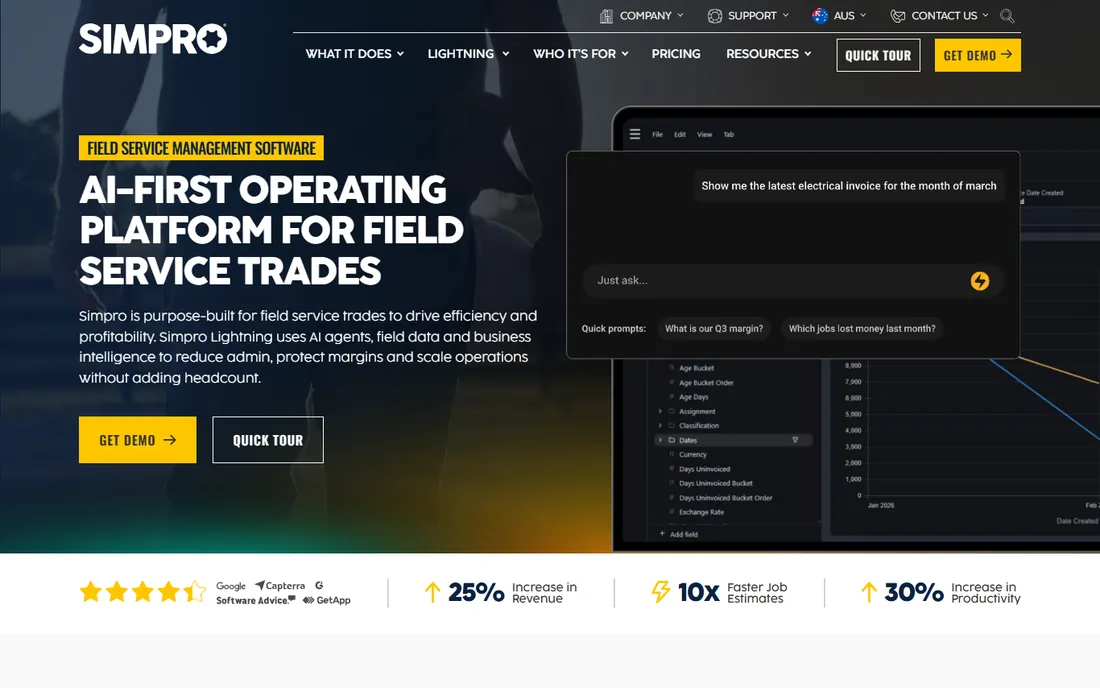
simPRO is the heavyweight operational platform for trade contractors, covering scheduling, dispatch, quoting, inventory, fleet tracking with live GPS and geofencing, project management, service and maintenance, and integrations with Xero, QuickBooks Online and NetSuite. Pricing is quote-based with no free trial.
The depth is the point. Few competitors combine real-time inventory, predictive maintenance, SLA management and multi-project workflows in one system, which is why larger electrical, plumbing, HVAC, security and fire-protection contractors choose it. Smart scheduling matches technicians to jobs by skill, availability and location.
The honest catch is weight. Implementation is a genuine project, the learning curve is steep, and the mobile app does not fully mirror the desktop experience. For complex operations that will use the depth, simPRO pays off; for simple scheduling needs, it is overkill.
What we like- Deep operational features
- Fleet and IoT tracking
- Strong project workflows
Watch out for- Steep learning curve
- No free trial
- Setup is a project
Starting priceSee website
Free planNo
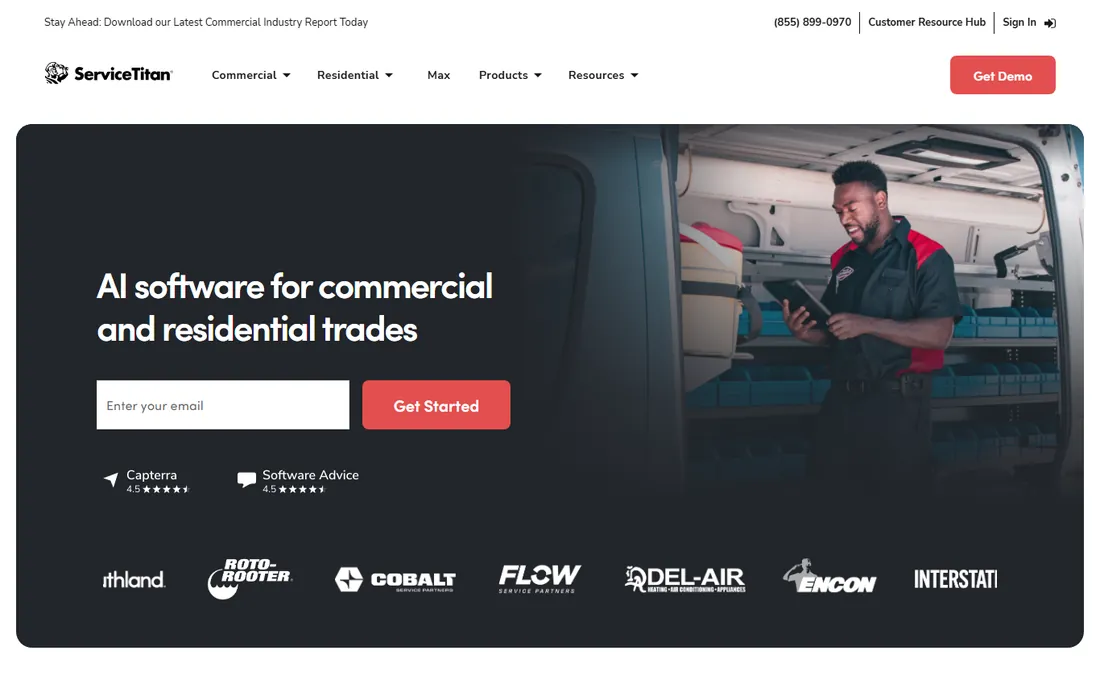
ServiceTitan is the category's enterprise flagship for residential service franchises, offering CRM, intelligent dispatch, mobile estimating, invoicing, marketing automation, call center tools and analytics across Starter, Essentials and The Works tiers, priced per technician by quote. There is no free trial and commitments run twelve months minimum.
The breadth is unmatched: few platforms cover dispatch, pricebook, marketing, phones and reporting with this depth, and multi-location franchise reporting is the reason large operators standardize on it. Contractor-reported pricing runs roughly $245 to $500 per technician per month, plus implementation fees of $5,000 to $50,000 and add-ons like Marketing Pro.
The honest reality: ServiceTitan itself says the platform is not optimized for shops with three or fewer technicians, and consensus puts the sweet spot at twenty-plus techs and seven-figure revenue with six-to-twelve-month implementations. It is the best tool in the category for the right buyer and the wrong tool for small shops.
What we like- Enormous feature breadth
- Franchise and multi-location reporting
- Strong marketing tools
Watch out for- No published pricing
- No free trial
- Long implementation and annual contracts
What to compare before you buy
Per-user vs per-job vs per-tech pricing
The category uses three models. Per-user (Jobber, Housecall Pro, Tradify) is predictable but grows with headcount. Per-job (ServiceM8) favors teams with moderate volume and unlimited logins. Per-tech (ServiceTitan, FieldEdge) gets expensive fast with large crews. Model your actual team and volume against each before committing.
Your accounting software
Field service lives and dies on the accounting sync. FieldEdge owns QuickBooks Desktop depth; Jobber and Housecall Pro cover QuickBooks Online and Xero well; Tradify and ServiceM8 lean toward Xero and MYOB. Pick the platform that syncs with the ledger you actually run, because double entry is where field software fails in practice.
How we chose
We built this list from vendor pricing pages and 2026 industry reporting, cross-checking published prices against at least two sources. Every tool had to offer scheduling, dispatch and field-mobile workflows for service businesses and be live today. Prices are stated exactly as vendors publish them; where vendors sell by quote, we wrote "See website". We did not run hands-on trials; this guide reflects documented capabilities as each vendor presents them.
Frequently asked questions
How much does field management software cost?
Small-shop tools publish pricing: Jobber from $29 a month, ServiceM8 from $29 a month with a free tier, Housecall Pro from $59 a month and Tradify at $48 per user per month. Enterprise platforms (ServiceTitan, FieldEdge, simPRO, mHelpDesk) sell by quote, with contractor-reported figures of $100-plus per user or $245-plus per technician monthly.
What is field service management software?
It is software that runs service businesses with workers in the field: scheduling and dispatching jobs, managing customer records, quoting and invoicing, collecting payments, tracking technicians and running reporting. It replaces the whiteboard, the paper job cards and the spreadsheet billing that small shops outgrow.
Do I need field management software as a solo operator?
Usually yes once the paperwork costs you real time. Solo plans from Jobber, Housecall Pro and ServiceM8's free tier cover quoting, scheduling, invoicing and payments for the price of one job a month. The payoff is faster invoicing, fewer missed calls and a professional customer experience.
Which field software integrates with QuickBooks Desktop?
FieldEdge is the standout for QuickBooks Desktop, with deep bidirectional sync that most competitors have abandoned. Most other platforms focus on QuickBooks Online. If your accounting runs on Desktop and you will not migrate, FieldEdge is the natural shortlist.
What is the difference between ServiceTitan and Jobber?
Scale and sales motion. ServiceTitan is an enterprise platform for large franchise operations with per-tech pricing, annual contracts and long implementations. Jobber is a self-serve SMB platform with published pricing, a 14-day trial and same-day setup. Shops under about twenty technicians almost always belong on Jobber or its peers.
How long does implementation take?
Self-serve tools (Jobber, Housecall Pro, ServiceM8, Tradify) get you running in days with guided onboarding. Enterprise platforms (ServiceTitan, simPRO, FieldEdge) take weeks to months, with data migration, pricebook setup and training. Budget the implementation time, not just the subscription, when comparing.
Sources we checked (8)
- https://www.getjobber.com/pricing/
- https://www.housecallpro.com/pricing/
- https://www.servicem8.com/pricing
- https://www.tradifyhq.com/pricing/
- https://www.mhelpdesk.com/pricing/
- https://www.fieldedge.com/pricing/
- https://www.simprogroup.com/pricing/
- https://www.servicetitan.com/pricing/
Is your product missing or out of date?
We review this list regularly. Vendors can request a listing, send updated pricing or ask about featured placement.

Shihab Mia · Founder, Rankite
Shihab has spent more than a decade helping SaaS and e-commerce brands grow through search. He writes Rankite's software buying guides from pricing pages, documentation and public user reviews. More about Shihab.