How we make this list: we compare pricing pages, product documentation and public user reviews. Ratings come from G2, Capterra or Trustpilot, with the date we checked them.
Key takeaways
- HeyGen is the best overall talking photo app, with its Avatar IV photo model, 175 or more languages, and polished lip sync.
- D-ID is the cheapest annual option for regular talking photo work, with a Lite plan at $4.70 per month on annual billing.
- Hedra suits expressive characters and cartoons, animating non-human faces better than presenter-focused tools.
- Magic Hour gives the cleanest free test, with 5-second watermark-free exports on its free account.
- Consent is mandatory: never animate a real person's photo or likeness without their permission, and every reputable platform now asks for consent verification before cloning a real person.
Quick comparison
| Tool | Best for | Starting price | Free plan |
|---|
 HeyGen HeyGen | Best overall talking photos | $24 per user/month | Yes |
 D-ID D-ID | Cheapest annual plan | $4.70 per user/month | Free trial |
 Hedra Hedra | Expressive characters | See website | Yes |
 Magic Hour Magic Hour | Free watermark-free test | $12 per month | Yes |
 Vidnoz Vidnoz | Avatar variety plus talking photos | See website | Yes |
 DeepBrain AI DeepBrain AI | Unlimited presenter videos | See website | Yes |
 SadTalker SadTalker | Free local open-source animation | Free | Yes |
 VlogMe VlogMe | Pay-per-clip transparency | $10 per pack | Yes |
Is your product missing or out of date?
We review this list regularly. Vendors can request a listing, send updated pricing or ask about featured placement.
The best mobile apps for AI talking photos
#1HeyGen
Best for: Best overall talking photos4.8/5 on
G2 (1,973 reviews, checked Oct 2026)
Visit heygen.com
Starting price$24 per user/month
Free planYes
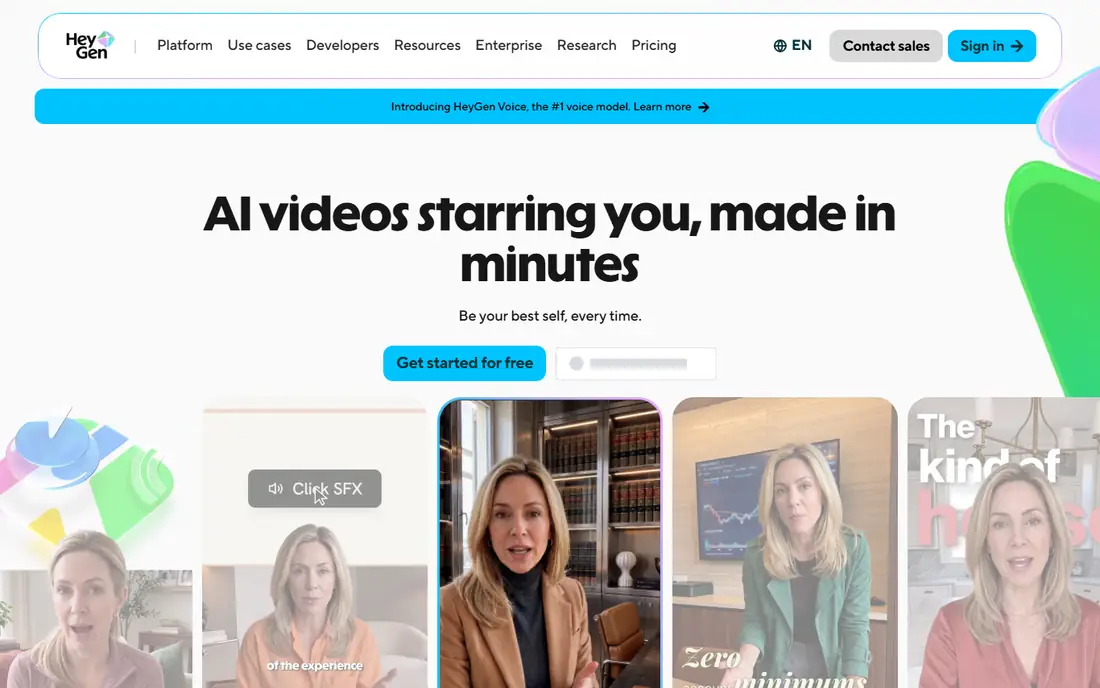
HeyGen wins for most talking photo work. Its Avatar IV photo model animates a single headshot with realistic lip sync, its Creator plan at $24 per user per month on annual billing covers a typical job of twenty 30-second clips a month within its 600 monthly credits, and its translation and voice cloning tools sit in the same platform. For a creator posting talking clips commercially every week, HeyGen's breadth justifies its price.
The limits are credits and watermark. The free plan allows 3 videos per month with a watermark, and each app bills in a different unit, so price a real job in finished minutes before subscribing. HeyGen fits best for regular commercial talking photo work.
What we like- Avatar IV photo model with polished lip sync
- 175 or more languages
- Translation and voice cloning in the same platform
Watch out for- Creator at $24 per user per month on annual billing
- Free plan allows 3 videos per month with a watermark
- Credit math needs checking per job
#2D-ID
Best for: Cheapest annual plan4.6/5 on
G2 (135 reviews, checked Oct 2026)
Visit d-id.com
Starting price$4.70 per user/month
Free planFree trial
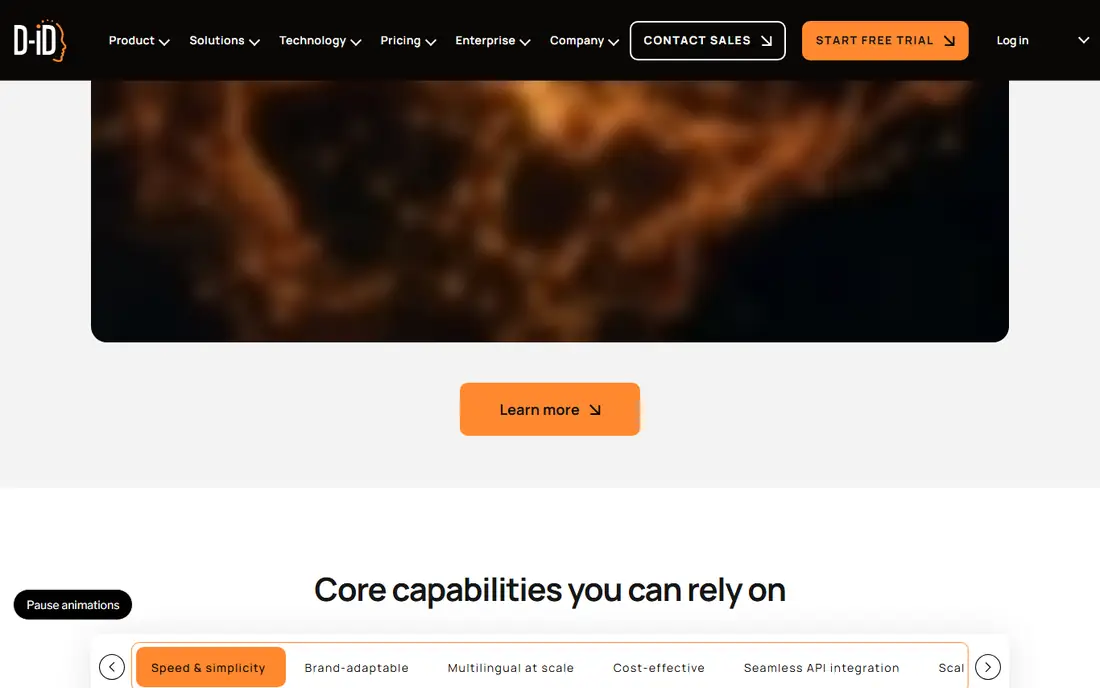
D-ID suits budget buyers who stay under 15 minutes a month. Its Lite plan at $4.70 per user per month on annual billing is the cheapest regular option in this list, while Pro at $191 per year covers 15 minutes a month for explainers and training videos. Its Creative Reality Studio accepts an image, text, or audio input, and its API tools suit developers building talking photo features into their own apps.
The trade is plan rules. Commercial use and watermark rules change by plan, and its Lite minutes cap suits short clips rather than long presenter videos. D-ID fits best for budget explainer and training videos from a single photo.
What we like- Cheapest annual plan for the job
- Pro covers 15 minutes a month
- Photo avatars plus developer API tools
Watch out for- Commercial use and watermark rules change by plan
- Lite plan limits minutes
- Less expressive for cartoon characters than Hedra
Starting priceSee website
Free planYes
Hedra suits storytellers and character accounts. Its Character-3 model animates expressive characters and cartoons, including non-human faces, better than presenter-focused tools, which makes it the pick for animated characters, mascots, and social storytelling. Its free tier lets a creator test character animation before paying.
The limits are credit cost and realism. Character-3 costs 6 credits per second, so long clips consume credits fast, and its presenter realism trails HeyGen for corporate video. Hedra fits best for expressive character work and social storytelling.
What we like- Character-3 animates non-human faces well
- Expressive characters and cartoons
- Good for storytellers and character accounts
Watch out for- Credit cost at 6 credits per second adds up for long clips
- Presenter realism trails HeyGen
- Pricing needs checking per plan
Starting price$12 per month
Free planYes
Magic Hour suits creators who want to test a photo before paying anything. Its free account exports 5-second clips with no watermark, the main exception among free tiers, and its browser workflow needs no signup for a guest trial. Creator at $12 per month on annual billing adds longer clips and more tools, including lip sync and face swap workflows.
The trade is length and breadth. Free clips are capped at 5 seconds, and its presenter features are fewer than HeyGen's. Magic Hour fits best for testing a photo and for short social clips.
What we like- Free exports carry no watermark, capped at 5 seconds
- Direct browser input with a no-signup guest trial
- Simple talking photo workflow
Watch out for- Free clips capped at 5 seconds
- Creator at $12 per month on annual billing
- Fewer presenter features than HeyGen
#5Vidnoz
Best for: Avatar variety plus talking photos4.9/5 on
G2 (16 reviews, checked Oct 2026)
Visit vidnoz.com
Starting priceSee website
Free planYes
Vidnoz suits marketers who mix photos and stock presenters. Its library of over 1,900 stock avatars sits beside its talking photo tool, so a team can combine a real photo intro with a stock presenter for the rest of a video, all in template-based workflows. Its recurring daily free allowance lets a creator test daily without paying.
The limits are watermark and credits. Daily free exports are watermarked, and its credit-based pricing needs checking per job. Vidnoz fits best for marketers who want avatar variety plus talking photos in one tool.
What we like- Over 1,900 stock avatars beside the talking photo tool
- Recurring daily free allowance
- Template-based video workflows
Watch out for- Daily free exports are watermarked
- Credit-based pricing needs checking
- Avatar quality varies by template
#6DeepBrain AI
Best for: Unlimited presenter videos4.3/5 on
G2 (1,060 reviews, checked Oct 2026)
Visit deepbrain.io
Starting priceSee website
Free planYes
DeepBrain AI suits volume users who also need presenter videos. Its Personal plan allows unlimited videos up to 10 minutes each, which beats credit-capped rivals for a team producing many training or marketing videos. Its talking photo tools sit inside a broader presenter platform, so a team can mix photo avatars and studio presenters.
The trade is pricing clarity and focus. Its pricing is quote-based in some guides, and its presenter focus suits corporate video more than short social clips. DeepBrain AI fits best for corporate volume video with talking photo needs.
What we like- Personal plan allows unlimited videos up to 10 minutes each
- Presenter videos plus talking photos
- Good for volume users
Watch out for- Pricing is quote-based in some guides
- Presenter focus suits corporate video more than social clips
- Free tier limits need checking
Starting priceFree
Free planYes
SadTalker suits technical users who want to run a talking-face model locally. It is open source and free, with no subscription or credit caps, and it runs on your own hardware, which suits privacy-sensitive work and experimentation. For a developer or researcher, local operation gives control that hosted tools cannot.
The limits are setup and polish. SadTalker needs technical setup and a capable GPU, it has no hosted support or mobile app polish, and output quality depends on hardware and settings. SadTalker fits best for technical users who want free, local talking photo generation.
What we like- Free and open source
- Runs locally on your own hardware
- No subscription or credit caps
Watch out for- Needs technical setup and a capable GPU
- No hosted support or mobile app polish
- Output quality depends on your hardware and settings
Starting price$10 per pack
Free planYes
VlogMe suits irregular users who want upfront cost visibility. It shows the exact credit quote before each generation, a $10 pack covers roughly three 30-second clips, and you pay only when you render, with clips up to 10 minutes. For a creator who makes talking photos occasionally rather than weekly, that transparency beats a subscription that goes unused.
The trade is regular-use cost. Pay-per-clip costs more for frequent users than HeyGen's or D-ID's subscriptions, and VlogMe is a newer brand than its larger rivals. VlogMe fits best for occasional talking photo work with clear per-clip pricing.
What we like- Exact credit quote before each generation
- $10 pack covers roughly three 30-second clips
- Clips up to 10 minutes
- Pay only when you render
Watch out for- Pay-per-clip costs more for regular users than a subscription
- Newer brand than HeyGen or D-ID
- Planning a video is free but rendering is paid
How we chose
We compared these tools on lip sync quality, credit and minute pricing, free tier value, avatar variety, and mobile fit, since talking photo pricing hides limits in different billing units. Pricing figures come from vendor pages and current comparison guides checked in October 2026, and any figure we could not confirm is marked as See website. We did not claim hands-on testing. Instead we weighed public documentation, pricing pages, and user reviews, plus the practical difference between a talking photo and a reusable talking avatar.
What to check before you pick
Start with the job, not the monthly price. Price one real job, such as twenty 30-second clips a month from one photo, across each tool's credits or minutes, since a low monthly price means little if a 10-second clip eats a third of the monthly allowance. Next, check the photo: a sharp, front-facing, well-lit portrait with eyes and mouth clearly visible gives the best result, while extreme angles, heavy shadows, sunglasses, masks, and covered mouths hurt lip sync. Finally, check commercial use and watermark rules per plan, since free plans are best for testing, not for client work.
Consent and deepfake safety
Never animate a real person's photo or likeness without their permission. Talking photo tools can create convincing videos of people saying things they never said, which can mislead viewers, damage reputations, and break platform rules and, in some places, the law. Every reputable platform now asks for consent verification before cloning a real person: plan a short verification step into any project that uses your own likeness, label AI-generated videos clearly where the platform requires it, and never use these tools to impersonate someone, create non-consensual content, or spread misinformation.
Free plan limits
Free plans are best for testing motion style and face stability, not for client work, since watermarks and short limits usually apply. Magic Hour's 5-second watermark-free export is the exception, while HeyGen's free plan allows 3 watermarked videos per month and Vidnoz's daily free exports are watermarked. Test on your own photo, then pay for the plan that matches your monthly minutes.
Frequently asked questions
What is the best AI talking photo app?
HeyGen is the strongest overall choice, with polished lip sync, 175 or more languages, and clear pricing for regular commercial work. For budget users, D-ID's Lite plan is cheapest, and for a free test, Magic Hour gives watermark-free 5-second clips.
Are talking photo apps free?
Most offer free tiers, but with limits: HeyGen allows 3 watermarked videos per month, Vidnoz gives a daily watermarked allowance, and Magic Hour gives 5-second watermark-free clips. SadTalker is completely free but needs technical setup and a GPU.
What photo gives the best talking photo result?
A sharp, front-facing, well-lit portrait with eyes and mouth clearly visible and enough resolution. Avoid extreme angles, heavy shadows, sunglasses, masks, and covered mouths, since those hurt facial landmark detection and lip sync.
Is a talking photo the same as a talking avatar?
No. A talking photo animates one still portrait of a specific person or image, while a talking avatar uses a reusable synthetic presenter. The terms overlap in marketing but describe different workflows.
Can I use my own voice recording?
Most paid plans accept uploaded audio, including MP3, WAV, M4A, and OGG on some platforms. On VlogMe, uploading your own recording means no voice charge, so you pay only the render cost.
Do I need permission to animate someone's photo?
Yes. Never animate a real person's photo or likeness without their permission, and expect reputable platforms to ask for consent verification. Animating someone without consent can mislead viewers and break platform rules and the law.
Sources we checked (8)
- https://www.heygen.com
- https://www.d-id.com
- https://www.hedra.com
- https://magichour.ai
- https://www.vidnoz.com
- https://www.deepbrain.io
- https://github.com/OpenTalker/SadTalker
- https://vlogme.ai
Is your product missing or out of date?
We review this list regularly. Vendors can request a listing, send updated pricing or ask about featured placement.

Shihab Mia · Founder, Rankite
Shihab has 5+ years in B2B and SaaS SEO. He writes Rankite's software buying guides from pricing pages, documentation and public user reviews. More about Shihab.