How we make this list: we compare pricing pages, product documentation and public user reviews. Ratings come from G2, Capterra or Trustpilot, with the date we checked them.
Key takeaways
- Figma is the best mobile app design tool overall, with browser based real time collaboration, design systems, and Dev Mode from a free Starter plan.
- Sketch is the best mobile app design tool for Mac teams, with native performance, precise vector editing, and a large plugin library from $12 per editor per month.
- Penpot is the best free and self hosted mobile app design tool, with a free cloud tier and self hosting on Linux.
- Framer is the best mobile app design tool for turning designs into published sites, with high fidelity interactions and React integration.
- Axure RP is the best mobile app design tool for complex interactive prototypes, with conditional logic and dynamic content.
Quick comparison
| Tool | Best for | Starting price | Free plan |
|---|
 Figma Figma | Overall collaboration | Free | Yes |
 Sketch Sketch | Mac teams | $12 per editor per month | No |
 Penpot Penpot | Free and self hosted | Free | Yes |
 Framer Framer | Design to published site | Free | Yes |
 Lunacy Lunacy | Free desktop design | Free | Yes |
 Axure RP Axure RP | Complex prototypes | $29 per month | No |
 Proto.io Proto.io | Mobile first prototypes | $24 per month | No |
 Balsamiq Balsamiq | Low fidelity wireframes | $9 per month | No |
Is your product missing or out of date?
We review this list regularly. Vendors can request a listing, send updated pricing or ask about featured placement.
#1Figma
Best for: Overall collaboration4.7/5 on
G2 (1,593 reviews, checked Oct 2026)
Visit figma.com
Starting priceFree
Free planYes
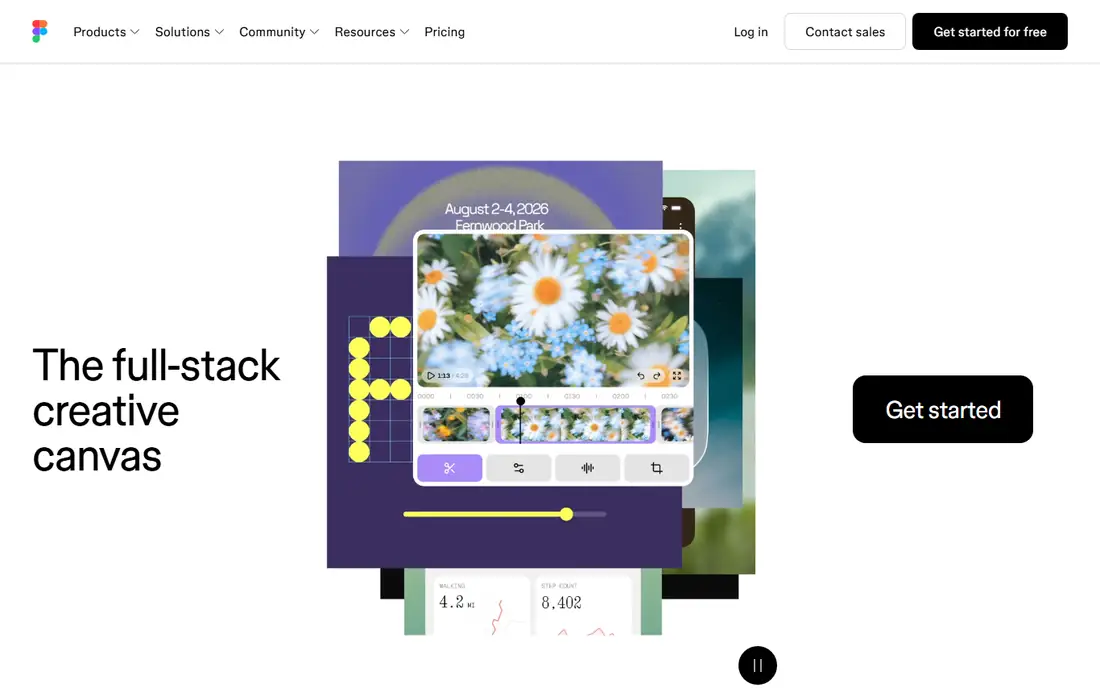
Figma is the best mobile app design tool overall, with best in class real time collaboration that eliminates file versioning headaches, a browser based app that works on any OS, and a generous free Starter tier with full editing features. Vector networks, auto layout, constraints, and smart selection cover interface design, while interactive prototyping, design systems with shared components and variant properties, and Dev Mode with code generation and asset export cover handoff. FigJam adds collaborative whiteboarding for brainstorming.
Pricing is Starter free, Professional $16 per month billed yearly, Organization $55 per month billed yearly, and Enterprise custom. Organization is the minimum tier for SSO, a steep jump from Professional with no mid-tier option. For a team that designs together in real time, Figma is the default choice.
What we like- Best real time collaboration with live cursors
- Browser based on any OS
- Vector networks and auto layout
- Design systems with variants
- Dev Mode for handoff
Watch out for- Requires stable internet, limited offline use
- Performance degrades on very large files
- Organization plan at $55 per seat is a big jump from Professional
#2Sketch
Best for: Mac teams4.5/5 on
G2 (1,227 reviews, checked Oct 2026)
Visit sketch.com
Starting price$12 per editor per month
Free planNo
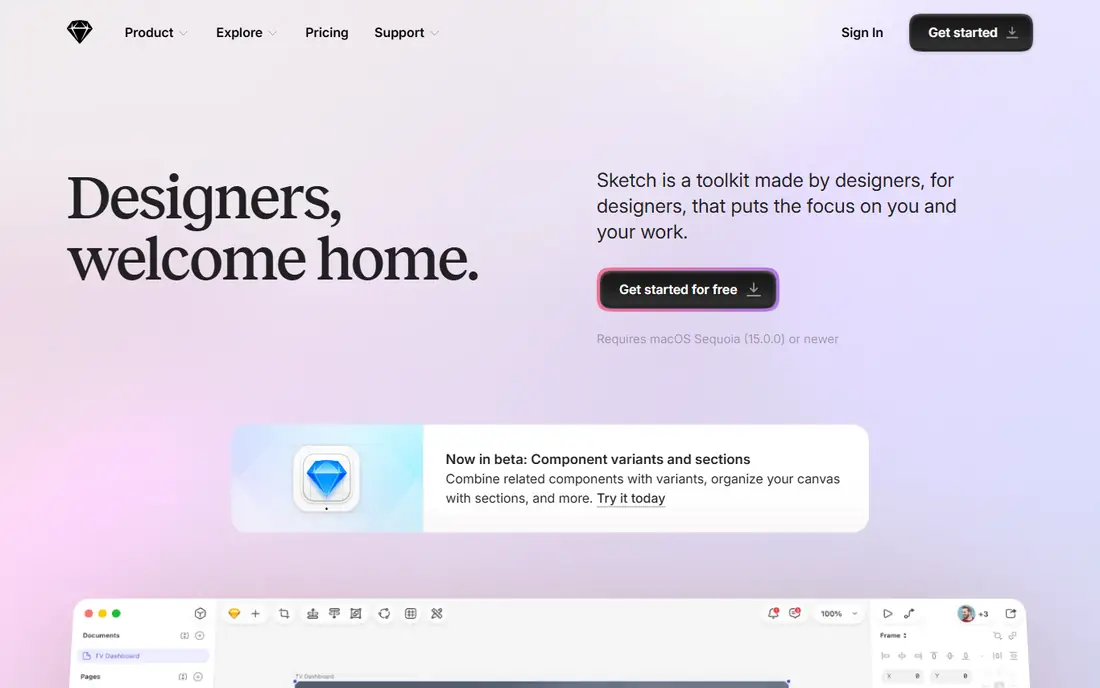
Sketch is the best mobile app design tool for Mac teams, with native performance, precise vector editing ideal for pixel perfect designs, and a large plugin library covering content generation, version control, and developer handoff. Symbols support design systems, and free viewers in any browser let stakeholders review without a license. Pricing is $12 per editor per month billed yearly, with a Mac only licence at $120 one time, and a 30 day free trial.
Sketch is Mac only, so it is out of the question for Windows or Linux teams, and there is no free editing tier. For a Mac focused team that values native performance and plugins, Sketch is a strong alternative to Figma.
What we like- Native Mac performance
- Precise vector paths
- Large plugin library
- Symbols for design systems
- Free viewers in any browser
Watch out for- Mac only editor, no Windows or Linux editor
- No free editing tier
- 30 day free trial only
- Collaboration needs a subscription
#3Penpot
Best for: Free and self hosted4.5/5 on
G2 (10 reviews, checked Oct 2026)
Visit penpot.app
Starting priceFree
Free planYes
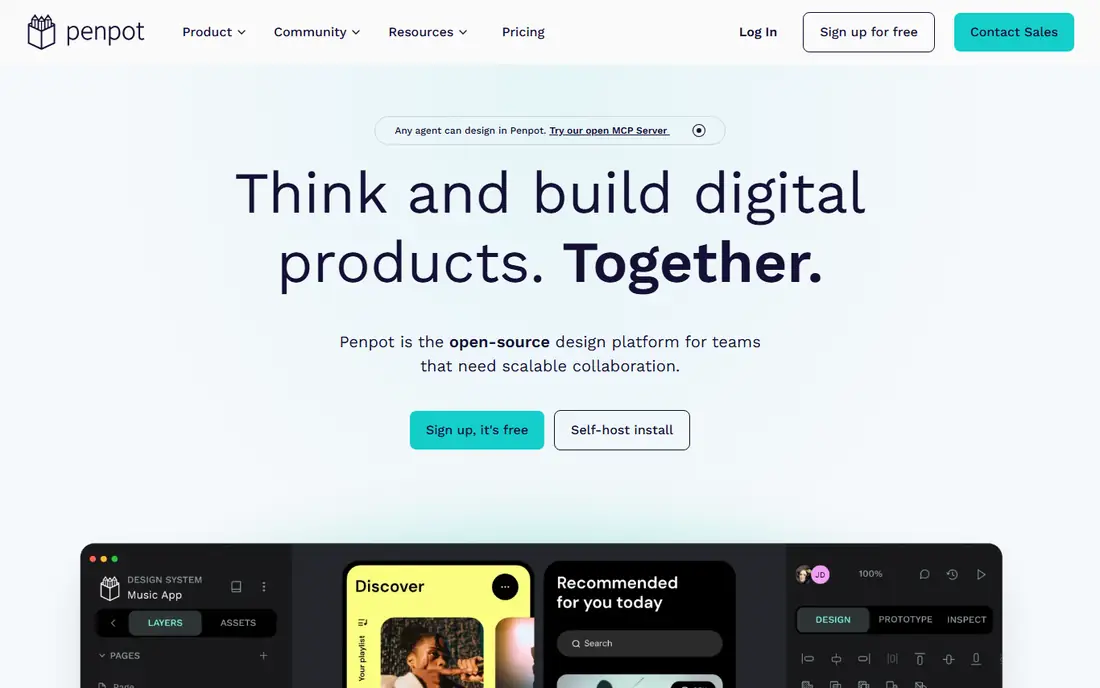
Penpot is the best free and self hosted mobile app design tool, with a free cloud Professional tier for up to 8 team members and an Unlimited plan at $7 per editor per month capped at $175 per month. As open source software you can self host on Linux, which suits teams that want full data control or cannot use a US cloud vendor. It works in any browser with vector design, prototyping, and collaboration features.
The plugin library is far behind Figma's, and the community and template ecosystem are smaller. For a team that wants a free or self hosted Figma replacement, Penpot is the best option.
What we like- Free cloud Professional tier for up to 8 team members
- Self host on Linux
- Open source
- Works in any browser
- Unlimited at $7 per editor per month capped at $175
Watch out for- Plugin library far behind Figma's
- Smaller community
- Fewer integrations and templates
#4Framer
Best for: Design to published site4.5/5 on
G2 (144 reviews, checked Oct 2026)
Visit framer.com
Starting priceFree
Free planYes
Framer is the best mobile app design tool for turning designs into published sites, with high fidelity interactions, animation, and React integration that let designers ship real interactive experiences rather than static mockups. The free tier covers trying the tool, Basic costs $10 per site per month, and editors cost $20 per editor per month. That model suits teams whose mobile work is web based or whose marketing sites matter as much as app screens.
Billing per site plus per editor adds up, with caps at 10 seats on some plans, and Framer is web focused rather than native app handoff focused. For a team that publishes from design, Framer is the fastest path from mockup to live site.
What we like- High fidelity interactions and animation
- React integration
- Turns designs into published websites
- Free tier for trying
Watch out for- Bills per site at $10 per month for Basic plus $20 per editor per month
- Capped at 10 seats on some plans
- Web focused, less for native app handoff
#5Lunacy
Best for: Free desktop design4.3/5 on
G2 (28 reviews, checked Oct 2026)
Visit lunacy.app
Starting priceFree
Free planYes
Lunacy is the best free desktop design tool, with native apps on Windows, macOS, and Linux and a free tier that covers real design work. Pro costs $11.99 per user per month billed yearly and lifts limits. It suits a solo designer or small team that wants a desktop app without a subscription, especially on Linux where Sketch is unavailable.
The free tier caps cloud documents at 10 and requires attribution, and the ecosystem is smaller than Figma's. For free desktop design across all three operating systems, Lunacy is the best choice.
What we like- Free desktop design on Windows, macOS, and Linux
- Native apps on all three systems
- Pro at $11.99 per user per month billed yearly
Watch out for- Free tier caps cloud documents at 10 and requires attribution
- Smaller ecosystem than Figma
- Fewer collaboration features
#6Axure RP
Best for: Complex prototypes4.2/5 on
G2 (277 reviews, checked Oct 2026)
Visit axure.com
Starting price$29 per month
Free planNo
Axure RP is the best mobile app design tool for complex interactive prototypes, with conditional logic, dynamic content, and data driven interactions that simpler tools cannot match. It suits enterprise UX teams testing complex flows, such as multi step forms with branching logic, before development. That prototyping depth is why Axure remains relevant despite newer visual tools.
Pricing starts at $29 per month, the learning curve is steep, and visual design is weaker than Figma or Sketch. For a team whose prototype must behave like the real app, Axure is the best tool.
What we like- Most powerful interactive prototyping with conditional logic
- Dynamic content and data driven prototypes
- Strong for enterprise UX research
Watch out for- Costs $29 per month
- Steeper learning curve
- Less suited to visual design than Figma or Sketch
- Windows and macOS only
#7Proto.io
Best for: Mobile first prototypes4.1/5 on
G2 (68 reviews, checked Oct 2026)
Visit proto.io
Starting price$24 per month
Free planNo
Proto.io is the best mobile app design tool for mobile first prototypes, with interactive animations, device previews, and a web based editor built around app flows. It suits teams that prototype mobile interactions early and test them on real devices before visual design is final. That mobile focus distinguishes it from general design tools.
Pricing starts at $24 per month, design system support is thinner than Figma's, and the plugin ecosystem is smaller. For mobile first prototyping with realistic animations, Proto.io is a strong pick.
What we like- Mobile first prototyping with interactive animations
- Web based
- Device previews
- Strong for app flow testing
Watch out for- Costs $24 per month
- Less design system support than Figma
- Smaller plugin ecosystem
#8Balsamiq
Best for: Low fidelity wireframes4.2/5 on
G2 (501 reviews, checked Oct 2026)
Visit balsamiq.com
Starting price$9 per month
Free planNo
Balsamiq is the best mobile app design tool for low fidelity wireframes, with a sketch style that keeps stakeholder feedback on structure and flow rather than colors and fonts. That focus speeds early design: a wireframe in Balsamiq invites structural critique, while a polished mockup invites color debates. Pricing starts at $9 per month, with web and desktop apps.
Balsamiq covers wireframes only, not final UI design or advanced prototyping. For early stage mobile app planning, it is the fastest and cheapest way to test a flow.
What we like- Fastest low fidelity wireframing
- Sketch style that keeps feedback on structure, not visuals
- Web and desktop apps
- Simple pricing from $9 per month
Watch out for- Low fidelity only, not for final UI design
- No advanced prototyping
- Smaller feature set than full design tools
How we chose
We compared mobile app design tools using published October 2026 pricing, platform coverage, collaboration features, prototyping depth, and developer handoff, drawing on vendor pricing pages and independent design tool comparisons. Each tool had to support interface design for mobile apps with prototyping or handoff features. We weighted collaboration, prototyping power, and price, and we left out Adobe XD, which is in maintenance mode with no standalone purchase, and general graphic tools without app prototyping. Prices change, so confirm the current rate before signing.
Start with platform and team. A distributed team on mixed operating systems should pick Figma for browser based collaboration. A Mac only team should consider Sketch for native performance. A Linux team or a self hosting team should pick Penpot or Lunacy. A solo designer wireframing early should start with Balsamiq before investing in a full tool.
Next, match prototyping depth to the job. A marketing site that must go live points to Framer. A complex app flow with branching logic points to Axure RP. A mobile flow test points to Proto.io. A standard product design workflow with design systems and handoff points to Figma or Sketch.
Finally, model total team cost, not the entry price. Figma Professional at $16 per editor per month, Sketch at $12, and Penpot capped at $175 per month scale very differently for a 20 person team, and Figma Organization at $55 per seat is the minimum for SSO. Test the tool with a real project, including handoff to developers, before committing a whole team.
Frequently asked questions
What is the best mobile app design tool?
Figma for most teams, with browser based real time collaboration and a free tier. Sketch suits Mac teams, Penpot suits free or self hosted use, and Framer suits design to published site workflows. The best tool depends on team platform and collaboration needs.
Is Adobe XD still a good choice?
No, for new buyers. Adobe states XD is in maintenance mode, it cannot be bought standalone anymore, and the only route is the all-apps Creative Cloud subscription at $69.99 per month. Existing users can continue, but new projects should start on Figma, Sketch, or Penpot.
Can I design mobile apps free?
Yes. Figma Starter is free with full editing, Penpot cloud Professional is free for up to 8 team members, and Lunacy is free for desktop design. Paid plans add seats, cloud documents, and enterprise features.
Do designers need to code to use these tools?
No, for interface design and prototyping. Figma, Sketch, Penpot, and Balsamiq need no coding. Framer's React integration helps if you code, but it is optional, and Dev Mode in Figma generates code for developers rather than requiring designers to write it.
What is developer handoff?
Developer handoff is the process of giving developers design specs, assets, and code: measurements, colors, fonts, and exportable images. Figma Dev Mode, Sketch plugins, and Zeplin cover handoff, and a clean handoff saves more time than any single design feature.
How do I choose between Figma and Sketch?
Choose Figma for cross platform teams, real time collaboration, and a free tier. Choose Sketch for Mac only teams that value native performance and plugins. Both handle mobile app design well, and the deciding factor is usually team platform and collaboration style.
Sources we checked (0)
Is your product missing or out of date?
We review this list regularly. Vendors can request a listing, send updated pricing or ask about featured placement.

Shihab Mia · Founder, Rankite
Shihab has 5+ years in B2B and SaaS SEO. He writes Rankite's software buying guides from pricing pages, documentation and public user reviews. More about Shihab.