How we make this list: we compare pricing pages, product documentation and public user reviews. Rankite is independent; if a vendor ever pays for a featured spot, that listing is clearly labeled Partner.
Key takeaways
- Adalo, Glide and GoodBarber are the purest no-code mobile builders, taking you from idea to app stores visually.
- FlutterFlow and Draftbit give more power for polished, custom apps with visual building plus code export.
- Bubble builds powerful web apps with mobile wrappers, best for complex logic.
- BuildFire and Appy Pie serve businesses wanting done-for-you style app creation.
- Thunkable's drag-and-drop blocks suit beginners and education.
No-code mobile app builders let you create iOS and Android apps without programming: visual design, drag-and-drop logic, and publishing to app stores. These nine cover the range from simple to surprisingly powerful.
Quick comparison
| Tool | Best for | Starting price | Free plan |
|---|
 Adalo Adalo | True no-code native apps | See website | Yes |
 Glide Glide | Apps from spreadsheets | See website | Yes |
 GoodBarber GoodBarber | Beautiful native apps | See website | Free trial |
 FlutterFlow FlutterFlow | Polished Flutter apps visually | See website | Yes |
 Draftbit Draftbit | Custom apps with code export | See website | Free trial |
 Bubble Bubble | Powerful web apps, mobile-ready | See website | Yes |
 Thunkable Thunkable | Beginner drag-and-drop apps | See website | Yes |
 BuildFire BuildFire | Business apps with support | See website | Free trial |
 Appy Pie Appy Pie | Easiest AI-assisted app maker | See website | Free trial |
Is your product missing or out of date?
We review this list regularly. Vendors can request a listing, send updated pricing or ask about featured placement.
The best mobile app builder no code
Starting priceSee website
Free planYes
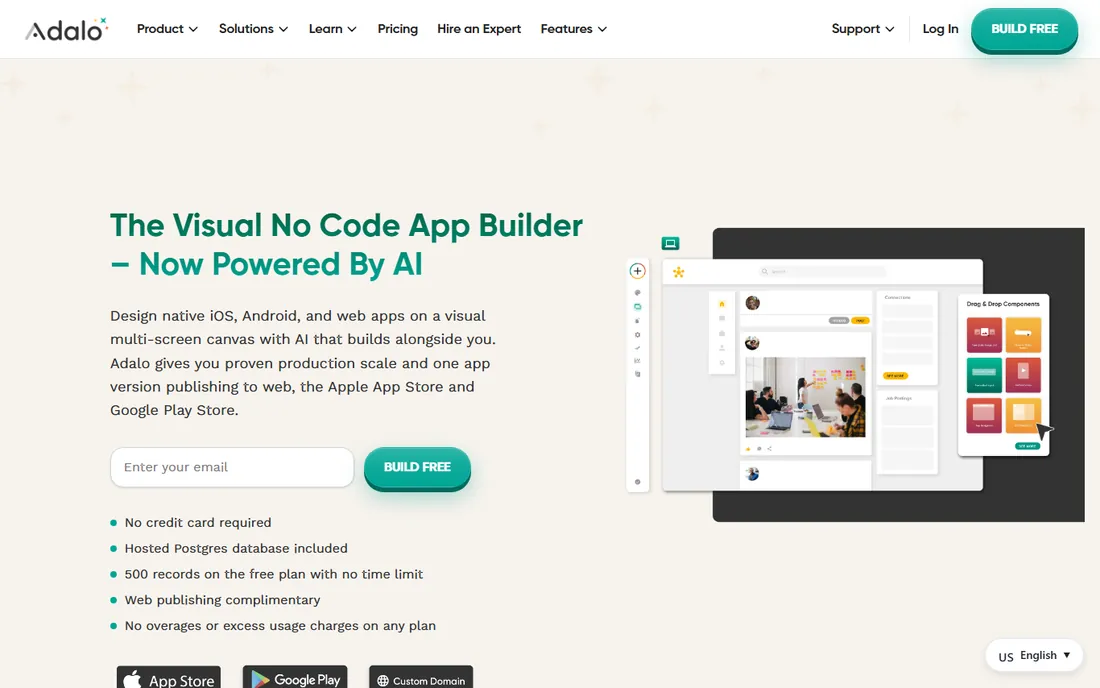
Adalo is the archetypal no-code mobile builder: design screens visually, connect data, add logic, and publish real native apps to the App Store and Google Play. The free plan lets you learn and prototype.
Very complex or high-scale apps hit performance ceilings. For MVPs and business apps built by non-developers, it delivers the promise.
Adalo users should start with a template close to their app idea rather than a blank canvas; the learning curve drops sharply. Design the database structure before building screens, since data mistakes are costlier to fix. Test on real devices early and often.
What we like- Real native apps without code
- Visual database and logic
- Publishes to app stores
Watch out for- Performance limits for complex apps
- Pricing per app
Starting priceSee website
Free planYes
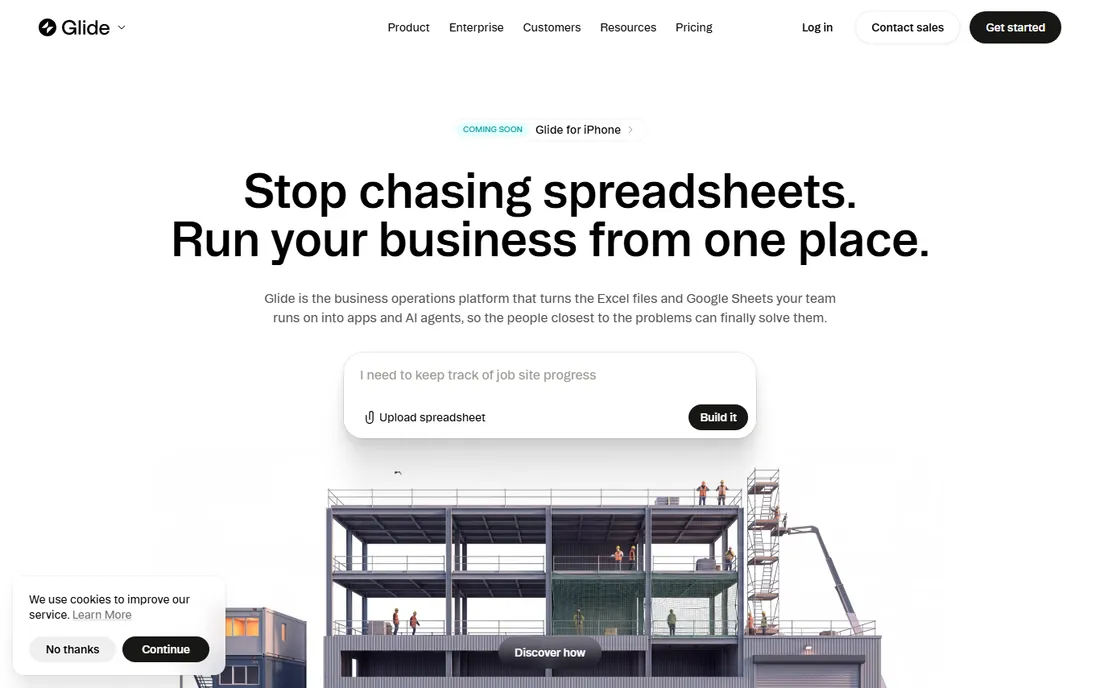
Glide turns Google Sheets, Excel or databases into working apps in minutes, now with AI assistance. Internal business tools, directories and portals are its sweet spot.
Custom consumer-app design is limited. Teams that live in spreadsheets get apps without changing how they work.
Glide users should keep the underlying spreadsheet clean and structured; the app mirrors its quality. Use the AI features to generate initial layouts, then refine manually. It excels for internal tools where function beats form.
What we like- Turn spreadsheets into apps instantly
- Great for internal tools
- AI features
Watch out for- Less custom design control
- Data-source centric
Starting priceSee website
Free planFree trial
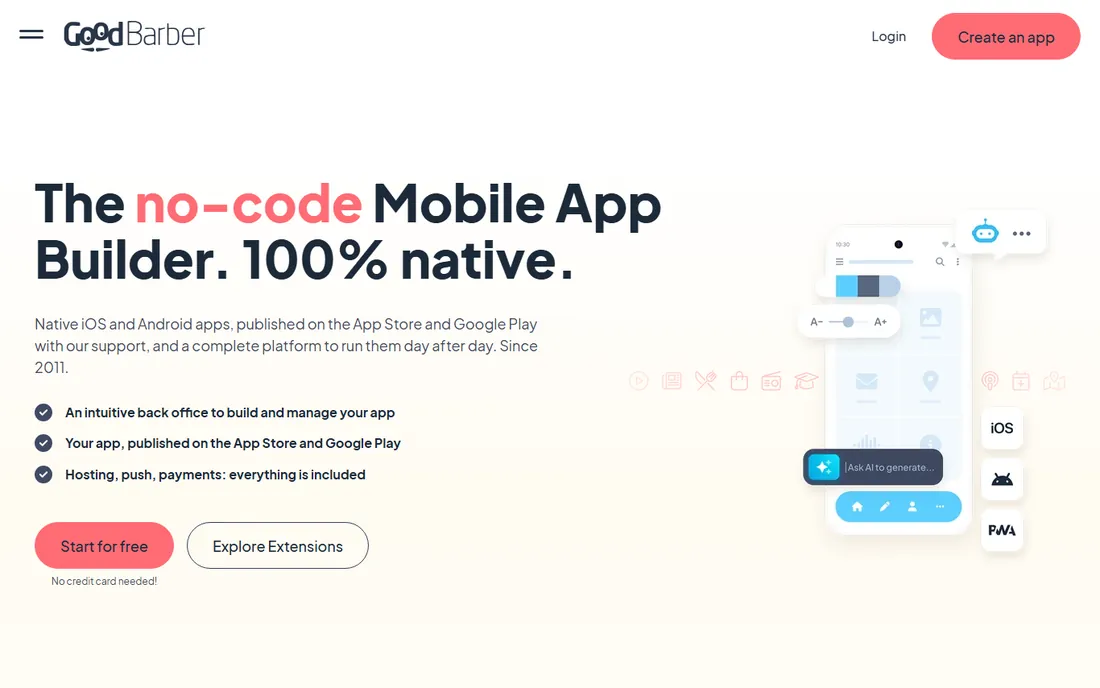
GoodBarber produces genuinely beautiful native apps from polished templates, popular for content, ecommerce and community apps. The design quality stands out in the category.
You work within its design system. Brands that want premium-looking apps without designers get there fast.
GoodBarber users should invest in great visual assets; the templates shine with professional imagery. Pick the template matching your app type closely to minimize customization. The design quality justifies the premium for customer-facing apps.
What we like- High-design native apps
- Content and ecommerce apps
- Strong templates
Watch out for- Trial rather than free plan
- Customization within templates
Starting priceSee website
Free planYes
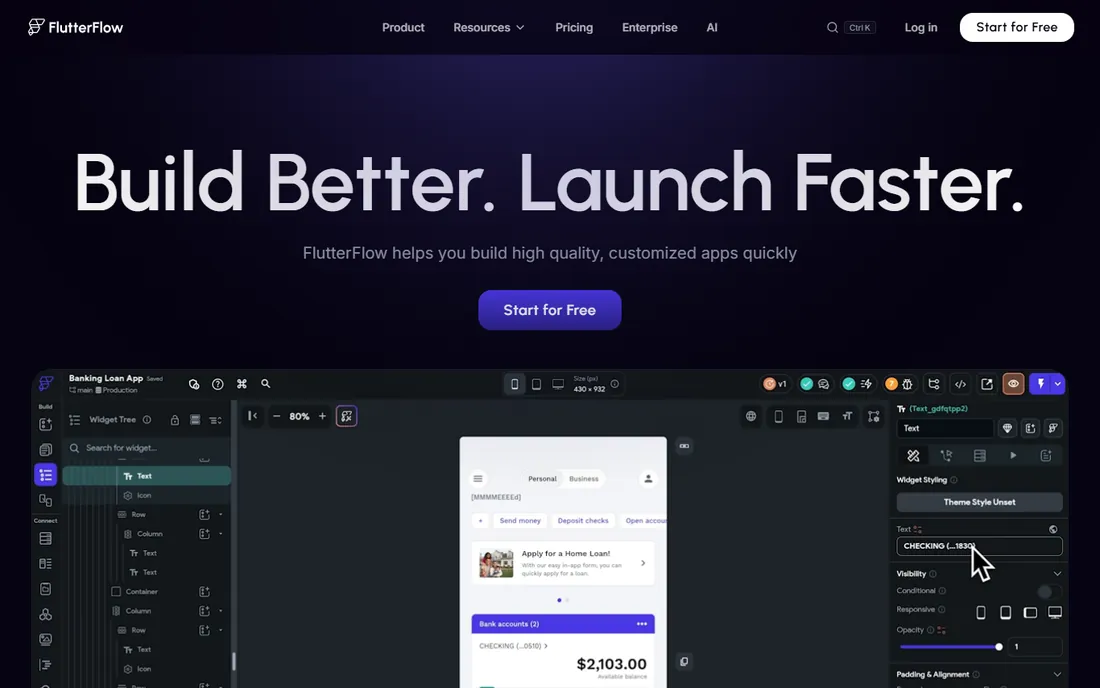
FlutterFlow is visual building on Flutter: drag-and-drop UI with real code underneath, exportable when you need developers. The apps are genuinely native and performant.
It asks more of users than Adalo. Teams that want no-code speed with a path to custom code choose it.
FlutterFlow users should learn the Flutter widget concepts lightly; the visual builder maps to them directly. Use the code export option as an insurance policy, not the starting plan. Test performance on lower-end devices before launch.
What we like- Builds real Flutter apps
- Code export available
- Highly customizable
Watch out for- Learning curve steeper
- Best with some technical comfort
Starting priceSee website
Free planFree trial
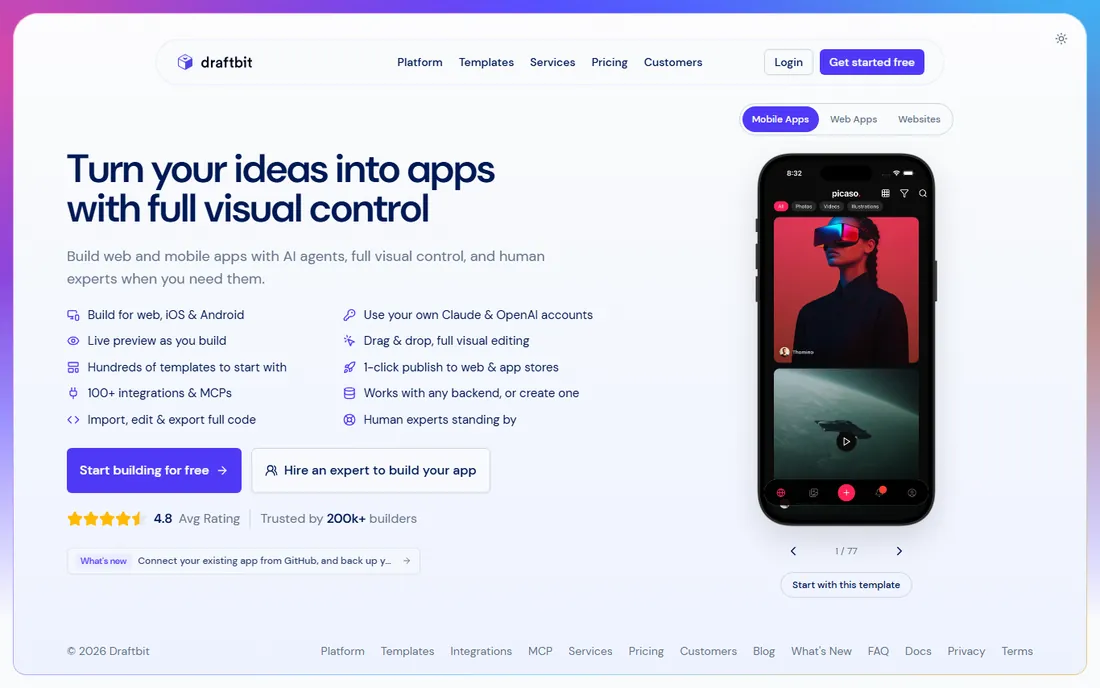
Draftbit lets you visually build React Native apps and export clean source code, bridging no-code and pro development. Startups prototype visually, then hand code to developers.
The community is smaller than FlutterFlow's. For code ownership alongside visual building, it is distinctive.
Draftbit users planning to hand off to developers should keep the visual structure clean and documented. The code export quality rewards tidy building. It bridges the prototype-to-product gap better than most.
What we like- Visual building with clean code export
- React Native output
- Developer-friendly
Watch out for- Smaller community
- Pricing for pro use
Starting priceSee website
Free planYes
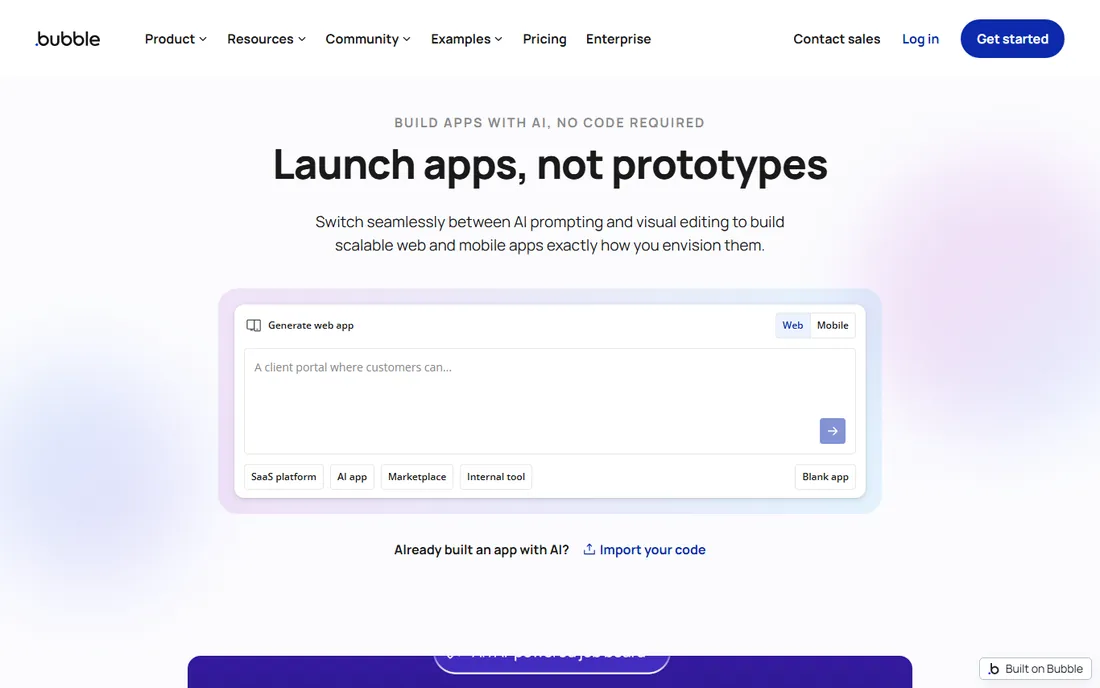
Bubble is the most capable no-code platform for complex applications: databases, workflows, APIs and plugins handle serious logic. Mobile apps typically wrap the responsive web app.
Native purists should look elsewhere. For powerful functionality without code, nothing else matches its depth.
Bubble users should master the database and workflow logic before polishing design; functionality first. The plugin ecosystem solves most common needs, so search before building custom. Performance planning matters for user-heavy apps.
What we like- Most powerful no-code logic
- Huge plugin ecosystem
- Free plan generous
Watch out for- Mobile means web wrappers
- Learning curve real
Starting priceSee website
Free planYes
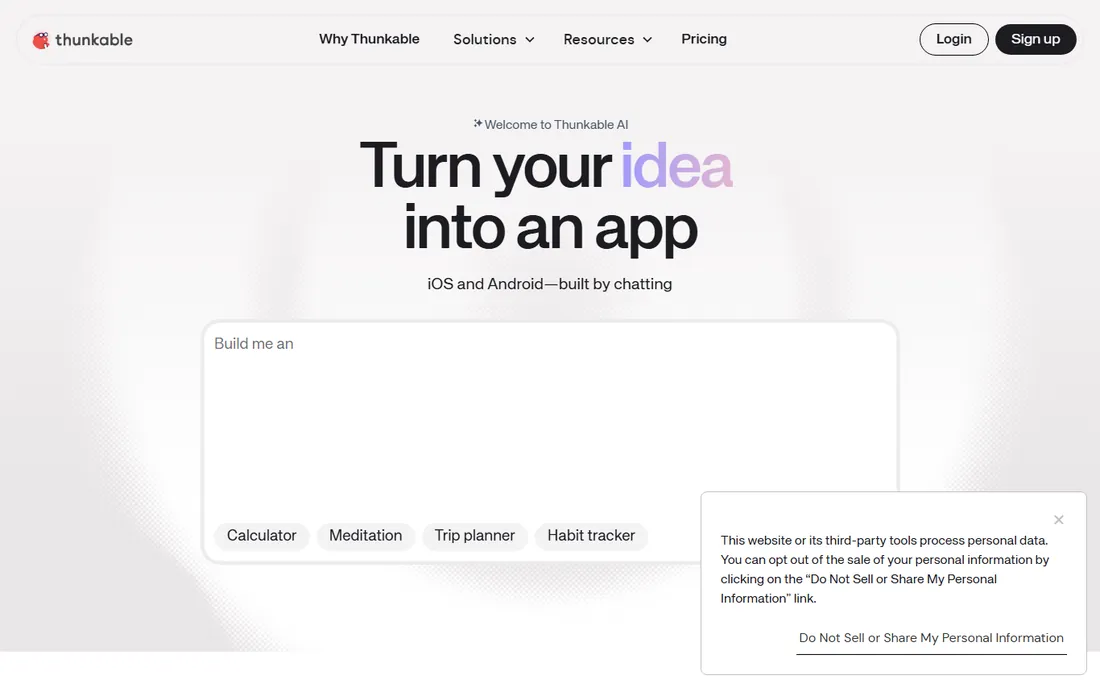
Thunkable's block-based logic makes app building accessible to beginners and students: snap together behaviors, design screens, and publish native iOS and Android apps.
Serious apps outgrow it. For learning, prototyping and simple apps, the gentle learning curve is the point.
Thunkable learners should complete a full publish cycle early; the app store process teaches as much as the builder. The block logic transfers conceptually to real programming. It is ideal for education and first apps.
What we like- Block-based building beginners grasp
- Publishes native apps
- Education-friendly
Watch out for- Limited for complex apps
- Design flexibility modest
Starting priceSee website
Free planFree trial
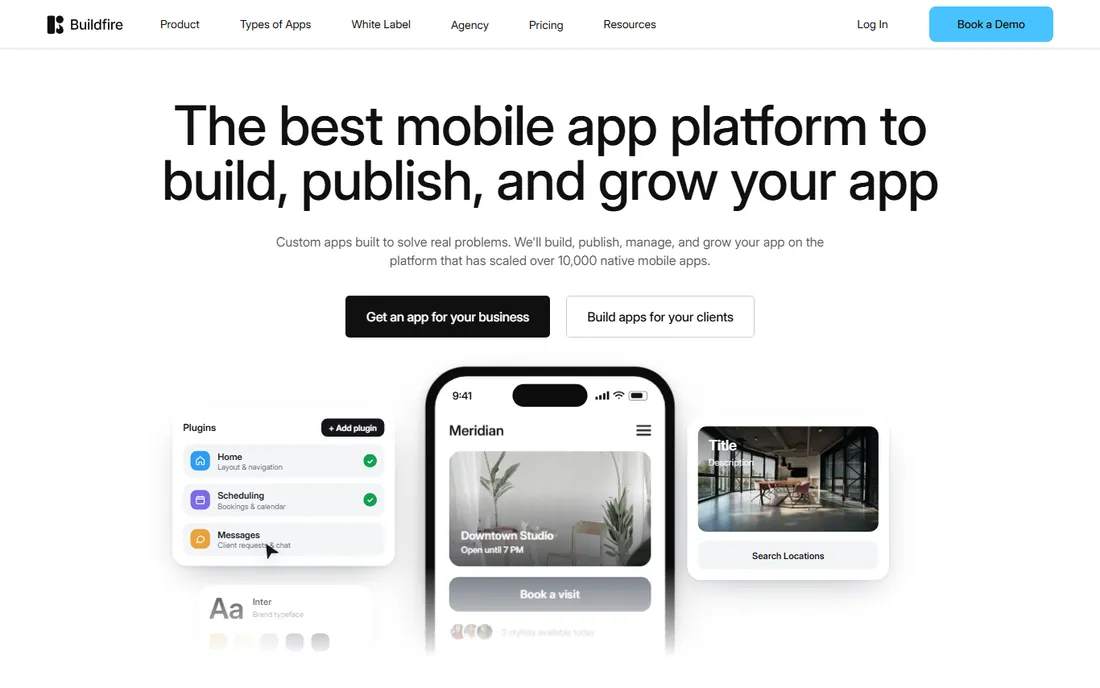
BuildFire serves businesses that want a mobile app with professional support: the platform plus services to design, build and publish. Enterprises and franchises use it widely.
DIY makers find it expensive. Businesses that want an app without building it themselves get a dependable partner.
BuildFire clients should use the professional services for design polish; the platform plus experts beats DIY for business apps. Define the app's single core job before expanding features. The support relationship is part of the value.
What we like- Business-focused platform
- Professional services available
- Reliable publishing
Watch out for- Pricier
- Less maker-community energy
Starting priceSee website
Free planFree trial
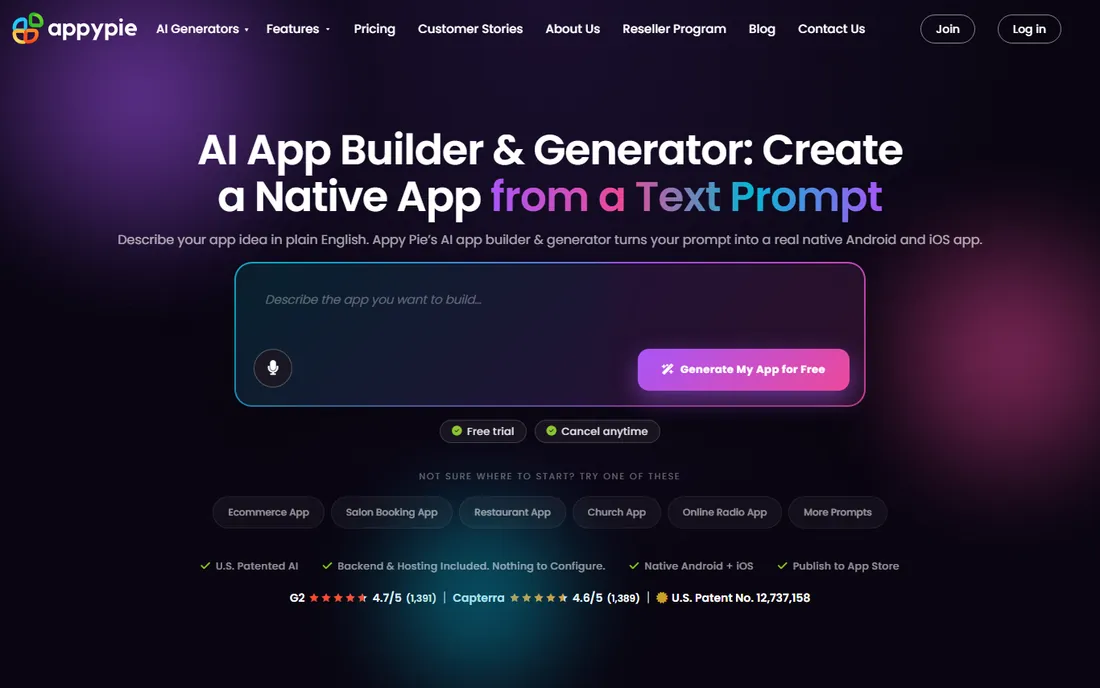
Appy Pie leans into AI: describe your app and generate a starting point, then customize. Small businesses get a functional app with minimal effort.
Depth is limited. For the fastest path from idea to installable app, the simplicity works.
Appy Pie users should treat the AI generation as a starting draft and customize thoroughly; generic apps face store rejection. Keep the feature set tight for the first version. It is the fastest path from idea to installable app.
What we like- AI app generation from prompts
- Very easy
- Broad template library
Watch out for- Simplest apps
- Branding on lower tiers
How we chose
We verified each vendor's homepage and kept platforms that genuinely build mobile apps without code, excluding pure web builders and developer frameworks. We weighted publishing capability, design quality, free plan access and fit for non-technical builders. Pricing changes often, so paid tiers show "See website".
What to get right before you buy
Define native versus web. True native apps publish to app stores; web wrappers are cheaper but feel different. Match the approach to your users' expectations.
Test the free tier's publishing. Some free plans let you build but charge to publish; confirm what "free" includes before investing weeks.
Plan for iteration. Your first version will need changes; check how easily you can update and republish.
Frequently asked questions
Can I really build an app with no code?
Yes, for a wide range of business, content and utility apps. Highly custom, high-scale or hardware-intensive apps still need developers.
How much does a no-code app builder cost?
Free tiers cover learning and prototypes; paid plans typically run 20 to 100 per month, with publishing and premium features adding cost.
Will Apple approve my no-code app?
Generally yes if the app is functional and original. Template-clone apps with little functionality face rejection regardless of builder.
What is the difference between native and web apps?
Native apps install from app stores with full device access; web apps run in browsers. Builders like Adalo and GoodBarber produce native apps.
Can I export my code later?
FlutterFlow and Draftbit offer code export; most pure no-code builders do not. If code ownership matters, choose accordingly from day one.
How long does it take to build an app with no code?
Simple apps take days to weeks; polished products take one to three months. The builder removes coding time, not design and testing time.
Getting your no-code app approved in the app stores
Building the app is half the journey; app store approval is the other half. Apple rejects apps that are simply repackaged websites or template clones with minimal functionality. Your app needs original content, real interactivity and a clear purpose. Plan for this during design, not after building.
Next, prepare the metadata carefully. Screenshots, descriptions and keywords decide both approval and downloads. Apple reviews screenshots for accuracy; misleading images cause rejection. Write honest descriptions that match the actual app experience.
Then, handle the technical requirements. Privacy policies are mandatory, data collection must be disclosed, and account deletion options are increasingly required. No-code builders handle much of this, but verify each requirement against current store guidelines before submitting.
Test thoroughly on real devices before submission. Emulators miss performance issues, layout problems and device-specific bugs that reviewers catch. Test on older devices too, since reviewers do not all use flagships. A crash during review means starting over.
Finally, plan for iteration after approval. Version one will need fixes and improvements; the builders on this list all support updates, but each update goes through review again. Build a feedback channel into the app from day one so users report issues directly. Approval is the beginning of the app's life, not the end.
Monetizing your no-code app
Building the app is step one; making money is step two. Start by choosing the model that fits the app: subscriptions for ongoing value, one-time purchase for utilities, in-app purchases for content or features, and advertising for free mass-market apps. The model should match how users get value.
Price against the value delivered, not the build cost. No-code apps cost little to build, which tempts underpricing. Research what competitors charge and price on the value to the user. A useful niche app can command real subscription prices.
Plan the paywall placement carefully. Too early and users never experience the value; too late and conversion suffers. Let users reach the core value before asking for money, then gate the features that power users need most. A/B test the paywall timing.
Account for the platform fees. Apple and Google take their cut of in-app revenue, and the no-code platform takes its subscription. Model the unit economics honestly before scaling marketing spend. Many apps fail on math, not product.
Finally, measure the metrics that matter: trial-to-paid conversion, churn, and lifetime value. The builders on this list integrate with analytics tools; connect them from launch. Iterate on pricing and packaging quarterly based on real data.
Sources we checked (9)
- https://www.adalo.com/
- https://www.glideapps.com/
- https://www.goodbarber.com/
- https://flutterflow.io/
- https://draftbit.com/
- https://bubble.io/
- https://thunkable.com/
- https://buildfire.com/
- https://www.appypie.com/
Is your product missing or out of date?
We review this list regularly. Vendors can request a listing, send updated pricing or ask about featured placement.

Shihab Mia · Founder, Rankite
Shihab has spent more than a decade helping SaaS and e-commerce brands grow through search. He writes Rankite's software buying guides from pricing pages, documentation and public user reviews. More about Shihab.