How we make this list: we compare pricing pages, product documentation and public user reviews. Rankite is independent; if a vendor ever pays for a featured spot, that listing is clearly labeled Partner.
Key takeaways
- Brevo ($9 per month for 5,000 emails) is the cheapest paid entry with a genuinely useful free plan (300 emails per day), because it bills on send volume, not list size.
- Mailchimp and AWeber both offer real free plans (up to 250 contacts on Mailchimp, 500 subscribers on AWeber), enough to run a small newsletter at no cost.
- Ecommerce stores should shortlist Omnisend and ActiveCampaign: built-in SMS, abandoned-cart automation and deep Shopify/WooCommerce integrations.
- Constant Contact and Campaign Monitor target traditional small businesses and nonprofits with guided, template-heavy workflows rather than raw power.
- Pricing models differ more than features do: per-contact (Mailchimp), per-email-volume (Brevo), and per-subscriber-tier (most others). Model your list size and send frequency before comparing.
Quick comparison
| Tool | Best for | Starting price | Free plan |
|---|
 Mailchimp Mailchimp | Beginners and small businesses that want the safe, well-known choice | See website | Yes (free plan, up to 250 contacts and 500 emails per month) |
 Brevo Brevo | Senders with big lists who mail selectively | $9/month (Starter plan, 5,000 emails per month) | Yes (free plan, 300 emails per day) |
 AWeber AWeber | Small businesses that want email plus a landing page and simple automation | $15/month (Lite plan) | Yes (free plan: up to 500 subscribers, 3,000 emails per month) |
 GetResponse GetResponse | Marketers who want webinars, landing pages and email in one subscription | See website | Free trial (14 days, no credit card required) |
 ActiveCampaign ActiveCampaign | Businesses that want serious automation plus a built-in CRM | See website | Free trial (14 days, per reviewers) |
 Omnisend Omnisend | Ecommerce stores on Shopify or WooCommerce | See website | Yes (free plan) |
 Constant Contact Constant Contact | Nonprofits, associations and traditional small businesses | See website | Free trial (per reviewers) |
 Campaign Monitor Campaign Monitor | Design-conscious brands and agencies sending beautiful campaigns | See website | Free trial (per reviewers) |
 Moosend Moosend | Budget buyers who want automation without the enterprise price | See website | Free trial (per reviewers) |
Is your product missing or out of date?
We review this list regularly. Vendors can request a listing, send updated pricing or ask about featured placement.
Email marketing still returns more per dollar than any other digital channel. Litmus puts the average return at $36 for every $1 spent, which is why every business ends up needing a bulk sender eventually. The trap is picking on brand alone: Mailchimp bills per contact, Brevo bills per email sent, and the "cheapest" tool flips depending on whether your list is large and quiet or small and frequently mailed. These nine cover the real market, with the pricing-model differences spelled out.
#1
Mailchimp
Best for: Beginners and small businesses that want the safe, well-known choice
Visit mailchimp.com
Starting priceSee website
Free planYes (free plan, up to 250 contacts and 500 emails per month)
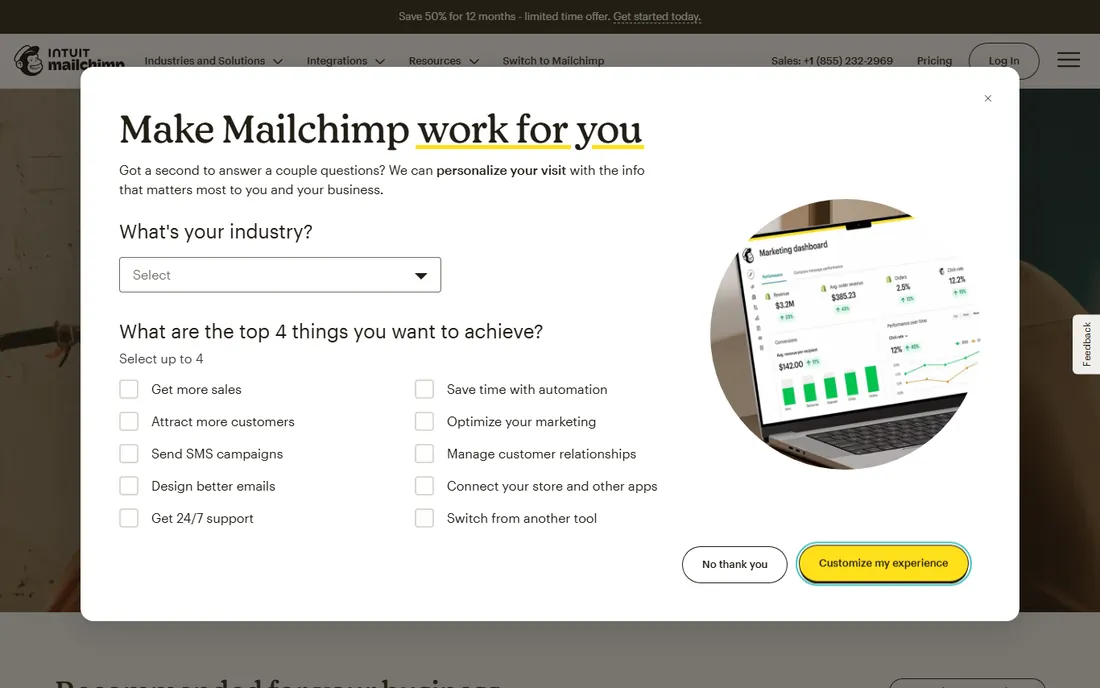
Mailchimp remains the default recommendation for first-time email marketers, and the free plan is genuinely usable: up to 250 contacts, 500 emails a month, popup forms and basic templates. Paid tiers (Essentials, Standard, Premium) add automation flows, A/B testing, predictive segmentation and priority support, with monthly send limits set as a multiple of your contact count.
The honest catch is the billing model. Every contact counts toward your tier, including unsubscribed and archived ones until you clean them, so a 20,000-person list with low engagement costs far more than the headline rate suggests. If your list is big but you mail rarely, Brevo's per-send pricing will beat Mailchimp. If you are starting small and want the easiest onboarding, Mailchimp is still the path of least resistance.
What we like- The largest template library and integration ecosystem in the category (300-plus integrations)
- A real free plan for up to 250 contacts
- 14-day free trials of the paid Standard and Essentials plans
Watch out for- No published prices render on the pricing page without interacting with the plan quiz
- Per-contact billing punishes large, quiet lists (unsubscribed contacts count too)
- Automation depth trails ActiveCampaign and Brevo
#2
Brevo
Best for: Senders with big lists who mail selectively
Visit brevo.com
Starting price$9/month (Starter plan, 5,000 emails per month)
Free planYes (free plan, 300 emails per day)
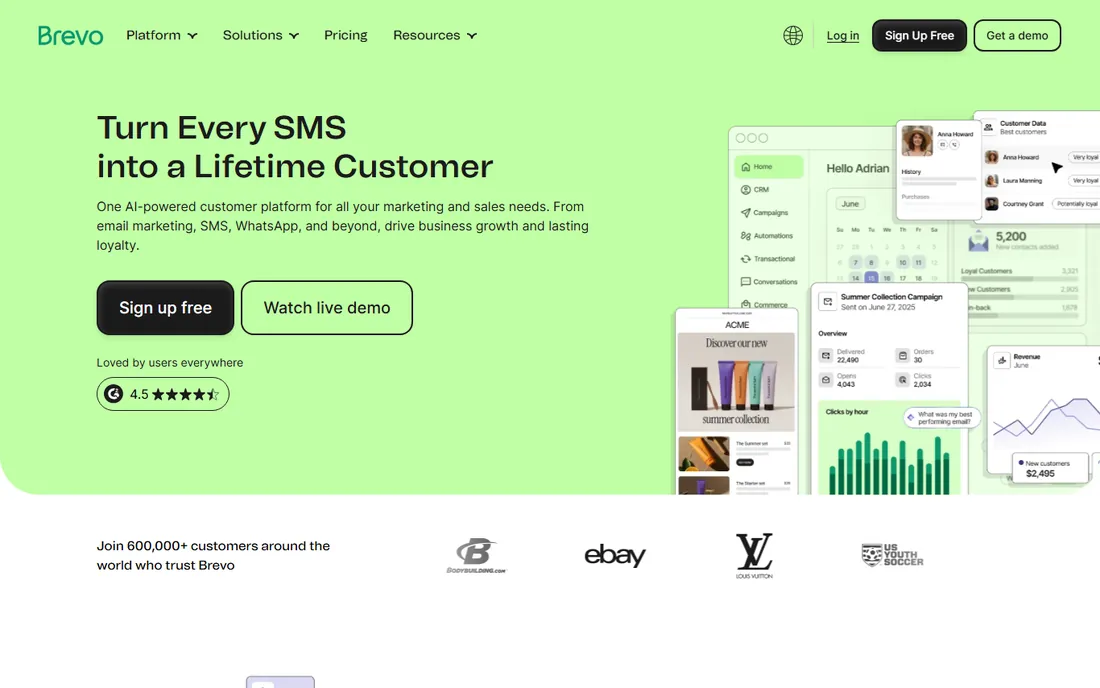
Brevo (formerly Sendinblue) flips the usual pricing logic: you pay for emails sent, not contacts stored. A 50,000-person list mailed once a month costs the same as a 5,000-person list mailed weekly, which makes it the value pick for businesses with large, quiet databases. The free plan allows 300 emails a day to unlimited contacts, and Starter at $9 per month covers 5,000 monthly emails.
The trade-off is features per tier. Automation, A/B testing and landing pages wait until Standard at $18 per month, and the Professional tier jumps to $499. Transactional email (API/SMTP) is included on every plan, which developers appreciate. If you mail frequently to a small list, per-contact tools may price better; if your list dwarfs your send volume, Brevo wins.
What we like- Per-send pricing (not per contact) with unlimited contacts on every plan, ideal for large databases
- The free plan covers 300 emails a day with no time limit
- Starter at $9 per month is the cheapest paid entry on this list
Watch out for- Marketing automation only starts on Standard ($18 per month)
- The interface and templates feel less polished than Mailchimp's
- Deliverability and support quality can be uneven on the free and lower tiers
#3
AWeber
Best for: Small businesses that want email plus a landing page and simple automation
Visit aweber.com
Starting price$15/month (Lite plan)
Free planYes (free plan: up to 500 subscribers, 3,000 emails per month)
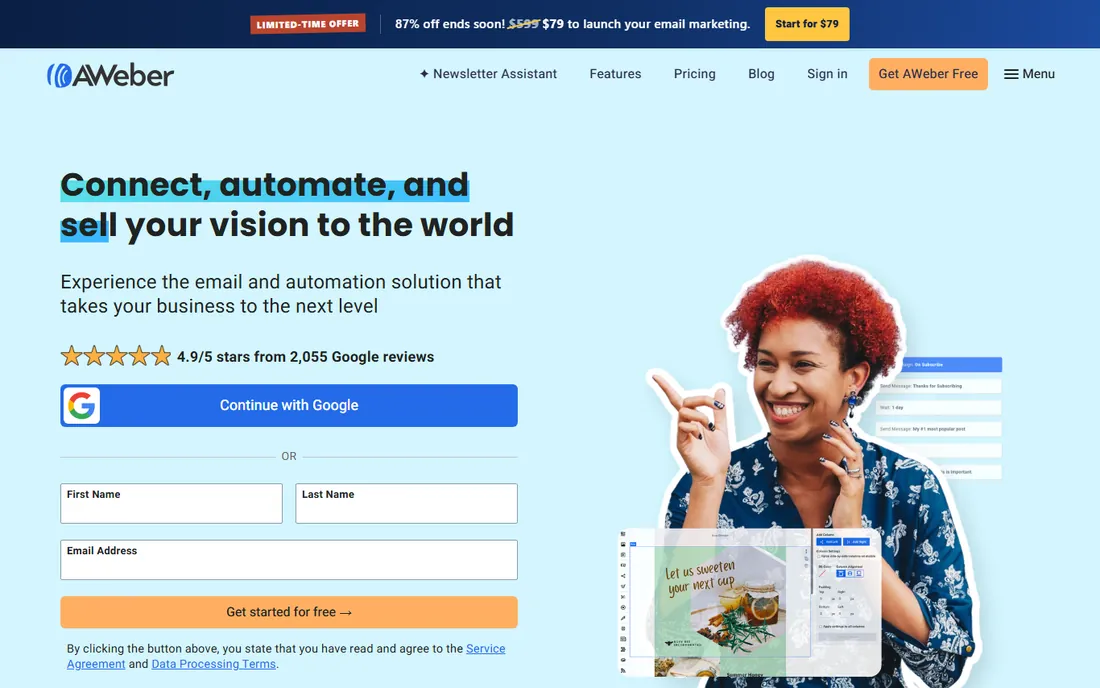
AWeber has served small businesses since 1998, and its current lineup is refreshingly straightforward. The free plan covers 500 subscribers and 3,000 emails a month permanently. Lite at $15 per month removes branding and adds more automations; Plus at $30 adds deeper ecommerce and advanced features. The homepage FAQ states all of this plainly, which is rarer than it should be in this category.
The honest catch is ceiling. AWeber handles newsletters, welcome sequences and basic automation well, but marketers who need complex branching journeys, predictive send-time or deep ecommerce triggers will outgrow it. For a small business that wants to send a good newsletter and automate the basics without a learning curve, the free plan alone may be enough.
What we like- A genuinely useful free plan (500 subscribers, 3,000 emails a month, no time limit, no credit card)
- Published pricing with Lite at $15 and Plus at $30 per month
- 750-plus integrations and free migration from competitors
Watch out for- The free plan carries AWeber branding and allows only one landing page and one automation
- Template design feels dated next to Mailchimp and Omnisend
- Advanced segmentation and reporting lag the automation-first tools
#4
GetResponse
Best for: Marketers who want webinars, landing pages and email in one subscription
Visit getresponse.com
Starting priceSee website
Free planFree trial (14 days, no credit card required)
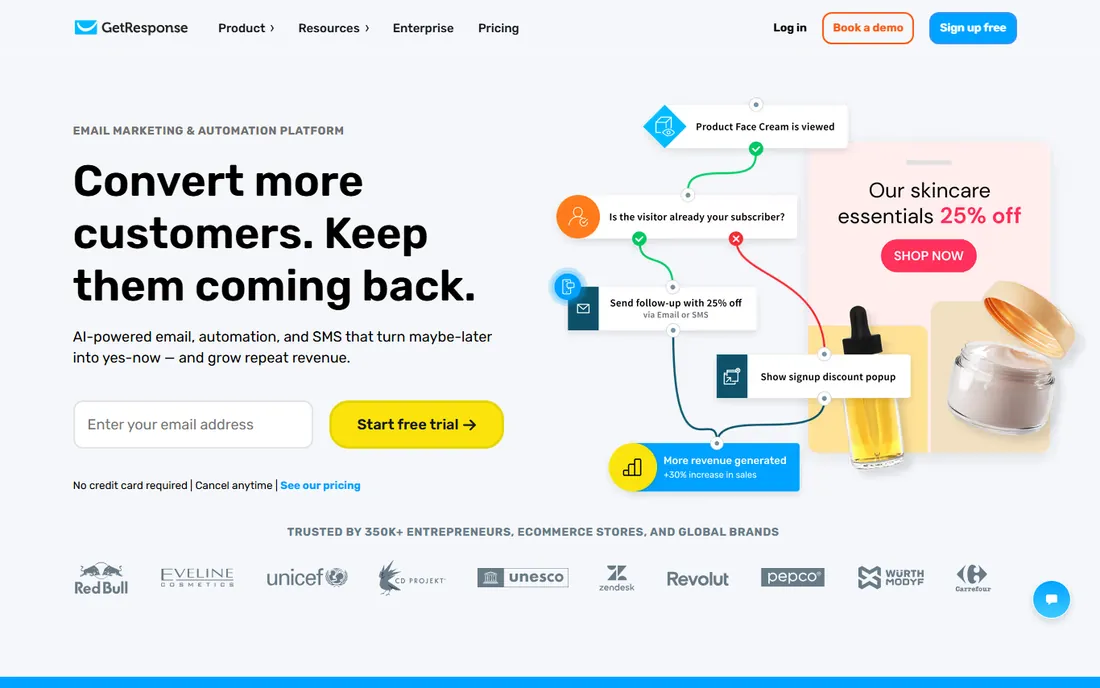
GetResponse differentiates by bundling what others sell separately: email marketing, automation, landing pages, sales funnels, web push and webinar hosting in one platform. The 99 percent deliverability claim and 350,000-customer base suggest the infrastructure is serious, and the AI features (content generation, recommended send times, product recommendations) are practical rather than decorative.
The catch is commitment. There is no free-forever tier, so you start with the 14-day trial and then pay. Businesses that run webinars will find the bundle good value; businesses that only send newsletters are paying for rooms they will never enter. Compare the webinar-inclusive price against a separate webinar tool before deciding.
What we like- Built-in webinar hosting, unusual in this category and genuinely useful for lead generation
- AI tools for content, product recommendations and send-time optimization
- 150-plus integrations and 24/7 support
Watch out for- No published prices on the homepage and no permanent free plan, only the 14-day trial
- The breadth (webinars, funnels, push notifications) can overwhelm pure-email buyers
- Pricing scales with list size like Mailchimp
Starting priceSee website
Free planFree trial (14 days, per reviewers)
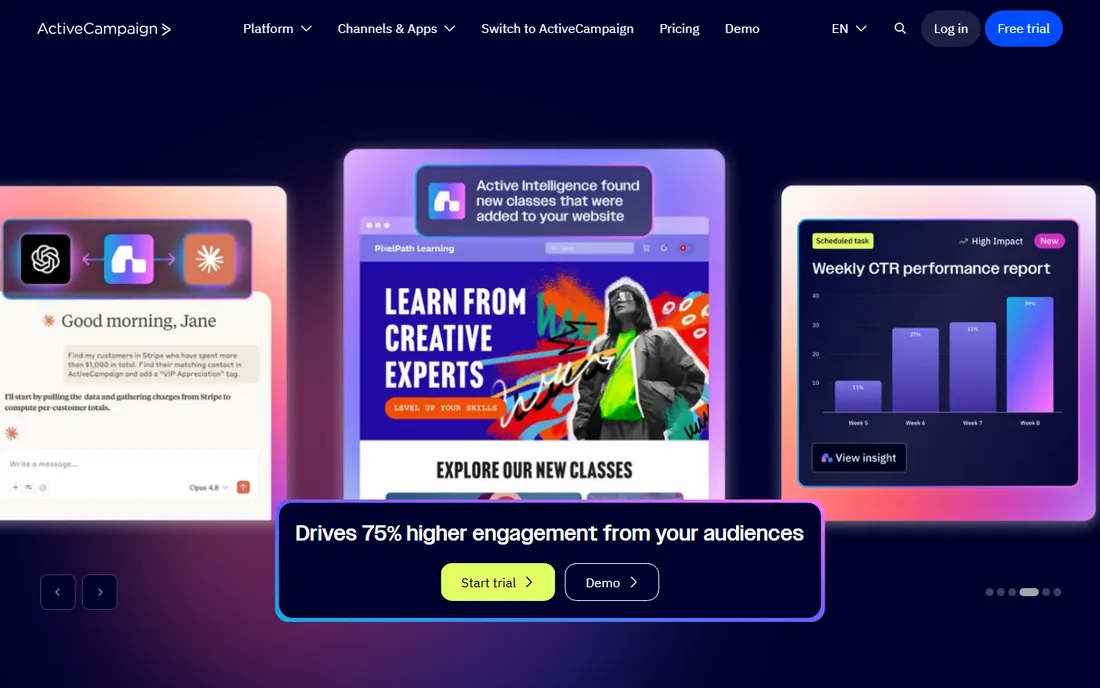
ActiveCampaign is the tool marketers graduate to. The automation builder handles multi-step, multi-condition journeys (abandoned carts, lead scoring, win-back sequences across email and SMS) that simpler tools cannot express. The built-in CRM keeps the sales pipeline in the same system, so a hot lead's email engagement is visible to the salesperson without integrations.
That depth has a price beyond money: time. Building good automations in ActiveCampaign is a skill, and small teams sometimes pay for power they never configure. It is the right pick when email is a revenue channel you actively optimize, not when you send a monthly newsletter. Start with the trial, build one real automation, and judge by the result.
What we like- The deepest visual automation builder in this price class, with branching, scoring and multi-channel journeys
- Built-in CRM means sales follow-up lives next to marketing
- Strong deliverability reputation among power users
Watch out for- No published pricing on the homepage and no free plan
- The power comes with a learning curve that overwhelms casual senders
- Costs scale quickly with contact count on higher tiers
Starting priceSee website
Free planYes (free plan)
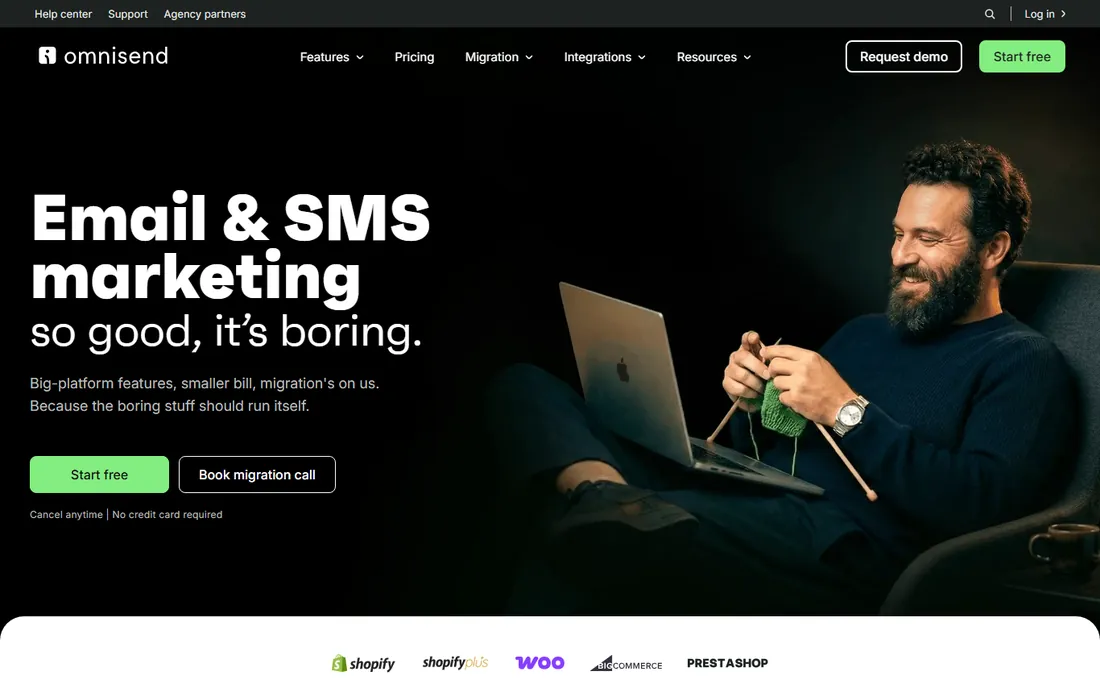
Omnisend does one thing and does it well: turn store visitors into repeat buyers. The pre-built automation library covers the revenue-critical flows (abandoned cart, browse abandonment, welcome series, post-purchase cross-sell) with minimal setup, and the platform handles email, SMS and web push in a single workflow. The explicit Klaviyo comparison (up to 35 percent smaller invoice, free 5-day migration) tells you exactly who they are courting.
For a Shopify or WooCommerce store doing meaningful volume, it is the pragmatic Klaviyo alternative. For anyone not selling products online, the feature set is narrower than the generalists, and the value proposition thins. Ecommerce first, everything else second.
What we like- Purpose-built for ecommerce: abandoned-cart, welcome and post-purchase automations out of the box
- Email, SMS and push in one workflow
- Positions itself as up to 35 percent cheaper than Klaviyo with free migration
Watch out for- The ecommerce focus means thinner tooling for non-retail use cases (B2B, publishers, nonprofits)
- No published prices on the homepage
- Advanced reporting and segmentation depth trail ActiveCampaign
Starting priceSee website
Free planFree trial (per reviewers)
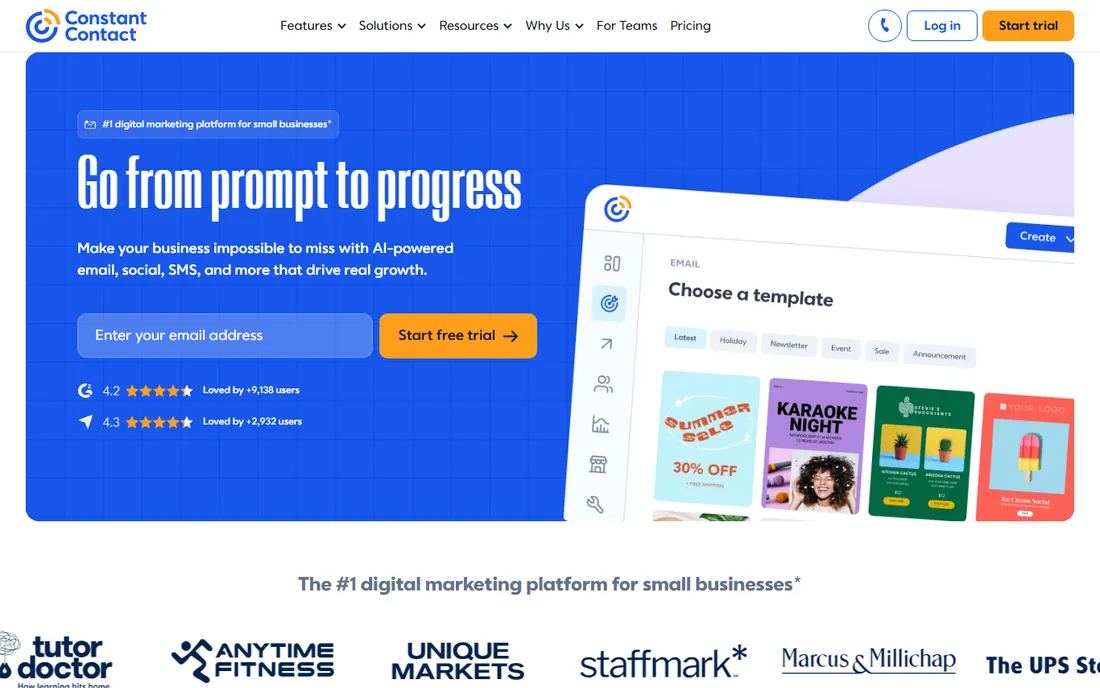
Constant Contact is the steady incumbent for organizations that want marketing handled, not a marketing hobby. The Lite, Standard and Premium tiers (homepage shows annual-billing prices) cover email, social, events and SMS, with the Standard tier recommended for most businesses. Nonprofits get tailored tooling for donations and event promotion, and the template library is built for people who do not think of themselves as marketers.
The trade-off is sophistication. If you want behavioral triggers, predictive analytics or deep ecommerce automation, look elsewhere. If you want to send a professional newsletter, promote an event and collect donations without learning marketing automation, Constant Contact's hand-holding is the feature.
What we like- The most guided experience on this list: templates, event management and social tools aimed at non-marketers
- Strong nonprofit and franchise feature set
- 460,000-plus small-business customers and decades of stability
Watch out for- No published prices on the homepage and no free plan
- Automation and segmentation are basic compared with ActiveCampaign or Brevo
- The interface feels dated next to newer rivals
Starting priceSee website
Free planFree trial (per reviewers)
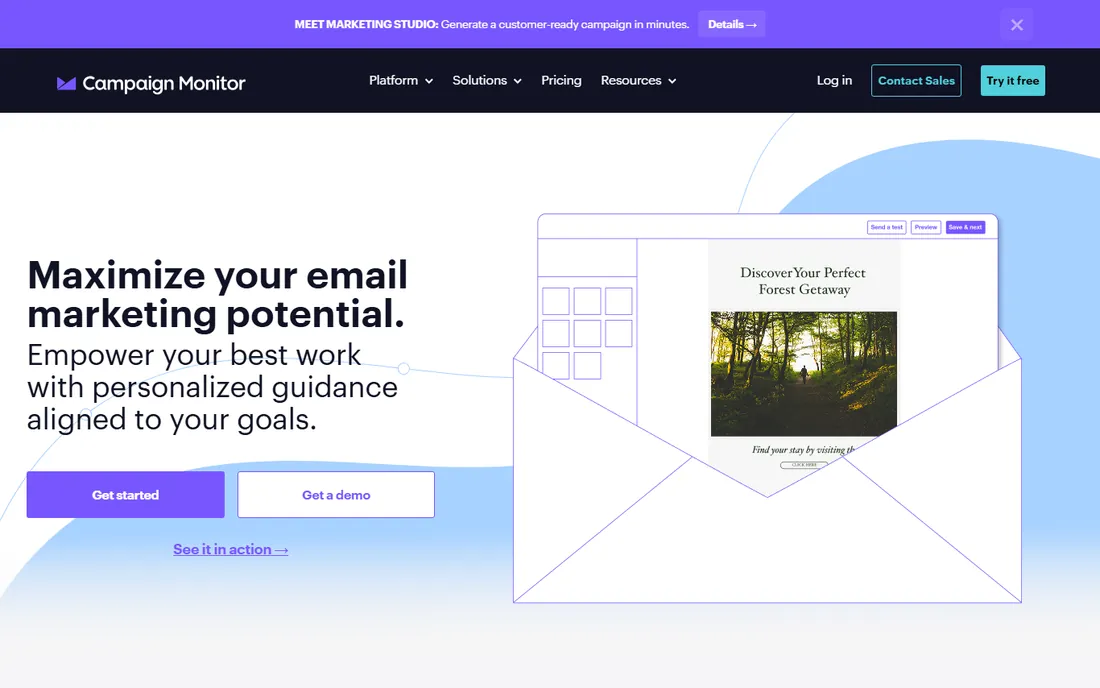
Campaign Monitor has always led on design, and the 2026 homepage doubles down: Marketing Studio generates complete on-brand campaigns with custom visuals, and the AI Email Booster recommends measurable improvements before you send. Agencies get client management tooling, and the template library is genuinely the prettiest here.
You pay for the polish. Campaign Monitor positions above the budget tier, and marketers who need complex automation will find ActiveCampaign or Brevo more capable per dollar. It fits brands where the email itself is the product experience: fashion, hospitality, media and agencies that sell design as a service.
What we like- The best template builder and visual email designer on this list
- AI tools (Marketing Studio, AI Email Booster) that generate on-brand campaigns fast
- Strong agency features for managing client accounts
Watch out for- No published pricing on the homepage and no free plan
- Automation depth is moderate, not a strength
- The premium positioning means higher prices than budget rivals for similar send volumes
#9
Moosend
Best for: Budget buyers who want automation without the enterprise price
Visit moosend.com
Starting priceSee website
Free planFree trial (per reviewers)
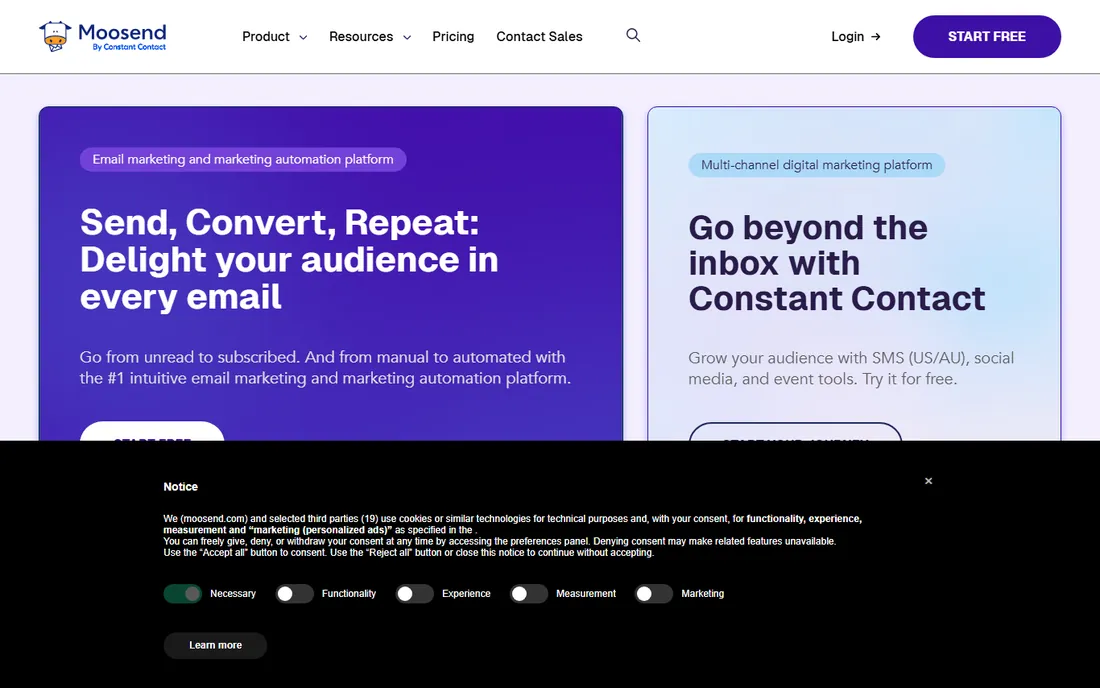
Moosend's pitch is value: automation features that cost enterprise money elsewhere, at a small-business price. The platform covers email campaigns, automation workflows, landing pages, subscription forms and a built-in SMTP server, with AI writing assistance for subject lines and content. Annual and semi-annual billing shave 15 to 20 percent off automatically.
The honest catch is ecosystem size. Fewer native integrations and a smaller template library mean more DIY, and the brand lacks the deliverability track record marketing of the bigger names. For a cost-conscious business that wants real automation (not just newsletters) without paying ActiveCampaign prices, it deserves a trial slot.
What we like- Automation, landing pages, forms and AI writing included at a budget price point
- Unlimited email campaigns on paid plans
- Straightforward interface with 24/5 live chat support
Watch out for- No published prices on the homepage and no permanent free plan
- The template library and integration ecosystem are smaller than Mailchimp's
- Advanced reporting is thinner than ActiveCampaign's
How we chose
We started with the searches buyers actually run: mass email marketing software, bulk email software, email marketing platform and newsletter software. For each candidate we opened the vendor's own homepage and pricing page, checked prices and free tiers against the vendor's own pages, and compared automation depth, deliverability reputation and review sentiment on G2, Capterra and Reddit. Where a vendor publishes no price, we wrote "See website" instead of repeating a third-party estimate.
What to look for before you buy bulk email software
Start with the pricing model, because it decides your bill more than the feature list. Per-contact pricing (Mailchimp, GetResponse, ActiveCampaign) charges for list size: a 30,000-person list costs the same whether you mail weekly or quarterly. Per-send pricing (Brevo) charges for volume: the same list mailed rarely costs little. Map your actual list size and monthly send volume to each vendor's tiers before comparing headline prices, and remember that unsubscribed contacts often count toward per-contact tiers until archived.
Check deliverability, not just features
Every vendor claims high deliverability, and the number that matters (inbox placement rate) is rarely published. What you can check: whether the vendor offers a dedicated IP or dedicated sending domain on your tier, whether SPF/DKIM/DMARC setup is guided or DIY, and what reviewers say about spam-folder problems on G2 and Reddit. Shared IPs on free and cheap tiers mean your reputation depends partly on other senders. If email drives revenue, the dedicated-sending-domain setup during the trial is worth an hour.
Test one real automation during the trial
Newsletters are easy everywhere; automation separates these tools. During the trial, build one journey that mirrors your business: a welcome sequence for new subscribers, an abandoned-cart flow for a store, or a re-engagement series for cold contacts. Time how long it takes and check whether the branching logic you need (delays, conditions, multi-channel steps) exists without workarounds. The tool that makes your one real automation easy is the right tool.
Deliverability: the hidden spec that decides everything
An email tool's real job is landing in the inbox, and three technical pieces decide most of it. First, authentication: SPF, DKIM and DMARC records prove your mail is legitimate, and every serious vendor guides you through setup. Second, IP reputation: on shared IPs (standard on cheap tiers) your deliverability is partly hostage to other senders' behavior; dedicated IPs or domains isolate you but need warm-up. Third, list hygiene: hard bounces, spam complaints and stale addresses hurt your sender reputation everywhere, regardless of vendor.
The practical takeaway: no vendor choice fixes a bad list. Clean your list before migrating (remove hard bounces and multi-year inactives), authenticate your domain on day one, and warm up a new sending domain gradually rather than blasting your full list in week one. Then the differences between these nine tools' infrastructures matter far less than marketers fear.
Frequently asked questions
How much does mass email marketing software cost?
Free plans cover up to 250-500 contacts (Mailchimp, AWeber) or 300 emails a day (Brevo). Paid entry points run $9 per month (Brevo Starter, 5,000 emails), $15 per month (AWeber Lite), with most tools scaling by list size or send volume from there. A 10,000-contact list typically costs $30 to $100 per month depending on the vendor and pricing model.
What is the difference between per-contact and per-send pricing?
Per-contact pricing (Mailchimp, ActiveCampaign, GetResponse) charges based on how many contacts you store, regardless of how often you mail them. Per-send pricing (Brevo) charges based on email volume, with unlimited contacts. Big, rarely-mailed lists are cheaper on per-send pricing; small, frequently-mailed lists are usually cheaper on per-contact pricing.
Is there really free mass email software?
Yes, with limits. Mailchimp's free plan covers 250 contacts and 500 emails a month. AWeber's covers 500 subscribers and 3,000 emails a month with no time limit. Brevo's free plan allows 300 emails a day to unlimited contacts. Omnisend also has a free plan. Free tiers usually include the vendor's branding and cap automations, so growing senders upgrade.
How many emails can I send without being marked as spam?
There is no fixed number; inbox providers judge your sender reputation, not just volume. Authenticate your domain (SPF, DKIM, DMARC), mail only opted-in contacts, keep complaint rates under 0.1 percent, and warm up new domains gradually. A sudden blast to 50,000 cold contacts will hurt you on any platform, while consistent sends to an engaged list scale fine.
Should I choose Mailchimp or Brevo?
Choose Mailchimp if you are starting small, want the easiest onboarding and the biggest template and integration library. Choose Brevo if your contact list is large relative to your send volume, since per-send pricing with unlimited contacts will cost less, or if you want transactional email included. Both have genuinely useful free plans, so trial both with your real list before deciding.
Do I need marketing automation, or is a newsletter enough?
A newsletter is enough if email is a communication channel (updates, announcements, content distribution). Automation pays when email is a revenue channel: welcome sequences, abandoned carts, win-back flows and post-purchase follow-ups generate measurable returns that manual sends cannot. If you run a store, prioritize the automation depth (Omnisend, ActiveCampaign, Brevo Standard); if you run a newsletter, prioritize the editor and free tier.
Sources we checked (14)
- https://mailchimp.com/
- https://mailchimp.com/pricing/
- https://www.brevo.com/
- https://www.brevo.com/pricing/
- https://www.aweber.com/
- https://www.getresponse.com/
- https://www.activecampaign.com/
- https://www.omnisend.com/
- https://www.constantcontact.com/
- https://campaignmonitor.com/
- https://moosend.com/
- https://www.litmus.com/
- https://www.g2.com/categories/email-marketing
- https://www.capterra.com/email-marketing-software/
Is your product missing or out of date?
We review this list regularly. Vendors can request a listing, send updated pricing or ask about featured placement.

Shihab Mia · Founder, Rankite
Shihab has spent more than a decade helping SaaS and e-commerce brands grow through search. He writes Rankite's software buying guides from pricing pages, documentation and public user reviews. More about Shihab.