How we make this list: we compare pricing pages, product documentation and public user reviews. Ratings come from G2, Capterra or Trustpilot, with the date we checked them.
Key takeaways
- Waze is the strongest for closures on the roads people are driving now, because its drivers report closures, crashes and hazards the moment they meet them.
- Google Maps has the widest official road data and the best automatic rerouting for most drivers, and Apple Maps has closed much of the gap for iPhone users.
- OsmAnd is the pick for offline maps and rural areas, where closures and coverage both get thin, and state 511 services remain the official source every app draws on.
- No app sees every closure: for a critical journey, cross check the app against your state or local authority feed before you leave.
Quick comparison
| Tool | Best for | Starting price | Free plan |
|---|
 Waze Waze | Live, driver reported closures and hazards | Free | Yes |
 Google Maps Google Maps | The best all round closure data and rerouting | Free | Yes |
 Apple Maps Apple Maps | iPhone drivers who want it built in | Free | Yes |
 TomTom GO TomTom GO | Truck and serious road trip navigation | See website | Yes |
 Sygic Sygic | Offline navigation with live traffic | See website | Yes |
 HERE WeGo HERE WeGo | Offline maps and international travel | Free | Yes |
 OsmAnd OsmAnd | Offline maps, hiking and rural routes | Free | Yes |
Is your product missing or out of date?
We review this list regularly. Vendors can request a listing, send updated pricing or ask about featured placement.
The best map apps for road closures
#1
Waze
Best for: Live, driver reported closures and hazards
Visit waze.com
Starting priceFree
Free planYes
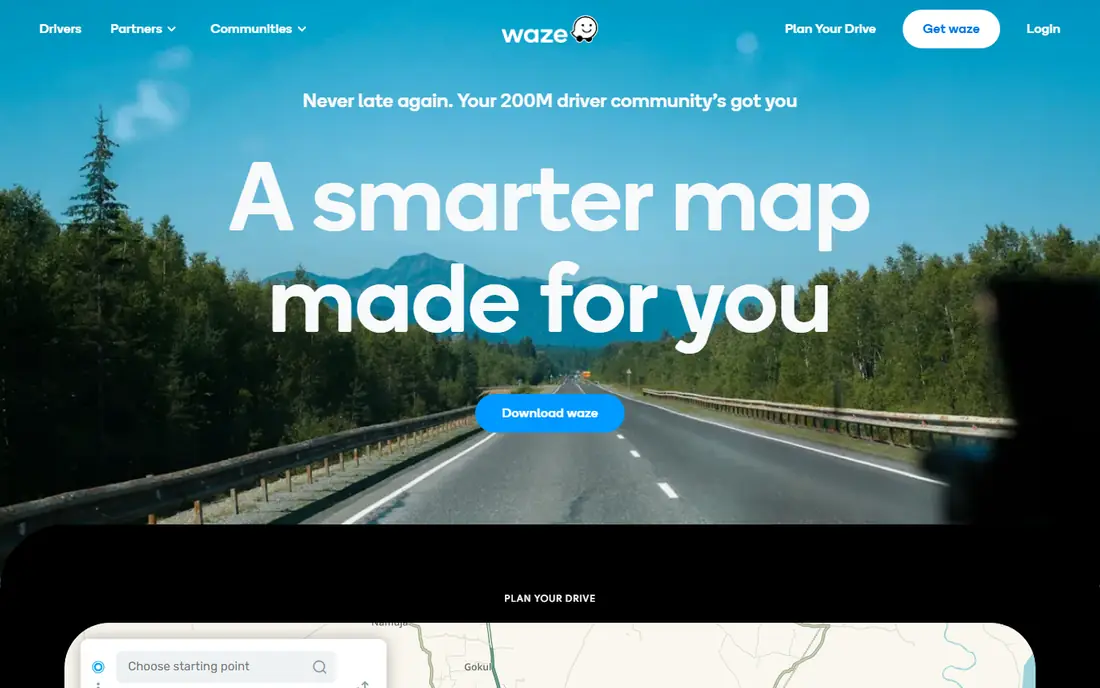
What we like- Waze exists for this exact question. Its drivers report closures, crashes, debris, police and flooding in real time, the app confirms reports through following drivers, and its routing treats a reported closed road as closed immediately rather than waiting for an official feed to update. Through its partnerships with cities and road agencies, official closure and roadwork data flows into the same map, and the municipal side receives the crowd's reports in return. For disruption on busy networks, commuter routes, storm damage, event closures, nothing reacts faster, and the reroutes around sudden closures are its party trick.
Watch out for- The crowd is the coverage: on quiet rural roads at 5 in the morning there may be no Waze driver ahead of you to meet the fallen tree. Reports can be wrong, stale or gamed, though confirmation by other drivers corrects most errors quickly. The interface, packed with icons and social features, distracts some drivers, and its routing enthusiasm for side streets has made it unpopular in residential areas it floods with diverted traffic. Battery and data use run high on long drives.
Starting priceFree
Free planYes
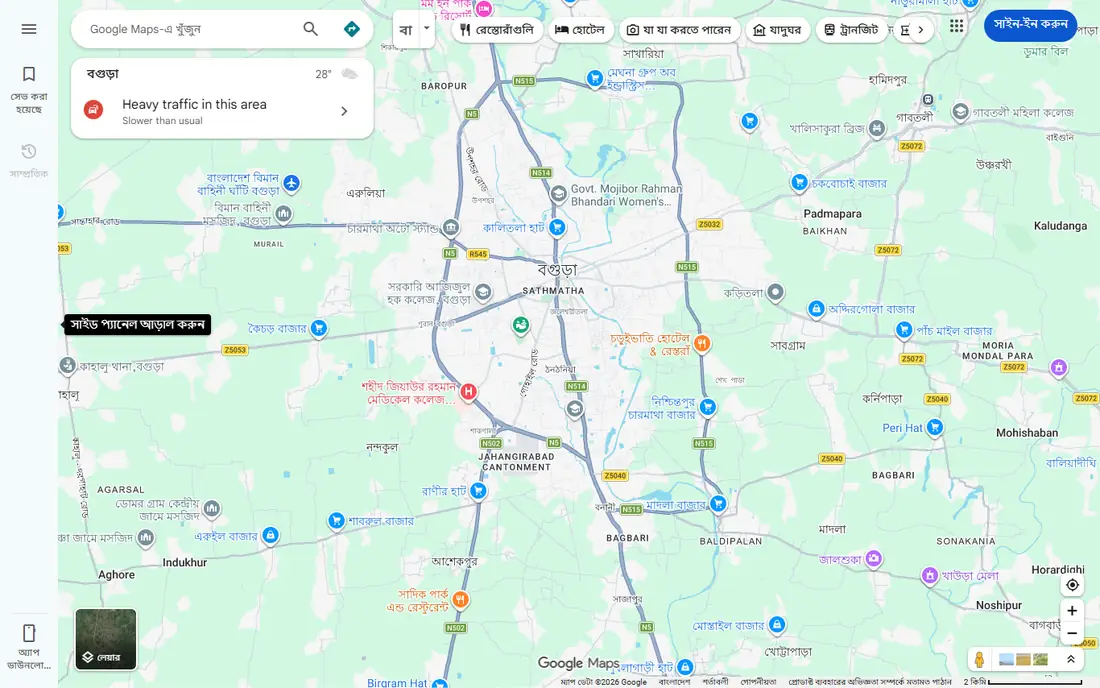
What we like- Google Maps combines official road and closure data at a scale no rival matches with live traffic from the largest pool of phones on the road, and it owns Waze, whose reports also inform its data. Closures show as blocked segments with reason and expected duration where known, rerouting happens automatically mid journey when conditions change, and the depth of coverage, from motorways to small towns, is the safest default for most drivers in most places. Incident reporting by users has been folded into Maps too, narrowing Waze's old monopoly on the crowd. It is free, preinstalled on Android and the reference against which everything else is judged.
Watch out for- Crowd reports carry less weight and arrive more slowly than in Waze's dedicated community, so the freshest sudden closure sometimes appears there first. Planned roadwork data quality varies by authority: some councils feed Google precisely, others barely. Offline use is limited to downloaded areas with reduced live information. And Google Maps' habit of routing for the network's average speed, not your stress level, sends drivers down unsuitable lanes in rural areas more often than locals forgive.
Starting priceFree
Free planYes
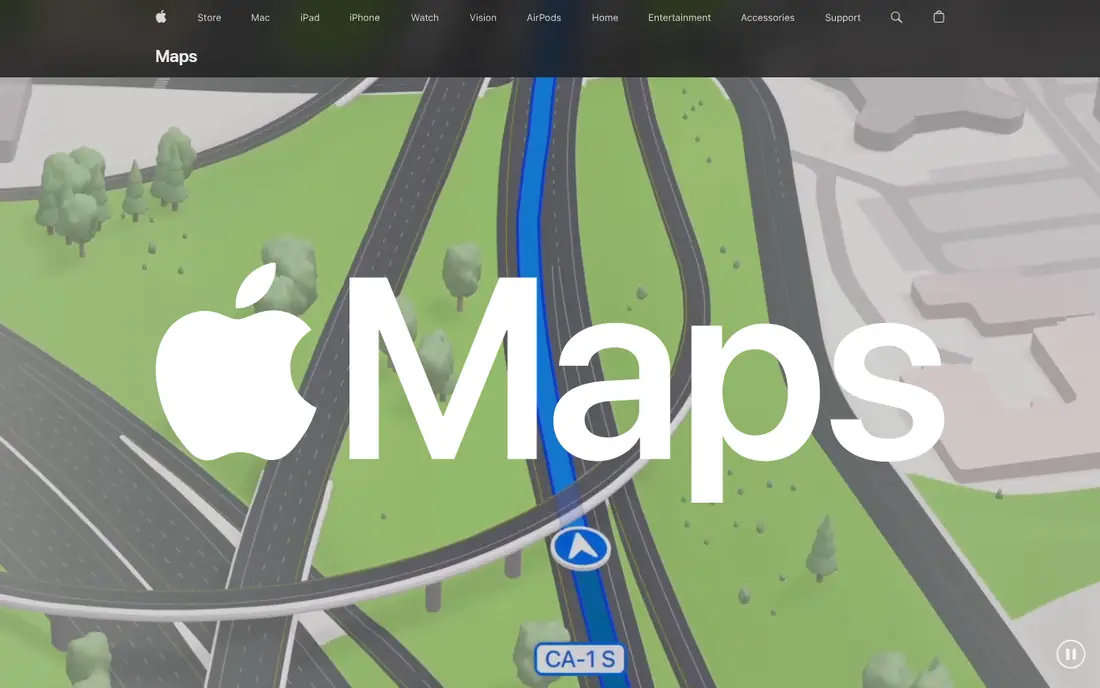
What we like- Apple Maps has matured into a genuine contender: closure and roadwork data from official sources, incident reporting by drivers, clear closure markers with detour routing, and the smoothest integration with the iPhone, CarPlay, Siri and the lock screen a driver could ask for. Its turn guidance and lane instructions are excellent, its privacy posture, on device processing and limited retention, is the strongest of the giants, and in the US and much of Europe its underlying map now matches Google's for most journeys. For an iPhone driver whose routes are mainstream, it answers the closure question without installing anything.
Watch out for- Apple Maps exists only inside Apple's world: no Android version, limited web version, which rules out mixed households standardising on it. Closure and incident data still trail Waze in smaller markets, and crowd reporting volume is a fraction of Waze's community. Business and place data remain thinner in some regions. Cyclists and truck drivers find fewer specialist options than in the dedicated apps. It is the right answer for most iPhone commuters and the wrong one for almost everyone else.
Starting priceSee website
Free planYes
What we like- TomTom built its name on traffic data, and GO carries that heritage: closures and roadworks from official sources and probe data across many countries, offline maps for whole regions, speed camera warnings where legal, and vehicle profiles including larger vehicles on its truck focused offerings, so a closure that matters to a lorry, a low bridge beyond it, a weight limit on the detour, is treated with the seriousness freight requires. The routing quality on long unfamiliar drives is a strength users consistently praise. A free allowance covers light use
- Subscriptions open the full service.
Watch out for- The free tier's monthly distance limit arrives quickly for regular drivers, and the subscription, priced in the app stores, competes with free giants. The crowd layer is thinner than Waze's, so sudden local closures rely on official speed of reporting. The app has had periods of mixed reviews around updates and account requirements. For a UK or European road trip or a vehicle bigger than a car, it earns its place
- For a city commute, Waze does the same job free.
Starting priceSee website
Free planYes
What we like- Sygic is the offline specialist among consumer sat navs: download countries or continents and navigate with closures and traffic layered in when a connection exists, with head up display options, speed limits, camera warnings and lane guidance that serve long distance drivers well. Its maps come from professional sources with roadwork and closure data fed in, and the app serves drivers in regions where data coverage is patchy or roaming is expensive. Premium tiers, sold in the app and priced there, add the live traffic and full feature set.
Watch out for- Offline maps are only as fresh as their last download, so a closure that began this morning on a downloaded map may not exist for Sygic until the data updates, the structural weakness of the offline model. Live traffic quality varies by country and trails the giants in the US. The interface asks more learning than Google Maps. For most commuters the free apps win
- Sygic earns money from travellers, drivers crossing coverage gaps and professionals who cannot rely on a signal.
Starting priceFree
Free planYes
What we like- HERE WeGo offers free offline maps for countries worldwide, clear public transport and driving directions, and closure and traffic information drawn from HERE's professional traffic services, which supply data to many car makers' built in systems. That automotive heritage shows in sensible routing and good international coverage, including places where Google is restricted or thin. Downloading a country before a trip and navigating it offline with traffic when connected is a combination travellers rate highly, and the app is free with no subscription gate on the core.
Watch out for- The crowd layer barely exists, so closures arrive at official reporting speed, slower than Waze on sudden events. The app has been through redesigns that unsettled long time users, and place data in smaller markets trails Google. Development pace and marketing are quiet beside the giants, which makes some users nervous about its future even as the service continues. In its strongest regions it is excellent
- Test it on your own roads before a trip that matters.
Starting priceFree
Free planYes
What we like- OsmAnd builds on OpenStreetMap data, the map the public edits, and that is its closure superpower in the right places: local mappers mark closed roads, new roadworks, paths and tracks that official and commercial maps have not caught, especially in rural areas, smaller countries and anywhere outdoors. Fully offline maps, route profiles for car, bike and foot, contour lines and track recording make it the hiker's and rural driver's favourite. A free version covers core use generously, with paid tiers for unlimited map downloads and extras, priced in the app stores.
Watch out for- Open data means uneven data: one county is mapped to the last farm track and closed road, the next is a sketch, and you learn which only by driving it. Live traffic and real time incident closure feeds are not its game
- A closure nobody has mapped yet does not exist for OsmAnd. The interface is the most complex in this list, rewarding users who invest in learning it. For a motorway commute it is the wrong tool
- For everywhere the paved world's data runs out, it may be the only right one.
How we chose
We compared navigation apps on how they handle the closure problem specifically: the sources of their closure data, official feeds and crowd reports, how fast a closed road disappears from routing, and how well the reroute respects the vehicle and the road types a driver can actually use. All seven are actively maintained and free to start in October 2026. We also checked the overlooked layer beneath them all, the state 511 services and national traffic feeds, and the FAQ explains why every driver should know their local one, since apps license, mirror or miss that data in ways that decide what you see.
How to choose the right map app for closures
Test on your own roads for one week. Run your usual app and Waze side by side on the commute, then swap in your second candidate, and note which one knew about the roadworks by your junction first and which one's detour you would actually drive. Local data quality varies enough that this experiment outranks any review, including this one. Keep the winner for daily driving and a second app installed for the journeys that matter, because closure data failure is a when, not an if, and the second opinion costs nothing.
Then learn your official feed. In the US, dial 511 or find your state's 511 site or app; in the UK it is the national traffic services; equivalents exist widely. Before a long or critical drive, a two minute check of the official feed for your route catches the planned motorway closures and major incidents that apps sometimes surface late, and it is the source the apps themselves lean on. Finally, treat any single app's all clear at face value only on roads you know; on unfamiliar ground, the app that shows a closure the others missed is erring on the side that costs you minutes rather than the side that costs you the journey.
Frequently asked questions
Which app finds out about a sudden closure first?
Usually Waze, on roads with regular traffic, because the first driver to reach the closure reports it and the app removes the road from routing within minutes, confirmed by following drivers. On quiet roads the advantage evaporates, since there is no crowd to report, and official feeds or Google's broader data detect the closure when an authority or a pattern of stopped traffic registers it. This is the honest core of closure data: somebody has to encounter the problem, or an agency has to publish it, before any app can know.
Why did my app route me into a closed road?
One of three reasons. The closure was not in its data yet, new, unofficial or unreported. The closure applies to a vehicle type or direction the app modelled differently, a common issue with partial and night only closures. Or the map data underneath was stale, the offline download problem. When it happens, report the closure in the app, which in Waze and Google Maps takes seconds and protects the next driver, and note the failure: if it happens twice on your routes with one app, that app's local data is weak where you live, whatever its global reputation.
Are official 511 services better than these apps?
They are different rather than better: 511 and its equivalents are the authoritative source for planned closures, major incidents and road conditions from the agencies doing the work, and they are what you check before a critical journey. They are slower than Waze on sudden events, limited to their state or region, and not built to navigate you turn by turn around what they report. The apps consume those feeds, add crowd speed and routing, and sometimes filter or delay what the feed already knows. Use both, in that order, for journeys that cannot fail.
Which app is best for closures in rural areas?
OsmAnd and Google Maps, for different reasons. Google has the widest mapped coverage and enough traffic in most rural areas to spot a stopped road. OsmAnd's community mapping can include closures, tracks and local changes no commercial map carries, at the price of unevenness between places. Offline downloads in either, plus Sygic or HERE WeGo, matter in low signal country, where the best closure data in the world cannot reach a phone with no connection. Download the region before you leave coverage, whichever app you choose.
Do these apps show planned roadworks as well as sudden closures?
Yes, increasingly well. Planned works come from agency feeds, and Google Maps, Waze through its city partnerships, Apple Maps and TomTom all display major planned closures with dates where the authority publishes them, showing on the route preview days ahead. Quality follows the authority's publishing habits, which vary from excellent to a PDF on a council website. For a planned closure on your route next week, the official feed for that road is again the reliable check, and the app is the reminder on the day.
Sources we checked (0)
Is your product missing or out of date?
We review this list regularly. Vendors can request a listing, send updated pricing or ask about featured placement.

Shihab Mia · Founder, Rankite
Shihab has 5+ years in B2B and SaaS SEO. He writes Rankite's software buying guides from pricing pages, documentation and public user reviews. More about Shihab.