How we make this list: we compare pricing pages, product documentation and public user reviews. Ratings come from G2, Capterra or Trustpilot, with the date we checked them.
Key takeaways
- Google Maps is the best default map app for most people, with the broadest place data and transit coverage.
- Apple Maps is the best choice on iPhone, with clean design, privacy protections, and deep CarPlay integration.
- Waze is the best driving companion, thanks to live reports from its 200 million driver community.
- OsmAnd and MAPS.ME are the best offline options, with downloadable maps that work without a signal.
- Sygic suits drivers who want offline navigation with advanced features, while MapQuest remains a solid free web option.
Quick comparison
| Tool | Best for | Starting price | Free plan |
|---|
 Google Maps Google Maps | Everyday navigation, local search, and transit in almost any city | Free | Yes |
 Apple Maps Apple Maps | iPhone, iPad, and Mac users who want clean navigation with privacy | Free | Yes |
 Waze Waze | Drivers who want live traffic, hazards, and police alerts from other drivers | Free | Yes |
 HERE WeGo HERE WeGo | Travelers who want offline maps and transit in one free app | Free | Yes |
 OsmAnd OsmAnd | Hikers, cyclists, and privacy-minded users who want offline open-source maps | Free | Yes |
 MAPS.ME MAPS.ME | Travelers who want simple, fast offline maps | Free | Yes |
 Sygic Sygic | Drivers who want offline navigation with advanced features | Free | Yes |
 MapQuest MapQuest | Anyone who wants free maps and directions on the web | Free | Yes |
Is your product missing or out of date?
We review this list regularly. Vendors can request a listing, send updated pricing or ask about featured placement.
The best map app
#1
Google Maps
Best for: Everyday navigation, local search, and transit in almost any city
Visit maps.google.com
Starting priceFree
Free planYes
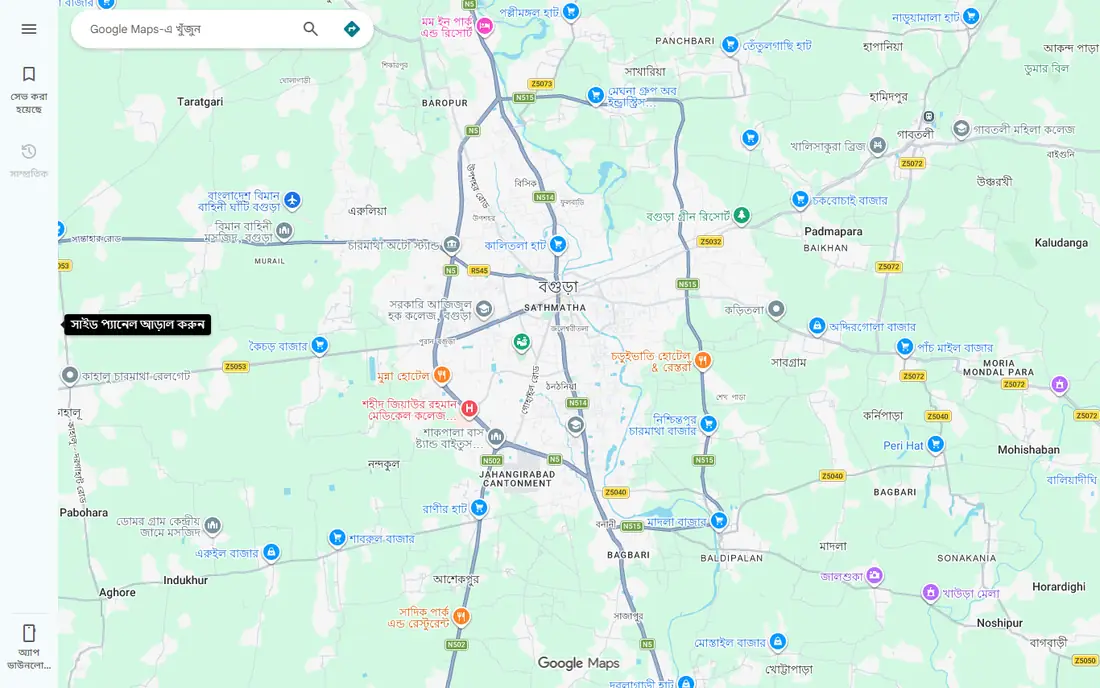
Google Maps is the map app most people already have, and for good reason. Its place database is the largest available, covering businesses, transit stops, walking paths, and cycling routes in nearly every city, with reviews, hours, photos, and live busyness info attached. Directions cover driving, transit, walking, and cycling, and live traffic reroutes you around jams as they form.
Street View lets you preview a destination before you arrive, which helps when you are meeting someone at an unfamiliar address or checking what a storefront looks like. Offline maps let you download an area in advance, so navigation keeps working without a signal, though the offline experience is not as deep as a dedicated offline app.
The trade-offs are privacy and weight. Google Maps collects location data to power its features, and privacy-minded users may prefer Apple Maps or OsmAnd. It is also a heavy app on battery and data. For most people, though, the breadth and accuracy of Google Maps make it the default, and the other apps on this list are best understood as complements or replacements for specific needs.
What we like- Largest place database, excellent transit and walking directions, Street View, live traffic and business info
Watch out for- Data collection concerns for privacy-minded users, heavy battery and data use, some features vary by region
#2
Apple Maps
Best for: iPhone, iPad, and Mac users who want clean navigation with privacy
Visit apple.com
Starting priceFree
Free planYes
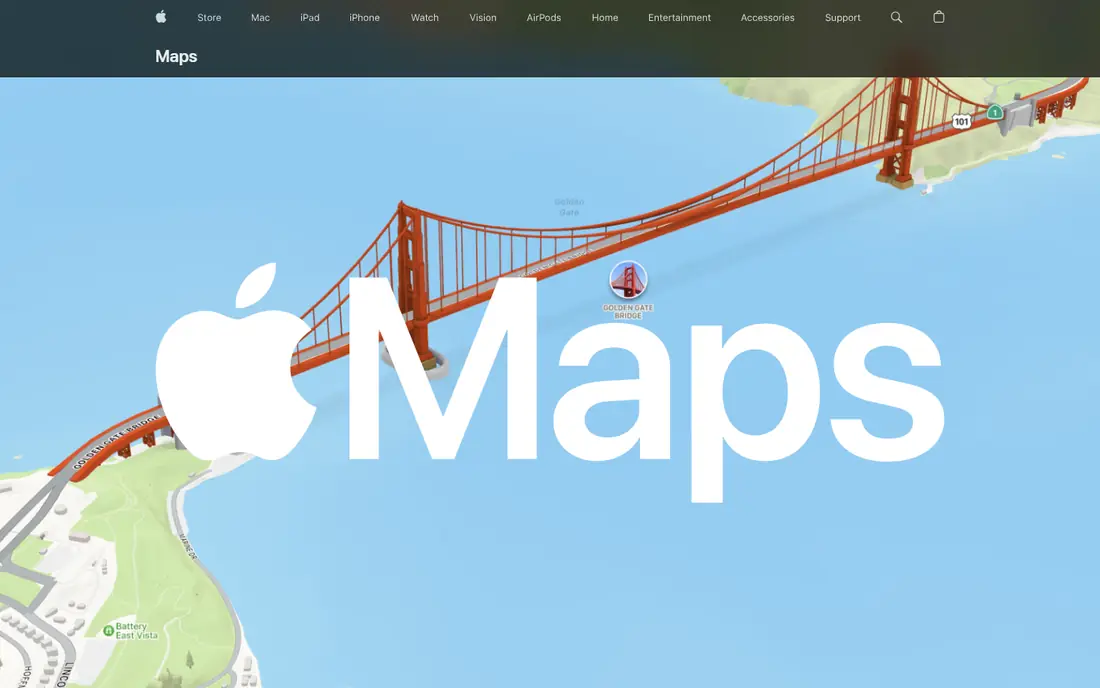
Apple Maps has grown from a shaky start into a genuinely good map app, and on iPhone it is the most polished option available. Navigation is clean and simple for driving, transit, walking, and cycling, with detailed city experiences, Look Around street-level imagery, and an interactive globe for exploring. Curated Guides from trusted partners help you find places to eat, shop, and meet friends in more than 1,000 cities.
Privacy is a real differentiator. Apple states that Maps does not associate your data with your Apple Account and does not keep a history of where you have been, with personalized features such as parked-car location handled on your device. For users who care about that, Apple Maps is the clearest choice among mainstream apps.
The limitation is platform. Apple Maps is only on Apple devices, so Android users and cross-platform households need something else. Place data is also thinner than Google's in some regions, and some features arrive in major cities first. If you live in the Apple ecosystem, though, Apple Maps is excellent, and it keeps getting better.
What we like- Clean design, Look Around street imagery, curated Guides, strong privacy stance, works across Apple devices and CarPlay
Watch out for- Only on Apple devices, place data thinner than Google in some regions, some features limited outside major cities
#3
Waze
Best for: Drivers who want live traffic, hazards, and police alerts from other drivers
Visit waze.com
Starting priceFree
Free planYes
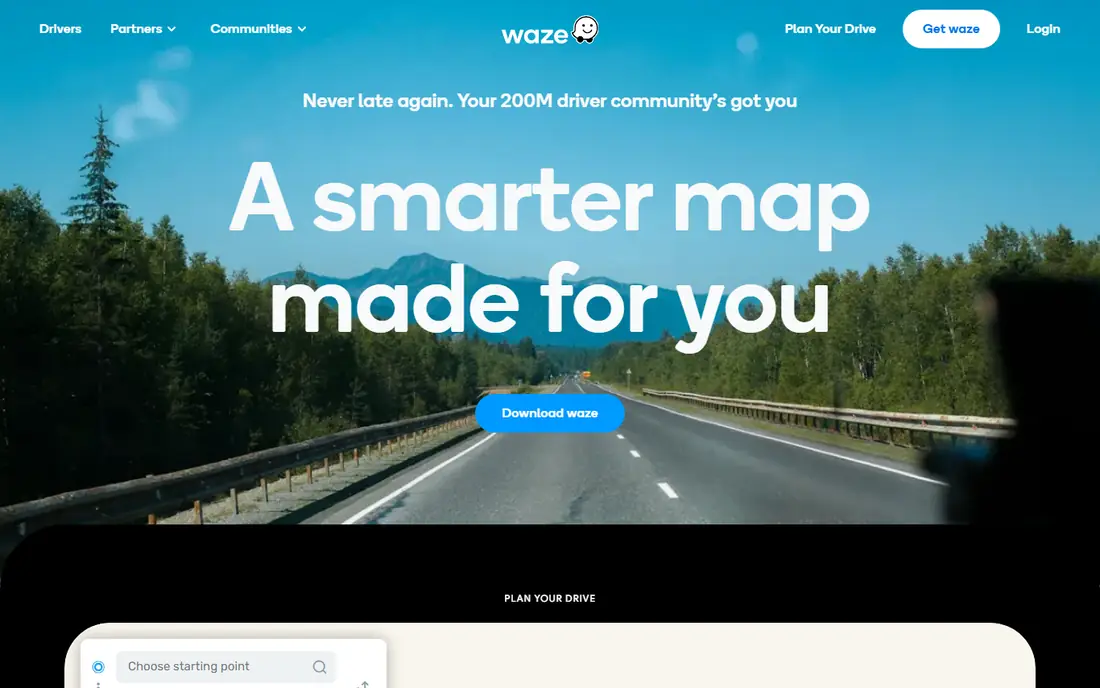
Waze is the driving app built by drivers. Its 200 million driver community reports traffic jams, hazards, speed traps, and road closures in real time, and Waze reroutes you around them as conditions change. That community layer is what sets Waze apart from Google Maps, even though Google owns both: Waze's reports are faster and more specific for drivers.
Features built for drivers include motorcycle mode with surface hazard alerts for riders, Drive Together for sharing a trip with a group and tracking everyone's progress, and a map-mate feature for hands-free traffic reporting. The app's tone is friendly and local, with a map built by locals for locals.
The drawbacks are scope and ads. Waze is driving-only, so it will not help with transit, walking, or cycling the way Google Maps or Apple Maps do. The app shows ads, and its data practices are Google's, so privacy-minded drivers should look at OsmAnd instead. For the daily commute or a long road trip, though, Waze is the best companion on this list.
What we like- Live community reports on traffic, hazards, and speed traps, 200 million driver community, motorcycle mode, group drive sharing
Watch out for- Driving-only focus, ads in the app, owned by Google so privacy is similar, less useful for transit or walking
#4
HERE WeGo
Best for: Travelers who want offline maps and transit in one free app
Visit wego.here.com
Starting priceFree
Free planYes
HERE WeGo is a free map and navigation app from HERE Technologies, built for travelers who need reliable maps without a constant data connection. You can download maps for entire countries or regions, then navigate offline with turn-by-turn driving, walking, and transit directions. That makes it a strong choice for international travel, where roaming data is expensive or unreliable.
The app covers driving, public transit, walking, and cycling, with a clean interface that stays out of your way. Its mapping data comes from HERE, a long-established mapping company whose data powers many car navigation systems, so coverage is solid worldwide even where community-driven maps are thin.
The trade-offs are place data and community. HERE WeGo's business listings and reviews are thinner than Google Maps', and it lacks the live driver reports that make Waze special. But for offline-first travel, it is one of the most dependable free options, and it pairs well with Google Maps for local search.
What we like- Downloadable offline maps, transit and walking directions, works worldwide, clean interface
Watch out for- Place data thinner than Google Maps, smaller community, some features vary by country
#5
OsmAnd
Best for: Hikers, cyclists, and privacy-minded users who want offline open-source maps
Visit osmand.net
Starting priceFree
Free planYes
OsmAnd is an open-source navigation app built on OpenStreetMap data, and it is the best choice for anyone who wants maps that work entirely offline and respect privacy. You can carry highly detailed, fully offline maps of any region worldwide on your device, with turn-by-turn voice guidance that works without a signal, so there are no roaming charges abroad.
For outdoor use, OsmAnd is outstanding. Offline maps include foot, hiking, and bike paths, with contour lines and hill shading available through plugins, plus trip recording to GPX files for later review. Search covers addresses, place types, and coordinates, and you can save favorites, display points of interest, and overlay touring tracks.
The drawbacks are polish and learning curve. The interface is less refined than Google Maps or Apple Maps, and some features require plugins or patience to configure. OsmAnd also states that it does not collect user data, which is a genuine privacy advantage. If you hike, cycle, travel off the grid, or simply want maps that answer to you rather than an advertiser, OsmAnd is the best app here.
What we like- Fully offline maps from OpenStreetMap, no user data collection, hiking and cycling paths, contour lines and hill shading, trip recording
Watch out for- Steeper learning curve, interface less polished than mainstream apps, some features need plugins
#6
MAPS.ME
Best for: Travelers who want simple, fast offline maps
Visit maps.me
Starting priceFree
Free planYes
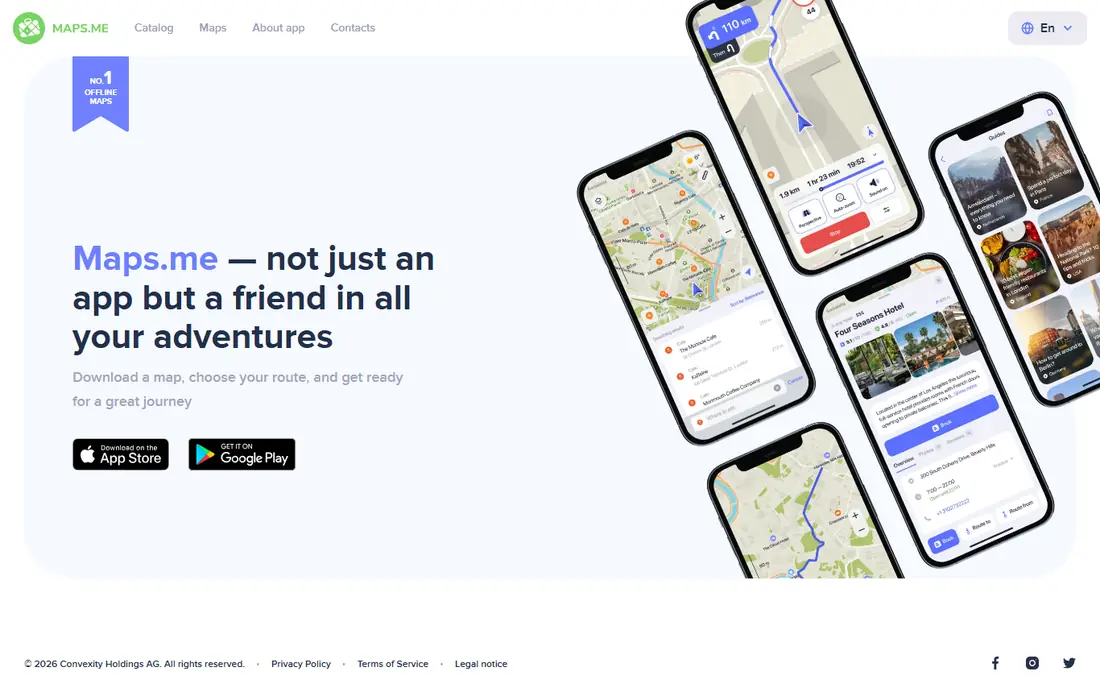
MAPS.ME is a travel-focused offline map app that keeps things simple: download a map, choose your route, and go. Built on OpenStreetMap data, it gives you detailed offline maps of the world for iPhone, iPad, and Android, with routing that works without a data connection. For travelers who want a map that just works abroad, that simplicity is the point.
The app is lighter and easier to learn than OsmAnd, with a clean interface and fast map downloads. It covers the essentials for travel: finding places, getting directions, and navigating offline, without the plugin system and advanced settings that can overwhelm new OsmAnd users.
The trade-off is depth. Navigation is more basic than OsmAnd's or Sygic's, and advanced features such as contour lines, trip recording, and detailed outdoor routing are limited or absent. Place data also depends on OpenStreetMap coverage, which varies by region. If you want the simplest reliable offline map for travel, MAPS.ME is the easiest pick on this list.
What we like- Very simple offline maps, fast downloads, works on iPhone and Android, good for travel
Watch out for- Fewer features than OsmAnd, navigation is basic, place data depends on OpenStreetMap
#7
Sygic
Best for: Drivers who want offline navigation with advanced features
Visit sygic.com
Starting priceFree
Free planYes
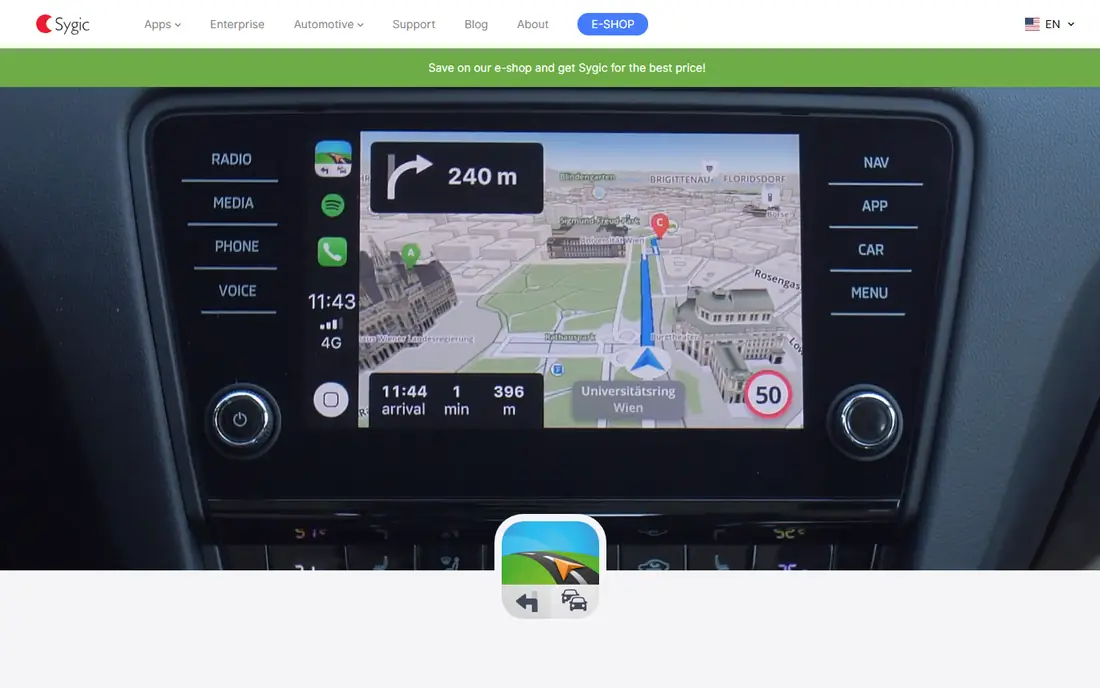
Sygic is an offline GPS navigation app trusted by more than 200 million drivers, and it is the most feature-rich offline driving option here. Maps are stored on your device, so navigation works without a data connection, and the app adds augmented reality guidance, smart routing, and support for your car's display through CarPlay and Android Auto.
Sygic also covers specialized driving needs that mainstream apps ignore, with truck navigation for trucks, RVs, caravans, and buses, plus trip planning through Sygic Travel Maps. Its technology comes from 20 years of mapping work and powers solutions for thousands of partners, including car makers, which speaks to the quality of its routing data.
The limitation is that the full feature set sits behind a paid upgrade, and the free tier is more limited than OsmAnd's or MAPS.ME's. The interface is also dense, with many features competing for attention. For drivers who want the most capable offline navigator and are willing to pay for premium features, Sygic is the strongest choice here.
What we like- Offline GPS navigation trusted by more than 200 million drivers, augmented reality features, CarPlay and Android Auto support, truck and RV routing
Watch out for- Full features need a paid upgrade, interface is feature-dense, free tier is limited
#8
MapQuest
Best for: Anyone who wants free maps and directions on the web
Visit mapquest.com
Starting priceFree
Free planYes
MapQuest is the veteran of web mapping, and it remains a solid free option for anyone who wants maps and directions in a browser without installing an app. Its homepage offers maps, driving directions, and live traffic, with state and city map pages that make it easy to explore the United States and Canada from any device.
The appeal is simplicity and access. MapQuest works on any device with a browser, requires no account, and gives you directions and traffic without the weight of a full app. For planning a route on a desktop or sharing directions with someone who does not use a particular app ecosystem, that openness is handy.
The drawbacks are features and mobile polish. MapQuest lacks the depth of Google Maps' place data, the community reports of Waze, or the offline strength of OsmAnd, and its mobile app is not a standout. Still, as a free, no-install web map, it earns its place, especially for quick route checks and trip planning on a computer.
What we like- Free web maps with no app needed, driving directions and live traffic, state and city map pages, long track record
Watch out for- No standout mobile app, fewer features than Google or Apple Maps, place data thinner than Google's
How we chose
We compared map apps that genuinely help people navigate in 2026, covering mainstream, driving-focused, offline, and web options. We checked each vendor homepage to confirm the app exists and matches its description, and we used free pricing where the vendor offers a free app or free tier. Two homepages, Google Maps and HERE WeGo, returned no extractable page content in our check because both are interactive map applications rather than standard pages, so their listings rest on their well-established official addresses rather than a fresh page read. Apps were kept only if they are actively maintained and usable for real navigation, not just similar in name.
Pick by how you travel
If you want one app for everything, Google Maps on Android or Apple Maps on iPhone will cover you. If you drive daily, add Waze for live driver reports. If you travel, hike, or go off the grid, OsmAnd or MAPS.ME will keep you moving without a signal, and HERE WeGo is a good middle ground. Drivers who want the most capable offline navigator should try Sygic, and anyone who just needs a quick route on the web can use MapQuest without installing anything. Start free, since every app here is free at its base level, and keep two on your phone: one mainstream app and one offline app.
Frequently asked questions
What is the best map app overall?
Google Maps is the best all-round map app for most people, thanks to its place data, transit coverage, and live traffic. Apple Maps is the best choice on iPhone, especially if you value privacy and CarPlay integration.
Which map app works best offline?
OsmAnd is the best offline map app, with fully downloadable maps, hiking and cycling paths, and no data collection. MAPS.ME is simpler and easier to learn, while Sygic is the best offline option focused on driving.
Is Waze better than Google Maps for driving?
For live traffic and driver reports, yes. Waze's community reports hazards, speed traps, and jams faster than most apps, and its motorcycle mode and group drive features are driver-specific. Google Maps is better for everything beyond driving, such as transit, walking, and local search.
Do I need to pay for a good map app?
No. Every app on this list is free at its base level, including Google Maps, Apple Maps, Waze, OsmAnd, and MAPS.ME. Paid upgrades exist, mainly for Sygic's premium features and extra map content, but free tiers cover everyday navigation well.
Which map app is best for privacy?
OsmAnd is the best choice for privacy, since it is open source and does not collect user data, with routes computed on your device. Apple Maps is the best mainstream option for privacy, as it does not tie your location history to your Apple Account.
Can I use a map app without a data connection?
Yes, with the right app. OsmAnd, MAPS.ME, HERE WeGo, and Sygic all offer downloadable offline maps, and Google Maps lets you download areas in advance. Download your maps over Wi-Fi before you travel, and navigation will keep working without a signal.
Sources we checked (0)
Is your product missing or out of date?
We review this list regularly. Vendors can request a listing, send updated pricing or ask about featured placement.

Shihab Mia · Founder, Rankite
Shihab has 5+ years in B2B and SaaS SEO. He writes Rankite's software buying guides from pricing pages, documentation and public user reviews. More about Shihab.