How we make this list: we compare pricing pages, product documentation and public user reviews. Rankite is independent; if a vendor ever pays for a featured spot, that listing is clearly labeled Partner.
Key takeaways
- Cognex VisionPro is the safest default for US manufacturers that want fast deployment and a large support network.
- MVTec HALCON wins when you need custom algorithms or serious 3D vision and have developers on staff.
- Zebra Aurora (the former Matrox Imaging software) covers no-code, flowchart and full-code development in one suite.
- Basler pylon is free with Basler cameras and RoboRealm starts at $25, while every other platform on this list is quote-based.
Your line ships a bad batch and the customer sends photos. The defect is obvious once someone points at it, but nobody on the floor caught it because inspection still means a person with a flashlight. That is the moment most companies start shopping for machine vision software.
The software is only half the decision. Cameras, lighting and lenses decide whether the software ever sees the defect clearly, and the wrong license model can double your budget when you add a second line. This guide covers nine platforms that exist today, from the industry default to a $25 option that runs on a laptop.
Quick comparison
| Tool | Best for | Starting price | Free plan |
|---|
 Cognex VisionPro Cognex VisionPro | Large US manufacturers standardizing on one platform | See website | No |
 MVTec HALCON MVTec HALCON | Custom algorithms and demanding 3D vision | See website | No |
 Zebra Aurora Zebra Aurora | Shops already using Zebra or Matrox hardware | See website | No |
 Teledyne DALSA Sherlock Teledyne DALSA Sherlock | Fast no-code inspection deployment | See website | No |
 Basler pylon Basler pylon | Developers standardizing on Basler cameras | Free | Yes |
 SICK Nova SICK Nova | Sensor-based inspection teams | See website | No |
 NeuroCheck NeuroCheck | Machine builders wanting an all-in-one package | See website | No |
 RoboRealm RoboRealm | Hobbyists, labs and tight budgets | $25 one-time (Personal x86); $500 (Commercial x64) | Free trial (15 days) |
 Euresys Open eVision Euresys Open eVision | High-speed lines using Euresys acquisition hardware | See website | No |
Is your product missing or out of date?
We review this list regularly. Vendors can request a listing, send updated pricing or ask about featured placement.
The best machine vision software
#1
Cognex VisionPro
Best for: Large US manufacturers standardizing on one platform
Visit cognex.com
Starting priceSee website
Free planNo
Cognex is the name most US plant managers already know, and that familiarity is part of the product. VisionPro is PC-based software for inspection, measurement, identification and alignment, aimed at teams that need to automate a vision task without rebuilding their engineering department. The QuickBuild graphical environment lets a controls engineer prototype an inspection in days rather than weeks.
The honest catch is the licensing structure. Development seats and runtime licenses are priced separately, so a pilot that looks affordable can grow teeth when you roll it to six lines. VisionPro also keeps you inside the Cognex world for the hardest problems: advanced 3D and deep learning live in companion products with their own price tags.
What we like- QuickBuild environment lets non-programmers deploy quickly
- PatMax pattern matching works on low-contrast parts
- Runs with many camera and frame grabber brands
Watch out for- Runtime licenses add cost with every deployment
- 3D toolset is narrower than HALCON
- Deep learning requires the separate VisionPro Deep Learning product
#2
MVTec HALCON
Best for: Custom algorithms and demanding 3D vision
Visit mvtec.com
Starting priceSee website
Free planNo
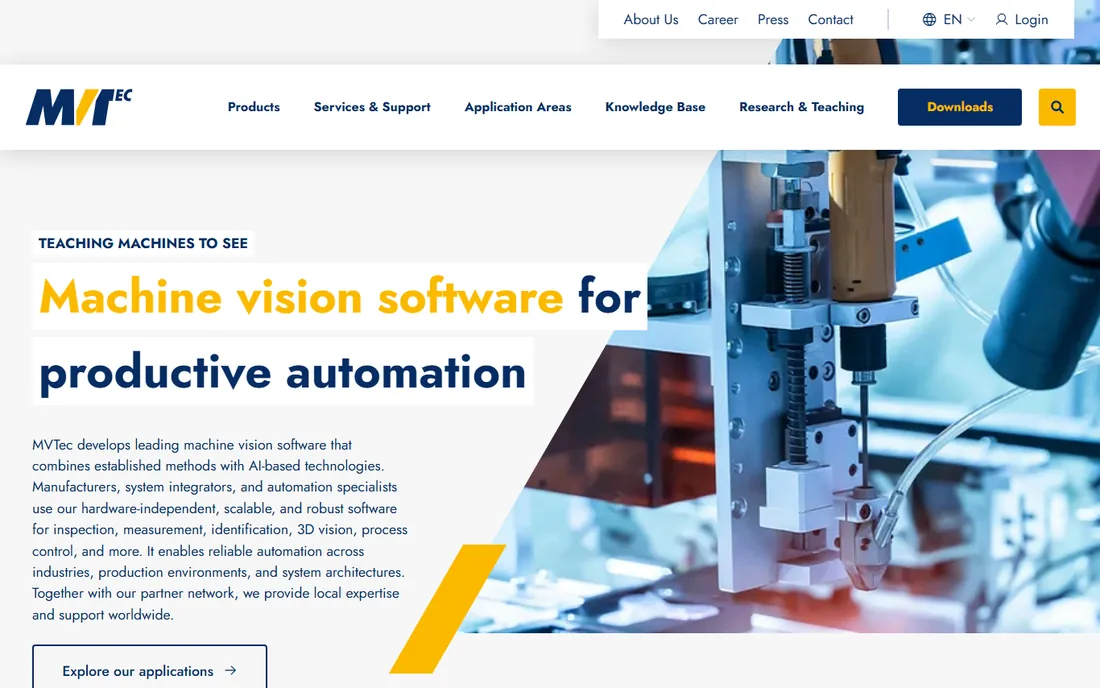
If your team writes code, HALCON gives you the deepest toolbox in the industry. It is a software library rather than an application, which means an integrator can build exactly the inspection the line needs instead of bending a wizard to fit. The 3D capabilities are the real differentiator: bin picking, surface matching and multi-sensor point cloud work that most competitors cannot do.
That power has a price beyond money. HALCON assumes you have vision-literate developers, and a team used to drag-and-drop tools will need months to get fluent. Pricing is quote-based and varies by deployment, so get the license conversation started early if procurement moves slowly at your company.
What we like- More than 2,100 operators, the deepest vision library on the market
- Strong 3D vision including surface-based matching
- Hardware-independent across camera brands
Watch out for- Steep learning curve for developers new to vision
- Quote-based pricing makes budgeting slow
- Smaller US support footprint than Cognex
#3
Zebra Aurora
Best for: Shops already using Zebra or Matrox hardware
Visit zebra.com
Starting priceSee website
Free planNo
Zebra bought Matrox Imaging in 2022, and the software you may know as Matrox Design Assistant now lives inside Aurora. The suite is unusually complete: Aurora Focus for on-device setup, Vision Studio for code-free application building, Vision Library for programmers, Imaging Library for C++ and .NET development, and Design Assistant for flowchart-style projects. A plant can start with a smart camera and grow to a full PC-based system without switching vendors.
The catch is mostly about the transition. Old Matrox documentation and part numbers still float around the web, so confirm you are pricing the current Aurora product, not a legacy SKU. And while the software supports third-party hardware, the smoothest experience comes with Zebra cameras and controllers.
What we like- One suite spans no-code (Vision Studio), flowchart (Design Assistant) and full-code (Vision Library)
- Inherits the deep Matrox Imaging Library toolset
- Scales from smart camera to PC controller
Watch out for- The Matrox-to-Aurora rebrand still confuses licensing searches
- Strongest when paired with Zebra cameras
- Enterprise quote process
Starting priceSee website
Free planNo
Sherlock is the pick when the inspection cell has to be running by Friday. It is a point-and-click environment for measurement, presence detection, OCR and barcode reading, aimed at manufacturing engineers rather than software developers. Teledyne DALSA has shipped it for years, and it shows in the small things: stable drivers, sensible defaults and tools that match how packaging and electronics lines actually fail.
The trade-off is flexibility. Anything outside Sherlock's tool palette means stepping up to Teledyne's Sapera SDK or another library entirely, which is a bigger project. Pricing is quote-based, and the best value comes when the cameras and frame grabbers are Teledyne too.
What we like- Genuinely code-free setup for common inspection tasks
- Pairs cleanly with Teledyne cameras and frame grabbers
- Proven in electronics and packaging lines
Watch out for- Works best inside the Teledyne hardware ecosystem
- Less flexible than a full SDK for unusual applications
- Quote-based pricing
Starting priceFree
Free planYes
Every Basler camera ships with pylon, and it costs nothing. The pylon Viewer is genuinely useful on its own: you can bring up a camera, tune exposure, test triggers and save settings without writing code. For developers, the pylon SDK handles acquisition, so your team can focus on the actual inspection logic in the language they already use.
Think of pylon as camera software, not a full vision platform. It does acquisition and basic processing well, but defect classification or precision measurement usually means adding a library like HALCON or Open eVision on top. If you have already standardized on Basler hardware, though, there is no reason not to use it.
What we like- Free with Basler cameras
- Pylon Viewer makes camera setup and testing fast
- SDKs for C, C++, .NET and Python
- GenICam standard support
Watch out for- Vision tools are basic compared with HALCON or VisionPro
- Locks you to Basler cameras
- Advanced applications need a separate vision library
Starting priceSee website
Free planNo
SICK built Nova for teams that think in sensors rather than code. Instead of one large application, you assemble modular sensor apps for tasks like presence detection, measurement and identification, then run them on SICK devices or industrial PCs. For plants that already buy SICK photoelectric sensors and safety equipment, the familiar ecosystem is a real advantage.
Nova is newer than most platforms on this list, which means fewer community answers when something unusual breaks. It is also at its best with SICK hardware, so mixed-brand shops should test compatibility early. Like most industrial vision software, pricing comes through a quote.
What we like- Modular, app-based approach to building inspections
- Drag-and-drop sensor apps reduce setup time
- Tight integration with SICK sensors and cameras
Watch out for- Best results come with SICK hardware
- Newer platform with a smaller user community
- Quote-based pricing
Starting priceSee website
Free planNo
NeuroCheck has been running inspection lines since the 1990s, mostly in European machine building. It covers the whole job in one program: camera control, image processing, measurement, classification and documentation, with both guided manual modes and fully automatic operation. The deep learning toolkit adds modern defect detection for surfaces where rule-based tools struggle.
The honest weaknesses are about fit rather than function. US support is thinner than what Cognex or Zebra offer, and the interface shows its age. Pricing is not published, so expect a sales conversation. For a machine builder shipping the same inspection cell fifty times, the all-in-one model still makes sense.
What we like- Complete package from image acquisition through evaluation
- Manual and automatic operating modes
- Deep learning toolkit for defect detection
Watch out for- Smaller US presence than the big vendors
- Pricing is opaque
- Interface feels dated next to newer tools
Starting price$25 one-time (Personal x86); $500 (Commercial x64)
Free planFree trial (15 days)
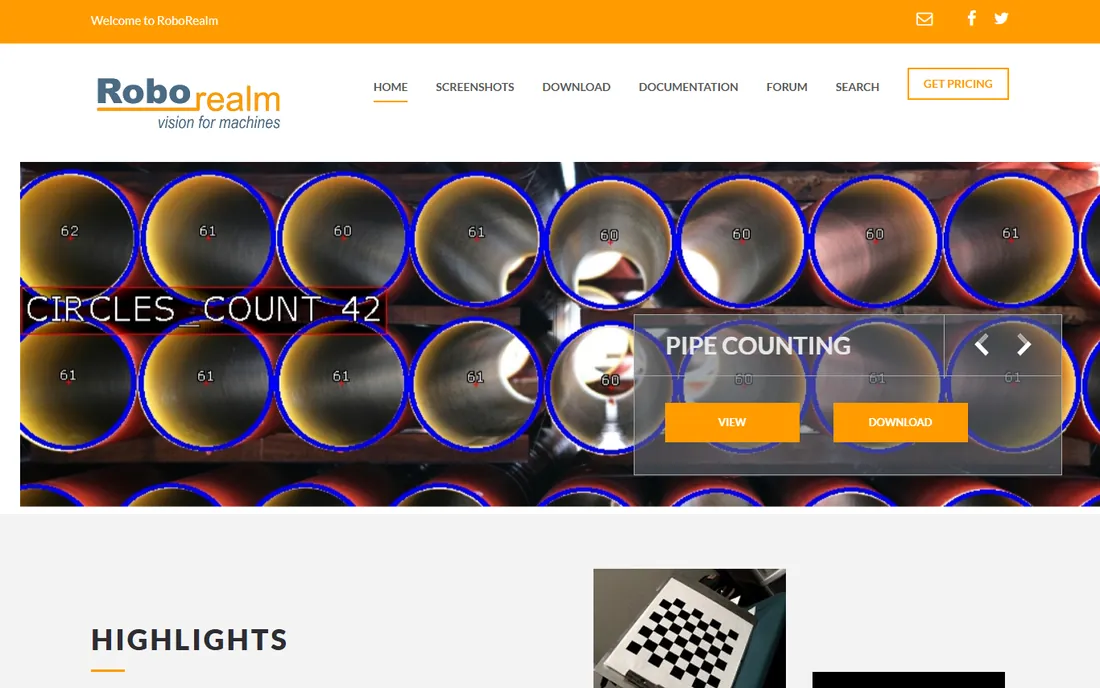
At $25 for the personal license, RoboRealm is the cheapest way to start doing real machine vision. You chain image-processing modules into a pipeline, watch parameters update in real time and add camera inputs, file outputs, web publishing or email alerts without writing code. The Denver-based company has kept it alive since 2005, and the forum answers are practical.
Nobody should confuse it with an enterprise platform. It runs on Windows, the interface looks like it, and regulated industries will miss the validation, audit and support structures the big vendors provide. For prototypes, university labs, robotics hobbyists and proof-of-concept work before the capital request, it is hard to beat.
What we like- Cheapest real option by a wide margin
- Hundreds of pipeline-based modules with no coding required
- Camera-agnostic
- Active user community
Watch out for- Windows-only
- Dated interface
- Not built for validated production environments
#9
Euresys Open eVision
Best for: High-speed lines using Euresys acquisition hardware
Visit euresys.com
Starting priceSee website
Free planNo
If your line moves too fast for ordinary acquisition hardware, Euresys is worth a look. The Belgian company is known for CoaXPress frame grabbers, and Open eVision is the software library that sits on top: matching, measurement, blob analysis and particularly good OCR tools for reading codes and characters at speed. The eGrabber API gives one programming interface across GigE Vision, CoaXPress and Camera Link cameras.
The licensing model needs attention: tools are licensed individually, so a project that needs matching plus OCR plus deep learning can stack costs quickly. The community is smaller than HALCON's, which matters when you hit an unusual problem at 2 a.m. For high-throughput inspection built on Euresys hardware, though, it is a natural fit.
What we like- Strong OCR and deep-learning OCR tools (EasyOCR, EasyDeepOCR)
- Works with any GenICam camera through the eGrabber API
- Built for high-speed acquisition
Watch out for- Licensing per tool can add up
- Smaller community than HALCON
- Best performance pairs with Euresys frame grabbers
How we chose
We did not run these products on a test bench. We compared vendor pricing pages, documentation, public reviews on G2, Capterra and Reddit, published feature lists, integration options and fit for small and mid-size US companies. Products that were discontinued or folded into another suite were replaced with current alternatives, including the Matrox Imaging software that is now sold as Zebra Aurora.
What to check before you buy
Lighting and optics come first
No software recognizes a defect the camera cannot see. Before comparing platforms, budget for proper lighting, a suitable lens and a stable mount. Integrators consistently say lighting fixes more failed projects than any software upgrade.
Development license vs runtime license
Most vendors sell these separately. The development seat is what your engineer uses to build the application; the runtime license is what each deployed PC or smart camera needs. Ask for both numbers in the first quote, and ask how the price changes at five or ten deployments.
Camera compatibility
HALCON, VisionPro and Open eVision work with many camera brands through the GenICam standard. Pylon, Sherlock and Nova are happiest with their own brands. If you already own cameras, bring the model list to the first sales call.
Why almost nobody publishes a price
Machine vision pricing is custom because deployments are custom. A single-camera presence check and a twelve-camera 3D bin-picking cell are different products in everything but name, so vendors quote per project. Expect a discovery call, a trial with your parts and a proposal that bundles software, services and sometimes hardware.
The exceptions prove the rule. Basler pylon is free because it sells Basler cameras. RoboRealm publishes its prices ($25 personal, $500 commercial) because it sells to individuals and labs, not procurement departments. If your project is small and standard, start with the free and cheap options before inviting the enterprise sales teams.
Frequently asked questions
What is machine vision software?
It is software that lets cameras inspect, measure, identify or guide objects automatically on a production line. Typical jobs include checking parts for defects, verifying labels, reading barcodes and guiding robots to pick items.
Do I need to know how to code?
Not necessarily. Sherlock, Zebra Aurora Vision Studio, NeuroCheck and RoboRealm offer code-free or flowchart environments. HALCON, VisionPro at depth and Open eVision assume programming skill and reward it with more control.
How much does machine vision software cost?
From $25 (RoboRealm personal) to tens of thousands per line for enterprise platforms with runtime licenses. Most vendors quote per project, so treat any number you see online as a starting point for a conversation, not a price.
Can I use my existing cameras?
Often yes, if they support the GenICam standard, which most industrial cameras from the last decade do. Confirm the exact model with the vendor before buying, since driver support varies.
What is the difference between rule-based vision and deep learning vision?
Rule-based tools check explicit criteria you define, like dimensions or color thresholds, and they are fast and explainable. Deep learning tools learn what a good part looks like from examples and handle variable defects like scratches or texture changes, but they need training images and more computing power.
How long does deployment take?
A simple presence check with a no-code tool can run in days. A multi-camera measurement or 3D application with custom development typically takes six to twelve weeks including lighting design, programming and validation.
Sources we checked (11)
- https://cognex.com/
- https://mvtec.com/
- https://www.zebra.com
- https://www.teledynedalsa.com
- https://baslerweb.com/
- https://www.sick.com
- https://neurocheck.com/
- https://roborealm.com/
- http://www.RoboRealm.com/pricing.php
- https://www.euresys.com
- https://www.jmakautomation.com/halcon-vs-cognex-visionpro
Is your product missing or out of date?
We review this list regularly. Vendors can request a listing, send updated pricing or ask about featured placement.

Shihab Mia · Founder, Rankite
Shihab has spent more than a decade helping SaaS and e-commerce brands grow through search. He writes Rankite's software buying guides from pricing pages, documentation and public user reviews. More about Shihab.