How we make this list: we compare pricing pages, product documentation and public user reviews. Ratings come from G2, Capterra or Trustpilot, with the date we checked them.
Key takeaways
- Vimeo Livestream is the best all round platform for professional events, with reliable delivery, branding, and analytics.
- Dacast suits events that need paywalls and monetization, with ticketing, subscriptions, and ad free playback.
- Restream and StreamYard are the best choices for multistreaming and talk show style events across social platforms.
- YouTube Live is the best free option for public events, with huge reach and no platform fee.
- Wowza suits developers and broadcasters who want full control over their own streaming infrastructure.
- The best platform depends on audience size, monetization, and whether the event is public, ticketed, or private.
Quick comparison
| Tool | Best for | Starting price | Free plan |
|---|
 Vimeo Livestream Vimeo Livestream | Professional events | See website | No |
 YouTube Live YouTube Live | Free public events | Free | Yes |
 Dacast Dacast | Monetized ticketed events | See website | No |
 Restream Restream | Multistreaming | Free | Yes |
 StreamYard StreamYard | Talk show style events | Free | Yes |
 Wowza Wowza | Custom streaming infrastructure | See website | No |
 Brightcove Brightcove | Enterprise video events | See website | No |
 BoxCast BoxCast | Churches and community events | See website | No |
Is your product missing or out of date?
We review this list regularly. Vendors can request a listing, send updated pricing or ask about featured placement.
Starting priceSee website
Free planNo
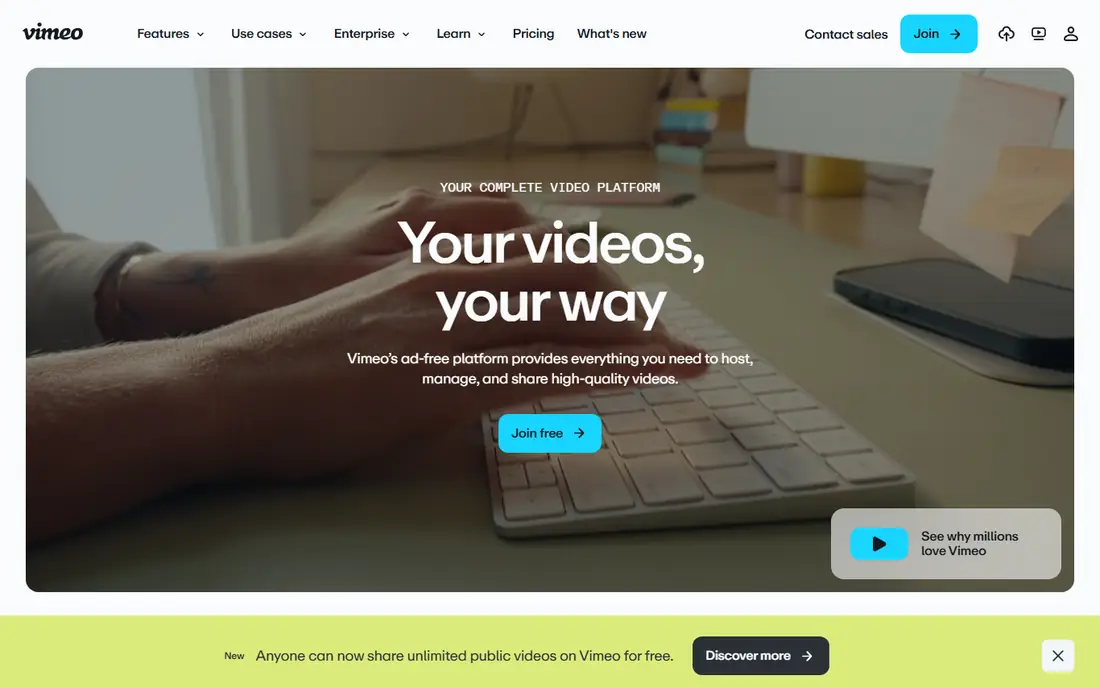
Vimeo Livestream is built for professional events, offering reliable delivery, ad free playback, custom branding, password protection, and embedding on your own site, plus live chat, polls, and detailed analytics. Its production tools include multi camera switching and graphics, which suit conferences, product launches, and town halls that need a polished look.
Vimeo requires a subscription, pricing varies by plan, and some live features need higher tiers. For a professional event where reliability and branding matter more than free reach, Vimeo Livestream is the best all round platform.
What we like- Reliable delivery
- Strong branding and embedding
- Detailed analytics and chat
Watch out for- Subscription required
- Pricing varies by plan
- Live features need higher tiers
#2YouTube Live
Best for: Free public events4.4/5 on
G2 (220 reviews, checked Oct 2026)
Visit youtube.com
Starting priceFree
Free planYes
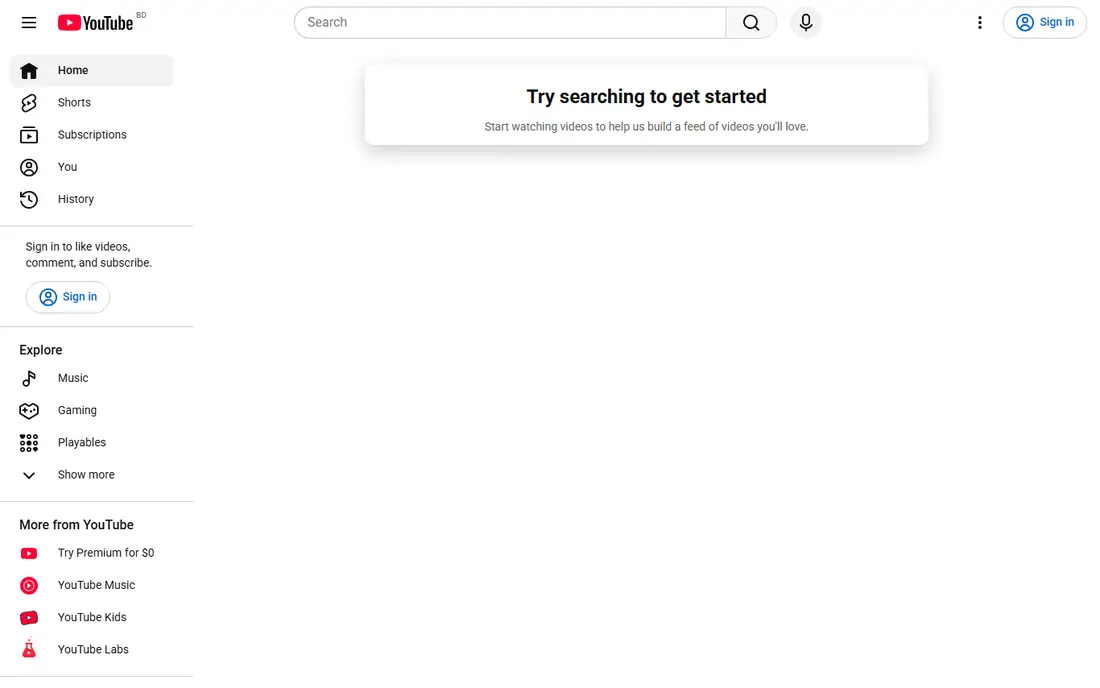
YouTube Live is the best free option for public events, with no platform fee, huge built in audience, live chat, DVR style playback for late joiners, and easy embedding. Conferences, concerts, and community events gain discovery through search and recommendations, and streams can stay available as recordings afterward.
Ads appear on many streams, branding control is limited, and discovery depends on the algorithm. For a public event where reach matters more than ticketing or branding, YouTube Live is unbeatable on value.
What we like- Free with huge reach
- Easy discovery
- Live chat and DVR playback
Watch out for- Ads on many streams
- Less branding control
- Algorithm decides discovery
#3Dacast
Best for: Monetized ticketed events4.3/5 on
G2 (30 reviews, checked Oct 2026)
Visit dacast.com
Starting priceSee website
Free planNo
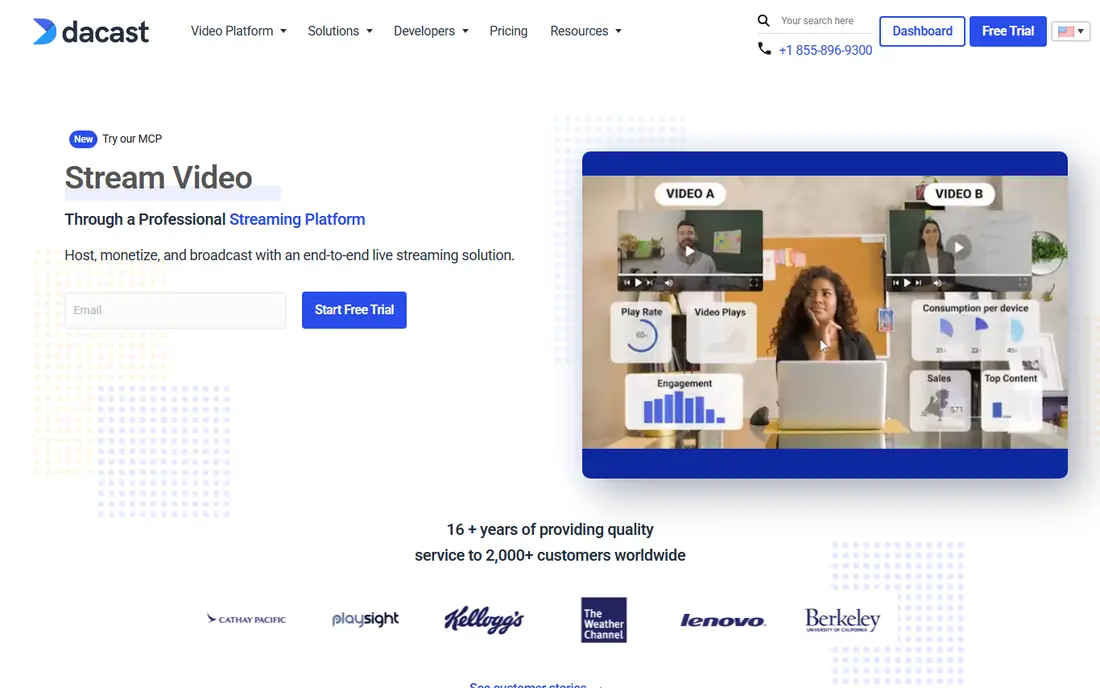
Dacast is built for monetized events, offering paywalls, ticketing, subscriptions, and pay per view, plus an ad free white label player that embeds on your own site or apps. That combination suits ticketed conferences, sports events, and courses where viewers pay to watch, and its analytics track revenue alongside viewers.
Dacast requires a subscription, setup takes more work than social platforms, and the audience must come to your site rather than discovering the event socially. For ticketed events, Dacast is the strongest monetization platform on this list.
What we like- Paywalls and ticketing
- Ad free playback
- White label player and apps
Watch out for- Subscription required
- Setup takes more work
- Audience must come to your site
#4Restream
Best for: Multistreaming4.5/5 on
G2 (82 reviews, checked Oct 2026)
Visit restream.io
Starting priceFree
Free planYes
Restream sends one live stream to many destinations at once, including YouTube, Facebook, Twitch, and LinkedIn, with combined chat that merges comments from all platforms into one feed. That multistreaming reach suits events that want maximum audience across social channels, and scheduling plus analytics help plan recurring shows.
The free tier limits destinations, branding needs paid plans, and stream quality depends on each destination platform. For events that live on social media, Restream is the easiest way to be everywhere at once without running several broadcasts in parallel.
What we like- Streams to many platforms at once
- Combined chat
- Scheduling and analytics
Watch out for- Free tier limits destinations
- Branding needs paid plans
- Quality depends on platforms
Starting priceFree
Free planYes
StreamYard is a browser based studio for talk show style events, letting hosts invite guests with a link, show comments on screen, add graphics and banners, and stream to social platforms without software installs. That simplicity suits panels, interviews, podcasts, and community shows where guests join from browsers.
The free tier carries StreamYard branding, recording limits apply, and multistreaming to several destinations needs paid plans. For a panel or interview event with remote guests, StreamYard is the easiest professional looking option for busy hosts without production experience, training, or expensive studio gear right now today.
What we like- Browser based studio
- Easy guest invites
- On screen graphics and comments
Watch out for- Free tier has branding
- Recording limits
- Multistreaming needs paid plans
#6Wowza
Best for: Custom streaming infrastructure4.4/5 on
G2 (151 reviews, checked Oct 2026)
Visit wowza.com
Starting priceSee website
Free planNo
Wowza provides streaming infrastructure for broadcasters and developers who want full control over delivery, including low latency options, custom players, and scaling to large audiences. It powers many large events behind the scenes, and its APIs let teams build custom viewing experiences rather than using a fixed event page.
Wowza needs technical setup, pricing varies by usage, and it includes no simple event studio like StreamYard. For teams with developers who want to own their streaming stack, Wowza is the most flexible platform here.
What we like- Full control over delivery
- Low latency options
- Scales to large audiences
Watch out for- Technical setup required
- Pricing varies
- No simple event studio included
Starting priceSee website
Free planNo
Brightcove is an enterprise video platform with live event tools, offering reliable delivery, strong analytics, marketing integrations, and support for large internal and public events. Its audience tools include registration, engagement tracking, and on demand replays, which suit corporate events and marketing teams.
Brightcove uses enterprise pricing, setup often needs support, and it is overkill for small community events. For large organizations running regular corporate events, Brightcove is a dependable enterprise choice.
What we like- Enterprise reliability
- Strong analytics
- Marketing integrations
Watch out for- Enterprise pricing
- Setup needs support
- Overkill for small events
#8BoxCast
Best for: Churches and community events4.8/5 on
G2 (81 reviews, checked Oct 2026)
Visit boxcast.com
Starting priceSee website
Free planNo
BoxCast is built for churches, schools, and community organizations that stream recurring events, offering simple setup, automatic scheduling, easy embedding on your own site, and reliable delivery without production expertise. Its focus on recurring community events makes weekly services and games easy to run.
BoxCast has a niche focus, fewer social multistreaming features than Restream, and pricing varies by plan. For a church or community group that streams the same event every week, BoxCast is the simplest dependable option available today.
What we like- Simple setup for recurring events
- Automatic scheduling
- Easy embedding
Watch out for- Niche focus
- Fewer social features
- Pricing varies by plan
How we chose
We ranked platforms by delivery reliability, audience reach, monetization options, production tools, and ease of use, favoring platforms that stay stable under large audiences and offer clear analytics. We gave extra weight to monetization for ticketed events and to multistreaming for social events, since different events need different strengths. Prices vary by event size and plan, so starting prices are listed as See website except where a free plan applies.
Buying guide
Start by defining the event: public or private, free or ticketed, one time or recurring, and single channel or multi channel. Public free events fit YouTube Live or Restream, ticketed events fit Dacast or Vimeo, talk shows fit StreamYard, and recurring community events fit BoxCast. Matching the platform to the event type matters more than any feature list. Also consider your audience habits: an audience that lives on social media will show up more readily on YouTube or Facebook than on a private player page, while a paying audience expects a polished branded page and will follow a link you email them. For hybrid events with both in person and remote audiences, check that the platform handles room audio, audience microphones, and slide sharing cleanly, since hybrid setups fail more often on audio routing than on video quality.
Next, test before event day. Run a full rehearsal with the same cameras, microphones, internet connection, and guest setup, and check audio levels, backup internet, and recording settings. Most live failures come from audio, network, or guest setup problems that a rehearsal would have caught, not from platform choice. Assign one person to watch the live chat and another to watch stream health during the event, so the presenter can focus on the audience instead of troubleshooting midstream. Keep a backup plan ready too, such as a pre recorded segment you can play while a connection issue is fixed, since a calm fallback beats dead air every time.
Finally, plan the recording and follow up. Record the event, publish a replay, share highlights, and review analytics for peak viewers, drop off points, and chat activity. Email attendees a thank you with the replay link and a short survey, since post event feedback reveals which segments held attention and which parts to improve next time. The best live streaming platform for events is the one that delivers reliably on the day, reaches your audience where they already are, and gives you a recording worth sharing afterward with attendees and absentees alike.
Frequently asked questions
What is the best live streaming platform for events?
Vimeo Livestream is the best all round professional choice, YouTube Live is the best free public option, Dacast is best for ticketed events, and Restream is best for multistreaming across social platforms.
Can I stream an event to several platforms at once?
Yes. Restream and StreamYard multistream to YouTube, Facebook, Twitch, and LinkedIn from one broadcast, with combined chat on Restream. Free tiers limit destinations, so check limits before event day.
How do I charge viewers for a live event?
Use a platform with paywalls, such as Dacast, which supports ticketing, subscriptions, and pay per view, or sell tickets through an event platform and share a private link to a Vimeo or YouTube unlisted stream.
What internet speed do I need to stream an event live?
A stable upload speed of at least 10 Mbps suits a 1080p stream, with more headroom for higher quality or backup. Use a wired connection where possible, and keep a backup internet option ready for important events.
Should I record my live event?
Yes. Record every event, publish a replay for viewers who missed it live, and cut highlights for social media. Most platforms record automatically, but confirm the setting before you go live.
Sources we checked (0)
Is your product missing or out of date?
We review this list regularly. Vendors can request a listing, send updated pricing or ask about featured placement.

Shihab Mia · Founder, Rankite
Shihab has 5+ years in B2B and SaaS SEO. He writes Rankite's software buying guides from pricing pages, documentation and public user reviews. More about Shihab.