How we make this list: we compare pricing pages, product documentation and public user reviews. Ratings come from G2, Capterra or Trustpilot, with the date we checked them.
Key takeaways
- Apollo and Snov.io give small teams the lowest cost entry point, with free plans that cover basic enrichment and outreach.
- Clay suits teams that want to combine several data sources in one workflow instead of relying on a single database.
- ZoomInfo and Cognism fit larger teams that need deep company data, phone numbers and compliance controls, but both require a sales conversation for pricing.
- Credit limits matter more than headline prices, so check how many records you can enrich each month before you commit.
- Always verify enriched emails before a large send, because no single source is complete or perfectly current.
Quick comparison
| Tool | Best for | Starting price | Free plan |
|---|
 Apollo Apollo | Small teams wanting prospecting plus enrichment | $49 per user/month (billed annually) | Yes |
 ZoomInfo ZoomInfo | Large sales teams needing deep B2B data | See website | No |
 Clay Clay | Teams building multi-source enrichment workflows | $185 per month | Yes |
 Cognism Cognism | Teams selling in Europe with compliance needs | See website | No |
 Lusha Lusha | Quick LinkedIn and contact lookups | See website | Yes |
 Hunter Hunter | Email finding and verification | $49 per month | Yes |
 Snov.io Snov.io | Budget enrichment plus outreach | $39 per month | Yes |
 UpLead UpLead | Mid-market teams wanting verified contacts | $99 per month | Free trial |
Is your product missing or out of date?
We review this list regularly. Vendors can request a listing, send updated pricing or ask about featured placement.
#1Apollo
Best for: Small teams wanting prospecting plus enrichment4.7/5 on
G2 (9,847 reviews, checked Oct 2026)
Visit apollo.io
Starting price$49 per user/month (billed annually)
Free planYes
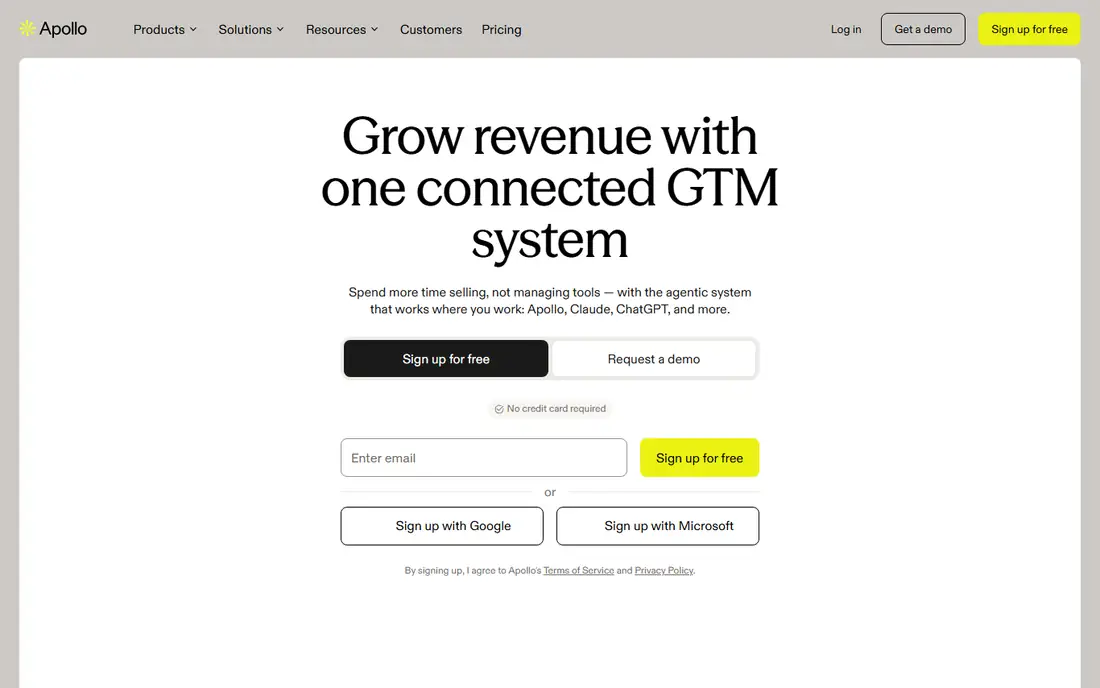
Apollo combines a large B2B contact database with enrichment, email sequences and basic CRM sync in one place. That combination appeals to small sales teams that do not want to pay for three separate products. You can search by job title, company size, industry and location, then enrich the records you keep and push them into a sequence without exporting a spreadsheet.
The trade-off is accuracy at scale. Apollo works well for common roles at larger companies, and less well for niche titles or smaller firms. Credits reset on a schedule and run out faster than many buyers expect when they enrich whole lists. Start with the free plan, enrich a small test list, and check bounce rates before you move a whole prospecting motion onto it.
What we like- Large contact database
- Built-in sequences and outreach
- Free plan for getting started
Watch out for- Data accuracy varies by industry
- Credit limits can bind heavy users
#2ZoomInfo
Best for: Large sales teams needing deep B2B data4.5/5 on
G2 (9,130 reviews, checked Oct 2026)
Visit zoominfo.com
Starting priceSee website
Free planNo
ZoomInfo is the default choice for enterprise sales teams that need company hierarchies, technographics, intent signals and direct dials in one platform. Its database covers a wide range of North American companies, and its integrations with Salesforce and HubSpot keep enriched records close to where reps already work. For teams running account-based plays, the intent data helps prioritize accounts that are already researching a category.
The main drawback is cost and commitment. Pricing is quoted by sales and usually fits annual enterprise budgets rather than a solo founder. Smaller teams often pay for data depth they never use. Ask for a trial on your own target list, and compare match rates against a cheaper tool before signing a multi-year deal.
What we like- Very large B2B database
- Intent signals and org charts
- Strong CRM integrations
Watch out for- Pricing is not published
- Contracts suit larger budgets
#3Clay
Best for: Teams building multi-source enrichment workflows4.6/5 on
G2 (234 reviews, checked Oct 2026)
Visit clay.com
Starting price$185 per month
Free planYes
Clay takes a different approach from a single database. It lets you chain several data providers in sequence, so if one source misses an email or phone number, the next source is tried automatically. That waterfall method raises match rates for hard-to-find contacts. You can also add AI research steps that pull facts from company websites, job posts and news pages into the same table.
That power comes with setup time. Clay is a workspace, not a simple lookup tool, and teams need someone who enjoys building tables, formulas and workflows. Credit and provider costs add up if you enrich large lists carelessly. It fits RevOps-led teams best, and it is overkill if you only need a few lookups a week.
What we like- Waterfall enrichment across many providers
- Flexible tables and AI research
- Strong CRM sync
Watch out for- Learning curve is real
- Costs rise with data usage
#4Cognism
Best for: Teams selling in Europe with compliance needs4.5/5 on
G2 (1,365 reviews, checked Oct 2026)
Visit cognism.com
Starting priceSee website
Free planNo
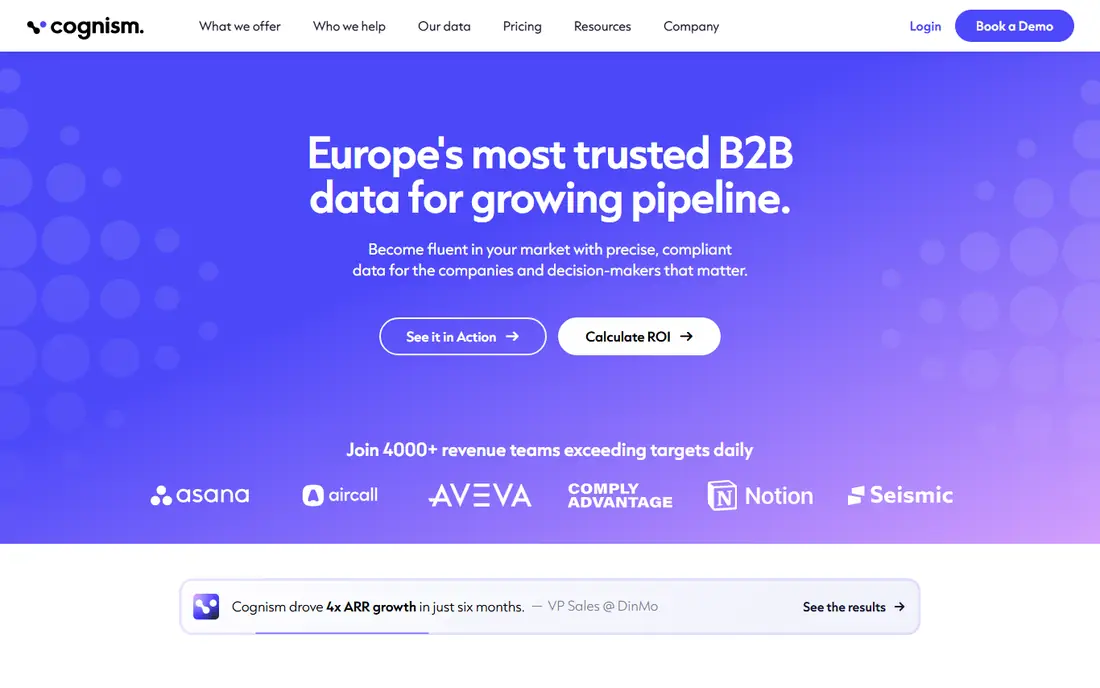
Cognism focuses on compliant, phone-verified B2B data, with particular strength in European markets where other databases are thinner. Its Diamond Data set emphasizes numbers that have been checked by phone, which matters when reps actually call prospects rather than only emailing them. The platform also screens against do-not-call lists, a useful control for teams that sell across borders.
Buyers should expect a sales-led process and an annual contract. That makes Cognism a poor fit for a freelancer or a two-person startup. For a mid-market team with a European pipeline and a calling motion, the phone accuracy and compliance work can justify the price. Request coverage data for your exact countries before you buy.
What we like- Phone-verified mobile numbers
- Strong European coverage
- Compliance-focused data handling
Watch out for- Pricing is not published
- Less suited to tiny teams
#5Lusha
Best for: Quick LinkedIn and contact lookups4.3/5 on
G2 (1,668 reviews, checked Oct 2026)
Visit lusha.com
Starting priceSee website
Free planYes
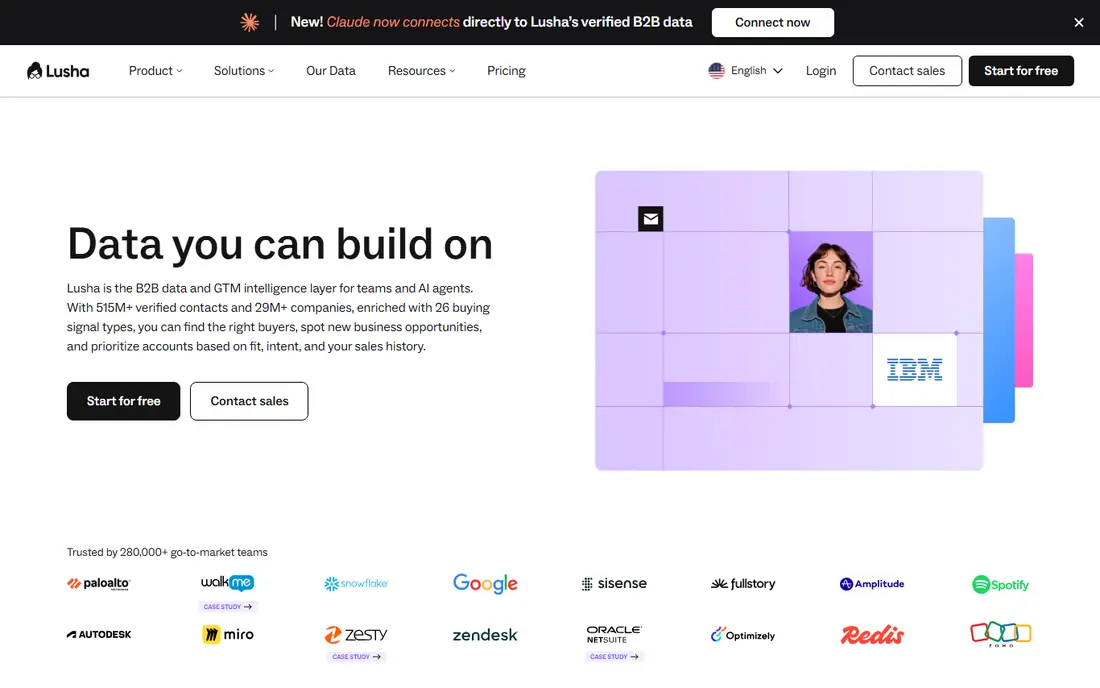
Lusha is built around speed. A rep opens a LinkedIn profile or a company page, clicks the extension, and gets contact details without leaving the browser. That workflow suits individual prospecting far better than bulk list building. The free plan lets new users test accuracy on their own prospects before paying.
The limits show up at team scale. Lusha is not a full enrichment platform with deep waterfall logic or complex routing, and credits can disappear quickly during a heavy prospecting week. Use it as a lookup layer for reps, and pair it with a CRM enrichment tool if you need to clean thousands of records at once.
What we like- Fast browser extension
- Simple credits
- Useful for individual reps
Watch out for- Coverage varies outside core markets
- Bulk enrichment is limited
#6Hunter
Best for: Email finding and verification4.4/5 on
G2 (656 reviews, checked Oct 2026)
Visit hunter.io
Starting price$49 per month
Free planYes
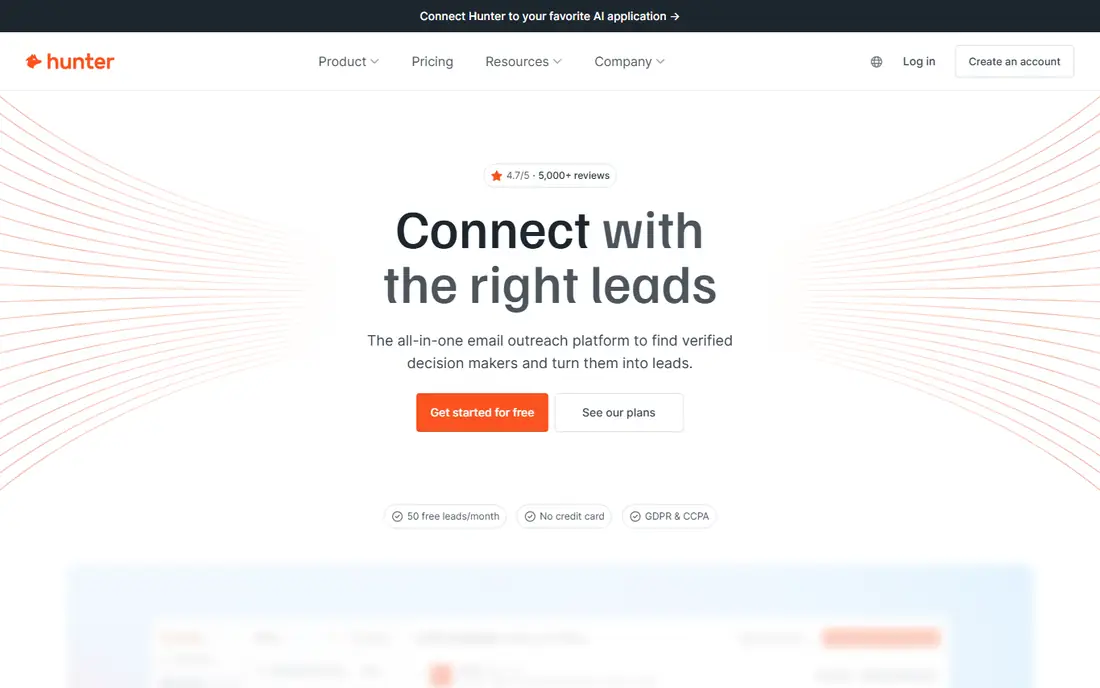
Hunter does one job well. It finds email addresses linked to a domain, shows the pattern a company uses, and verifies addresses before you send. That focus keeps it simple and cheap compared with full sales platforms. Small teams, founders and freelancers often use Hunter to enrich a list of target companies without buying a large database subscription.
Hunter will not replace a contact database. It has limited phone coverage and no sequencing, intent data or org charts. If your main problem is bad emails and bounces, Hunter is a strong, narrow pick. If you need titles, phones and company hierarchies, look at Apollo, UpLead or ZoomInfo instead.
What we like- Simple email finder and verifier
- Domain search
- Clear credit system
Watch out for- No phone data depth
- Not a full sales platform
#7Snov.io
Best for: Budget enrichment plus outreach4.5/5 on
G2 (499 reviews, checked Oct 2026)
Visit snov.io
Starting price$39 per month
Free planYes
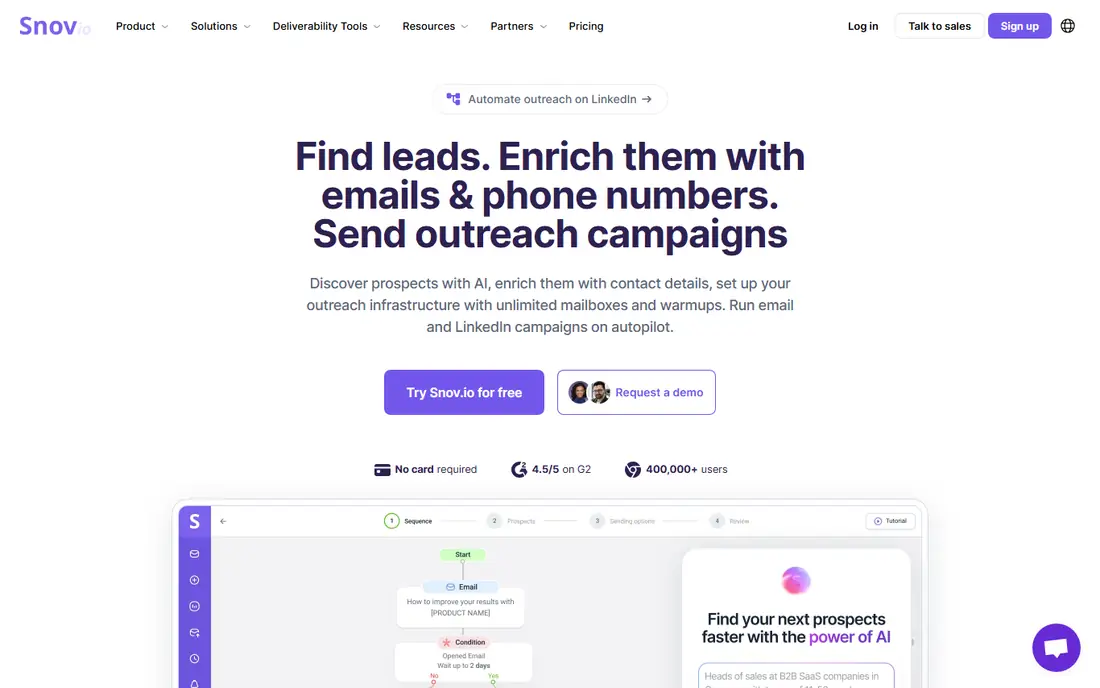
Snov.io bundles an email finder, a verifier, a small CRM and email campaigns at a price smaller teams can afford. That bundle matters for startups that want enrichment and outreach in one subscription. The interface is straightforward, and the free plan is enough to test whether its data covers your market.
Coverage is the honest limit. Snov.io does not match ZoomInfo or Apollo on database size, and some niche industries return thin results. Its outreach tools also require careful domain setup and warm-up, as with any cold email tool. Test it on your real target list, and measure verified match rates rather than trusting a headline database size.
What we like- Low entry price
- Finder plus verifier plus campaigns
- Free plan available
Watch out for- Database is smaller than leaders
- Deliverability needs care
#8UpLead
Best for: Mid-market teams wanting verified contacts4.7/5 on
G2 (831 reviews, checked Oct 2026)
Visit uplead.com
Starting price$99 per month
Free planFree trial
UpLead positions itself on verified data. Emails are checked in real time as you export them, which reduces bounces compared with tools that hand over stale lists. Filters cover industry, location, revenue, employee count and technology use, so teams can build targeted lists without a separate data vendor.
The price sits above budget tools, and the database is not as large as ZoomInfo. That trade can still work for mid-market teams that value clean exports over sheer volume. Use the trial to enrich a sample from your ideal customer profile, then check how many records match, verify and actually convert to replies.
What we like- Real-time email verification
- Firmographic filters
- Data accuracy focus
Watch out for- Smaller database than enterprise leaders
- Higher entry price than budget tools
How we chose
We compared pricing pages, public documentation and user reviews on G2, Capterra and Reddit, and weighed database coverage, verification methods, CRM integrations, credit models and fit by company size. We favored tools with published pricing or a free plan where possible, and we kept enterprise tools that hide pricing only when their coverage or compliance features clearly matter for larger buyers. No tool here was ranked on a single metric, because match rates vary sharply by industry and region.
What to check before you pay for enrichment
Start with a sample, not a contract. Take 100 records from your real target market, run them through a trial, and count how many return a verified email, a direct dial and correct job details. That sample tells you more than any marketing page. Check whether credits are charged for misses, whether unused credits roll over, and whether enrichment writes back to your CRM automatically or requires manual exports.
Think about compliance and data handling too. Confirm where the vendor sources its data, how it handles opt-outs, and whether it supports regional rules that apply to your prospects. A cheap tool that creates deliverability or legal problems costs more than a pricier one with cleaner data. Finally, match the tool to your workflow. A lookup extension suits a rep, a waterfall workspace suits RevOps, and a large database suits an enterprise team with a dedicated owner.
Questions to ask on a demo
Ask how often data is refreshed, what happens when a contact changes jobs, and how phone numbers are verified. Ask for match rates by country if you sell internationally. Ask about export limits, API access and seat rules, because those details decide the real monthly cost once your team grows.
Frequently asked questions
What is lead enrichment?
Lead enrichment adds missing details to a contact or company record, such as job title, email, phone number, company size, industry and technology use. It turns a bare name or domain into a record a sales rep can actually use. Most tools pull from a database, verify the details, and sync the result to a CRM.
How much should a small team pay for lead enrichment?
Small teams often start free or under $50 per month with tools like Apollo, Hunter or Snov.io. Costs rise with credits, seats and data depth. Before upgrading, measure how many enriched records you actually use each month, because paying for unused credits is the most common waste.
Is enriched data always accurate?
No. Job changes, outdated emails and incomplete phone coverage affect every vendor. Verification reduces bounces, but it does not guarantee a reply. Treat enrichment as a starting point, and confirm key details for high-value accounts before outreach.
Do I need a CRM to use these tools?
You do not need one to start, but a CRM makes enrichment far more useful. Syncing enriched records into Salesforce, HubSpot or Pipedrive keeps data in one place and prevents duplicate lists. Without a CRM, exports and spreadsheets quickly become messy.
What is waterfall enrichment?
Waterfall enrichment tries several data providers in sequence until a field is filled. If the first source misses an email, the second source is tried, and so on. This raises match rates compared with a single database, but it can cost more in credits, so set limits per record.
Sources we checked (8)
- https://www.apollo.io/pricing
- https://www.zoominfo.com
- https://www.clay.com/pricing
- https://www.cognism.com
- https://www.lusha.com
- https://hunter.io/pricing
- https://snov.io/pricing
- https://www.uplead.com/pricing
Is your product missing or out of date?
We review this list regularly. Vendors can request a listing, send updated pricing or ask about featured placement.

Shihab Mia · Founder, Rankite
Shihab has 5+ years in B2B and SaaS SEO. He writes Rankite's software buying guides from pricing pages, documentation and public user reviews. More about Shihab.