How we make this list: we compare pricing pages, product documentation and public user reviews. Rankite is independent; if a vendor ever pays for a featured spot, that listing is clearly labeled Partner.
Key takeaways
- Yardbook is the only truly free option here, with a free Starter plan that covers customers, scheduling, and invoices for small residential operations.
- Jobber (from $29/month) and Housecall Pro (from $59/month) are the polished all-rounders for growing lawn companies that want scheduling, invoicing, and payments in one place.
- GorillaDesk charges per route ($49/month) instead of per user, which can cut costs sharply for crews that ride together.
- Service Autopilot and SingleOps are the specialists: automation-heavy lawn workflows and tree care, respectively, with demo-led sales and no published prices.
Quick comparison
| Tool | Best for | Starting price | Free plan |
|---|
 Jobber Jobber | Growing lawn companies that want quoting, scheduling, invoicing, and payments in one polished system | $29/month (Core plan, annual billing; $49 month-to-month) | Free trial (no credit card required) |
 Housecall Pro Housecall Pro | Home service businesses that want scheduling, dispatch, and payments plus consumer financing | $59/month (Basic plan, 1 user) | 14-day free trial (no credit card required) |
 Service Autopilot Service Autopilot | Lawn care companies that want to automate recurring routes, billing, and follow-up | See website (Startup, Pro, Pro Plus, and Elite tiers) | No (demo available) |
 GorillaDesk GorillaDesk | Pest, lawn, and pool companies that want per-route pricing and no contracts | $49/month per route (Basic plan) | 14-day free trial (no credit card required) |
 Yardbook Yardbook | Solo operators and small lawn companies that need a free, capable starting point | Free (Starter plan); paid plans from $34.99/month | Yes (free Starter plan) |
 SingleOps SingleOps | Tree care and grounds companies with complex, high-value estimating | See website | No (demo available) |
 FieldEdge FieldEdge | Multi-truck HVAC, plumbing, and lawn contractors with heavy dispatch operations | See website (custom quote) | No (demo available) |
 mHelpDesk mHelpDesk | Small service shops that want affordable, straightforward field service software | See website | See website |
 ServiceTitan ServiceTitan | Large home service companies that want one platform for operations, sales, and marketing | See website (custom quote; demo-based sales) | No (demo available) |
Is your product missing or out of date?
We review this list regularly. Vendors can request a listing, send updated pricing or ask about featured placement.
The best lawn maintenance software
It is 6:40 in the morning. The crew leader is texting the office because two addresses on today's route are wrong, a customer called about a missed gate code, and the invoice for last week's fertilizing still has not gone out. Most lawn care companies do not have a marketing problem; they have an operations problem. The best lawn maintenance software fixes the daily chaos: scheduling routes, dispatching crews, quoting jobs, invoicing customers, and collecting payments, all from a phone in the field.
Lawn care has specific needs that generic field service tools handle unevenly: recurring weekly routes, route density (stops per mile), chemical tracking, seasonal prepay programs, and customers who expect the same tech every Thursday. The nine tools below cover the full range, from a genuinely free starting point to enterprise-grade platforms, and every price comes from the vendor's own published page or is marked as unverifiable.
#1
Jobber
Best for: Growing lawn companies that want quoting, scheduling, invoicing, and payments in one polished system
Visit getjobber.com
Starting price$29/month (Core plan, annual billing; $49 month-to-month)
Free planFree trial (no credit card required)
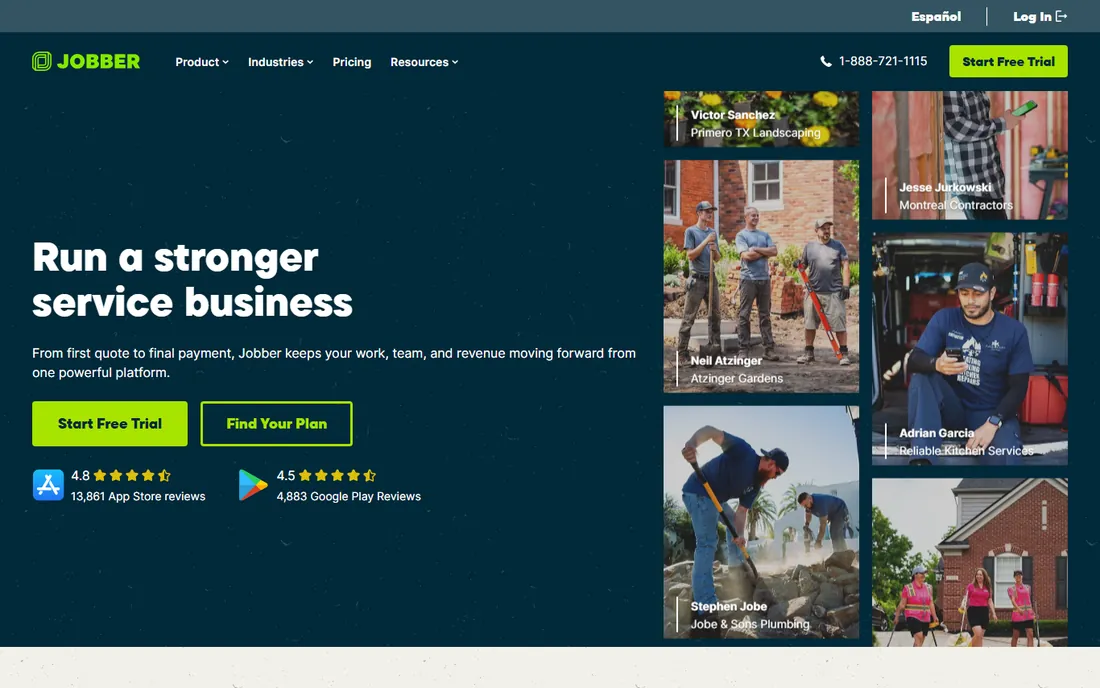
Jobber is the default recommendation for a reason: it is the most complete small-business system here, and it starts at $29 a month. Quotes, scheduling, route optimization, invoicing, and payments all live in one place, and the mobile app is the one your crew will actually open. For a lawn company moving off paper or spreadsheets, the onboarding path is the smoothest in the category.
The honest catch is the pricing ladder. Core covers one user; add team members and the per-user cost climbs through Connect, Grow, and higher tiers, with bigger team sizes quoted directly. Features you will want, like automated quote follow-ups and marketing tools, are add-ons or upper-tier. Still, for a company with one to five trucks, the value is hard to argue with.
What we like- Route optimization and smart scheduling recommendations
- Client hub for quotes, bookings, and online payments
- Jobber AI for quoting and field notes
- QuickBooks and Xero sync plus Zapier connections to 7,000+ apps
Watch out for- Core plan is single-user, so teams step up quickly
- Payment processing fees add up (2.9% + 30 cents online)
- Advanced automations and marketing tools sit on higher tiers
#2
Housecall Pro
Best for: Home service businesses that want scheduling, dispatch, and payments plus consumer financing
Visit housecallpro.com
Starting price$59/month (Basic plan, 1 user)
Free plan14-day free trial (no credit card required)
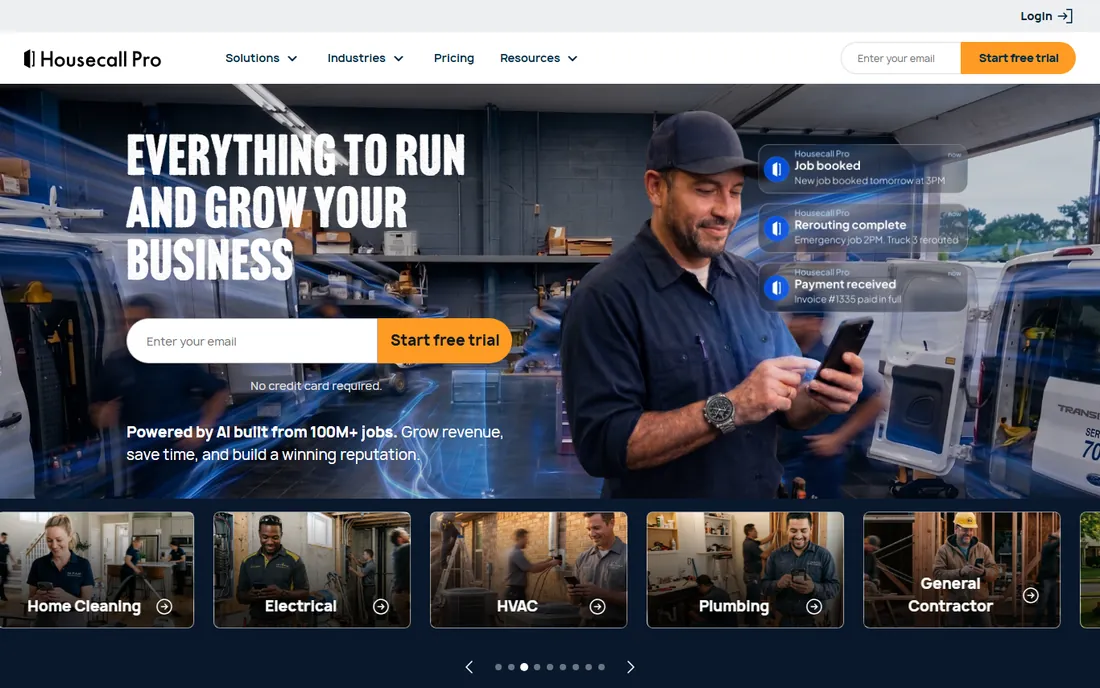
Housecall Pro sells one promise: everything to run and grow the business, from first call to final payment. The scheduling and dispatch are strong, route optimization arrives on the upper tiers, and the payment side is genuinely better than most, with card processing as low as 2.59%, bank payments, and consumer financing for big-ticket jobs like patio and planting installs. The no-contract stance is refreshing in a category full of annual lock-ins.
The honest catch is that the $59 entry price is a starting point, not a destination. Essentials at $149 and MAX at $299 add the routing, GPS tracking, QuickBooks sync, and API most lawn companies need, plus $35 a month per additional user beyond the included seats. Budget for the tier you will actually use, not the cheapest one.
What we like- Full-featured 14-day trial on the top MAX plan with no card required
- Consumer financing and bank payments built into invoicing
- No long-term contracts
- 200,000+ pros on the platform with deep lawn care workflow coverage
Watch out for- Basic plan is single-user
- Higher tiers cost $149 and $299 per month
- Add-on and per-extra-user fees mean the headline price rarely tells the whole story
#3
Service Autopilot
Best for: Lawn care companies that want to automate recurring routes, billing, and follow-up
Visit serviceautopilot.com
Starting priceSee website (Startup, Pro, Pro Plus, and Elite tiers)
Free planNo (demo available)
Service Autopilot was built for the green industry before "green industry software" was a category. Its pitch is in the name: set up your recurring routes, automations, and billing once, and the business runs itself. The automations engine handles the repetitive money-making work, late-payment reminders, estimate follow-ups, review requests, that owner-operators otherwise do at midnight. Companies that master it run remarkably lean.
The honest catch is the buying experience. There is no price list; you book a demo and talk to sales. The interface shows its age next to the modern apps here, and the depth that makes it powerful also makes it intimidating for a two-person shop. It fits established lawn companies with recurring revenue that want to systemize, not solo mowers buying their first software.
What we like- Automation-first design built for recurring lawn routes
- One-click scheduling and routing
- Instant invoicing and credit card charging
- Plans scale from Startup to Elite as the company grows
Watch out for- No published pricing: every deal starts with a demo and a sales conversation
- The interface feels dated compared to Jobber or Housecall Pro
- The learning curve is real for teams used to simpler tools
#4
GorillaDesk
Best for: Pest, lawn, and pool companies that want per-route pricing and no contracts
Visit gorilladesk.com
Starting price$49/month per route (Basic plan)
Free plan14-day free trial (no credit card required)

GorillaDesk's pricing model is the story: you pay per route (a technician's schedule), not per user, with unlimited office staff and mobile devices included. For a lawn company where crews ride together under a crew leader, that structure can be dramatically cheaper than per-seat competitors. The feature set is deep for the price, with automated invoicing, subscription billing, review generation, and QuickBooks sync on the Pro tier.
The honest catch is that "per route" cuts both ways. If every tech drives solo, each needs a schedule, and the math converges with per-seat pricing. Basic's 25-stop routing limit may constrain dense routes, and the pest-control heritage shows in features like chemical tracking that lawn companies will use differently. Still, the no-contract, month-to-month terms make it low-risk to try.
What we like- Per-route pricing with unlimited admin users and mobile devices
- No setup fees, no contracts, month-to-month billing
- Free data migration and unlimited training
- Subscription billing and customer portal on Pro
Watch out for- Pricing is per route, so many-truck companies should do the math carefully
- Basic routing is limited to 25 stops
- SMS features carry subscription and credit costs on top
#5
Yardbook
Best for: Solo operators and small lawn companies that need a free, capable starting point
Visit yardbook.com
Starting priceFree (Starter plan); paid plans from $34.99/month
Free planYes (free Starter plan)
Yardbook is the outlier that makes this list honest: it is actually free. The Starter plan handles customers, jobs and scheduling, estimates, invoices, expenses, routing, and lot measurement at no cost, which is more than some paid tools offered a few years ago. For a solo operator mowing 20 to 30 lawns a week, it replaces the notebook and the spreadsheet without a subscription.
The honest catch is the ceiling. QuickBooks sync, the branded company portal, bulk messaging, and GPS tracking all require the $34.99 or $49.99 plans, and even those lack the automation depth of Service Autopilot or the polish of Jobber. Reviewers consistently say the same thing: great place to start, and you may outgrow it. That is fine. Starting free and upgrading later beats paying for power you do not use.
What we like- A genuinely free Starter plan covering customers, scheduling, estimates, invoices, and routing
- Paid tiers are cheap ($34.99 and $49.99 per month)
- 20,000+ companies use it
- Simple enough to learn without training
Watch out for- The free tier is ad-supported and lacks QuickBooks sync and the branded portal
- Feature depth trails the paid competitors
- Chemical programs and GPS tracking sit on paid tiers
#6
SingleOps
Best for: Tree care and grounds companies with complex, high-value estimating
Visit singleops.com
Starting priceSee website
Free planNo (demo available)
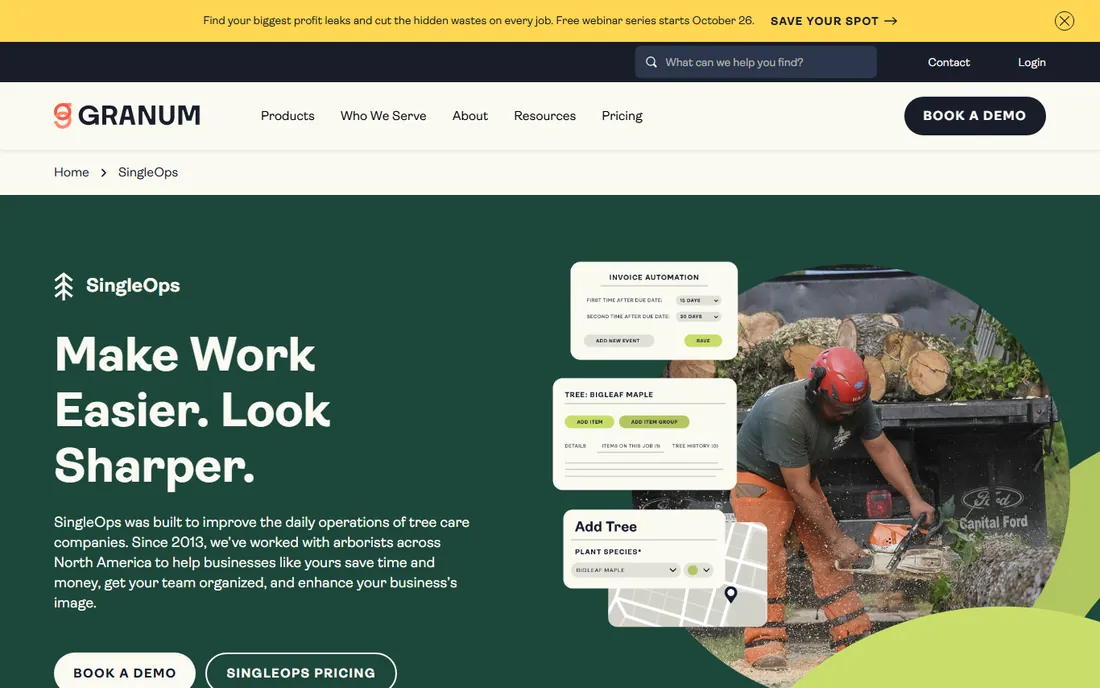
SingleOps, now part of Granum, is the specialist's specialist. It was built for arborists: tree inventory mapped to properties, crew work orders with photos and checklists, and proposals designed for thousand-dollar jobs, not weekly mows. The estimating flow is the best in the category for complex work, with upsell options clients can select and automated follow-up when proposals stall.
The honest catch is price and focus. There is no public pricing and no free plan; you demo and get a quote. The tree-care depth is wasted on a company that only mows, and the sales-led buying process makes comparison shopping slow. If your business is mostly recurring lawn routes, a generalist is cheaper. If you sell tree work and planting installs, it may be the highest-ROI tool on this list.
What we like- Built specifically for tree care workflows: tree inventory, crew work orders, time-based routing
- Professional digital proposals with upsell options
- Automated client follow-ups for proposals and renewals
- Expert onboarding from a team that only serves arborists
Watch out for- No published pricing and no free tier
- Tree-care focus means lawn-only companies pay for depth they do not need
- Premium positioning suggests a higher budget than the generalist tools
#7
FieldEdge
Best for: Multi-truck HVAC, plumbing, and lawn contractors with heavy dispatch operations
Visit fieldedge.com
Starting priceSee website (custom quote)
Free planNo (demo available)
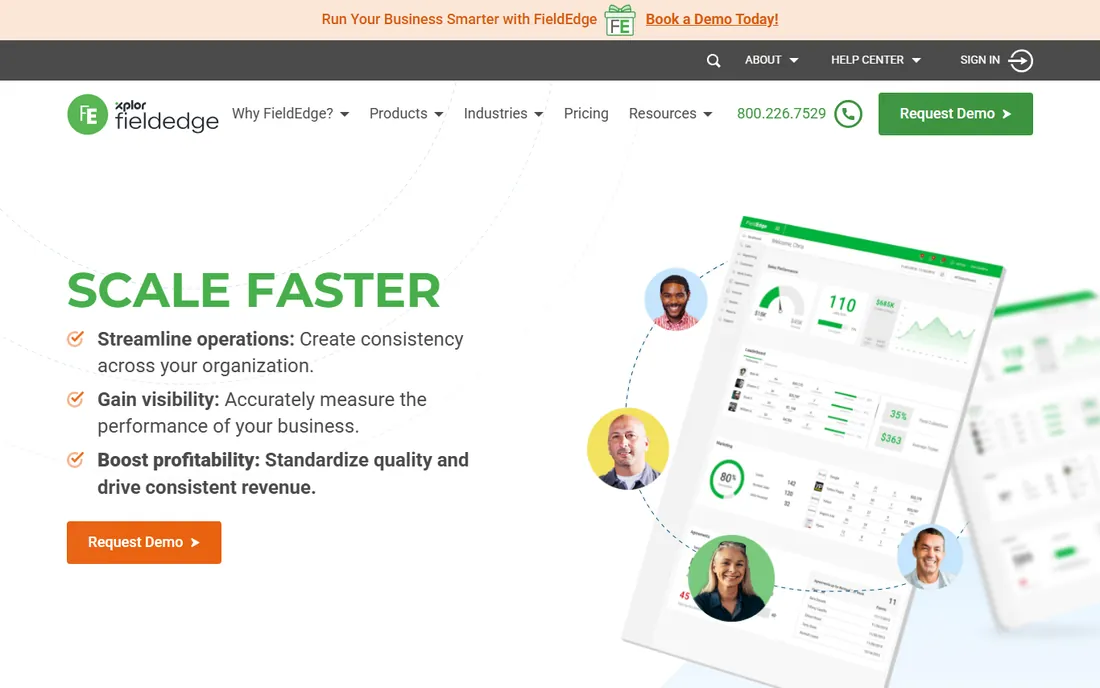
FieldEdge, owned by Xplor Technologies, targets the established contractor: multiple trucks, a real office, and dispatch as a daily discipline. The dispatch board, GPS tracking, and intelligent task assignment handle complexity the simpler tools cannot, and the QuickBooks sync is one of the tightest in the category. Service agreement automation fits lawn companies selling seasonal programs.
The honest catch is enterprise friction. Pricing is custom and quote-based, implementation carries setup fees, and the learning curve is steeper than Jobber or Housecall Pro. It is also HVAC/plumbing-first in its heritage; lawn care is served but not the center of the product story. Companies with five-plus trucks and an office manager will get the most from it.
What we like- Built for multi-truck operations with centralized dispatch
- Strong QuickBooks integration with live sync
- Flat-rate pricebook and service agreement automation
- Performance dashboards for coaching technicians
Watch out for- Quote-only pricing with no public numbers
- Steeper learning curve than the simpler tools
- Mobile app and third-party integrations draw mixed reviewer feedback
#8
mHelpDesk
Best for: Small service shops that want affordable, straightforward field service software
Visit mhelpdesk.com
Starting priceSee website
Free planSee website
mHelpDesk has served small service businesses since 2009 with a simple proposition: scheduling, dispatch, invoicing, and job tracking without enterprise complexity or pricing. Third-party directories consistently describe it as one of the more affordable options in field service software, with a user-friendly interface that small teams can adopt quickly.
The honest catch is verification. We were unable to confirm current pricing, free trial terms, or plan details on mHelpDesk's own site at the time of writing, so we have marked them as "see website" rather than repeat third-party numbers that conflict. Reviewers also flag limited reporting and occasional mobile app instability. It stays on the list because the small-shop fit is real, but confirm the current offer directly before budgeting.
What we like- Positioned as an affordable, easy-to-adopt option for small to mid-sized shops
- Covers scheduling, invoicing, job tracking, and a customer portal
- QuickBooks integration and mobile offline access
- Reviewers praise responsive support
Watch out for- We could not verify current pricing or trial terms on the vendor's own site
- Reporting depth and mobile stability draw reviewer complaints
- Feature set is thinner than the category leaders
#9
ServiceTitan
Best for: Large home service companies that want one platform for operations, sales, and marketing
Visit servicetitan.com
Starting priceSee website (custom quote; demo-based sales)
Free planNo (demo available)

ServiceTitan is the category's heavyweight, built for the $5M-plus home service company running dozens of trucks. It combines operations with genuine revenue tools: call booking, marketing campaign tracking, memberships, and Local Services Ads management, all feeding the same dashboards. The reporting depth is unmatched, and the platform keeps expanding into payroll, timesheets, and AI features.
The honest catch is everything about the buying experience. Pricing is custom and high (third-party estimates run hundreds per technician per month), implementation fees run into the thousands, and contracts are long. For a lawn company with three trucks, it is like buying a semi to deliver pizzas. For the scaled operator who has outgrown everything else, it is the destination.
What we like- The most complete platform here: CRM, dispatch, marketing, payroll, and accounting in one
- Call booking and membership management drive revenue
- Strong reporting and dashboards
- 70+ integrations
Watch out for- Enterprise pricing with significant implementation fees and 12-plus-month contracts
- Overkill for companies under ~10 technicians
- Onboarding is a real project, not a signup
Route density: the metric that decides your software
Lawn care lives or dies on route density: how many paying stops your crews complete per mile driven. Every tool on this list handles scheduling, but they differ sharply on what happens after the schedule is made. Route optimization (Jobber, Housecall Pro's upper tiers, Service Autopilot, GorillaDesk's Drive Matrix on Pro) reorders stops to minimize drive time. Basic tools just list the day's jobs in order.
Density also shapes which pricing model wins. Per-user pricing (Jobber, Housecall Pro) charges for every login, so office staff and seasonal helpers add cost. Per-route pricing (GorillaDesk) charges per technician schedule, which favors companies where crews ride together. Flat or free tiers (Yardbook, Service Autopilot's quote model) decouple cost from headcount entirely. Before comparing prices, count your routes, your riders, and your seasonal staff. The cheapest sticker price often is not the cheapest for your shape of business.
How lawn software is priced: users, routes, and flat fees
Three pricing models dominate, and picking the wrong one is the most expensive mistake in this category. Per-user pricing (Jobber from $29, Housecall Pro from $59) is simple to understand but scales with headcount: every office hire and every seasonal tech adds to the bill. Check whether the entry tier is single-user, because it usually is.
Per-route pricing (GorillaDesk from $49 per route) charges per technician schedule with unlimited users. It wins for companies with few routes and many staff, and loses when every tech drives solo. Flat and free models (Yardbook free to $49.99, ServiceTitan and FieldEdge quote-based) either remove the metering or move it into a negotiated annual number.
Then read the contract terms. Housecall Pro and GorillaDesk are month-to-month with no long-term contracts. Jobber offers annual discounts with monthly options. ServiceTitan and FieldEdge typically involve annual agreements with implementation fees. Free trials are generous here: Jobber, Housecall Pro, and GorillaDesk all offer trials with no credit card required. Run a real week of your routes through the trial before committing. If the routing and mobile app do not survive your actual workday, the feature list does not matter.
Frequently asked questions
What is lawn maintenance software?
Lawn maintenance software helps lawn care and landscaping companies run their operations: scheduling recurring routes, dispatching crews, creating estimates, invoicing customers, processing payments, and tracking job history. Most platforms also include customer management, route optimization, and mobile apps for field crews.
How much does lawn care software cost?
It ranges from free to thousands per month. Yardbook's Starter plan is free. Entry paid plans include Jobber ($29/month), GorillaDesk ($49/month per route), and Housecall Pro ($59/month). Mid-tier plans run $99 to $300 per month. Enterprise platforms like ServiceTitan and FieldEdge are quote-based and cost significantly more, with implementation fees.
Is there free lawn maintenance software?
Yes. Yardbook offers a genuinely free Starter plan covering customers, scheduling, estimates, invoices, and routing, used by 20,000+ companies. Jobber, Housecall Pro, and GorillaDesk offer free trials (no credit card required) but no permanent free plans.
Which software is best for a solo lawn care operator?
Yardbook's free plan is the natural starting point for a solo operator. When the business grows, Jobber's $29 Core plan or GorillaDesk's $49 per-route plan are the common next steps. Solo operators should avoid enterprise tools like ServiceTitan, which are priced and built for much larger companies.
Do I need route optimization, or is scheduling enough?
If your crews visit the same neighborhoods on recurring weekly routes, route optimization saves real fuel and labor hours every week. Jobber, Service Autopilot, Housecall Pro's upper tiers, and GorillaDesk Pro all include it. For a handful of scattered jobs, basic scheduling is enough, and a simpler or free tool will do.
How do per-route and per-user pricing differ?
Per-user pricing (Jobber, Housecall Pro) charges for each person with a login. Per-route pricing (GorillaDesk) charges per technician schedule, with unlimited users included. Crews that ride together usually save with per-route pricing; companies where everyone drives solo should compare both models against their actual headcount.
How we chose
We started with the searches buyers actually run: lawn maintenance software, lawn care business software, and landscaping scheduling software. For each candidate we opened the vendor's own homepage, checked prices and free tiers against the vendor's own published pages where available, and compared scheduling, routing, invoicing, and mobile app quality using public reviews on G2, Capterra, and SourceForge and practitioner discussion on Reddit. Where a price could not be verified on the vendor's own page we wrote "See website" rather than guessing. No products needed replacement: every tool on this list is an active, independent product.
Sources we checked (15)
- https://www.getjobber.com/
- https://www.getjobber.com/pricing/
- https://www.housecallpro.com/
- https://www.housecallpro.com/pricing
- https://www.serviceautopilot.com/
- https://gorilladesk.com/
- https://gorilladesk.com/pricing/
- https://yardbook.com/
- https://yardbook.com/pages/pricing
- https://singleops.com/
- https://fieldedge.com/
- https://www.mhelpdesk.com/
- https://www.servicetitan.com/
- https://www.g2.com/categories/field-service-management
- https://www.capterra.com/field-service-management-software/
Is your product missing or out of date?
We review this list regularly. Vendors can request a listing, send updated pricing or ask about featured placement.

Shihab Mia · Founder, Rankite
Shihab has spent more than a decade helping SaaS and e-commerce brands grow through search. He writes Rankite's software buying guides from pricing pages, documentation and public user reviews. More about Shihab.