How we make this list: we compare pricing pages, product documentation and public user reviews. Ratings come from G2, Capterra or Trustpilot, with the date we checked them.
Key takeaways
- Datadog and Dynatrace suit teams that want one platform for metrics, logs, traces, and alerts, with deep Kubernetes context built in.
- Grafana Cloud and Prometheus suit teams that prefer open standards, OpenTelemetry, and control over how telemetry is stored and queried.
- Honeycomb stands out for high-cardinality tracing, where teams need to slice production data by many attributes at once.
- Pricing varies widely by hosts, containers, ingested data, and retention, so compare quotes on the same cluster size before choosing.
- Start with a small trial on one non-critical cluster, check agent overhead, and confirm alert noise before rolling out everywhere.
Quick comparison
| Tool | Best for | Starting price | Free plan |
|---|
 Datadog Datadog | Full-stack teams needing one platform | See website | Free trial |
 Dynatrace Dynatrace | Large enterprises needing automation | See website | Free trial |
 New Relic New Relic | Teams wanting a generous free tier | See website | Yes |
 Grafana Cloud Grafana Cloud | Open-source-based stacks | See website | Yes |
 Prometheus Prometheus | Self-hosted metrics for skilled teams | Free | Yes |
 Splunk Observability Cloud Splunk Observability Cloud | Enterprises already using Splunk | See website | Free trial |
 Elastic Observability Elastic Observability | Search-based log and trace analysis | See website | Free trial |
 Honeycomb Honeycomb | High-cardinality tracing and debugging | See website | Yes |
 Sysdig Sysdig | Security-focused Kubernetes monitoring | See website | Free trial |
Is your product missing or out of date?
We review this list regularly. Vendors can request a listing, send updated pricing or ask about featured placement.
#1Datadog
Best for: Full-stack teams needing one platform4.4/5 on
G2 (726 reviews, checked Oct 2026)
Visit datadoghq.com
Starting priceSee website
Free planFree trial
Datadog collects metrics, logs, traces, and profiles in one place, with Kubernetes metadata attached to each signal. That context matters when a deployment changes and latency shifts at the same time. Engineers can filter by cluster, namespace, deployment, and pod, then jump from a metric chart to related logs and traces without switching tools.
The platform also covers infrastructure beyond Kubernetes, including cloud services, databases, and network flows. That breadth helps platform teams that run mixed estates. The main drawback is cost control. Host-based and ingestion-based charges add up, so teams should set retention limits, drop noisy logs early, and review usage monthly.
What we like- Deep Kubernetes integration
- Broad integrations
- Strong dashboards and alerting
Watch out for- Pricing can grow quickly with hosts and data volume
- Setup needs care on large clusters
#2Dynatrace
Best for: Large enterprises needing automation4.5/5 on
G2 (1,371 reviews, checked Oct 2026)
Visit dynatrace.com
Starting priceSee website
Free planFree trial
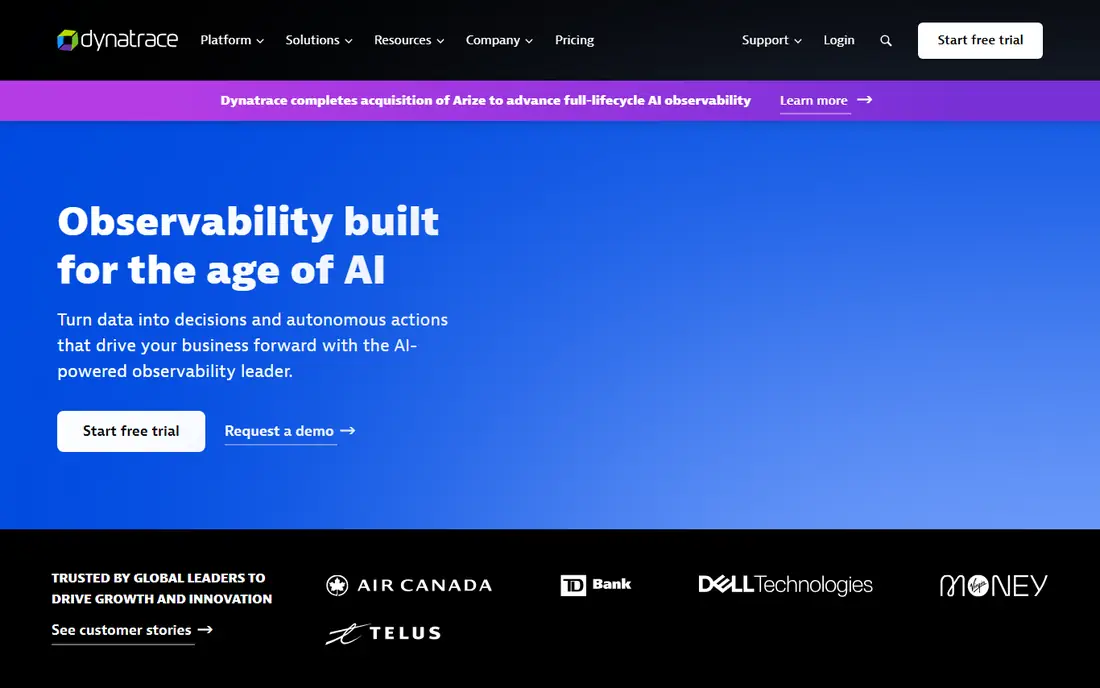
Dynatrace deploys an agent that discovers services, dependencies, and infrastructure automatically. For large Kubernetes estates, that automatic mapping saves hours of manual configuration. Its analysis links problems to likely causes, which can shorten incident triage when several services fail together.
Enterprises also get security, business analytics, and automation features in the same platform. Smaller teams may find the price and depth more than they need. Dynatrace works best when a team commits to its workflow, uses its dashboards widely, and treats its automated analysis as a starting point rather than a final verdict.
What we like- Automatic discovery and dependency mapping
- Strong root-cause analysis
- Broad enterprise features
Watch out for- Higher entry cost for small teams
- Rich feature set takes time to learn
#3New Relic
Best for: Teams wanting a generous free tier4.4/5 on
G2 (586 reviews, checked Oct 2026)
Visit newrelic.com
Starting priceSee website
Free planYes
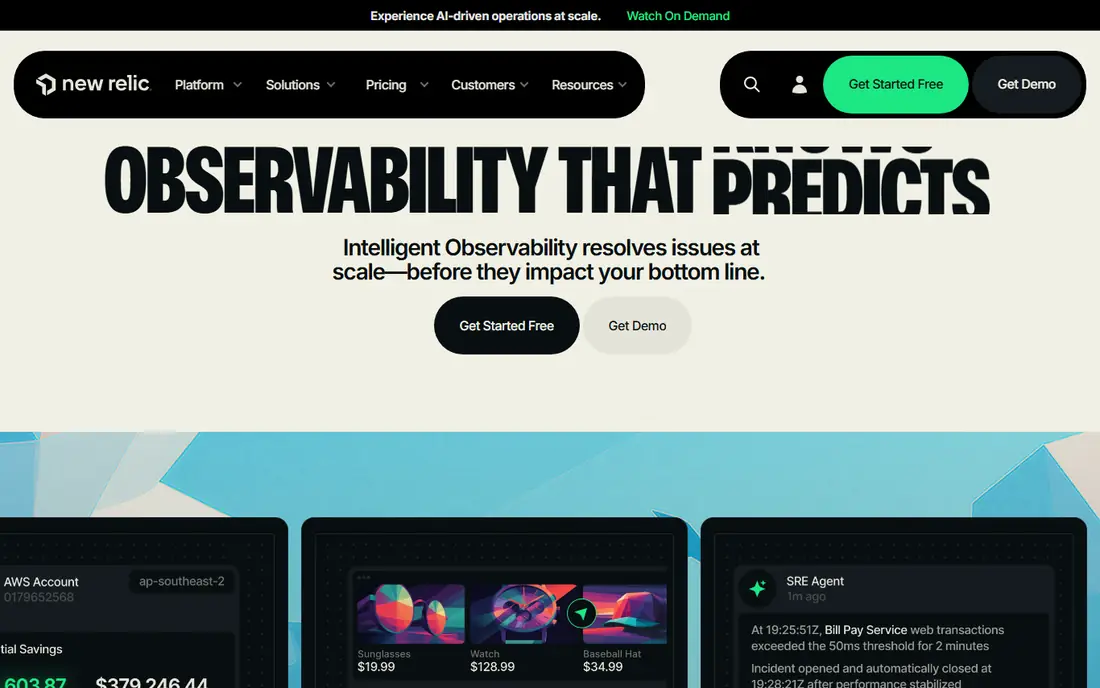
New Relic gives teams a single view of Kubernetes clusters, workloads, and application performance. Its Kubernetes explorer shows pods, nodes, and deployments with health and resource use, which helps new platform engineers learn a cluster quickly. The free tier lets small teams monitor real workloads before paying.
As data volume grows, teams need to watch ingestion and user seats. New Relic publishes usage-based pricing, so a trial should include a realistic data load. It is a solid middle choice: easier to start than a fully self-hosted stack, and less tied to one cloud than some rivals.
What we like- Free tier for getting started
- Unified metrics, logs, and traces
- Clear Kubernetes dashboards
Watch out for- Usage-based pricing needs monitoring
- Advanced features sit on higher plans
#4Grafana Cloud
Best for: Open-source-based stacks4.5/5 on
G2 (220 reviews, checked Oct 2026)
Visit grafana.com
Starting priceSee website
Free planYes
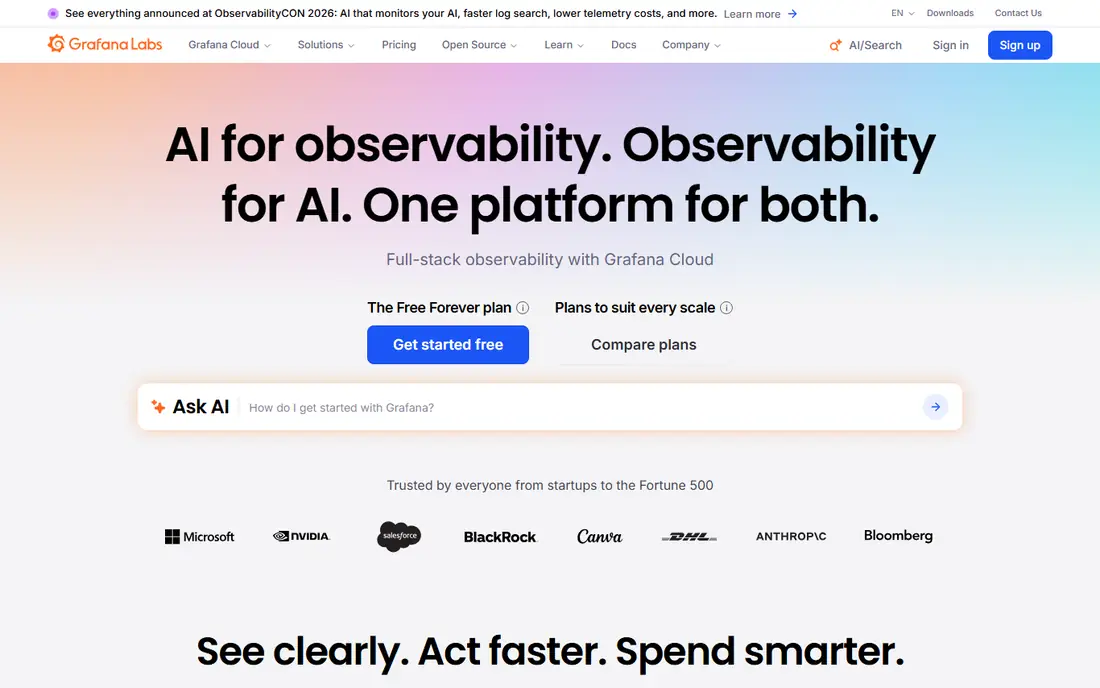
Grafana Cloud hosts the open source tools many teams already use: Grafana for dashboards, Prometheus-compatible metrics, Loki for logs, and Tempo for traces. Teams that already run Grafana locally can move to the hosted version without rebuilding every dashboard. OpenTelemetry support also makes it easier to switch agents later.
The trade-off is choice. With several data backends and query languages, new users can feel lost. Grafana Cloud suits teams that value openness and already know PromQL or LogQL. Its free tier covers small projects, while larger clusters should test query speed and retention costs before committing.
What we like- Built on Grafana, Prometheus, and Loki
- Flexible dashboards
- Open standards support
Watch out for- Multiple components to learn
- Costs rise with hosted data volume
Starting priceFree
Free planYes
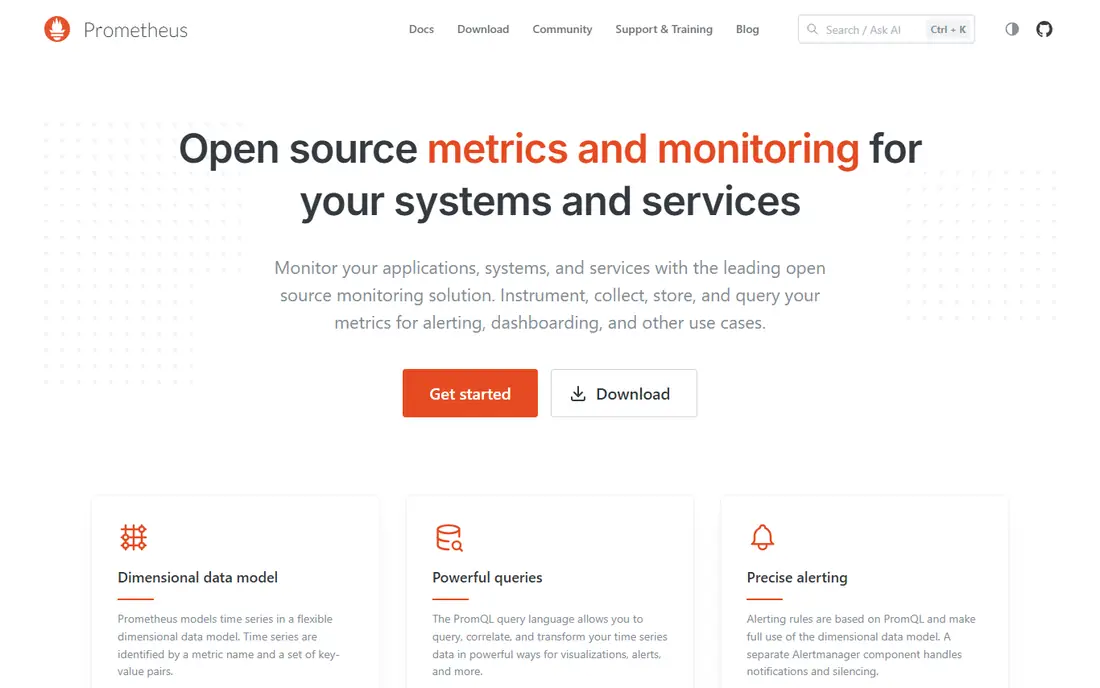
Prometheus is the standard starting point for Kubernetes metrics. It discovers pods and services automatically, scrapes metrics on a schedule, and stores them as time series that teams query with PromQL. Alertmanager adds alert routing, and Grafana adds dashboards. Together, they form a capable, low-cost stack.
Prometheus alone is not a complete observability platform. It does not store logs or distributed traces, and long-term retention needs an extra backend such as Thanos or Mimir. It also needs someone to run it, upgrade it, and back it up. Teams with that skill get a fast, private, and cost-effective metrics layer.
What we like- Free and open source
- Strong Kubernetes service discovery
- Powerful PromQL queries
Watch out for- No built-in long-term storage or tracing
- Needs extra tools for logs and alerts
#6Splunk Observability Cloud
Best for: Enterprises already using Splunk4.3/5 on
G2 (55 reviews, checked Oct 2026)
Visit splunk.com
Starting priceSee website
Free planFree trial
Splunk Observability Cloud brings metrics, traces, and logs together with analytics aimed at finding patterns across large estates. Teams already using Splunk for security or log analysis benefit from shared data models and familiar query ideas. OpenTelemetry collectors make Kubernetes instrumentation straightforward.
The platform is aimed at larger organisations, and pricing reflects that. Small teams may find the sales-led process slow compared with self-serve rivals. It earns its place here for enterprises that need scale, retention, and analytics depth, and that already have Splunk skills in house.
What we like- Strong analytics on metrics and traces
- Good for large data volumes
- OpenTelemetry support
Watch out for- Pricing is quote-based and can be high
- Learning curve for new users
#7
Elastic Observability
Best for: Search-based log and trace analysis
Visit elastic.co
Starting priceSee website
Free planFree trial
Elastic Observability is built on Elasticsearch, which gives it fast, flexible search across logs, metrics, and traces. Teams that spend most incident time searching logs will like its query speed and its ability to correlate a trace with the exact log lines around it. It runs in Elastic Cloud, on self-managed hardware, or in a hybrid setup.
The catch is operational weight. Elasticsearch clusters need tuning, storage planning, and version care, especially at scale. Elastic Cloud removes much of that work, but costs depend on data volume and retention. It suits teams that already know the Elastic Stack or that need search as the centre of their debugging workflow.
What we like- Powerful search across logs and traces
- Flexible deployment options
- Strong APM features
Watch out for- Can be resource heavy at scale
- Pricing depends on deployment size
#8Honeycomb
Best for: High-cardinality tracing and debugging4.5/5 on
G2 (37 reviews, checked Oct 2026)
Visit honeycomb.io
Starting priceSee website
Free planYes
Honeycomb takes an event-based approach. Instead of pre-aggregating metrics, it stores wide events with many attributes, so engineers can ask new questions during an incident without rebuilding dashboards. Its BubbleUp feature highlights which attributes differ between slow and normal requests, which speeds up debugging in microservices.
That strength comes with a scope note. Teams that mainly need node health and capacity charts may prefer a metrics-first tool. Honeycomb shines when the hard problem is understanding request behaviour across many services. Its free tier lets teams test it on a real service before deciding how much event volume to send.
What we like- Fast queries on wide, detailed events
- Excellent for debugging complex services
- OpenTelemetry native
Watch out for- Less focused on infrastructure metrics alone
- Pricing tied to event volume
Starting priceSee website
Free planFree trial
Sysdig started with container visibility and now pairs monitoring with runtime security. It captures system calls and container activity, giving teams a detailed view of what workloads actually do. That detail helps with both performance troubleshooting and threat detection in Kubernetes.
Pure observability buyers should check whether they need the security layer. If they do, Sysdig avoids buying two separate tools. If they do not, a simpler metrics platform may cost less. Sysdig fits regulated teams, security-conscious platform groups, and organisations that want one agent for monitoring and runtime defence.
What we like- Deep runtime visibility for containers
- Strong security and compliance features
- Kubernetes focus
Watch out for- Security emphasis may exceed pure monitoring needs
- Pricing is quote-based
How we chose
We compared vendor pricing pages, documentation, and public reviews on G2, Capterra, and Reddit, with attention to Kubernetes-specific features: agent deployment, service discovery, metric, log, and trace correlation, alerting, and integrations. We favoured tools that exist today, support current Kubernetes versions, and offer a clear trial or free tier for evaluation. We did not claim hands-on testing. Instead, we weighed published features, pricing models, and fit for different team sizes, from small platform teams to large enterprises.
What to check before you buy
Start by listing what breaks most often in your clusters. If pods crash and restart, you need good event and log correlation. If latency spikes, you need distributed tracing and service maps. If costs spike, you need usage controls and retention settings. Match the tool to the failure mode, not to the longest feature list.
Next, test agent overhead and data volume on one cluster. Install the agent, watch CPU and memory use on nodes, and check how much data arrives in the first week. Set sampling for traces and drop rules for noisy logs before the bill surprises you. Also confirm how alerts reach your on-call system, whether through PagerDuty, Opsgenie, Slack, or webhooks, and whether alert rules can use Kubernetes labels.
Finally, think about who will own the platform in six months. A tool with great dashboards but no clear owner will drift. Assign an owner, document dashboard standards, and review retention and access every quarter. The best platform is the one your team actually opens during an incident, not the one with the most pages in its docs.
Frequently asked questions
What is Kubernetes observability?
Kubernetes observability means collecting metrics, logs, and traces from clusters, nodes, pods, and services, then linking them so teams can find causes of failures. Without it, teams see symptoms such as slow requests but cannot tell which deployment, node, or dependency caused them.
Do I need metrics, logs, and traces, or is one enough?
Metrics show trends and alert on thresholds, logs show detail around an event, and traces show a request path across services. Most teams need all three for serious incidents. Metrics alone can miss the reason behind a spike, while logs alone are hard to search at scale without structure.
Is Prometheus enough for Kubernetes observability?
Prometheus covers metrics and alerting well, and it pairs well with Grafana. It does not cover logs or traces on its own, so teams add Loki or another log tool and Tempo or Jaeger for traces. That stack works well if the team can run and maintain each piece.
How much does Kubernetes observability cost?
Costs depend on hosts, containers, metrics cardinality, log volume, trace sampling, and retention. Open source tools cost time and infrastructure, while commercial platforms charge by usage or hosts. Always compare vendors on the same cluster size and data volume, and test with realistic traffic.
What should I check during a free trial?
Check agent install time, dashboard clarity, alert noise, query speed, and data cost after a week of real traffic. Run a practice incident: pick a failing service, and see how fast you can reach the cause. If the trial only covers a demo cluster, the results will not predict production behaviour.
Can one tool cover both monitoring and security?
Some platforms, such as Sysdig and Datadog, add security features to monitoring. That can reduce tool sprawl, but security depth varies. Teams with strict compliance needs should confirm runtime detection, vulnerability scanning, and audit features separately before relying on one platform for both jobs.
Sources we checked (9)
- https://www.datadoghq.com/pricing/
- https://www.dynatrace.com/pricing/
- https://newrelic.com/pricing
- https://grafana.com/pricing/
- https://prometheus.io/docs/introduction/overview/
- https://www.splunk.com/en_us/products/observability-cloud.html
- https://www.elastic.co/observability
- https://www.honeycomb.io/pricing
- https://sysdig.com/pricing/
Is your product missing or out of date?
We review this list regularly. Vendors can request a listing, send updated pricing or ask about featured placement.

Shihab Mia · Founder, Rankite
Shihab has 5+ years in B2B and SaaS SEO. He writes Rankite's software buying guides from pricing pages, documentation and public user reviews. More about Shihab.