How we make this list: we compare pricing pages, product documentation and public user reviews. Ratings come from G2, Capterra or Trustpilot, with the date we checked them.
Key takeaways
- Platform teams managing cluster fleets should evaluate Rancher (open source) and Portainer (3 nodes free).
- Developers who live in Kubernetes daily should look at Lens (free Personal tier) and K9s (free, open source).
- Teams wanting a free vendor-neutral UI should start with Headlamp (Apache 2.0).
- Enterprises needing supported, compliant Kubernetes should evaluate Red Hat OpenShift and Platform9; FinOps teams should look at Kubecost.
Kubernetes management tools solve different problems, and confusing them wastes evaluations. Cluster managers (Rancher, Portainer) provision and govern fleets of clusters. IDEs and UIs (Lens, Headlamp, K9s) help humans work with clusters daily. Enterprise platforms (OpenShift, Platform9) sell supported, compliant Kubernetes as a product. Cost tools (Kubecost) answer the billing question. Know which problem you are solving before you compare.
The eight tools below cover all four jobs. The open-source and free tiers are generous in this category, so start free and pay only when the free tier's limits bite.

#1
Rancher (SUSE)
Best for: Platform teams managing fleets of clusters across environments
Visit rancher.com
Starting priceSee website (open source free; Rancher Prime quote-based)
Free planYes (open source; free training available)
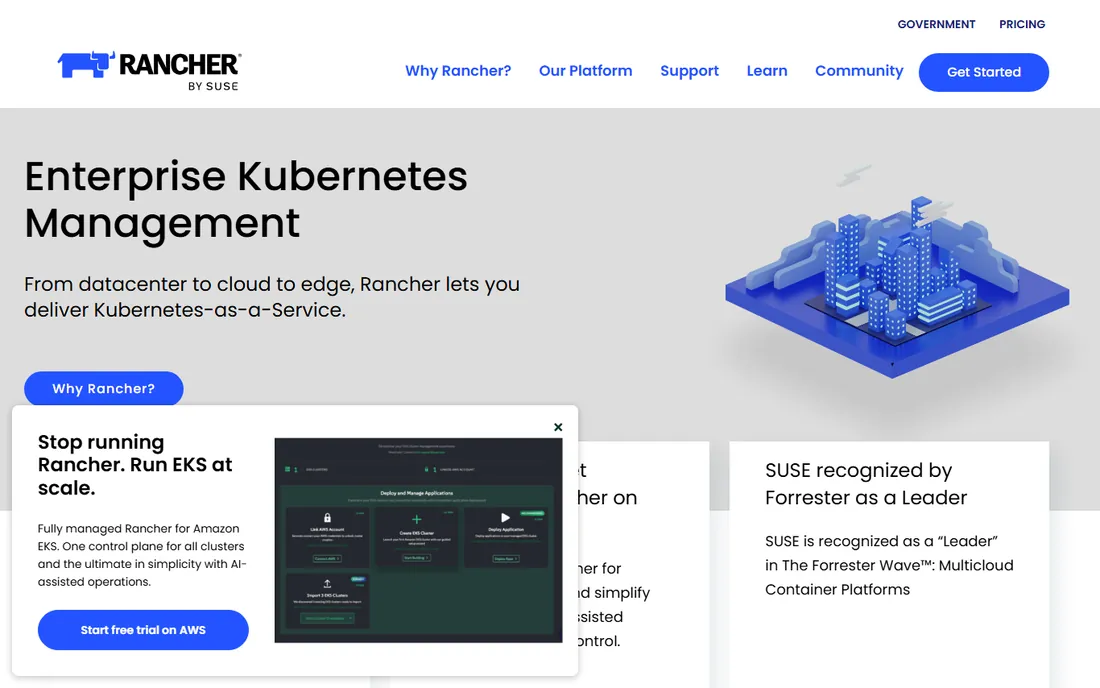
Rancher is the fleet manager: provisioning, policy, and observability for any CNCF-conformant clusters from one console, whether they run in your datacenter, in cloud, or at the edge. The open-source core is free with a massive community, which means documentation, extensions, and troubleshooting help are abundant.
The honest overhead is operational: Rancher itself is a system that needs care and feeding, backups, and upgrades. For single clusters or small teams, that overhead outweighs the benefit; use a lighter UI instead. Setup is straightforward via Docker or Helm. Rancher Prime adds support and SLAs on annual subscriptions for enterprises that need a throat to choke.
What we like- Multi-cluster management from a single console across datacenter, cloud, and edge
- Huge community with tens of thousands of teams
- Integrated security policy and distributions
Watch out for- Rancher Prime enterprise pricing is quote-only
- Heavyweight for single-cluster use

#2
Lens (Mirantis)
Best for: Developers and platform engineers who live in Kubernetes daily
Visit k8slens.dev
Starting priceSee website (Personal free; paid Plus and Pro tiers per user)
Free planYes (Personal tier free)
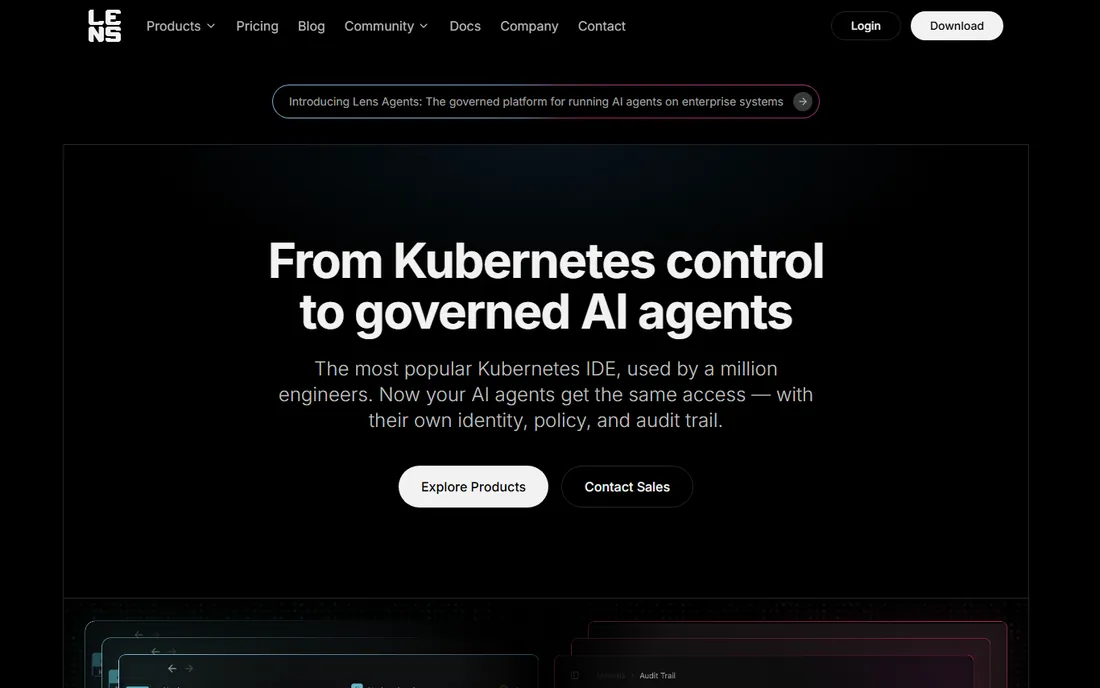
Lens is the IDE for Kubernetes: pods, logs, terminals, and metrics navigable visually instead of memorized kubectl incantations. It runs locally, respects your RBAC, and needs no backend, which keeps security teams comfortable. Over a million engineers use it, making it the category's default recommendation.
The commercial tiers are per-user, so large platform teams should model the seat cost. For quick tasks the desktop IDE is heavier than a terminal tool like K9s; many engineers run both. Setup is download-and-install in minutes. Personal is free; team and enterprise tiers come via Mirantis. If your team stares at clusters all day, this is the quality-of-life purchase.
What we like- The most popular Kubernetes IDE with a clear visual view of clusters
- Runs locally respecting RBAC with no backend required
- AI-assisted terminal connecting agents to cluster context
Watch out for- Paid tiers are per-user, adding up for large teams
- Desktop IDE heavier than CLI for quick tasks

#3
Portainer
Best for: Teams running mixed container estates under one governed console
Visit portainer.io
Starting priceSee website (Business Edition tiers by nodes)
Free planYes (3 nodes free)
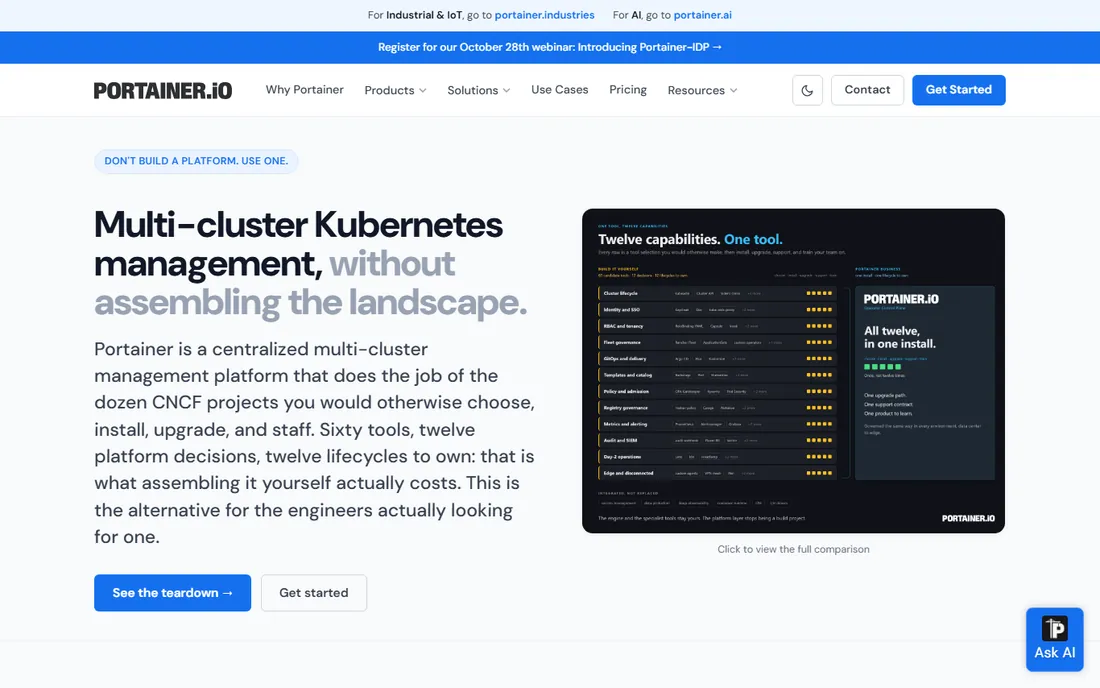
Portainer's differentiator is breadth: Kubernetes plus Docker, Swarm, and Podman under the same RBAC, policies, and audit logging. Organizations with mixed estates (legacy Docker alongside new Kubernetes) get one governed control plane instead of two toolchains. The built-in GitOps engine avoids per-cluster Argo or Flux installs.
Licensing is node-based, so count your nodes before budgeting; 3 nodes free covers evaluation and tiny estates. GitOps purists will find dedicated tools deeper, but most teams do not need that depth. Setup deploys in minutes as a container. For heterogeneous container environments, the unified governance is the reason to buy.
What we like- One console for Kubernetes, Docker, Swarm, and Podman with centralized RBAC
- Built-in GitOps without per-cluster installs
- SSO and audit logging with SIEM export
Watch out for- Paid Business Edition for larger estates
- GitOps depth less than dedicated tools for purists

#4
K9s
Best for: kubectl power users who want speed over clicking
Visit k9scli.io
Starting priceFree (open source, Apache 2.0)
Free planYes (fully free)
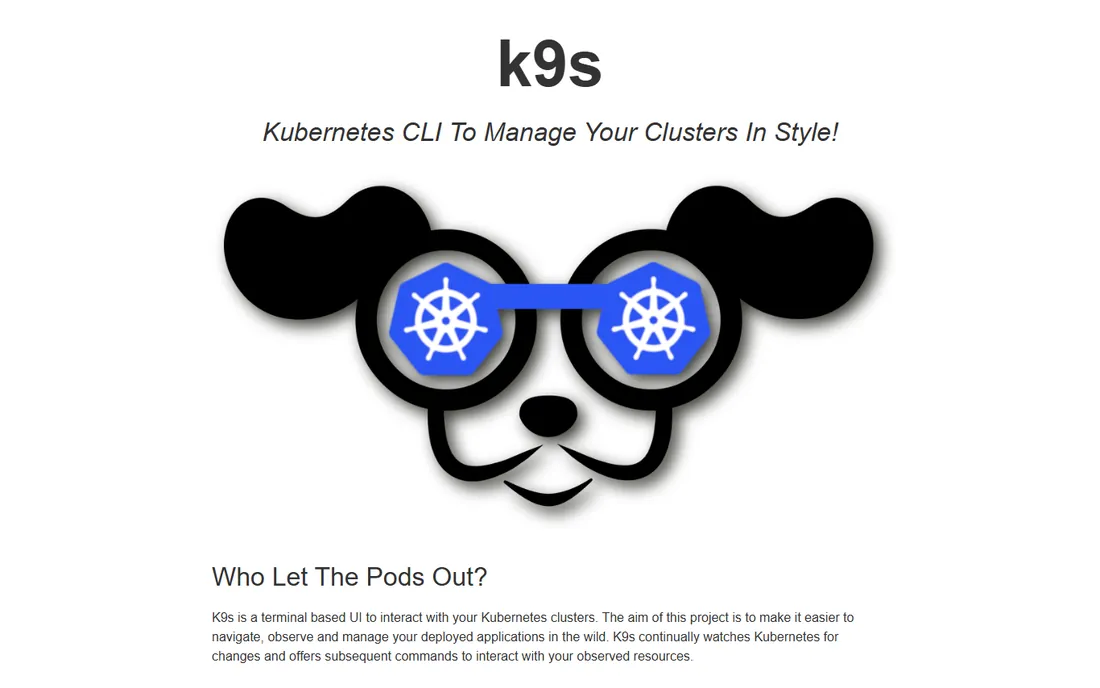
K9s is pure velocity. A terminal UI that lets kubectl-proficient engineers navigate resources, tail logs, shell into pods, and port-forward without leaving the keyboard. Real-time watches and XRay dependency views surface what is happening now, and read-only mode protects production from fast fingers.
The audience is specific: terminal-comfortable engineers. Non-CLI users and stakeholders get nothing here; pair it with a GUI for them. The shortcut learning curve is real but short for anyone who already lives in kubectl. Setup is a single binary install. Free and open source forever. For the engineers who measure tools in keystrokes saved, K9s is essential.
What we like- Blazing-fast terminal UI for observing and managing clusters
- Real-time watches, dependency views, and dashboards
- Zero setup beyond kubeconfig
Watch out for- Terminal-only, excluding non-CLI users
- Keyboard-driven workflow has a learning curve

#5
Headlamp
Best for: Teams wanting a free, vendor-neutral Kubernetes UI
Visit headlamp.dev
Starting priceFree (open source, Apache 2.0)
Free planYes (fully free)
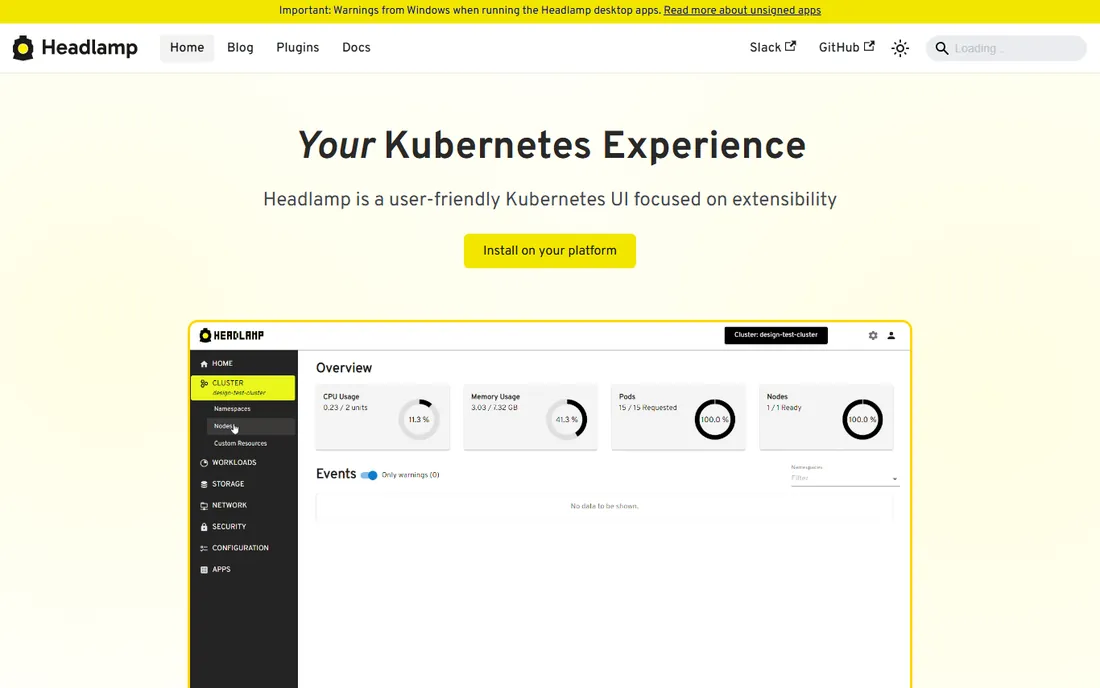
Headlamp is the community-blessed path forward for Kubernetes dashboards: an official SIG UI sub-project that succeeded the archived Kubernetes Dashboard. It runs as a desktop app or in-cluster web UI, adapts its interface to your RBAC permissions, and supports plugins for extension.
The scope is honest: a viewer and operator UI, not a management platform. Pair it with GitOps tooling for deployments and a CLI for automation. The plugin ecosystem trails Lens. Setup via Helm, YAML, or desktop installer takes minutes. For teams that want a free, vendor-neutral UI with official standing, Headlamp is the default answer.
What we like- Official Kubernetes SIG UI sub-project, successor to the archived Dashboard
- Desktop app or in-cluster web UI
- RBAC-adaptive interface with plugin support
Watch out for- UI-only management with no CLI automation story
- Smaller plugin ecosystem than Lens

#6
Red Hat OpenShift
Best for: Enterprises needing supported, secure Kubernetes with compliance
Visit openshift.com
Starting priceSee website (self-managed subscriptions quote-based; managed offerings usage-priced)
Free planSee website (developer and trial options on Red Hat site)
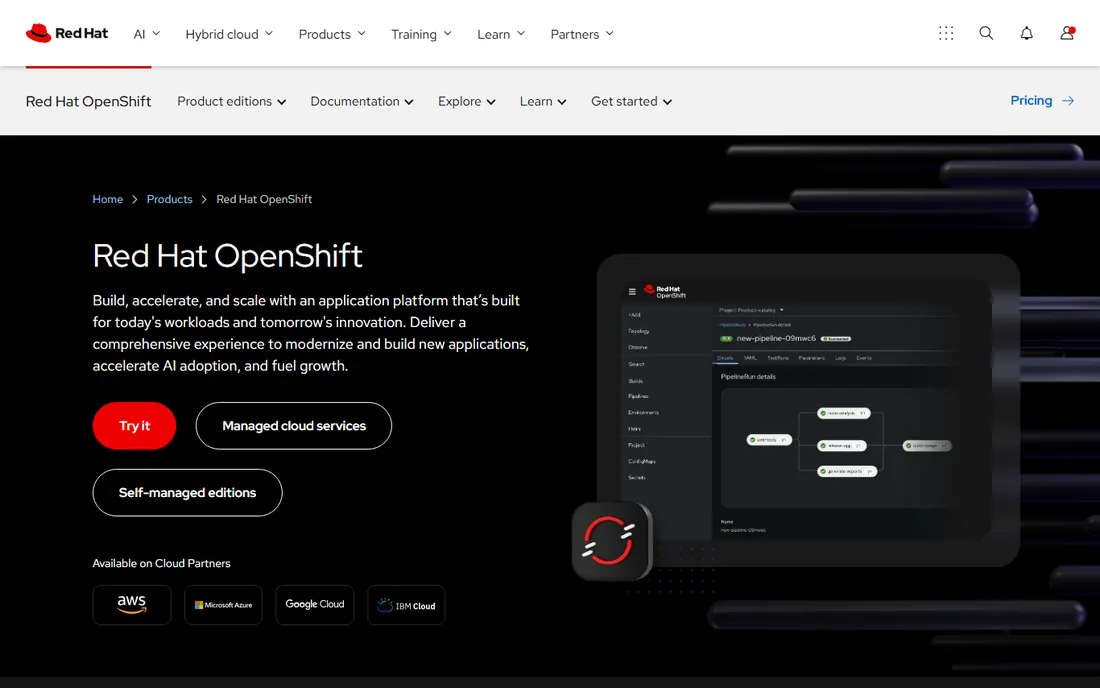
OpenShift is Kubernetes as an enterprise product: registry, CI/CD, monitoring, and security arrive integrated and opinionated, with compliance postures regulated industries require. It runs self-managed or as managed services on AWS, Azure, and IBM Cloud, and handles VM-plus-container estates that pure Kubernetes ignores.
The costs are premium pricing, complex subscription licensing, and a learning curve for its abstractions; this is heavier and more opinionated than vanilla Kubernetes by design. Setup ranges from installer-provisioned to fully managed. For enterprises where support contracts and compliance evidence are non-negotiable, OpenShift's integrated stack justifies the premium. For teams that want upstream Kubernetes, look elsewhere.
What we like- Enterprise platform with security, compliance, and Operators built in
- Self-managed or managed on major clouds
- Strong for regulated industries and VM-plus-container estates
Watch out for- Premium pricing with complex subscriptions
- Heavier and more opinionated than vanilla Kubernetes

#7
Kubecost (IBM)
Best for: FinOps and platform teams fighting surprise cloud bills
Visit kubecost.com
Starting priceSee website (Foundations free; paid Business and Enterprise tiers)
Free planYes (free to install; free tier available)
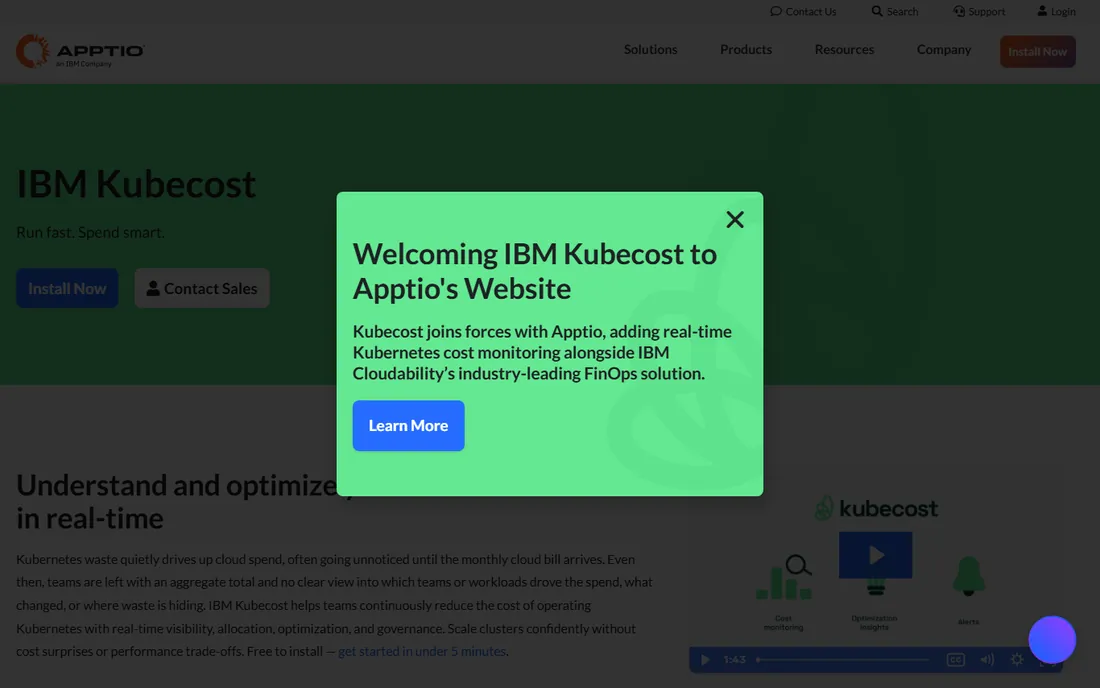
Kubecost answers the question every platform team dreads: what is all this costing, and who spent it? Real-time cost allocation by team, namespace, and workload, with rightsizing recommendations, installed via Helm in minutes. Showback drives the accountability conversations that actually change spending behavior.
The scope boundary matters: Kubecost monitors and advises; it does not manage clusters. Pair it with your management tool of choice. The free Foundations tier covers core monitoring; paid tiers add governance and support, with enterprise through IBM sales. For FinOps teams, the granular allocation is the product. Install it before the next cloud bill surprise.
What we like- Real-time cost monitoring, allocation, and optimization with millions of installs
- Showback by team, namespace, and workload
- IBM backing with enterprise governance
Watch out for- Cost-focused rather than full cluster management
- Enterprise tier goes through IBM sales

#8
Platform9
Best for: Enterprises running managed Kubernetes on their own infrastructure
Visit platform9.com
Starting priceSee website (quote-based)
Free planSee website (confirm current tier options)
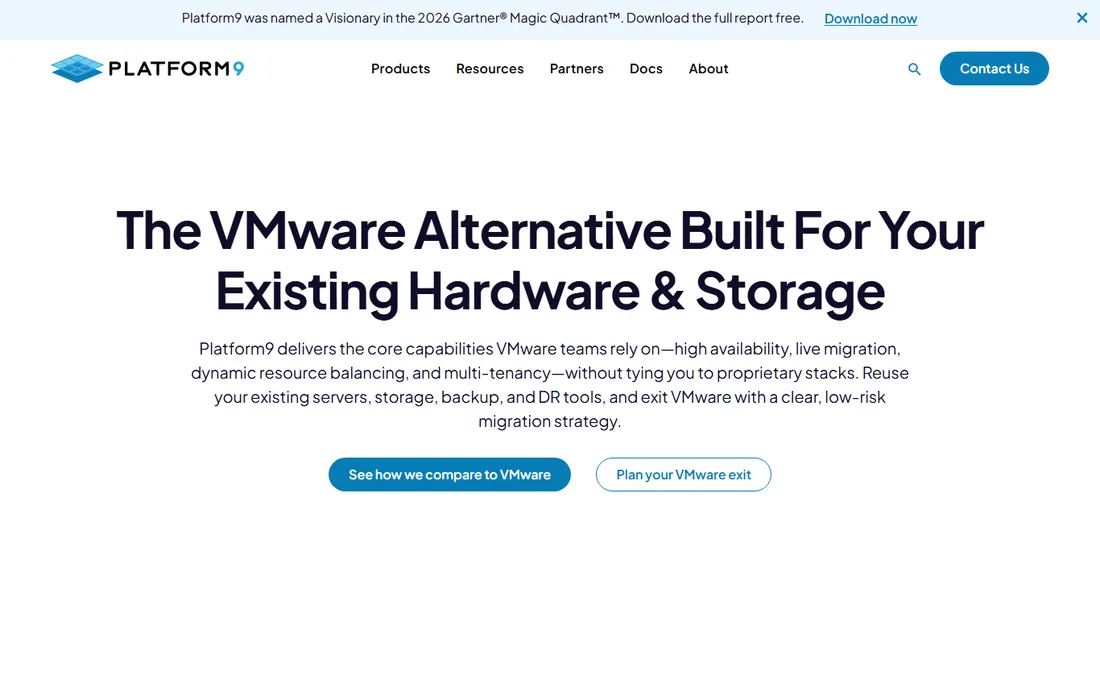
Platform9's pitch is private cloud without the private-cloud project: managed Kubernetes on your own servers, controlled through a SaaS plane, with VMs and containers managed together. For enterprises virtualizing on existing hardware, especially those reevaluating VMware, the combined story resonates.
The trade-offs are the sales-led model with quote-only pricing and a narrower community for troubleshooting than the hyperscalers or Rancher. Setup is agent-based on your servers with remote management. For organizations that must keep workloads on-premises but want managed operations, Platform9 fills the gap between DIY Kubernetes and full re-platforming.
What we like- Managed Kubernetes on your infrastructure with a SaaS control plane
- Doubles as a VMware alternative with VM-plus-container management
- Recognized in analyst evaluations
Watch out for- Quote-only pricing
- Smaller ecosystem than hyperscaler or Rancher options
Quick comparison
| Tool | Best for | Starting price | Free plan |
|---|
| Rancher (SUSE) | Platform teams managing fleets of clusters across environments | See website (open source free; Rancher Prime quote-based) | Yes (open source; free training available) |
| Lens (Mirantis) | Developers and platform engineers who live in Kubernetes daily | See website (Personal free; paid Plus and Pro tiers per user) | Yes (Personal tier free) |
| Portainer | Teams running mixed container estates under one governed console | See website (Business Edition tiers by nodes) | Yes (3 nodes free) |
| K9s | kubectl power users who want speed over clicking | Free (open source, Apache 2.0) | Yes (fully free) |
| Headlamp | Teams wanting a free, vendor-neutral Kubernetes UI | Free (open source, Apache 2.0) | Yes (fully free) |
| Red Hat OpenShift | Enterprises needing supported, secure Kubernetes with compliance | See website (self-managed subscriptions quote-based; managed offerings usage-priced) | See website (developer and trial options on Red Hat site) |
| Kubecost (IBM) | FinOps and platform teams fighting surprise cloud bills | See website (Foundations free; paid Business and Enterprise tiers) | Yes (free to install; free tier available) |
| Platform9 | Enterprises running managed Kubernetes on their own infrastructure | See website (quote-based) | See website (confirm current tier options) |
Is your product missing or out of date?
We review this list regularly. Vendors can request a listing, send updated pricing or ask about featured placement.
Frequently asked questions
Should we use Rancher, Portainer, or OpenShift?
Rancher for open-source multi-cluster fleet management. Portainer for mixed Docker-plus-Kubernetes estates under one RBAC. OpenShift when you need a supported, compliant enterprise product with a vendor contract. The decision is support model and estate shape, not feature checklists.
Do developers need Lens if we have kubectl?
Need, no; productivity, yes. Lens pays off for engineers who navigate clusters visually all day; kubectl and K9s serve terminal-native workflows faster. Many teams standardize on Lens for the team and let power users keep K9s. The Personal tier being free removes the budget question.
Can we manage Kubernetes without paying anything?
Yes, credibly: Rancher open source for fleets, Headlamp or K9s for daily operations, Kubecost Foundations for cost visibility. The free tier covers real production use. You pay when you need support SLAs (Rancher Prime), team features (Lens Pro), or enterprise governance (OpenShift, Kubecost Enterprise).
How do we control Kubernetes costs?
Install Kubecost first and look at the allocation by namespace and workload. Rightsize over-provisioned requests, kill idle namespaces, and set team showback so spending has owners. Most clusters waste 30 to 50 percent on over-provisioning; the tooling pays for itself in the first rightsizing pass.
What is GitOps and do these tools do it?
GitOps manages cluster state declaratively from Git repositories. Portainer includes a GitOps engine; Rancher integrates with Fleet; Headlamp and Lens are UIs, not GitOps tools. For dedicated GitOps, Argo CD or Flux remain the standards; evaluate whether built-in is enough before adding another tool.
How long does setup take?
Minutes for Lens, K9s, Headlamp, Portainer, or Kubecost. Hours for Rancher on existing infrastructure. Days to weeks for OpenShift or Platform9 with enterprise requirements. The long pole is never the tool install; it is RBAC design, network policy, and deciding who owns the platform.
How we chose
We started with the searches buyers actually run: best kubernetes management tools and its variants. For each candidate we opened the vendor's own homepage, recorded the pricing model as stated (open source, free tier, or quote-based), and compared management scope, deployment fit, and team-size fit against practitioner discussion and public sources. Where the vendor publishes no prices we wrote "See website" rather than guessing.
Sources we checked (8)
- https://www.rancher.com/
- https://k8slens.dev/
- https://portainer.io/
- https://k9scli.io/
- https://headlamp.dev/
- https://openshift.com/
- https://www.kubecost.com/
- https://platform9.com/
Is your product missing or out of date?
We review this list regularly. Vendors can request a listing, send updated pricing or ask about featured placement.

Shihab Mia · Founder, Rankite
Shihab has 5+ years in B2B and SaaS SEO. He writes Rankite's software buying guides from pricing pages, documentation and public user reviews. More about Shihab.