How we make this list: we compare pricing pages, product documentation and public user reviews. Ratings come from G2, Capterra or Trustpilot, with the date we checked them.
Key takeaways
- Job management software for trades covers the full job cycle, from booking and dispatch to quoting, invoicing, and payment, in one place.
- Jobber from 29 dollars per month billed annually is the best value for small crews, while Housecall Pro from 59 dollars per month wins the 3-to-8 user middle ground.
- ServiceTitan suits large multi-truck operations at roughly 245 dollars per technician per month, but it is overkill under 1 million dollars in revenue.
- Per-technician pricing grows fast, so price the software at your planned team size, not only at launch size, and count processing fees on top.
- Fees vary by team size and plan, and this guide is general information only, so confirm regular prices before signing, since trial promos make early months look cheaper.
Quick comparison
| Tool | Best for | Starting price | Free plan |
|---|
 Jobber Jobber | Small to mid-size service teams | $29 per month | No |
 Housecall Pro Housecall Pro | Home service teams with financing | $59 per month | No |
 ServiceTitan ServiceTitan | Large multi-truck operations | See website | No |
 ServiceM8 ServiceM8 | Small Apple-first teams | Free | Yes |
 Workiz Workiz | Dispatch plus call handling | See website | No |
 Service Fusion Service Fusion | Predictable pricing without per-seat fees | $208 per month | No |
 Kickserv Kickserv | Budget teams wanting core tools | $60 per month | No |
 FieldEdge FieldEdge | HVAC and trade shops | See website | No |
Is your product missing or out of date?
We review this list regularly. Vendors can request a listing, send updated pricing or ask about featured placement.
The best job management software for trades
#1Jobber
Best for: Small to mid-size service teams4.6/5 on
G2 (530 reviews, checked Oct 2026)
Visit jobber.com
Starting price$29 per month
Free planNo
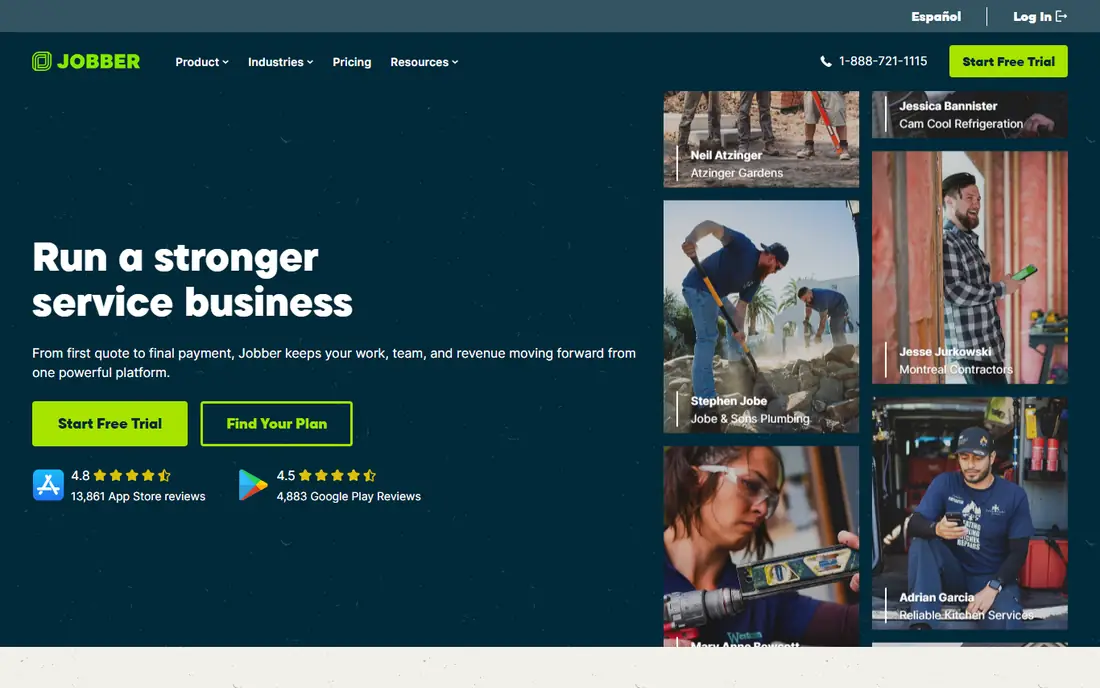
Jobber is the tool most owner-operators start with, covering scheduling, quoting, invoicing, and client management without overwhelming small teams. Pricing runs from 29 dollars per month billed annually, with 99 and 149 dollar tiers, while monthly billing runs 49 dollars for Core, 129 to 169 dollars for Connect, and 249 to 349 dollars for Grow, depending on source and user count. Connect adds GPS tracking, automated follow-ups, and online booking for up to 5 users, while Grow adds job costing, quote follow-ups, and two-way texting for up to 15 users. Setup is fast, with most teams running in a day.
The drawbacks are add-on costs and marketing limits. Add-ons for marketing, an AI receptionist, and a sales pipeline increase the total, introductory discounts change after year one, and marketing tools are minimal next to Housecall Pro or ServiceTitan. Jobber suits small crews of 1 to 15 people that want simple, clear pricing and fast setup.
What we like- From 29 dollars per month billed annually
- Clean interface with drag-drop scheduling
- Quoting, invoicing, and payments
- QuickBooks and Xero integrations
Watch out for- Add-ons increase the total
- Introductory discount changes after year one
- Marketing tools minimal
- No built-in call tracking
#2Housecall Pro
Best for: Home service teams with financing4.3/5 on
G2 (205 reviews, checked Oct 2026)
Visit housecallpro.com
Starting price$59 per month
Free planNo
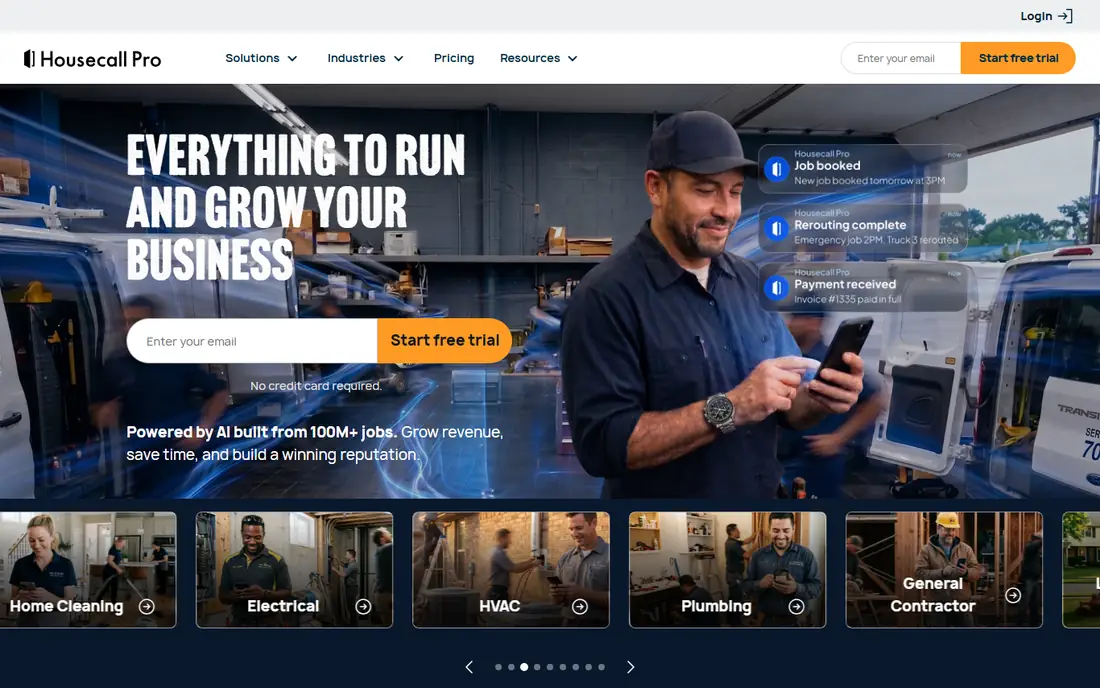
Housecall Pro is a strong all-rounder for home-service businesses, with online booking, scheduling and dispatch, quotes and proposals, invoices and payments, and review management. Pricing starts at 59 dollars per month billed annually for Basic, with Essential at 149 dollars and Max at 299 dollars, plus extra users at 35 to 100 dollars per month, and processing at 2.59 percent. Its same-day payments through Instapay and its excellent mobile app suit growing home-service teams that want speed and simplicity.
The drawbacks are scale cost and tier needs. Higher tiers are needed for larger teams, and a 20-person team on Max can reach 964 dollars per month once extra user fees are counted, which makes flat-rate rivals more cost-efficient at scale. Housecall Pro suits small to mid-size crews that value ease of use and same-day payments over lowest cost.
What we like- From 59 dollars per month billed annually for Basic
- Online booking and review tools built in
- Same-day payments with Instapay
- Excellent mobile app
Watch out for- Higher tiers needed for larger teams
- 2 to 3 times more expensive than Jobber on some comparisons
- Extra users 35 to 100 dollars per month
Starting priceSee website
Free planNo
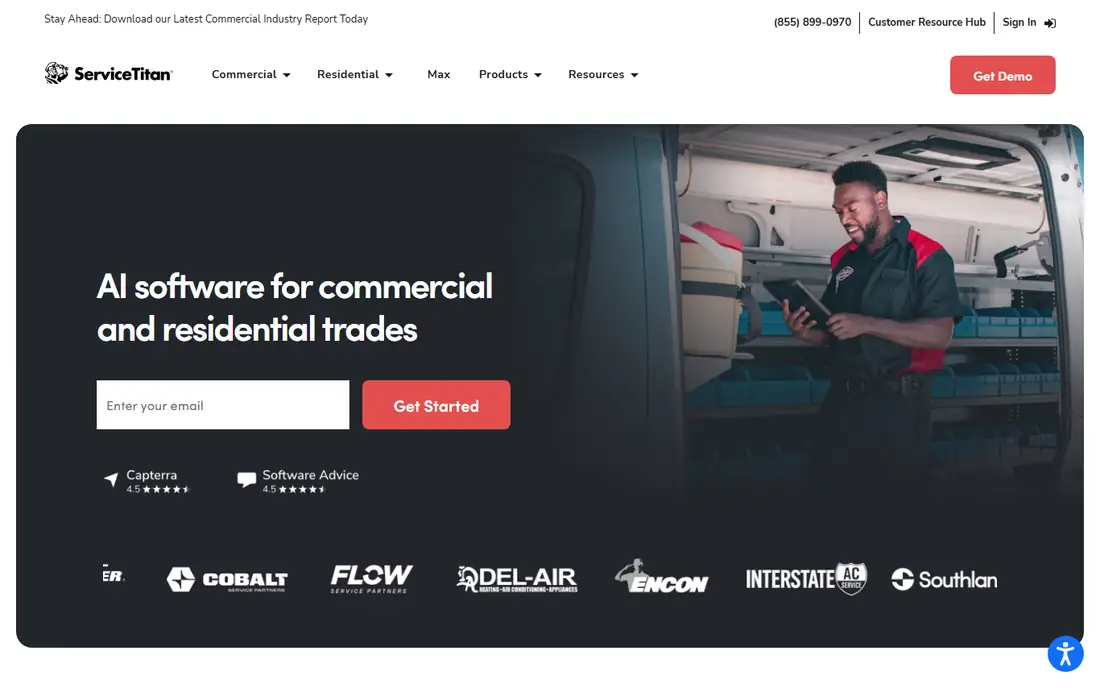
ServiceTitan is built for large residential and commercial contractors with multiple crews and complex workflows, offering the most comprehensive features on this list. Its advanced dispatching board, full marketing suite, call tracking and booking, price books, and reporting suit operations with 10 or more technicians. Pricing is quote-based, near 245 dollars per technician per month, with annual totals of 24,000 to 60,000 dollars reported for larger teams.
The drawbacks are cost and complexity. It is massive overkill under 1 million dollars in revenue, takes real training, and most contractors generating 200,000 to 500,000 dollars who buy it spend 25,000 to 35,000 dollars annually on features they never use. ServiceTitan suits operations above 2 million dollars in revenue with multi-crew complexity.
What we like- Most comprehensive features
- Advanced dispatching board
- Full marketing suite
- Call tracking and booking
- Financing built in
Watch out for- Quote-based pricing near 245 dollars per technician per month, or 24,000 to 60,000 dollars per year
- Massive overkill under 1 million dollars revenue
- Takes real training
#4ServiceM8
Best for: Small Apple-first teams3.8/5 on
G2 (15 reviews, checked Oct 2026)
Visit servicem8.com
Starting priceFree
Free planYes
ServiceM8 suits solo operators and small crews starting out, with job management from booking and quoting to invoicing, priced by jobs per month rather than users. The free plan covers 1 user and 30 jobs, while Starter costs 29 dollars, Growing 79 dollars, and Premium 149 dollars per month, with unlimited users on paid plans. That job-based pricing keeps costs low for solo operators who do fewer jobs per month.
The drawbacks are job caps and platform bias. Each tier caps monthly jobs, and the technician app is iOS-first, which can frustrate Android crews. ServiceM8 suits solo operators and small Apple-first crews that want a free start and job-based pricing.
What we like- Free plan for 1 user and 30 jobs
- Starter 29 dollars, Growing 79 dollars, Premium 149 dollars per month
- Unlimited users on paid plans
- Priced by jobs, not seats
Watch out for- Job limits per tier
- IOS-first technician app
- Fewer enterprise features than ServiceTitan
#5Workiz
Best for: Dispatch plus call handling4.5/5 on
G2 (247 reviews, checked Oct 2026)
Visit workiz.com
Starting priceSee website
Free planNo
Workiz serves home-service businesses that want AI help with calls and follow-up alongside dispatch, scheduling, invoicing, and payments. Its AI call handling and follow-up automation suit businesses where missed calls mean lost jobs, and its dispatch tools keep crews scheduled efficiently. A free trial is available for evaluation.
The drawbacks are price opacity and plan variance. Pricing is by request only across Standard, Pro, and Ultimate tiers, and AI features vary by plan, so total cost is unclear without a quote. Workiz suits home-service businesses that want dispatch plus AI call handling and can work with quote-based pricing.
What we like- Dispatch plus AI help with calls and follow-up
- Home-service focus
- Scheduling, invoicing, and payments
- Free trial available
Watch out for- Pricing by request only, with Standard, Pro, and Ultimate tiers
- AI features vary by plan
- Smaller brand than Jobber or Housecall Pro
#6Service Fusion
Best for: Predictable pricing without per-seat fees4.1/5 on
G2 (124 reviews, checked Oct 2026)
Visit servicefusion.com
Starting price$208 per month
Free planNo
Service Fusion suits teams that want unlimited users on every plan, with Starter at 208 dollars, Plus at 325 dollars, and Pro at 533 dollars per month billed annually. Its flat-rate model makes total cost predictable as teams grow, since adding technicians does not add per-seat fees, which is why it wins for larger crews where per-technician pricing would balloon. It covers scheduling, dispatch, quoting, invoicing, and payments for field service teams.
The drawbacks are entry price and marketplace depth. Starting at 208 dollars per month, it costs more than Jobber or Housecall Pro for small teams, and marketplace features trail larger rivals. Service Fusion suits growing teams that want predictable pricing without per-seat fees.
What we like- Unlimited users on every plan
- Starter 208 dollars, Plus 325 dollars, Pro 533 dollars per month billed annually
- Predictable total for growing teams
Watch out for- Higher starting price than Jobber or Housecall Pro
- Fewer marketplace features
- Setup needs planning for larger teams
#7Kickserv
Best for: Budget teams wanting core tools4.5/5 on
G2 (181 reviews, checked Oct 2026)
Visit kickserv.com
Starting price$60 per month
Free planNo
Kickserv suits budget teams that want core job management tools at 60 dollars per month, with scheduling, quoting, invoicing, and payments plus a free trial. Its simplicity appeals to small trade businesses that need the job cycle covered without enterprise complexity or high per-technician fees. Setup is straightforward, and the price stays predictable for small crews.
The drawbacks are feature depth and ecosystem size. Advanced features such as marketing suites, call tracking, and price books trail ServiceTitan and Housecall Pro, and its smaller ecosystem means fewer integrations. Kickserv suits budget teams that want core tools at a low, predictable price.
What we like- 60 dollars per month
- Core scheduling, quoting, invoicing, and payments
- Free trial available
- Simple setup for budget teams
Watch out for- Fewer advanced features than ServiceTitan or Housecall Pro
- Smaller ecosystem
- Reporting depth varies by plan
Starting priceSee website
Free planNo
FieldEdge is built for HVAC and trade shops, with dispatch, quoting, invoicing, and payments plus trade-specific workflows that suit heating, cooling, plumbing, and electrical businesses. Its field service focus covers the job cycle from first call to final payment, with mobile tools for technicians in the field. It suits trade shops that want a purpose-built tool rather than a generic service platform.
The drawbacks are price opacity and trial absence. Pricing is by quote only with no free plan, so budgeting needs a sales conversation, and implementation needs planning for larger shops. FieldEdge suits HVAC and trade shops that want a trade-focused platform and can work with quote-based pricing.
What we like- Built for HVAC and trade shops
- Dispatch, quoting, invoicing, and payments
- Field service focus with trade workflows
Watch out for- Pricing by quote only
- No free plan
- Implementation needs planning for larger shops
How we chose
We compared field service tools on job cycle coverage, dispatch depth, mobile apps, accounting integrations, and total cost at planned team size, using September 2026 vendor pricing and comparison reviews. We favored tools with published pricing for small crews, while noting where quote-based pricing blocks comparison, since per-technician fees grow fast. We also weighed mobile app quality, since technicians work from phones in the field more than from desktops.
How to choose the best job management software for trades
Start by pricing at your planned team size, not launch size, since per-technician fees compound as you hire. Next, match the tool to your revenue band: under 150,000 dollars, Jobber Core wins on value; 150,000 to 500,000 dollars, Jobber Connect or Housecall Pro Essential fit; above 2 million dollars, ServiceTitan becomes justified. Then check accounting integration, since QuickBooks or Xero sync saves hours of double entry. Finally, read the regular price before signing, since trial promos make the first month or two look cheaper, and check contract and exit terms.
Frequently asked questions
What is job management software for trades?
It is software that covers the full job cycle for trade businesses, from booking and dispatch to quoting, invoicing, and payment, in one system shared by office staff and technicians. It replaces spreadsheets, paper schedules, and separate invoicing tools.
Which tool is cheapest for a solo tradesperson?
ServiceM8 offers a free plan for 1 user and 30 jobs, while Jobber starts from 29 dollars per month billed annually. Solo operators should compare job limits and processing fees, not just monthly price.
When is ServiceTitan worth the cost?
ServiceTitan is worth it above roughly 2 million dollars in revenue with multiple crews and complex workflows, where advanced dispatch, price books, and reporting justify roughly 245 dollars per technician per month. Below 1 million dollars, it is usually overkill.
Do these tools integrate with QuickBooks?
Yes, Jobber integrates with QuickBooks and Xero, Housecall Pro with QuickBooks, and ServiceTitan with both, while other tools vary. Check accounting sync before buying, since it saves hours of double entry.
How do processing fees affect total cost?
Processing fees of 2.59 to 2.9 percent on card payments add up fast on large jobs, and per-user fees on top of plan prices can double the bill at scale. Always model plan price plus processing plus extra users for your team size.
Can I switch job management software later?
Yes, but contract length, data export, and payment detail ownership matter. Check exit terms before signing, and plan migration of customers, jobs, and payment history in advance.
Sources we checked (0)
Is your product missing or out of date?
We review this list regularly. Vendors can request a listing, send updated pricing or ask about featured placement.

Shihab Mia · Founder, Rankite
Shihab has 5+ years in B2B and SaaS SEO. He writes Rankite's software buying guides from pricing pages, documentation and public user reviews. More about Shihab.