How we make this list: we compare pricing pages, product documentation and public user reviews. Rankite is independent; if a vendor ever pays for a featured spot, that listing is clearly labeled Partner.
Key takeaways
- Jobber and Housecall Pro lead on scheduling and dispatch, but both handle payroll through integrations rather than native processing.
- Connecteam and ZenMaid bundle payroll features most directly, with published pricing from $19 to $39 per month.
- Swept, Janitorial Manager and CleanGuru are built specifically for cleaning companies, which shows in their inspection and quality workflows.
- Only Connecteam and CleanGuru offer free tiers, so most buyers should plan for a paid plan plus a 14-day trial.
Quick comparison
| Tool | Best for | Starting price | Free plan |
|---|
 Jobber Jobber | Cleaning companies that run crews and client jobs from one app | $49/month | Free trial (14 days) |
 Housecall Pro Housecall Pro | Cleaning businesses that want scheduling, dispatch and payroll-adjacent tools | $59/month | Free trial (14 days) |
 Swept Swept | Janitorial companies that need scheduling plus cleaner payroll | $30/month | See website |
 Janitorial Manager Janitorial Manager | Janitorial operations that want quality inspections alongside payroll data | See website | See website |
 Connecteam Connecteam | Cleaning teams that need an all-in-one employee app with payroll features | $29/month per hub | Yes (free for up to 10 users) |
 FieldPulse FieldPulse | Small cleaning contractors that want simple job and payroll management | See website | See website |
 ServiceM8 ServiceM8 | Cleaning businesses that want a mobile-first job platform with payroll add-ons | See website | Free trial (advertised) |
 CleanGuru CleanGuru | Cleaning companies that want scheduling and payroll without enterprise cost | $75/month | Yes (free scheduling and timekeeping for small teams) |
 ZenMaid ZenMaid | Maid services and residential cleaners that need simple payroll | $19/month | Free trial (14 days) |
Is your product missing or out of date?
We review this list regularly. Vendors can request a listing, send updated pricing or ask about featured placement.
The best janitorial software with payroll management
#1
Jobber
Best for: Cleaning companies that run crews and client jobs from one app
Visit getjobber.com
Starting price$49/month
Free planFree trial (14 days)
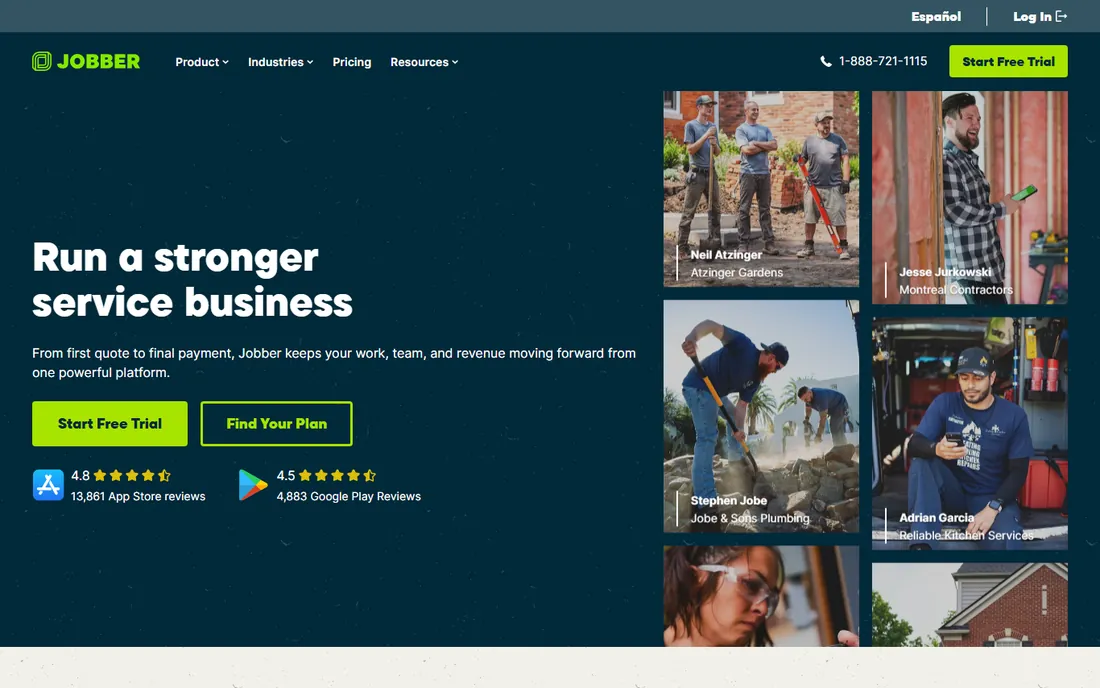
Jobber is the best-known name in home service software, and cleaning companies use it to run the whole operation from quoting to invoicing. Crews clock in on the mobile app, jobs get scheduled by drag and drop, and customers receive automated reminders and follow-up review requests. Timesheet data exports cleanly for payroll processing.
The honest limitation is that Jobber does not run payroll itself. You export hours to your payroll provider or accounting software, which works fine but adds a step on every pay run. Plans start at $49 per month with a 14-day trial, and growing teams move up tiers as job volume and user counts rise.
What we like- Scheduling, quoting, invoicing and client communication in one place
- Timesheets feed into payroll exports
- GPS tracking for crew check-ins
Watch out for- Payroll runs through exports and integrations, not native processing
- Lower tiers limit active jobs and team members
#2
Housecall Pro
Best for: Cleaning businesses that want scheduling, dispatch and payroll-adjacent tools
Visit housecallpro.com
Starting price$59/month
Free planFree trial (14 days)
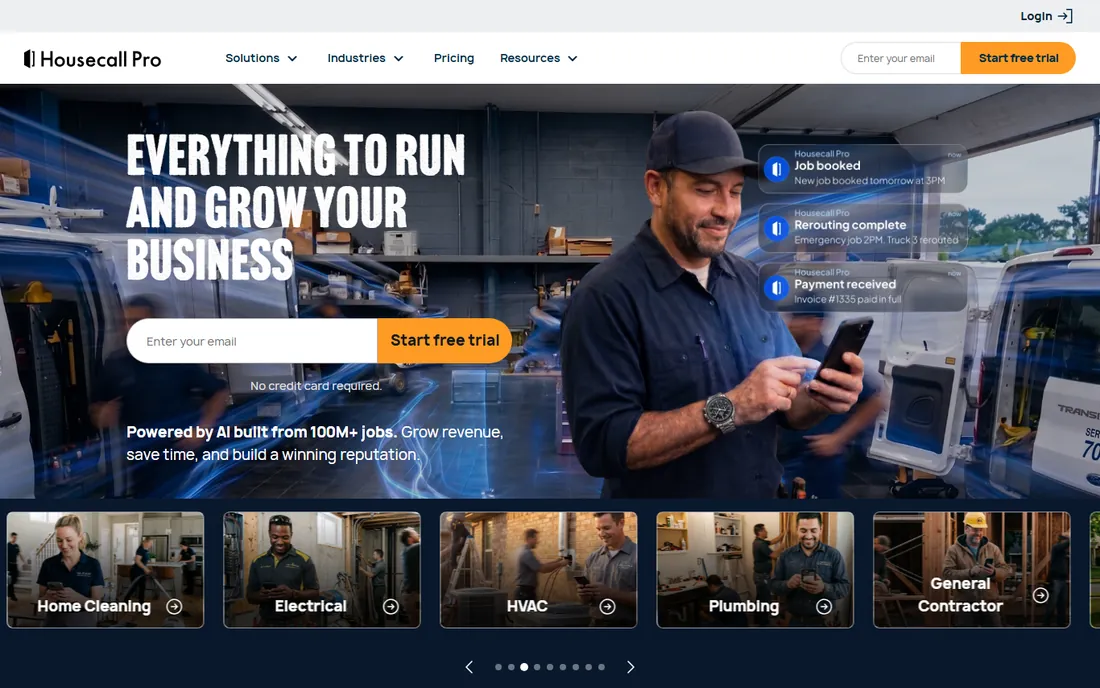
Housecall Pro competes directly with Jobber for the same buyer: a cleaning business that wants professional scheduling, dispatch and customer communication. Its dispatch board is a standout, letting office staff assign jobs and track crews in real time. Online booking and automated reminders cut no-shows, and the mobile app is one of the better ones in the category.
Payroll works through integrations, so you will connect your payroll provider rather than running pay inside Housecall Pro. Plans start at $59 per month with a 14-day trial. Watch the add-ons: payment processing, marketing automation and other extras each carry their own fees, and the monthly total can drift well above the base price.
What we like- Dispatch board, automated reminders and online booking built in
- Payroll integrations for paying technicians
- Strong mobile app for field crews
Watch out for- Payroll is handled via integration rather than built-in processing
- Add-on costs stack up for payments and marketing tools
#3
Swept
Best for: Janitorial companies that need scheduling plus cleaner payroll
Visit sweptworks.com
Starting price$30/month
Free planSee website
Swept takes a narrower approach than Jobber or Housecall Pro: it is made for janitorial and commercial cleaning companies specifically. Scheduling, time tracking and cleaner communication are the core, with reporting designed to feed payroll. For a commercial cleaning operation, the workflows match how the business actually runs, including site-based scheduling and supervisor check-ins.
The trade-off is ecosystem size. You get fewer integrations and a smaller user community than the big field-service platforms, which matters when you need a specific accounting or payroll connection. Plans start at $30 per month. It fits cleaning companies that want purpose-built software and do not need a general contractor toolkit.
What we like- Built for cleaning companies rather than generic field service
- Time tracking and payroll-ready reporting
- Cleaner communication tools for shift updates
Watch out for- Smaller vendor with fewer third-party integrations
- Add-on pricing is less transparent than bigger competitors
Starting priceSee website
Free planSee website
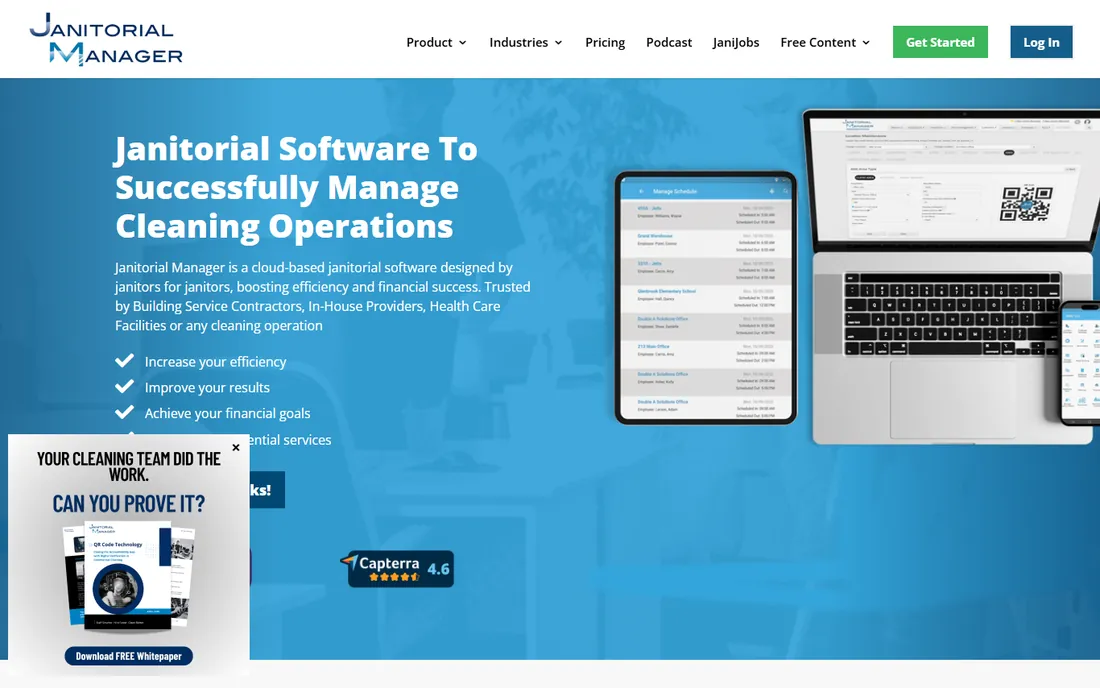
Janitorial Manager stands out for quality control. Inspection checklists, work orders and supply tracking sit next to scheduling and timekeeping, so supervisors can tie cleaner performance to hours worked. Timesheets export for payroll, and the audit trail helps when a client disputes service quality.
Pricing is quote-based, which means a sales conversation before you can budget. The platform covers a lot of ground, from bidding to inspections, so expect to spend time on setup and training. It suits commercial janitorial companies where contract compliance and inspection scores decide whether accounts renew.
What we like- Inspections, work orders and timekeeping in one system
- Payroll-ready timesheets
- Built for commercial cleaning workflows
Watch out for- Quote-based pricing with no published starting price
- The broad feature set needs planned admin setup
#5
Connecteam
Best for: Cleaning teams that need an all-in-one employee app with payroll features
Visit connecteam.com
Starting price$29/month per hub
Free planYes (free for up to 10 users)
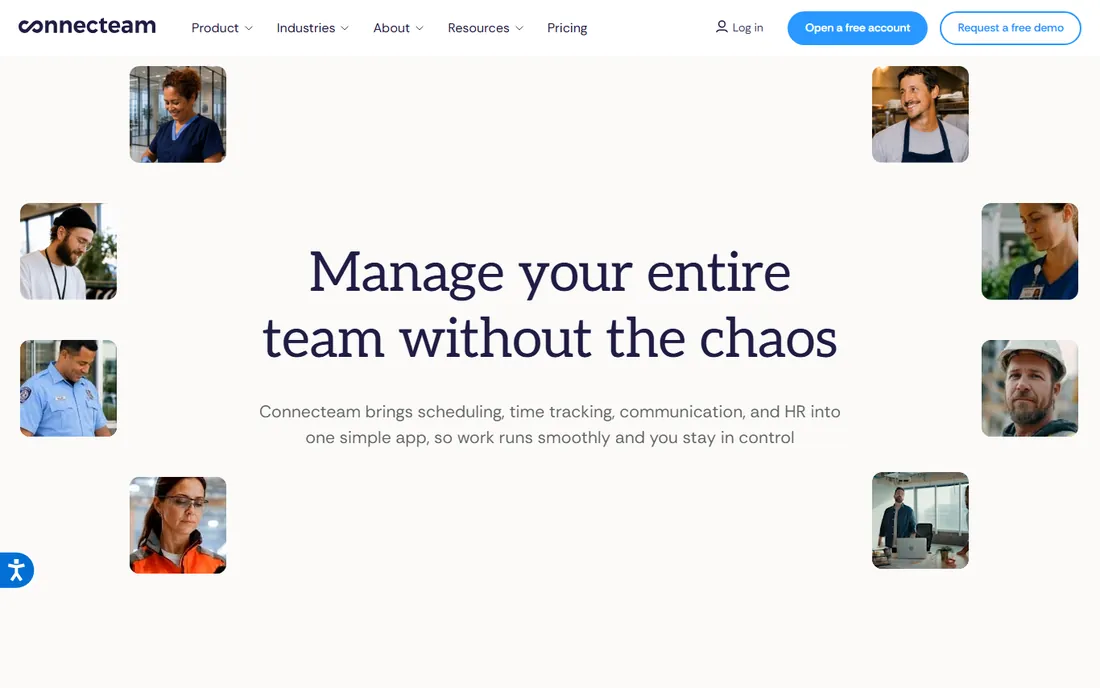
Connecteam approaches the problem from the employee side: one mobile app where cleaners see schedules, clock in and out, message managers and access documents. Payroll features and timesheet exports connect to that same data, so hours flow from the time clock to pay without re-entry. The free plan for up to 10 users is genuinely usable for a small crew.
Pricing is per hub per month starting at $29, and Connecteam sells separate hubs for operations, HR and communications. A cleaning company that wants everything will pay for multiple hubs, so model the full cost before comparing with flat-rate competitors. For small teams, though, the free tier is the easiest way to start.
What we like- Scheduling, time tracking, payroll and team communication in one app
- Free tier covers teams up to 10 users
- 14-day trial on paid plans
Watch out for- Payroll depth varies by plan
- Per-hub pricing means full feature access costs more than the base figure suggests
#6
FieldPulse
Best for: Small cleaning contractors that want simple job and payroll management
Visit fieldpulse.com
Starting priceSee website
Free planSee website
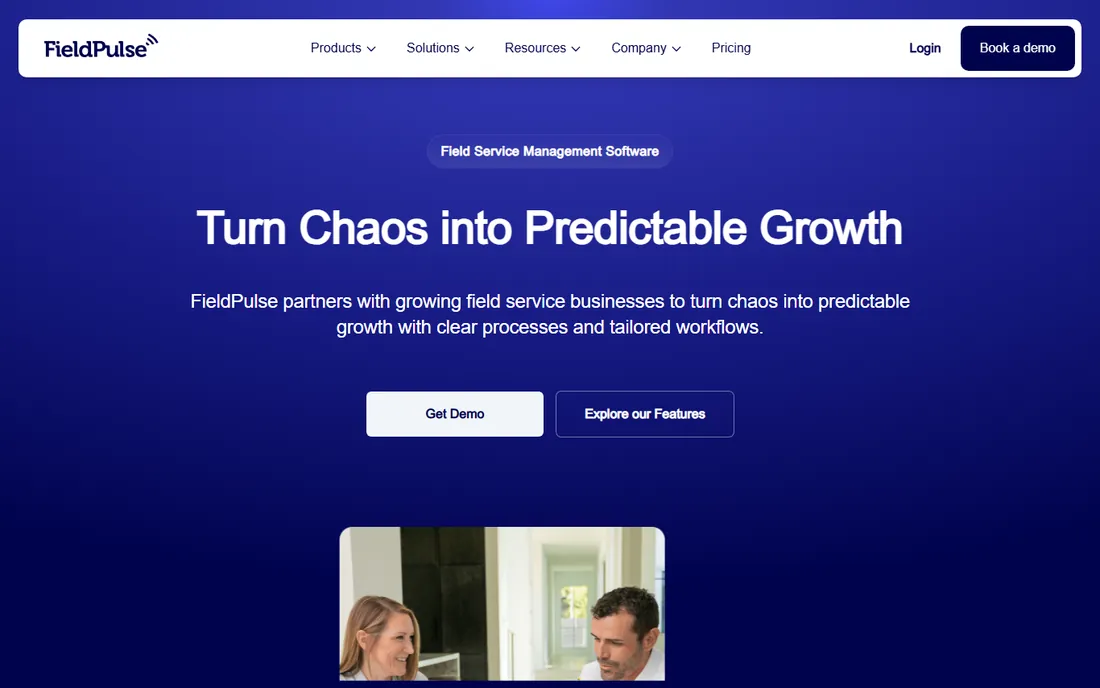
FieldPulse keeps things simple, which is exactly what a small cleaning contractor needs. Estimates turn into jobs, jobs turn into invoices, and crew hours are tracked along the way. The interface does not overwhelm, and most owners can train a crew on it in a day.
The simplicity cuts both ways. Larger janitorial operations will miss inspection workflows and multi-site management, and pricing is not published, so you will need a quote. It fits owner-operated cleaning businesses that want one uncomplicated system for jobs, hours and invoices.
What we like- Estimates, scheduling, invoicing and time tracking in one simple interface
- Payroll connections through accounting integrations
- Short learning curve for small crews
Watch out for- Pricing is not published, so quotes are required
- The feature set is lighter than enterprise janitorial platforms
#7
ServiceM8
Best for: Cleaning businesses that want a mobile-first job platform with payroll add-ons
Visit servicem8.com
Starting priceSee website
Free planFree trial (advertised)
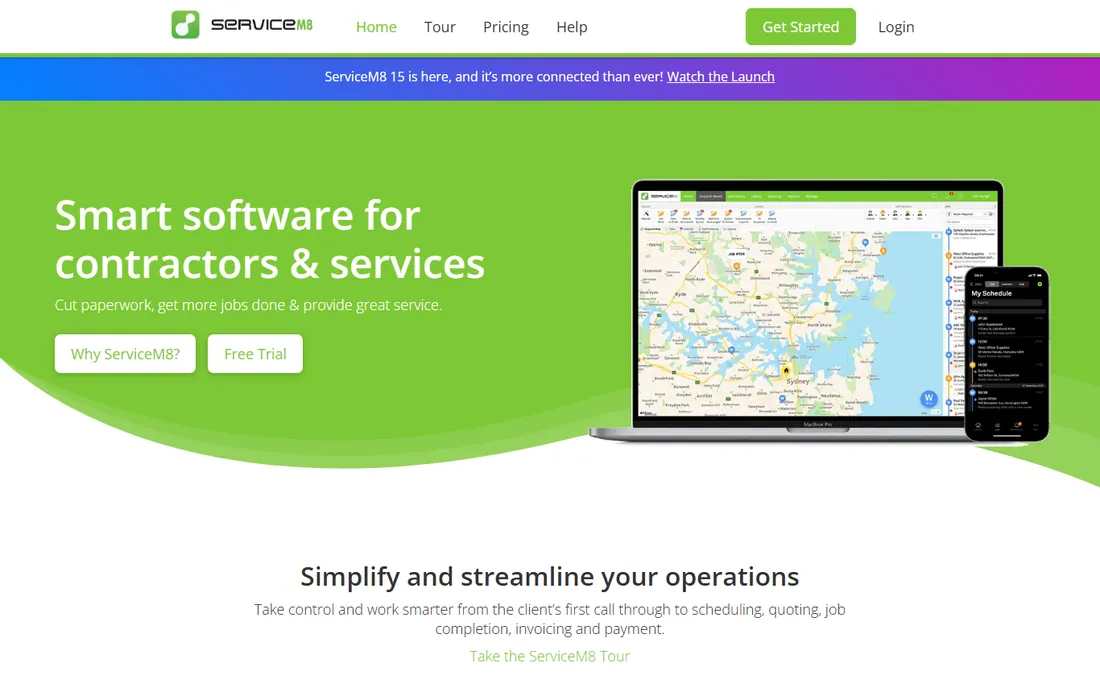
ServiceM8 is built mobile-first, and it shows: quoting, dispatch and job tracking all work well from a phone, which suits cleaners who rarely sit at a desk. The add-on marketplace extends the platform, including payroll-related add-ons and accounting integrations. Client messaging is tied to jobs, so communication history stays with the work.
The add-on model is also the catch. The base platform plus the add-ons a cleaning business actually needs can cost more than a bundled competitor, and pricing is not published, so comparison shopping takes calls. A free trial is advertised, which helps, but get the full add-on quote before deciding.
What we like- Strong dispatch and quoting on mobile
- Payroll handled through add-ons and integrations
- Client communication built into the job workflow
Watch out for- Pricing is not published on the site
- Core payroll features sit in paid add-ons
#8
CleanGuru
Best for: Cleaning companies that want scheduling and payroll without enterprise cost
Visit cleanguru.com
Starting price$75/month
Free planYes (free scheduling and timekeeping for small teams)
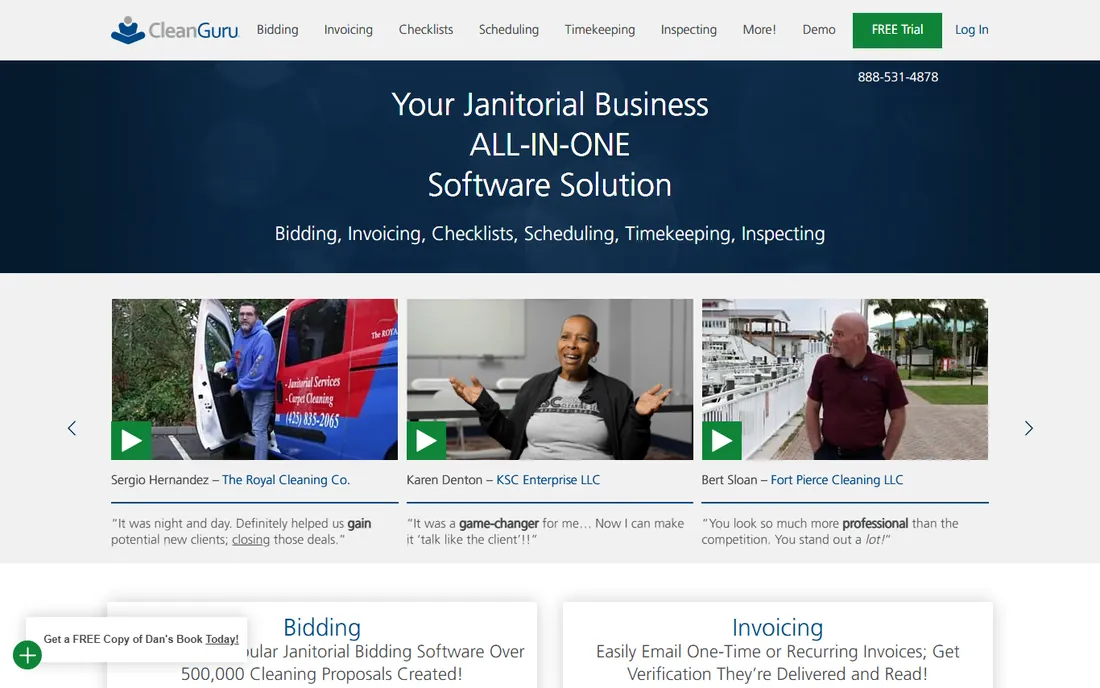
CleanGuru is one of the few cleaning-specific tools with a genuinely free tier: small teams can run scheduling and timekeeping without paying. Paid plans start at $75 per month and add payroll features, which keeps the whole workflow, from shift scheduling to pay, inside one cleaning-focused system.
Being purpose-built is both the appeal and the limit. Workflows match cleaning operations well, but the integration catalog is smaller than Jobber or Housecall Pro, and some admin screens feel less polished. For independent cleaning companies that want to keep costs down, the free tier alone is worth a look.
What we like- Free tier covers scheduling and timekeeping for small teams
- Payroll features on paid plans from $75 per month
- Built specifically for cleaning businesses
Watch out for- Fewer third-party integrations than bigger platforms
- The product reflects its small-team roots in places
#9
ZenMaid
Best for: Maid services and residential cleaners that need simple payroll
Visit zenmaid.com
Starting price$19/month
Free planFree trial (14 days)
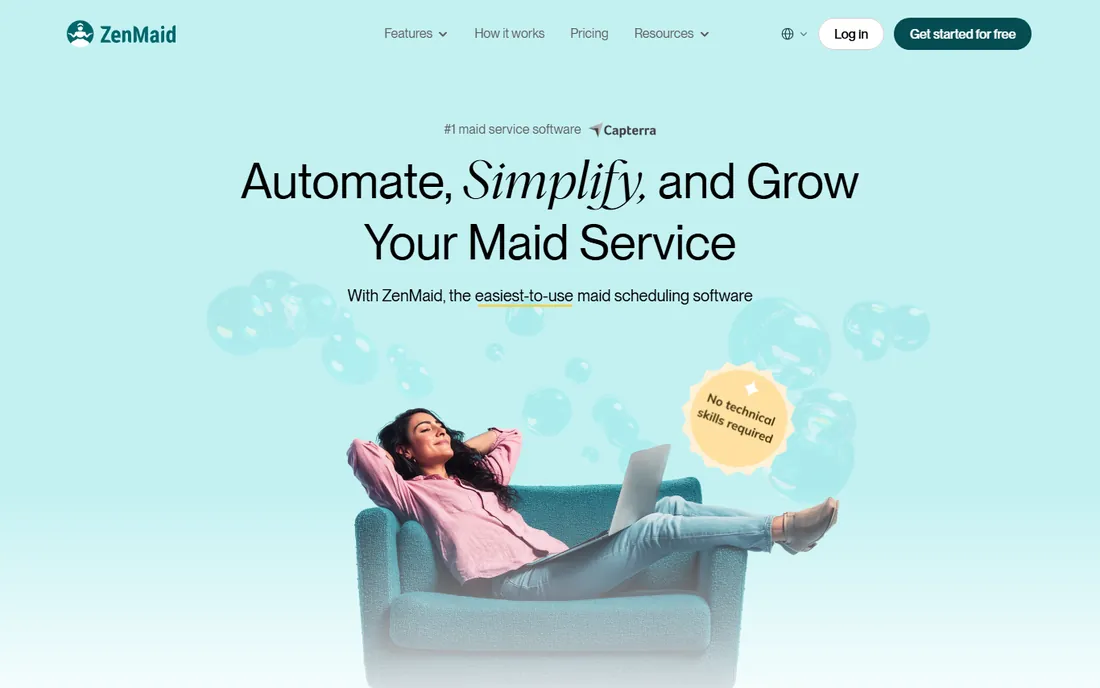
ZenMaid knows its audience: maid services and residential cleaners. Scheduling, client management and automated reminders are tuned for recurring home cleanings, and payroll is included on the Pro plan at $39 per month and Pro Max at $49 per month. The Starter plan at $19 per month covers scheduling without payroll, and all plans carry a 14-day trial.
Commercial janitorial companies should look elsewhere: the feature set assumes residential jobs, and contract bidding or inspection workflows are thin. For a maid service that wants scheduling and payroll in one simple package, the Pro plan is one of the cheapest direct options on this list.
What we like- Built for residential cleaning businesses
- Payroll included on Pro ($39) and Pro Max ($49) plans
- Straightforward scheduling and client management
Watch out for- Geared toward residential work, less suited to commercial janitorial contracts
- The Starter plan excludes payroll features
Start by separating scheduling software from payroll software. Most tools on this list schedule crews and track hours beautifully, then hand the hours to a payroll provider. Only a few process pay directly. Decide which model you want before comparing features, because the workflow on pay day is completely different.
Check how time data moves. The best setups let cleaners clock in on a phone, apply overtime rules automatically, and export or sync approved hours to payroll without spreadsheets. Ask specifically about overtime calculations, since cleaning crews often work irregular hours across multiple sites, and manual overtime math is where payroll errors start.
Look at per-site and per-client reporting. Janitorial companies bill by contract and manage labor cost by site, so the software should show hours and labor cost per location. If it only reports company-wide totals, you will build that view in a spreadsheet anyway.
Finally, confirm mobile reliability. Cleaners work in basements, parking garages and buildings with poor signal. The app should handle offline clock-ins and sync later, or your time data will have gaps exactly when you need it for payroll.
Native payroll vs payroll integrations
Native payroll means the software calculates pay, files taxes and pays your team. Almost no janitorial platform does all three. What most offer is payroll management in a looser sense: time tracking, overtime rules, approvals and an export or sync to a payroll provider like Gusto, QuickBooks Payroll or ADP.
Integrations are not a flaw. A good sync beats a mediocre native payroll engine, because tax filing mistakes are expensive. The question to ask is how the sync works: is it a one-click push of approved hours, or a CSV download you reformat every pay period. The former saves real time; the latter is just a nicer spreadsheet.
Also ask who supports payroll questions. If the janitorial vendor only exports hours, payroll tax questions go to your payroll provider. That split is fine as long as you know it in advance. The worst outcome is discovering on the first pay run that neither vendor claims the problem.
How we chose
We reviewed each vendor's current pricing page, product documentation and public feature lists in October 2026, checking which platforms genuinely serve janitorial or cleaning businesses and how each handles the payroll step. We weighed published pricing transparency, the depth of time-tracking and payroll exports versus native processing, and fit for small and mid-size cleaning operations. We did not test the software ourselves and cross-checked vendor claims against public reviews on G2, Capterra and Reddit where available.
Frequently asked questions
What is janitorial software with payroll management?
It is software built for cleaning businesses that combines scheduling, time tracking and job management with payroll features. In practice, most tools track hours and export them to a payroll provider, while a few process pay directly. The shared goal is getting accurate hours from the field to paychecks without manual re-entry.
How much does janitorial software with payroll cost?
Published prices on this list range from $19 per month for ZenMaid Starter to $75 per month for CleanGuru paid plans, with Jobber at $49 and Housecall Pro at $59. Several vendors are quote-based. Expect to pay separately for a payroll provider if the software only exports hours.
Do I need separate payroll software too?
Often, yes. Most janitorial platforms handle scheduling and time tracking, then sync hours to a dedicated payroll provider that calculates pay and files taxes. If the vendor advertises payroll features, ask whether it files payroll taxes itself or just prepares the data.
Can cleaners clock in from their phones?
Yes, all the tools on this list offer mobile clock-in. The differences are in details: GPS verification, offline support for buildings with poor signal, and whether overtime rules apply automatically. Test the mobile app during the trial with your actual crew.
What is the difference between Swept and Jobber?
Swept is built specifically for janitorial and commercial cleaning companies, with site-based scheduling and cleaner communication at the core. Jobber is a broader home-service platform covering many trades, with a larger integration ecosystem. Cleaning-only operations often prefer Swept's focus; multi-service businesses usually prefer Jobber's breadth.
How long does setup take?
Simple tools like ZenMaid or Connecteam can be running in a day or two. Broader platforms like Jobber or Janitorial Manager take longer if you configure service checklists, price books and client imports. Plan for a week of setup and one full pay cycle of parallel testing before relying on any new system for payroll.
Sources we checked (9)
- https://www.getjobber.com
- https://housecallpro.com
- https://sweptworks.com
- https://www.janitorialmanager.com
- https://connecteam.com
- https://fieldpulse.com
- https://servicem8.com
- https://cleanguru.com
- https://www.zenmaid.com
Is your product missing or out of date?
We review this list regularly. Vendors can request a listing, send updated pricing or ask about featured placement.

Shihab Mia · Founder, Rankite
Shihab has spent more than a decade helping SaaS and e-commerce brands grow through search. He writes Rankite's software buying guides from pricing pages, documentation and public user reviews. More about Shihab.