How we make this list: we compare pricing pages, product documentation and public user reviews. Ratings come from G2, Capterra or Trustpilot, with the date we checked them.
Key takeaways
- Datadog suits cloud-heavy teams that want infrastructure, logs, and traces in one platform, at usage-based cost.
- Zabbix and Nagios suit teams that want full control and no per-host license, with open source code and self-hosting.
- New Relic and Dynatrace suit teams that prioritize application performance and automatic problem detection.
- Monitoring cost follows data volume and host count, so price trials at real scale, not on demo data.
Quick comparison
| Tool | Best for | Starting price | Free plan |
|---|
 Datadog Datadog | Cloud infrastructure and APM | See website | Free trial |
 New Relic New Relic | Application performance monitoring | Free (limited) | Yes |
 Dynatrace Dynatrace | Automatic problem detection | See website | Free trial |
 Zabbix Zabbix | Open source infrastructure monitoring | Free (open source) | Yes |
 Nagios Nagios | Classic open source monitoring | Free (open source) | Yes |
 PRTG PRTG | All-in-one network monitoring | Free (up to 100 sensors) | Yes |
 SolarWinds Observability SolarWinds Observability | Hybrid infrastructure monitoring | See website | Free trial |
 Grafana Grafana | Dashboards and visualization | Free (open source) | Yes |
Is your product missing or out of date?
We review this list regularly. Vendors can request a listing, send updated pricing or ask about featured placement.
The best IT monitoring software
#1Datadog
Best for: Cloud infrastructure and APM4.4/5 on
G2 (726 reviews, checked Oct 2026)
Visit datadoghq.com
Starting priceSee website
Free planFree trial
Datadog unifies infrastructure monitoring, application performance, logs, and security signals in one platform, which suits cloud-heavy teams tired of stitching tools together. Its integration library covers cloud services, containers, databases, and common applications, and its dashboards and notebooks let teams move from alert to root cause without switching consoles. Synthetic monitoring and real user monitoring extend coverage to user experience.
The catch is cost: usage-based pricing for hosts, containers, logs, and custom metrics can grow fast, and bills surprise teams that ingest logs freely. Datadog fits cloud teams that value one platform and can govern data ingestion, with budgets that flex with usage.
What we like- Unified infra, logs, and traces
- Huge integration library
- Strong dashboards
Watch out for- Usage-based pricing can surprise
- Cost grows with data volume
#2New Relic
Best for: Application performance monitoring4.4/5 on
G2 (586 reviews, checked Oct 2026)
Visit newrelic.com
Starting priceFree (limited)
Free planYes
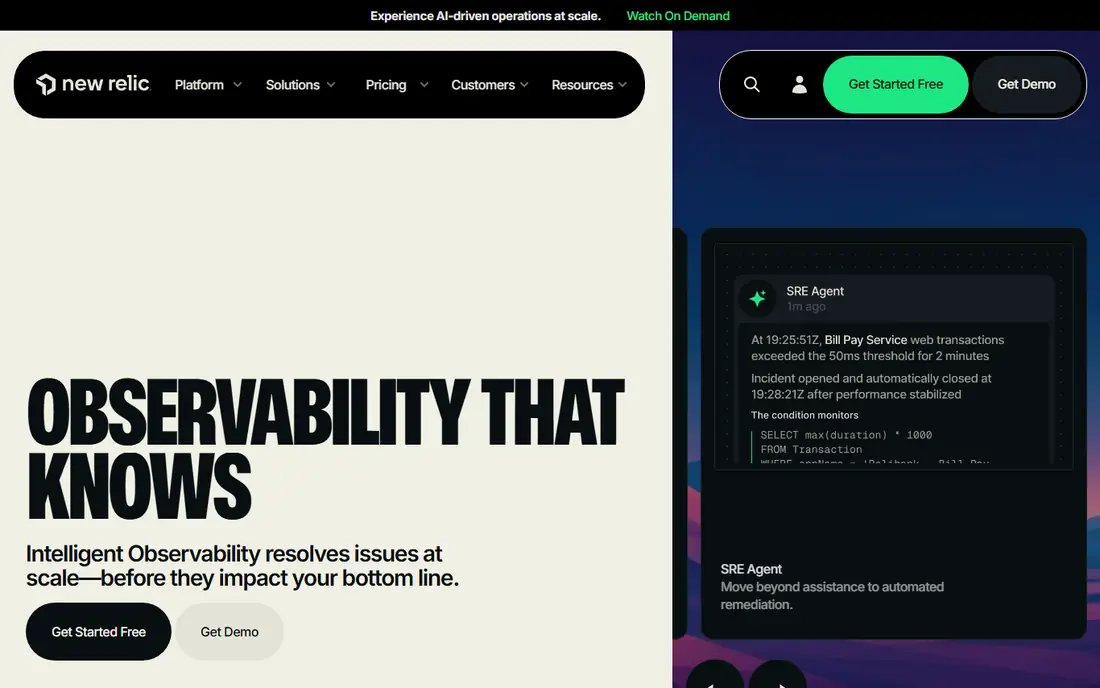
New Relic rebuilt its pricing around a free tier with 100 GB of data ingest a month and per-user pricing beyond it, which makes starting cheap and predictable. Its application performance monitoring traces requests across services, databases, and queues, and its errors inbox and dashboards help developers find slow transactions fast. Infrastructure, logs, and browser monitoring round out the platform.
Paid costs still grow with users and data beyond the free allowance, and some advanced features sit on higher tiers. New Relic also offers AI-assisted incident analysis that groups related alerts, which helps small teams triage faster without a dedicated operations staff. New Relic fits development-led teams that prioritize application performance and want a free tier that stays useful beyond a trial.
What we like- Generous free tier
- Strong APM
- Simple per-user pricing on paid plans
Watch out for- Full platform costs add up
- Some features need higher tiers
#3Dynatrace
Best for: Automatic problem detection4.5/5 on
G2 (1,371 reviews, checked Oct 2026)
Visit dynatrace.com
Starting priceSee website
Free planFree trial
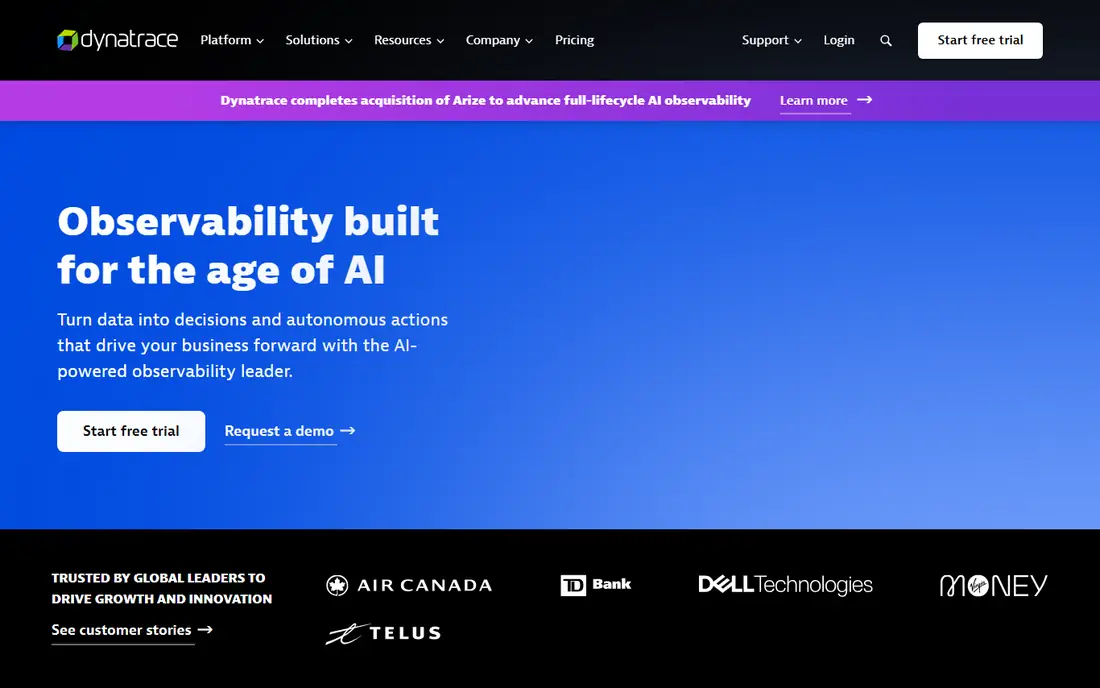
Dynatrace maps full-stack topology automatically, then uses its Davis AI engine to connect alerts into single problems with root cause analysis, rather than flooding teams with separate warnings. That problem-centered approach cuts alert noise sharply in complex estates, and its coverage spans infrastructure, applications, logs, and digital experience.
Pricing is enterprise-grade and quote-based, and agent deployment across large estates needs planning. Dynatrace also offers business analytics that tie technical performance to revenue and conversion, which helps justify monitoring spend to non-technical leadership. Dynatrace fits large organizations with complex, distributed systems where alert noise and root cause time matter more than license cost.
What we like- Automatic topology mapping
- AI problem detection
- Full-stack coverage
Watch out for- Enterprise pricing
- Agent deployment across estates takes planning
#4Zabbix
Best for: Open source infrastructure monitoring4.3/5 on
G2 (209 reviews, checked Oct 2026)
Visit zabbix.com
Starting priceFree (open source)
Free planYes
Zabbix is a mature open source monitoring platform covering servers, networks, cloud, and applications, with no per-host license cost. Its templating system handles thousands of checks consistently, and its alerting, graphs, and maps suit teams that want full control over what is monitored and how. The community and template library cover most common systems.
Setup, tuning, and upgrades need real skill, and the interface feels dated beside SaaS rivals. Zabbix also supports high availability configurations and distributed monitoring with proxies, which lets large estates scale without a single point of failure. Zabbix fits teams with monitoring expertise that want open source freedom, self-hosting, and predictable costs regardless of host count.
What we like- No per-host license
- Powerful templating
- Large community
Watch out for- Setup and tuning take skill
- Interface feels dated
Starting priceFree (open source)
Free planYes
Nagios is the classic open source monitor, with decades of use and a plugin ecosystem covering nearly every system imaginable. Nagios Core is free, runs on modest hardware, and checks hosts, services, and network devices with a simple, proven model. Teams that know Nagios can monitor almost anything with plugins and custom checks.
Configuration is file-heavy, and a modern interface, dashboards, and reporting need Nagios XI or third-party add-ons. Nagios fits teams with existing Nagios knowledge and plugin investments, or small estates that want a proven, free monitor without SaaS fees.
What we like- Very mature
- Huge plugin ecosystem
- Runs anywhere
Watch out for- Configuration is file-heavy
- Modern UI needs add-ons
#6PRTG
Best for: All-in-one network monitoring4.7/5 on
G2 (214 reviews, checked Oct 2026)
Visit paessler.com
Starting priceFree (up to 100 sensors)
Free planYes
PRTG from Paessler monitors networks, servers, and applications through sensors, each measuring one thing, with a free tier covering 100 sensors. Setup on Windows is straightforward, auto-discovery finds devices quickly, and maps and alerts cover everyday needs without deep configuration. Small offices and branch networks get real monitoring free.
Sensor counts grow fast: one server can consume dozens of sensors, so larger estates hit paid tiers quickly. PRTG is also Windows-centered, which suits Windows shops more than Linux-first teams, though its web interface works from any browser. It fits small to mid-sized networks that want an all-in-one monitor with a genuinely useful free tier.
What we like- Free up to 100 sensors
- Sensor-based model
- Easy Windows setup
Watch out for- Windows-centered
- Sensor counts grow fast
- Large estates get costly
#7SolarWinds Observability
Best for: Hybrid infrastructure monitoring4.3/5 on
G2 (871 reviews, checked Oct 2026)
Visit solarwinds.com
Starting priceSee website
Free planFree trial
SolarWinds Observability covers hybrid estates spanning on-prem networks, servers, and cloud services, with particular depth in network monitoring from its long history in that space. Its dashboards unify infrastructure health, application performance, and network paths, which suits teams whose estates straddle data centers and cloud.
Pricing is quote-based, and the 2020 supply-chain attack still colors trust for some buyers, though the company has since rebuilt security practices publicly. SolarWinds also provides network configuration management alongside monitoring, which appeals to teams that manage device configs as well as health. SolarWinds fits hybrid teams with network-heavy estates that want one vendor across on-prem and cloud monitoring.
What we like- Hybrid cloud and on-prem coverage
- Network depth
- Mature tooling
Watch out for- Quote-based pricing
- Past security incident still colors trust
#8Grafana
Best for: Dashboards and visualization4.5/5 on
G2 (220 reviews, checked Oct 2026)
Visit grafana.com
Starting priceFree (open source)
Free planYes
Grafana is the visualization layer of modern monitoring: it turns Prometheus, InfluxDB, Elasticsearch, cloud metrics, and dozens of other sources into dashboards teams actually enjoy reading. The open source core is free, Grafana Cloud adds hosted metrics, logs, and traces, and its alerting covers common cases. Few tools match its dashboard flexibility.
Grafana alone is not a complete monitor: it needs data backends like Prometheus for collection, and full APM needs additional pieces. Grafana also supports on-call management and incident timelines through its incident tools, which help teams coordinate response without leaving the dashboard. It fits teams that already collect metrics and want the best dashboards, or teams building a monitoring stack around Prometheus and Grafana.
What we like- Best dashboards in the category
- Huge data source support
- Open source core
Watch out for- Needs separate data backends
- Alerting and APM need add-ons
How we chose
We compared pricing pages, product documentation, and public user reviews for IT monitoring tools that are actively sold in 2026. We favored tools with real production use, clear coverage of infrastructure or applications, and current releases. We checked pricing models carefully, since usage-based, per-host, and open source models produce very different bills at scale, and we left out discontinued products.
Price monitoring at your real scale
Monitoring vendors demo on small estates, but bills arrive at real scale: hosts, containers, metrics, logs, and users all multiply. Before committing, run a trial on a representative slice of production, measure ingestion for a full week including incidents, and project the monthly bill from that data. Set ingestion limits and log filters from day one, since unfiltered logs are the most common source of surprise bills.
Alert on symptoms, not on every metric
A monitor that pages for every threshold breach trains teams to ignore pages. Alert on user-visible symptoms first: error rates, latency, and availability for key services. Use warning-level alerts for capacity and saturation signals that do not need a 3 a.m. response, and review alert frequency monthly, tuning or deleting alerts that fire without action.
Keep one pane for incidents
Incident response slows when logs, traces, and dashboards live in separate tools with separate logins. Favor platforms that link an alert to its logs and traces in one click, or integrate your chosen tools tightly. During an incident, every minute spent switching consoles is a minute not spent fixing the problem.
Test alerts before you trust them
An alert that has never fired is an untested promise. Trigger test alerts for critical paths during setup, and confirm they reach the right people through the right channel, including out-of-hours rotations. Repeat the test after every on-call rota change and notification integration change, since a broken paging path turns monitoring into decoration.
Do not neglect the basics
Fancy APM cannot replace disk, certificate, backup, and SSL expiry checks. The most embarrassing outages still come from expired certificates and full disks, not exotic failures. Keep a checklist of basic checks alongside application monitoring, and test that alerts for them actually reach a human.
Frequently asked questions
Is open source monitoring good enough for production?
Yes, for many teams. Zabbix and Nagios run large production estates, and Prometheus plus Grafana is a standard modern stack. Open source needs in-house skill for setup, tuning, and upgrades, while SaaS tools trade money for less operational burden.
How much does Datadog cost in practice?
It depends on hosts, containers, log volume, and custom metrics, since pricing is usage-based. Small teams can start modestly, but bills grow with ingestion, so trial at real scale and set log filters and ingestion limits before rolling out widely.
What is the difference between monitoring and observability?
Monitoring tracks known metrics and alerts on thresholds, while observability adds logs and traces that let teams investigate unknown failures. In practice, modern platforms blend both: metrics for alerting, logs and traces for diagnosis.
Should small teams use PRTG free or Zabbix?
PRTG free suits small Windows-centered networks that want quick setup within 100 sensors. Zabbix suits teams comfortable with open source setup that want unlimited hosts and deeper customization without license costs.
How do I reduce alert fatigue?
Alert on symptoms, tune thresholds from real incident data, and review alert frequency monthly. Delete or downgrade alerts that fire without action, and route non-urgent signals to tickets rather than pages.
Sources we checked (8)
- https://www.datadoghq.com
- https://newrelic.com
- https://www.dynatrace.com
- https://www.zabbix.com
- https://www.nagios.org
- https://www.paessler.com
- https://www.solarwinds.com
- https://grafana.com
Is your product missing or out of date?
We review this list regularly. Vendors can request a listing, send updated pricing or ask about featured placement.

Shihab Mia · Founder, Rankite
Shihab has 5+ years in B2B and SaaS SEO. He writes Rankite's software buying guides from pricing pages, documentation and public user reviews. More about Shihab.