How we make this list: we compare pricing pages, product documentation and public user reviews. Ratings come from G2, Capterra or Trustpilot, with the date we checked them.
Key takeaways
- FixMe.IT is a lightweight remote support tool for IT teams and helpdesks, but rivals offer broader unattended access, mobile support, and integrations.
- TeamViewer is the most widely recognized alternative, while AnyDesk is lighter and faster for quick attended sessions.
- Splashtop and Zoho Assist offer the best value for small teams, with lower per-technician pricing than the enterprise brands.
- ConnectWise ScreenConnect suits MSPs that need deep management integrations, while LogMeIn Rescue suits enterprise support centers.
- The deciding factors are attended versus unattended access, technician licensing, mobile device support, and security controls.
Quick comparison
Is your product missing or out of date?
We review this list regularly. Vendors can request a listing, send updated pricing or ask about featured placement.
The best FixMe.IT alternatives
Starting priceSee website
Free planNo
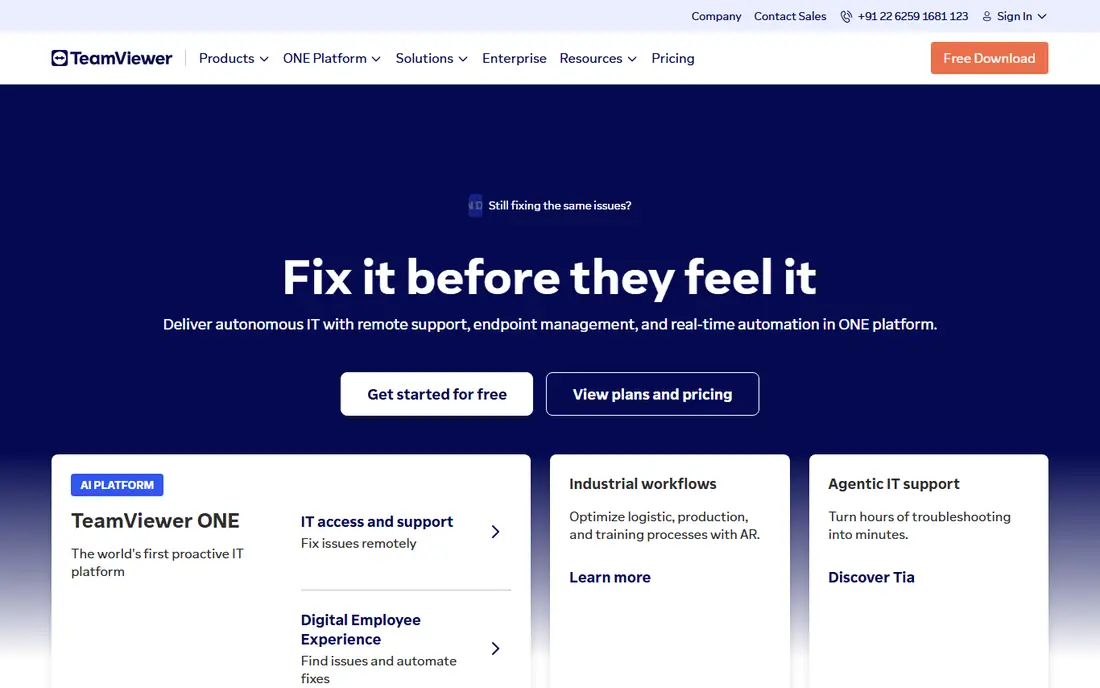
TeamViewer is the most widely recognized remote support alternative, and the easiest to explain to an end user who has never had a remote session. It covers Windows, Mac, Linux, mobile, and IoT devices, with unattended access, file transfer, session recording, and a management console for larger teams. Commercial pricing varies by tier and has changed over the years, so confirm the current rate on the vendor site before budgeting.
The brand recognition is a practical advantage: users trust a name they know, and support teams spend less time convincing a customer to install the client. Pricing is higher than Splashtop or Zoho Assist, and personal-only free use means businesses must pay. For a team that wants the safest, most recognized choice, TeamViewer is the default.
What we like- Most widely recognized remote tool
- Broad device coverage
- Strong unattended access and management
Watch out for- Higher pricing than value rivals
- Licensing changes have frustrated some users
- Free use is personal only

#2AnyDesk
Best for: Light fast sessions4.5/5 on
G2 (1,104 reviews, checked Oct 2026)
Visit anydesk.com
Starting priceSee website
Free planNo
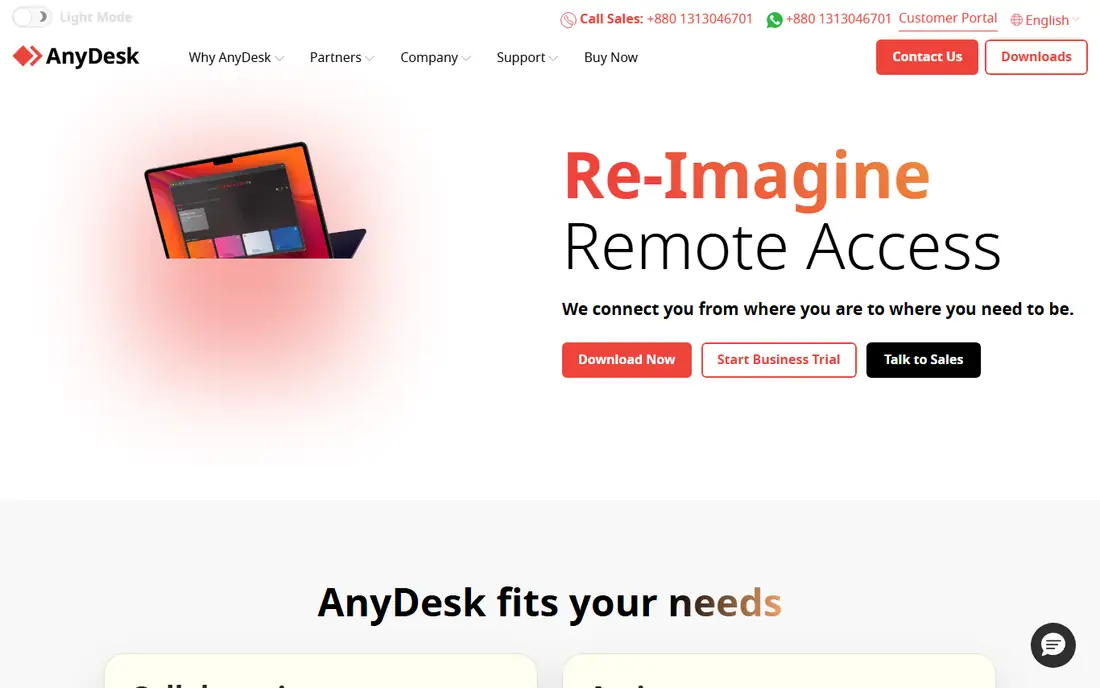
AnyDesk is the lightweight alternative for quick attended sessions. Its client is small, connections start fast, and latency stays low even on weak networks, which matters when supporting users on poor connections. Attended support is straightforward: share a code, connect, and fix the problem.
Management features trail TeamViewer's, and enterprise controls like advanced permissions and reporting sit on higher tiers. Free use is personal only. For a support team that values speed and simplicity over deep management, AnyDesk is the best pick.
What we like- Very light client and fast connections
- Low latency even on weak networks
- Simple attended sessions
Watch out for- Fewer management features than TeamViewer
- Enterprise controls are paid
- Free use is personal only

#3Splashtop
Best for: Value for small teams4.8/5 on
G2 (534 reviews, checked Oct 2026)
Visit splashtop.com
Starting priceSee website
Free planNo
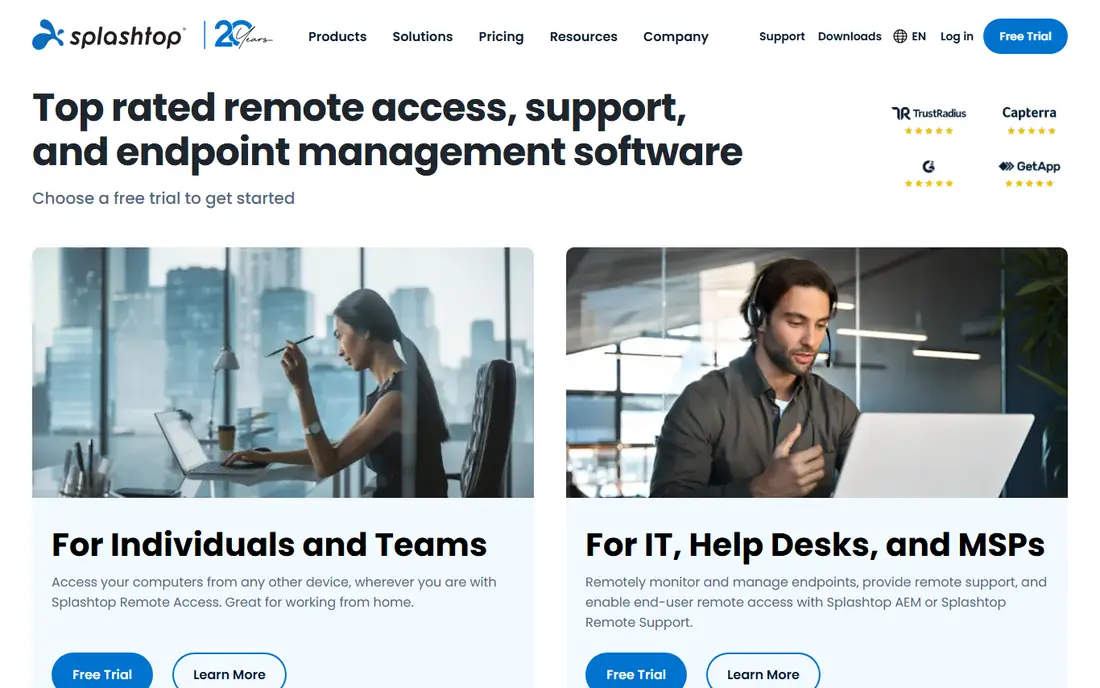
Splashtop is the value pick for small teams that need unattended access without enterprise pricing. Its remote desktop performance is fast, with good video and audio quality, and its business plans cover unattended computers, file transfer, and session logging at prices below TeamViewer's. Education and small business plans add further discounts.
Enterprise integrations trail ConnectWise's, and pricing varies across Splashtop's product lines, so compare the exact plan you need. For a small IT team or MSP that wants solid unattended access at a fair price, Splashtop is the best value.
What we like- Strong value pricing
- Fast remote desktop performance
- Good unattended access for small teams
Watch out for- Fewer enterprise integrations than ConnectWise
- Pricing varies by product line
- Support quality varies by tier

#4Zoho Assist
Best for: Budget remote support4.7/5 on
G2 (719 reviews, checked Oct 2026)
Visit zoho.com
Starting priceSee website
Free planNo
Zoho Assist is the budget alternative, with pricing guides in 2026 listing it from around $10 to $12 a user a month depending on plan and billing, making it cheaper than most rivals here. It covers attended and unattended support, file transfer, and session reports, and it integrates with the wider Zoho ecosystem for teams already using Zoho Desk or Zoho CRM.
The feature set is smaller than TeamViewer's, mobile support is thinner, and pricing figures conflict across guides, so confirm the current rate on the vendor site. For a small team that wants capable remote support at the lowest price, Zoho Assist is hard to beat.
What we like- Lowest pricing among major rivals
- Attended and unattended support
- Zoho ecosystem integration
Watch out for- Smaller feature set than TeamViewer
- Mobile support is thinner
- Pricing guides conflict across sources
Starting priceSee website
Free planNo
ConnectWise ScreenConnect, formerly ConnectWise Control, is the MSP pick. It integrates deeply with ConnectWise PSA and RMM tools, offers strong unattended access with granular permissions and session auditing, and scales to hundreds of managed endpoints. MSPs that already run ConnectWise get the most value from the integration.
Pricing guides conflict, with figures from $27 to $33 a month and up depending on plan and source, so get a firm quote. Setup takes planning, and the interface is functional rather than polished. For an MSP standardized on ConnectWise, ScreenConnect is the natural choice.
What we like- Deep MSP and PSA integrations
- Strong unattended access
- Granular permissions and auditing
Watch out for- Pricing guides conflict from $27 to $33 a month and up
- Setup takes planning
- Interface is functional
Starting priceSee website
Free planNo
LogMeIn Rescue is built for enterprise support centers handling high session volumes. It offers session routing, queuing, detailed reporting, and enterprise security controls that suit call centers and large helpdesks, with integrations for CRM and ticketing systems.
Pricing is enterprise-level and quote-based for larger deployments, and the platform is heavier than AnyDesk or FixMe.IT for a quick session. For a small team, Rescue is overkill. For a support center where volume, routing, and reporting decide success, it is the most capable tool here.
What we like- Built for high-volume support centers
- Strong session routing and reporting
- Enterprise security controls
Watch out for- Enterprise pricing
- Heavier than lightweight tools
- Overkill for small teams

#7RemotePC
Best for: Low-cost unattended access4.7/5 on
G2 (695 reviews, checked Oct 2026)
Visit remotepc.com
Starting priceSee website
Free planNo
RemotePC suits teams that mainly need low-cost unattended access to a set of computers. Plans are priced below most rivals, setup is simple, and always-on access with file transfer and session logging covers the core remote access job. It is popular with small businesses and individuals managing several machines.
Attended support features are basic compared with TeamViewer or Rescue, and collaboration tools are thinner. For a team whose main need is cheap, reliable unattended access, RemotePC is the best value.
What we like- Low-cost plans for unattended computers
- Simple setup
- Good for always-on access
Watch out for- Fewer collaboration features than TeamViewer
- Attended support is basic
- Smaller ecosystem
Starting priceSee website
Free planNo
BeyondTrust, formerly Bomgar, is the security-first alternative for organizations where privileged access control matters most. It offers session auditing, credential vaulting, granular permissions, and compliance reporting that suit regulated industries and enterprises with strict access policies. Remote support runs through a secure appliance or cloud service with full session records.
Pricing is enterprise-level and implementation takes time, so it is overkill for a small support team. For an enterprise or regulated organization that needs privileged access with audit trails, BeyondTrust is the most secure choice in this guide.
What we like- Strongest security and privileged access controls
- Session auditing and vaulting
- Enterprise compliance
Watch out for- Enterprise pricing and complexity
- Overkill for simple support
- Implementation takes time
How we chose
We compared remote support tools that replace FixMe.IT's core job: connecting to a user's computer to diagnose and fix problems, with attended and unattended access, file transfer, and session security. We weighed pricing, attended versus unattended strength, mobile support, integrations, and security controls from vendor pages and 2026 remote support comparisons. We left out pure remote desktop tools without support workflows and meeting tools without remote control. Where pricing varies by plan or guide, we list See website rather than quoting a figure that may not match your plan.
How to pick a FixMe.IT replacement
Start with your support model. Attended-only teams should shortlist AnyDesk and Zoho Assist. Unattended-heavy teams should shortlist Splashtop and RemotePC. MSPs should shortlist ConnectWise ScreenConnect. Enterprise support centers should shortlist LogMeIn Rescue. Security-first organizations should shortlist BeyondTrust. Teams that want the most recognized name should shortlist TeamViewer. Then check the licensing model: per-technician pricing suits helpdesks, while per-endpoint pricing suits MSPs with many managed machines.
Test on your worst connection
Remote tools behave differently on poor networks. Test each candidate on a slow, high-latency connection with a real user, measuring screen responsiveness, audio quality, and reconnection behavior. A tool that feels fast on office Wi-Fi can crawl on a customer's home connection, and that is where support happens.
Check security and consent controls
Remote access is sensitive: confirm that sessions need explicit user consent for attended access, that unattended access uses strong authentication, and that session logs record who connected and when. For regulated work, check auditing and credential vaulting before choosing, since adding those later is harder than buying them upfront. Review who holds unattended access rights each quarter, and remove rights promptly when technicians leave, since stale access is a common security gap in support teams. Also confirm that session recordings, where enabled, are stored securely with limited access, since recordings can contain passwords and personal data visible on screen during a support session, and that retention periods match your company policy for sensitive data and regulatory requirements in every region where you operate and support customers today and in the future as rules change over time and new privacy laws arrive each single year without any fail.
Frequently asked questions
Is TeamViewer free for business use?
No. TeamViewer's free use is personal only, and businesses must buy a commercial license. Teams that use the free version commercially risk being flagged and blocked. Budget for a commercial plan before rolling out TeamViewer company-wide.
What is the cheapest FixMe.IT alternative?
Zoho Assist and RemotePC are the cheapest major options, with Zoho Assist guides listing around $10 to $12 a user a month and RemotePC priced below most rivals for unattended access. Splashtop is also strong value for small teams. Confirm current pricing on each vendor site, since guides conflict.
Do these tools support mobile devices?
Yes, with differences. TeamViewer and AnyDesk cover mobile well, while Zoho Assist and RemotePC have thinner mobile support. If mobile device support is core to your work, test it explicitly during the trial, including remote control versus view-only on iOS and Android.
What is the difference between attended and unattended access?
Attended access needs the user present to approve the session, which suits helpdesk support. Unattended access lets technicians connect to a machine without anyone present, which suits servers, kiosks, and managed endpoints. Most tools here offer both, but the strength of each varies, so check the mode you use most.
Is remote support secure?
Yes, when configured properly. Use strong authentication, explicit consent for attended sessions, session logging, and least-privilege permissions. Enterprise tools like BeyondTrust add credential vaulting and full audit trails. Never share unattended access credentials broadly, and review access logs regularly.
Sources we checked (8)
- https://www.teamviewer.com
- https://anydesk.com
- https://www.splashtop.com
- https://www.zoho.com
- https://screenconnect.com
- https://www.logmeinrescue.com
- https://www.remotepc.com
- https://www.beyondtrust.com
Is your product missing or out of date?
We review this list regularly. Vendors can request a listing, send updated pricing or ask about featured placement.

Shihab Mia · Founder, Rankite
Shihab has 5+ years in B2B and SaaS SEO. He writes Rankite's software buying guides from pricing pages, documentation and public user reviews. More about Shihab.
 TeamViewer
 ConnectWise ScreenConnect
 LogMeIn Rescue
 BeyondTrust