How we make this list: we compare pricing pages, product documentation and public user reviews. Ratings come from G2, Capterra or Trustpilot, with the date we checked them.
Key takeaways
- pfSense is the best all-round homelab firewall, with the world's most trusted open source firewall reputation and Netgate hardware and support behind it.
- OPNsense is the best modern open source firewall, with a free platform, a 300,000 plus community, and a clean, regularly updated interface.
- IPFire is the best free-as-in-freedom firewall, with no features held behind a paywall and a stateful inspection engine with deep packet inspection.
- OpenWrt is the best firewall for existing routers, turning supported consumer hardware into a powerful, customizable router and firewall.
- VyOS is the best CLI-first firewall and router, with enterprise-grade routing, firewall, and VPN on standard x86 hardware.
Quick comparison
| Tool | Best for | Starting price | Free plan |
|---|
 pfSense pfSense | The default homelab firewall for most users | Free | Free |
 OPNsense OPNsense | A modern, community-driven open source firewall | Free | Free |
 IPFire IPFire | A fully free firewall with no paywalled features | Free | Free |
 Untangle NG Firewall Untangle NG Firewall | Modular edge security with a single platform | See website | See website |
 Sophos Firewall Home Edition Sophos Firewall Home Edition | Enterprise-grade firewall features at home | See website | See website |
 OpenWrt OpenWrt | Turning a supported consumer router into a powerful firewall | Free | Free |
 VyOS VyOS | CLI-first routing, firewall, and VPN for engineers | Free | Free |
 MikroTik RouterOS MikroTik RouterOS | Affordable hardware with a powerful firewall built in | See website | See website |
Is your product missing or out of date?
We review this list regularly. Vendors can request a listing, send updated pricing or ask about featured placement.
The best firewall software for homelabs
#1pfSense
Best for: The default homelab firewall for most users4.7/5 on
G2 (326 reviews, checked Oct 2026)
Visit pfsense.org
Starting priceFree
Free planFree
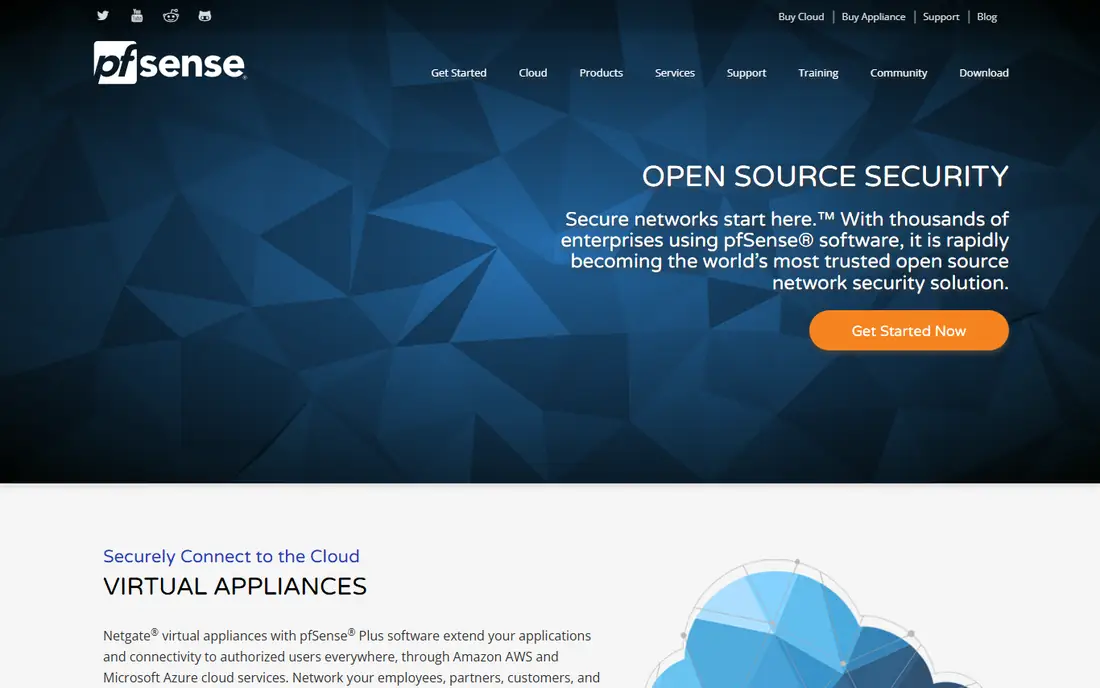
pfSense is the world's most trusted open source firewall, and the default answer for most homelabs. Netgate virtual appliances with pfSense Plus software extend applications and connectivity to authorized users everywhere through Amazon AWS and Microsoft Azure, with full firewall, VPN, and router functionality in the cloud starting at $0.08 per hour. For on-premises labs, Netgate solutions with pfSense Plus bring together advanced technology for enterprise, large business, and SOHO use, with products built on reliable platforms for performance, stability, and confidence.
Community feedback on the homepage shows the range: public WiFi with 2 WANs and 700 plus concurrent captive portal users protected with Snort and stable for months, home speeds rising from 250 Mbps to 500 Mbps, and native IPv6 from Comcast handled cleanly. Netgate staff provide product support with direct access to the pfSense development team, and Netgate training is the only official source for pfSense courses.
For most homelabs, pfSense is the safest, best-documented starting point.
What we like- World's most trusted open source firewall, full firewall, VPN, and router functionality, Netgate appliances and virtual appliances, cloud virtual appliances from $0.08 per hour, official training and support
Watch out for- PfSense Plus is the commercial edition, interface feels dated to some users, hardware requirements higher than OpenWrt
#2OPNsense
Best for: A modern, community-driven open source firewall4.8/5 on
G2 (5 reviews, checked Oct 2026)
Visit opnsense.org
Starting priceFree
Free planFree
OPNsense is an open source, feature-rich firewall and routing platform offering cutting-edge network protection, built on the promise that digital security should be accessible to everyone. With the free OPNsense platform, you get all the features of expensive commercial firewalls and more, with open and verifiable sources developed with and for a large user community of over 300,000 participants worldwide.
The platform includes built-in support for Unbound DNS, strict port forwarding, GeoIP support, and much more, and community members praise its quality: one user with 16 years of Linux experience calls it possibly the best piece of open source software they have ever encountered, with flawless updates. A Business Edition adds commercial firmware, an official virtualization image, a free e-book and e-learning course, and professional features including a web application firewall, proxy access, extended blocklist, OPNcentral, and an integrated GeoIP database.
For homelab users who want a modern interface and a transparent license, OPNsense is the best choice.
What we like- Free platform with all features of expensive commercial firewalls, simplified 2-clause BSD and MIT license, 300,000 plus community participants, Unbound DNS, GeoIP, and strict port forwarding built in, Business Edition for turnkey use
Watch out for- Smaller ecosystem than pfSense, Business Edition features cost extra, hardware appliances are European-built and may cost more to ship
#3
IPFire
Best for: A fully free firewall with no paywalled features
Visit ipfire.org
Starting priceFree
Free planFree
IPFire is the open source firewall built on free as in freedom: free to download, free to run, free forever, with no surprise price increases, no features held hostage behind a paywall, and every change community-reviewed and third-party audited. Its latest release is IPFire 2.29 Core Update 204 from October 14, and its core capabilities cover security built into every layer.
IPFire creates hardened DMZs, isolated guest networks, and clearly separated trust zones, runs a stateful packet inspection engine with deep packet inspection in real time, and speaks every major VPN protocol out of the box: WireGuard, OpenVPN, and IPsec. A clean web console puts every feature one click away, with real-time dashboards, detailed traffic graphs, and live threat feeds. The ecosystem also includes IPFire Location, a free, cryptographically signed IP geolocation database used by Tor and F-Droid, and IPFire DBL, a community-powered domain blocklist that works alongside the Suricata-based intrusion prevention system.
For homelab users who want a firewall that is free in every sense, IPFire is the purest choice.
What we like- Free to download, free to run, free forever, no features held behind a paywall, stateful inspection with deep packet inspection, WireGuard, OpenVPN, and IPsec out of the box, latest release IPFire 2.29 Core Update 204 from October 14
Watch out for- Smaller community than pfSense and OPNsense, fewer third-party packages, interface less polished than commercial options
#4
Untangle NG Firewall
Best for: Modular edge security with a single platform
Visit untangle.com
Starting priceSee website
Free planSee website

Untangle NG Firewall, now under Arista's Edge Threat Management, takes the complexity out of network security with a single, modular platform that fits evolving needs without the headaches of multiple vendor solutions. Its homepage calls NG Firewall the number 1 choice of IT pros, and it serves industries from K-12 schools and higher education to healthcare, hospitality, nonprofits, and government, with special pricing for qualifying public schools, libraries, government institutions, NGOs, private schools, religious organizations, and other nonprofits.
Edge Threat Management is a key component of the Cognitive Unified Edge from Arista Networks, consolidating security and networking functions into an edge-as-a-service cloud-managed solution with plug-and-play simplicity for small enterprise LAN, WiFi, security, and micro WAN connectivity. The platform offers NG Firewall apps, an ETM dashboard with a mobile app, software packages, and a free trial.
For homelab users who want a polished, modular commercial firewall with a free trial, Untangle NG Firewall is worth testing.
What we like- Single modular platform for many security functions, NG Firewall is the number 1 choice of IT pros, free trial available, special pricing for schools, nonprofits, and government, now part of Arista's Cognitive Unified Edge
Watch out for- Commercial focus may suit homelabs less than open source options, pricing not shown plainly on homepage, full feature set requires paid packages
#5
Sophos Firewall Home Edition
Best for: Enterprise-grade firewall features at home
Visit sophos.com
Starting priceSee website
Free planSee website
Sophos is a cybersecurity vendor focused on cyber resilience, with the only vendor named Gartner Customers Choice for endpoint, firewalls, mobile threats, and MDR, and 625,000 plus customers worldwide. Its Sophos Fusion defense system is described as the industry's most complete cyber defense system, protecting organizations from threats moving at AI speed, with an approach that blocks more threats upfront to minimize risk and reduce investigation time.
Sophos Firewall Home Edition brings Sophos firewall software to home use, historically offered free for home and non-commercial use with a software installer for your own hardware. We list it with the vendor homepage, sophos.com, because the homepage we checked is the main Sophos site rather than a dedicated home edition page, and it does not show home edition terms or limits plainly. Check Sophos's site for current home edition availability, hardware requirements, and license terms before installing.
For homelab users who want enterprise firewall DNA at home, Sophos Home Edition is a strong option if its current terms fit your lab.
What we like- From a vendor with 625,000 plus customers worldwide, Gartner Customers Choice for network firewalls, Sophos Fusion defense system, strong prevention and threat intelligence
Watch out for- Vendor homepage is the main Sophos site, not a dedicated home edition page, home edition terms and limits not shown plainly, commercial focus
#6
OpenWrt
Best for: Turning a supported consumer router into a powerful firewall
Visit openwrt.org
Starting priceFree
Free planFree

OpenWrt is the free, open source firmware that replaces the software on supported routers, turning consumer hardware into a fully customizable router and firewall with a package system, a web interface, and a command line. It is the best choice for homelab users who already own a compatible router and want firewall features, VLANs, VPNs, ad blocking, and traffic shaping without buying new hardware.
One flag: our homepage check for the project site failed twice with an unavailable-URL error, and we did not retry further. OpenWrt is kept here on its established official URL, which is the well-known address for the project, but readers should confirm it loads in their own browser and check the table of hardware for their exact router model before flashing. Flashing firmware carries a small risk of bricking a device, so follow the project's instructions for your model exactly.
For squeezing firewall power from existing hardware, OpenWrt is unbeatable.
What we like- Free open source firmware, runs on many consumer routers, highly customizable with thousands of packages, active community, low hardware requirements
Watch out for- Homepage fetch failed twice during our check and was not retried further, router support varies by model, setup needs more care than plug-and-play firmware
#7
VyOS
Best for: CLI-first routing, firewall, and VPN for engineers
Visit vyos.io
Starting priceFree
Free planFree
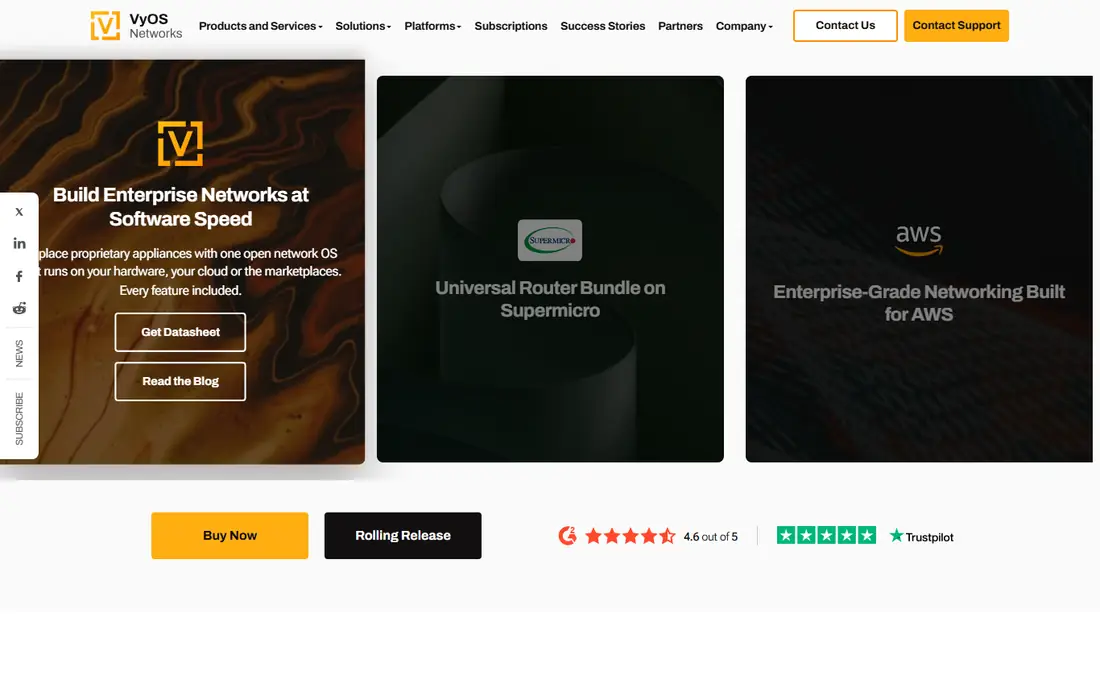
VyOS is a high-performance, enterprise-grade open networking platform for bare metal, cloud, and edge, built on the principle that your network should be truly yours: adaptable, transparent, and free from unnecessary restrictions or costly licensing. It delivers enterprise-grade routing, firewall, and VPN on standard x86-64 hardware, on any hypervisor, and in every major cloud, with a VPP data plane that moves packets up to 15 times faster than the Linux kernel.
Firewall features include a stateful and zone-based firewall for IPv4 and IPv6, plus every form of source and destination NAT, including NAT64, NAT66, and carrier-grade NAT. Routing covers BGP, OSPF, IS-IS, RIP, policy-based routing, and MPLS, while VPN covers IPsec, WireGuard, OpenVPN, and more. Configuration is plain-text, documented, and auditable, with commit and rollback and full automation through REST and GraphQL APIs, Ansible, Terraform, and cloud-init. The rolling release is free for everyone and suits labs, while LTS releases are supported for at least three years and available to subscribers, contributors, and VyOS for Good members.
For homelab users who love the command line and want router-grade power, VyOS is the best choice.
What we like- Enterprise-grade routing, firewall, and VPN on standard x86 hardware, VPP data plane up to 15 times faster than the Linux kernel, stateful and zone-based firewall, plain-text configuration with commit and rollback, rolling release free for everyone, LTS supported at least 3 years
Watch out for- CLI-first design suits engineers more than beginners, LTS images require a subscription, contributor, or VyOS for Good membership, no web GUI as the primary interface
#8
MikroTik RouterOS
Best for: Affordable hardware with a powerful firewall built in
Visit mikrotik.com
Starting priceSee website
Free planSee website
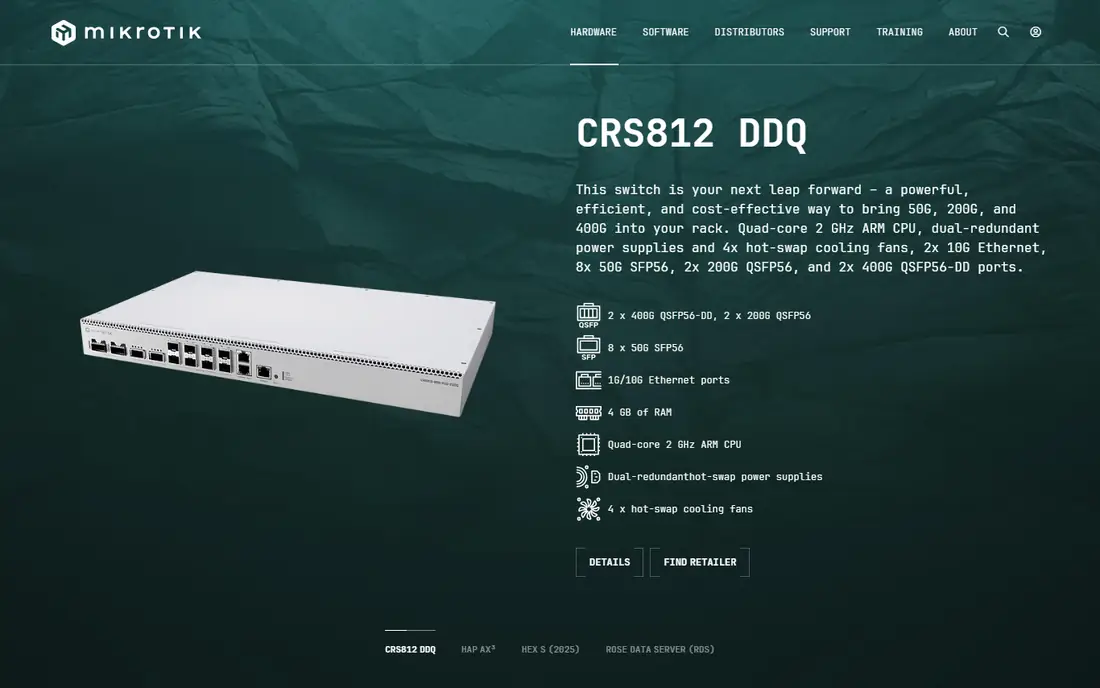
MikroTik offers routers, switches, and wireless systems for every type of network, from home offices and small businesses to carrier-grade ISP infrastructure, with a device to fit your needs and budget. Its RouterOS software powers those devices with firewall, routing, VPN, and wireless features, managed through WinBox, a pro desktop app with endless configuration possibilities for all operating systems, and a Home app for simple management on Android and iOS.
MikroTik also offers Back to Home, free secure VPN access anywhere from your router, and a certified training program with sessions worldwide and more than 30,000 certificates issued each year. For homelabs, the appeal is price: a small MikroTik router with RouterOS gives you a capable firewall, VLANs, VPN, and scripting for far less than a dedicated appliance, and you can grow into switches and wireless from the same vendor.
For homelab users who want capable hardware on a budget, MikroTik RouterOS is the best value.
What we like- Routers, switches, and wireless for every network size, RouterOS with firewall, VPN, and routing, WinBox desktop app and Home mobile app, free secure VPN with Back to Home, 30,000 plus certificates issued yearly through its training program
Watch out for- RouterOS license levels vary, learning curve for beginners, pricing varies by device and is not shown plainly on homepage
How we chose
We compared firewall software that is actively offered and usable in 2026 for homelabs, with verified vendor homepages and real firewall products, not just router firmware lists or discontinued projects. We checked each vendor homepage to confirm the product exists and matches its description, and we used published prices where the vendor shows them plainly. Where a homepage did not show a clear price, we wrote "See website" rather than inventing one. Software was kept only if it is actively offered and usable as a homelab firewall, not just similar in name. Safety note: a firewall protects your network only if configured correctly, so change default passwords, keep firmware updated, back up configurations before changes, and test rules before exposing services to the internet.
Pick by your homelab style and skill level
If you want the default, best-documented choice, start with pfSense. If you want a modern interface and a transparent license, OPNsense fits. If you want everything free with no paywall, IPFire is purest. If you want a polished commercial platform with a trial, Untangle NG Firewall is worth testing. If you want enterprise firewall DNA at home, check Sophos Home Edition's current terms. If you already own a compatible router, OpenWrt gives it new life. If you love the command line, VyOS is the engineer's firewall. And if you want capable hardware on a budget, MikroTik RouterOS is the best value. Whatever you choose, start with a spare device or virtual machine, learn the basics of firewall rules and VLANs, and keep your lab network separate from your main home network while you experiment.
Frequently asked questions
What is the best firewall software for homelabs?
pfSense is the best all-round choice, OPNsense is the best modern open source option, IPFire is the best fully free option, OpenWrt is best for existing routers, and VyOS is best for CLI-first engineers. The right choice depends on your hardware, skill level, and goals.
Is pfSense or OPNsense better for a homelab?
Both are excellent. pfSense has the largest community and the longest record, while OPNsense has a more modern interface, a simpler BSD and MIT license, and a faster release cadence. Try both in virtual machines and keep the one whose interface you prefer.
Can I run a firewall on an old PC?
Yes. pfSense, OPNsense, IPFire, and VyOS all run on standard x86 hardware, including old PCs with two network ports. Add a second network card if your PC has only one, and use a small SSD for reliability.
Do I need to pay for homelab firewall software?
No. pfSense Community, OPNsense, IPFire, OpenWrt, and VyOS rolling releases are all free. Paid editions such as pfSense Plus, OPNsense Business Edition, and VyOS LTS add support, premium features, or tested releases, but the free versions are fully usable firewalls.
What hardware do I need for a homelab firewall?
A small PC or mini PC with two Ethernet ports, or a supported router for OpenWrt, or a MikroTik device for RouterOS. For gigabit internet, choose hardware with enough CPU power for your VPN and inspection needs, and check the vendor's hardware guidance before buying.
Is it safe to expose homelab services to the internet?
Only with care. Use a firewall with strict rules, keep services behind a VPN where possible, use strong passwords and two-factor authentication, keep everything updated, and never expose a service you have not secured. A separate lab network limits the damage if something goes wrong.
Sources we checked (0)
Is your product missing or out of date?
We review this list regularly. Vendors can request a listing, send updated pricing or ask about featured placement.

Shihab Mia · Founder, Rankite
Shihab has 5+ years in B2B and SaaS SEO. He writes Rankite's software buying guides from pricing pages, documentation and public user reviews. More about Shihab.