How we make this list: we compare pricing pages, product documentation and public user reviews. Rankite is independent; if a vendor ever pays for a featured spot, that listing is clearly labeled Partner.
Key takeaways
- The cheapest serious setup is free: Wave ($0) or Zoho Invoice ($0) cover real invoicing needs for solo owners.
- Freelancers billing hours should shortlist FreshBooks ($23/month) for its time-to-invoice workflow.
- If your accountant works in QuickBooks, QuickBooks Online ($38/month) keeps invoicing inside your real books.
- Square sellers should use Square Invoices (free): card payments and deposits land fast with no extra login.
Quick comparison
| Tool | Best for | Starting price | Free plan |
|---|
 QuickBooks Online QuickBooks Online | Businesses whose accountant already works in QuickBooks | $38/month (Simple Start, 1 user) | No (30-day free trial) |
 FreshBooks FreshBooks | Freelancers and service firms billing hours or retainers | $23/month (Lite, up to 5 billable clients) | No (30-day free trial) |
 Wave Wave | US and Canadian solo owners who want $0 books and invoices | $0 (Starter); Pro $19/month ($190/year) | Yes (free invoicing and bookkeeping on Starter) |
 Zoho Invoice Zoho Invoice | Global freelancers and small firms near the Zoho stack | $0 (free tier with invoice and client limits) | Yes (free tier with caps on users and invoices) |
 Invoice Ninja Invoice Ninja | Developers and tech-comfortable freelancers wanting no vendor lock-in | See website (free self-hosted option; hosted plans priced on site) | Yes (free self-hosted; free hosted tier reported) |
 Xero Xero | Growing firms wanting invoicing inside scalable cloud accounting | $25/month ($27 starting Oct 1, 2026) | No (30-day free trial) |
 Square Invoices Square Invoices | Square sellers and field businesses invoicing on the go | $0 (Free); Plus $49/month | Yes (free tier) |
 PayPal Invoicing PayPal Invoicing | Ultra-small businesses and side hustles already on PayPal | $0 (free; transaction fees apply) | Yes (free invoicing) |
Is your product missing or out of date?
We review this list regularly. Vendors can request a listing, send updated pricing or ask about featured placement.
The best invoicing software for small business
Late payments cost small businesses more than most owners admit: the invoice that goes out three days late gets paid three weeks late. Invoicing software earns its keep on two things, speed of sending and automatic follow-up, and the best options now do both for free. These eight tools cover the real market, from $0 apps to full accounting suites, with the pricing that matters.
Starting price$38/month (Simple Start, 1 user)
Free planNo (30-day free trial)
QuickBooks is the invoicing tool you pick for your accountant, not for yourself. Invoices flow straight into accounts receivable and the general ledger with no double entry, and your CPA already knows the system, which removes a whole category of year-end friction. Bank feeds and reconciliation are the strongest in this set.
The price reflects the scope. Simple Start at $38 per month covers one user; add team members and you climb to Essentials at $85 and Plus at $140. If all you need is sending invoices, that is a lot of accounting to carry. New customers often get 50 percent off for three months, so time your signup. Buy QuickBooks when invoicing should live inside real books; buy a focused invoicer when it should not.
What we like- Invoicing lives inside full accounting with AR, ledger and reporting
- The accountant ecosystem means your CPA already knows it
- Strong bank feeds and reconciliation
Watch out for- Costs jump fast as you add users and tiers
- Overkill if you only need invoices
- Some users find the UI cluttered
#2
FreshBooks
Best for: Freelancers and service firms billing hours or retainers
Visit freshbooks.com
Starting price$23/month (Lite, up to 5 billable clients)
Free planNo (30-day free trial)
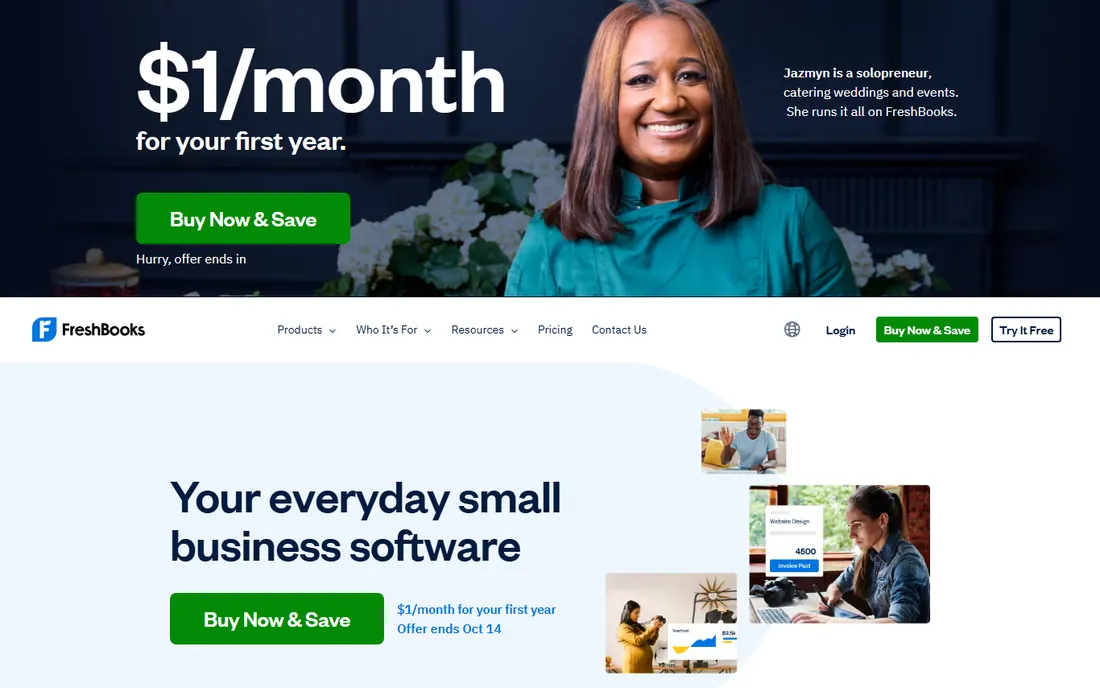
FreshBooks wins on the time-to-invoice workflow. Track hours in the app, convert them to invoice lines in one click, and send a polished invoice in under two minutes. Automated payment reminders do the chasing that freelancers hate doing themselves. For a consultant or agency billing hours, this loop is the whole product.
The caps are the thing to watch. Lite allows only 5 billable clients, so a growing practice moves to Plus at $43 or Premium at $70 quickly, and each extra team member adds $11 per month. There is no free plan, only the trial. Setup takes under an hour with your logo, items and payment connections. If you bill time, shortlist this first.
What we like- Invoices look polished and go out in under two minutes
- Built-in time tracking converts hours to invoice lines
- Automated payment reminders chase late payers
Watch out for- Lite caps billable clients at 5
- Extra team members cost $11 each per month
- No free plan
#3
Wave
Best for: US and Canadian solo owners who want $0 books and invoices
Visit waveapps.com
Starting price$0 (Starter); Pro $19/month ($190/year)
Free planYes (free invoicing and bookkeeping on Starter)
Wave is the rare free tier that covers real needs instead of acting as a teaser. Unlimited invoicing plus basic bookkeeping at $0, in an interface a non-accountant can use without a tutorial. Pro at $19 per month adds automatic reminders and bank transaction imports for owners who want the books to mostly run themselves.
The limits are geography and fees. Invoice sending is restricted outside the US and Canada, the free plan does not chase late payers automatically, and card payments carry processing fees per transaction. Setup takes minutes with a bank connection, and there are no contracts. For a US or Canadian solo owner, this is the default free pick.
What we like- Genuinely free unlimited invoicing with basic bookkeeping included
- Simple enough for non-accountants
- Pro adds reminders and bank imports for $19
Watch out for- Invoice sending has been tightened outside the US and Canada
- Free plan lacks automatic late-payment reminders
- Payment processing fees apply per transaction
#4
Zoho Invoice
Best for: Global freelancers and small firms near the Zoho stack
Visit zoho.com
Starting price$0 (free tier with invoice and client limits)
Free planYes (free tier with caps on users and invoices)
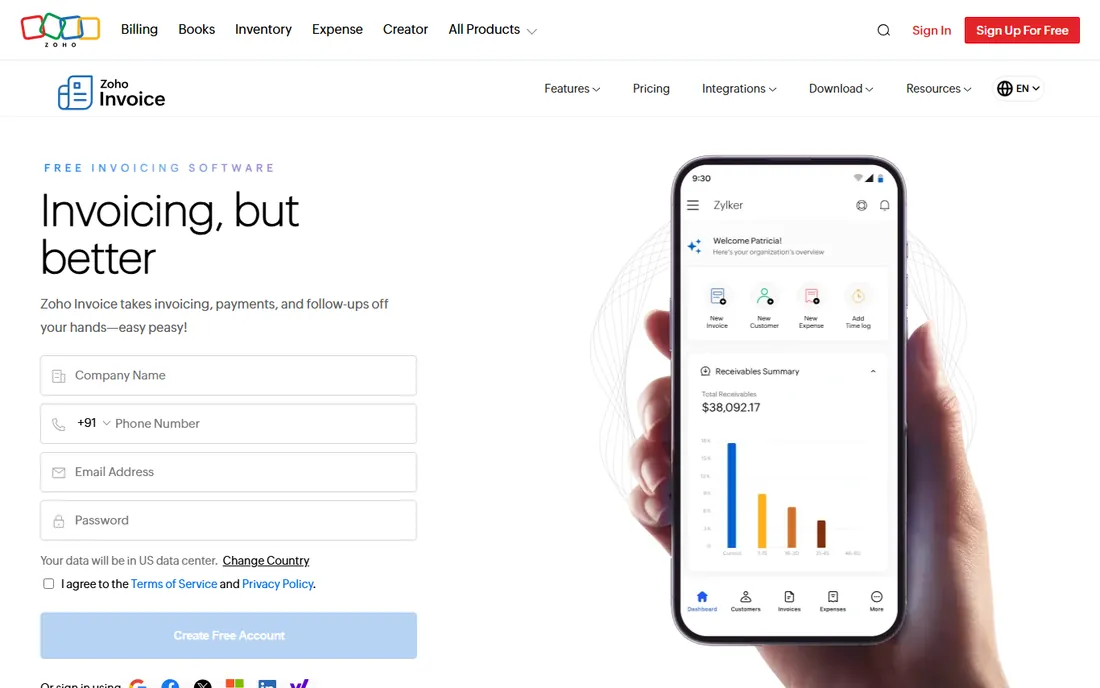
Zoho Invoice is the free pick for everyone Wave leaves out. Multi-currency support and global availability make it the natural choice outside North America, and the free tier is generous: recurring invoices, payment reminders, time tracking and a client portal, all at $0. It slots into the wider Zoho stack alongside Books and CRM.
The caps do the upselling. Free-tier limits on users and invoice volume push busy firms to paid plans, and payment gateway fees are separate from the subscription. Setup takes minutes with templates and tax settings. If you are already near Zoho, or you invoice internationally, start here before paying for anything.
What we like- Free tier includes recurring invoices, reminders, time tracking and a client portal
- Global availability with multi-currency
- Sits inside the Zoho ecosystem
Watch out for- Free tier caps users and invoice volume
- Payment gateway fees are separate
- Advanced automation needs paid tiers
#5
Invoice Ninja
Best for: Developers and tech-comfortable freelancers wanting no vendor lock-in
Visit invoiceninja.com
Starting priceSee website (free self-hosted option; hosted plans priced on site)
Free planYes (free self-hosted; free hosted tier reported)
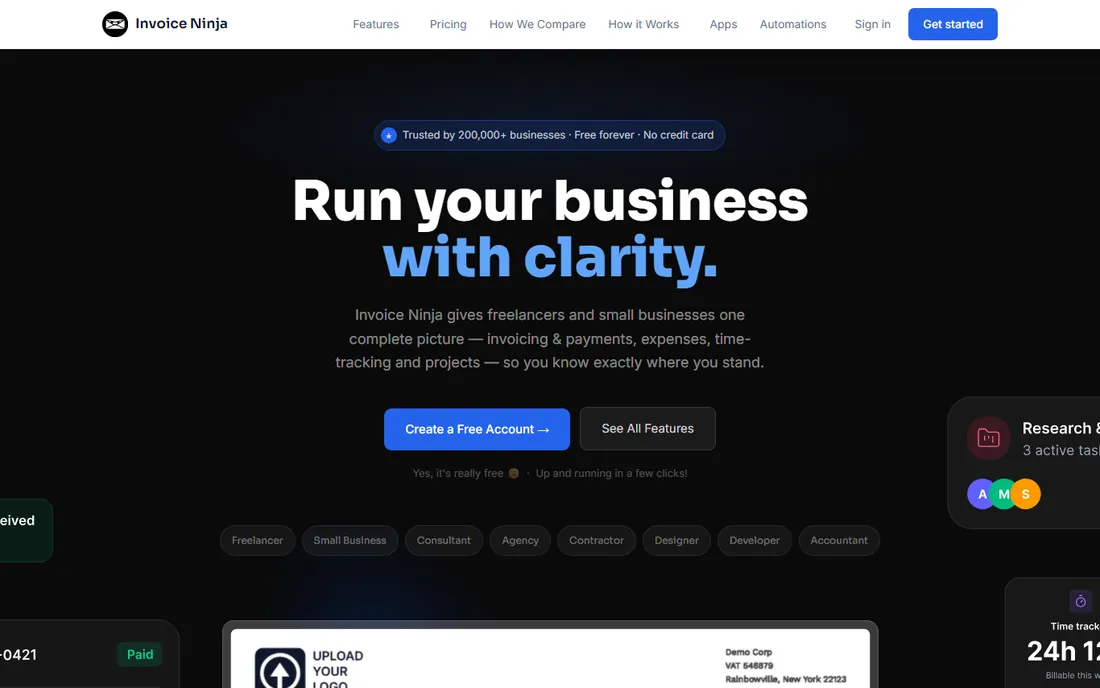
Invoice Ninja is the only serious open-source option on this list, and for the right buyer that settles it. Self-host it and you get unlimited invoices and clients with full data control and no subscription, plus an API for custom integrations. The hosted version removes the maintenance burden for a monthly fee.
Be honest about the trade. Self-hosting means you own updates, backups and security; a freelancer who does not want a server to babysit should take the hosted plan or pick Wave. The support organization is smaller than the commercial rivals. But for a developer or a privacy-conscious business, this is invoicing without lock-in, and nothing else here offers that.
What we like- Open-source and self-hostable for full data control
- Unlimited invoices and clients on free tiers
- Developer-friendly with API access
Watch out for- Self-hosting means you own maintenance, backups and security
- Hosted plans cost money
- Smaller support organization than commercial rivals
#6
Xero
Best for: Growing firms wanting invoicing inside scalable cloud accounting
Visit xero.com
Starting price$25/month ($27 starting Oct 1, 2026)
Free planNo (30-day free trial)
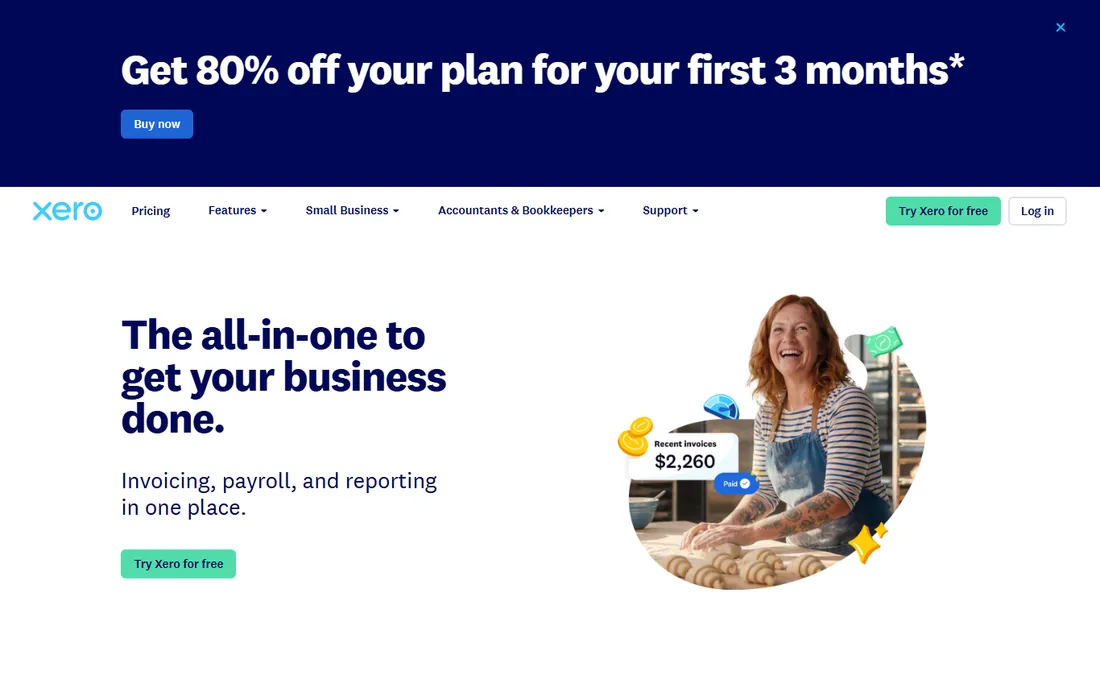
Xero is the growth pick: invoicing inside cloud accounting that scales from a freelancer to a fifty-person company without a migration. Unlimited users on plans is the standout against QuickBooks' per-tier user caps, and the bank reconciliation is excellent. Multi-currency support suits firms billing internationally.
You pay accounting prices for invoicing needs. At $25 per month rising to $27, with no free plan, this costs more than the focused invoicers while bundling accounting you may not want yet. Setup takes a few days with bank feeds and invoice branding. Buy Xero when the business is growing into real accounting; buy Wave or Zoho when it just needs invoices.
What we like- Unlimited accounting users on plans, good for teams
- Strong bank feeds and reconciliation
- Multi-currency support for international billing
Watch out for- No free plan
- Pricier entry than Wave or Zoho Invoice
- Invoicing comes wrapped in full accounting you may not need
#7
Square Invoices
Best for: Square sellers and field businesses invoicing on the go
Visit squareup.com
Starting price$0 (Free); Plus $49/month
Free planYes (free tier)
Square Invoices exists for businesses that already take Square payments. Invoices go out from the same dashboard, customers pay by card fast, and deposits land quickly. Milestones and progress billing suit contractors and service businesses that bill in stages. The mobile experience is the best here for anyone invoicing from a job site.
The Plus tier at $49 per month is steep for invoicing alone, and every paid invoice carries processing fees. Outside the Square ecosystem there is little reason to choose it over Wave. Setup takes minutes in the Square dashboard with no contracts. If you run Square POS or Square payments, this is the obvious free add-on; otherwise look elsewhere.
What we like- Free invoicing with fast card payments and deposits
- Milestones and progress billing built in
- Great for mobile and in-person businesses
Watch out for- Plus at $49/month is pricey for invoicing alone
- Processing fees on every paid invoice
- Works best inside the Square ecosystem
#8
PayPal Invoicing
Best for: Ultra-small businesses and side hustles already on PayPal
Visit paypal.com
Starting price$0 (free; transaction fees apply)
Free planYes (free invoicing)
PayPal Invoicing is invoicing with zero learning curve. If you have a PayPal account, you can send a professional invoice in minutes, and customers can pay by card without creating an account. Availability in 200-plus countries makes it the fallback for cross-border micro-businesses.
The fees are the catch: 3.49 percent plus 49 cents per transaction is the highest rate on this list, and it eats margins at volume. Features are basic, with no time tracking or expense management, and funds sit in PayPal before you transfer them to the bank. Use this for side income and tiny volumes; graduate to Wave or FreshBooks when invoicing becomes a real workflow.
What we like- Dead simple with no separate login beyond PayPal
- Customers trust the brand and can pay by card without an account
- Available in 200+ countries
Watch out for- Highest processing fees on this list at 3.49% + 49 cents
- Very basic features with no time or expense tracking
- Funds land in PayPal before bank transfer
The real cost is not the subscription
Almost every tool here is free or under $25 a month, so the subscription is not where the money goes. Three things cost more. First, processing fees: PayPal's 3.49 percent plus 49 cents versus roughly 2.9 percent plus 30 cents elsewhere adds up fast on big invoices. Second, late payments: tools with automatic reminders (FreshBooks, Wave Pro, Zoho Invoice) get you paid faster than tools without them, and that is worth more than any monthly fee. Third, the accounting gap: a free invoicer plus a separate bookkeeping scramble at tax time often costs more in accountant hours than QuickBooks or Xero would have. Price the whole workflow, not the plan.
How we chose
We started with the categories buyers search: invoicing software for small business, best invoicing software, and free invoicing software. For each candidate we opened the vendor's own pricing page, checked plan names and prices against public reviews on G2 and Capterra and practitioner discussion on Reddit, and compared feature lists, fee structures and company-size fit. Where a price could not be verified on the vendor's page we wrote "See website" rather than guessing. The shortlist mixes free apps with full accounting suites, because a side hustle and a growing firm are not buying the same thing.
Frequently asked questions
Is free invoicing software really free?
The invoicing is free; getting paid is not. Wave, Zoho Invoice, Square Invoices and PayPal Invoicing all send invoices at $0, but card payments carry processing fees of roughly 2.9 to 3.5 percent. The free plans also gate features like automatic reminders or bank imports behind paid tiers. Read the fee schedule, not just the plan price.
What is the cheapest way to invoice clients?
Wave or Zoho Invoice at $0, with bank transfer or ACH payments to avoid card fees. If clients insist on cards, Square Invoices keeps the free plan with fast deposits. PayPal is the easiest but has the highest fees, so reserve it for small amounts.
Should I use invoicing software or full accounting software?
If you send invoices and track who paid, an invoicer is enough. If you also need profit and loss, balance sheets, payroll and tax-ready books, get accounting software with invoicing built in (QuickBooks, Xero). Many businesses start with Wave's free invoicing plus bookkeeping and graduate to QuickBooks when the accountant asks.
How do I get clients to pay faster?
Send the invoice the day the work is done, not at month end. Turn on automatic payment reminders, offer card payments alongside bank transfer, and put clear due dates and late-fee terms on every invoice. Tools with built-in reminders consistently outperform manual follow-up.
Can I invoice internationally?
Yes. Zoho Invoice and PayPal support multi-currency invoicing across many countries, and Xero handles multi-currency inside its accounting. Watch the cross-border processing fees, which run higher than domestic, and confirm your payment gateway supports the client's country before promising card payments.
Sources we checked (10)
- https://quickbooks.intuit.com/pricing/
- https://www.freshbooks.com/pricing
- https://www.waveapps.com/pricing
- https://www.zoho.com/invoice/pricing/
- https://invoiceninja.com/pricing/
- https://www.xero.com/pricing/
- https://squareup.com/us/en/invoices
- https://www.paypal.com/invoicing/
- https://www.g2.com/categories/invoicing
- https://www.capterra.com/invoicing-software/
Is your product missing or out of date?
We review this list regularly. Vendors can request a listing, send updated pricing or ask about featured placement.

Shihab Mia · Founder, Rankite
Shihab has spent more than a decade helping SaaS and e-commerce brands grow through search. He writes Rankite's software buying guides from pricing pages, documentation and public user reviews. More about Shihab.