How we make this list: we compare pricing pages, product documentation and public user reviews. Ratings come from G2, Capterra or Trustpilot, with the date we checked them.
Key takeaways
- Most consultants overpay: Zoho Invoice is free up to 1,000 invoices a year, and Wave's Starter plan is free with unlimited invoices.
- FreshBooks ($23/month Lite) remains the consultant favorite for polished, client-facing invoices with light bookkeeping attached.
- Selling packages, not hours? HoneyBook ($29/month annual) and Bonsai ($15/month) bundle proposals, contracts and invoices into one client flow.
- Need real accounting behind the invoices? QuickBooks Online ($38/month Simple Start) and Xero are the grown-up options, with an accountant-friendly paper trail.
- Solo with a handful of clients: Invoice Ninja's free tier (up to 5 clients, unlimited invoices) is hard to argue with.
Quick comparison
| Tool | Best for | Starting price | Free plan |
|---|
 FreshBooks FreshBooks | Consultants who want polished, client-facing invoices with light accounting | $23/month (Lite, up to 5 billable clients) | No (30-day free trial) |
 HoneyBook HoneyBook | Consultants who sell packages and run a client pipeline, not just hourly billing | $29/month billed annually (Starter; $36 month-to-month) | No (free trial available) |
 Bonsai Bonsai | Freelancers and consultants who want contracts, proposals and invoicing in one place | $15/month ($9/month billed annually, Basic) | No (7-day free trial) |
 Wave Wave | Consultants who want free invoicing backed by real double-entry accounting | Free (Starter plan); Pro $19/month or $190/year | Yes (Starter plan is free, unlimited invoices) |
 Xero Xero | Consultants with an accountant and a practice that is growing up | See website (US tiers: Early, Growing, Established) | No (free trial; new US customers get 80% off the first 3 months) |
 Zoho Invoice Zoho Invoice | Consultants who want to pay exactly nothing for invoicing | Free (up to 1,000 invoices per year) | Yes (the core product is free) |
 QuickBooks Online QuickBooks Online | Consultants who need real accounting depth behind their invoices | $38/month (Simple Start); free plan available | Yes (free plan offered; trial options vary) |
 Invoice Ninja Invoice Ninja | Tech-comfortable consultants who want control and hate subscriptions | Free (up to 5 clients, unlimited invoices); Ninja Pro $14/month | Yes (free tier; self-hosted version also free) |
 Fiverr Workspace Fiverr Workspace | Independent consultants juggling income from multiple clients and platforms | See website (free version plus paid tiers) | Yes (free version available) |
Is your product missing or out of date?
We review this list regularly. Vendors can request a listing, send updated pricing or ask about featured placement.
The best invoicing software for consultants
Consultants overpay for invoicing software. There, I said it. Most of you need a third of the features you pay for: a professional invoice, a way to accept payment, a reminder when clients pay late, and books clean enough for tax time. Everything else is decoration. These nine tools cover the real spread, from genuinely free to full accounting suites, so you can match the tool to the size of your practice instead of the size of the vendor's marketing budget.
#1
FreshBooks
Best for: Consultants who want polished, client-facing invoices with light accounting
Visit freshbooks.com
Starting price$23/month (Lite, up to 5 billable clients)
Free planNo (30-day free trial)
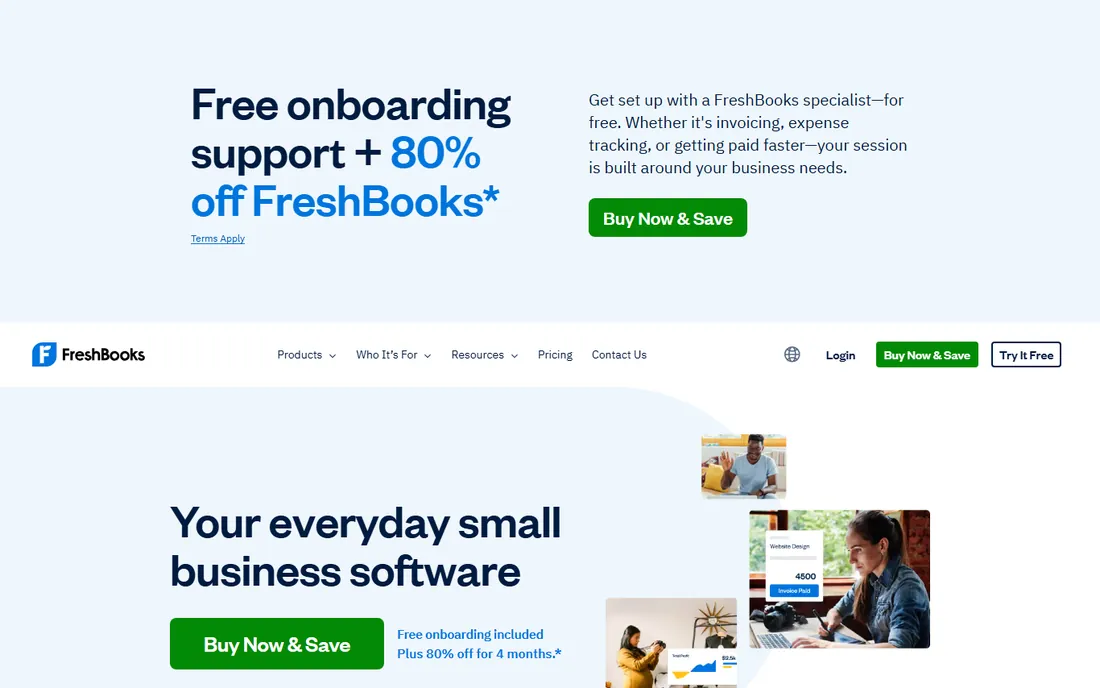
FreshBooks earned its consultant reputation the boring way: invoices that clients actually pay on time. The templates are clean, online payments (card, ACH, digital wallets) attach in a couple of clicks, and automated reminders chase late payers without you writing awkward emails. Lite at $23 per month covers 5 billable clients with unlimited invoices; Plus at $43 covers 50 clients and adds proposals, retainers and double-entry reports; Premium at $70 removes the caps. A 30-day trial and a 30-day money-back guarantee lower the risk of trying it.
Watch the client cap, because that is where the price jumps. Five billable clients sounds fine until retainer number six signs and you are suddenly paying $43. If your practice stays small and your invoices need to look expensive, FreshBooks is the right call. If you bill 20 clients a month, price Plus against Xero before committing.
What we like- Invoices look professional with almost no effort
- Automated late-payment reminders and recurring invoices on every plan
- Time tracking and expense capture built in
Watch out for- Lite caps you at 5 billable clients, so growing practices jump to $43/month Plus fast
- The accounting side is light next to QuickBooks
- Add-ons (payroll, extra users) stack up
#2
HoneyBook
Best for: Consultants who sell packages and run a client pipeline, not just hourly billing
Visit honeybook.com
Starting price$29/month billed annually (Starter; $36 month-to-month)
Free planNo (free trial available)
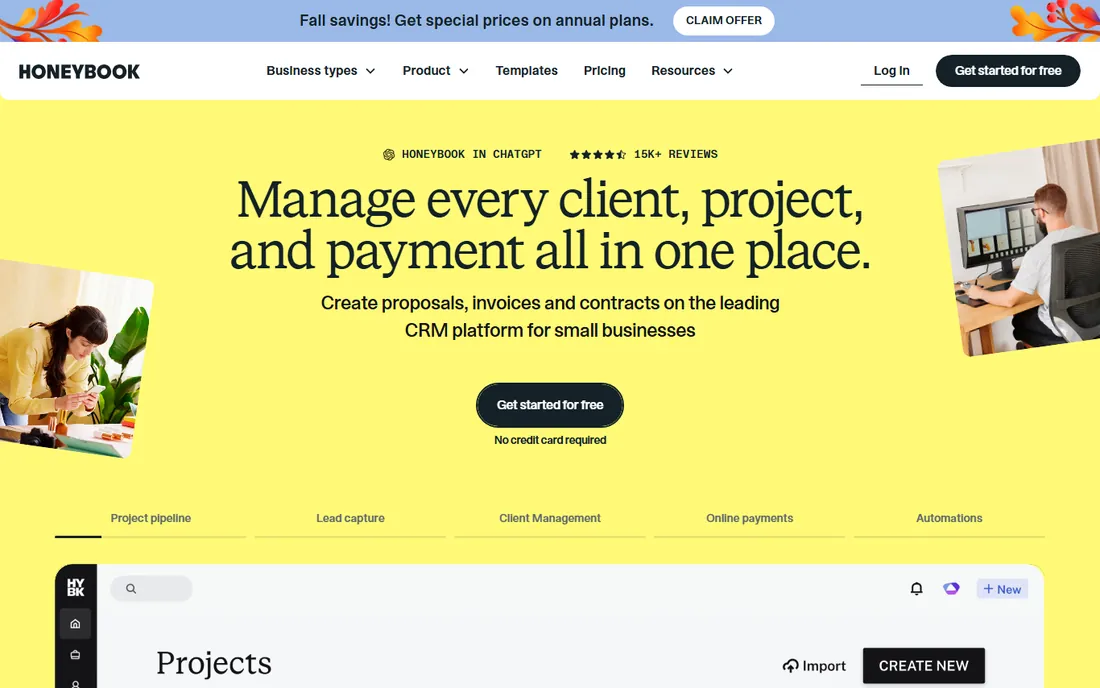
HoneyBook thinks about the whole engagement, not the invoice at the end of it. A prospect inquires, you send a branded proposal, they sign the contract, the invoice and payment schedule follow automatically, all inside one client portal. For consultants who sell packages, retainers or phased projects, that flow replaces a CRM, a contract tool and an invoicing app. Starter runs $29 per month on annual billing ($36 monthly), with Essentials at $49 and Premium at $109 adding more automation and team seats.
The honest question is whether you sell engagements or hours. If every client gets a proposal and a scope of work, HoneyBook pays for itself in saved admin time. If you send one monthly invoice per retainer client, the pipeline machinery is wasted and FreshBooks or Wave will do the job for less. Buy the workflow, not the feature list.
What we like- Inquiry to proposal to contract to invoice in one flow
- Client portal keeps every engagement organized
- Automation handles follow-ups and payment reminders
Watch out for- Built for project-based work, weaker for pure hourly billing
- Annual billing needed for the best price
- Overkill if you just need invoices
#3
Bonsai
Best for: Freelancers and consultants who want contracts, proposals and invoicing in one place
Visit hellobonsai.com
Starting price$15/month ($9/month billed annually, Basic)
Free planNo (7-day free trial)
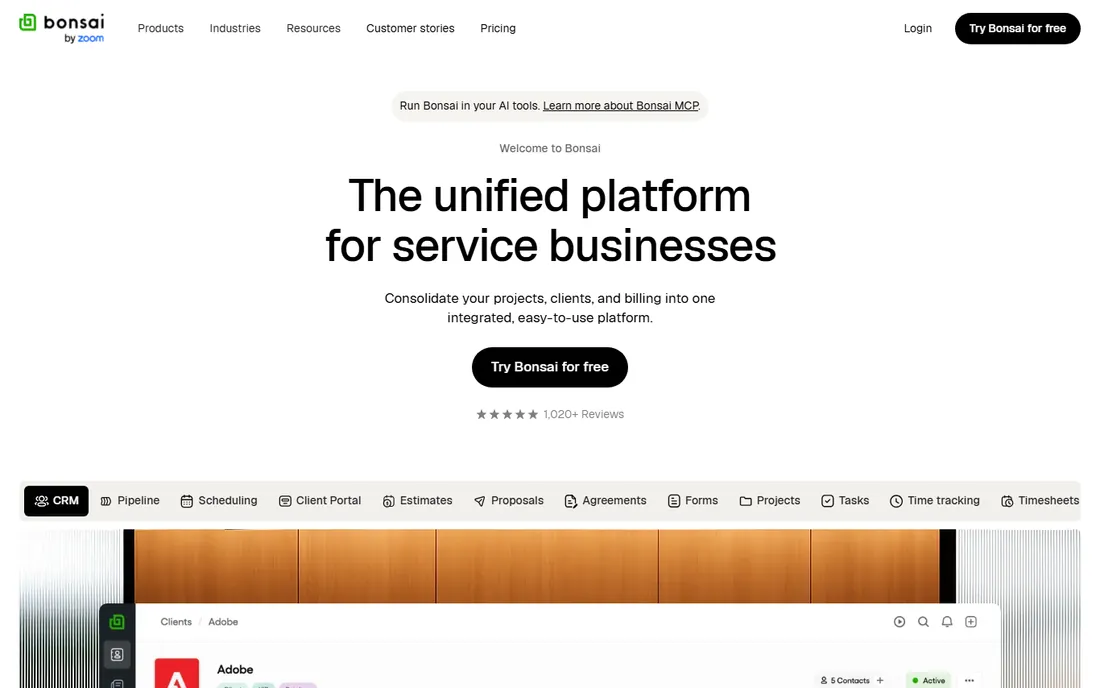
Bonsai is the all-in-one built specifically for people like you: solo consultants and freelancers who do their own admin at 10pm. Contracts with e-signatures, proposals, time tracking, invoicing, expenses and even tax estimates live in one account, so nothing falls between tools. Basic costs $15 per month, or $9 on annual billing, which makes it the cheapest paid starting point on this list. Essentials ($25/$19), Premium ($39/$29) and Elite ($59/$49) add workflow automation and client portals.
The tradeoff for the low price is depth. Bonsai's accounting will not satisfy an accountant the way QuickBooks does, and the 7-day trial barely gives you a full billing cycle to evaluate. But for a solo consultant who currently juggles a contract template, a spreadsheet and PayPal links, consolidating into Bonsai is a genuine upgrade in professionalism for the price of two coffees a month.
What we like- Contracts, proposals, time tracking and invoicing unified for solo operators
- The annual Basic price is the cheapest paid entry here
- Tax and accounting helpers included
Watch out for- The 7-day trial is short
- Higher tiers ($25-$59/month) needed for serious automation
- Support is thinner than the big names
#4
Wave
Best for: Consultants who want free invoicing backed by real double-entry accounting
Visit waveapps.com
Starting priceFree (Starter plan); Pro $19/month or $190/year
Free planYes (Starter plan is free, unlimited invoices)
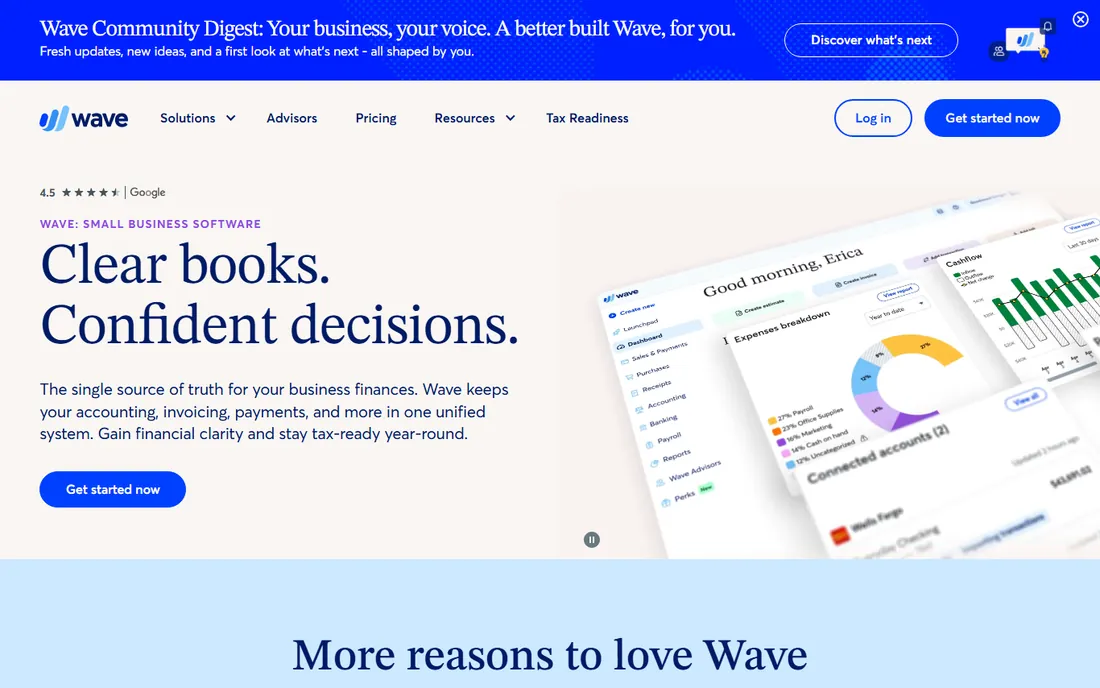
Wave is the answer to "what is the best free option" with a straight face. The Starter plan costs nothing and includes unlimited invoices, estimates, bills and bookkeeping records, which is more than most consultants use. When the practice grows, Pro at $19 per month ($190/year) adds automatic bank import, recurring invoices, late-payment reminders and live human support. Payment processing runs 2.9% plus $0.60 per card transaction.
The free tier is the trial, so there is no separate evaluation period to manage. The catch is that the genuinely useful automation (bank feeds, reminders, receipt capture) sits behind the Pro paywall, and at that point you are paying the same as FreshBooks Lite. Start free, upgrade when the manual work costs you more than $19 a month in time. For most solo consultants, that day comes sooner than expected.
What we like- Unlimited invoices, estimates and bills on the free plan
- Real double-entry accounting underneath, not a toy ledger
- Owned by H&R Block, so it is not going anywhere
Watch out for- Free plan lacks automatic bank import and late-payment reminders (those are Pro)
- Payment processing fees apply (2.9% + $0.60)
- Payroll is a paid add-on
#5
Xero
Best for: Consultants with an accountant and a practice that is growing up
Visit xero.com
Starting priceSee website (US tiers: Early, Growing, Established)
Free planNo (free trial; new US customers get 80% off the first 3 months)
Xero is the accountant's favorite, which matters more than it sounds. When your CPA already works in Xero, handing over clean books at tax time saves you real money in billable hours. Invoicing is strong: customizable templates, online payments, automatic reminders and multi-currency support on higher tiers. The US lineup runs Early, Growing and Established, with a free trial and an 80%-off-three-months promo for new customers.
The invoice cap on Early (20 per month) is the trap for busy consultants; most practices land on Growing for unlimited invoices. Xero is also more accounting software that invoices than invoicing software that accounts, so the learning curve is steeper than FreshBooks. Choose it when the practice has an accountant, international clients or growth plans. For simple solo invoicing, it is more tool than you need.
What we like- Unlimited users on every plan, so your accountant and bookkeeper ride free
- 1,000+ app integrations
- Clean multi-currency invoicing for international clients
Watch out for- No published US prices on a quick glance, quote-style presentation
- Early tier caps invoices at 20 per month
- Payroll costs extra
#6
Zoho Invoice
Best for: Consultants who want to pay exactly nothing for invoicing
Visit zoho.com
Starting priceFree (up to 1,000 invoices per year)
Free planYes (the core product is free)
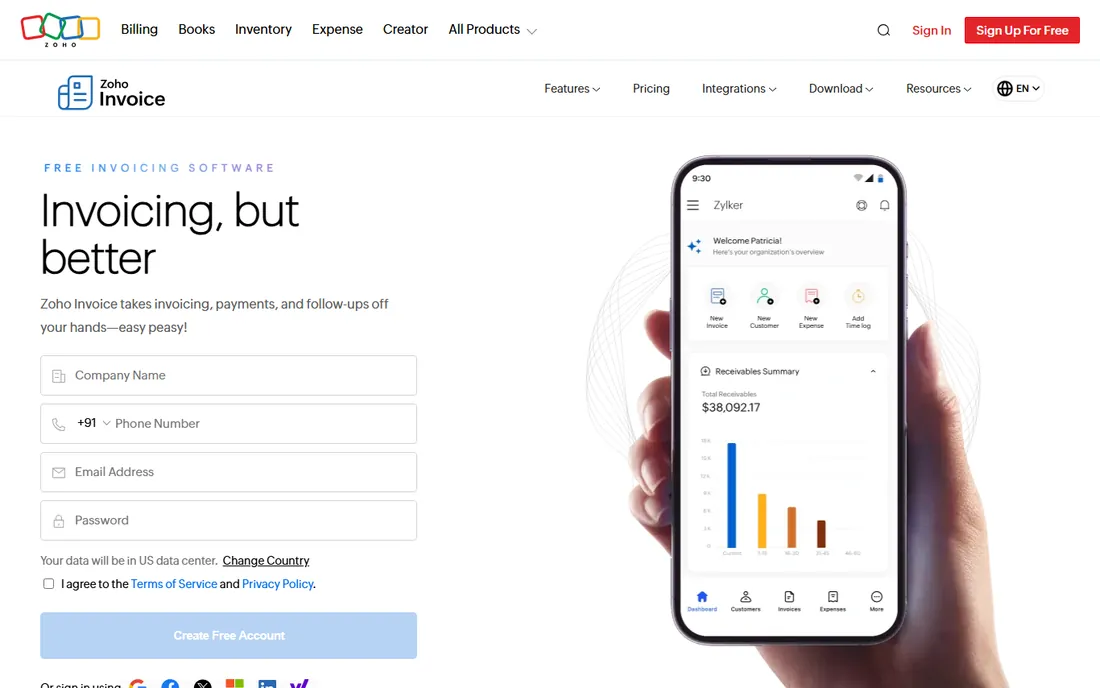
Zoho Invoice is free in the way that makes you check for the catch. Up to 1,000 invoices a year, professional templates, recurring billing, automated payment reminders, client portal, expense tracking, all for zero dollars. For a consultant sending a few dozen invoices a month, the free tier may never run out. When you need more, the upgrade path runs through Zoho Billing into the wider Zoho suite (CRM, Books, Projects).
The catch is scope, not trickery. It is invoicing software, not accounting software; at tax time you will still need books done somewhere. And the free tier limits how many users you can add, so a growing team eventually pays. But as a pure answer to "I need to send professional invoices and get paid," free with no time limit is unbeatable. Start here if budget is the constraint.
What we like- Completely free for up to 1,000 invoices a year
- Professional templates, recurring invoices and payment reminders included
- Clean upgrade path to Zoho Billing and the Zoho suite
Watch out for- The free tier has user limits, so teams outgrow it
- Advanced accounting lives in paid Zoho Books
- The ecosystem lock-in is real if you adopt more Zoho apps
Starting price$38/month (Simple Start); free plan available
Free planYes (free plan offered; trial options vary)
QuickBooks Online is the serious answer. When your practice has real expenses, contractors, quarterly taxes and a CPA who asks for a QuickBooks file, nothing else on this list keeps up. Invoicing itself is solid: custom templates, recurring invoices, payment links, automated reminders and mobile invoicing. Simple Start runs $38 per month, and Intuit also offers a free plan for the simplest cases.
You pay for that depth twice: once in money ($38 is the highest starting price here) and once in complexity. Sending a basic invoice takes more clicks than in FreshBooks or Wave, and Intuit's annual price increases are a running joke among owners. Buy QuickBooks when the accounting matters as much as the invoicing. If the invoice is the whole job, you are paying for an engine you will never start.
What we like- The deepest small-business accounting on this list
- Every accountant on earth knows it
- Invoicing with payments, reminders and mileage tracking built in
Watch out for- $38/month is the priciest entry here
- The interface buries simple tasks under accounting menus
- Intuit raises prices regularly
#8
Invoice Ninja
Best for: Tech-comfortable consultants who want control and hate subscriptions
Visit invoiceninja.com
Starting priceFree (up to 5 clients, unlimited invoices); Ninja Pro $14/month
Free planYes (free tier; self-hosted version also free)
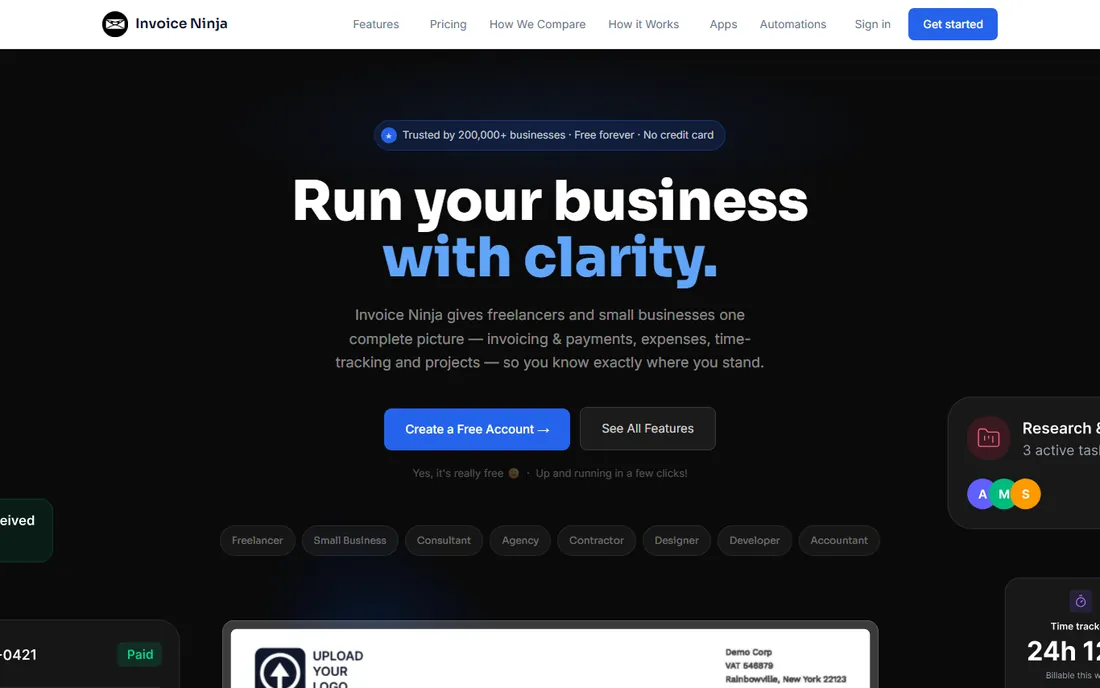
Invoice Ninja is the open-source-flavored pick for consultants who like owning their tools. The free tier covers up to 5 clients with unlimited invoices, quotes, expenses and time tracking, which handles a surprising number of solo practices. Ninja Pro at $14 per month ($140/year) removes limits and adds white-labeling; a self-hosted version is free outright with an optional $40/year white-label license. For the privacy-conscious, running it on your own server means client data never touches a vendor's cloud.
The tradeoff is polish. This is a tool built by developers, and it shows in an interface that prioritizes function over beauty. There is no HoneyBook-style client pipeline and no FreshBooks-level hand-holding. But the price-to-control ratio is unmatched: free or near-free, with your data under your control. If you are comfortable with software that expects you to read the docs, it is a steal.
What we like- Free tier allows unlimited invoices for up to 5 clients
- Self-hosting option for the privacy-minded
- One-time white-label fee ($40/year) instead of forced branding
Watch out for- The interface is utilitarian, not beautiful
- Support is community-driven on lower tiers
- Enterprise ($18/month) needed for teams
#9
Fiverr Workspace
Best for: Independent consultants juggling income from multiple clients and platforms
Visit workspace.fiverr.com
Starting priceSee website (free version plus paid tiers)
Free planYes (free version available)
Fiverr Workspace (formerly AND.CO) was built for the way independents actually earn: a retainer here, a project there, platform income on the side. It consolidates invoicing, expense tracking, income reporting and tax estimates across all of it, so April does not become archaeology. A free version covers the basics, with paid tiers adding more automation and support.
The honest caveat is positioning. The invoicing templates and client portal are fine but not as polished as FreshBooks, and the Fiverr association can feel downmarket for a consultant selling five-figure engagements. Where it wins is the multi-source income picture: if your revenue comes from clients, platforms and side projects at once, seeing it all in one dashboard is worth more than a prettier invoice.
What we like- Built for independents with income from several sources
- Tracks invoices, expenses and tax estimates in one view
- Integrates with freelance platforms
Watch out for- Pricing details are thin on the public site
- Thinner invoicing customization than FreshBooks
- The brand skews gig-worker rather than established consultancy
How we chose
We started with the searches consultants actually run: invoicing software for consultants, best invoicing app for freelancers, free invoicing software and consultant billing software. For each candidate we opened the vendor's own pricing page to verify starting prices, client or invoice limits and free tiers, then cross-checked against public reviews on G2 and Capterra and practitioner threads on Reddit about what consultants actually use. We compared invoicing polish, payment options, accounting depth, contract and proposal features, and fit for solo versus growing practices. Where a price could not be verified on the vendor's own page, we wrote "See website" rather than repeating a third-party figure.
The retainer trap: price the client cap, not the monthly fee
The number that matters most in consultant invoicing software is not the monthly price. It is the client cap. FreshBooks Lite looks cheap at $23 until client six forces you onto $43 Plus. Invoice Ninja is free until client six forces a decision. HoneyBook and Bonsai tier on features, not clients, which suits growing practices better.
Map your next 12 months before you choose. Count active clients, count invoices per month, and note whether you sell hours, projects or retainers. Then price the tier you will actually land on, not the entry tier in the headline. The cheapest plan you qualify for today is irrelevant if you outgrow it by March.
What consultants actually need from invoicing software
Strip away the marketing and the consultant's invoicing checklist is short. Professional templates that make a solo practice look established. Online payments with reasonable fees, because checks are dead. Automated reminders, because chasing money is the worst part of the job. Recurring invoices for retainers. Expense tracking for tax time. Time tracking if you bill hours.
Everything beyond that list is situational. Proposals and contracts matter if you sell projects (HoneyBook, Bonsai). Real accounting matters if you have an accountant and complex books (QuickBooks, Xero). Multi-currency matters if clients pay from abroad. Client portals matter if clients ask "where is my invoice" more than once a quarter. Buy the checklist first, then add one situational feature, not five.
Frequently asked questions
What is the best free invoicing software for consultants?
Zoho Invoice (free up to 1,000 invoices/year) and Wave's free Starter plan (unlimited invoices) are the two honest answers. Zoho is the purer invoicing tool; Wave adds real accounting underneath. Invoice Ninja's free tier works if you have 5 or fewer clients.
How much should a consultant pay for invoicing software?
Between $0 and $43/month covers nearly every solo consultant. Free (Zoho, Wave, Invoice Ninja) handles basic invoicing; $9-$23/month (Bonsai annual, FreshBooks Lite) buys polish and automation; $38+/month (QuickBooks) only makes sense when you need full accounting.
FreshBooks vs QuickBooks for consultants: which is better?
FreshBooks is better at invoicing: faster, prettier, easier. QuickBooks is better at accounting: deeper books, every CPA knows it. If invoices are the job, pick FreshBooks. If tax-time books are the job, pick QuickBooks. Many consultants eventually use both.
Can I get paid faster with invoicing software?
Yes, measurably. Invoices with an online payment button get paid faster than invoices asking for a check, and automated reminders recover money you would otherwise write off. Every tool on this list supports online payments; the habit of sending invoices immediately matters more than the vendor.
Do I need contracts too, or just invoices?
If you sell projects, you need contracts. An invoice without a signed scope is how scope creep becomes free work. Bonsai and HoneyBook bundle contracts with invoicing, which is their main selling point over pure invoicing tools.
What about getting paid by international clients?
Xero and QuickBooks handle multi-currency invoicing natively. FreshBooks supports multiple currencies on higher tiers. For the payment itself, Wise or a similar service usually beats PayPal's exchange rates regardless of which invoicing tool you use.
Sources we checked (12)
- https://www.freshbooks.com/pricing
- https://www.honeybook.com
- https://www.hellobonsai.com
- https://www.waveapps.com/
- https://support.waveapps.com/hc/en-us/articles/15601519996436-Receipts-and-Pro-Plan-subscription-fees
- https://www.xero.com/us/pricing-plans/
- https://www.zoho.com/invoice
- https://quickbooks.intuit.com
- https://invoiceninja.com
- https://workspace.fiverr.com
- https://www.g2.com/categories/invoicing
- https://www.capterra.com/invoicing-software/
Is your product missing or out of date?
We review this list regularly. Vendors can request a listing, send updated pricing or ask about featured placement.

Shihab Mia · Founder, Rankite
Shihab has 5+ years in B2B and SaaS SEO. He writes Rankite's software buying guides from pricing pages, documentation and public user reviews. More about Shihab.