How we make this list: we compare pricing pages, product documentation and public user reviews. Rankite is independent; if a vendor ever pays for a featured spot, that listing is clearly labeled Partner.
Key takeaways
- For pure invoicing plus estimates at low cost: Zoho Invoice (free, up to 500 invoices a year) and Wave (free Starter plan) cover the basics with nothing to pay.
- Freelancers who bill time and want polished estimates: FreshBooks Lite ($23/month) and Invoice Ninja Pro ($14/month or $140/year) are the value picks.
- Field service businesses that live on quotes: Jobber (Core $49/month) and Housecall Pro (Basic $79/month) combine estimates, scheduling and invoicing in one flow.
- If you need full accounting behind the invoices: QuickBooks Online (Simple Start $38/month) or Xero (Early $20/month) win, but their estimate features are simpler.
Quick comparison
| Tool | Best for | Starting price | Free plan |
|---|
 FreshBooks FreshBooks | Freelancers and small service firms that bill by the hour | $23/month (Lite, 5 billable clients) | Free trial (30 days, no credit card required) |
 Jobber Jobber | Home service businesses that quote on-site and need scheduling too | $49/month (Core, 1 user, no commitment) | Free trial (no credit card required) |
 QuickBooks Online QuickBooks Online | Businesses that want full accounting sitting behind their invoices | $0/month (Free plan, 2 invoices per month) | Yes (Free plan, no credit card required) |
 Housecall Pro Housecall Pro | Home service crews that want estimates, dispatch and payments together | $79/month (Basic, 1 user) | Free trial (14 days, no credit card required) |
 Wave Wave | Solo owners and freelancers who want invoicing and estimates free | $0/month (Starter plan) | Yes (Starter plan, free) |
 Zoho Invoice Zoho Invoice | Freelancers and micro-businesses that want a complete free invoicing tool | $0 (free, no paid tier of its own) | Yes (free, 2 users, up to 500 invoices per year) |
 Xero Xero | Small businesses that want quotes tied to proper accounting | $20/month (Early plan) | Free trial (30 days) |
 Invoice Ninja Invoice Ninja | Budget-conscious businesses that want quotes, invoices, time tracking and projects | $0 (Free plan, up to 5 clients) | Yes (free forever, no credit card required) |
 HoneyBook HoneyBook | Photographers, planners, designers and consultants who sell with proposals | $29/month billed yearly (Starter) | Free trial (all plans start with a free trial) |
Is your product missing or out of date?
We review this list regularly. Vendors can request a listing, send updated pricing or ask about featured placement.
The best invoice and estimate software
The estimate goes out on Monday. The job runs on Wednesday. The invoice, if it goes out at all, goes out the following Tuesday, because nobody built the habit of turning one into the other. That gap between quoting and billing is where small service businesses lose money, not in tax strategy or pricing. The tools below all handle both sides of that gap: they create estimates or quotes and convert them into invoices without retyping line items.
What separates them is who they are built for. Accounting tools treat the estimate as a document that feeds the books. Field service tools treat the estimate as step one of a job that needs scheduling, dispatching and payment collection. Proposal tools treat it as a sales asset that needs a signature. Pick the category first, then the tool.
#1
FreshBooks
Best for: Freelancers and small service firms that bill by the hour
Visit freshbooks.com
Starting price$23/month (Lite, 5 billable clients)
Free planFree trial (30 days, no credit card required)
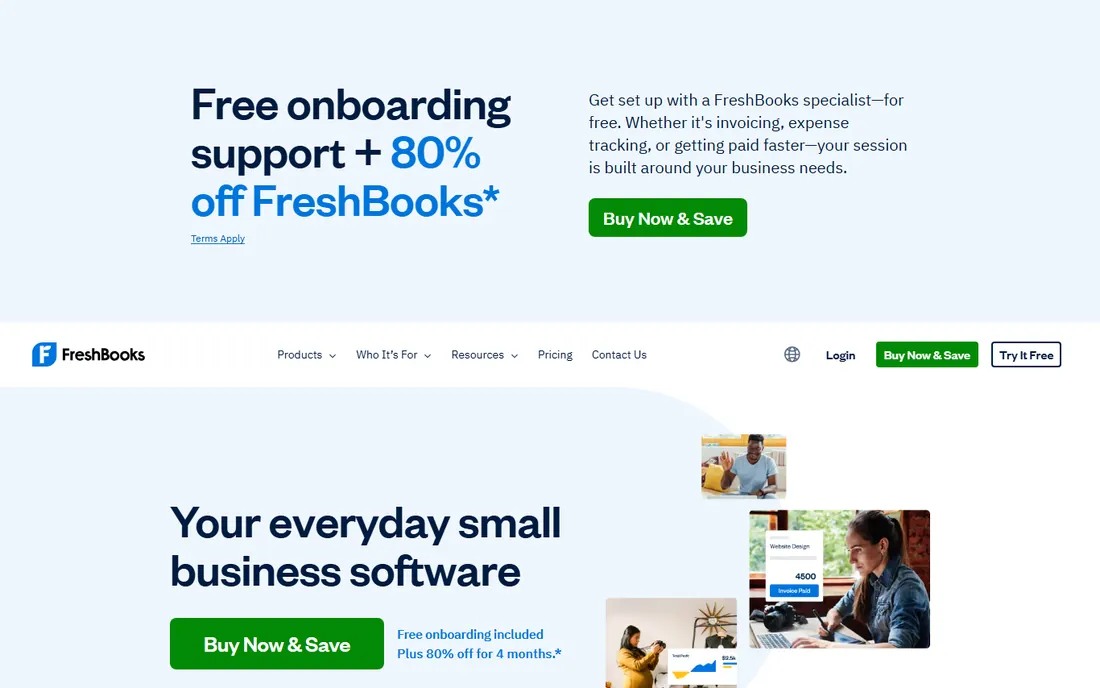
FreshBooks is the natural pick for service businesses that sell time. Every plan includes unlimited estimates, and an estimate becomes an invoice in a couple of clicks, with deposits, late fees and automatic payment reminders carried over. Time you track in the mobile app or browser lands directly on the invoice, so billable hours stop leaking. Online payments cover cards, ACH, Apple Pay, Google Pay and buy-now-pay-later options.
The pricing structure is the thing to watch. Lite at $23 per month covers 5 billable clients, which a busy freelancer outgrows fast, and Plus at $43 per month is where the real accounting reports live. If you never add staff and your client list stays small, it is excellent value. If you plan to grow past 50 clients, budget for Premium at $70 per month.
What we like- Unlimited estimates and invoices on every plan
- Estimates convert to invoices and accept deposits
- Built-in time tracking feeds straight into billable line items
Watch out for- Billable-client caps (5 on Lite, 50 on Plus) force upgrades as you grow
- Double-entry accounting reports start at Plus ($43/month)
- Each extra team member costs $11/month
#2
Jobber
Best for: Home service businesses that quote on-site and need scheduling too
Visit getjobber.com
Starting price$49/month (Core, 1 user, no commitment)
Free planFree trial (no credit card required)
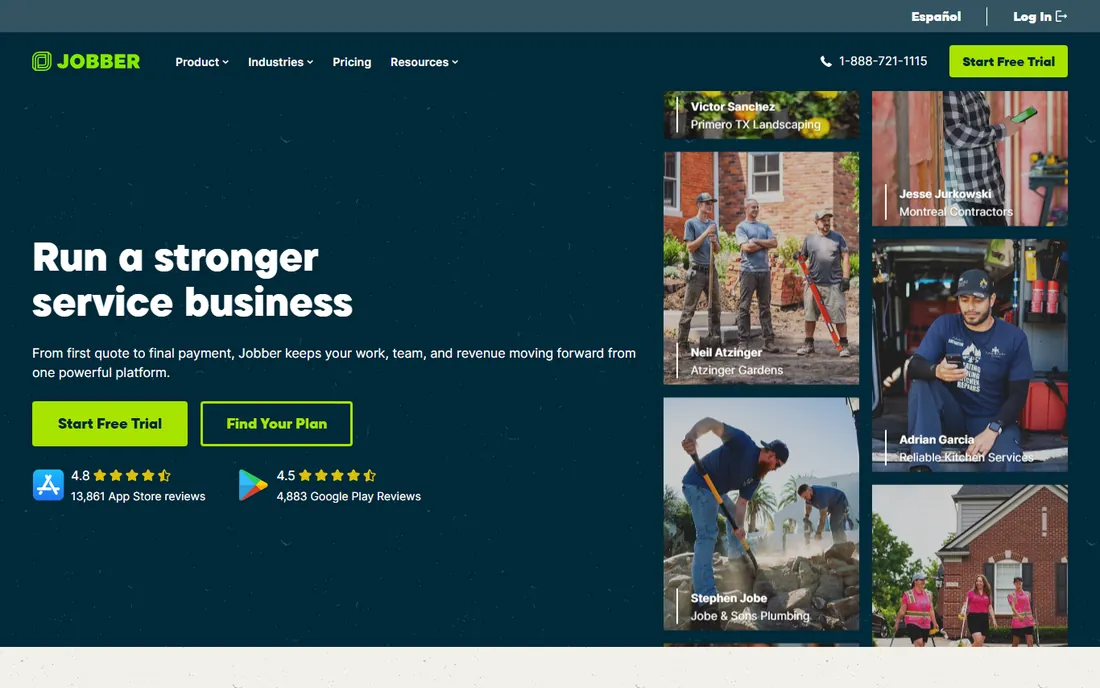
Jobber treats the quote as the start of the job, not the end of the sales process. You build a quote on your phone at the kitchen table, the customer approves it with a signature, and that same record becomes the scheduled job and then the invoice. Automated quote follow-ups chase the ones that go quiet, which is where most service businesses leave money behind. The client hub lets customers approve quotes and pay invoices from one link.
The honest cost picture is tiered. Core at $49 per month per user covers quoting, invoicing and scheduling. The automation that makes Jobber special, automated follow-ups, QuickBooks sync and time tracking, sits on Connect at $139 per month. A solo operator who just needs estimates and invoices should compare FreshBooks or Invoice Ninja first. A crew that needs dispatch will not find a better fit.
What we like- Quotes with signature approvals and automated follow-ups
- Quote converts to job to invoice in one flow
- Scheduling, dispatch and client hub built in
Watch out for- Automation and QuickBooks Online sync start at Connect ($139/month)
- Overkill if you only need invoicing
- Card processing at 2.9% plus 30 cents
Starting price$0/month (Free plan, 2 invoices per month)
Free planYes (Free plan, no credit card required)
QuickBooks Online wins when the invoice is one part of a bigger financial picture. Estimates carry status tracking so you can see which quotes are pending, accepted or expired, and accepted estimates convert into invoices without retyping. Because it is a full accounting platform, every invoice updates your profit and loss, sales tax and customer balances automatically. The free plan, 2 invoices a month with basic income and expense tracking, suits a side business testing the waters.
The trade-off is that estimates are a document feature here, not a workflow. There is no quote follow-up automation, no field scheduling and no proposal design. Buy QuickBooks when your accountant already works in it and you need the books to be right. Buy a dedicated quoting tool when the estimate itself is where you win or lose the job.
What we like- Estimates show status tracking and convert into invoices
- Every invoice feeds real double-entry books
- Free plan exists for the smallest billers
Watch out for- Estimate features are basic next to field-service tools
- Simple Start at $38/month is the real starting point for most
- Advanced climbs to $340/month
#4
Housecall Pro
Best for: Home service crews that want estimates, dispatch and payments together
Visit housecallpro.com
Starting price$79/month (Basic, 1 user)
Free planFree trial (14 days, no credit card required)
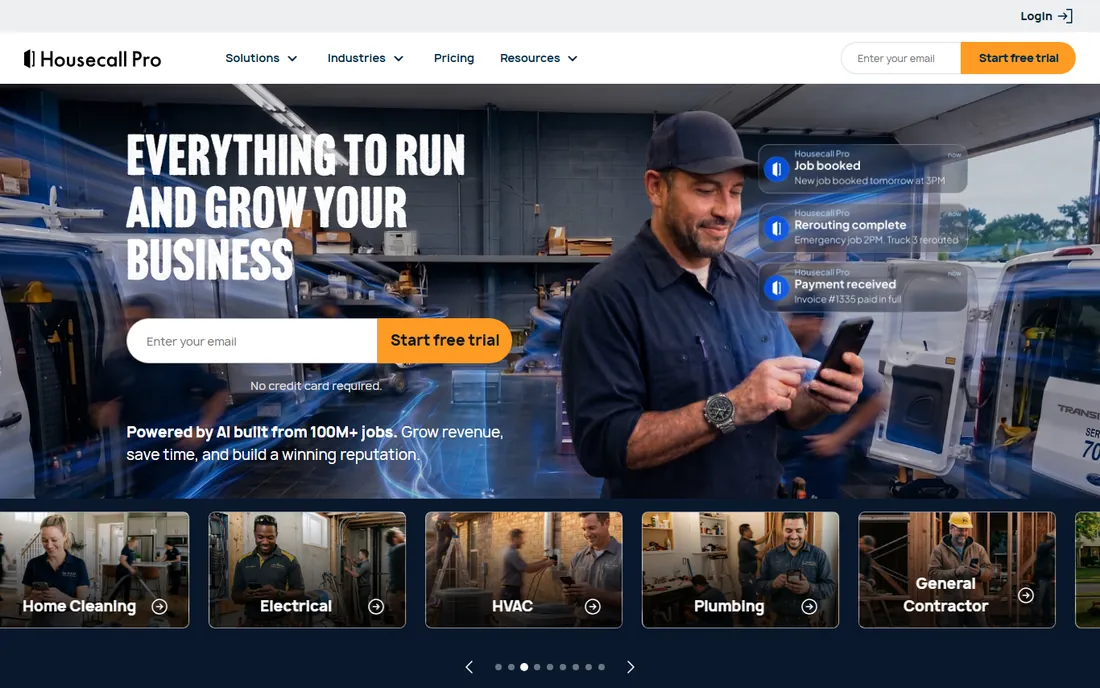
Housecall Pro is Jobber's closest rival and the choice comes down to feel. Estimates and invoices flow through the same mobile-first interface your techs already use for scheduling and dispatch. The price book keeps your flat-rate pricing consistent across the crew, so quotes stop depending on who wrote them. Online booking, on-my-way texts and review requests all run from the same account, which suits residential trades that live on repeat business and reviews.
Pricing runs Basic at $79 per month for a solo operator, Essentials at $189 per month for up to five users with QuickBooks sync, and MAX at $329 per month for eight users with the sales proposal tool. Annual billing trims each tier by $20 to $40 a month. Watch the add-ons: phone features, service plans and extra users stack on top of the base price.
What we like- Estimates and invoicing included on every plan with a price book
- Online booking and review management built in
- Sales proposal tool on the top tier
Watch out for- QuickBooks Online sync requires Essentials ($189/month)
- Basic covers one user only
- Add-ons push the real monthly cost above the headline price
#5
Wave
Best for: Solo owners and freelancers who want invoicing and estimates free
Visit waveapps.com
Starting price$0/month (Starter plan)
Free planYes (Starter plan, free)
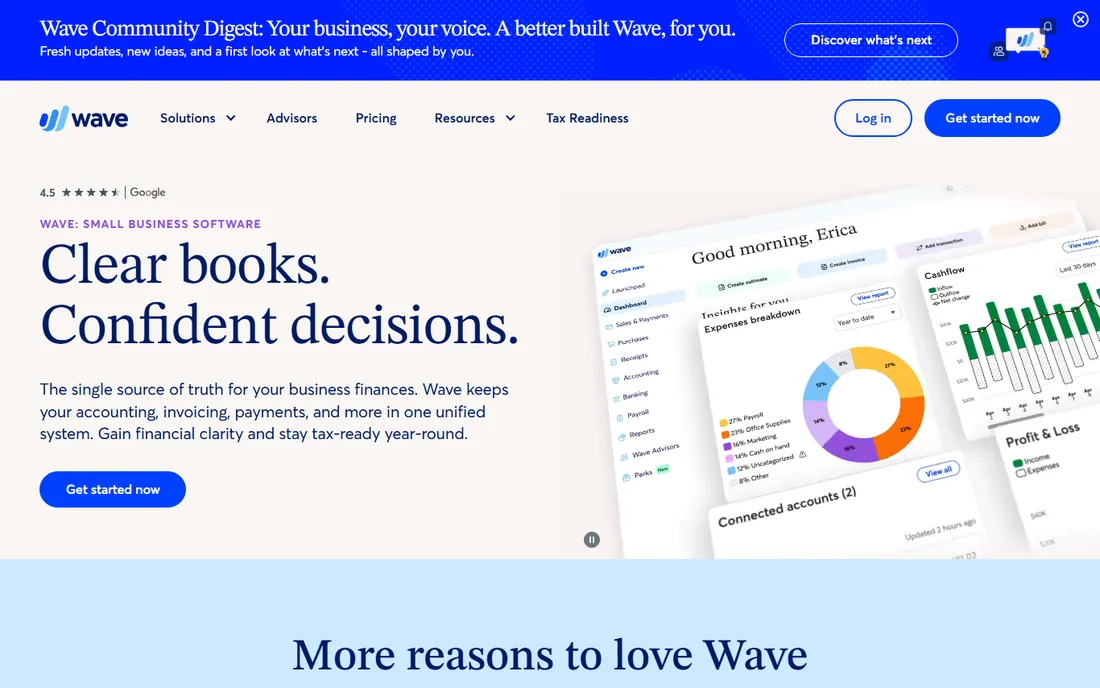
Wave is the free answer to the whole category. The Starter plan costs nothing and includes unlimited estimates, invoices, bills and bookkeeping records, which is more than most paid tools offered five years ago. You can create an estimate, convert it to an invoice and track the payment without ever entering a card number. Pro at $19 per month adds automated bank imports, receipt scanning, late payment reminders and lower card processing fees.
The ceiling is real. Wave is accounting software with estimates attached, not a quoting workflow: no automated follow-ups, no proposal templates with signatures, no field scheduling. It is the right pick for a freelancer or solo consultant whose estimates are simple and whose clients pay on time. The moment quoting becomes a sales process, look at FreshBooks, Jobber or HoneyBook.
What we like- Unlimited estimates, invoices, bills and bookkeeping records on the free plan
- Clean interface built for non-accountants
- Upgrade path to Pro ($19/month) only if you want automation
Watch out for- Estimates are simple documents with no follow-up automation
- No scheduling or job management
- Bank auto-import and receipt scanning need the Pro plan
#6
Zoho Invoice
Best for: Freelancers and micro-businesses that want a complete free invoicing tool
Visit zoho.com
Starting price$0 (free, no paid tier of its own)
Free planYes (free, 2 users, up to 500 invoices per year)
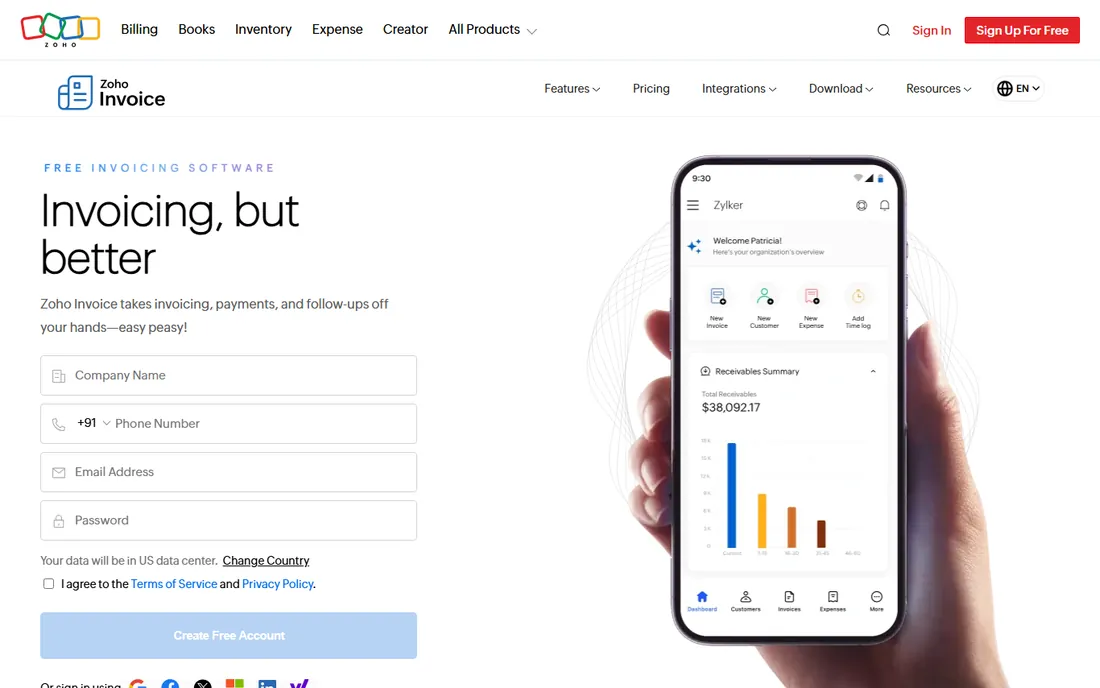
Zoho Invoice is the most generous free plan in this list. It is free outright, not a trial, and includes estimates, recurring invoices, time tracking, expense tracking and a client portal. Estimates convert to invoices automatically on approval, and you can send invoices in 17 languages with multiple currencies, which suits freelancers with international clients. Two users and three projects fit a solo operator or a tiny partnership.
The limits are structural. You cannot buy your way past the 500-invoices-per-year cap or remove the Zoho branding inside Zoho Invoice; growing past those limits means moving to Zoho Billing or Zoho Books. For a business sending under 40 invoices a month with straightforward needs, it is hard to argue with free.
What we like- Completely free with estimates, recurring invoices, time tracking, expenses and a client portal
- Approved estimates convert to invoices automatically
- Multi-currency and multi-language support
Watch out for- Hard cap of 500 invoices per year with no paid upgrade inside the product
- Invoices carry Powered by Zoho Invoice branding
- No accounting, that is Zoho Books
#7
Xero
Best for: Small businesses that want quotes tied to proper accounting
Visit xero.com
Starting price$20/month (Early plan)
Free planFree trial (30 days)
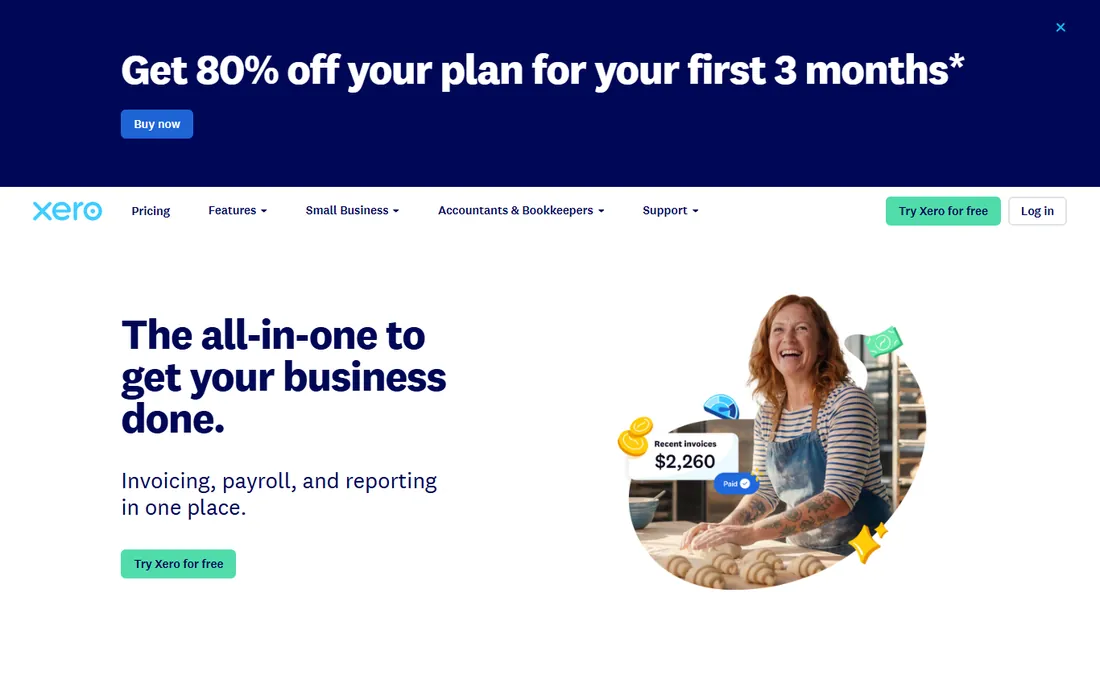
Xero is the accountant-approved option. Quotes are created from your phone, tracked through acceptance, and converted to invoices that flow into bank reconciliation, sales tax and reporting automatically. Hubdoc is included on every plan, so supplier bills and receipts capture themselves. The interface is cleaner than QuickBooks for owners who do their own books, and the ecosystem of 1,000-plus integrations covers most payroll, payments and inventory needs.
Early at $20 per month is the entry point, but its 20-invoices-and-quotes monthly cap pushes active billers to Growing at $47 per month fast. There is no free plan, only a 30-day trial. Choose Xero over QuickBooks when you work with an accountant who prefers it or need multi-currency, and choose it over FreshBooks when the accounting matters as much as the invoicing.
What we like- Quotes convert to invoices and feed full double-entry books
- Hubdoc bill capture included on all plans
- Strong multi-currency support on the top tier
Watch out for- Early plan caps quotes and invoices at 20 per month combined
- No permanent free plan
- Project tracking and expenses sit on Established ($80/month)
#8
Invoice Ninja
Best for: Budget-conscious businesses that want quotes, invoices, time tracking and projects
Visit invoiceninja.com
Starting price$0 (Free plan, up to 5 clients)
Free planYes (free forever, no credit card required)
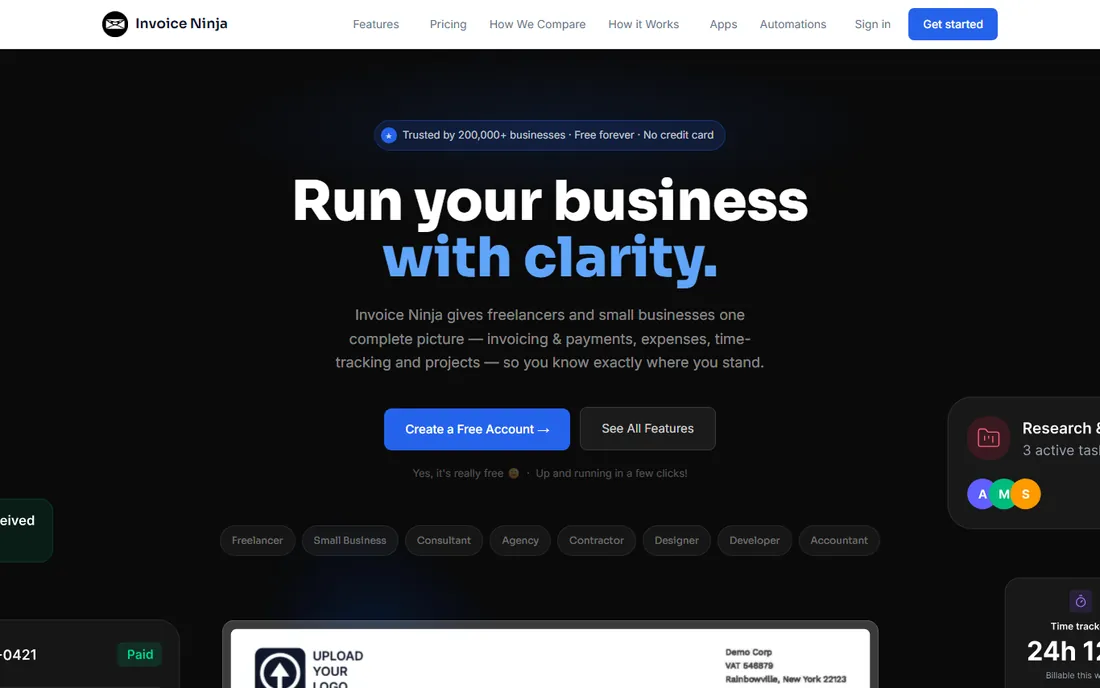
Invoice Ninja packs an unusual amount of software into its price. The free plan covers up to 5 clients with unlimited invoices, quotes, recurring billing, time tracking, projects and a client portal. Pro at $14 per month or $140 per year removes the client cap and the Invoice Ninja branding and adds the API and auto payment reminders. Quotes carry e-signature approval and convert to invoices instantly, which is the core workflow this category is about.
The trade-offs are polish and support. The interface is functional rather than beautiful, and help on the free plan comes from the community forum and documentation rather than a support desk. A $40-per-year white-label license exists for the self-hosted version if you want full control. For the price, nothing else combines quoting, time tracking and projects this completely.
What we like- Quotes with e-signature approval convert to invoices in one click
- Free plan includes unlimited invoices, recurring billing and time tracking
- Pro at $14/month adds unlimited clients and removes branding
Watch out for- Interface feels less polished than FreshBooks or Xero
- Bank account sync needs Enterprise (from $18/month)
- Support runs through forums and docs on lower tiers
#9
HoneyBook
Best for: Photographers, planners, designers and consultants who sell with proposals
Visit honeybook.com
Starting price$29/month billed yearly (Starter)
Free planFree trial (all plans start with a free trial)
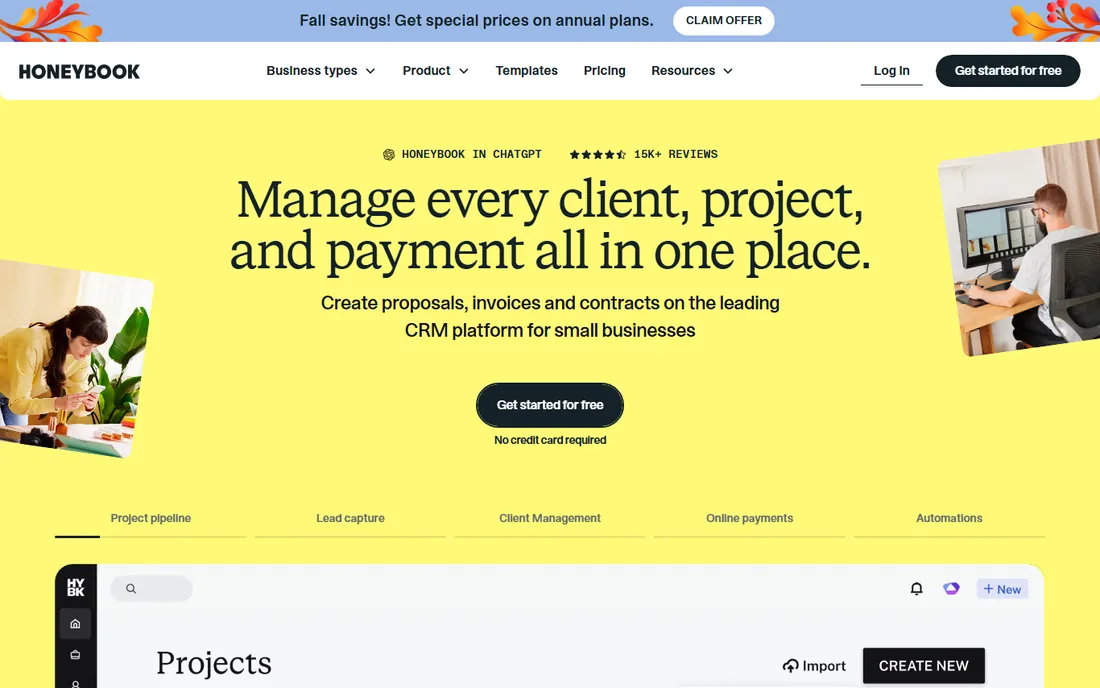
HoneyBook approaches estimates as sales documents. A proposal bundles the quote, the contract and the payment schedule into a single link the client signs and pays from, which is exactly how photographers, event planners and consultants sell. Templates cover the whole client journey from inquiry to final payment, and Essentials adds automations that follow up on unopened proposals and send payment reminders.
It is not accounting software and does not pretend to be: there is no double-entry ledger, and service businesses that need scheduling or dispatch should look at Jobber or Housecall Pro instead. Pricing runs $29 per month on Starter, $49 on Essentials and $109 on Premium, all billed yearly, with a free trial on every plan. If your estimate needs to close the deal, this is the most purpose-built option here.
What we like- Proposals combine contract, invoice and payment into one client link
- Automations and scheduler on Essentials ($49/month)
- Strong template gallery for client-facing documents
Watch out for- No real accounting depth, it is a clientflow tool
- Built for project-based creatives, weak for trades or field scheduling
- Pricing advertised on annual billing
Estimate-to-invoice: the workflow that decides the pick
Every tool on this list creates estimates and invoices. The difference is what happens between the two, and that is where you should focus your trial. The questions that matter: does an accepted estimate become an invoice automatically, or do you rebuild it? Can the client approve with a signature, or does approval happen over email and get lost? Do unanswered estimates get a follow-up automatically, or do you remember to chase them?
Run the honest test during your trial. Create an estimate for a realistic job, send it to yourself, approve it, and invoice it. Time the whole loop. In Jobber and Housecall Pro that loop includes scheduling the work. In HoneyBook it includes signing the contract. In FreshBooks and Invoice Ninja it includes logging the time. In QuickBooks, Xero and Wave the loop is short because the estimate is a document, not a process. The tool whose loop matches how you actually sell is the right one, regardless of price.
Then check the money mechanics. Every tool here takes a cut when clients pay by card, typically around 2.9% plus 30 cents, and bank transfers run cheaper. If most of your clients pay by check or bank transfer, processing fees barely matter and a free tool like Wave or Zoho Invoice wins on cost alone. If clients pay invoices online by card, a 2.9% fee on $10,000 a month is $290, which dwarfs the difference between a $23 and a $70 subscription. Price the subscription against your actual payment mix, not in isolation.
Who really pays: processing fees and add-on math
The subscription price is only the first line of the bill. Card processing is the second, and add-ons are the third. Wave charges 2.9% plus 60 cents per card transaction on the free plan, dropping to 2.9% plus zero cents for the first ten transactions a month on Pro. Jobber processes cards at 2.9% plus 30 cents and bank transfers at 1%. Housecall Pro starts card processing at 2.59%. HoneyBook starts at 2.9% plus 25 cents for cards and 1.5% for ACH. These look similar until you multiply by your volume.
Add-ons are where field service tools get expensive. Jobber's Marketing Suite, Receptionist and Pipeline are separate monthly charges below the Plus plan. Housecall Pro's phone features, service plans and sales proposal tool add up the same way. FreshBooks charges $11 per extra team member per month, which doubles the Lite subscription with one hire. When vendors quote you a monthly price, ask for the total with the add-ons you will actually use, then compare that number.
How we chose
We started with the categories buyers search: invoice and estimate software, quoting and invoicing software, estimate software for small business and contractor invoicing software. For each candidate we opened the vendor's own pricing page, confirmed the product is live and still sold in 2026, and checked that estimates or quotes and invoices both exist as native features rather than add-ons. Where a price could not be verified on the vendor's page we wrote "See website" rather than guessing.
Frequently asked questions
What is the difference between an estimate and a quote?
In practice, nothing: both are a proposed price sent before the work starts. Some trades use "estimate" for approximate pricing and "quote" for fixed pricing, but the software treats them as the same document. Every tool on this list lets you send that document and convert it into an invoice.
Do I need separate estimate software if I already have QuickBooks?
Probably not, unless quoting is a sales process for you. QuickBooks and Xero handle estimates fine as documents: create, track status, convert to invoice. If you need automated follow-ups, signature approvals or field scheduling around the quote, add Jobber, Housecall Pro or HoneyBook alongside your accounting.
Which invoice and estimate software is actually free?
Zoho Invoice (free, up to 500 invoices a year), Wave (free Starter plan with unlimited invoices and estimates), Invoice Ninja (free for up to 5 clients) and QuickBooks Online (free plan, 2 invoices a month). Free plans are real products here, not trials, but each has a cap that pushes growing businesses to paid tiers.
How much should a small service business pay for invoicing software?
Between $0 and $70 a month for most. Freelancers do well on FreshBooks Lite ($23/month) or Invoice Ninja Pro ($14/month). Field service businesses pay $49 to $189 a month for Jobber or Housecall Pro because scheduling and dispatch ride along. Full accounting with QuickBooks or Xero runs $20 to $140 a month depending on volume.
Can clients pay estimates or invoices online?
Yes, on every tool here. Clients pay by card, bank transfer or digital wallet through a payment link on the invoice. Expect around 2.9% plus 30 cents per card transaction and about 1% for bank transfers. Most tools also accept deposits against estimates, which helps cash flow on larger jobs.
Should I pick an accounting tool or a field service tool?
Pick the accounting tool (QuickBooks, Xero, Wave, FreshBooks) when your main problem is keeping the books right and your estimates are simple. Pick the field service tool (Jobber, Housecall Pro) when your main problem is winning and scheduling jobs, and the invoice is the last step of the job rather than the first step of the books.
Sources we checked (9)
- https://freshbooks.com/pricing
- https://getjobber.com/pricing
- https://quickbooks.intuit.com/pricing/
- https://www.housecallpro.com/pricing/
- https://www.waveapps.com/pricing
- https://www.zoho.com/invoice/pricing/
- https://www.xero.com/us/pricing/
- https://invoiceninja.com/pricing-plans/
- https://www.honeybook.com/pricing
Is your product missing or out of date?
We review this list regularly. Vendors can request a listing, send updated pricing or ask about featured placement.

Shihab Mia · Founder, Rankite
Shihab has spent more than a decade helping SaaS and e-commerce brands grow through search. He writes Rankite's software buying guides from pricing pages, documentation and public user reviews. More about Shihab.