How we make this list: we compare pricing pages, product documentation and public user reviews. Ratings come from G2, Capterra or Trustpilot, with the date we checked them.
Key takeaways
- Inventory tracking software answers one question: what do you have, where is it, and how much is left, and the best tool depends on how you sell.
- Zoho Inventory is the best value starting point, with a free plan and paid tiers from $29 per month.
- Sortly suits teams that track physical items visually from a phone, with photos and QR codes instead of spreadsheets.
- Cin7 and Fishbowl suit larger operations that need warehouse workflows, manufacturing, or multi-location control.
- Watch the cap that matters for you: items, orders, users, or locations, since most tools cap at least one of them.
Quick comparison
Is your product missing or out of date?
We review this list regularly. Vendors can request a listing, send updated pricing or ask about featured placement.
The best inventory tracking software

#1Zoho Inventory
Best for: Small sellers on a budget4.4/5 on
G2 (91 reviews, checked Oct 2026)
Visit zoho.com
Starting priceFree
Free planYes
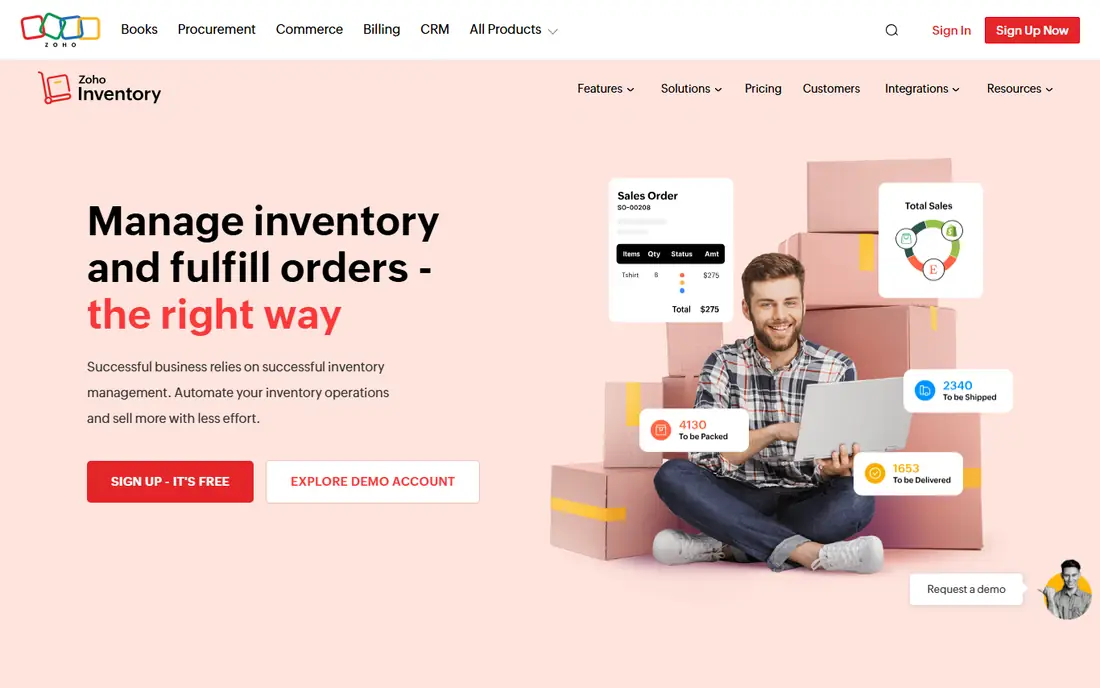
Zoho Inventory is the best value inventory tracker for small sellers, and the free plan is genuinely usable: 50 orders per month, one user, and one location, with real order management rather than a demo. Paid plans start at $29 per month billed annually for Standard, raising limits to 500 orders, three users, and two locations, and pricing is per organization rather than per seat, which keeps costs low as small teams grow. Multi-channel sync covers Amazon, eBay, Etsy, Shopify, and WooCommerce, with batch and serial tracking plus expiration monitoring for food and supplement sellers.
The limits are the caps themselves. Order volume, user count, and warehouse counts all rise with plan tier, so a growing seller moves to Professional at $79 per month sooner than the headline price suggests. Advanced automation and fulfillment features also wait on higher tiers, and there is no built-in point-of-sale system for physical stores. For online and multichannel sellers watching every dollar, Zoho tracking quality at the free and Standard tiers is hard to match, especially paired with Zoho Books for accounting.
What we like- Free plan with 50 orders per month
- Per-organization pricing
- Multi-channel sync
Watch out for- Order, user, and location caps rise with plan
- Advanced features sit on higher tiers
- No built-in POS

#2Sortly
Best for: Visual phone-based tracking4.3/5 on
G2 (27 reviews, checked Oct 2026)
Visit sortly.com
Starting priceFree
Free planYes
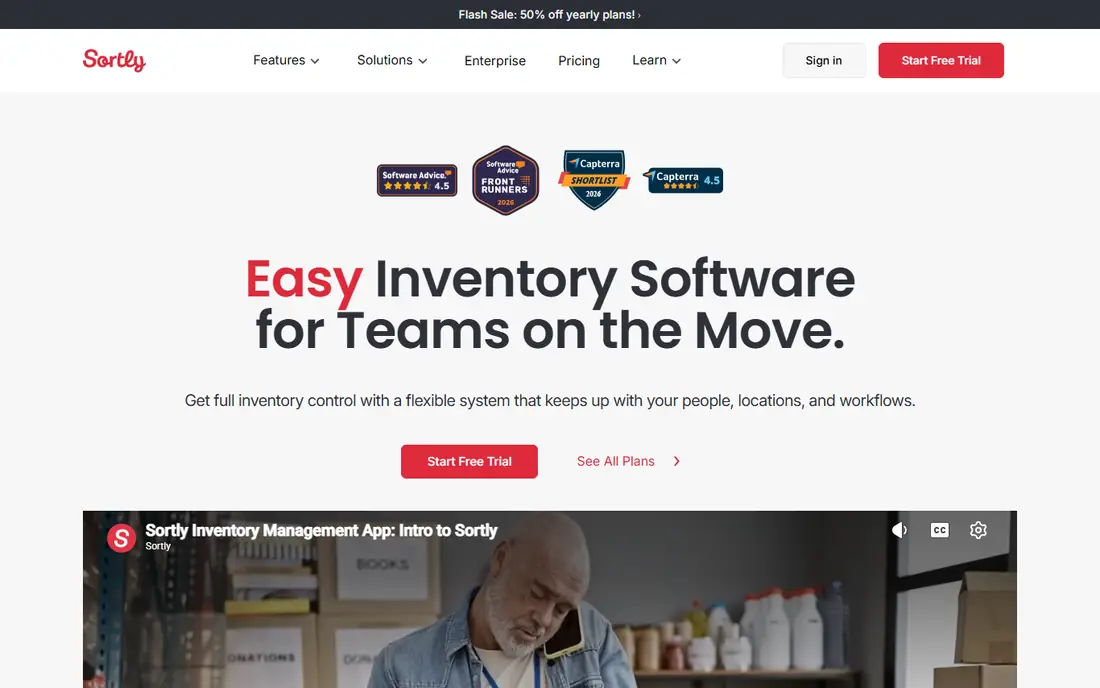
Sortly takes a visual approach to tracking: each item gets a photo, a QR or barcode label, and a location, so staff can find and count stock from a phone rather than from a spreadsheet row. The mobile-first design suits teams tracking equipment, supplies, and materials across rooms, vehicles, and job sites, with check-in and check-out logs that show who took what and when. The free plan covers limited items, and paid plans start at $49 per month for Advanced billed monthly, with lower annual rates on some plans.
Sortly is a tracker, not a full order management system, so sellers who need deep multichannel order handling should look at Zoho or Cin7 instead. The Advanced plan also omits purchase orders and stock counts on some configurations, so check the feature table for your tier before buying. For teams whose main problem is knowing what is where, especially for non-retail items like tools, parts, and supplies, Sortly visual catalog is the fastest system to adopt and the easiest for staff to use.
What we like- Photo-based visual catalog
- Mobile QR and barcode scanning
- Check-in and check-out logs
Watch out for- Advanced plan omits purchase orders on some tiers
- Item caps on free plan
- Less order management depth
Starting price$129 per month
Free planNo
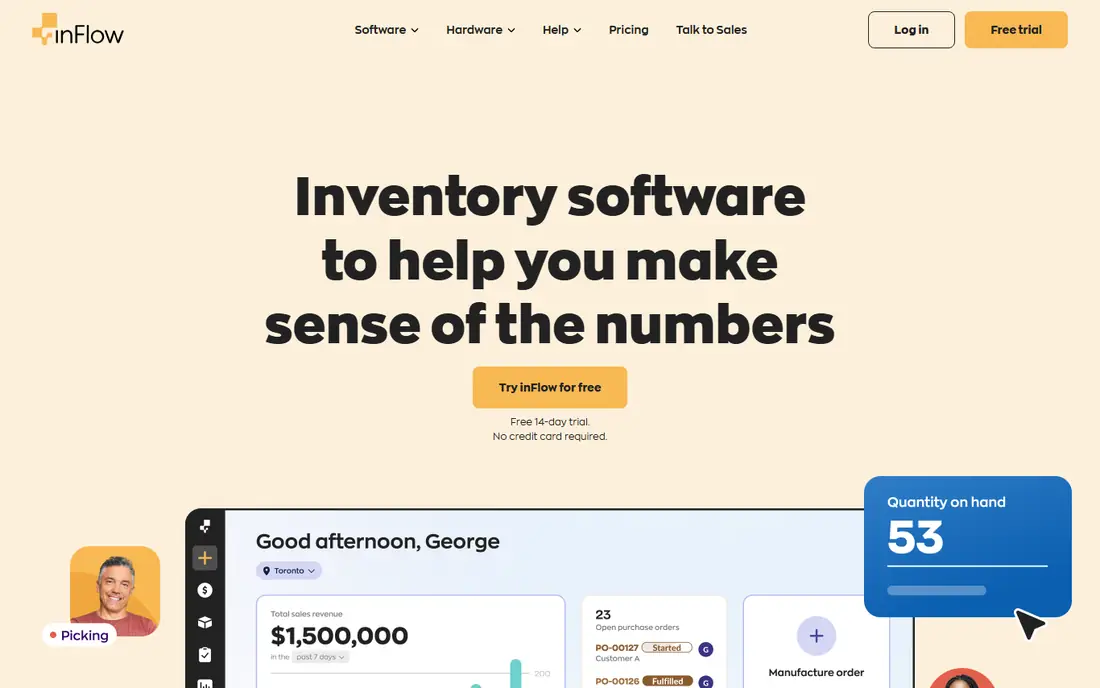
inFlow Inventory is built for B2B and wholesale businesses that need structured tracking with customer-specific pricing and invoicing. The B2B showroom portal lets trade customers browse only their own products and prices and place orders directly, while purchase orders, stock tracking, and multi-level bills of materials cover the operations side. Pricing starts at $129 per month, or $99 per month billed annually, with a 14-day free trial and team seats bundled into each tier.
The trade-offs are price and channel depth. There is no free plan, so small sellers must commit from the start, and multichannel retail sync is thinner than Cin7. For wholesalers, though, inFlow structure fits the business: customer pricing, showroom ordering, and invoicing in one system, with unlimited orders on paid plans removing the order-cap worry that Zoho creates. If your customers are other businesses, inFlow is the best tracking pick on this list.
What we like- B2B showroom portal
- Per-customer pricing
- Invoicing built in
- Unlimited orders on paid plans
Watch out for- No free plan
- Higher entry price than Zoho
- Less multichannel depth than Cin7
Starting price$349 per month
Free planNo
Cin7 Core is the strongest tracker for multichannel sellers with real complexity, syncing stock in real time across Amazon, eBay, Shopify, WooCommerce, and other channels, with a warehouse management app for picking, packing, and multi-location control. More than 700 integrations cover point of sale, shipping, accounting, and marketplaces, and AI-driven demand forecasting on higher plans helps larger sellers plan purchasing. Core pricing starts at $349 per month, with Omni plans custom priced for larger operations and a 14-day free trial.
Cin7 costs more than ten times Zoho Standard at entry level, and implementation for a multi-warehouse business takes weeks of setup and training. That cost only makes sense above roughly $1 million in annual revenue, where stockouts and manual reconciliation cost more than the subscription. For brands selling across many channels with wholesale and retail mixed together, Cin7 tracking depth pays for itself. For a small seller on one or two channels, Zoho or Sortly covers the job at a fraction of the price.
What we like- Real-time multichannel sync
- Warehouse management app
- 700 plus integrations
- Demand forecasting
Watch out for- High entry price
- Implementation takes weeks
- Overkill for small single-channel sellers

#5Katana
Best for: Makers who track production4.4/5 on
G2 (117 reviews, checked Oct 2026)
Visit katanamrp.com
Starting priceFree
Free planYes
Katana is a cloud inventory tool for product businesses that make or assemble their own goods, tracking raw materials, work in progress, and finished stock in one flow. Bills of materials show what can be built from current materials, production planning schedules work orders, and integrations with Shopify, WooCommerce, Amazon, QuickBooks, and Xero keep sales and accounting connected. The free plan covers up to 30 SKUs, with paid plans custom priced or from $299 per month for larger catalogs.
Katana manufacturing focus is both its strength and its limit: resellers who never make anything will find production features unused, and multichannel depth is thinner than Cin7. For makers, though, the production view is the point, since most inventory tools track finished stock well but handle raw materials poorly. If you build what you sell, Katana is the best tracker on this list, and the free tier lets a small maker test it on a real product line before paying.
What we like- Free plan for up to 30 SKUs
- Raw material to finished goods tracking
- Production planning
Watch out for- Paid plans custom priced or from $299 per month
- Manufacturing focus adds complexity for resellers

#6Fishbowl
Best for: Warehouse-heavy manufacturers4.0/5 on
G2 (274 reviews, checked Oct 2026)
Visit fishbowl.net
Starting price$229 per month
Free planNo
Fishbowl is an inventory and manufacturing platform designed for warehouse-heavy small manufacturers, with real-time assembly tracking, multi-location warehouse management, and deep QuickBooks integration that keeps accounting in sync without manual entry. It handles bills of materials, work orders, and part tracking across locations, and its QuickBooks tie-in removes the reconciliation work that standalone tools create for QuickBooks shops. Pricing starts at $229 per month billed annually for Essentials with two users, with advanced manufacturing tiers from $595 per month.
The drawbacks are price, setup effort, and the lack of a free plan: evaluation runs through a demo rather than a self-serve trial. For manufacturers already running QuickBooks who need warehouse depth, Fishbowl is the established choice. For pure resellers or small makers, Katana or Zoho covers the job at lower cost and with faster setup.
What we like- Real-time assembly tracking
- Warehouse management
- Deep QuickBooks integration
Watch out for- No free plan
- Setup effort for manufacturers
- Advanced manufacturing from $595 per month

#7Square for Retail
Best for: Stores already on Square4.5/5 on
G2 (99 reviews, checked Oct 2026)
Visit squareup.com
Starting priceFree
Free planYes
Square for Retail bundles inventory tracking with the Square point-of-sale system that many small stores already use, so stock counts update in real time as items sell in store or online. The free tier covers basic inventory with POS, online store, and stock tracking, while paid plans start at $49 per month per location for advanced features such as purchase orders, vendor management, and detailed reporting. Multi-location counts stay in sync across stores without a separate inventory tool.
The limits are warehouse depth and ecosystem lock-in. Square tracking suits single-location and small multi-location retailers, but it lacks the advanced warehouse workflows of Cin7 or Fishbowl, and its value drops sharply for stores that do not use Square POS. Paid pricing is per location, so multi-store costs add up. For boutiques and small stores already running on Square, Square for Retail is the simplest tracking answer, since inventory lives where sales happen.
What we like- Inventory bundled with Square POS
- Real-time multi-location counts
- Free tier for small stores
Watch out for- Limited advanced warehouse tools
- Per-location pricing on paid plans
- Best only inside Square ecosystem

#8Odoo Inventory
Best for: Customizable open source tracking4.4/5 on
G2 (65 reviews, checked Oct 2026)
Visit odoo.com
Starting priceFree
Free planYes
Odoo Inventory is part of the Odoo ERP suite, and its free single-app plan covers unlimited users for inventory alone, with paid suite plans from about $38.90 per user per month or $24.90 per user per month in the first year billed annually, depending on the offer. Tracking features include double-entry stock movements, barcode scanning, multi-warehouse support, forecasting, and automatic purchase orders, and the same system can add accounting, CRM, manufacturing, and ecommerce as the business grows.
The cost is configuration time. Odoo flexibility means setup takes longer than a focused tracker, and implementation for a multi-module business can cost more than the first year of licenses. For a single-app inventory user willing to configure the system, the free tier is genuinely powerful and hard to match. For teams that want tracking that works well out of the box with minimal setup, Zoho or Sortly will feel faster, even though Odoo scales further in the long run.
What we like- Free single-app option
- Double-entry stock tracking
- Barcode support
- Forecasting and auto purchase orders
Watch out for- Configuration takes effort
- Per-user pricing on paid plans
- Implementation can exceed license cost
How we chose
We compared tools on tracking quality first: how accurately they record stock, how well they handle multiple locations, and how easily staff can count and move items. We favored tools with a free plan or trial, since tracking software is hard to judge without real stock, and we flagged caps on items, orders, users, and locations where they affect the buying decision. Prices come from vendor pricing pages and current guides, and where guides conflict we list the vendor figure or mark the price as See website. We did not test any tool hands-on, and we judged each tool on tracking rather than on accounting or marketing extras.
Buying guide
Start from how you sell and where stock lives. If you sell online on a budget, start with Zoho free plan and upgrade only when order caps bite. If you track physical items across rooms, vehicles, or job sites, Sortly visual catalog will be adopted faster than any spreadsheet-style tool. If you sell in a physical store on Square, Square for Retail keeps inventory where sales happen. If you sell B2B, inFlow showroom and pricing structure fits better than a retail-first tool. If you make what you sell, Katana or Fishbowl production tracking matters more than channel sync.
Before you commit, test with real stock and check four limits: item counts, order caps, user counts, and location counts, since most tools cap at least one. Run a full cycle on the trial: receive stock, move it between locations, sell it, and count it, and confirm that barcode scanning works with your labels and phones. Migration from spreadsheets is straightforward for product lists and quantities, but location data and custom fields often need manual cleanup, so export and check your data before canceling the old system.
Frequently asked questions
Is there free inventory tracking software?
Yes. Zoho Inventory offers a free plan for 50 orders a month, Sortly and Square for Retail offer free tiers, Katana offers a free plan for up to 30 SKUs, and Odoo offers a free single-app plan. Check each free plan limits against your volume before committing.
Do I need barcode scanning?
Not always, but it speeds up counts and reduces errors. Sortly includes barcode and QR scanning on its free plan, and Fishbowl, Cin7, and Odoo include mobile scanning on paid tiers. For inventories over a few hundred SKUs, scanning pays for itself quickly.
Can inventory software integrate with my accounting?
Yes. Most tools here integrate with QuickBooks, Xero, or Zoho Books: Zoho Inventory syncs natively with Zoho Books, Fishbowl with QuickBooks and Xero, and inFlow with QuickBooks Online. The integration keeps stock movements and cost of goods in sync with your books.
What is the cheapest inventory tracking software?
Zoho Inventory free plan is the cheapest starting point for online sellers, while Sortly and Square for Retail free tiers suit visual tracking and physical stores. Paid entry prices run from $29 per month for Zoho Standard to $49 for Sortly and Square, with inFlow from $129 and Cin7 from $349 for deeper systems.
Should a manufacturer pick Katana or Fishbowl?
Pick Katana if you are a small maker who wants production planning with a free starting tier and simple setup. Pick Fishbowl if you run QuickBooks, need deep warehouse management, or need advanced manufacturing features at scale.
How do I migrate from spreadsheets to inventory software?
Export your product list, quantities, and locations, clean up duplicates and inconsistent names, then import into the new tool and run a physical count to verify. Location data and custom fields often need manual mapping, so check the import before going live.
Sources we checked (0)
Is your product missing or out of date?
We review this list regularly. Vendors can request a listing, send updated pricing or ask about featured placement.

Shihab Mia · Founder, Rankite
Shihab has 5+ years in B2B and SaaS SEO. He writes Rankite's software buying guides from pricing pages, documentation and public user reviews. More about Shihab.
 inFlow Inventory
 Cin7
Cin7