How we make this list: we compare pricing pages, product documentation and public user reviews. Ratings come from G2, Capterra or Trustpilot, with the date we checked them.
Key takeaways
- The best choice depends on whether inventory or accounting is the main job: QuickBooks and Xero lead on accounting, while inFlow, Cin7, and Fishbowl lead on stock depth.
- Zoho Books offers the lowest entry cost for small firms, with a free plan and inventory on higher tiers.
- Odoo suits firms that want to grow from one app into a full system, but it needs more setup time than a simple accounting tool.
- Check user limits, warehouse limits, and order caps before you buy, since those limits decide the real monthly cost.
- A trial with your own products, suppliers, and sales channels tells you more than a feature list alone.
Quick comparison
| Tool | Best for | Starting price | Free plan |
|---|
 QuickBooks Online QuickBooks Online | Accountant-friendly accounting plus stock | See website | Free trial |
 Xero Xero | Clean accounting with inventory add-ons | See website | Free trial |
 Zoho Books Zoho Books | Low-cost accounting and stock | See website | Yes |
 Odoo Odoo | Modular system that grows | See website | Yes |
 Sage Sage | Established firms and reporting | See website | Free trial |
 FreshBooks FreshBooks | Simple invoicing with light stock | See website | Free trial |
 inFlow Inventory inFlow Inventory | Small wholesalers and retailers | See website | Free trial |
 Cin7 Cin7 | Multichannel sellers | See website | Free trial |
 Fishbowl Fishbowl | Warehouse and manufacturing stock | See website | No |
Is your product missing or out of date?
We review this list regularly. Vendors can request a listing, send updated pricing or ask about featured placement.
The best inventory accounting software
Starting priceSee website
Free planFree trial
QuickBooks Online is the default accounting choice for many small businesses, and that familiarity is a real advantage. Accountants know it, bookkeepers know it, and many apps connect to it. Inventory tracking, including stock levels, purchase orders, and cost tracking, is available on the Plus tier and above, which makes it a practical pick for product businesses that also need full books, invoicing, payroll add-ons, and tax reports.
The catch is tiering. A firm that starts on Simple Start for basic income and expenses will need to move up to Plus for inventory, and the monthly cost jumps with that move. Extra users and add-ons add further cost, and introductory discounts can make the first months look cheaper than the ongoing rate. If your accountant already uses QuickBooks, that compatibility may outweigh the price. If stock is your main job and accounting is secondary, compare QuickBooks with inFlow or Cin7 before committing.
What we like- Widely used by accountants
- Inventory tracking on Plus
- Strong invoicing and reporting
Watch out for- Inventory is not on the lowest tiers
- Price rises with users and add-ons
#2Xero
Best for: Clean accounting with inventory add-ons4.4/5 on
G2 (1,832 reviews, checked Oct 2026)
Visit xero.com
Starting priceSee website
Free planFree trial

Xero offers a clean, cloud-based accounting system with strong bank feeds, invoicing, expense tracking, and reporting. Its unlimited user model suits firms where several staff members, plus an accountant, need access without paying per seat. Inventory tracking is included on higher tiers, and firms with deeper stock needs can add inventory apps from the Xero marketplace, which connects stock movements to sales and purchases.
That flexibility is also the limit. Xero alone does not match a dedicated inventory system for multi-warehouse control, lot tracking, or complex manufacturing. A small retailer with straightforward stock will find it enough, while a wholesaler with many locations may need an add-on or a separate system. Check which inventory features sit on the plan you intend to buy, and test the bank feed and invoice flow with your own data during the trial.
What we like- Unlimited users on all plans
- Clean bank reconciliation
- Large app marketplace
Watch out for- Deeper inventory needs an add-on
- Some advanced stock features sit on higher tiers
#3Zoho Books
Best for: Low-cost accounting and stock4.4/5 on
G2 (329 reviews, checked Oct 2026)
Visit zoho.com
Starting priceSee website
Free planYes
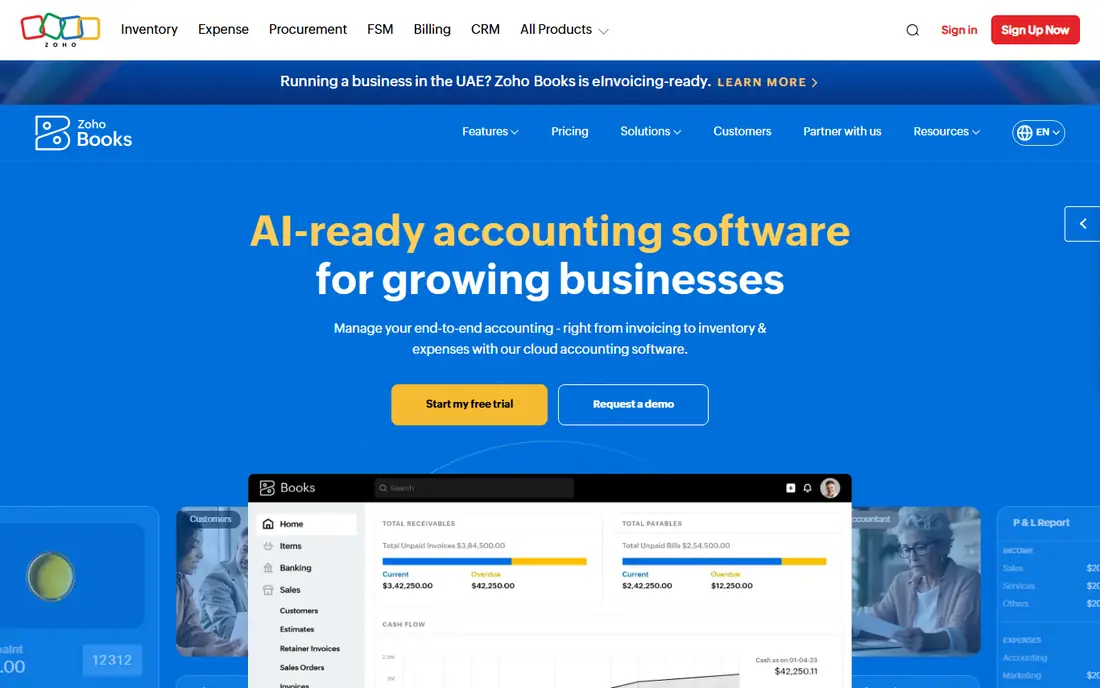
Zoho Books is the value pick in this list. It offers a free plan for very small firms, with paid tiers that add bank feeds, workflow automation, project billing, and inventory tracking on the Professional plan. For a firm already using Zoho CRM, Zoho Inventory, or Zoho Analytics, the native links remove the need for paid integrations and keep customer, stock, and accounting data in one place.
The main limit is tier placement. Firms that need inventory, multi-currency, or multiple warehouses must choose a higher plan, and order or user limits can still apply. The interface packs many features into each screen, which can feel busy at first, though it becomes easier with regular use. For startups and small sellers who want accounting and stock without a large monthly bill, Zoho Books is hard to beat, provided the Professional tier covers your warehouse and order volume.
What we like- Free plan for small firms
- Affordable paid tiers
- Native links to Zoho Inventory and CRM
Watch out for- Inventory tracking starts on Professional
- Interface can feel busy for new users
#4Odoo
Best for: Modular system that grows4.2/5 on
G2 (354 reviews, checked Oct 2026)
Visit odoo.com
Starting priceSee website
Free planYes
Odoo takes a different approach from the other tools here. Its standalone Inventory app is free with unlimited users, and firms can add Sales, Accounting, Purchasing, and Manufacturing as they grow, without switching systems. Stock movements use a double-entry model, which gives a clear audit trail, and features include multi-warehouse control, barcode scanning, lot and serial tracking, reorder rules, and drop-shipping support.
The trade-off is implementation. Odoo is powerful, but it is not a plug-and-play accounting tool, and a firm that adds several apps will need time to configure workflows, permissions, and reports. Pricing also changes once a second app is added, moving to a per-user monthly plan. Odoo suits firms that plan to grow into a fuller system and are willing to invest setup time. Firms that only need simple books and stock may find QuickBooks or Zoho Books faster to start.
What we like- One app free with unlimited users
- Inventory, sales, and accounting in one system
- Large module range
Watch out for- Setup time is higher
- Full system cost rises with users and apps
Starting priceSee website
Free planFree trial
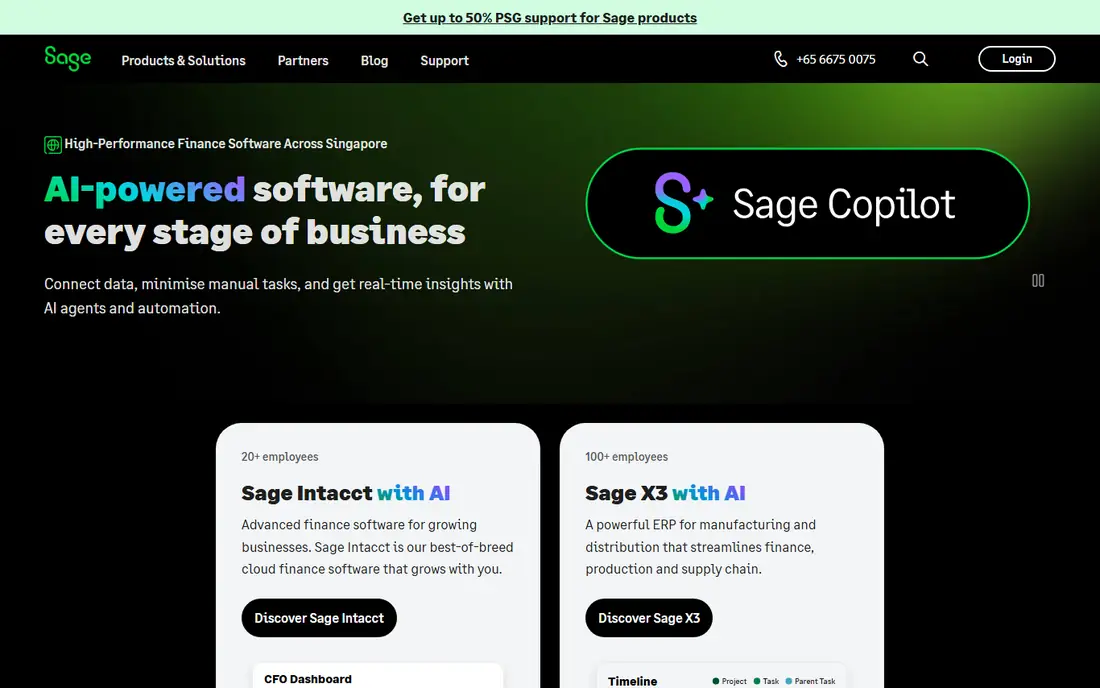
Sage has served accountants and growing businesses for decades, and its accounting software reflects that history. It offers invoicing, bank reconciliation, expense tracking, stock control on suitable plans, and reporting that suits firms with formal month-end processes. Businesses that already work with a Sage-using accountant, or that need stronger compliance and reporting than a basic tool offers, often find Sage a comfortable fit.
The product range is the main source of confusion. Sage sells several accounting products across regions, with different names, tiers, and stock features, so a buyer must check that the exact plan in front of them includes the inventory depth they need. Pricing is quote-based for some products, which makes direct comparison harder. Ask for a written plan comparison, confirm warehouse and stock features, and test reporting with your own chart of accounts during the trial.
What we like- Long history in accounting
- Strong reporting and compliance
- Good for growing firms
Watch out for- Product range can confuse buyers
- Some plans suit larger firms better
#6FreshBooks
Best for: Simple invoicing with light stock4.5/5 on
G2 (981 reviews, checked Oct 2026)
Visit freshbooks.com
Starting priceSee website
Free planFree trial
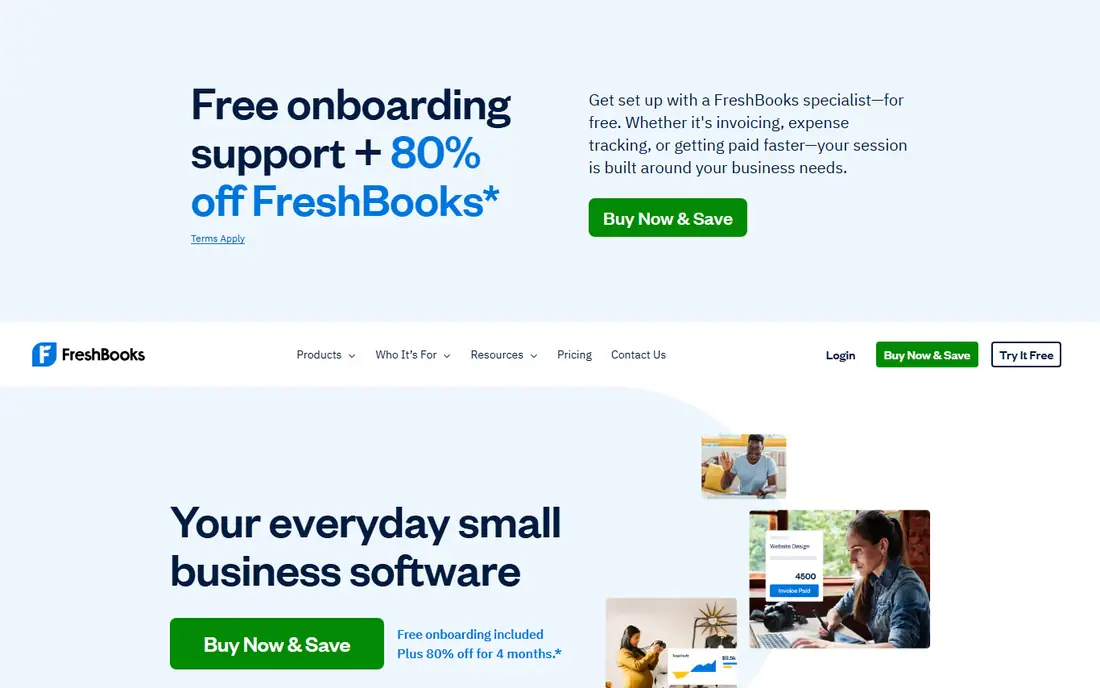
FreshBooks is best known for invoicing, and it does that job very well. It offers clean invoices, payment reminders, expense tracking, time tracking, and a client portal that makes it easy for customers to pay. For service firms that sell a few products alongside their main work, or for retailers with very simple stock needs, FreshBooks can cover both billing and basic product tracking in one place.
The limit is stock depth. FreshBooks does not offer the multi-warehouse control, purchase order depth, or lot tracking found in inFlow, Cin7, or Fishbowl. A firm with growing stock complexity will outgrow it and need to add a separate inventory tool or switch systems. Choose FreshBooks if invoicing and client work are your main needs and stock is secondary. If stock accuracy drives your business, start with a dedicated inventory tool instead.
What we like- Excellent invoicing and time tracking
- Easy to learn
- Good client portal
Watch out for- Inventory features are limited
- Not built for complex warehouse stock
Starting priceSee website
Free planFree trial
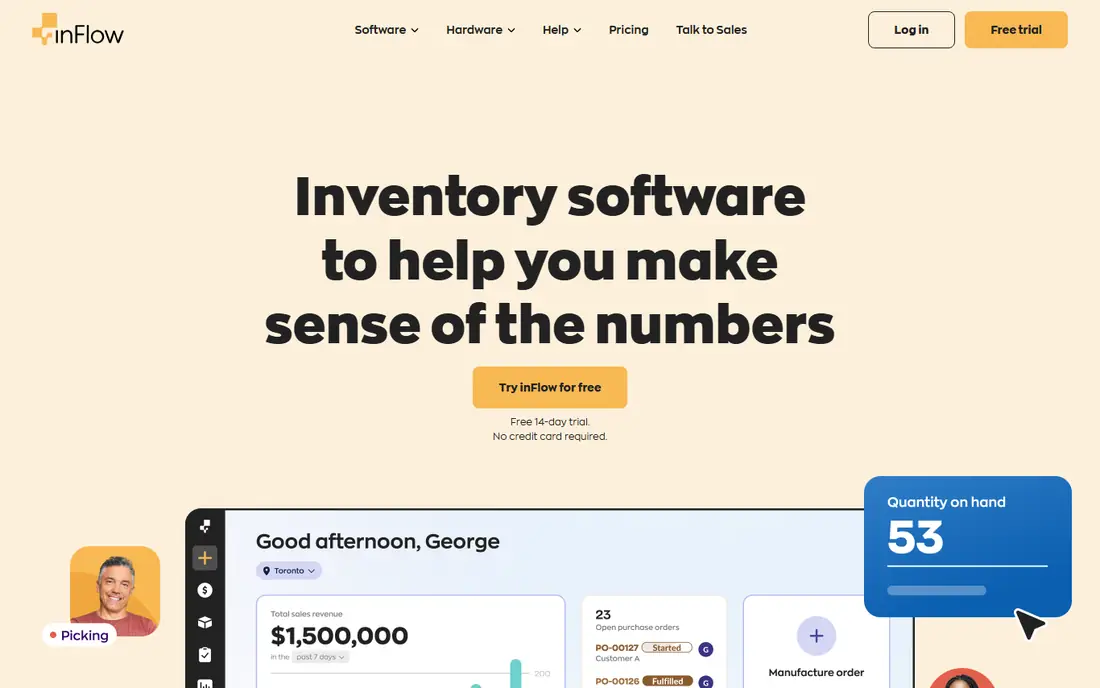
inFlow Inventory is built for small and mid-size wholesalers and retailers who need stock control first and accounting second. It offers product and stock tracking, purchase orders, sales orders, barcode scanning, and B2B portals with per-customer products and prices. That wholesale focus sets it apart from general accounting tools, which often treat stock as an add-on rather than the core job.
Accounting in inFlow is useful but lighter than a full ledger system, so many firms pair it with QuickBooks or Xero for final books. That pairing works well if the integration is set up correctly, but it adds a second subscription and a sync to manage. Pricing rises with order volume and features, so check the plan limits against your monthly orders before buying. For wholesalers who need customer-specific pricing and clear order flow, inFlow is a strong, focused choice.
What we like- Strong B2B wholesale features
- Clear stock and order workflow
- Good reporting
Watch out for- Accounting is lighter than QuickBooks
- Higher tiers needed for advanced features
Starting priceSee website
Free planFree trial
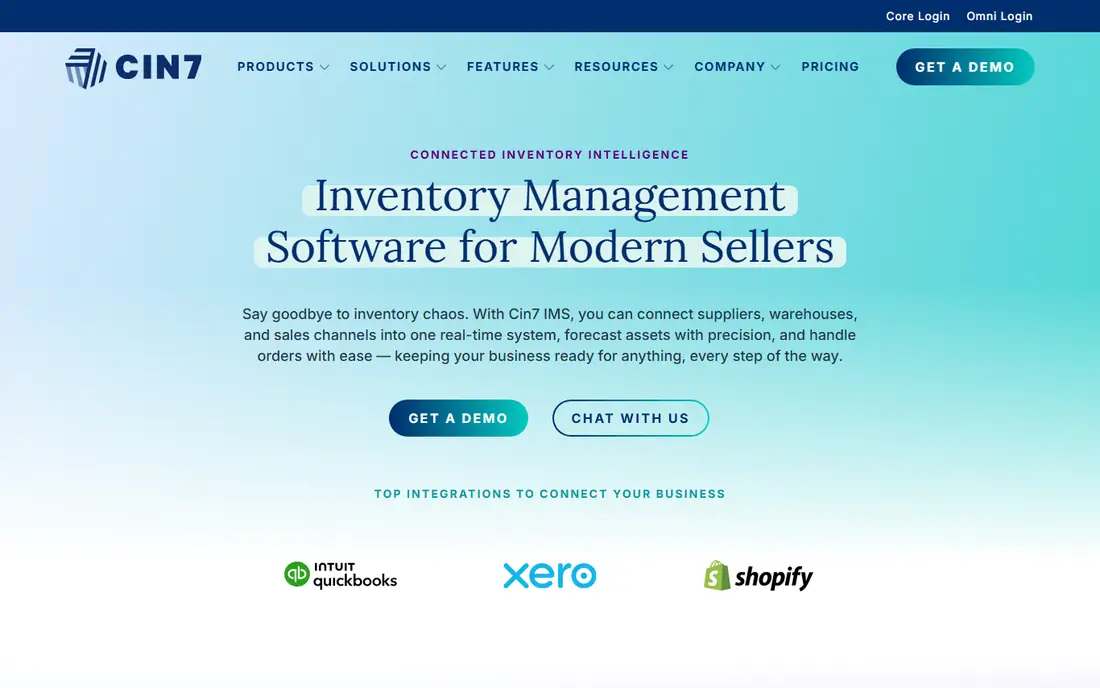
Cin7, formerly known as Cin7 Core, suits brands that sell across several channels at once, including their own website, marketplaces, and wholesale accounts. It tracks stock in real time across those channels, connects to a large range of ecommerce, shipping, and accounting apps, and offers a B2B portal as an add-on for wholesale customers. That breadth helps prevent overselling, which is a common problem when stock is managed in separate spreadsheets per channel.
The cost reflects that breadth. Cin7 starts higher than simple accounting tools, and firms with many channels will need time to map products, warehouses, and accounting codes during setup. Smaller firms with one sales channel may not need its full range. For multichannel sellers who have outgrown a single-channel tool, Cin7 offers a clear step up, provided the accounting integration with QuickBooks or Xero is tested early in the trial.
What we like- Many ecommerce and marketplace integrations
- Real-time stock across channels
- B2B portal add-on
Watch out for- Higher starting price
- Setup can take time for many channels
Starting priceSee website
Free planNo
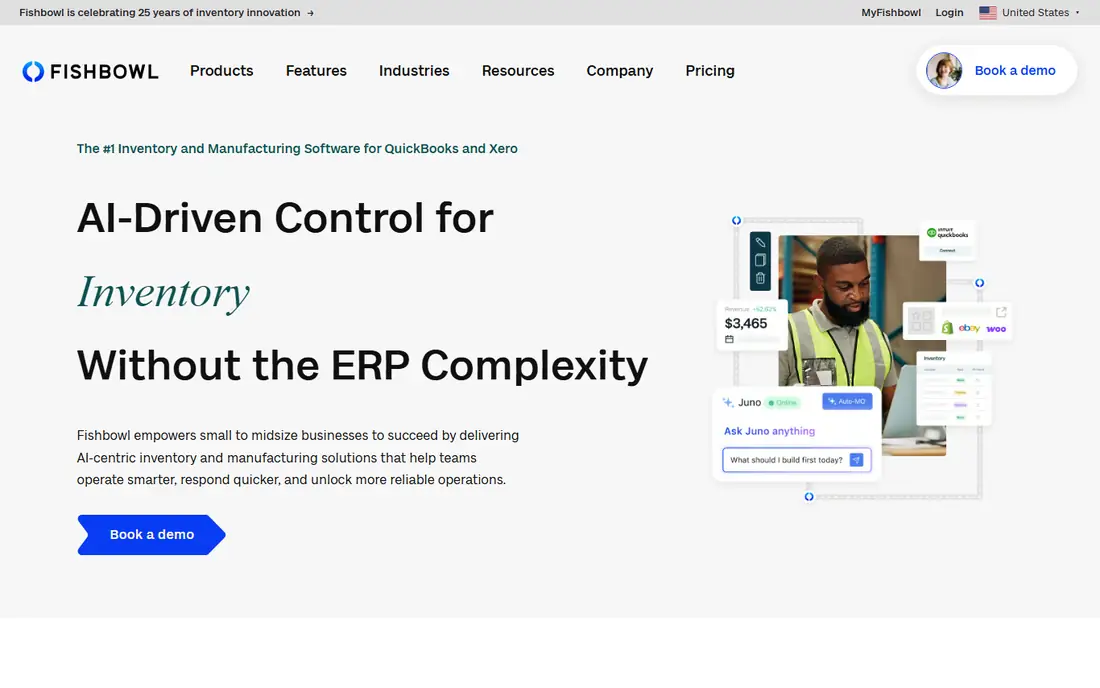
Fishbowl is an inventory system for firms with warehouse or manufacturing complexity, including lot and serial tracking, work orders, bills of materials, and multi-location control. It also supports EDI and tiered pricing rules for firms that sell to large retailers, which is a need that general accounting tools rarely cover. Its long-standing integration with QuickBooks lets firms keep Fishbowl for stock and QuickBooks for books, with data flowing between the two.
That depth comes with cost and setup time. Fishbowl is sold mainly through demos and quotes, so a buyer should expect a sales conversation, an implementation discussion, and training time for warehouse staff. Small retailers with simple stock will find it more than they need. For distributors and manufacturers who need traceability, EDI, and warehouse control, Fishbowl is a credible, focused option that scales beyond a basic accounting tool.
What we like- Deep warehouse and manufacturing features
- EDI and big-box retail support
- QuickBooks integration
Watch out for- Higher cost and learning curve
- Demo-led sales rather than simple self-serve signup
How we chose
We compared vendor pricing pages, product documentation, and public reviews on G2, Capterra, and Reddit, plus feature lists for stock tracking, purchasing, invoicing, accounting, and integrations. We favored tools that combine stock and accounting in a usable way, whether in one system or through a clear integration, and we weighed fit by company size, sales channels, and warehouse needs. We did not claim hands-on testing, and we treated list prices as a starting point, since users, warehouses, order volume, and add-ons change the final bill. Where a price could not be verified from a vendor page at the time of writing, we wrote See website rather than guessing a figure.
How to choose inventory accounting software
Start with your stock reality, not with a feature list. Count your products, warehouses, sales channels, and monthly orders, then match a tool to those numbers. A system that handles 50 orders a month well may struggle at 500, and a system built for 500 may be needlessly complex at 50.
Map stock, sales, and accounting together
List how stock enters the business, how it is sold, and how it reaches the books. Include purchase orders, supplier bills, sales orders, returns, and stock adjustments. A tool should handle that full path without manual re-entry. If it needs a separate spreadsheet for one step, that step will become a source of errors.
Check limits that affect price
Ask about users, warehouses, locations, order caps, and SKU limits on each plan. Also ask about barcode scanning, lot and serial tracking, and multi-currency if you need them. A low starting price loses value if your firm hits a limit in the first quarter and must upgrade.
Test with your own data
Use a trial to import a sample of real products, create a purchase order, sell an item across your main channel, and check that the accounting entry looks correct. Test a return and a stock adjustment as well, since those edge cases reveal problems that a sales demo may hide. Involve the staff who will use the system daily, not only the buyer.
Plan the accounting link
If stock and accounting live in different systems, test the integration before you pay for a year. Check how sales, fees, taxes, and stock costs sync, and how errors are reported. A clean link saves hours at month end, while a fragile link creates reconciliation work that wipes out the benefit of a good stock system.
Think about growth for two years
Choose a tool that can handle your expected order volume, channels, and warehouses for the next two years without a forced migration. That does not mean buying the largest plan today. It means picking a vendor with a clear upgrade path, so growth means a plan change, not a new system and a fresh data migration.
Frequently asked questions
What is inventory accounting software?
It is software that tracks stock levels, purchases, sales, and costs, and connects those movements to accounting records. Good tools show what is in stock, where it is, what it cost, and how it affects profit, without forcing staff to update separate spreadsheets and ledgers.
Do I need separate inventory and accounting software?
Not always. Small firms with simple stock can use an accounting tool with built-in inventory, such as QuickBooks Plus or Zoho Books Professional. Firms with multiple warehouses, many channels, or manufacturing needs often pair a dedicated inventory system, such as inFlow, Cin7, or Fishbowl, with QuickBooks or Xero for the final books.
Which tool is best for a small business starting out?
Zoho Books suits very small firms because of its free plan and low paid tiers, while QuickBooks Online suits firms whose accountant already uses it. Start with your order volume and warehouse count, test a trial with real products, and choose the lowest tier that covers your actual needs without hitting a limit quickly.
How does inventory affect profit in accounting?
Stock cost affects profit when items are sold, not only when they are bought. Accounting methods such as FIFO and average cost decide how that cost is calculated, and stock adjustments for damage, loss, or returns also affect the result. A tool that tracks cost per item and syncs sales correctly gives a clearer profit figure than a manual spreadsheet.
Can inventory software connect to Shopify, Amazon, and other channels?
Yes, many tools on this list connect to ecommerce platforms and marketplaces, including Shopify and Amazon, though the depth of each integration varies. Check whether stock syncs in real time, how orders and fees are handled, and whether returns update stock automatically. Test your main channel during the trial, not just a demo store.
Is free inventory accounting software enough?
A free plan can be enough for a very small firm with few products and orders, especially with Zoho Books or Odoo Inventory. Free plans usually limit orders, users, or features, so a growing firm will need a paid tier. Compare the free limits with your monthly volume before relying on a free plan for a trading business.
Sources we checked (11)
- https://quickbooks.intuit.com/
- https://www.xero.com/
- https://www.zoho.com/books/
- https://www.odoo.com/
- https://www.sage.com/
- https://www.freshbooks.com/
- https://www.inflowinventory.com/
- https://www.cin7.com/
- https://www.fishbowlinventory.com/
- https://www.inflowinventory.com/blog/best-wholesale-inventory-management-software/
- https://www.techrepublic.com/article/best-inventory-management-software/
Is your product missing or out of date?
We review this list regularly. Vendors can request a listing, send updated pricing or ask about featured placement.

Shihab Mia · Founder, Rankite
Shihab has 5+ years in B2B and SaaS SEO. He writes Rankite's software buying guides from pricing pages, documentation and public user reviews. More about Shihab.