How we make this list: we compare pricing pages, product documentation and public user reviews. Ratings come from G2, Capterra or Trustpilot, with the date we checked them.
Key takeaways
- CrowdStrike Falcon and SentinelOne cover endpoint detection and response best for teams that need fast containment on laptops and servers.
- Microsoft Defender XDR is the lowest incremental cost for organizations already on Microsoft 365 E5, where much of the licensing is already paid.
- Rapid7 InsightIDR and Splunk SOAR suit larger SOCs that need log correlation, investigation timelines and automated playbooks across many tools.
- Swimlane and ServiceNow Security Operations focus on the workflow after detection: triage, case management and automation at scale.
- Incident response tools do not replace an incident response plan. Test containment, communication and recovery steps before a real incident.
Quick comparison
Is your product missing or out of date?
We review this list regularly. Vendors can request a listing, send updated pricing or ask about featured placement.

#1CrowdStrike Falcon
Best for: Cloud-native endpoint detection and response4.7/5 on
G2 (585 reviews, checked Oct 2026)
Visit crowdstrike.com
Starting price$59.99 per device/year
Free planFree trial
CrowdStrike Falcon is the reference endpoint platform for many large SOCs, and its pricing page confirms the entry points: Falcon Go at $59.99 per device per year, Pro at $99.99 and Enterprise at $184.99, all billed annually, with a free trial available. The platform combines next-generation antivirus, endpoint detection and response, device control and threat hunting, with identity, IT hygiene and SIEM modules available as add-ons.
For incident response, Falcon's value is speed of containment: an analyst can isolate a host, kill a process and hunt across the estate from one console, backed by threat intelligence on adversary groups. Falcon Complete adds a managed SOC for organizations that cannot staff nights and weekends. The main drawback is cost at scale, especially when XDR modules and longer telemetry retention are added. Price it per device for your full estate, not just a pilot group.
What we like- Lightweight cloud-native agent
- Strong threat intelligence and hunting
- Falcon Fusion SOAR for automation
- Falcon Complete managed option for teams without a 24/7 SOC
Watch out for- Enterprise tiers climb to $184.99 per device per year
- Full XDR modules are quoted separately
- Smaller teams may pay for features they do not use

#2SentinelOne Singularity
Best for: Autonomous endpoint response and rollback4.7/5 on
G2 (213 reviews, checked Oct 2026)
Visit sentinelone.com
Starting price$69.99 per endpoint/year
Free planNo
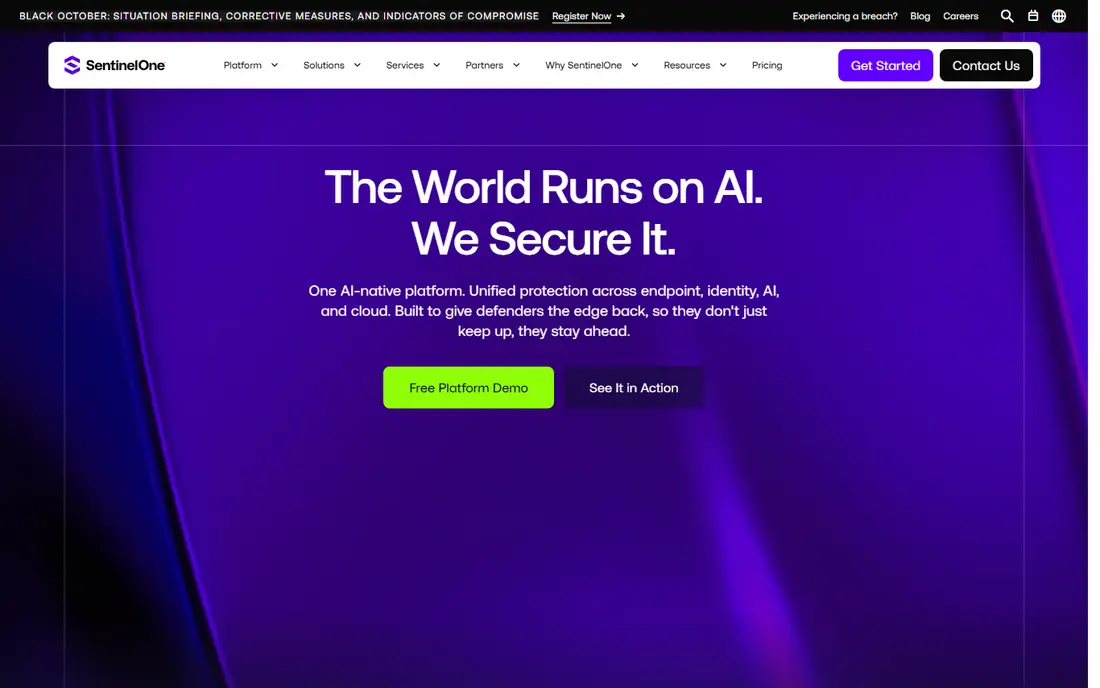
SentinelOne Singularity emphasizes response that happens at machine speed. When it detects malicious behavior, it can kill processes, quarantine files, disconnect a host from the network and roll back ransomware changes, often before an analyst opens the alert. The Storyline feature presents related events as a single attack chain, which shortens investigation time compared with sorting separate alerts.
Entry pricing is listed in comparisons at $69.99 per endpoint per year, with higher tiers for complete protection and XDR data handling quoted by the vendor. That puts SentinelOne in the same band as CrowdStrike for a midsize estate, with negotiation room at volume. The trade-off is trust in automation: teams should test rollback and containment policies in a pilot group first, so a false positive does not isolate a critical server.
What we like- Autonomous detection and remediation without waiting for an analyst
- One-click ransomware rollback
- Storyline view that links events into an attack chain
- Vigilance managed option
Watch out for- Enterprise pricing is quote-based and higher than entry tiers
- Autonomous actions need careful policy tuning to avoid false containment
- Cloud and identity modules add cost

#3Palo Alto Cortex XDR
Best for: Palo Alto network and endpoint correlation4.5/5 on
G2 (92 reviews, checked Oct 2026)
Visit paloaltonetworks.com
Starting priceSee website
Free planNo
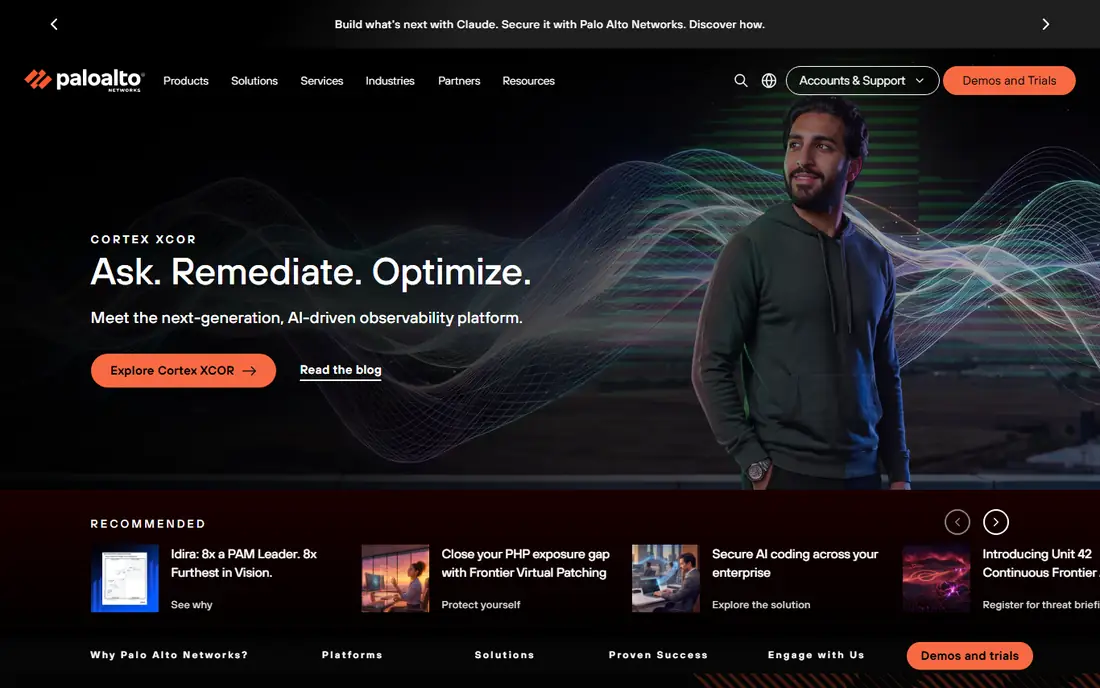
Cortex XDR is Palo Alto Networks' extended detection and response platform, and it shines when network and endpoint signals are combined. An analyst can trace an incident from a firewall alert to an endpoint process to a cloud workload in one timeline, then run an automated playbook to isolate hosts, block indicators and open a case. Unit 42 provides managed detection and incident response for teams that want vendor experts on call.
Pricing is not published as a single list price, so the starting price here is See website. Comparisons have listed roughly $14 per endpoint per month for entry tiers, but Palo Alto also offers per-terabyte data pricing, so a quote depends on data volume as well as device count. If your network is already Palo Alto, Cortex XDR is a natural fit. If it is not, weigh the integration effort against a standalone endpoint tool.
What we like- Correlates endpoint, network, cloud and identity data in one investigation view
- Automated playbooks for containment
- Unit 42 managed detection and incident response option
- Strong fit for existing Palo Alto customers
Watch out for- Pricing is quote-based, with per-endpoint and per-data-volume models
- Setup is complex for teams without Palo Alto experience
- Value drops if you do not use Palo Alto network tools

#4Microsoft Defender XDR
Best for: Microsoft 365 environments4.5/5 on
G2 (288 reviews, checked Oct 2026)
Visit microsoft.com
Starting price$5.20 per user/month
Free planFree trial
Microsoft Defender XDR coordinates protection across endpoints, identity, email, apps and cloud, and it is the most cost-effective incident response option for a Microsoft-heavy organization. Defender for Endpoint Plan 2 is listed around $5.20 per user per month standalone, while Microsoft 365 E5 bundles Defender for Endpoint with other security products at about $57 per user per month. If E5 is already paid for email and identity security, the extra cost of using Defender XDR can be close to zero.
Response features include automated investigation and remediation, attack disruption that contains threats across domains, and cross-domain timelines that link an email phishing attempt to an endpoint infection. The limit is ecosystem fit: organizations on Google Workspace or a mixed stack will get less correlation value. For a Microsoft 365 shop, start here before buying a separate XDR.
What we like- Included in Microsoft 365 E5, so incremental cost can be near zero for E5 customers
- Correlates endpoint, identity, email, apps and cloud signals
- Automated investigation and disruption across domains
- Defender Experts managed option
Watch out for- Best value only inside the Microsoft stack
- Standalone Plan 2 pricing still needs Microsoft licensing
- Advanced hunting retention is 30 days on base tiers in comparisons

#5
Rapid7 InsightIDR
Best for: SIEM detection with user behavior analytics
Visit rapid7.com
Starting priceSee website
Free planNo
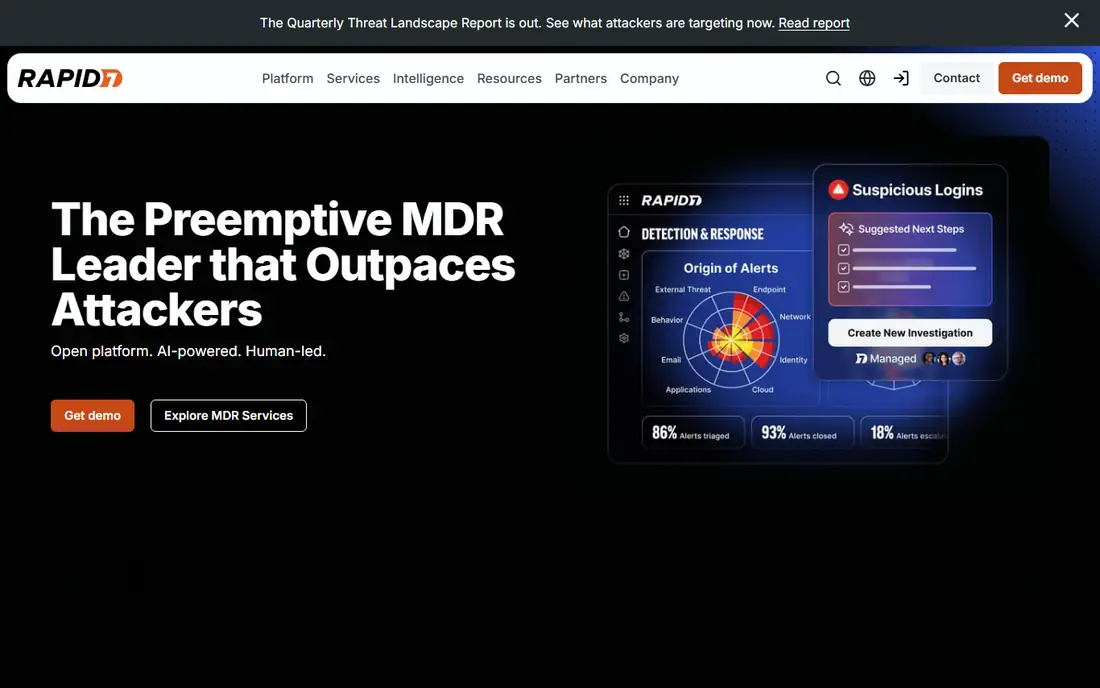
Rapid7 InsightIDR is a cloud SIEM that helps a SOC detect and investigate incidents from logs, endpoint data and user behavior in one place. It uses machine learning and user behavior analysis to flag anomalous logins, lateral movement and insider activity, and its investigation timelines help analysts reconstruct what happened, in what order. Rapid7's wider platform adds vulnerability management and cloud security, so a team can move from detection to remediation without switching vendors.
Pricing is quote-based, so the starting price here is See website. Third-party listings vary widely by deployment size, which is why a vendor quote for your log volume and retention needs is the only reliable figure. InsightIDR fits a midsize to large SOC that needs SIEM depth and behavior analytics. A small team without SIEM experience may find a managed endpoint tool simpler to run.
What we like- Centralized log management with attacker behavior analytics
- User behavior analytics for insider threats and compromised accounts
- Integrations with Azure, Office 365, AWS and Salesforce
- Managed detection and response option with unlimited incident response in Rapid7 MDR
Watch out for- Pricing is quote-based and varies by data volume and organization size
- Learning curve for Log Search and custom detections
- Customization limits can frustrate teams with unusual workflows

#6Splunk SOAR
Best for: Automation playbooks at enterprise scale4.4/5 on
G2 (40 reviews, checked Oct 2026)
Visit splunk.com
Starting priceSee website
Free planNo
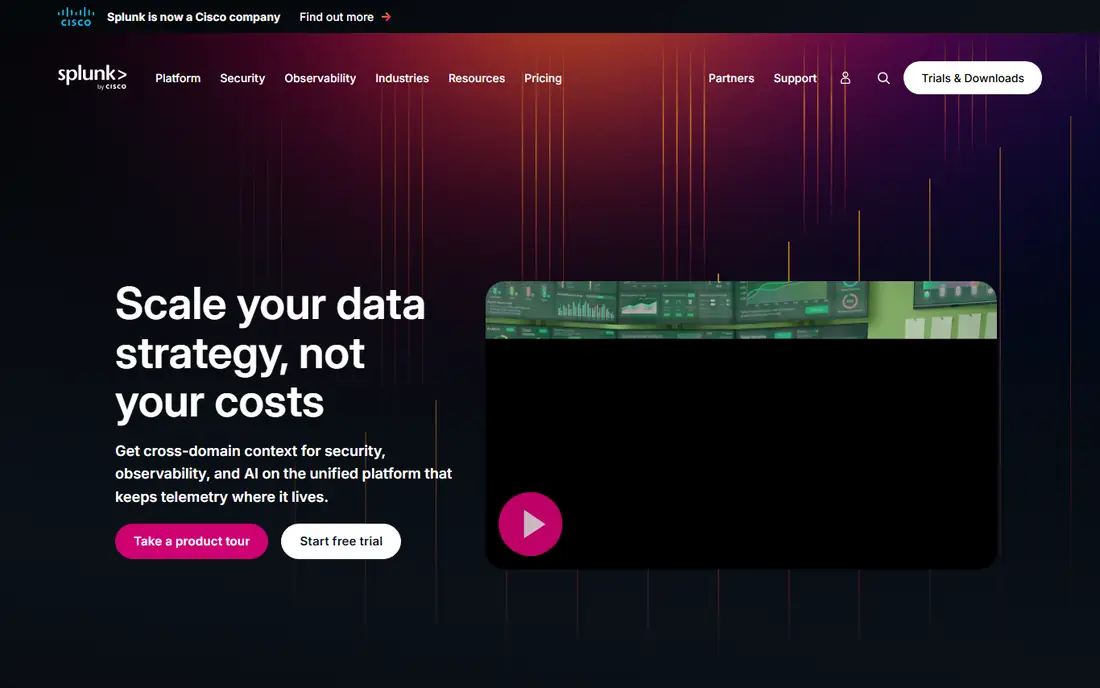
Splunk SOAR, formerly Phantom, automates the repetitive steps of incident response: enrich an alert with threat intelligence, check related assets, isolate a host, block an indicator and open or update a case, all from a playbook. Paired with Splunk Enterprise Security, it gives a large SOC a central view of logs and events, machine learning analytics and user behavior detection across a complex estate.
The cost model is the main drawback. Splunk pricing is quote-based and tied to data volume and configuration, so two organizations of the same size can pay very different amounts. Playbook development also takes time and security engineering skill. Splunk SOAR fits a large enterprise SOC with high alert volume and a dedicated automation team. Smaller teams will usually get faster value from a simpler SOAR or a managed endpoint platform.
What we like- Deep automation playbooks that connect hundreds of security tools
- Strong fit for large enterprises with high alert volumes
- Splunk Enterprise Security adds SIEM correlation and analytics
- Flexible deployment for cloud and on-premises data
Watch out for- Pricing is quote-based and driven by data volume
- Setup and playbook development need skilled staff
- Alert volume and data ingest can overwhelm a team without tuning

#7
Swimlane Turbine
Best for: Low-code SOC automation and case management
Visit swimlane.com
Starting priceSee website
Free planNo
Swimlane Turbine is a security automation platform that sits between detection tools and analysts, turning alerts into cases and cases into automated actions. Its Turbine Canvas lets teams build playbooks with low or no code, and its Hero AI features can generate or modify playbooks, triage alerts and route each alert to deterministic automation, AI-assisted investigation or fully agentic investigation. Case management, dashboards and reporting are included, which helps a SOC track mean time to detect and respond.
Pricing is quote-based, so the starting price here is See website. Swimlane's strength is scale: it claims millions of daily automation actions for large customers, and its multi-tenant design suits managed security providers serving many clients. For a single small SOC, that scale may be more than needed. For a growing SOC drowning in manual triage, Swimlane can cut repetitive work sharply, provided playbooks are tested before they take automatic containment actions.
What we like- Low-code playbook builder with AI-assisted generation
- Case management, dashboards and reporting built in
- Large integration marketplace with connectors built on demand
- Multi-tenant design for MSSPs and large teams
Watch out for- Pricing is quote-based
- AI-assisted investigation needs governance to avoid over-automation
- Smaller teams may not need its full hyperautomation scope

#8ServiceNow Security Operations
Best for: Incident workflow on the ServiceNow platform4.3/5 on
G2 (84 reviews, checked Oct 2026)
Visit servicenow.com
Starting priceSee website
Free planNo
ServiceNow Security Operations is not a detection tool. It is the workflow layer that turns a security alert into a managed incident, with assignment, prioritization, SLA tracking, collaboration and post-incident review. For an organization already running ServiceNow for IT service management, that familiarity is a real advantage: security and IT teams work in the same system, with the same asset and change data.
Pricing is quote-based, so the starting price here is See website. The main limit is scope: ServiceNow Security Operations still needs detection inputs from an EDR, XDR or SIEM, and it does not replace them. It fits a larger organization that wants consistent incident process, audit trails and leadership reporting across IT and security. A small team without ServiceNow already will find a standalone SOAR or endpoint tool simpler and cheaper.
What we like- Incident, vulnerability and threat intelligence workflows on one platform many IT teams already use
- Strong case management, assignment and SLA tracking
- Integrations with detection tools and ticketing
- Reporting for compliance and leadership
Watch out for- Pricing is quote-based and platform-wide
- Security response is a workflow layer, not a detection engine, so it still needs EDR or SIEM inputs
- Customization can become a project in itself
How we chose
We compared vendor pricing pages, product documentation and public reviews on G2, Capterra and analyst reports, and checked that each vendor homepage loads and belongs to the product named. We favored tools that are widely deployed, that cover endpoint, SIEM and SOAR approaches, and that serve both in-house SOCs and managed service models. We did not claim hands-on testing. Enterprise security pricing is often quote-based and varies by device count, data volume and retention, so request a quote for your estate before budgeting.
Building an incident response capability
Detection is only the first step
A tool that finds an incident does not contain it by itself. Define who can isolate a host, block an indicator or take a system offline, and under what authority. Test those actions in a tabletop exercise before a real incident, so no one hesitates at 2 a.m.
Automate carefully, starting with enrichment
Begin automation with low-risk steps: enrich alerts with threat intelligence, gather asset context and open a case. Move to automatic containment only for well-understood alert types, with rollback steps and human review for anything unusual. Untested automation can cause an outage faster than an attacker.
Keep evidence and timelines clean
Preserve logs, endpoint timelines and case notes from the start of an incident. That record supports root-cause analysis, regulatory reporting and lessons learned. Check retention limits in your tool, since base tiers often cap advanced hunting data at 30 days.
Plan communication and recovery
An incident response plan should name who notifies leadership, legal, customers and regulators, and in what order. Recovery is not just restoring systems, but confirming the attacker is out, passwords and keys are rotated where needed, and monitoring is tightened for the affected systems.
Frequently asked questions
What is the difference between EDR, XDR, SIEM and SOAR?
EDR focuses on endpoints: detection, investigation and response on laptops and servers. XDR extends that correlation across endpoints, identity, email and cloud. SIEM centralizes logs and analytics for detection across the estate. SOAR automates response workflows and case handling. Many organizations use several together, with EDR or XDR for detection and SOAR for workflow.
Which incident response tool is best for a small team?
CrowdStrike Falcon Go or Microsoft Defender XDR are strong starting points. Falcon Go is priced per device with a free trial, while Defender XDR can be low cost inside Microsoft 365. A small team should also consider a managed option, such as Falcon Complete, SentinelOne Vigilance or Rapid7 MDR, so experts cover nights and weekends.
Do I need a SOAR if I already have an EDR?
Not always. If alert volume is low and analysts can handle triage manually, an EDR with built-in automation may be enough. A SOAR like Splunk SOAR or Swimlane helps when alert volume is high, when many tools need to be coordinated, or when consistent case handling and reporting matter for compliance.
How much do incident response tools cost?
Entry endpoint pricing in this list starts around $59.99 per device per year for CrowdStrike Falcon Go and $69.99 per endpoint per year for SentinelOne, while Defender Plan 2 is about $5.20 per user per month. Enterprise XDR, SIEM and SOAR pricing is quote-based and varies by device count, data volume and retention, so budget from a vendor quote, not a headline price.
What should an incident response plan include?
A plan should include roles and authority for containment, detection and escalation steps, communication templates for leadership and customers, evidence preservation, recovery and eradication steps, and a post-incident review. Test it with tabletop exercises and update it after every real incident and major tool change.
Can these tools stop ransomware on their own?
No tool guarantees prevention. Endpoint tools can detect and contain many ransomware behaviors and roll back some changes, but backups, patching, identity controls, email filtering and user training all matter. Test backups regularly, keep offline or immutable copies where possible, and rehearse recovery before an attack.
Sources we checked (8)
- https://www.crowdstrike.com/
- https://www.sentinelone.com/
- https://www.paloaltonetworks.com/
- https://www.microsoft.com/en-us/security/business/microsoft-defender
- https://www.rapid7.com/
- https://www.splunk.com/
- https://swimlane.com/
- https://www.servicenow.com/
Is your product missing or out of date?
We review this list regularly. Vendors can request a listing, send updated pricing or ask about featured placement.

Shihab Mia · Founder, Rankite
Shihab has 5+ years in B2B and SaaS SEO. He writes Rankite's software buying guides from pricing pages, documentation and public user reviews. More about Shihab.