How we make this list: we compare pricing pages, product documentation and public user reviews. Ratings come from G2, Capterra or Trustpilot, with the date we checked them.
Key takeaways
- In-class notification system software covers class messaging, school announcements, and emergency alerts sent to families by text, email, or app notification.
- Most classroom tools are free for families, with the school or district paying, so the real cost question is the district price, not the family price.
- ParentSquare is the best district-wide platform at 3,000 dollars per year per feature for up to 600 students, while Remind and ClassDojo lead free classroom messaging.
- TalkingPoints and Bloomz lead multilingual support, translating into 150 or more and 250 or more languages, which matters for diverse districts.
- Children's privacy matters: check each vendor's privacy policy for COPPA-relevant protections and parental controls, and keep supervision in place for younger students.
Quick comparison
Is your product missing or out of date?
We review this list regularly. Vendors can request a listing, send updated pricing or ask about featured placement.
The best in-class notification system software
Starting price$3,000 per year
Free planNo
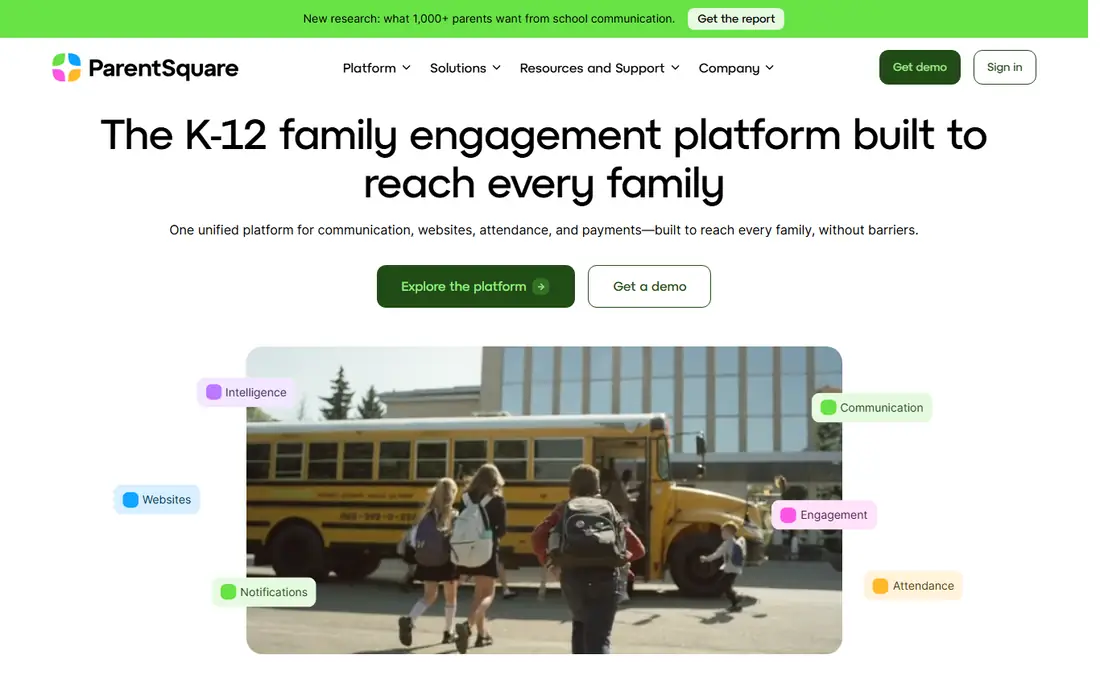
ParentSquare is a unified communications platform built for K-12 districts, centralizing messaging, secure document delivery, forms and permission slips, signups, and event coordination in one system. It integrates with student information systems through direct API connections, SFTP, or data integrators, with data quality checks to reduce duplicates, and it supports Clever and ClassLink single sign-on plus OneRoster rostering. Pricing starts at 3,000 dollars per year per feature for up to 600 students, with a one-time onboarding fee based on enrollment charged separately, and it rates 4.5 out of 5 on GetApp across 53 reviews.
The drawbacks are cost and message handling. Small schools find the district pricing steep, users report difficulty finding past messages or confirming who received a message, and replying may require downloading the app. ParentSquare suits districts that want to consolidate several communication tools into one platform.
What we like- Unified platform for messaging, forms, and signups
- SIS integrations with Aeries, Skyward, and PowerSchool
- 4.5 rating on GetApp
Watch out for- Starting price of 3,000 dollars per year per feature for up to 600 students
- One-time onboarding fee extra
- No free version
Starting priceFree
Free planYes
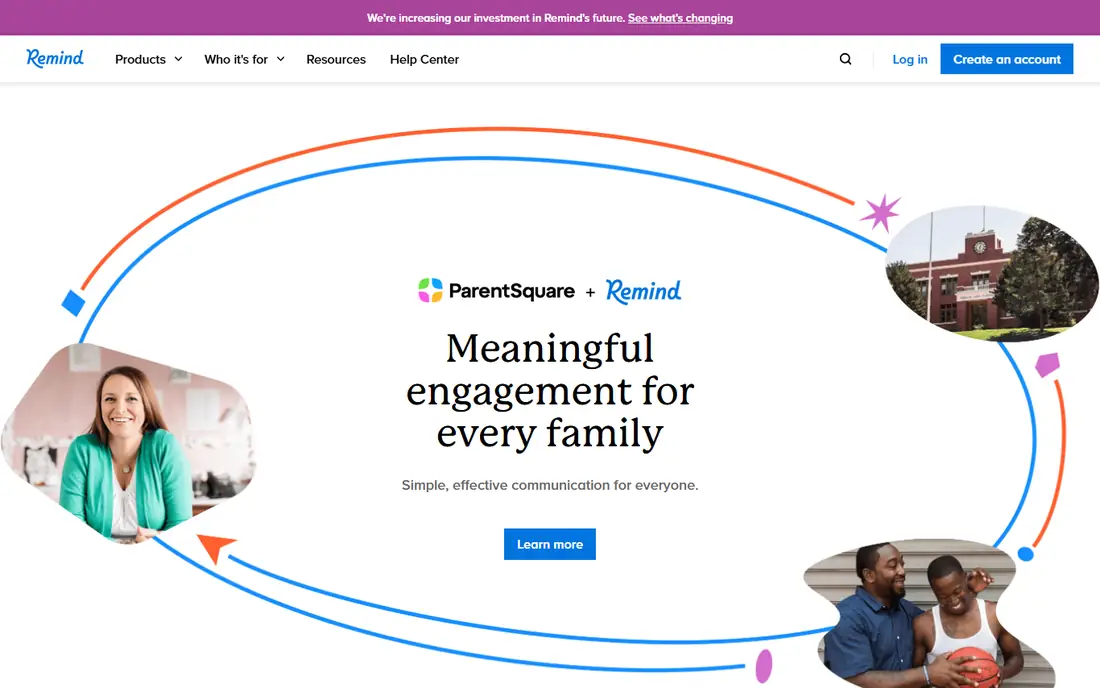
Remind is the simplest classroom messaging tool: teachers send quick class texts and announcements, and families receive them by plain text without needing an app, which keeps adoption high. Remind Chat is free, which makes it the default choice for individual teachers who want to reach families fast without a district purchase. Its simplicity is the point: no forms, no signups, just reliable class messaging.
The limits are district depth. Paid tiers are needed for district-wide features, analytics, and administrative controls, and some users report message limits on free plans. Remind suits individual teachers and small schools that want fast, free class texts.
What we like- Free Remind Chat tier
- Works by plain text with no app needed
- Simple class messaging for teachers
Watch out for- Paid tiers needed for district features
- Message limits reported by some users
- Fewer forms and signup features

#3ClassDojo
Best for: Elementary classroom messaging4.5/5 on
G2 (361 reviews, checked Oct 2026)
Visit classdojo.com
Starting priceFree
Free planYes
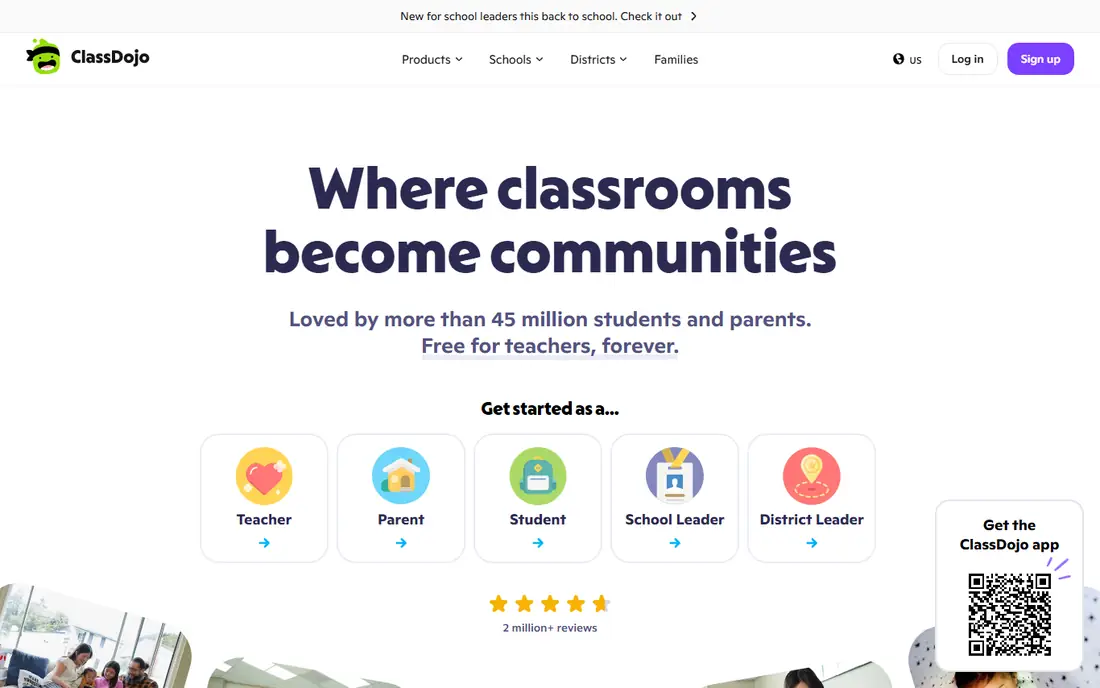
ClassDojo is built for elementary classes, combining classroom messaging with behavior tracking and a shared classroom culture, where each guardian gets their own login. The core is free, with an optional paid Plus tier for families, and it rates 4.5 out of 5 on G2 across 361 reviews. Teachers use it to send announcements, share photos, and keep families updated on classroom activity.
The drawbacks are age focus and paid extras. ClassDojo works best for elementary classes and offers fewer district administration features than ParentSquare or SchoolStatus, while some features sit behind the family Plus tier. ClassDojo suits elementary teachers who want free messaging plus classroom culture tools.
What we like- Free core messaging
- Each guardian gets their own login
- Behavior and classroom culture features
- 4.5 rating on G2
Watch out for- Optional paid Plus tier for families
- Elementary focus
- Fewer district administration features
Starting priceFree
Free planYes
TalkingPoints solves the language barrier: it translates two-way messages into 150 or more languages, so teachers and families can communicate in their own language without sharing personal phone numbers. The app is free, and it rates 4.8 out of 5 on G2 across 570 reviews, reflecting strong satisfaction among districts with diverse families. Its two-way design keeps families engaged rather than only receiving announcements.
The limits are breadth. TalkingPoints has fewer forms, signup, and event features than ParentSquare, and district administration tools carry district pricing. TalkingPoints suits districts and schools with multilingual families that need translation first.
What we like- Free app
- Translates into 150 or more languages
- Two-way messaging without sharing phone numbers
- 4.8 rating on G2
Watch out for- Fewer forms and event features
- District pricing for admin tools
- Smaller feature set than ParentSquare
Starting priceSee website
Free planYes
Bloomz is an all-in-one school hub combining messaging, volunteer signups, calendars, and behavior tracking, with translation into 250 or more languages, the widest on this list. The core is free, with school-paid tiers for advanced features, and it suits schools that want one hub for communication plus coordination. Its translation breadth beats TalkingPoints for districts with many languages.
The drawbacks are pricing opacity and scale. Pricing is not published, so schools must request a quote, and Bloomz has a smaller district presence than ParentSquare or SchoolStatus. Bloomz suits schools that want an all-in-one hub with the widest translation coverage.
What we like- Free core with school-paid tiers
- Translates into 250 or more languages
- Messaging, signups, and calendars in one hub
Watch out for- Pricing not published
- Some features need school-paid plans
- Smaller district presence than ParentSquare
Starting priceFree
Free planYes
Seesaw is a student portfolio platform that also serves as a family notification channel: students share work, teachers add comments, and up to 10 family members per child receive updates. The core is free, which makes it easy for elementary teachers to adopt, and family engagement driven by student work tends to stay high through the school year. Notifications flow naturally from portfolio activity rather than only from announcements.
The limits are alert depth. Seesaw notification features are secondary to portfolios, and district-wide emergency alert features trail SchoolMessenger, while school features need paid tiers. Seesaw suits elementary teachers who want family updates driven by student work.
What we like- Free core
- Up to 10 family members per child
- Student portfolios drive family engagement
- Strong elementary fit
Watch out for- Notification features secondary to portfolios
- Paid tiers for school features
- Less suited for district alerts
Starting priceSee website
Free planNo
SchoolStatus Connect, the app that ClassTag became, is a district messaging platform with school-paid pricing, free for families, and a 4.8 rating on G2 across 842 reviews. It focuses on district messaging with two-way communication, attendance and engagement insights, and administrative controls, which suits districts that want messaging plus data on family engagement. Its rating reflects strong satisfaction among mid-market districts.
The drawbacks are pricing and purchase model. Pricing is not published, so districts must request a quote, and individual teachers cannot adopt it free the way they can with Remind or ClassDojo. SchoolStatus Connect suits districts that want messaging with engagement data and administrative control.
What we like- District messaging with school-paid pricing
- Free for families
- 4.8 rating on G2
- Successor to ClassTag
Watch out for- Pricing not published
- District purchase required
- Fewer classroom culture features than ClassDojo
Starting priceSee website
Free planNo
SchoolMessenger is built for mass notifications and emergency alerts, with strong notification options, geo-targeting, scenario planning, and templates for urgent messages, which is why districts use it for closures, emergencies, and district-wide announcements. Reviewers cite ease of use and strong notification options as its top strength, and it rates 4.1 out of 5 on G2 across 25 reviews. Its alert focus sets it apart from classroom messaging tools.
The drawbacks are cost and ratings. Reviewers note it can be expensive for small schools, pricing is not published, and its 4.1 rating trails ParentSquare at 4.6 and SchoolStatus at 4.8. SchoolMessenger suits districts that prioritize emergency alerts and mass notification reliability.
What we like- Strong notification options for mass alerts
- Emergency notification features
- Ease of use cited by reviewers
Watch out for- Can be expensive for small schools
- Pricing not published
- 4.1 rating on G2 trails rivals
How we chose
We compared classroom and district notification tools on messaging channels, translation breadth, pricing transparency, and district administration features, using 2026 comparison and review data. We favored tools that are free for families, since family cost blocks adoption, and we noted where pricing is not published, since districts must budget without a quote. We also weighed review ratings, since adoption and support quality matter as much as feature lists for school tools.
How to choose the best in-class notification system software
Start by deciding whether you need a classroom tool or a district platform: individual teachers can start free with Remind or ClassDojo, while districts need ParentSquare, SchoolStatus, or SchoolMessenger for administration and SIS integration. Next, check translation needs, since TalkingPoints at 150 or more languages and Bloomz at 250 or more languages cover diverse families far better than English-only tools. Then confirm privacy protections, including COPPA-relevant policies and parental controls, and keep supervision in place for younger students. Finally, pilot with one grade level and measure family response rates before rolling out district-wide.
Frequently asked questions
What is in-class notification system software?
It is software that teachers and schools use to send class announcements, assignment reminders, schedule changes, and emergency alerts to families by text, email, or app notification. It includes classroom messaging tools and district-wide notification platforms.
Are these tools free for families?
Almost all are free for families, with the school or district paying. ParentSquare starts at 3,000 dollars per year per feature, while Remind, ClassDojo, TalkingPoints, and Seesaw offer free core tiers.
Which tool is best for multilingual families?
Bloomz translates into 250 or more languages, the widest on this list, while TalkingPoints translates into 150 or more languages with strong two-way messaging. Both beat English-only tools for diverse districts.
Do these tools work without an app?
Remind works by plain text with no app needed, which keeps adoption high for families without smartphones or app access. Most other tools work best with an app, though email and text options exist.
How do schools handle student privacy?
Schools should check each vendor's privacy policy for COPPA-relevant protections, data retention, and parental controls, and keep supervision in place for younger students. District IT teams typically review privacy terms before approving a platform.
What is the difference between ParentSquare and SchoolMessenger?
ParentSquare is a unified communication platform with messaging, forms, and signups for districts, while SchoolMessenger focuses on mass notifications and emergency alerts. Many districts use ParentSquare for daily communication and SchoolMessenger for urgent alerts.
Sources we checked (0)
Is your product missing or out of date?
We review this list regularly. Vendors can request a listing, send updated pricing or ask about featured placement.

Shihab Mia · Founder, Rankite
Shihab has 5+ years in B2B and SaaS SEO. He writes Rankite's software buying guides from pricing pages, documentation and public user reviews. More about Shihab.
 ParentSquare
 Remind
 TalkingPoints
 Bloomz
 Seesaw
 SchoolStatus Connect
 SchoolMessenger